# VK QuickView

Cette documentation est destinée aux développeurs d'applications VK QuickView. Elle regroupe la description de certaines fonctionnalités qui ne sont pas décrites dans la documentation principale du produit.

# L'audit trail

### Avantages

- <span class="text-4505230f--TextH400-3033861f--textContentFamily-49a318e1"><span>traçabilité des actions opérateur</span></span>
- <span class="text-4505230f--TextH400-3033861f--textContentFamily-49a318e1"><span>Conforme aux exigences GMP pour l'industrie pharmaceutique (par ex. de la Food and Drug Administration)</span></span>
- <span class="text-4505230f--TextH400-3033861f--textContentFamily-49a318e1"><span>Réduction des co¹ts d'ingénierie et de validation</span></span>
- <span class="text-4505230f--TextH400-3033861f--textContentFamily-49a318e1"><span>Idéalement adapté aux exigences des constructeurs de machines qui doivent remplir de sévères critères de qualité (par ex. livraison de machines et d'éléments d'installation devant être validées)</span></span>

### <span class="text-4505230f--TextH400-3033861f--textContentFamily-49a318e1"><span>Fonctions</span></span>

<span class="text-4505230f--TextH400-3033861f--textContentFamily-49a318e1"><span>L' Audit trail remplit les principales exigences de GMP (Good Manufacturing Practice) ainsi que celles de la FDA (Food and Drug Administration) selon 21 CFR Part 11. </span></span>

<span class="text-4505230f--TextH400-3033861f--textContentFamily-49a318e1"><span>L' Audit facilite la construction de machines pour les branches travaillant avec des applications nécessitant des validations, étant donné que des fonctions indispensables pour remplir ces exigences sont déjà disponibles comme standard. De cette manière, les différentes machines ou éléments d'installation peuvent déjà être qualifiés chez le fournisseur.</span></span>

<span class="text-4505230f--TextH400-3033861f--textContentFamily-49a318e1"><span>En même temps, les audit trails assurent la traçabilité du processus de fabrication, comme l'exige par ex. la directive européenne 178/2002 pour l'industrie agro-alimentaire dans une optique d'amélioration de la qualité des produits.</span></span>

<span class="text-4505230f--TextH400-3033861f--textContentFamily-49a318e1"><span>Enregistrement d'actions opérateur dans les audit trails En exploitation, tous les changements de variables intéressant GMP (Good Manufacturing Practice) et les actions opérateur sont enregistrés comme audit trails dans un fichier CSV. Il peut s'agir par exemple de la saisie de valeurs process, du démarrage de recettes ou d'un acquittement de messages ou encore de messages relatifs à la gestion des utilisateurs, tels que la connexion et la déconnexion d'un utilisateur. Cela permet alors de voir précisément qui a fait quoi - et ce pour un travail de configuration minimal. En plus, un procédé de Checksum vérifie que les données dans l'audit trail sont exemptes de manipulations.</span></span>

<span class="text-4505230f--TextH400-3033861f--textContentFamily-49a318e1"><span>Archivage et journalisation L' Audit Trail permet l'archivage et la journalisation dans le PC localement ou dans un répertoire réseau. Cela facilite ainsi la réalisation de solutions pour l'archivage à long terme et la restauration des données.</span></span>

### Configuration

<div id="bkmrk-"></div><span class="text-4505230f--TextH400-3033861f--textContentFamily-49a318e1"><span>Pour fonctionner, une configuration minimum est demandée. Dans le répertoire WQVFiles, le fichier "AuditTrail.ini" doit être présent. Dans ce fichier, la session \[System\] doit contenir le mot clef suivant:</span></span>

```INI
[System]
AuditTrailPath=C:\VK-WinQV\AuditTrail
```

<div id="bkmrk-%5Bsystem%5Daudittrailpa"><div><div><div>  
</div></div></div></div><div id="bkmrk-le-nom-du-r%C3%A9pertoire"><div><div><div><div><div>Le nom du répertoire peut être défini avec un autre répertoire sur la machine en local ou un répertoire sur un disque réseau à votre convenance.</div><div>  
</div></div></div></div></div></div>### Afficher l'audit trail

<span class="text-4505230f--TextH400-3033861f--textContentFamily-49a318e1"><span>Pour afficher l'audit trail il faut utiliser le programme AuditTrailViewer.exe. Ce programme a été installé lors de l'installation de QuickView sur votre système. Lancer le programme et la page principale de celui-ci s'affichera:</span></span>

<span class="text-4505230f--TextH400-3033861f--textContentFamily-49a318e1">  
</span>

[![assets&#95;quickview&#95;-MNbb1r&#95;pISNKzDxc0tz&#95;-MNbma&#95;WmKtzWNDO2VBY&#95;0.png](https://docs.vkvision.net/uploads/images/gallery/2020-12/scaled-1680-/assets-quickview-mnbb1r-pisnkzdxc0tz-mnbma-wmktzwndo2vby-0.png)](https://docs.vkvision.net/uploads/images/gallery/2020-12/assets-quickview-mnbb1r-pisnkzdxc0tz-mnbma-wmktzwndo2vby-0.png)

<span class="text-4505230f--TextH400-3033861f--textContentFamily-49a318e1"><span>Lors du premier démarrage de l'application il faut définir le répertoire contenant l'Audit Trail. Celui-ci doit correspondre au répertoire défini dans la configuration. l'icône représentant un symbole OK indique que les fichiers de l'audit n'ont pas été altérés ou modifiés. Si l'un des fichiers a été modifié, le symbole OK est remplacé par le symbole X signifiant ce fait.</span></span>

### Fonctionnement

<div id="bkmrk--2"></div>#### <span class="text-4505230f--HeadingH600-23f228db--textContentFamily-49a318e1"><span>La génération des enregistrements</span></span>

<div id="bkmrk-des-routines-d%E2%80%99enreg"><div><div><div>Des routines d'enregistrement ont été ajoutées dans le programme client ainsi que dans le serveur. Chaque fois qu'une opération est effectuée par un utilisateur, celle-ci est enregistrée dans le fichier. Les fichiers sont sauvegardés selon la hiérarchie suivante :</div><div>  
</div></div></div></div><span class="text-4505230f--TextH400-3033861f--textContentFamily-49a318e1"><span>**Répertoire de sauvegarde/Nom du PC/année/mois/jour/ClientAuditTrail.csv** pour le client et</span></span>

<span class="text-4505230f--TextH400-3033861f--textContentFamily-49a318e1"><span>**Répertoire de sauvegarde/Nom du PC/année/mois/jour/ServerAuditTrail.csv** pour le serveur</span></span>

<span class="text-4505230f--TextH400-3033861f--textContentFamily-49a318e1"><span>Un compteur d'enregistrement est maintenu dans un fichier texte séparé :</span></span>

<span class="text-4505230f--TextH400-3033861f--textContentFamily-49a318e1"><span>**Répertoire de sauvegarde/Nom du PC/ClientAuditTrailCounter.ini** pour le client et</span></span>

<span class="text-4505230f--TextH400-3033861f--textContentFamily-49a318e1"><span>**Répertoire de sauvegarde/Nom du PC/ServerAuditTrailCounter.ini** pour le serveur.</span></span>

<span class="text-4505230f--TextH400-3033861f--textContentFamily-49a318e1"><span>Le nom du répertoire de sauvegarde est défini dans un mot clef du fichier de configuration de l'audit trail soit, **AuditTrail.ini\[System\]AuditTrailPath=Nom du répertoire de sauvegarde.**</span></span>

<span class="text-4505230f--TextH400-3033861f--textContentFamily-49a318e1"><span>Si ce mot clef n'est pas défini, la fonction " AuditTrail " est désactivée.</span></span>

#### <span class="text-4505230f--HeadingH600-23f228db--textContentFamily-49a318e1"><span>La visualisation des enregistrements</span></span>

<div id="bkmrk-un-programme-s%C3%A9par%C3%A9-"><div><div><div>Un programme séparé permet la visualisation et l'impression de l'audit trail. Il vérifie la validité des enregistrements en vérifiant le checksum de chacun d'entre eux. Il vérifie également la continuité des numéros d'enregistrement pour assurer qu'aucun d'entre eux n'ai été effacé. Une marque " Check " verte est affichée si le fichier visualisé est intègre. Dans le cas contraire, une marque " Stop " rouge informe l'utilisateur que l'audit a été manipulé.</div></div></div></div><div id="bkmrk--3"><div>  
</div></div><span class="text-4505230f--TextH400-3033861f--textContentFamily-49a318e1"><span>Le programme de visualisation permet à l'utilisateur de choisir une date ou une période et affiche tous les enregistrements de tous les PC (client et serveur). Les enregistrements dont le checksum n'est pas valide sont affichés en rouge. La discontinuité dans la numérotation des enregistrements est également indiquée en rouge.</span></span>

<div id="bkmrk-l%E2%80%99impression-des-enr"><div><div><div>l'impression des enregistrements est possible. l'exportation sous forme de fichier pdf est également possible.</div></div></div></div><div id="bkmrk-les-enregistrements-"><div><div><div>  
</div><div>Les enregistrements sont affichés sous forme de table avec les colonnes suivantes :</div></div></div></div><div id="bkmrk-nom-description-pcid"><div><div><div><div>  
</div></div><div><div><table class="table-0f56c2d8"><tbody><tr class="tableRow-41a0302b"><td class="tableCell-150ac604--tableCellEditable-6ee34180">**<span class="text-4505230f--UIH400-4e41e82a--textContentFamily-49a318e1">Nom</span>**

</td><td class="tableCell-150ac604--tableCellEditable-6ee34180">**<span class="text-4505230f--UIH400-4e41e82a--textContentFamily-49a318e1">Description</span>**

</td></tr><tr class="tableRow-41a0302b"><td class="tableCell-150ac604--tableCellEditable-6ee34180"><span class="text-4505230f--TextH400-3033861f--textContentFamily-49a318e1"><span>PcID</span></span>

</td><td class="tableCell-150ac604--tableCellEditable-6ee34180"><span class="text-4505230f--TextH400-3033861f--textContentFamily-49a318e1"><span>Nom du PC</span></span>

</td></tr><tr class="tableRow-41a0302b"><td class="tableCell-150ac604--tableCellEditable-6ee34180"><span class="text-4505230f--TextH400-3033861f--textContentFamily-49a318e1"><span>ProgramID</span></span>

</td><td class="tableCell-150ac604--tableCellEditable-6ee34180"><span class="text-4505230f--TextH400-3033861f--textContentFamily-49a318e1"><span>Client ou Server</span></span>

</td></tr><tr class="tableRow-41a0302b"><td class="tableCell-150ac604--tableCellEditable-6ee34180"><span class="text-4505230f--TextH400-3033861f--textContentFamily-49a318e1"><span>RecordID</span></span>

</td><td class="tableCell-150ac604--tableCellEditable-6ee34180"><span class="text-4505230f--TextH400-3033861f--textContentFamily-49a318e1"><span>Numéro d'enregistrement</span></span>

</td></tr><tr class="tableRow-41a0302b"><td class="tableCell-150ac604--tableCellEditable-6ee34180"><span class="text-4505230f--TextH400-3033861f--textContentFamily-49a318e1"><span>TimeStamp</span></span>

</td><td class="tableCell-150ac604--tableCellEditable-6ee34180"><span class="text-4505230f--TextH400-3033861f--textContentFamily-49a318e1"><span>Date et heure UTC d'enregistrement</span></span>

</td></tr><tr class="tableRow-41a0302b"><td class="tableCell-150ac604--tableCellEditable-6ee34180"><span class="text-4505230f--TextH400-3033861f--textContentFamily-49a318e1"><span>UserID</span></span>

</td><td class="tableCell-150ac604--tableCellEditable-6ee34180"><span class="text-4505230f--TextH400-3033861f--textContentFamily-49a318e1"><span>Nom de l'utilisateur.</span></span>

</td></tr><tr class="tableRow-41a0302b"><td class="tableCell-150ac604--tableCellEditable-6ee34180"><span class="text-4505230f--TextH400-3033861f--textContentFamily-49a318e1"><span>ObjectID</span></span>

</td><td class="tableCell-150ac604--tableCellEditable-6ee34180"><span class="text-4505230f--TextH400-3033861f--textContentFamily-49a318e1"><span>Variable ou objet ayant été modifié.</span></span>

</td></tr><tr class="tableRow-41a0302b"><td class="tableCell-150ac604--tableCellEditable-6ee34180"><span class="text-4505230f--TextH400-3033861f--textContentFamily-49a318e1"><span>Description</span></span>

</td><td class="tableCell-150ac604--tableCellEditable-6ee34180"><span class="text-4505230f--TextH400-3033861f--textContentFamily-49a318e1"><span>Description de la modification</span></span>

</td></tr><tr class="tableRow-41a0302b"><td class="tableCell-150ac604--tableCellEditable-6ee34180"><span class="text-4505230f--TextH400-3033861f--textContentFamily-49a318e1"><span>Comment</span></span>

</td><td class="tableCell-150ac604--tableCellEditable-6ee34180"><span class="text-4505230f--TextH400-3033861f--textContentFamily-49a318e1"><span>Commentaire éventuel</span></span>

</td></tr></tbody></table>

</div></div></div></div></div>
#### <span class="text-4505230f--HeadingH600-23f228db--textContentFamily-49a318e1"><span>Le format des fichiers</span></span>

<div id="bkmrk-les-fichiers-sont-de"><div><div><div>Les fichiers sont de type csv. Le séparateur de liste est le point-virgule. Les champs suivants sont utilisés :</div></div></div></div><div id="bkmrk-nom-type-description"><div><div><div><div></div></div></div><div><div><table class="table-0f56c2d8"><tbody><tr class="tableRow-41a0302b"><td class="tableCell-150ac604--tableCellEditable-6ee34180"><span class="text-4505230f--UIH400-4e41e82a--textContentFamily-49a318e1"><span>Nom</span></span>

</td><td class="tableCell-150ac604--tableCellEditable-6ee34180"><span class="text-4505230f--UIH400-4e41e82a--textContentFamily-49a318e1"><span>Type</span></span>

</td><td class="tableCell-150ac604--tableCellEditable-6ee34180"><span class="text-4505230f--UIH400-4e41e82a--textContentFamily-49a318e1"><span>Description</span></span>

</td></tr><tr class="tableRow-41a0302b"><td class="tableCell-150ac604--tableCellEditable-6ee34180"><span class="text-4505230f--TextH400-3033861f--textContentFamily-49a318e1"><span>RecordID</span></span>

</td><td class="tableCell-150ac604--tableCellEditable-6ee34180"><span class="text-4505230f--TextH400-3033861f--textContentFamily-49a318e1"><span>Integer</span></span>

</td><td class="tableCell-150ac604--tableCellEditable-6ee34180"><span class="text-4505230f--TextH400-3033861f--textContentFamily-49a318e1"><span>Numéro d'enregistrement</span></span>

</td></tr><tr class="tableRow-41a0302b"><td class="tableCell-150ac604--tableCellEditable-6ee34180"><span class="text-4505230f--TextH400-3033861f--textContentFamily-49a318e1"><span>TimeStamp</span></span>

</td><td class="tableCell-150ac604--tableCellEditable-6ee34180"><span class="text-4505230f--TextH400-3033861f--textContentFamily-49a318e1"><span>DateTObjectNameime</span></span>

</td><td class="tableCell-150ac604--tableCellEditable-6ee34180"><span class="text-4505230f--TextH400-3033861f--textContentFamily-49a318e1"><span>Date et heure UTC d'enregistrement au format DD.MM.YYYY HH :mm :SS</span></span>

</td></tr><tr class="tableRow-41a0302b"><td class="tableCell-150ac604--tableCellEditable-6ee34180"><span class="text-4505230f--TextH400-3033861f--textContentFamily-49a318e1"><span>UserID</span></span>

</td><td class="tableCell-150ac604--tableCellEditable-6ee34180"><span class="text-4505230f--TextH400-3033861f--textContentFamily-49a318e1"><span>String</span></span>

</td><td class="tableCell-150ac604--tableCellEditable-6ee34180"><span class="text-4505230f--TextH400-3033861f--textContentFamily-49a318e1"><span>Nom de l'utilisateur.</span></span>

</td></tr><tr class="tableRow-41a0302b"><td class="tableCell-150ac604--tableCellEditable-6ee34180"><span class="text-4505230f--TextH400-3033861f--textContentFamily-49a318e1"><span>ObjectID</span></span>

</td><td class="tableCell-150ac604--tableCellEditable-6ee34180"><span class="text-4505230f--TextH400-3033861f--textContentFamily-49a318e1"><span>String</span></span>

</td><td class="tableCell-150ac604--tableCellEditable-6ee34180"><span class="text-4505230f--TextH400-3033861f--textContentFamily-49a318e1"><span>Variable ou objet ayant été modifié.</span></span>

</td></tr><tr class="tableRow-41a0302b"><td class="tableCell-150ac604--tableCellEditable-6ee34180"><span class="text-4505230f--TextH400-3033861f--textContentFamily-49a318e1"><span>Description</span></span>

</td><td class="tableCell-150ac604--tableCellEditable-6ee34180"><span class="text-4505230f--TextH400-3033861f--textContentFamily-49a318e1"><span>String</span></span>

</td><td class="tableCell-150ac604--tableCellEditable-6ee34180"><span class="text-4505230f--TextH400-3033861f--textContentFamily-49a318e1"><span>Description de la modification</span></span>

</td></tr><tr class="tableRow-41a0302b"><td class="tableCell-150ac604--tableCellEditable-6ee34180"><span class="text-4505230f--TextH400-3033861f--textContentFamily-49a318e1"><span>Comment</span></span>

</td><td class="tableCell-150ac604--tableCellEditable-6ee34180"><span class="text-4505230f--TextH400-3033861f--textContentFamily-49a318e1"><span>String</span></span>

</td><td class="tableCell-150ac604--tableCellEditable-6ee34180"><span class="text-4505230f--TextH400-3033861f--textContentFamily-49a318e1"><span>Commentaire éventuel</span></span>

</td></tr><tr class="tableRow-41a0302b"><td class="tableCell-150ac604--tableCellEditable-6ee34180"><span class="text-4505230f--TextH400-3033861f--textContentFamily-49a318e1"><span>Checksum</span></span>

</td><td class="tableCell-150ac604--tableCellEditable-6ee34180"><span class="text-4505230f--TextH400-3033861f--textContentFamily-49a318e1"><span>Integer</span></span>

</td><td class="tableCell-150ac604--tableCellEditable-6ee34180"><span class="text-4505230f--TextH400-3033861f--textContentFamily-49a318e1"><span>CRC32 de l'enregistrement.</span></span>

</td></tr></tbody></table>

</div></div></div><div><div>  
</div></div></div><span class="text-4505230f--TextH400-3033861f--textContentFamily-49a318e1"><span>Chaque fichier commencera par la description des champs soit :</span></span>

<div id="bkmrk-%22recordid%22%3B%22timestam"><div><div><div>"RecordID";"TimeStamp";"UserID";"ObjectID";"Description";"Comment";"Checksum"</div><div>  
</div></div></div></div>#### Calcul de la checksum

<span class="text-4505230f--TextH400-3033861f--textContentFamily-49a318e1"><span>Le checksum correspond au CRC32 du string correspondant au record sans le champ checksum mais dernier séparateur inclus.</span></span>

<span class="text-4505230f--TextH400-3033861f--textContentFamily-49a318e1"><span>La procédure de calcul est la suivante :</span></span>

```PASCAL
const
  CRC32Table:  ARRAY[0..255] OF DWORD =
   ($00000000, $77073096, $EE0E612C, $990951BA,
    $076DC419, $706AF48F, $E963A535, $9E6495A3,
    $0EDB8832, $79DCB8A4, $E0D5E91E, $97D2D988,
    $09B64C2B, $7EB17CBD, $E7B82D07, $90BF1D91,
    $1DB71064, $6AB020F2, $F3B97148, $84BE41DE,
    $1ADAD47D, $6DDDE4EB, $F4D4B551, $83D385C7,
    $136C9856, $646BA8C0, $FD62F97A, $8A65C9EC,
    $14015C4F, $63066CD9, $FA0F3D63, $8D080DF5,
    $3B6E20C8, $4C69105E, $D56041E4, $A2677172,
    $3C03E4D1, $4B04D447, $D20D85FD, $A50AB56B,
    $35B5A8FA, $42B2986C, $DBBBC9D6, $ACBCF940,
    $32D86CE3, $45DF5C75, $DCD60DCF, $ABD13D59,
    $26D930AC, $51DE003A, $C8D75180, $BFD06116,
    $21B4F4B5, $56B3C423, $CFBA9599, $B8BDA50F,
    $2802B89E, $5F058808, $C60CD9B2, $B10BE924,
    $2F6F7C87, $58684C11, $C1611DAB, $B6662D3D, 
    $76DC4190, $01DB7106, $98D220BC, $EFD5102A,
    $71B18589, $06B6B51F, $9FBFE4A5, $E8B8D433,
    $7807C9A2, $0F00F934, $9609A88E, $E10E9818,
    $7F6A0DBB, $086D3D2D, $91646C97, $E6635C01,
    $6B6B51F4, $1C6C6162, $856530D8, $F262004E,
    $6C0695ED, $1B01A57B, $8208F4C1, $F50FC457,
    $65B0D9C6, $12B7E950, $8BBEB8EA, $FCB9887C,
    $62DD1DDF, $15DA2D49, $8CD37CF3, $FBD44C65,
    $4DB26158, $3AB551CE, $A3BC0074, $D4BB30E2,
    $4ADFA541, $3DD895D7, $A4D1C46D, $D3D6F4FB,
    $4369E96A, $346ED9FC, $AD678846, $DA60B8D0,
    $44042D73, $33031DE5, $AA0A4C5F, $DD0D7CC9,
    $5005713C, $270241AA, $BE0B1010, $C90C2086,
    $5768B525, $206F85B3, $B966D409, $CE61E49F,
    $5EDEF90E, $29D9C998, $B0D09822, $C7D7A8B4,
    $59B33D17, $2EB40D81, $B7BD5C3B, $C0BA6CAD, 
    $EDB88320, $9ABFB3B6, $03B6E20C, $74B1D29A,
    $EAD54739, $9DD277AF, $04DB2615, $73DC1683,
    $E3630B12, $94643B84, $0D6D6A3E, $7A6A5AA8,
    $E40ECF0B, $9309FF9D, $0A00AE27, $7D079EB1,
    $F00F9344, $8708A3D2, $1E01F268, $6906C2FE,
    $F762575D, $806567CB, $196C3671, $6E6B06E7,
    $FED41B76, $89D32BE0, $10DA7A5A, $67DD4ACC,
    $F9B9DF6F, $8EBEEFF9, $17B7BE43, $60B08ED5,
    $D6D6A3E8, $A1D1937E, $38D8C2C4, $4FDFF252,
    $D1BB67F1, $A6BC5767, $3FB506DD, $48B2364B,
    $D80D2BDA, $AF0A1B4C, $36034AF6, $41047A60,
    $DF60EFC3, $A867DF55, $316E8EEF, $4669BE79,
    $CB61B38C, $BC66831A, $256FD2A0, $5268E236,
    $CC0C7795, $BB0B4703, $220216B9, $5505262F,
    $C5BA3BBE, $B2BD0B28, $2BB45A92, $5CB36A04,
    $C2D7FFA7, $B5D0CF31, $2CD99E8B, $5BDEAE1D, 
    $9B64C2B0, $EC63F226, $756AA39C, $026D930A,
    $9C0906A9, $EB0E363F, $72076785, $05005713,
    $95BF4A82, $E2B87A14, $7BB12BAE, $0CB61B38,
    $92D28E9B, $E5D5BE0D, $7CDCEFB7, $0BDBDF21,
    $86D3D2D4, $F1D4E242, $68DDB3F8, $1FDA836E,
    $81BE16CD, $F6B9265B, $6FB077E1, $18B74777,
    $88085AE6, $FF0F6A70, $66063BCA, $11010B5C,
    $8F659EFF, $F862AE69, $616BFFD3, $166CCF45,
    $A00AE278, $D70DD2EE, $4E048354, $3903B3C2,
    $A7672661, $D06016F7, $4969474D, $3E6E77DB,
    $AED16A4A, $D9D65ADC, $40DF0B66, $37D83BF0,
    $A9BCAE53, $DEBB9EC5, $47B2CF7F, $30B5FFE9,
    $BDBDF21C, $CABAC28A, $53B39330, $24B4A3A6,
    $BAD03605, $CDD70693, $54DE5729, $23D967BF,
    $B3667A2E, $C4614AB8, $5D681B02, $2A6F2B94,
    $B40BBE37, $C30C8EA1, $5A05DF1B, $2D02EF8D);

function _CRC32(AStream : TStream) : Cardinal;
var aMemStream : TMemoryStream;
    aValue     : Byte;
begin
 aMemStream := TMemoryStream.Create;
 try
  Result := $FFFFFFFF;
  while AStream.Position < AStream.Size do
  begin
   // Lecture d'un bloc de données
   aMemStream.Seek(0, soFromBeginning);
   if ((AStream.Size - AStream.Position) >= 1024*1024) then
   begin
    aMemStream.CopyFrom(AStream, 1024*1024);
   end else
   begin
    aMemStream.Clear;
    aMemStream.CopyFrom(AStream, AStream.Size-AStream.Position);
   end;
   //Calcul du CRC du bloc
   aMemStream.Seek(0, soFromBeginning);
   while aMemStream.Position < aMemStream.Size do
   begin
    aMemStream.ReadBuffer(aValue, 1);
    Result := (Result shr 8) xor CRC32Table[aValue xor (Result and $000000FF)];
   end;
  end;
  Result := not Result;
 finally
  aMemStream.Free;
 end;
end;

function CalculateCRC32(AString : String) : Cardinal;
var
 aStringStream : TStringStream;
begin
 aStringStream := TStringStream.Create(AString);
 Result := $FFFFFFFF;
 try
  result:=_CRC32(aStringStream);
 finally
  aStringStream.Free;
 end;
end;
```

### Les types d'objet

Les objets suivants sont possibles:

<div id="bkmrk-objets-description-%2A"><div><div><div><table class="table-0f56c2d8"><tbody><tr class="tableRow-41a0302b"><td class="tableCell-150ac604--tableCellEditable-6ee34180" style="width:248px;">**<span class="text-4505230f--UIH400-4e41e82a--textContentFamily-49a318e1">Objets</span>**

</td><td class="tableCell-150ac604--tableCellEditable-6ee34180" style="width:561px;">**<span class="text-4505230f--UIH400-4e41e82a--textContentFamily-49a318e1">Description</span>**

</td></tr><tr class="tableRow-41a0302b"><td class="tableCell-150ac604--tableCellEditable-6ee34180" style="width:248px;"><span class="text-4505230f--TextH400-3033861f--textContentFamily-49a318e1"><span>\*System\*</span></span>

</td><td class="tableCell-150ac604--tableCellEditable-6ee34180" style="width:561px;"><span class="text-4505230f--TextH400-3033861f--textContentFamily-49a318e1"><span>Audit auto-générés par l'application</span></span>

</td></tr><tr class="tableRow-41a0302b"><td class="tableCell-150ac604--tableCellEditable-6ee34180" style="width:248px;"><span class="text-4505230f--TextH400-3033861f--textContentFamily-49a318e1"><span>Users accounts</span></span>

</td><td class="tableCell-150ac604--tableCellEditable-6ee34180" style="width:561px;"><span class="text-4505230f--TextH400-3033861f--textContentFamily-49a318e1"><span>Tout ce qui concerne les comptes des utilisateurs : login, logout, add user, delete user, modify user, etc.</span></span>

</td></tr><tr class="tableRow-41a0302b"><td class="tableCell-150ac604--tableCellEditable-6ee34180" style="width:248px;"><span class="text-4505230f--TextH400-3033861f--textContentFamily-49a318e1"><span>Application</span></span>

</td><td class="tableCell-150ac604--tableCellEditable-6ee34180" style="width:561px;"><span class="text-4505230f--TextH400-3033861f--textContentFamily-49a318e1"><span>Tout ce qui concerne l'application : Démarrage, Arrêt,...</span></span>

</td></tr><tr class="tableRow-41a0302b"><td class="tableCell-150ac604--tableCellEditable-6ee34180" style="width:248px;"><span class="text-4505230f--TextH400-3033861f--textContentFamily-49a318e1"><span>DataBank</span></span>

</td><td class="tableCell-150ac604--tableCellEditable-6ee34180" style="width:561px;"><span class="text-4505230f--TextH400-3033861f--textContentFamily-49a318e1"><span>Tout ce qui concerne l'écriture dans un registre ou dans un bit</span></span>

</td></tr><tr class="tableRow-41a0302b"><td class="tableCell-150ac604--tableCellEditable-6ee34180" style="width:248px;"><span class="text-4505230f--TextH400-3033861f--textContentFamily-49a318e1"><span>Access Level</span></span>

</td><td class="tableCell-150ac604--tableCellEditable-6ee34180" style="width:561px;"><span class="text-4505230f--TextH400-3033861f--textContentFamily-49a318e1"><span>Tout ce qui concerne les niveaux d'accès</span></span>

</td></tr><tr class="tableRow-41a0302b"><td class="tableCell-150ac604--tableCellEditable-6ee34180" style="width:248px;"><span class="text-4505230f--TextH400-3033861f--textContentFamily-49a318e1"><span>Settings</span></span>

</td><td class="tableCell-150ac604--tableCellEditable-6ee34180" style="width:561px;"><span class="text-4505230f--TextH400-3033861f--textContentFamily-49a318e1"><span>Tout ce qui concerne les modifications de la configuration</span></span>

</td></tr><tr class="tableRow-41a0302b"><td class="tableCell-150ac604--tableCellEditable-6ee34180" style="width:248px;"><span class="text-4505230f--TextH400-3033861f--textContentFamily-49a318e1"><span>Commands</span></span>

</td><td class="tableCell-150ac604--tableCellEditable-6ee34180" style="width:561px;"><span class="text-4505230f--TextH400-3033861f--textContentFamily-49a318e1"><span>Toutes les commandes envoyées au serveur : ajout d'une charge, effacement d'un charge, mise en service d'une position, etc.</span></span>

</td></tr><tr class="tableRow-41a0302b"><td class="tableCell-150ac604--tableCellEditable-6ee34180" style="width:248px;"><span class="text-4505230f--TextH400-3033861f--textContentFamily-49a318e1"><span>HoistsAndShuttles</span></span>

</td><td class="tableCell-150ac604--tableCellEditable-6ee34180" style="width:561px;"><span class="text-4505230f--TextH400-3033861f--textContentFamily-49a318e1"><span>Toutes les commandes concernant les transporteurs et les transferts.</span></span>

</td></tr><tr class="tableRow-41a0302b"><td class="tableCell-150ac604--tableCellEditable-6ee34180" style="width:248px;"><span class="text-4505230f--TextH400-3033861f--textContentFamily-49a318e1"><span>Rectifiers</span></span>

</td><td class="tableCell-150ac604--tableCellEditable-6ee34180" style="width:561px;"><span class="text-4505230f--TextH400-3033861f--textContentFamily-49a318e1"><span>Toutes les commandes concernant les redresseurs</span></span>

</td></tr><tr class="tableRow-41a0302b"><td class="tableCell-150ac604--tableCellEditable-6ee34180" style="width:248px;"><span class="text-4505230f--TextH400-3033861f--textContentFamily-49a318e1"><span>Dosing</span></span>

</td><td class="tableCell-150ac604--tableCellEditable-6ee34180" style="width:561px;"><span class="text-4505230f--TextH400-3033861f--textContentFamily-49a318e1"><span>Toutes les commandes concernant les pompe doseuses,</span></span>

</td></tr><tr class="tableRow-41a0302b"><td class="tableCell-150ac604--tableCellEditable-6ee34180" style="width:248px;"><span class="text-4505230f--TextH400-3033861f--textContentFamily-49a318e1"><span>Loading</span></span>

</td><td class="tableCell-150ac604--tableCellEditable-6ee34180" style="width:561px;"><span class="text-4505230f--TextH400-3033861f--textContentFamily-49a318e1"><span>Toutes les commandes concernant le chargement</span></span>

</td></tr><tr class="tableRow-41a0302b"><td class="tableCell-150ac604--tableCellEditable-6ee34180" style="width:248px;"><span class="text-4505230f--TextH400-3033861f--textContentFamily-49a318e1"><span>Sequence Editor</span></span>

</td><td class="tableCell-150ac604--tableCellEditable-6ee34180" style="width:561px;"><span class="text-4505230f--TextH400-3033861f--textContentFamily-49a318e1"><span>Toutes les opérations sur les fichiers "séquence"</span></span>

</td></tr><tr class="tableRow-41a0302b"><td class="tableCell-150ac604--tableCellEditable-6ee34180" style="width:248px;"><span class="text-4505230f--TextH400-3033861f--textContentFamily-49a318e1"><span>Sequence Step</span></span>

</td><td class="tableCell-150ac604--tableCellEditable-6ee34180" style="width:561px;"><span class="text-4505230f--TextH400-3033861f--textContentFamily-49a318e1"><span>Toutes les modifications sur les pas de séquence</span></span>

</td></tr><tr class="tableRow-41a0302b"><td class="tableCell-150ac604--tableCellEditable-6ee34180" style="width:248px;"><span class="text-4505230f--TextH400-3033861f--textContentFamily-49a318e1"><span>Sequence Step Job</span></span>

</td><td class="tableCell-150ac604--tableCellEditable-6ee34180" style="width:561px;"><span class="text-4505230f--TextH400-3033861f--textContentFamily-49a318e1"><span>Toutes les modifications sur les jobs d'un step de séquence</span></span>

</td></tr><tr class="tableRow-41a0302b"><td class="tableCell-150ac604--tableCellEditable-6ee34180" style="width:248px;"><span class="text-4505230f--TextH400-3033861f--textContentFamily-49a318e1"><span>Equipement Control Editor</span></span>

</td><td class="tableCell-150ac604--tableCellEditable-6ee34180" style="width:561px;"><span class="text-4505230f--TextH400-3033861f--textContentFamily-49a318e1"><span>Toutes les opérations sur les fichiers de commandes d'équipement</span></span>

</td></tr><tr class="tableRow-41a0302b"><td class="tableCell-150ac604--tableCellEditable-6ee34180" style="width:248px;"><span class="text-4505230f--TextH400-3033861f--textContentFamily-49a318e1"><span>Equipement Control Position</span></span>

</td><td class="tableCell-150ac604--tableCellEditable-6ee34180" style="width:561px;"><span class="text-4505230f--TextH400-3033861f--textContentFamily-49a318e1"><span>Toutes les opérations sur les commandes d'une position</span></span>

</td></tr><tr class="tableRow-41a0302b"><td class="tableCell-150ac604--tableCellEditable-6ee34180" style="width:248px;"><span class="text-4505230f--TextH400-3033861f--textContentFamily-49a318e1"><span>Equipement Control Step</span></span>

</td><td class="tableCell-150ac604--tableCellEditable-6ee34180" style="width:561px;"><span class="text-4505230f--TextH400-3033861f--textContentFamily-49a318e1"><span>Toutes les opérations sur les steps d'une position dans une commande d'équipement</span></span>

</td></tr><tr class="tableRow-41a0302b"><td class="tableCell-150ac604--tableCellEditable-6ee34180" style="width:248px;"><span class="text-4505230f--TextH400-3033861f--textContentFamily-49a318e1"><span>Machine Mode Editor</span></span>

</td><td class="tableCell-150ac604--tableCellEditable-6ee34180" style="width:561px;"><span class="text-4505230f--TextH400-3033861f--textContentFamily-49a318e1"><span>Toutes les modifications sur les modes machine</span></span>

</td></tr><tr class="tableRow-41a0302b"><td class="tableCell-150ac604--tableCellEditable-6ee34180" style="width:248px;"><span class="text-4505230f--TextH400-3033861f--textContentFamily-49a318e1"><span>Machine Mode Step</span></span>

</td><td class="tableCell-150ac604--tableCellEditable-6ee34180" style="width:561px;"><span class="text-4505230f--TextH400-3033861f--textContentFamily-49a318e1"><span>Toutes les modifications sur les steps d'un mode machine</span></span>

</td></tr><tr class="tableRow-41a0302b"><td class="tableCell-150ac604--tableCellEditable-6ee34180" style="width:248px;"><span class="text-4505230f--TextH400-3033861f--textContentFamily-49a318e1"><span>Machine Mode Execution</span></span>

</td><td class="tableCell-150ac604--tableCellEditable-6ee34180" style="width:561px;"><span class="text-4505230f--TextH400-3033861f--textContentFamily-49a318e1"><span>Toutes les opérations effectuées avec les modes machine</span></span>

</td></tr><tr class="tableRow-41a0302b"><td class="tableCell-150ac604--tableCellEditable-6ee34180" style="width:248px;"><span class="text-4505230f--TextH400-3033861f--textContentFamily-49a318e1"><span>Clock Schema Editor</span></span>

</td><td class="tableCell-150ac604--tableCellEditable-6ee34180" style="width:561px;"><span class="text-4505230f--TextH400-3033861f--textContentFamily-49a318e1"><span>Toutes les opérations effectuées sur l'éditeur de schéma de l'horloge</span></span>

</td></tr><tr class="tableRow-41a0302b"><td class="tableCell-150ac604--tableCellEditable-6ee34180" style="width:248px;"><span class="text-4505230f--TextH400-3033861f--textContentFamily-49a318e1"><span>Clock Schema Step</span></span>

</td><td class="tableCell-150ac604--tableCellEditable-6ee34180" style="width:561px;"><span class="text-4505230f--TextH400-3033861f--textContentFamily-49a318e1"><span>Toutes les opérations effectuées sur les pas d'schéma de l'horloge</span></span>

</td></tr><tr class="tableRow-41a0302b"><td class="tableCell-150ac604--tableCellEditable-6ee34180" style="width:248px;"><span class="text-4505230f--TextH400-3033861f--textContentFamily-49a318e1"><span>Sequencer Editor</span></span>

</td><td class="tableCell-150ac604--tableCellEditable-6ee34180" style="width:561px;"><span class="text-4505230f--TextH400-3033861f--textContentFamily-49a318e1"><span>Toutes les opérations effectuées dans l'éditeur de "sequencer"</span></span>

</td></tr><tr class="tableRow-41a0302b"><td class="tableCell-150ac604--tableCellEditable-6ee34180" style="width:248px;"><span class="text-4505230f--TextH400-3033861f--textContentFamily-49a318e1"><span>Sequencer Execution</span></span>

</td><td class="tableCell-150ac604--tableCellEditable-6ee34180" style="width:561px;"><span class="text-4505230f--TextH400-3033861f--textContentFamily-49a318e1"><span>Tous les lancements de sequencer.</span></span>

</td></tr><tr class="tableRow-41a0302b"><td class="tableCell-150ac604--tableCellEditable-6ee34180" style="width:248px;"><span class="text-4505230f--TextH400-3033861f--textContentFamily-49a318e1"><span>Start/Stop Clock</span></span>

</td><td class="tableCell-150ac604--tableCellEditable-6ee34180" style="width:561px;"><span class="text-4505230f--TextH400-3033861f--textContentFamily-49a318e1"><span>Tous les démarrages et arrêt de l'horloge</span></span>

</td></tr><tr class="tableRow-41a0302b"><td class="tableCell-150ac604--tableCellEditable-6ee34180" style="width:248px;"><span class="text-4505230f--TextH400-3033861f--textContentFamily-49a318e1"><span>TouchScreen</span></span>

</td><td class="tableCell-150ac604--tableCellEditable-6ee34180" style="width:561px;"><span class="text-4505230f--UIH400-4e41e82a--textContentFamily-49a318e1--placeholderCell-376b277a--contentCellPlaceholder-ee9bc174" contenteditable="false">Content</span>

</td></tr><tr class="tableRow-41a0302b"><td class="tableCell-150ac604--tableCellEditable-6ee34180" style="width:248px;"><span class="text-4505230f--TextH400-3033861f--textContentFamily-49a318e1"><span>Chemical product</span></span>

</td><td class="tableCell-150ac604--tableCellEditable-6ee34180" style="width:561px;"><span class="text-4505230f--TextH400-3033861f--textContentFamily-49a318e1"><span>Tous les ajouts de produits chimiques</span></span>

</td></tr></tbody></table>

</div></div></div></div>

# La fonction "Pick/Put-to-Light"

<span>Lorsque QuickView est utilisé sur une machine manuelle (sans robot), la fonction "Pick/Put-to-Light" est utilisée pour suivre/indiquer les manipulations faites/à faire pas l'opérateur. Jusqu'à la version 10.26, cette fonction était réalisée dans l'automate programmable. A partir de la version 10.27, il sera possible d'utiliser un nouveau driver de communication avec des boutons tactiles Banner. La communication avec ces boutons est effectuée à l'aide du protocole ModBus RTU sur une ligne série RS-485.</span>

### <span>Configuration des robots virtuels</span>

<span class="text-4505230f--TextH400-3033861f--textContentFamily-49a318e1"><span>Pour pouvoir utiliser la fonction "Pick/Put-to-Light", un ou des robots virtuels doivent être définis. Ceci se fait dans le fichier VKServer.ini dans les sections \[Hoist1\]..\[HoistX\]. Ces sections sont utilisées pour définir les robots de la machine. Dans le cas d'une machine manuelle, le type de robot doit être défini comme Type=CBSim2. Ce type de robot demande l'utilisation d'un DB de données ainsi qu'un DB de commande.</span></span>

<span class="text-4505230f--HeadingH400-686c0942--textContentFamily-49a318e1">Exemple de configuration:</span>

```INI
[Hoist1]
Type=CBSim2
DbData=23
RegData=0
DbCommand=24
RegCommand=0
```

### Le DB de données

<span class="text-4505230f--TextH400-3033861f--textContentFamily-49a318e1"><span>Dans ce DB, le statut du robot est simulé par le système.</span></span>

<span class="text-4505230f--TextH400-3033861f--textContentFamily-49a318e1"><span>Le DB de données est défini avec les mots clef DBData=N° de DB et RegData=N° de registre. Un DB interne sera utilisé et celui-ci doit contenir 100 words.</span></span>

<span class="text-4505230f--TextH400-3033861f--textContentFamily-49a318e1"><span>Exemple de DB de données:</span></span>

```INI
[DataBank23]
Device=0
Channel=0
Level=0
Regi=0
Regf=100
Pool=-1
```

### Le DB de commandes

<span class="text-4505230f--TextH400-3033861f--textContentFamily-49a318e1"><span>Ce DB sert à l'envoie des informations de destination et à la réception des données des boutons sur lesquels l'opérateur a pressé.</span></span>

<span class="text-4505230f--TextH400-3033861f--textContentFamily-49a318e1"><span>Le DB de commande est défini à l'aide des mots clef DBCommand=N° de DB et RegCommand=N° de registre. Un DB de l'automate programmable ou du nouveau device BannerPicktolight sera utilisé.</span></span>

<div id="bkmrk-exemple-de-db-de-com"><span class="text-4505230f--HeadingH400-686c0942--textContentFamily-49a318e1">Exemple de DB de commandes:</span></div>

```INI
[DataBank24]
Device=1
Channel=250
Regi=0
Regf=29
Pool=500
RegType=Word
```

<span>Le premier registre contient le n° de position sur laquelle le bouton a été pressé. Le deuxième registre contient le n° de position sur laquelle la montre connectée a simulé la pression sur le bouton. Le troisième registre correspond dans le Low-byte au n° de position sur laquelle la lampe doit être allumée et dans le High-byte la fonction à exécuter soit 1 pour une montée et 2 pour une descente. Dans le cas où la position ne serait pas équipée d'un bouton lumineux, l'automate (ou le driver) doit simuler la pression sur le bouton jusqu'à ce que le n° de la position de destination soit mis à zéro.</span>

## <span class="text-4505230f--TextH400-3033861f--textContentFamily-49a318e1"><span>Le device BannerPickToLight</span></span>

<span class="text-4505230f--TextH400-3033861f--textContentFamily-49a318e1"><span>Le nouveau device se défini en utilisant un port série du PC. Un convertisseur COM vers RS-485 devra être utilisé pour permettre la connexion sur les boutons Banner.</span></span>

<div id="bkmrk-exemple-de-d%C3%A9finitio"><span class="text-4505230f--HeadingH400-686c0942--textContentFamily-49a318e1">Exemple de définition du device:</span></div>

```INI
[Device1]
Protocol=BannerPickToLight
ComPort=3
BaudRate=19200
Parity=Even
DataBits=8
StopBits=1
Timeout=1000
ConfigString=1:1,3:3,4:5..10
```

<span class="text-4505230f--TextH400-3033861f--textContentFamily-49a318e1"><span>Le mot clef ConfigString permet de définir les boutons qui sont connectés sur le Bus. Il se compose d'une série de paires de chiffres X:Y séparées par une virgule. X correspondant au numéro de position et Y correspondant à l'adresse du bouton. Pour définir un suite de boutons consécutifs, il suffit de définir l'adresse par 2 chiffres séparés par deux points. Dans l'exemple ci-dessus, les boutons pour les positions 1,3,4,5,6,7,8 et 9 utilisent les adresses 1,3,5,6,7,8,9 et 10.</span></span>

<span class="text-4505230f--TextH400-3033861f--textContentFamily-49a318e1"><span>Ce device possède 30 registres permettant de définir 3 opérateurs (couleurs) différents.</span></span>

<div id="bkmrk-registre-couleur-fon"><div><div><table class="table-0f56c2d8" style="height:1151px;"><tbody><tr class="tableRow-41a0302b" style="height:35px;"><td class="tableCell-150ac604--tableCellEditable-6ee34180" style="height:35px;width:84px;"><span class="text-4505230f--UIH400-4e41e82a--textContentFamily-49a318e1"><span>**Registre**</span></span>

</td><td class="tableCell-150ac604--tableCellEditable-6ee34180" style="height:35px;width:103px;"><span class="text-4505230f--UIH400-4e41e82a--textContentFamily-49a318e1"><span>**Couleur**</span></span>

</td><td class="tableCell-150ac604--tableCellEditable-6ee34180" style="height:35px;width:622px;"><span class="text-4505230f--UIH400-4e41e82a--textContentFamily-49a318e1"><span>**Fonction**</span></span>

</td></tr><tr class="tableRow-41a0302b" style="height:35px;"><td class="tableCell-150ac604--tableCellEditable-6ee34180" style="height:35px;width:84px;"><span class="text-4505230f--TextH400-3033861f--textContentFamily-49a318e1"><span>0</span></span>

</td><td class="tableCell-150ac604--tableCellEditable-6ee34180" style="height:35px;width:103px;"> </td><td class="tableCell-150ac604--tableCellEditable-6ee34180" style="height:35px;width:622px;"><span class="text-4505230f--TextH400-3033861f--textContentFamily-49a318e1"><span>Numéro de position sur laquelle l'opérateur a touché le bouton vert (lecture uniquement)</span></span>

</td></tr><tr class="tableRow-41a0302b" style="height:35px;"><td class="tableCell-150ac604--tableCellEditable-6ee34180" style="height:35px;width:84px;"><span class="text-4505230f--TextH400-3033861f--textContentFamily-49a318e1"><span>1</span></span>

</td><td class="tableCell-150ac604--tableCellEditable-6ee34180" style="height:35px;width:103px;"></td><td class="tableCell-150ac604--tableCellEditable-6ee34180" style="height:35px;width:622px;"><span class="text-4505230f--TextH400-3033861f--textContentFamily-49a318e1"><span>Numéro de position sur laquelle l'opérateur utilisant une montre connectée l'a spécifiée.</span></span>

</td></tr><tr class="tableRow-41a0302b" style="height:57px;"><td class="tableCell-150ac604--tableCellEditable-6ee34180" style="height:57px;width:84px;"><span class="text-4505230f--TextH400-3033861f--textContentFamily-49a318e1"><span>2</span></span>

</td><td class="tableCell-150ac604--tableCellEditable-6ee34180" style="height:57px;width:103px;"><span class="text-4505230f--TextH400-3033861f--textContentFamily-49a318e1"><span>Vert</span></span>

</td><td class="tableCell-150ac604--tableCellEditable-6ee34180" style="height:57px;width:622px;"><span class="text-4505230f--TextH400-3033861f--textContentFamily-49a318e1"><span>Low-Byte: Numéro de position sur laquelle le bouton vert doit être allumé. High-Byte: fonction à effectuer 1=prendre 2=déposer</span></span>

</td></tr><tr class="tableRow-41a0302b" style="height:35px;"><td class="tableCell-150ac604--tableCellEditable-6ee34180" style="height:35px;width:84px;"><span class="text-4505230f--TextH400-3033861f--textContentFamily-49a318e1"><span>3</span></span>

</td><td class="tableCell-150ac604--tableCellEditable-6ee34180" style="height:35px;width:103px;"></td><td class="tableCell-150ac604--tableCellEditable-6ee34180" style="height:35px;width:622px;"><span class="text-4505230f--TextH400-3033861f--textContentFamily-49a318e1"><span>Position sur laquelle le bouton vert est allumé.</span></span>

</td></tr><tr class="tableRow-41a0302b" style="height:35px;"><td class="tableCell-150ac604--tableCellEditable-6ee34180" style="height:35px;width:84px;"><span class="text-4505230f--TextH400-3033861f--textContentFamily-49a318e1"><span>4</span></span>

</td><td class="tableCell-150ac604--tableCellEditable-6ee34180" style="height:35px;width:103px;"></td><td class="tableCell-150ac604--tableCellEditable-6ee34180" style="height:35px;width:622px;"><span class="text-4505230f--TextH400-3033861f--textContentFamily-49a318e1"><span>Numéro de position sur laquelle l'opérateur a touché le bouton rouge (lecture uniquement)</span></span>

</td></tr><tr class="tableRow-41a0302b" style="height:35px;"><td class="tableCell-150ac604--tableCellEditable-6ee34180" style="height:35px;width:84px;"><span class="text-4505230f--TextH400-3033861f--textContentFamily-49a318e1"><span>5</span></span>

</td><td class="tableCell-150ac604--tableCellEditable-6ee34180" style="height:35px;width:103px;"></td><td class="tableCell-150ac604--tableCellEditable-6ee34180" style="height:35px;width:622px;"><span class="text-4505230f--TextH400-3033861f--textContentFamily-49a318e1"><span>Numéro de position sur laquelle l'opérateur utilisant une montre connectée l'a spécifiée.</span></span>

</td></tr><tr class="tableRow-41a0302b" style="height:57px;"><td class="tableCell-150ac604--tableCellEditable-6ee34180" style="height:57px;width:84px;"><span class="text-4505230f--TextH400-3033861f--textContentFamily-49a318e1"><span>6</span></span>

</td><td class="tableCell-150ac604--tableCellEditable-6ee34180" style="height:57px;width:103px;"><span class="text-4505230f--TextH400-3033861f--textContentFamily-49a318e1"><span>Rouge</span></span>

</td><td class="tableCell-150ac604--tableCellEditable-6ee34180" style="height:57px;width:622px;"><span class="text-4505230f--TextH400-3033861f--textContentFamily-49a318e1"><span>Low-Byte: Numéro de position sur laquelle le bouton rouge doit être allumé. High-Byte: fonction à effectuer 1=prendre 2=déposer</span></span>

</td></tr><tr class="tableRow-41a0302b" style="height:35px;"><td class="tableCell-150ac604--tableCellEditable-6ee34180" style="height:35px;width:84px;"><span class="text-4505230f--TextH400-3033861f--textContentFamily-49a318e1"><span>7</span></span>

</td><td class="tableCell-150ac604--tableCellEditable-6ee34180" style="height:35px;width:103px;"></td><td class="tableCell-150ac604--tableCellEditable-6ee34180" style="height:35px;width:622px;"><span class="text-4505230f--TextH400-3033861f--textContentFamily-49a318e1"><span>Position sur laquelle le bouton rouge est allumé.</span></span>

</td></tr><tr class="tableRow-41a0302b" style="height:35px;"><td class="tableCell-150ac604--tableCellEditable-6ee34180" style="height:35px;width:84px;"><span class="text-4505230f--TextH400-3033861f--textContentFamily-49a318e1"><span>8</span></span>

</td><td class="tableCell-150ac604--tableCellEditable-6ee34180" style="height:35px;width:103px;"></td><td class="tableCell-150ac604--tableCellEditable-6ee34180" style="height:35px;width:622px;"><span class="text-4505230f--TextH400-3033861f--textContentFamily-49a318e1"><span>Numéro de position sur laquelle l'opérateur a touché le bouton jaune (lecture uniquement)</span></span>

</td></tr><tr class="tableRow-41a0302b" style="height:35px;"><td class="tableCell-150ac604--tableCellEditable-6ee34180" style="height:35px;width:84px;"><span class="text-4505230f--TextH400-3033861f--textContentFamily-49a318e1"><span>9</span></span>

</td><td class="tableCell-150ac604--tableCellEditable-6ee34180" style="height:35px;width:103px;"></td><td class="tableCell-150ac604--tableCellEditable-6ee34180" style="height:35px;width:622px;"><span class="text-4505230f--TextH400-3033861f--textContentFamily-49a318e1"><span>Numéro de position sur laquelle l'opérateur utilisant une montre connectée l'a spécifiée.</span></span>

</td></tr><tr class="tableRow-41a0302b" style="height:57px;"><td class="tableCell-150ac604--tableCellEditable-6ee34180" style="height:57px;width:84px;"><span class="text-4505230f--TextH400-3033861f--textContentFamily-49a318e1"><span>10</span></span>

</td><td class="tableCell-150ac604--tableCellEditable-6ee34180" style="height:57px;width:103px;"><span class="text-4505230f--TextH400-3033861f--textContentFamily-49a318e1"><span>Jaune</span></span>

</td><td class="tableCell-150ac604--tableCellEditable-6ee34180" style="height:57px;width:622px;"><span class="text-4505230f--TextH400-3033861f--textContentFamily-49a318e1"><span>Low-Byte: Numéro de position sur laquelle le bouton jaune doit être allumé. High-Byte: fonction à effectuer 1=prendre 2=déposer</span></span>

</td></tr><tr class="tableRow-41a0302b" style="height:35px;"><td class="tableCell-150ac604--tableCellEditable-6ee34180" style="height:35px;width:84px;"><span class="text-4505230f--TextH400-3033861f--textContentFamily-49a318e1"><span>11</span></span>

</td><td class="tableCell-150ac604--tableCellEditable-6ee34180" style="height:35px;width:103px;"></td><td class="tableCell-150ac604--tableCellEditable-6ee34180" style="height:35px;width:622px;"><span class="text-4505230f--TextH400-3033861f--textContentFamily-49a318e1"><span>Position sur laquelle le bouton jaune est allumé.</span></span>

</td></tr><tr class="tableRow-41a0302b" style="height:35px;"><td class="tableCell-150ac604--tableCellEditable-6ee34180" style="height:35px;width:84px;"><span class="text-4505230f--TextH400-3033861f--textContentFamily-49a318e1"><span>12</span></span>

</td><td class="tableCell-150ac604--tableCellEditable-6ee34180" style="height:35px;width:103px;"></td><td class="tableCell-150ac604--tableCellEditable-6ee34180" style="height:35px;width:622px;"><span class="text-4505230f--TextH400-3033861f--textContentFamily-49a318e1"><span>Mode de fonctionnement: 0=Run 1=Test vert 2=Test rouge 3=Test jaune</span></span>

</td></tr><tr class="tableRow-41a0302b" style="height:35px;"><td class="tableCell-150ac604--tableCellEditable-6ee34180" style="height:35px;width:84px;"><span class="text-4505230f--TextH400-3033861f--textContentFamily-49a318e1"><span>13</span></span>

</td><td class="tableCell-150ac604--tableCellEditable-6ee34180" style="height:35px;width:103px;"></td><td class="tableCell-150ac604--tableCellEditable-6ee34180" style="height:35px;width:622px;"><span class="text-4505230f--TextH400-3033861f--textContentFamily-49a318e1"><span>Erreur de communication bouton positions 1 à 15</span></span>

</td></tr><tr class="tableRow-41a0302b" style="height:35px;"><td class="tableCell-150ac604--tableCellEditable-6ee34180" style="height:35px;width:84px;"><span class="text-4505230f--TextH400-3033861f--textContentFamily-49a318e1"><span>14</span></span>

</td><td class="tableCell-150ac604--tableCellEditable-6ee34180" style="height:35px;width:103px;"></td><td class="tableCell-150ac604--tableCellEditable-6ee34180" style="height:35px;width:622px;"><span class="text-4505230f--TextH400-3033861f--textContentFamily-49a318e1"><span>Erreur de communication bouton positions 16 à 31</span></span>

</td></tr><tr class="tableRow-41a0302b" style="height:35px;"><td class="tableCell-150ac604--tableCellEditable-6ee34180" style="height:35px;width:84px;"><span class="text-4505230f--TextH400-3033861f--textContentFamily-49a318e1"><span>15</span></span>

</td><td class="tableCell-150ac604--tableCellEditable-6ee34180" style="height:35px;width:103px;"></td><td class="tableCell-150ac604--tableCellEditable-6ee34180" style="height:35px;width:622px;"><span class="text-4505230f--TextH400-3033861f--textContentFamily-49a318e1"><span>Erreur de communication bouton positions 32 à 47</span></span>

</td></tr><tr class="tableRow-41a0302b" style="height:35px;"><td class="tableCell-150ac604--tableCellEditable-6ee34180" style="height:35px;width:84px;"><span class="text-4505230f--TextH400-3033861f--textContentFamily-49a318e1"><span>16</span></span>

</td><td class="tableCell-150ac604--tableCellEditable-6ee34180" style="height:35px;width:103px;"></td><td class="tableCell-150ac604--tableCellEditable-6ee34180" style="height:35px;width:622px;"><span class="text-4505230f--TextH400-3033861f--textContentFamily-49a318e1"><span>Erreur de communication bouton positions 48 à 63</span></span>

</td></tr><tr class="tableRow-41a0302b" style="height:35px;"><td class="tableCell-150ac604--tableCellEditable-6ee34180" style="height:35px;width:84px;"><span class="text-4505230f--TextH400-3033861f--textContentFamily-49a318e1"><span>17</span></span>

</td><td class="tableCell-150ac604--tableCellEditable-6ee34180" style="height:35px;width:103px;"></td><td class="tableCell-150ac604--tableCellEditable-6ee34180" style="height:35px;width:622px;"><span class="text-4505230f--TextH400-3033861f--textContentFamily-49a318e1"><span>Erreur de communication bouton positions 64 à 79</span></span>

</td></tr><tr class="tableRow-41a0302b" style="height:35px;"><td class="tableCell-150ac604--tableCellEditable-6ee34180" style="height:35px;width:84px;"><span class="text-4505230f--TextH400-3033861f--textContentFamily-49a318e1"><span>18</span></span>

</td><td class="tableCell-150ac604--tableCellEditable-6ee34180" style="height:35px;width:103px;"></td><td class="tableCell-150ac604--tableCellEditable-6ee34180" style="height:35px;width:622px;"><span class="text-4505230f--TextH400-3033861f--textContentFamily-49a318e1"><span>Erreur de communication bouton positions 80 à 95</span></span>

</td></tr><tr class="tableRow-41a0302b" style="height:35px;"><td class="tableCell-150ac604--tableCellEditable-6ee34180" style="height:35px;width:84px;"><span class="text-4505230f--TextH400-3033861f--textContentFamily-49a318e1"><span>19</span></span>

</td><td class="tableCell-150ac604--tableCellEditable-6ee34180" style="height:35px;width:103px;"></td><td class="tableCell-150ac604--tableCellEditable-6ee34180" style="height:35px;width:622px;"><span class="text-4505230f--TextH400-3033861f--textContentFamily-49a318e1"><span>Erreur de communication bouton positions 96 à 111</span></span>

</td></tr><tr class="tableRow-41a0302b" style="height:35px;"><td class="tableCell-150ac604--tableCellEditable-6ee34180" style="height:35px;width:84px;"><span class="text-4505230f--TextH400-3033861f--textContentFamily-49a318e1"><span>20</span></span>

</td><td class="tableCell-150ac604--tableCellEditable-6ee34180" style="height:35px;width:103px;"></td><td class="tableCell-150ac604--tableCellEditable-6ee34180" style="height:35px;width:622px;"><span class="text-4505230f--TextH400-3033861f--textContentFamily-49a318e1"><span>Erreur de communication bouton positions 112 à 127</span></span>

</td></tr><tr class="tableRow-41a0302b" style="height:35px;"><td class="tableCell-150ac604--tableCellEditable-6ee34180" style="height:35px;width:84px;"><span class="text-4505230f--TextH400-3033861f--textContentFamily-49a318e1"><span>21</span></span>

</td><td class="tableCell-150ac604--tableCellEditable-6ee34180" style="height:35px;width:103px;"></td><td class="tableCell-150ac604--tableCellEditable-6ee34180" style="height:35px;width:622px;"><span class="text-4505230f--TextH400-3033861f--textContentFamily-49a318e1"><span>Réserve</span></span>

</td></tr><tr class="tableRow-41a0302b" style="height:35px;"><td class="tableCell-150ac604--tableCellEditable-6ee34180" style="height:35px;width:84px;"><span class="text-4505230f--TextH400-3033861f--textContentFamily-49a318e1"><span>22</span></span>

</td><td class="tableCell-150ac604--tableCellEditable-6ee34180" style="height:35px;width:103px;"></td><td class="tableCell-150ac604--tableCellEditable-6ee34180" style="height:35px;width:622px;"><span class="text-4505230f--TextH400-3033861f--textContentFamily-49a318e1"><span>Réserve</span></span>

</td></tr><tr class="tableRow-41a0302b" style="height:35px;"><td class="tableCell-150ac604--tableCellEditable-6ee34180" style="height:35px;width:84px;"><span class="text-4505230f--TextH400-3033861f--textContentFamily-49a318e1"><span>23</span></span>

</td><td class="tableCell-150ac604--tableCellEditable-6ee34180" style="height:35px;width:103px;"></td><td class="tableCell-150ac604--tableCellEditable-6ee34180" style="height:35px;width:622px;"><span class="text-4505230f--TextH400-3033861f--textContentFamily-49a318e1"><span>Réserve</span></span>

</td></tr><tr class="tableRow-41a0302b" style="height:35px;"><td class="tableCell-150ac604--tableCellEditable-6ee34180" style="height:35px;width:84px;"><span class="text-4505230f--TextH400-3033861f--textContentFamily-49a318e1"><span>24</span></span>

</td><td class="tableCell-150ac604--tableCellEditable-6ee34180" style="height:35px;width:103px;"></td><td class="tableCell-150ac604--tableCellEditable-6ee34180" style="height:35px;width:622px;"><span class="text-4505230f--TextH400-3033861f--textContentFamily-49a318e1"><span>Réserve</span></span>

</td></tr><tr class="tableRow-41a0302b" style="height:35px;"><td class="tableCell-150ac604--tableCellEditable-6ee34180" style="height:35px;width:84px;"><span class="text-4505230f--TextH400-3033861f--textContentFamily-49a318e1"><span>25</span></span>

</td><td class="tableCell-150ac604--tableCellEditable-6ee34180" style="height:35px;width:103px;"></td><td class="tableCell-150ac604--tableCellEditable-6ee34180" style="height:35px;width:622px;"><span class="text-4505230f--TextH400-3033861f--textContentFamily-49a318e1"><span>Réserve</span></span>

</td></tr><tr class="tableRow-41a0302b" style="height:35px;"><td class="tableCell-150ac604--tableCellEditable-6ee34180" style="height:35px;width:84px;"><span class="text-4505230f--TextH400-3033861f--textContentFamily-49a318e1"><span>26</span></span>

</td><td class="tableCell-150ac604--tableCellEditable-6ee34180" style="height:35px;width:103px;"></td><td class="tableCell-150ac604--tableCellEditable-6ee34180" style="height:35px;width:622px;"><span class="text-4505230f--TextH400-3033861f--textContentFamily-49a318e1"><span>Réserve</span></span>

</td></tr><tr class="tableRow-41a0302b" style="height:35px;"><td class="tableCell-150ac604--tableCellEditable-6ee34180" style="height:35px;width:84px;"><span class="text-4505230f--TextH400-3033861f--textContentFamily-49a318e1"><span>27</span></span>

</td><td class="tableCell-150ac604--tableCellEditable-6ee34180" style="height:35px;width:103px;"></td><td class="tableCell-150ac604--tableCellEditable-6ee34180" style="height:35px;width:622px;"><span class="text-4505230f--TextH400-3033861f--textContentFamily-49a318e1"><span>Réserve</span></span>

</td></tr><tr class="tableRow-41a0302b" style="height:35px;"><td class="tableCell-150ac604--tableCellEditable-6ee34180" style="height:35px;width:84px;"><span class="text-4505230f--TextH400-3033861f--textContentFamily-49a318e1"><span>28</span></span>

</td><td class="tableCell-150ac604--tableCellEditable-6ee34180" style="height:35px;width:103px;"></td><td class="tableCell-150ac604--tableCellEditable-6ee34180" style="height:35px;width:622px;"><span class="text-4505230f--TextH400-3033861f--textContentFamily-49a318e1"><span>Réserve</span></span>

</td></tr><tr class="tableRow-41a0302b" style="height:35px;"><td class="tableCell-150ac604--tableCellEditable-6ee34180" style="height:35px;width:84px;"><span class="text-4505230f--TextH400-3033861f--textContentFamily-49a318e1"><span>29</span></span>

</td><td class="tableCell-150ac604--tableCellEditable-6ee34180" style="height:35px;width:103px;"></td><td class="tableCell-150ac604--tableCellEditable-6ee34180" style="height:35px;width:622px;"><span class="text-4505230f--TextH400-3033861f--textContentFamily-49a318e1"><span>Réserve</span></span>

</td></tr></tbody></table>

</div></div></div>#### <span class="text-4505230f--TextH400-3033861f--textContentFamily-49a318e1"><span>Diagramme de fonctionnement</span></span>

[![b8453b86-83fc-4fa6-91f8-f97241191acd (2).png](https://docs.vkvision.net/uploads/images/gallery/2020-12/scaled-1680-/b8453b86-83fc-4fa6-91f8-f97241191acd-2.png)](https://docs.vkvision.net/uploads/images/gallery/2020-12/b8453b86-83fc-4fa6-91f8-f97241191acd-2.png)

<div id="bkmrk-"><div><div><div><div>  
</div><div><div>  
</div></div></div></div></div></div>### Le device PickToLightGateway

<span class="text-4505230f--TextH400-3033861f--textContentFamily-49a318e1"><span>Ce device utilise le réseau du PC pour envoyer et recevoir les données des boutons. Un module VK Pick-to-Light Gateway devra être utilisé pour permettre les échanges entre le PC et les boutons Banner.</span></span>

<div id="bkmrk-exemple-de-d%C3%A9finitio-0"><span class="text-4505230f--HeadingH400-686c0942--textContentFamily-49a318e1">Exemple de définition du device:</span></div>

```INI
[Device1]
Protocol=PickToLightGateway
Address=192.168.11.3
Port=80
Timeout=1000
ConfigString=1:1,3:3,4:5..10
IOAlarm=28
```

<span class="text-4505230f--TextH400-3033861f--textContentFamily-49a318e1"><span>Le mot clef ConfigString permet de définir les boutons qui sont connectés sur le Bus. Il se compose d'une série de paires de chiffres X:Y séparées par une virgule. X correspondant au numéro de position et Y correspondant à l'adresse du bouton. Pour définir un suite de boutons consécutifs, il suffit de définir l'adresse par 2 chiffres séparés par deux points. Dans l'exemple ci-dessus, les boutons pour les positions 1,3,4,5,6,7,8 et 9 utilisent les adresses 1,3,5,6,7,8,9 et 10.</span></span>

<span class="text-4505230f--TextH400-3033861f--textContentFamily-49a318e1"><span>Le mot clef IOAlarm=N° d'I/O permet d'activer une alarme lorsqu'une charge doit être déplacer. L'alarme est annulée lorsque l'opérateur presse sur le bouton de la charge à déplacer. Dans l'exemple ci-dessus, l'I/O N° 28 sera activée lors d'une alarme. Cette I/O est du type Word. Chaque bit correspond à un numéro d'opérateur.</span></span>

<span class="text-4505230f--TextH400-3033861f--textContentFamily-49a318e1"><span>Ce device possède 40 registres permettant de définir 6 opérateurs (couleurs) différents.</span></span>

<div id="bkmrk-registre-op%C3%A9rateur-f"><div><table class="table-0f56c2d8" style="height:1151px;"><tbody><tr class="tableRow-41a0302b" style="height:35px;"><td class="tableCell-150ac604--tableCellEditable-6ee34180" style="height:35px;width:84px;"><span class="text-4505230f--UIH400-4e41e82a--textContentFamily-49a318e1"><span>**Registre**</span></span>

</td><td class="tableCell-150ac604--tableCellEditable-6ee34180" style="height:35px;width:103px;"><span class="text-4505230f--UIH400-4e41e82a--textContentFamily-49a318e1"><span>**Opérateur**</span></span>

</td><td class="tableCell-150ac604--tableCellEditable-6ee34180" style="height:35px;width:622px;"><span class="text-4505230f--UIH400-4e41e82a--textContentFamily-49a318e1"><span>**Fonction**</span></span>

</td></tr><tr class="tableRow-41a0302b" style="height:35px;"><td class="tableCell-150ac604--tableCellEditable-6ee34180" style="height:35px;width:84px;"><span class="text-4505230f--TextH400-3033861f--textContentFamily-49a318e1"><span>0</span></span>

</td><td class="tableCell-150ac604--tableCellEditable-6ee34180" style="height:35px;width:103px;">1</td><td class="tableCell-150ac604--tableCellEditable-6ee34180" style="height:35px;width:622px;"><span class="text-4505230f--TextH400-3033861f--textContentFamily-49a318e1"><span>Numéro de position sur laquelle l'opérateur 1 a touché le bouton (lecture uniquement)</span></span>

</td></tr><tr class="tableRow-41a0302b" style="height:35px;"><td class="tableCell-150ac604--tableCellEditable-6ee34180" style="height:35px;width:84px;"><span class="text-4505230f--TextH400-3033861f--textContentFamily-49a318e1"><span>1</span></span>

</td><td class="tableCell-150ac604--tableCellEditable-6ee34180" style="height:35px;width:103px;">1

</td><td class="tableCell-150ac604--tableCellEditable-6ee34180" style="height:35px;width:622px;"><span class="text-4505230f--TextH400-3033861f--textContentFamily-49a318e1"><span>Réserve</span></span>

</td></tr><tr class="tableRow-41a0302b" style="height:57px;"><td class="tableCell-150ac604--tableCellEditable-6ee34180" style="height:57px;width:84px;"><span class="text-4505230f--TextH400-3033861f--textContentFamily-49a318e1"><span>2</span></span>

</td><td class="tableCell-150ac604--tableCellEditable-6ee34180" style="height:57px;width:103px;"><span class="text-4505230f--TextH400-3033861f--textContentFamily-49a318e1"><span>1</span></span>

</td><td class="tableCell-150ac604--tableCellEditable-6ee34180" style="height:57px;width:622px;"><span class="text-4505230f--TextH400-3033861f--textContentFamily-49a318e1"><span>Low-Byte: Numéro de position sur laquelle le bouton de l'opérateur 1 doit être allumé. High-Byte: fonction à effectuer 1=prendre 2=déposer</span></span>

</td></tr><tr class="tableRow-41a0302b" style="height:35px;"><td class="tableCell-150ac604--tableCellEditable-6ee34180" style="height:35px;width:84px;"><span class="text-4505230f--TextH400-3033861f--textContentFamily-49a318e1"><span>3</span></span>

</td><td class="tableCell-150ac604--tableCellEditable-6ee34180" style="height:35px;width:103px;">1

</td><td class="tableCell-150ac604--tableCellEditable-6ee34180" style="height:35px;width:622px;"><span class="text-4505230f--TextH400-3033861f--textContentFamily-49a318e1"><span>Position sur laquelle le bouton de l'opérateur 1 est allumé.</span></span>

</td></tr><tr class="tableRow-41a0302b" style="height:35px;"><td class="tableCell-150ac604--tableCellEditable-6ee34180" style="height:35px;width:84px;"><span class="text-4505230f--TextH400-3033861f--textContentFamily-49a318e1"><span>4</span></span>

</td><td class="tableCell-150ac604--tableCellEditable-6ee34180" style="height:35px;width:103px;">2

</td><td class="tableCell-150ac604--tableCellEditable-6ee34180" style="height:35px;width:622px;"><span class="text-4505230f--TextH400-3033861f--textContentFamily-49a318e1"><span>Numéro de position sur laquelle l'opérateur 2 a touché le bouton (lecture uniquement)</span></span>

</td></tr><tr class="tableRow-41a0302b" style="height:35px;"><td class="tableCell-150ac604--tableCellEditable-6ee34180" style="height:35px;width:84px;"><span class="text-4505230f--TextH400-3033861f--textContentFamily-49a318e1"><span>5</span></span>

</td><td class="tableCell-150ac604--tableCellEditable-6ee34180" style="height:35px;width:103px;">2

</td><td class="tableCell-150ac604--tableCellEditable-6ee34180" style="height:35px;width:622px;"><span class="text-4505230f--TextH400-3033861f--textContentFamily-49a318e1"><span>Réserve</span></span>

</td></tr><tr class="tableRow-41a0302b" style="height:57px;"><td class="tableCell-150ac604--tableCellEditable-6ee34180" style="height:57px;width:84px;"><span class="text-4505230f--TextH400-3033861f--textContentFamily-49a318e1"><span>6</span></span>

</td><td class="tableCell-150ac604--tableCellEditable-6ee34180" style="height:57px;width:103px;"><span class="text-4505230f--TextH400-3033861f--textContentFamily-49a318e1"><span>2</span></span>

</td><td class="tableCell-150ac604--tableCellEditable-6ee34180" style="height:57px;width:622px;"><span class="text-4505230f--TextH400-3033861f--textContentFamily-49a318e1"><span>Low-Byte: Numéro de position sur laquelle le bouton de l'opérateur 2 doit être allumé. High-Byte: fonction à effectuer 1=prendre 2=déposer</span></span>

</td></tr><tr class="tableRow-41a0302b" style="height:35px;"><td class="tableCell-150ac604--tableCellEditable-6ee34180" style="height:35px;width:84px;"><span class="text-4505230f--TextH400-3033861f--textContentFamily-49a318e1"><span>7</span></span>

</td><td class="tableCell-150ac604--tableCellEditable-6ee34180" style="height:35px;width:103px;">2

</td><td class="tableCell-150ac604--tableCellEditable-6ee34180" style="height:35px;width:622px;"><span class="text-4505230f--TextH400-3033861f--textContentFamily-49a318e1"><span>Position sur laquelle le bouton de l'opérateur 2 est allumé.</span></span>

</td></tr><tr class="tableRow-41a0302b" style="height:35px;"><td class="tableCell-150ac604--tableCellEditable-6ee34180" style="height:35px;width:84px;"><span class="text-4505230f--TextH400-3033861f--textContentFamily-49a318e1"><span>8</span></span>

</td><td class="tableCell-150ac604--tableCellEditable-6ee34180" style="height:35px;width:103px;">3

</td><td class="tableCell-150ac604--tableCellEditable-6ee34180" style="height:35px;width:622px;"><span class="text-4505230f--TextH400-3033861f--textContentFamily-49a318e1"><span>Numéro de position sur laquelle l'opérateur3  a touché le bouton  (lecture uniquement)</span></span>

</td></tr><tr class="tableRow-41a0302b" style="height:35px;"><td class="tableCell-150ac604--tableCellEditable-6ee34180" style="height:35px;width:84px;"><span class="text-4505230f--TextH400-3033861f--textContentFamily-49a318e1"><span>9</span></span>

</td><td class="tableCell-150ac604--tableCellEditable-6ee34180" style="height:35px;width:103px;">3

</td><td class="tableCell-150ac604--tableCellEditable-6ee34180" style="height:35px;width:622px;"><span class="text-4505230f--TextH400-3033861f--textContentFamily-49a318e1"><span>Réserve</span></span>

</td></tr><tr class="tableRow-41a0302b" style="height:57px;"><td class="tableCell-150ac604--tableCellEditable-6ee34180" style="height:57px;width:84px;"><span class="text-4505230f--TextH400-3033861f--textContentFamily-49a318e1"><span>10</span></span>

</td><td class="tableCell-150ac604--tableCellEditable-6ee34180" style="height:57px;width:103px;"><span class="text-4505230f--TextH400-3033861f--textContentFamily-49a318e1"><span>3</span></span>

</td><td class="tableCell-150ac604--tableCellEditable-6ee34180" style="height:57px;width:622px;"><span class="text-4505230f--TextH400-3033861f--textContentFamily-49a318e1"><span>Low-Byte: Numéro de position sur laquelle le bouton de l'opérateur 3 doit être allumé. High-Byte: fonction à effectuer 1=prendre 2=déposer</span></span>

</td></tr><tr class="tableRow-41a0302b" style="height:35px;"><td class="tableCell-150ac604--tableCellEditable-6ee34180" style="height:35px;width:84px;"><span class="text-4505230f--TextH400-3033861f--textContentFamily-49a318e1"><span>11</span></span>

</td><td class="tableCell-150ac604--tableCellEditable-6ee34180" style="height:35px;width:103px;">3

</td><td class="tableCell-150ac604--tableCellEditable-6ee34180" style="height:35px;width:622px;"><span class="text-4505230f--TextH400-3033861f--textContentFamily-49a318e1"><span>Position sur laquelle le bouton de l'opérateur 3 est allumé.</span></span>

</td></tr><tr><td style="width:84px;"><span class="text-4505230f--TextH400-3033861f--textContentFamily-49a318e1"><span>12</span></span>

</td><td style="width:103px;">4

</td><td style="width:622px;"><span class="text-4505230f--TextH400-3033861f--textContentFamily-49a318e1"><span>Numéro de position sur laquelle l'opérateur 4 a touché le bouton (lecture uniquement)</span></span>

</td></tr><tr><td style="width:84px;"><span class="text-4505230f--TextH400-3033861f--textContentFamily-49a318e1"><span>13</span></span>

</td><td style="width:103px;">4

</td><td style="width:622px;"><span class="text-4505230f--TextH400-3033861f--textContentFamily-49a318e1"><span>Réserve</span></span>

</td></tr><tr><td style="width:84px;"><span class="text-4505230f--TextH400-3033861f--textContentFamily-49a318e1"><span>14</span></span>

</td><td style="width:103px;">4

</td><td style="width:622px;"><span class="text-4505230f--TextH400-3033861f--textContentFamily-49a318e1"><span>Low-Byte: Numéro de position sur laquelle le bouton de l'opérateur 4 doit être allumé. High-Byte: fonction à effectuer 1=prendre 2=déposer</span></span>

</td></tr><tr><td style="width:84px;"><span class="text-4505230f--TextH400-3033861f--textContentFamily-49a318e1"><span>15</span></span>

</td><td style="width:103px;">4

</td><td style="width:622px;"><span class="text-4505230f--TextH400-3033861f--textContentFamily-49a318e1"><span>Position sur laquelle le bouton de l'opérateur 4 est allumé.</span></span>

</td></tr><tr><td style="width:84px;"><span class="text-4505230f--TextH400-3033861f--textContentFamily-49a318e1"><span>16</span></span>

</td><td style="width:103px;">5

</td><td style="width:622px;"><span class="text-4505230f--TextH400-3033861f--textContentFamily-49a318e1"><span>Numéro de position sur laquelle l'opérateur 5 a touché le bouton  (lecture uniquement)</span></span>

</td></tr><tr><td style="width:84px;"><span class="text-4505230f--TextH400-3033861f--textContentFamily-49a318e1"><span>17</span></span>

</td><td style="width:103px;">5

</td><td style="width:622px;"><span class="text-4505230f--TextH400-3033861f--textContentFamily-49a318e1"><span>Réserve</span></span>

</td></tr><tr><td style="width:84px;"><span class="text-4505230f--TextH400-3033861f--textContentFamily-49a318e1"><span>18</span></span>

</td><td style="width:103px;">5

</td><td style="width:622px;"><span class="text-4505230f--TextH400-3033861f--textContentFamily-49a318e1"><span>Low-Byte: Numéro de position sur laquelle le bouton de l'opérateur 5 doit être allumé. High-Byte: fonction à effectuer 1=prendre 2=déposer</span></span>

</td></tr><tr><td style="width:84px;"><span class="text-4505230f--TextH400-3033861f--textContentFamily-49a318e1"><span>19</span></span>

</td><td style="width:103px;">5

</td><td style="width:622px;"><span class="text-4505230f--TextH400-3033861f--textContentFamily-49a318e1"><span>Position sur laquelle le bouton de l'opérateur 5 est allumé.</span></span>

</td></tr><tr><td style="width:84px;"><span class="text-4505230f--TextH400-3033861f--textContentFamily-49a318e1"><span>20</span></span>

</td><td style="width:103px;">6

</td><td style="width:622px;"><span class="text-4505230f--TextH400-3033861f--textContentFamily-49a318e1"><span>Numéro de position sur laquelle l'opérateur 6 a touché le bouton  (lecture uniquement)</span></span>

</td></tr><tr><td style="width:84px;"><span class="text-4505230f--TextH400-3033861f--textContentFamily-49a318e1"><span>21</span></span>

</td><td style="width:103px;">6

</td><td style="width:622px;"><span class="text-4505230f--TextH400-3033861f--textContentFamily-49a318e1"><span>Réserve</span></span>

</td></tr><tr><td style="width:84px;"><span class="text-4505230f--TextH400-3033861f--textContentFamily-49a318e1"><span>22</span></span>

</td><td style="width:103px;">6

</td><td style="width:622px;"><span class="text-4505230f--TextH400-3033861f--textContentFamily-49a318e1"><span>Low-Byte: Numéro de position sur laquelle le bouton de l'opérateur 6 doit être allumé. High-Byte: fonction à effectuer 1=prendre 2=déposer</span></span>

</td></tr><tr><td style="width:84px;"><span class="text-4505230f--TextH400-3033861f--textContentFamily-49a318e1"><span>23</span></span>

</td><td style="width:103px;">6

</td><td style="width:622px;"><span class="text-4505230f--TextH400-3033861f--textContentFamily-49a318e1"><span>Position sur laquelle le bouton de l'opérateur 6 est allumé.</span></span>

</td></tr><tr><td style="width:84px;"><span class="text-4505230f--TextH400-3033861f--textContentFamily-49a318e1"><span>24</span></span>

</td><td style="width:103px;"></td><td style="width:622px;"><span class="text-4505230f--TextH400-3033861f--textContentFamily-49a318e1"><span>Couleur de l'opérateur 1:</span></span>

<span class="text-4505230f--TextH400-3033861f--textContentFamily-49a318e1"><span>0=OFF</span></span>

<span class="text-4505230f--TextH400-3033861f--textContentFamily-49a318e1"><span>1=Red</span></span>

<span class="text-4505230f--TextH400-3033861f--textContentFamily-49a318e1"><span>2=Green</span></span>

<span class="text-4505230f--TextH400-3033861f--textContentFamily-49a318e1"><span>3=Yellow</span></span>

<span class="text-4505230f--TextH400-3033861f--textContentFamily-49a318e1"><span>4=Blue</span></span>

<span class="text-4505230f--TextH400-3033861f--textContentFamily-49a318e1"><span>5=Magenta</span></span>

<span class="text-4505230f--TextH400-3033861f--textContentFamily-49a318e1"><span>6=Cyan</span></span>

<span class="text-4505230f--TextH400-3033861f--textContentFamily-49a318e1"><span>7=White</span></span>

<span class="text-4505230f--TextH400-3033861f--textContentFamily-49a318e1"><span>8=Amber</span></span>

<span class="text-4505230f--TextH400-3033861f--textContentFamily-49a318e1"><span>9=Rose</span></span>

<span class="text-4505230f--TextH400-3033861f--textContentFamily-49a318e1"><span>10=Lime Green</span></span>

<span class="text-4505230f--TextH400-3033861f--textContentFamily-49a318e1"><span>11=Orange</span></span>

<span class="text-4505230f--TextH400-3033861f--textContentFamily-49a318e1"><span>12=Sky blue</span></span>

<span class="text-4505230f--TextH400-3033861f--textContentFamily-49a318e1"><span>13=Violet</span></span>

<span class="text-4505230f--TextH400-3033861f--textContentFamily-49a318e1"><span>14=Spring Green</span></span>

</td></tr><tr><td style="width:84px;"><span class="text-4505230f--TextH400-3033861f--textContentFamily-49a318e1"><span>25</span></span>

</td><td style="width:103px;"></td><td style="width:622px;"><span class="text-4505230f--TextH400-3033861f--textContentFamily-49a318e1"><span>Couleur de l'opérateur 2</span></span>

</td></tr><tr><td style="width:84px;"><span class="text-4505230f--TextH400-3033861f--textContentFamily-49a318e1"><span>26</span></span>

</td><td style="width:103px;"></td><td style="width:622px;"><span class="text-4505230f--TextH400-3033861f--textContentFamily-49a318e1"><span>Couleur de l'opérateur 3</span></span>

</td></tr><tr><td style="width:84px;"><span class="text-4505230f--TextH400-3033861f--textContentFamily-49a318e1"><span>27</span></span>

</td><td style="width:103px;"></td><td style="width:622px;"><span class="text-4505230f--TextH400-3033861f--textContentFamily-49a318e1"><span>Couleur de l'opérateur 4</span></span>

</td></tr><tr><td style="width:84px;"><span class="text-4505230f--TextH400-3033861f--textContentFamily-49a318e1"><span>28</span></span>

</td><td style="width:103px;"></td><td style="width:622px;"><span class="text-4505230f--TextH400-3033861f--textContentFamily-49a318e1"><span>Couleur de l'opérateur 5</span></span>

</td></tr><tr><td style="width:84px;"><span class="text-4505230f--TextH400-3033861f--textContentFamily-49a318e1"><span>29</span></span>

</td><td style="width:103px;"></td><td style="width:622px;"><span class="text-4505230f--TextH400-3033861f--textContentFamily-49a318e1"><span>Couleur de l'opérateur 6</span></span>

</td></tr><tr><td style="width:84px;"><span class="text-4505230f--TextH400-3033861f--textContentFamily-49a318e1"><span>30</span></span>

</td><td style="width:103px;"></td><td style="width:622px;"><span class="text-4505230f--TextH400-3033861f--textContentFamily-49a318e1"><span>Mode flash à utiliser pour indiquer la dépose:</span></span>

<span class="text-4505230f--TextH400-3033861f--textContentFamily-49a318e1"><span>0=OFF</span></span>

<span class="text-4505230f--TextH400-3033861f--textContentFamily-49a318e1"><span>1=Steady</span></span>

<span class="text-4505230f--TextH400-3033861f--textContentFamily-49a318e1"><span>2=Flash</span></span>

<span class="text-4505230f--TextH400-3033861f--textContentFamily-49a318e1"><span>3=Strobe</span></span>

<span class="text-4505230f--TextH400-3033861f--textContentFamily-49a318e1"><span>11-20= N-Pulse (N=Index-10) (e.g. 13=3 pulses)</span></span>

</td></tr><tr class="tableRow-41a0302b" style="height:35px;"><td class="tableCell-150ac604--tableCellEditable-6ee34180" style="height:35px;width:84px;"><span class="text-4505230f--TextH400-3033861f--textContentFamily-49a318e1"><span>31</span></span>

</td><td class="tableCell-150ac604--tableCellEditable-6ee34180" style="height:35px;width:103px;"></td><td class="tableCell-150ac604--tableCellEditable-6ee34180" style="height:35px;width:622px;"><span class="text-4505230f--TextH400-3033861f--textContentFamily-49a318e1"><span>Mode de fonctionnement: 0=Run, 1=Test Opérateur 1, 2=Test Opérateur 2, 3=Test Opérateur 3, 4=Test Opérateur 4, 5=Test Opérateur 5, 6=Test Opérateur 6, 7=Configuration des boutons, 8=Reset Factory default, 9=Reset System, 10=Reset commun Address, 11=Reset state Mode, 12=Reset test mode</span></span>

</td></tr><tr><td style="width:84px;"><span class="text-4505230f--TextH400-3033861f--textContentFamily-49a318e1"><span>32</span></span>

</td><td style="width:103px;"></td><td style="width:622px;"><span class="text-4505230f--TextH400-3033861f--textContentFamily-49a318e1"><span>Configuration: 0=Off 1=Renvoie la configuration à la passerelle une seule fois, remis à zéro par le driver</span></span>

</td></tr><tr class="tableRow-41a0302b" style="height:35px;"><td class="tableCell-150ac604--tableCellEditable-6ee34180" style="height:35px;width:84px;"><span class="text-4505230f--TextH400-3033861f--textContentFamily-49a318e1"><span>33</span></span>

</td><td class="tableCell-150ac604--tableCellEditable-6ee34180" style="height:35px;width:103px;"></td><td class="tableCell-150ac604--tableCellEditable-6ee34180" style="height:35px;width:622px;"><span class="text-4505230f--TextH400-3033861f--textContentFamily-49a318e1"><span>Erreur de communication bouton positions 1 à 15</span></span>

</td></tr><tr class="tableRow-41a0302b" style="height:35px;"><td class="tableCell-150ac604--tableCellEditable-6ee34180" style="height:35px;width:84px;"><span class="text-4505230f--TextH400-3033861f--textContentFamily-49a318e1"><span>34</span></span>

</td><td class="tableCell-150ac604--tableCellEditable-6ee34180" style="height:35px;width:103px;"></td><td class="tableCell-150ac604--tableCellEditable-6ee34180" style="height:35px;width:622px;"><span class="text-4505230f--TextH400-3033861f--textContentFamily-49a318e1"><span>Erreur de communication bouton positions 16 à 31</span></span>

</td></tr><tr class="tableRow-41a0302b" style="height:35px;"><td class="tableCell-150ac604--tableCellEditable-6ee34180" style="height:35px;width:84px;"><span class="text-4505230f--TextH400-3033861f--textContentFamily-49a318e1"><span>35</span></span>

</td><td class="tableCell-150ac604--tableCellEditable-6ee34180" style="height:35px;width:103px;"></td><td class="tableCell-150ac604--tableCellEditable-6ee34180" style="height:35px;width:622px;"><span class="text-4505230f--TextH400-3033861f--textContentFamily-49a318e1"><span>Erreur de communication bouton positions 32 à 47</span></span>

</td></tr><tr class="tableRow-41a0302b" style="height:35px;"><td class="tableCell-150ac604--tableCellEditable-6ee34180" style="height:35px;width:84px;"><span class="text-4505230f--TextH400-3033861f--textContentFamily-49a318e1"><span>36</span></span>

</td><td class="tableCell-150ac604--tableCellEditable-6ee34180" style="height:35px;width:103px;"></td><td class="tableCell-150ac604--tableCellEditable-6ee34180" style="height:35px;width:622px;"><span class="text-4505230f--TextH400-3033861f--textContentFamily-49a318e1"><span>Erreur de communication bouton positions 48 à 63</span></span>

</td></tr><tr class="tableRow-41a0302b" style="height:35px;"><td class="tableCell-150ac604--tableCellEditable-6ee34180" style="height:35px;width:84px;"><span class="text-4505230f--TextH400-3033861f--textContentFamily-49a318e1"><span>37</span></span>

</td><td class="tableCell-150ac604--tableCellEditable-6ee34180" style="height:35px;width:103px;"></td><td class="tableCell-150ac604--tableCellEditable-6ee34180" style="height:35px;width:622px;"><span class="text-4505230f--TextH400-3033861f--textContentFamily-49a318e1"><span>Erreur de communication bouton positions 64 à 79</span></span>

</td></tr><tr class="tableRow-41a0302b" style="height:35px;"><td class="tableCell-150ac604--tableCellEditable-6ee34180" style="height:35px;width:84px;"><span class="text-4505230f--TextH400-3033861f--textContentFamily-49a318e1"><span>38</span></span>

</td><td class="tableCell-150ac604--tableCellEditable-6ee34180" style="height:35px;width:103px;"></td><td class="tableCell-150ac604--tableCellEditable-6ee34180" style="height:35px;width:622px;"><span class="text-4505230f--TextH400-3033861f--textContentFamily-49a318e1"><span>Erreur de communication bouton positions 80 à 95</span></span>

</td></tr><tr class="tableRow-41a0302b" style="height:35px;"><td class="tableCell-150ac604--tableCellEditable-6ee34180" style="height:35px;width:84px;"><span class="text-4505230f--TextH400-3033861f--textContentFamily-49a318e1"><span>39</span></span>

</td><td class="tableCell-150ac604--tableCellEditable-6ee34180" style="height:35px;width:103px;"></td><td class="tableCell-150ac604--tableCellEditable-6ee34180" style="height:35px;width:622px;"><span class="text-4505230f--TextH400-3033861f--textContentFamily-49a318e1"><span>Erreur de communication bouton positions 96 à 111</span></span>

</td></tr><tr class="tableRow-41a0302b" style="height:35px;"><td class="tableCell-150ac604--tableCellEditable-6ee34180" style="height:35px;width:84px;"><span class="text-4505230f--TextH400-3033861f--textContentFamily-49a318e1"><span>40</span></span>

</td><td class="tableCell-150ac604--tableCellEditable-6ee34180" style="height:35px;width:103px;"></td><td class="tableCell-150ac604--tableCellEditable-6ee34180" style="height:35px;width:622px;"><span class="text-4505230f--TextH400-3033861f--textContentFamily-49a318e1"><span>Erreur de communication bouton positions 112 à 127</span></span>

</td></tr><tr><td style="width:84px;"><span class="text-4505230f--TextH400-3033861f--textContentFamily-49a318e1"><span>41</span></span>

</td><td style="width:103px;"></td><td style="width:622px;"><span class="text-4505230f--TextH400-3033861f--textContentFamily-49a318e1"><span>Force la lampe de la position si&gt;0 et &lt; 128</span></span>

</td></tr><tr><td style="width:84px;"><span class="text-4505230f--TextH400-3033861f--textContentFamily-49a318e1"><span>42</span></span>

</td><td style="width:103px;"></td><td style="width:622px;"><span class="text-4505230f--TextH400-3033861f--textContentFamily-49a318e1"><span>Eteins la lampe de la position si&gt;0 et &lt; 128. Si =0 alors éteins toutes les lampes </span></span>

</td></tr><tr><td style="width:84px;"><span class="text-4505230f--TextH400-3033861f--textContentFamily-49a318e1"><span>43</span></span>

</td><td style="width:103px;"></td><td style="width:622px;"><span class="text-4505230f--TextH400-3033861f--textContentFamily-49a318e1"><span>Step de configuration 0=Pas en mode configuration 1=En mode configuration</span></span>

</td></tr><tr><td style="width:84px;"><span class="text-4505230f--TextH400-3033861f--textContentFamily-49a318e1"><span>44</span></span>

</td><td style="width:103px;"></td><td style="width:622px;"><span class="text-4505230f--TextH400-3033861f--textContentFamily-49a318e1"><span>Nombre de boutons à configurer</span></span>

</td></tr><tr><td style="width:84px;"><span class="text-4505230f--TextH400-3033861f--textContentFamily-49a318e1"><span>45</span></span>

</td><td style="width:103px;"></td><td style="width:622px;"><span class="text-4505230f--TextH400-3033861f--textContentFamily-49a318e1"><span>Prochain ID de configuration</span></span>

</td></tr><tr><td style="width:84px;"><span class="text-4505230f--TextH400-3033861f--textContentFamily-49a318e1"><span>46</span></span>

</td><td style="width:103px;"></td><td style="width:622px;"><span class="text-4505230f--TextH400-3033861f--textContentFamily-49a318e1"><span>Erreur RFID: 0=Pas d'erreur, 1=Pas de RFID détecté sur la position, 2=Le RFID ne correspond pas</span></span>

</td></tr><tr><td style="width:84px;"><span class="text-4505230f--TextH400-3033861f--textContentFamily-49a318e1"><span>47</span></span>

</td><td style="width:103px;"></td><td style="width:622px;"><span class="text-4505230f--TextH400-3033861f--textContentFamily-49a318e1"><span>Position sur laquelle l'alarme est intervenue</span></span>

</td></tr><tr><td style="width:84px;"><span class="text-4505230f--TextH400-3033861f--textContentFamily-49a318e1"><span>48</span></span>

</td><td style="width:103px;"></td><td style="width:622px;"><span class="text-4505230f--TextH400-3033861f--textContentFamily-49a318e1"><span>0=Mode RFID inactif, 1=Mode RFID actif</span></span>

</td></tr></tbody></table>

</div></div>##### Registres Modbus des boutons Pick-IQ

Les registres suivants dont utilisés:

<table id="bkmrk-registre-adresse-fon" style="border-collapse:collapse;width:100%;height:446.953px;"><colgroup><col style="width:10.2503%;"></col><col style="width:9.0584%;"></col><col style="width:9.17759%;"></col><col style="width:11.5492%;"></col><col style="width:59.9645%;"></col></colgroup><thead><tr style="height:29.7969px;"><td style="height:29.7969px;">Registre</td><td>Adresse</td><td>Fonction</td><td>Valeur</td><td style="height:29.7969px;">  
</td></tr></thead><tbody><tr style="height:29.7969px;"><td style="height:29.7969px;">6100</td><td>0</td><td>16</td><td>Max ID</td><td style="height:29.7969px;">ID Max (broadcast)</td></tr><tr style="height:29.7969px;"><td style="height:29.7969px;">6300-6301</td><td>  
</td><td>16</td><td>0, 0</td><td style="height:29.7969px;">Reset state mode</td></tr><tr><td>6500</td><td>0</td><td>16</td><td>0</td><td>Reset test mode (broadcast)</td></tr><tr><td>6500</td><td>ID</td><td>16</td><td>1</td><td>Set test mode</td></tr><tr style="height:29.7969px;"><td style="height:29.7969px;">7940</td><td>195</td><td>3</td><td>  
</td><td style="height:29.7969px;">Lecture du statut commun</td></tr><tr><td>7940</td><td>195</td><td>16</td><td>  
</td><td>Set commun ID </td></tr><tr style="height:29.7969px;"><td style="height:29.7969px;">7941</td><td>ID</td><td>16</td><td>0</td><td style="height:29.7969px;">Effacement Latch</td></tr><tr style="height:29.7969px;"><td style="height:29.7969px;">7942</td><td>ID</td><td>3</td><td>  
</td><td style="height:29.7969px;">Lecture du statut</td></tr><tr style="height:29.7969px;"><td style="height:29.7969px;">8701-8702</td><td>0</td><td>16</td><td>n, m</td><td style="height:29.7969px;">n=Mode de fonctionnement:

<span class="text-4505230f--TextH400-3033861f--textContentFamily-49a318e1"><span>0=OFF</span></span>

<span class="text-4505230f--TextH400-3033861f--textContentFamily-49a318e1"><span>1=Steady</span></span>

<span class="text-4505230f--TextH400-3033861f--textContentFamily-49a318e1"><span>2=Flash</span></span>

<span class="text-4505230f--TextH400-3033861f--textContentFamily-49a318e1"><span>3=Strobe</span></span>

<span class="text-4505230f--TextH400-3033861f--textContentFamily-49a318e1"><span>11-20= N-Pulse (N=Index-10) (e.g. 13=3 pulses)</span></span>

m=couleur à utiliser (broadcast):

<span class="text-4505230f--TextH400-3033861f--textContentFamily-49a318e1"><span>0=OFF</span></span>

<span class="text-4505230f--TextH400-3033861f--textContentFamily-49a318e1"><span>1=Red</span></span>

<span class="text-4505230f--TextH400-3033861f--textContentFamily-49a318e1"><span>2=Green</span></span>

<span class="text-4505230f--TextH400-3033861f--textContentFamily-49a318e1"><span>3=Yellow</span></span>

<span class="text-4505230f--TextH400-3033861f--textContentFamily-49a318e1"><span>4=Blue</span></span>

<span class="text-4505230f--TextH400-3033861f--textContentFamily-49a318e1"><span>5=Magenta</span></span>

<span class="text-4505230f--TextH400-3033861f--textContentFamily-49a318e1"><span>6=Cyan</span></span>

<span class="text-4505230f--TextH400-3033861f--textContentFamily-49a318e1"><span>7=White</span></span>

<span class="text-4505230f--TextH400-3033861f--textContentFamily-49a318e1"><span>8=Amber</span></span>

<span class="text-4505230f--TextH400-3033861f--textContentFamily-49a318e1"><span>9=Rose</span></span>

<span class="text-4505230f--TextH400-3033861f--textContentFamily-49a318e1"><span>10=Lime Green</span></span>

<span class="text-4505230f--TextH400-3033861f--textContentFamily-49a318e1"><span>11=Orange</span></span>

<span class="text-4505230f--TextH400-3033861f--textContentFamily-49a318e1"><span>12=Sky blue</span></span>

<span class="text-4505230f--TextH400-3033861f--textContentFamily-49a318e1"><span>13=Violet</span></span>

<span class="text-4505230f--TextH400-3033861f--textContentFamily-49a318e1"><span>14=Spring Green</span></span>

</td></tr><tr style="height:29.7969px;"><td style="height:29.7969px;">8701-8702</td><td>ID</td><td>16</td><td>n,m</td><td style="height:29.7969px;">n=Mode de fonctionnement, m=couleur à utiliser</td></tr><tr><td>8701-8702</td><td>0</td><td>16</td><td>0 ,0</td><td>All OFF (broadcast)</td></tr><tr><td>8701-8702</td><td>ID</td><td>16</td><td>0,0</td><td>Bouton OFF</td></tr><tr style="height:29.7969px;"><td style="height:29.7969px;">8810-8811</td><td>0</td><td>16</td><td>0 , 195</td><td style="height:29.7969px;">Reset commun ID (broadcast)</td></tr></tbody></table>

##### Travail avec des lecteurs RFID

En parallèle avec les boutons, il est possible de vérifier que le bon bouclard est déposé dans une position à l'aide de lecteurs RFID. Il faut pour cela ajouter des antennes RFID sur les positions devant être contrôlées. Lorsque le bouclard est déposé dans une position équipée d'une antenne, le système vérifie que le RFID du bouclard correspond au RFID lu par l'antenne. Si le RFID correspond alors la charge est transférée dans la position. S'il ne correspond pas alors une alarme est générée. Sur les postes de charge, la vérification est également effectuée lors de la prise de la charge. Si les RFID ne correspondent pas alors une alarme est générée. Les alarmes possibles sont:

<table id="bkmrk-db-reg-bit-message-2" style="border-collapse:collapse;width:100%;height:89.3907px;"><colgroup><col style="width:8.10489%;"></col><col style="width:9.77354%;"></col><col style="width:6.02035%;"></col><col style="width:76.1012%;"></col></colgroup><thead><tr style="height:29.7969px;"><td class="align-center" style="height:29.7969px;">DB</td><td class="align-center" style="height:29.7969px;">Reg</td><td class="align-center" style="height:29.7969px;">Bit</td><td style="height:29.7969px;">Message</td></tr></thead><tbody><tr style="height:29.7969px;"><td class="align-center" style="height:29.7969px;">24</td><td class="align-center" style="height:29.7969px;">46</td><td class="align-center" style="height:29.7969px;">0</td><td style="height:29.7969px;">Aucun RFID détecté sur le poste de charge</td></tr><tr style="height:29.7969px;"><td class="align-center" style="height:29.7969px;">24</td><td class="align-center" style="height:29.7969px;">46</td><td class="align-center" style="height:29.7969px;">1</td><td style="height:29.7969px;">Le RFID du bouclard ne correspond pas au RFID lu par l'antenne</td></tr></tbody></table>

Pour définir les lecteurs RFID dans le système, il faut définir la section suivante:

```ini
[RFID]
CheckDB=25
ConfigReaders=1..3,47
```

Les mots clef ci-dessus permettent de définir les antennes. **CheckDB** permet de définir le Databank contenant les RFID lu sur les positions. Par exemple DB25. Ce Databank est composé du nombre de registres string correspondant aux positions machine. Le registre 1 correspond à la position 1, le 2 à la position 2, etc... **ConfigReaders** permet de définir sur quelles positions une antenne est installée. Dans l'exemple ci-dessus, des antennes sont installées sur les positions 1,2,3 et 47. Le registre 48 du Databank de commandes doit être =1 pour que la vérification par RFID soit fonctionnelle.

### Les boutons tactiles Banner EZ-Light ou Pick-IQ

<span>La société Banner propose le produit </span>[<span>EZ-Light K50 Modbus Series Pick-to-Light Sensors ou </span>](https://www.bannerengineering.com/sg/en/products/lighting-and-indicators/pick-to-light.html#all)<span> [Pick-IQ K50 ](https://www.bannerengineering.com/us/en/products/part.808257.html)Ces boutons doivent être connectés entre eux par un bus RS-485. Il existe des convertisseurs USB-RS-485 pour pouvoir les connecter sur un PC. La fiche technique peut être téléchargée </span>[<span>ici</span>](http://info.bannerengineering.com/cs/groups/public/documents/literature/183981.pdf)<span>.</span>

#### <span>Installation typique</span>

[![assets&#95;quickview&#95;-MNbwgI6BeSb8NrJL&#95;oJ&#95;-MNbwtSjlY7h6qfbr47y&#95;0.png](https://docs.vkvision.net/uploads/images/gallery/2020-12/scaled-1680-/assets-quickview-mnbwgi6besb8nrjl-oj-mnbwtsjly7h6qfbr47y-0.png)](https://docs.vkvision.net/uploads/images/gallery/2020-12/assets-quickview-mnbwgi6besb8nrjl-oj-mnbwtsjly7h6qfbr47y-0.png)

<span class="text-4505230f--TextH400-3033861f--textContentFamily-49a318e1"><span>A) CÔble "Single-Ended" (RK 4.5T-2/S2501)</span></span>

<span class="text-4505230f--TextH400-3033861f--textContentFamily-49a318e1"><span>B) Tee (Truck RSC 2RKC 57)</span></span>

<span class="text-4505230f--TextH400-3033861f--textContentFamily-49a318e1"><span>C) CÔble "Double-Ended" (Truck RK 4.5T-1-RS 4.5T/S2501)</span></span>

<span class="text-4505230f--TextH400-3033861f--textContentFamily-49a318e1"><span>D) Résistance terminale (Banner EZL-RTM-M or F)</span></span>

### <span class="text-4505230f--TextH400-3033861f--textContentFamily-49a318e1"><span>Convertisseur FTDI USB-485</span></span>

<span class="text-4505230f--TextH400-3033861f--textContentFamily-49a318e1"><span>Pour connecter les boutons sur un PC, nous utiliserons le convertisseur [USB-RS485-WE-1800-BT](http://www.ftdichip.com/).</span></span>

### VK Pick-to-Light Gateway

[![VK Pick-to-Light Gateway.png](https://docs.vkvision.net/uploads/images/gallery/2021-04/scaled-1680-/vk-pick-to-light-gateway.png)](https://docs.vkvision.net/uploads/images/gallery/2021-04/vk-pick-to-light-gateway.png)

Cette passerelle fonctionne à l'aide de messages UDP. Ces messages UDP consistent en un enregistrement JSON. A chaque commande, une réponse est attendue. Les messages contiennent tous un numéro de fonction et un numéro d'évènement. <span style="font-family:'-apple-system', BlinkMacSystemFont, 'Segoe UI', Oxygen, Ubuntu, Roboto, Cantarell, 'Fira Sans', 'Droid Sans', 'Helvetica Neue', sans-serif;font-size:14px;font-style:normal;font-weight:400;">La réponse doit contenir le numéro d'événement du message reçu</span>

#### Liste des commandes

##### Fonction 1: définition de la liste des boutons

Cette fonction permet de définir la liste des boutons connectés sur la passerelle.

PC-&gt;Passerelle

<table id="bkmrk-param%C3%A8tres-type-desc" style="border-collapse:collapse;width:100%;height:116px;"><tbody><tr style="height:29px;"><td style="width:11.6049%;height:29px;">Paramètres</td><td style="width:14.1976%;height:29px;">Type</td><td style="width:74.1974%;height:29px;">Description</td></tr><tr style="height:29px;"><td style="width:11.6049%;height:29px;">f</td><td style="width:14.1976%;height:29px;">integer</td><td style="width:74.1974%;height:29px;">=1</td></tr><tr style="height:29px;"><td style="width:11.6049%;height:29px;">e</td><td style="width:14.1976%;height:29px;">integer</td><td style="width:74.1974%;height:29px;">Numéro d'évènement</td></tr><tr style="height:29px;"><td style="width:11.6049%;height:29px;">btn</td><td style="width:14.1976%;height:29px;">string</td><td style="width:74.1974%;height:29px;">Liste des ID des boutons séparée par ;</td></tr></tbody></table>

Passerelle -&gt; PC

<table id="bkmrk-param%C3%A8tres-type-desc-0" style="border-collapse:collapse;width:100%;height:116px;"><tbody><tr style="height:29px;"><td style="width:11.4815%;height:29px;">Paramètres</td><td style="width:14.321%;height:29px;">Type</td><td style="width:74.1974%;height:29px;">Description</td></tr><tr style="height:29px;"><td style="width:11.4815%;height:29px;">f</td><td style="width:14.321%;height:29px;">integer</td><td style="width:74.1974%;height:29px;">=9 (ack)</td></tr><tr style="height:29px;"><td style="width:11.4815%;height:29px;">e</td><td style="width:14.321%;height:29px;">integer</td><td style="width:74.1974%;height:29px;">Même numéro d'événement que commande</td></tr></tbody></table>

Exemple:

```JSON
PC->M5 : {"f":1,"e":12456,"btn":"1;2;3;4"}
M5->PC : {"f":9,"e":12456}
```

##### Fonction 2: interface avec un bouton

Cette fonction permet d'allumer, d'éteindre ou de faire clignoter un bouton

PC-&gt;Passerelle

<table id="bkmrk-param%C3%A8tres-type-desc-1" style="border-collapse:collapse;width:100%;height:116px;"><tbody><tr style="height:29px;"><td style="width:11.6049%;height:29px;">Paramètres</td><td style="width:14.1976%;height:29px;">Type</td><td style="width:74.1974%;height:29px;">Description</td></tr><tr style="height:29px;"><td style="width:11.6049%;height:29px;">f</td><td style="width:14.1976%;height:29px;">integer</td><td style="width:74.1974%;height:29px;">=2</td></tr><tr style="height:29px;"><td style="width:11.6049%;height:29px;">e</td><td style="width:14.1976%;height:29px;">integer</td><td style="width:74.1974%;height:29px;">Numéro d'évènement</td></tr><tr style="height:29px;"><td style="width:11.6049%;height:29px;">btn</td><td style="width:14.1976%;height:29px;">integer</td><td style="width:74.1974%;height:29px;">ID du bouton</td></tr><tr><td style="width:11.6049%;">clr</td><td style="width:14.1976%;">integer</td><td style="width:74.1974%;">Couleur du bouton:

<span class="text-4505230f--TextH400-3033861f--textContentFamily-49a318e1"><span>0=OFF</span></span>

<span class="text-4505230f--TextH400-3033861f--textContentFamily-49a318e1"><span>1=Red</span></span>

<span class="text-4505230f--TextH400-3033861f--textContentFamily-49a318e1"><span>2=Green</span></span>

<span class="text-4505230f--TextH400-3033861f--textContentFamily-49a318e1"><span>3=Yellow</span></span>

<span class="text-4505230f--TextH400-3033861f--textContentFamily-49a318e1"><span>4=Blue (bouton Pick-IQ seulement)</span></span>

<span class="text-4505230f--TextH400-3033861f--textContentFamily-49a318e1"><span>5=Magenta (bouton Pick-IQ seulement)</span></span>

<span class="text-4505230f--TextH400-3033861f--textContentFamily-49a318e1"><span>6=Cyan (bouton Pick-IQ seulement)</span></span>

<span class="text-4505230f--TextH400-3033861f--textContentFamily-49a318e1"><span>7=White (bouton Pick-IQ seulement)</span></span>

<span class="text-4505230f--TextH400-3033861f--textContentFamily-49a318e1"><span>8=Amber (bouton Pick-IQ seulement)</span></span>

<span class="text-4505230f--TextH400-3033861f--textContentFamily-49a318e1"><span>9=Rose (bouton Pick-IQ seulement)</span></span>

<span class="text-4505230f--TextH400-3033861f--textContentFamily-49a318e1"><span>10=Lime Green (bouton Pick-IQ seulement)</span></span>

<span class="text-4505230f--TextH400-3033861f--textContentFamily-49a318e1"><span>11=Orange (bouton Pick-IQ seulement)</span></span>

<span class="text-4505230f--TextH400-3033861f--textContentFamily-49a318e1"><span>12=Sky blue (bouton Pick-IQ seulement)</span></span>

<span class="text-4505230f--TextH400-3033861f--textContentFamily-49a318e1"><span>13=Violet (bouton Pick-IQ seulement)</span></span>

<span class="text-4505230f--TextH400-3033861f--textContentFamily-49a318e1"><span>14=Spring Green (bouton Pick-IQ seulement)</span></span>

</td></tr><tr><td style="width:11.6049%;">blk</td><td style="width:14.1976%;">integer</td><td style="width:74.1974%;">Type de lumière:

<span class="text-4505230f--TextH400-3033861f--textContentFamily-49a318e1"><span>0=OFF</span></span>

<span class="text-4505230f--TextH400-3033861f--textContentFamily-49a318e1"><span>1=Steady</span></span>

<span class="text-4505230f--TextH400-3033861f--textContentFamily-49a318e1"><span>2=Flash</span></span>

<span class="text-4505230f--TextH400-3033861f--textContentFamily-49a318e1"><span>3=Strobe</span></span>

<span class="text-4505230f--TextH400-3033861f--textContentFamily-49a318e1"><span>11-20= N-Pulse (N=Index-10) (e.g. 13=3 pulses)</span></span>

</td></tr></tbody></table>

Passerelle -&gt; PC

<table id="bkmrk-param%C3%A8tres-type-desc-2" style="border-collapse:collapse;width:100%;height:116px;"><tbody><tr style="height:29px;"><td style="width:11.4815%;height:29px;">Paramètres</td><td style="width:14.321%;height:29px;">Type</td><td style="width:74.1974%;height:29px;">Description</td></tr><tr style="height:29px;"><td style="width:11.4815%;height:29px;">f</td><td style="width:14.321%;height:29px;">integer</td><td style="width:74.1974%;height:29px;">=9 (ack)</td></tr><tr style="height:29px;"><td style="width:11.4815%;height:29px;">e</td><td style="width:14.321%;height:29px;">integer</td><td style="width:74.1974%;height:29px;">Même numéro d'événement que commande</td></tr></tbody></table>

Exemple:

```JSON
PC->M5 : {"f":2,"e":12459,"btn":2,"clr":1,"blk":2} //Faire clignoter le bouton ID 2 en vert
M5->PC : {"f":9,"e":12459}
```

##### Fonction 3: Commandes pour tous les boutons

Cette fonction permet d'allumer, d'éteindre ou de faire clignoter tous les boutons

PC-&gt;Passerelle

<table id="bkmrk-param%C3%A8tres-type-desc-3" style="border-collapse:collapse;width:100%;height:116px;"><tbody><tr style="height:29px;"><td style="width:11.6049%;height:29px;">Paramètres</td><td style="width:14.1976%;height:29px;">Type</td><td style="width:74.1974%;height:29px;">Description</td></tr><tr style="height:29px;"><td style="width:11.6049%;height:29px;">f</td><td style="width:14.1976%;height:29px;">integer</td><td style="width:74.1974%;height:29px;">=3</td></tr><tr style="height:29px;"><td style="width:11.6049%;height:29px;">e</td><td style="width:14.1976%;height:29px;">integer</td><td style="width:74.1974%;height:29px;">Numéro d'évènement</td></tr><tr style="height:29px;"><td style="width:11.6049%;height:29px;">clr</td><td style="width:14.1976%;height:29px;">integer</td><td style="width:74.1974%;height:29px;">Couleur des boutons (voir fonction 2)</td></tr><tr><td style="width:11.6049%;">blk</td><td style="width:14.1976%;">integer</td><td style="width:74.1974%;">type de lumière (voir fonction 2)</td></tr></tbody></table>

Passerelle -&gt; PC

<table id="bkmrk-param%C3%A8tres-type-desc-4" style="border-collapse:collapse;width:100%;height:116px;"><tbody><tr style="height:29px;"><td style="width:11.4815%;height:29px;">Paramètres</td><td style="width:14.321%;height:29px;">Type</td><td style="width:74.1974%;height:29px;">Description</td></tr><tr style="height:29px;"><td style="width:11.4815%;height:29px;">f</td><td style="width:14.321%;height:29px;">integer</td><td style="width:74.1974%;height:29px;">=9 (ack)</td></tr><tr style="height:29px;"><td style="width:11.4815%;height:29px;">e</td><td style="width:14.321%;height:29px;">integer</td><td style="width:74.1974%;height:29px;">Même numéro d'événement que commande</td></tr></tbody></table>

Exemple:

```JSON
PC->M5 : {"f":3,"e":12874,"clr":2,"blk":1} // tous les boutons en rouge fixe
M5->PC : {"f":9,"e":12874}
```

##### Fonction 4: définition de l'adresse "remote"

Cette fonction permet d'indiquer à la passerelle l'adresse et le port utilisés par le PC.

PC-&gt;Passerelle

<div id="bkmrk-param%C3%A8tres-type-desc-5"><div><div><div><div><div><div><table style="border-collapse:collapse;width:100%;height:116px;"><tbody><tr style="height:29px;"><td style="width:11.6049%;height:29px;">Paramètres</td><td style="width:14.1976%;height:29px;">Type</td><td style="width:74.1974%;height:29px;">Description</td></tr><tr style="height:29px;"><td style="width:11.6049%;height:29px;">f</td><td style="width:14.1976%;height:29px;">integer</td><td style="width:74.1974%;height:29px;">=4</td></tr><tr style="height:29px;"><td style="width:11.6049%;height:29px;">e</td><td style="width:14.1976%;height:29px;">integer</td><td style="width:74.1974%;height:29px;">Numéro d'évènement</td></tr></tbody></table>

</div></div></div></div></div></div></div>Passerelle -&gt; PC

<div id="bkmrk-param%C3%A8tres-type-desc-6"><div><div><div><div><div><div><table style="border-collapse:collapse;width:100%;height:116px;"><tbody><tr style="height:29px;"><td style="width:11.4815%;height:29px;">Paramètres</td><td style="width:14.321%;height:29px;">Type</td><td style="width:74.1974%;height:29px;">Description</td></tr><tr style="height:29px;"><td style="width:11.4815%;height:29px;">f</td><td style="width:14.321%;height:29px;">integer</td><td style="width:74.1974%;height:29px;">=9 (ack)</td></tr><tr style="height:29px;"><td style="width:11.4815%;height:29px;">e</td><td style="width:14.321%;height:29px;">integer</td><td style="width:74.1974%;height:29px;">Même numéro d'événement que commande</td></tr></tbody></table>

</div></div></div></div></div></div></div>Exemple:

```JSON
PC->M5 : {"f":4,"e":32874} 
M5->PC : {"f":9,"e":32874}
```

##### Fonction 5: information d'un redémarrage de la passerelle

Cette fonction indique au PC que la passerelle a redémarré.

Passerelle -&gt; PC

<div id="bkmrk-param%C3%A8tres-type-desc-7"><div><div><div><div><div><div><table style="border-collapse:collapse;width:100%;height:116px;"><tbody><tr style="height:29px;"><td style="width:11.4815%;height:29px;">Paramètres</td><td style="width:14.321%;height:29px;">Type</td><td style="width:74.1974%;height:29px;">Description</td></tr><tr style="height:29px;"><td style="width:11.4815%;height:29px;">f</td><td style="width:14.321%;height:29px;">integer</td><td style="width:74.1974%;height:29px;">=5 </td></tr></tbody></table>

</div></div></div></div></div></div></div>Exemple:

```JSON
M5->PC : {"f":5}
```

##### Fonction 6: information d'un bouton pressé

Cette fonction indique que le bouton a été pressé.

Passerelle -&gt; PC

<div id="bkmrk-param%C3%A8tres-type-desc-8"><div><div><div><div><div><div><table style="border-collapse:collapse;width:100%;height:116px;"><tbody><tr style="height:29px;"><td style="width:11.4815%;height:29px;">Paramètres</td><td style="width:14.321%;height:29px;">Type</td><td style="width:74.1974%;height:29px;">Description</td></tr><tr style="height:29px;"><td style="width:11.4815%;height:29px;">f</td><td style="width:14.321%;height:29px;">integer</td><td style="width:74.1974%;height:29px;">=6</td></tr><tr><td style="width:11.4815%;">btn</td><td style="width:14.321%;">integer</td><td style="width:74.1974%;">ID du bouton ayant été pressé</td></tr></tbody></table>

</div></div></div></div></div></div></div>Exemple:

```JSON
M5->PC : {"f":6,"btn":3} // le bouton 3 a été pressé
```

##### Fonction 7: information d'un bouton relÔché

Cette fonction indique que le bouton a été relÔché

Passerelle -&gt; PC

<div id="bkmrk-param%C3%A8tres-type-desc-9"><div><div><div><div><div><div><table style="border-collapse:collapse;width:100%;height:116px;"><tbody><tr style="height:29px;"><td style="width:11.4815%;height:29px;">Paramètres</td><td style="width:14.321%;height:29px;">Type</td><td style="width:74.1974%;height:29px;">Description</td></tr><tr style="height:29px;"><td style="width:11.4815%;height:29px;">f</td><td style="width:14.321%;height:29px;">integer</td><td style="width:74.1974%;height:29px;">=7</td></tr><tr><td style="width:11.4815%;">btn</td><td style="width:14.321%;">integer</td><td style="width:74.1974%;">ID du bouton ayant été relÔché</td></tr></tbody></table>

</div></div></div></div></div></div></div>Exemple:

```JSON
M5->PC : {"f":7,"btn":3} // le bouton 3 a été relÔché
```

##### Fonction 8: erreur de communication avec un bouton

Cette fonction indique que le bouton ne répond pas

Passerelle -&gt; PC

<div id="bkmrk-param%C3%A8tres-type-desc-10"><div><div><div><div><div><div><table style="border-collapse:collapse;width:100%;height:116px;"><tbody><tr style="height:29px;"><td style="width:11.4815%;height:29px;">Paramètres</td><td style="width:14.321%;height:29px;">Type</td><td style="width:74.1974%;height:29px;">Description</td></tr><tr style="height:29px;"><td style="width:11.4815%;height:29px;">f</td><td style="width:14.321%;height:29px;">integer</td><td style="width:74.1974%;height:29px;">=8</td></tr><tr><td style="width:11.4815%;">btn</td><td style="width:14.321%;">integer</td><td style="width:74.1974%;">ID du bouton ayant été pressé</td></tr></tbody></table>

</div></div></div></div></div></div></div>Exemple:

```JSON
M5->PC : {"f":8,"btn":3} // le bouton 3 ne répond pas
```

##### Fonction 10: acquittement des erreurs

Cette fonction permet d'acquitter les erreurs de communication avec les boutons:

PC-&gt;Passerelle

<table id="bkmrk-param%C3%A8tres-type-desc-11" style="border-collapse:collapse;width:100%;height:116px;"><tbody><tr style="height:29px;"><td style="width:11.6049%;height:29px;">Paramètres</td><td style="width:14.1976%;height:29px;">Type</td><td style="width:74.1974%;height:29px;">Description</td></tr><tr style="height:29px;"><td style="width:11.6049%;height:29px;">f</td><td style="width:14.1976%;height:29px;">integer</td><td style="width:74.1974%;height:29px;">=10</td></tr><tr style="height:29px;"><td style="width:11.6049%;height:29px;">e</td><td style="width:14.1976%;height:29px;">integer</td><td style="width:74.1974%;height:29px;">Numéro d'évènement</td></tr></tbody></table>

Passerelle -&gt; PC

<table id="bkmrk-param%C3%A8tres-type-desc-12" style="border-collapse:collapse;width:100%;height:116px;"><tbody><tr style="height:29px;"><td style="width:11.4815%;height:29px;">Paramètres</td><td style="width:14.321%;height:29px;">Type</td><td style="width:74.1974%;height:29px;">Description</td></tr><tr style="height:29px;"><td style="width:11.4815%;height:29px;">f</td><td style="width:14.321%;height:29px;">integer</td><td style="width:74.1974%;height:29px;">=9 (ack)</td></tr><tr style="height:29px;"><td style="width:11.4815%;height:29px;">e</td><td style="width:14.321%;height:29px;">integer</td><td style="width:74.1974%;height:29px;">Même numéro d'événement que commande</td></tr></tbody></table>

Exemple:

```JSON
PC->M5 : {"f":10,"e":2456}
M5->PC : {"f":9,"e":2456}
```


#### Les écrans de la passerelle

##### Ecran principal

[![04 - Marche.png](https://docs.vkvision.net/uploads/images/gallery/2021-06/scaled-1680-/04-marche.png)](https://docs.vkvision.net/uploads/images/gallery/2021-06/04-marche.png)

Cet écran est affiché au démarrage de la passerelle. Les ID des boutons définis sont affichés sur cet écran. Si un bouton est allumé, son image est affichée dans la couleur sélectionnée.

[![21 - Marche 1.png](https://docs.vkvision.net/uploads/images/gallery/2021-06/scaled-1680-/21-marche-1.png)](https://docs.vkvision.net/uploads/images/gallery/2021-06/21-marche-1.png)

Sur l'image précédente, le bouton avec l'ID 1 est affiché en rouge.

Lorsqu'une erreur de communication est détectée, une icône d'alarme est affichée à côté de l'image du bouton.

[![29 - Marche avec erreur.png](https://docs.vkvision.net/uploads/images/gallery/2021-06/scaled-1680-/29-marche-avec-erreur.png)](https://docs.vkvision.net/uploads/images/gallery/2021-06/29-marche-avec-erreur.png)

Sur cette image, le bouton avec l'ID 5 est en erreur. Pour acquitter le défaut, il faut presser sur le bouton central.

Le coin en haut à droite indique le mode de fonctionnement du Wifi. Les barres indiquent que le mode Wifi est activé et est connecté. Les lettres AP indique que le Wifi est en mode AccessPoint et est activé.

Tous les écrans précédents indiquent un mode de fonctionnement en mode Marche (fonctionnement normal). Il est possible de changer de mode de fonctionnement en mode DEMO ou en mode TEST. Ce changement se fait en accédant au menu principal en maintenant enfoncé le bouton de gauche. Le menu s'affiche:

##### Sélection du mode de fonctionnement

[![02 - Menu principal.png](https://docs.vkvision.net/uploads/images/gallery/2021-06/scaled-1680-/02-menu-principal.png)](https://docs.vkvision.net/uploads/images/gallery/2021-06/02-menu-principal.png)

Sélectionner le menu "Mode de fonctionnement" à l'aide des boutons gauche et droit en les pressant brièvement. Une fois le menu surligné, presser sur le bouton central. Les modes possibles sont affichés:

[![03 - Menu mode de fonctionnement.png](https://docs.vkvision.net/uploads/images/gallery/2021-06/scaled-1680-/03-menu-mode-de-fonctionnement.png)](https://docs.vkvision.net/uploads/images/gallery/2021-06/03-menu-mode-de-fonctionnement.png)

Le mode "Arrêt":

[![01 - Hors service.png](https://docs.vkvision.net/uploads/images/gallery/2021-06/scaled-1680-/01-hors-service.png)](https://docs.vkvision.net/uploads/images/gallery/2021-06/01-hors-service.png)

Le mode "Arrêt" ne fait rien (pas d'action sur les boutons).

Le mode "Test":

[![05 - Test.png](https://docs.vkvision.net/uploads/images/gallery/2021-06/scaled-1680-/05-test.png)](https://docs.vkvision.net/uploads/images/gallery/2021-06/05-test.png)

Pour démarrer le mode "Test", pressez sur le bouton central. Le mode "Test" fait clignoter chaque bouton en jaune, il faut ensuite presser sur le bouton pour passer au bouton suivant. Une fois pressé, le bouton s'allume en vert fixe et le prochain bouton clignote en jaune et ainsi de suite jusqu'à tous les boutons on été pressés.

Le mode "DEMO":

[![06 - Demo.png](https://docs.vkvision.net/uploads/images/gallery/2021-06/scaled-1680-/06-demo.png)](https://docs.vkvision.net/uploads/images/gallery/2021-06/06-demo.png)

Pour démarrer le mode "DEMO", pressez sur le bouton central. Le mode "DEMO" affiche chaque bouton, les uns après les autres, dans toutes les couleurs possibles. Une fois la boucle terminée, celle-ci recommence avec le premier bouton et ceci indéfiniment jusqu'à ce que l'utilisateur arrête le fonctionnement en pressant sur le bouton central encore une fois.

##### Les écrans de configuration

[![07 - Menu configuration.png](https://docs.vkvision.net/uploads/images/gallery/2021-06/scaled-1680-/07-menu-configuration.png)](https://docs.vkvision.net/uploads/images/gallery/2021-06/07-menu-configuration.png)

Configuration de l'adresse Ethernet locale en mode cÔblé:

[![08 - Menu config Adresse UDP Local.png](https://docs.vkvision.net/uploads/images/gallery/2021-06/scaled-1680-/08-menu-config-adresse-udp-local.png)](https://docs.vkvision.net/uploads/images/gallery/2021-06/08-menu-config-adresse-udp-local.png)

L'adresse locale est l'adresse Ethernet de la passerelle en mode cÔblé (RJ-45)

Configuration de l'adresse Ethernet distante (PC) en mode cÔblé:

[![09 - Menu config Adresse UDP distante.png](https://docs.vkvision.net/uploads/images/gallery/2021-06/scaled-1680-/09-menu-config-adresse-udp-distante.png)](https://docs.vkvision.net/uploads/images/gallery/2021-06/09-menu-config-adresse-udp-distante.png)

Configuration des boutons:

[![23 - Menu Boutons.png](https://docs.vkvision.net/uploads/images/gallery/2021-06/scaled-1680-/23-menu-boutons.png)](https://docs.vkvision.net/uploads/images/gallery/2021-06/23-menu-boutons.png)

Le premier menu permet de définir le type de bouton utilisé. Pour l'instant 2 types sont possibles:

[![24 - Menu Select button type.png](https://docs.vkvision.net/uploads/images/gallery/2021-06/scaled-1680-/24-menu-select-button-type.png)](https://docs.vkvision.net/uploads/images/gallery/2021-06/24-menu-select-button-type.png)

Le deuxième menu permet de définir les boutons utilisés:

[![30 - Menu config Configuration des boutons.png](https://docs.vkvision.net/uploads/images/gallery/2021-06/scaled-1680-/30-menu-config-configuration-des-boutons.png)](https://docs.vkvision.net/uploads/images/gallery/2021-06/30-menu-config-configuration-des-boutons.png)

Pour définir un ID utilisé (adresse du bouton), déplacer le curseur à l'aide des flèches et sélectionner avec le bouton central pour activer/désactiver un ID.

Configuration du WiFi:

[![28 - Menu Wifi Mode selection.png](https://docs.vkvision.net/uploads/images/gallery/2021-06/scaled-1680-/28-menu-wifi-mode-selection.png)](https://docs.vkvision.net/uploads/images/gallery/2021-06/28-menu-wifi-mode-selection.png)

Il est possible de désactiver le WiFi, de fonctionner en mode Access Point ou de se connecter à un réseau WiFi existant.

### Fonctionnement direct sur Comport sans passer par la passerelle

Le device peut également fonctionner directement sur un comport sans passer par la gateway. Pour cela, il faut définir le device comme suit:

```INI
[Device1]
Protocol=PickToLightGateway
ComPort=3
BaudRate=19200
Parity=Even
DataBits=8
StopBits=1
Timeout=500
ConfigString=1:16,2:1..12,14:17,15:13..15,18:19..21,21:22..31,31:18
```

De cette manière, tout le travail de communication avec les boutons est réalisé par le programme serveur sans passer par une passerelle.

# Les machines standards de galvanoplastie

### Introduction

Les machines sont représentées de la manière suivante:

[![Machine.png](https://docs.vkvision.net/uploads/images/gallery/2022-02/scaled-1680-/machine.png)](https://docs.vkvision.net/uploads/images/gallery/2022-02/machine.png)

Cette machine est composée de 2 branches avec un transfert au milieu. Il peut y avoir un grand nombre de configurations différentes: machine d'une seule branche, de plusieurs branches, machine affichée de gauche à droite ou de droite à gauche. La première branche affichée sur le haut ou en bas, etc... Bref, chaque machine a sa propre configuration. Pour permettre un affichage automatique, il faut prévoir une manière de spécifier la mise en page.

### La fenêtre d'affichage

La fenêtre d'affichage peut soit être encrée dans le coin gauche de l'écran, soit flottante ou soit occuper tout le haut de l'écran. Le choix d'affichage est configuré en utilisant des mots clef ou en utilisant la page \[Machine\] de la boîte de dialogue \[Settings\].

[![Settings.png](https://docs.vkvision.net/uploads/images/gallery/2022-02/scaled-1680-/settings.png)](https://docs.vkvision.net/uploads/images/gallery/2022-02/settings.png)

Dans les premières versions de QuickView la machine était toujours affichée sur une seule rangée de gauche à droite ou l'inverse mais toutes les branches étaient affichées d'un seul tenant. Dans une version récente, les mots clef affichés sur la droite de la boîte ont été ajoutés permettant d'afficher les branches sur des rangées différentes. Cette évolution permet une représentation plus réaliste de la machine mais des problèmes interviennent lorsque plusieurs transferts sont présents. Il n'est pas possible certaines fois d'aligner les cuves pour que tous les transferts soient alignés. Pour corriger ce problème, un nouvelle manière de configurer la machine a été réalisée. Cette manière est décrite dans la section suivante.

### Langage de configuration

Un langage de configuration a été créé. Ce langage a été inspiré du langage LOGO ([wikipedia](https://fr.wikipedia.org/wiki/Logo_(langage))). Il permet de décrire comment les positions seront dessinées. Si le string de configuration est vide, l'affichage se ferra de gauche à droite et commencera à la cellule 0:0. Pour afficher la machine comme représentée ci-dessus, le string de configuration sera: 0R1:0,37R0:1

Explication: le string de configuration est composé de groupes de données séparés par des virgules. Dans notre exemple, le premier groupe indique que la position dont l'index est 0 (première position de la machine) est dessinée dans la cellule ayant les coordonnées 1:0. Les positions suivantes sont dessinées à droite de celle-ci. le deuxième groupe indique que la position dont l'index est 37 est dessinée dans la cellule ayant les coordonnées 0:1. Les positions suivantes sont dessinées à droite de celle-ci. A chaque changement de branche ou de direction ou pour indiquer un espacement, un nouveau groupe doit être défini.

Autre exemple de string de configuration 0L27:2,28R0:0,54L25:1,55L18:1

[![Machine 3.png](https://docs.vkvision.net/uploads/images/gallery/2022-02/scaled-1680-/machine-3.png)](https://docs.vkvision.net/uploads/images/gallery/2022-02/machine-3.png)

Autre exemple de string de configuration 0L47:0,48R0:1,88R46:1

[![Machine 2.png](https://docs.vkvision.net/uploads/images/gallery/2022-02/scaled-1680-/machine-2.png)](https://docs.vkvision.net/uploads/images/gallery/2022-02/machine-2.png)

#### La grille de la machine

La fenêtre principale de la machine est considérée comme une grille. Chaque cellule de la grille peut correspondre à une position de la machine:

[![MachineGrid.png](https://docs.vkvision.net/uploads/images/gallery/2022-02/scaled-1680-/machinegrid.png)](https://docs.vkvision.net/uploads/images/gallery/2022-02/machinegrid.png)

<table id="bkmrk-a-marge-%C3%A0-gauche-et-" style="border-collapse:collapse;width:100%;"><tbody><tr><td class="align-center" style="width:4.44444%;">a</td><td style="width:95.5556%;">marge à gauche et à droite. La largeur de ces marges correspond au minimum à la largeur d'une position divisée par 2.</td></tr><tr><td class="align-center" style="width:4.44444%;">b</td><td style="width:95.5556%;">longueur de la machine. Cette longueur correspond au maximum de positions d'une branche. Dans le dessin ci-dessus, le nombre maximum de positions des branches est de 15 positions.</td></tr><tr><td class="align-center" style="width:4.44444%;">c</td><td style="width:95.5556%;">largeur de la fenêtre d'affichage.</td></tr><tr><td class="align-center" style="width:4.44444%;">d</td><td style="width:95.5556%;">largeur d'une position.</td></tr><tr><td class="align-center" style="width:4.44444%;">e</td><td style="width:95.5556%;">hauteur d'un position. Cette hauteur correspond en général à la hauteur (g) divisée par 2 pour une machine à 2 branches. </td></tr><tr><td class="align-center" style="width:4.44444%;">f</td><td style="width:95.5556%;">fenêtre permettant l'affichage de messages.</td></tr><tr><td class="align-center" style="width:4.44444%;">g</td><td style="width:95.5556%;">hauteur de toutes les branches.</td></tr><tr><td class="align-center" style="width:4.44444%;">h</td><td style="width:95.5556%;">marge en haut et en bas de la fenêtre d'affichage.</td></tr><tr><td class="align-center" style="width:4.44444%;">i</td><td style="width:95.5556%;">hauteur de la fenêtre d'affichage.</td></tr></tbody></table>

#### Le contenu d'une cellule de la grille

Chaque cellule (numérotée ci-dessus de 1 à 30) peut comprendre la représentation d'une position ou peut être vide. La représentation d'une position est faite de la manière suivante:

[![TankCell.png](https://docs.vkvision.net/uploads/images/gallery/2022-02/scaled-1680-/tankcell.png)](https://docs.vkvision.net/uploads/images/gallery/2022-02/tankcell.png)

<table id="bkmrk-a-affichage-d%27un-tra" style="border-collapse:collapse;width:100%;height:539px;"><tbody><tr style="height:29px;"><td class="align-center" style="width:4.32099%;height:29px;">A</td><td style="width:95.679%;height:29px;">Affichage d'un transporteur en-dessus de la position</td></tr><tr style="height:46px;"><td class="align-center" style="width:4.32099%;height:46px;">B</td><td style="width:95.679%;height:46px;">Affichage d'un transporteur pouvant se déplacer en-dessus des autres transporteurs. Si ce type de transporteur n'est pas utilisé alors cet espace n'est pas affiché.</td></tr><tr style="height:29px;"><td class="align-center" style="width:4.32099%;height:29px;">C</td><td style="width:95.679%;height:29px;">Numéro du transporteur</td></tr><tr style="height:29px;"><td class="align-center" style="width:4.32099%;height:29px;">D</td><td style="width:95.679%;height:29px;">Charge sur le transporteur</td></tr><tr style="height:29px;"><td class="align-center" style="width:4.32099%;height:29px;">E</td><td style="width:95.679%;height:29px;">Potence du transporteur en haut</td></tr><tr style="height:29px;"><td class="align-center" style="width:4.32099%;height:29px;">F</td><td style="width:95.679%;height:29px;">Potence du transporteur ni en haut ni en bas</td></tr><tr style="height:29px;"><td class="align-center" style="width:4.32099%;height:29px;">G</td><td style="width:95.679%;height:29px;">Potence du transporteur en bas</td></tr><tr style="height:29px;"><td class="align-center" style="width:4.32099%;height:29px;">H</td><td style="width:95.679%;height:29px;">Cuve de la position</td></tr><tr style="height:29px;"><td class="align-center" style="width:4.32099%;height:29px;">I</td><td style="width:95.679%;height:29px;">Numéro du porte-rack ou du programme</td></tr><tr style="height:29px;"><td class="align-center" style="width:4.32099%;height:29px;">J</td><td style="width:95.679%;height:29px;">Charge dans la cuve</td></tr><tr style="height:29px;"><td class="align-center" style="width:4.32099%;height:29px;">K</td><td style="width:95.679%;height:29px;">Information si la position est en service ou hors service</td></tr><tr style="height:29px;"><td class="align-center" style="width:4.32099%;height:29px;">L</td><td style="width:95.679%;height:29px;">Numéro de la classe de traitement n° 2 (cette case n'est pas affichée si pas de classe de traitement secondaire définie)</td></tr><tr style="height:29px;"><td class="align-center" style="width:4.32099%;height:29px;">M</td><td style="width:95.679%;height:29px;">Nom de la position</td></tr><tr style="height:29px;"><td class="align-center" style="width:4.32099%;height:29px;">N</td><td style="width:95.679%;height:29px;">Indication qu'un mouvement de montée est prévu sur cette position </td></tr><tr style="height:29px;"><td class="align-center" style="width:4.32099%;height:29px;">O</td><td style="width:95.679%;height:29px;">Numéro du transporteur devant effectuer un mouvement sur cette position</td></tr><tr style="height:29px;"><td class="align-center" style="width:4.32099%;height:29px;">P</td><td style="width:95.679%;height:29px;">Indication qu'un mouvement de descente est prévu sur cette position</td></tr><tr><td class="align-center" style="width:4.32099%;">Q</td><td style="width:95.679%;">Numéro d'identification de la position</td></tr><tr style="height:29px;"><td class="align-center" style="width:4.32099%;height:29px;">R</td><td style="width:95.679%;height:29px;">Numéro de la classe de traitement n° 1 ( cette case n'est pas affichée si pas de classe de traitement primaire définie)</td></tr><tr><td class="align-center" style="width:4.32099%;">S</td><td style="width:95.679%;"> </td></tr><tr style="height:29px;"><td class="align-center" style="width:4.32099%;height:29px;">T</td><td style="width:95.679%;height:29px;">Couvercle fermé sur la position</td></tr></tbody></table>

# Licence et clef de protection

<span>Pour fonctionner en production, le logiciel VKQuickView a besoin d'une clef de licence. Cette licence peut être soit une clef logicielle ou soit une clef matérielle de type USB Dongle.</span>

### <span>La clef logicielle</span>

<span>La clef logicielle est installée lors de l'installation de VK QuickView. Il faut pour cela activer la case à cocher correspondante lors de l'installation:</span>

[![assets&#95;quickview&#95;-MNdCgB6KOmSUbr9JIEj&#95;-MNdDBZu0xd9oNX2CjEs&#95;0.png](https://docs.vkvision.net/uploads/images/gallery/2020-12/scaled-1680-/assets-quickview-mndcgb6komsubr9jiej-mnddbzu0xd9onx2cjes-0.png)](https://docs.vkvision.net/uploads/images/gallery/2020-12/assets-quickview-mndcgb6komsubr9jiej-mnddbzu0xd9onx2cjes-0.png)

<span class="text-4505230f--TextH400-3033861f--textContentFamily-49a318e1"><span>La clef logicielle est archivée dans le registre de Windows et demande donc des droits d'administration correspondants par conséquence.</span></span>

<span class="text-4505230f--TextH400-3033861f--textContentFamily-49a318e1"><span>La clef logicielle correspond à 3 entrées du registre soit: Key0, Key1 et Key2.</span></span>

[![assets&#95;quickview&#95;-MNdCgB6KOmSUbr9JIEj&#95;-MNdDBZvbKhxOBiHtOIv&#95;1.png](https://docs.vkvision.net/uploads/images/gallery/2020-12/scaled-1680-/assets-quickview-mndcgb6komsubr9jiej-mnddbzvbkhxobihtoiv-1.png)](https://docs.vkvision.net/uploads/images/gallery/2020-12/assets-quickview-mndcgb6komsubr9jiej-mnddbzvbkhxobihtoiv-1.png)

<span>La première entrée (Key0) correspond aux options autorisées du logiciel. Cette clef est cryptée par rapport à la configuration matérielle de votre PC. La deuxième clef (Key1) correspond au numéro de clef de licence. C'est ce numéro qui apparaît dans la boîte About du logiciel. La troisième clef n'est pas utilisée mais doit être présente.</span>

### <span>La clef matérielle</span>

<span>La clef matérielle est une clef USB de type Sentinel. Le driver de cette clef est installé lors de la procédure d'installation (la case à cocher est activée par défaut). Le numéro de la clef ainsi que les options autorisées sont mémorisés dans la clef.</span>

### <span>Le fichier de licence VK.lic</span>

<span>Pour ajouter une option ou pour étendre la période de mise à jour, il était nécessaire de modifier la Key0 de la clef logicielle ou de modifier le contenu du dongle mais à partir de la version 10.27.0.0 et 9.60.0.0, un fichier crypté de licence a été introduit. Ce fichier se nomme VK.lic et doit se trouver dans le répertoire dans lequel se trouve les exécutables VKClient10.exe et VKServer10.exe.</span>

### <span>Organigramme de fonctionnement</span>

[![Lecture de la licence (1).png](https://docs.vkvision.net/uploads/images/gallery/2020-12/scaled-1680-/lecture-de-la-licence-1.png)](https://docs.vkvision.net/uploads/images/gallery/2020-12/lecture-de-la-licence-1.png)

# Le serveur HttpWebSocket

<span>Il est possible d'activer un serveur Http permettant de publier des pages statiques ainsi qu'un serveur WebSocket permettant de publier les changements des données du serveur. L'activation se fait au niveau du fichier &lt;VKServer.ini&gt; dans la section \[Http\]. Le mot clef Enabled=1 doit être défini. Il faut également que la licence permette cette option. Le serveur WebSocket transmet les modifications des données du serveur sous la forme de messages JSON. Il peut également recevoir des commandes sous le même format.</span>

Le serveur http utilise http.sys, il faut donc configurer http.sys pour que le serveur puisse fonctionner. La configuration est réalisée avec l'utilitaire TMSHttpConfigTool.exe qui se trouve dans le répertoire Addon de QuickView. Lancer l'application en mode administrateur, l'écran suivant s'affiche:

[![TMSHttpConfigTool.png](https://docs.vkvision.net/uploads/images/gallery/2021-07/scaled-1680-/tmshttpconfigtool.png)](https://docs.vkvision.net/uploads/images/gallery/2021-07/tmshttpconfigtool.png)

Ajouter une nouvelle règle en pressant sur le bouton \[Add\]:

[![port8484.png](https://docs.vkvision.net/uploads/images/gallery/2021-07/scaled-1680-/port8484.png)](https://docs.vkvision.net/uploads/images/gallery/2021-07/port8484.png)

Le port est maintenant autorisé et le serveur peut être lancer.

### <span>Les mots clef</span>

<span>Dans la section **\[http\]**, les mots clef suivants sont disponibles:</span>

<div id="bkmrk-mot-clef-type-descri"><div><div><div><div><table class="table-0f56c2d8" style="height:324px;"><tbody><tr class="tableRow-41a0302b" style="height:35px;"><td class="tableCell-150ac604--tableCellEditable-6ee34180" style="width:127px;height:35px;">**<span class="text-4505230f--UIH400-4e41e82a--textContentFamily-49a318e1">Mot clef</span>**

</td><td class="tableCell-150ac604--tableCellEditable-6ee34180" style="width:119px;height:35px;">**<span class="text-4505230f--UIH400-4e41e82a--textContentFamily-49a318e1">Type</span>**

</td><td class="tableCell-150ac604--tableCellEditable-6ee34180" style="width:563px;height:35px;">**<span class="text-4505230f--UIH400-4e41e82a--textContentFamily-49a318e1">Description</span>**

</td></tr><tr class="tableRow-41a0302b" style="height:35px;"><td class="tableCell-150ac604--tableCellEditable-6ee34180" style="width:127px;height:35px;"><span class="text-4505230f--TextH400-3033861f--textContentFamily-49a318e1"><span>Enabled</span></span>

</td><td class="tableCell-150ac604--tableCellEditable-6ee34180" style="width:119px;height:35px;"><span class="text-4505230f--TextH400-3033861f--textContentFamily-49a318e1"><span>Boolean</span></span>

</td><td class="tableCell-150ac604--tableCellEditable-6ee34180" style="width:563px;height:35px;"><span class="text-4505230f--TextH400-3033861f--textContentFamily-49a318e1"><span>Vrai si la fonctionnalité est activée.</span></span>

</td></tr><tr class="tableRow-41a0302b" style="height:35px;"><td class="tableCell-150ac604--tableCellEditable-6ee34180" style="width:127px;height:35px;"><span class="text-4505230f--TextH400-3033861f--textContentFamily-49a318e1"><span>BaseHttpURL</span></span>

</td><td class="tableCell-150ac604--tableCellEditable-6ee34180" style="width:119px;height:35px;"><span class="text-4505230f--TextH400-3033861f--textContentFamily-49a318e1"><span>String</span></span>

</td><td class="tableCell-150ac604--tableCellEditable-6ee34180" style="width:563px;height:35px;"><span class="text-4505230f--TextH400-3033861f--textContentFamily-49a318e1"><span>Adresse de base du serveur http</span></span>

</td></tr><tr class="tableRow-41a0302b" style="height:35px;"><td class="tableCell-150ac604--tableCellEditable-6ee34180" style="width:127px;height:35px;"><span class="text-4505230f--TextH400-3033861f--textContentFamily-49a318e1"><span>HttpPort</span></span>

</td><td class="tableCell-150ac604--tableCellEditable-6ee34180" style="width:119px;height:35px;"><span class="text-4505230f--TextH400-3033861f--textContentFamily-49a318e1"><span>Integer</span></span>

</td><td class="tableCell-150ac604--tableCellEditable-6ee34180" style="width:563px;height:35px;"><span class="text-4505230f--TextH400-3033861f--textContentFamily-49a318e1"><span>Numéro du port http</span></span>

</td></tr><tr class="tableRow-41a0302b" style="height:35px;"><td class="tableCell-150ac604--tableCellEditable-6ee34180" style="width:127px;height:35px;"><span class="text-4505230f--TextH400-3033861f--textContentFamily-49a318e1"><span>BaseWSURL</span></span>

</td><td class="tableCell-150ac604--tableCellEditable-6ee34180" style="width:119px;height:35px;"><span class="text-4505230f--TextH400-3033861f--textContentFamily-49a318e1"><span>String</span></span>

</td><td class="tableCell-150ac604--tableCellEditable-6ee34180" style="width:563px;height:35px;"><span class="text-4505230f--TextH400-3033861f--textContentFamily-49a318e1"><span>Adresse de base du serveur Websocket. Par défaut, l'adresse de base est /websocket</span></span>

</td></tr><tr class="tableRow-41a0302b" style="height:57px;"><td class="tableCell-150ac604--tableCellEditable-6ee34180" style="width:127px;height:57px;"><span class="text-4505230f--TextH400-3033861f--textContentFamily-49a318e1"><span>WSPort</span></span>

</td><td class="tableCell-150ac604--tableCellEditable-6ee34180" style="width:119px;height:57px;"><span class="text-4505230f--TextH400-3033861f--textContentFamily-49a318e1"><span>Integer</span></span>

</td><td class="tableCell-150ac604--tableCellEditable-6ee34180" style="width:563px;height:57px;"><span class="text-4505230f--TextH400-3033861f--textContentFamily-49a318e1"><span> Numéro du port WebSocket. Par défaut, le port du WebSocket sera le même que le port http</span></span>

</td></tr><tr class="tableRow-41a0302b" style="height:57px;"><td class="tableCell-150ac604--tableCellEditable-6ee34180" style="width:127px;height:57px;"><span class="text-4505230f--TextH400-3033861f--textContentFamily-49a318e1"><span>RootPath</span></span>

</td><td class="tableCell-150ac604--tableCellEditable-6ee34180" style="width:119px;height:57px;"><span class="text-4505230f--TextH400-3033861f--textContentFamily-49a318e1"><span>String</span></span>

</td><td class="tableCell-150ac604--tableCellEditable-6ee34180" style="width:563px;height:57px;"><span class="text-4505230f--TextH400-3033861f--textContentFamily-49a318e1"><span>Adresse du répertoire dans lequel les fichiers des pages htlm sont sauvegardés. Par défaut, definitionpath+\\www</span></span>

</td></tr><tr class="tableRow-41a0302b" style="height:35px;"><td class="tableCell-150ac604--tableCellEditable-6ee34180" style="width:127px;height:35px;"><span class="text-4505230f--TextH400-3033861f--textContentFamily-49a318e1"><span>DomainName</span></span>

</td><td class="tableCell-150ac604--tableCellEditable-6ee34180" style="width:119px;height:35px;"><span class="text-4505230f--TextH400-3033861f--textContentFamily-49a318e1"><span>String</span></span>

</td><td class="tableCell-150ac604--tableCellEditable-6ee34180" style="width:563px;height:35px;"><span class="text-4505230f--TextH400-3033861f--textContentFamily-49a318e1"><span> Nom du domain. Par défaut, +</span></span>

</td></tr></tbody></table>

</div></div></div></div></div>Exemple de définition:

<div id="bkmrk-%5Bhttp%5Denabled%3D1httpp"><div><div><div>

```INI
[HTTP]<br></br>Enabled=1<br></br>httpPort=8484
```

</div></div></div></div>### Le protocole de communication

<span class="text-4505230f--TextH400-3033861f--textContentFamily-49a318e1"><span>Un protocole de communication spécialement conçu pour QuickView est implémenté. Les messages JSON sont formés comme suit:</span></span>

<span class="text-4505230f--TextH400-3033861f--textContentFamily-49a318e1"><span>Exemple de message:</span></span>

```blockParagraph-544a408c
{ "function":"write", "register":10, "Data": { "programmode": true }} 
```

<span class="text-4505230f--TextH400-3033861f--textContentFamily-49a318e1"><span>Les clients doivent se connecter sur le serveur à l'aide d'un websocket. Avant d'ouvrir le websocket, les clients devront s'identifier sur le serveur Web en effectuant un POST à l'adresse /auth avec comme paramètres "?username=xxx&amp;pass=yyy". Les "userName" et "Password" correspondant aux identifiants de QuickView. Si l'identification est correct, le serveur renvoie un jwt ( JSon Web Token) enregistré dans un Cookie (jwtoken=.....). Lorsque le client ouvre le websocket, le serveur vérifie le contenu du token et accepte ou non son ouverture. Le token est valable 24 heures après quoi il est nécessaire de renouveler son identification si le websocket est fermé.</span></span>

<span class="text-4505230f--TextH400-3033861f--textContentFamily-49a318e1"><span>Il est aussi possible d'utiliser le mode d'authentification basic des websocket pour se connecter. En utilisant ce schéma, le serveur attend le token Authorization: Basic xxxx dans l'entête de la requête de connexion (voir </span>[<span>https://developer.mozilla.org/fr/docs/Web/HTTP/Headers/Authorization</span>](https://developer.mozilla.org/fr/docs/Web/HTTP/Headers/Authorization)<span> ).</span></span>

#### <span class="text-4505230f--TextH400-3033861f--textContentFamily-49a318e1"><span>Les commandes possibles</span></span>

<span class="text-4505230f--TextH400-3033861f--textContentFamily-49a318e1"><span>Pour pouvoir lire, écrire, etc... le protocole demande l'utilisation de commandes. Les commandes possibles sont décrit dans le tableau suivant:</span></span>

<div id="bkmrk-commandes-descriptio"><table class="table-0f56c2d8"><tbody><tr class="tableRow-41a0302b"><td class="tableCell-150ac604--tableCellEditable-6ee34180" style="width:161px;">**<span class="text-4505230f--UIH400-4e41e82a--textContentFamily-49a318e1">Commandes</span>**

</td><td class="tableCell-150ac604--tableCellEditable-6ee34180" style="width:648px;">**<span class="text-4505230f--UIH400-4e41e82a--textContentFamily-49a318e1">Description</span>**

</td></tr><tr class="tableRow-41a0302b"><td class="tableCell-150ac604--tableCellEditable-6ee34180" style="width:161px;"><span class="text-4505230f--TextH400-3033861f--textContentFamily-49a318e1"><span>read</span></span>

</td><td class="tableCell-150ac604--tableCellEditable-6ee34180" style="width:648px;"><span class="text-4505230f--TextH400-3033861f--textContentFamily-49a318e1"><span> Lecture du contenu d'un registre. </span></span>

<span class="text-4505230f--TextH400-3033861f--textContentFamily-49a318e1"><span>**Format de la commande "read" :**</span></span>

<span class="text-4505230f--TextH400-3033861f--textContentFamily-49a318e1"><span>{"function":"read", "register":n }</span></span>

<span class="text-4505230f--TextH400-3033861f--textContentFamily-49a318e1"><span>{"function":"read", "databank":n }</span></span>

<span class="text-4505230f--TextH400-3033861f--textContentFamily-49a318e1"><span>n étant un entier et correspond au numéro de registre désiré.</span></span>

</td></tr><tr class="tableRow-41a0302b"><td class="tableCell-150ac604--tableCellEditable-6ee34180" style="width:161px;"><span class="text-4505230f--TextH400-3033861f--textContentFamily-49a318e1"><span>write</span></span>

</td><td class="tableCell-150ac604--tableCellEditable-6ee34180" style="width:648px;"><span class="text-4505230f--TextH400-3033861f--textContentFamily-49a318e1"><span>Écriture de données dans un registre.</span></span>

<span class="text-4505230f--TextH400-3033861f--textContentFamily-49a318e1"><span>**Format de la commande "write":**</span></span>

<span class="text-4505230f--TextH400-3033861f--textContentFamily-49a318e1"><span>{"function":"write", "register":n, "data": {json object}} </span></span>

<span class="text-4505230f--TextH400-3033861f--textContentFamily-49a318e1"><span>{"function":"write", "databank":n, "reg":m, "bit":b, "value":true or false} </span></span>

<span class="text-4505230f--TextH400-3033861f--textContentFamily-49a318e1"><span>{"function":"write", "databank":n, "reg":m, "value": number or "string"}</span></span>

<span class="text-4505230f--TextH400-3033861f--textContentFamily-49a318e1"><span>n étant un entier correspondant au numéro de registre. data correspond à un objet JSOn qui est spécifique pour chaque registre.Lors de l'écriture dans un registre d'un databank, il faut spécifier le databand, le registre et la valeur pour une donnée complète du registre ou alors spécifier le bit et l'état de ce bit pour une valeur boolean.</span></span>

</td></tr><tr class="tableRow-41a0302b"><td class="tableCell-150ac604--tableCellEditable-6ee34180" style="width:161px;"><span class="text-4505230f--TextH400-3033861f--textContentFamily-49a318e1"><span>readall</span></span>

</td><td class="tableCell-150ac604--tableCellEditable-6ee34180" style="width:648px;"><span class="text-4505230f--TextH400-3033861f--textContentFamily-49a318e1"><span>Demande le rafraîchissement de tous les registres du système. Le serveur renvoie tous les registres disponibles.</span></span>

<span class="text-4505230f--TextH400-3033861f--textContentFamily-49a318e1"><span>**Format de la commande "refreshall":**</span></span>

<span class="text-4505230f--TextH400-3033861f--textContentFamily-49a318e1"><span>{"function":"readall"} </span></span>

</td></tr><tr class="tableRow-41a0302b"><td class="tableCell-150ac604--tableCellEditable-6ee34180" style="width:161px;"><span class="text-4505230f--TextH400-3033861f--textContentFamily-49a318e1"><span>subscribe</span></span>

</td><td class="tableCell-150ac604--tableCellEditable-6ee34180" style="width:648px;"><span class="text-4505230f--TextH400-3033861f--textContentFamily-49a318e1"><span>Souscrit au rafraîchissement d'un ou de plusieurs registres. Le serveur renvoie chaque changement d'un registre à tous les clients ayant souscrit à ce registre.</span></span>

<span class="text-4505230f--TextH400-3033861f--textContentFamily-49a318e1"><span>**Format de la commande "subscribe":**</span></span>

<span class="text-4505230f--TextH400-3033861f--textContentFamily-49a318e1"><span>{"function":"subscribe", "register":\[x,y,z,...\]} =&gt; souscrit aux changements de registres {"function":"subscribe", "databank":\[x,y,z,...\]} =&gt; souscrit aux changements des databanks {"function":"subscribe"} =&gt; souscrit à tous les changements</span></span>

</td></tr><tr class="tableRow-41a0302b"><td class="tableCell-150ac604--tableCellEditable-6ee34180" style="width:161px;"><span class="text-4505230f--TextH400-3033861f--textContentFamily-49a318e1"><span>unsubscribe</span></span>

</td><td class="tableCell-150ac604--tableCellEditable-6ee34180" style="width:648px;"><span class="text-4505230f--TextH400-3033861f--textContentFamily-49a318e1"><span>Annule la souscription à un ou plusieurs registres.</span></span>

<span class="text-4505230f--TextH400-3033861f--textContentFamily-49a318e1"><span>**Format de la commande "unsubscribe":**</span></span>

<span class="text-4505230f--TextH400-3033861f--textContentFamily-49a318e1"><span>{"function":"unsubscribe", "register":\[x,y,z,...\]} =&gt; annule les souscriptions aux changements de registres</span></span>

<span class="text-4505230f--TextH400-3033861f--textContentFamily-49a318e1"><span>{"function":"unsubscribe", "databank":\[x,y,z,...\]} =&gt; annule les souscriptions aux changements de databank </span></span>

<span class="text-4505230f--TextH400-3033861f--textContentFamily-49a318e1"><span>{"function":"unsubscribe"} =&gt; annule toutes les souscriptions</span></span>

</td></tr></tbody></table>

</div>#### Les registres

<span class="text-4505230f--TextH400-3033861f--textContentFamily-49a318e1"><span>Les registres suivants sont disponibles:</span></span>

<div id="bkmrk-registre-data-descri"><div><table class="table-0f56c2d8"><tbody><tr class="tableRow-41a0302b"><td class="tableCell-150ac604--tableCellEditable-6ee34180" style="width:114px;">**<span class="text-4505230f--UIH400-4e41e82a--textContentFamily-49a318e1">Registre</span>**

</td><td class="tableCell-150ac604--tableCellEditable-6ee34180" style="width:496px;">**<span class="text-4505230f--UIH400-4e41e82a--textContentFamily-49a318e1">Data</span>**

</td><td class="tableCell-150ac604--tableCellEditable-6ee34180" style="width:199px;">**<span class="text-4505230f--UIH400-4e41e82a--textContentFamily-49a318e1">Description</span>**

</td></tr><tr class="tableRow-41a0302b"><td class="tableCell-150ac604--tableCellEditable-6ee34180" style="width:114px;"><span class="text-4505230f--TextH400-3033861f--textContentFamily-49a318e1"><span>10</span></span>

</td><td class="tableCell-150ac604--tableCellEditable-6ee34180" style="width:496px;"><span class="text-4505230f--TextH400-3033861f--textContentFamily-49a318e1"><span>"modeprogram":boolean Statut du mode programme</span></span>

<span class="text-4505230f--TextH400-3033861f--textContentFamily-49a318e1"><span>"modebuffer":boolean Statut du mode gare</span></span>

<span class="text-4505230f--TextH400-3033861f--textContentFamily-49a318e1"><span>"simulation":boolean Vrai si en mode simulation</span></span>

<span class="text-4505230f--TextH400-3033861f--textContentFamily-49a318e1"><span>"endofcycle":boolean Vrai si en fin de cycle</span></span>

<span class="text-4505230f--TextH400-3033861f--textContentFamily-49a318e1"><span>"workingmode":integer Mode de fonctionnement (0:DIA/OPI, 1:Priority, 2:OSCILine)</span></span>

<span class="text-4505230f--TextH400-3033861f--textContentFamily-49a318e1"><span>"timesynch":integer Nombre de secondes depuis le 01/01/1980. Permet de synchroniser les horloges</span></span>

</td><td class="tableCell-150ac604--tableCellEditable-6ee34180" style="width:199px;"><span class="text-4505230f--TextH400-3033861f--textContentFamily-49a318e1"><span>Statuts de la machine</span></span>

</td></tr><tr class="tableRow-41a0302b"><td class="tableCell-150ac604--tableCellEditable-6ee34180" style="width:114px;"><span class="text-4505230f--TextH400-3033861f--textContentFamily-49a318e1"><span>32</span></span>

</td><td class="tableCell-150ac604--tableCellEditable-6ee34180" style="width:496px;"><span class="text-4505230f--TextH400-3033861f--textContentFamily-49a318e1"><span>"DateOfData" : string Date des données au format yyyymmdd</span></span>

<span class="text-4505230f--TextH400-3033861f--textContentFamily-49a318e1"><span>"Date" : string Date des données au format du PC</span></span>

<span class="text-4505230f--TextH400-3033861f--textContentFamily-49a318e1"><span>"BatchesIn" : Integer Nombre de chargements</span></span>

<span class="text-4505230f--TextH400-3033861f--textContentFamily-49a318e1"><span>"BatchesOut" : Integer Nombre de déchargements</span></span>

<span class="text-4505230f--TextH400-3033861f--textContentFamily-49a318e1"><span>"IdleTime" : Integer Nombre de minutes avec poste de charge vide</span></span>

<span class="text-4505230f--TextH400-3033861f--textContentFamily-49a318e1"><span>"ErrorStopTime" : Integer Nombre de minutess en stop causé par une alarme</span></span>

<span class="text-4505230f--TextH400-3033861f--textContentFamily-49a318e1"><span>"ErrorWarningTime" : Integer Nombre de minutes en stop causé par une alarme système en Auto</span></span>

<span class="text-4505230f--TextH400-3033861f--textContentFamily-49a318e1"><span>"ManuModeTime" : Integer Nombre de minutes en mode manuel</span></span>

<span class="text-4505230f--TextH400-3033861f--textContentFamily-49a318e1"><span>"SafetyDoorTime" : Integer Nombre de minutes pendant lesquelles les portes sont ouvertes</span></span>

<span class="text-4505230f--TextH400-3033861f--textContentFamily-49a318e1"><span>"PowerOnTime" : Integer Nombre de minute pendant lesquelles la machine est en marche</span></span>

<span class="text-4505230f--TextH400-3033861f--textContentFamily-49a318e1"><span>"Utilization-RPT" : Integer (PowerOnTime-Idle Time)/Power On Time = % d'utilisation</span></span>

<span class="text-4505230f--TextH400-3033861f--textContentFamily-49a318e1"><span>"Reliability" : Integer (Power On Time-Error Stop Time)/Power on Time = %</span></span>

</td><td class="tableCell-150ac604--tableCellEditable-6ee34180" style="width:199px;"><span class="text-4505230f--TextH400-3033861f--textContentFamily-49a318e1"><span>Données journalières</span></span>

</td></tr><tr class="tableRow-41a0302b"><td class="tableCell-150ac604--tableCellEditable-6ee34180" style="width:114px;"><span class="text-4505230f--TextH400-3033861f--textContentFamily-49a318e1"><span>33</span></span>

</td><td class="tableCell-150ac604--tableCellEditable-6ee34180" style="width:496px;"><span class="text-4505230f--TextH400-3033861f--textContentFamily-49a318e1"><span>"labels" : Array </span>[<span>0..23</span>](https://vkvisionsa.atlassian.net/wiki/pages/createpage.action%C2%B0spaceKey=VKQV&title=0..23&linkCreation=true&fromPageId=262275)<span> of strings Heures</span></span>

<span class="text-4505230f--TextH400-3033861f--textContentFamily-49a318e1"><span>"BatchsIn": Array 0..23 of integer Nombre de chargements par heure</span></span>

<span class="text-4505230f--TextH400-3033861f--textContentFamily-49a318e1"><span>"BatchesOut": Array 0..23 of integer Nombre de déchargements par heure</span></span>

<span class="text-4505230f--TextH400-3033861f--textContentFamily-49a318e1"><span>... Comme registre 32</span></span>

</td><td class="tableCell-150ac604--tableCellEditable-6ee34180" style="width:199px;"><span class="text-4505230f--TextH400-3033861f--textContentFamily-49a318e1"><span>Données journalières sur 24 heures</span></span>

</td></tr><tr class="tableRow-41a0302b"><td class="tableCell-150ac604--tableCellEditable-6ee34180" style="width:114px;"><span class="text-4505230f--TextH400-3033861f--textContentFamily-49a318e1"><span>40</span></span>

</td><td class="tableCell-150ac604--tableCellEditable-6ee34180" style="width:496px;"><span class="text-4505230f--TextH400-3033861f--textContentFamily-49a318e1"><span>"alarmcount":integer Nombre d'alarme en cours</span></span>

<span class="text-4505230f--TextH400-3033861f--textContentFamily-49a318e1"><span>"alarms": array of alarm</span></span>

<span class="text-4505230f--TextH400-3033861f--textContentFamily-49a318e1"><span>\[</span></span>

<span class="text-4505230f--TextH400-3033861f--textContentFamily-49a318e1"><span>"evt":integer Type d'événement: 1=Rtn, 2=Ack, 3=Ala, 4=Wrn</span></span>

<span class="text-4505230f--TextH400-3033861f--textContentFamily-49a318e1"><span>"num":integer Numéro de l'alarme</span></span>

<span class="text-4505230f--TextH400-3033861f--textContentFamily-49a318e1"><span>"time":Time Heure de l'alarme</span></span>

<span class="text-4505230f--TextH400-3033861f--textContentFamily-49a318e1"><span>"type":string Type de l'alarme</span></span>

<span class="text-4505230f--TextH400-3033861f--textContentFamily-49a318e1"><span>"group":string Groupe de l'alarme</span></span>

<span class="text-4505230f--TextH400-3033861f--textContentFamily-49a318e1"><span>"mess":string Message de l'alarme</span></span>

<span class="text-4505230f--TextH400-3033861f--textContentFamily-49a318e1"><span>"val":float Valeur associée à l'alarme</span></span>

<span class="text-4505230f--TextH400-3033861f--textContentFamily-49a318e1"><span>\]</span></span>

</td><td class="tableCell-150ac604--tableCellEditable-6ee34180" style="width:199px;"><span class="text-4505230f--TextH400-3033861f--textContentFamily-49a318e1"><span>Liste des alarmes actives</span></span>

</td></tr><tr class="tableRow-41a0302b"><td class="tableCell-150ac604--tableCellEditable-6ee34180" style="width:114px;"><span class="text-4505230f--TextH400-3033861f--textContentFamily-49a318e1"><span>42</span></span>

</td><td class="tableCell-150ac604--tableCellEditable-6ee34180" style="width:496px;"><span class="text-4505230f--TextH400-3033861f--textContentFamily-49a318e1"><span>"messagecount":integer Nombre de messages en cours</span></span>

<span class="text-4505230f--TextH400-3033861f--textContentFamily-49a318e1"><span>"messages": array of message</span></span>

<span class="text-4505230f--TextH400-3033861f--textContentFamily-49a318e1"><span>\[</span></span>

<span class="text-4505230f--TextH400-3033861f--textContentFamily-49a318e1"><span>"evt":integer Type d'événement: 1=Rtn, 2=Ack, 3=Ala, 4=Wrn</span></span>

<span class="text-4505230f--TextH400-3033861f--textContentFamily-49a318e1"><span>"num":integer Numéro du message</span></span>

<span class="text-4505230f--TextH400-3033861f--textContentFamily-49a318e1"><span>"time":Time Heure du message</span></span>

<span class="text-4505230f--TextH400-3033861f--textContentFamily-49a318e1"><span>"type":string Type du message</span></span>

<span class="text-4505230f--TextH400-3033861f--textContentFamily-49a318e1"><span>"group":string Groupe du message</span></span>

<span class="text-4505230f--TextH400-3033861f--textContentFamily-49a318e1"><span>"mess":string Texte du message</span></span>

<span class="text-4505230f--TextH400-3033861f--textContentFamily-49a318e1"><span>"val":float Valeur associée au message</span></span>

<span class="text-4505230f--TextH400-3033861f--textContentFamily-49a318e1"><span>\]</span></span>

</td><td class="tableCell-150ac604--tableCellEditable-6ee34180" style="width:199px;"><span class="text-4505230f--TextH400-3033861f--textContentFamily-49a318e1"><span>Liste des messages actifs</span></span>

</td></tr><tr class="tableRow-41a0302b"><td class="tableCell-150ac604--tableCellEditable-6ee34180" style="width:114px;"><span class="text-4505230f--TextH400-3033861f--textContentFamily-49a318e1"><span>2000</span></span>

</td><td class="tableCell-150ac604--tableCellEditable-6ee34180" style="width:496px;"><span class="text-4505230f--TextH400-3033861f--textContentFamily-49a318e1"><span>"positioncount":integer Nombre de positions dans la machine</span></span>

<span class="text-4505230f--TextH400-3033861f--textContentFamily-49a318e1"><span>"hoistcount":integer Nombre de transporteurs dans la machine</span></span>

<span class="text-4505230f--TextH400-3033861f--textContentFamily-49a318e1"><span>"positions":array of position</span></span>

<span class="text-4505230f--TextH400-3033861f--textContentFamily-49a318e1"><span>\[</span></span>

<span class="text-4505230f--TextH400-3033861f--textContentFamily-49a318e1"><span>"pos":integer Numéro de la position</span></span>

<span class="text-4505230f--TextH400-3033861f--textContentFamily-49a318e1"><span>"name": string Nom de la position</span></span>

<span class="text-4505230f--TextH400-3033861f--textContentFamily-49a318e1"><span>"flag":integer Flag de la position</span></span>

<span class="text-4505230f--TextH400-3033861f--textContentFamily-49a318e1"><span>"addr":integer Adresse de la position</span></span>

<span class="text-4505230f--TextH400-3033861f--textContentFamily-49a318e1"><span>"group":integer Numéro du groupe de la position</span></span>

<span class="text-4505230f--TextH400-3033861f--textContentFamily-49a318e1"><span>"tank": integer Numéro de la cuve</span></span>

<span class="text-4505230f--TextH400-3033861f--textContentFamily-49a318e1"><span>"disable":boolean Vrai si la position peut être mise hors service</span></span>

<span class="text-4505230f--TextH400-3033861f--textContentFamily-49a318e1"><span>"width":integer Largeur de la position</span></span>

<span class="text-4505230f--TextH400-3033861f--textContentFamily-49a318e1"><span>"process":integer Numéro de la page graphique</span></span>

<span class="text-4505230f--TextH400-3033861f--textContentFamily-49a318e1"><span>"dist":integer Distance entre position précédente et centre de la position</span></span>

<span class="text-4505230f--TextH400-3033861f--textContentFamily-49a318e1"><span>"branch";integer Numéro de la branche de la machine</span></span>

<span class="text-4505230f--TextH400-3033861f--textContentFamily-49a318e1"><span>"num":integer Numéro de la position à afficher</span></span>

<span class="text-4505230f--TextH400-3033861f--textContentFamily-49a318e1"><span>"layout":integer Layout de la position (0=standard, 1=en avant, 2=en arrière)</span></span>

<span class="text-4505230f--TextH400-3033861f--textContentFamily-49a318e1"><span>\]</span></span>

<span class="text-4505230f--TextH400-3033861f--textContentFamily-49a318e1"><span>"hoists":array of hoist</span></span>

<span class="text-4505230f--TextH400-3033861f--textContentFamily-49a318e1"><span>\[</span></span>

<span class="text-4505230f--TextH400-3033861f--textContentFamily-49a318e1"><span>"hoist":integer Numéro du transporteur</span></span>

<span class="text-4505230f--TextH400-3033861f--textContentFamily-49a318e1"><span>"type":integer Type de transporteur</span></span>

<span class="text-4505230f--TextH400-3033861f--textContentFamily-49a318e1"><span>"driptray":Boolean True si un bac d'égouttage est défini</span></span>

<span class="text-4505230f--TextH400-3033861f--textContentFamily-49a318e1"><span>"halfup":Boolean True si le transporteur peut faire un up demi</span></span>

<span class="text-4505230f--TextH400-3033861f--textContentFamily-49a318e1"><span>"pmin":integer Position minimale du transporteur</span></span>

<span class="text-4505230f--TextH400-3033861f--textContentFamily-49a318e1"><span>"pmax":integer Position maximale du transporteur</span></span>

<span class="text-4505230f--TextH400-3033861f--textContentFamily-49a318e1"><span>\]</span></span>

</td><td class="tableCell-150ac604--tableCellEditable-6ee34180" style="width:199px;"><span class="text-4505230f--TextH400-3033861f--textContentFamily-49a318e1"><span>Définition de la machine</span></span>

</td></tr><tr class="tableRow-41a0302b"><td class="tableCell-150ac604--tableCellEditable-6ee34180" style="width:114px;"><span class="text-4505230f--TextH400-3033861f--textContentFamily-49a318e1"><span>3000</span></span>

</td><td class="tableCell-150ac604--tableCellEditable-6ee34180" style="width:496px;"><span class="text-4505230f--TextH400-3033861f--textContentFamily-49a318e1"><span>"rectifiercount":integer Nombre de redresseur défini</span></span>

<span class="text-4505230f--TextH400-3033861f--textContentFamily-49a318e1"><span>"rectifiers": array of rectifier</span></span>

<span class="text-4505230f--TextH400-3033861f--textContentFamily-49a318e1"><span>\[</span></span>

<span class="text-4505230f--TextH400-3033861f--textContentFamily-49a318e1"><span>"rectifier":integer numéro du redresseur</span></span>

<span class="text-4505230f--TextH400-3033861f--textContentFamily-49a318e1"><span>"position":integer position dans laquelle se trouve le redresseur</span></span>

<span class="text-4505230f--TextH400-3033861f--textContentFamily-49a318e1"><span>"name":string Nom du redresseur</span></span>

<span class="text-4505230f--TextH400-3033861f--textContentFamily-49a318e1"><span>"status":integer Statut du redresseur</span></span>

<span class="text-4505230f--TextH400-3033861f--textContentFamily-49a318e1"><span>"step":integer Step actuel du profil de courant</span></span>

<span class="text-4505230f--TextH400-3033861f--textContentFamily-49a318e1"><span>"ahamn":boolean True si Ah</span></span>

<span class="text-4505230f--TextH400-3033861f--textContentFamily-49a318e1"><span>"surface":float surface exposée</span></span>

<span class="text-4505230f--TextH400-3033861f--textContentFamily-49a318e1"><span>"density":float densité de courant</span></span>

<span class="text-4505230f--TextH400-3033861f--textContentFamily-49a318e1"><span>"current":float courant actuel</span></span>

<span class="text-4505230f--TextH400-3033861f--textContentFamily-49a318e1"><span>"voltage":float tension actuelle</span></span>

<span class="text-4505230f--TextH400-3033861f--textContentFamily-49a318e1"><span>"Q":float compteur Ah</span></span>

<span class="text-4505230f--TextH400-3033861f--textContentFamily-49a318e1"><span>"QTheo:float quantité d'Ah théorique</span></span>

<span class="text-4505230f--TextH400-3033861f--textContentFamily-49a318e1"><span>"QTheoAct:float écart actuel des Ah</span></span>

<span class="text-4505230f--TextH400-3033861f--textContentFamily-49a318e1"><span>"QTotal":float totalisateur des Ah</span></span>

<span class="text-4505230f--TextH400-3033861f--textContentFamily-49a318e1"><span>"setpoint":float consigne actuelle</span></span>

<span class="text-4505230f--TextH400-3033861f--textContentFamily-49a318e1"><span>"reverse":float consigne actuelle inverse</span></span>

<span class="text-4505230f--TextH400-3033861f--textContentFamily-49a318e1"><span>"maxU":float tension maximale</span></span>

<span class="text-4505230f--TextH400-3033861f--textContentFamily-49a318e1"><span>"maxI":float courant maximum</span></span>

<span class="text-4505230f--TextH400-3033861f--textContentFamily-49a318e1"><span>"minU":float tension à vide</span></span>

<span class="text-4505230f--TextH400-3033861f--textContentFamily-49a318e1"><span>"minI":float courant max lorsque la tension min est appliquée</span></span>

<span class="text-4505230f--TextH400-3033861f--textContentFamily-49a318e1"><span>"pcsetpoint":integer pourcentage de la consigne lorsque plusieurs redresseurs sont utilisés sur la même position</span></span>

<span class="text-4505230f--TextH400-3033861f--textContentFamily-49a318e1"><span>"alternation":integer temps entre chaque alternance</span></span>

<span class="text-4505230f--TextH400-3033861f--textContentFamily-49a318e1"><span>"surfaceflag":integer partie de la surface prise en considération</span></span>

<span class="text-4505230f--TextH400-3033861f--textContentFamily-49a318e1"><span>"currentform":integer numéro du profil de courant</span></span>

<span class="text-4505230f--TextH400-3033861f--textContentFamily-49a318e1"><span>"flag0":integer</span></span>

<span class="text-4505230f--TextH400-3033861f--textContentFamily-49a318e1"><span>"flag1:integer</span></span>

<span class="text-4505230f--TextH400-3033861f--textContentFamily-49a318e1"><span>"flag2:integer </span></span>

<span class="text-4505230f--TextH400-3033861f--textContentFamily-49a318e1"><span>\]</span></span>

</td><td class="tableCell-150ac604--tableCellEditable-6ee34180" style="width:199px;"><span class="text-4505230f--TextH400-3033861f--textContentFamily-49a318e1"><span>Les redresseurs</span></span>

</td></tr><tr class="tableRow-41a0302b"><td class="tableCell-150ac604--tableCellEditable-6ee34180" style="width:114px;"><span class="text-4505230f--TextH400-3033861f--textContentFamily-49a318e1"><span>5001..5100</span></span>

</td><td class="tableCell-150ac604--tableCellEditable-6ee34180" style="width:496px;"><span class="text-4505230f--TextH400-3033861f--textContentFamily-49a318e1"><span>"device":integer Numéro du device utilisé dans QuickView (0=interne)</span></span>

<span class="text-4505230f--TextH400-3033861f--textContentFamily-49a318e1"><span>"channel":integer Numéro du canal</span></span>

<span class="text-4505230f--TextH400-3033861f--textContentFamily-49a318e1"><span>"db":integer Numéro du db de l'automate</span></span>

<span class="text-4505230f--TextH400-3033861f--textContentFamily-49a318e1"><span>"regstart":integer Numéro du premier registre</span></span>

<span class="text-4505230f--TextH400-3033861f--textContentFamily-49a318e1"><span>"regend":integer Numéro du dernier registre</span></span>

<span class="text-4505230f--TextH400-3033861f--textContentFamily-49a318e1"><span>"registers": array of registre</span></span>

<span class="text-4505230f--TextH400-3033861f--textContentFamily-49a318e1"><span>\[</span></span>

<span class="text-4505230f--TextH400-3033861f--textContentFamily-49a318e1"><span>"reg":integer Numéro du registre</span></span>

<span class="text-4505230f--TextH400-3033861f--textContentFamily-49a318e1"><span>"type":string Type de registre (byte,word,dword,real,string,int)</span></span>

<span class="text-4505230f--TextH400-3033861f--textContentFamily-49a318e1"><span>"value": string \| number \| float Valeur du registre</span></span>

<span class="text-4505230f--TextH400-3033861f--textContentFamily-49a318e1"><span>\]</span></span>

</td><td class="tableCell-150ac604--tableCellEditable-6ee34180" style="width:199px;"><span class="text-4505230f--TextH400-3033861f--textContentFamily-49a318e1"><span>Contenu des databanks du serveur</span></span>

</td></tr><tr class="tableRow-41a0302b"><td class="tableCell-150ac604--tableCellEditable-6ee34180" style="width:114px;"><span class="text-4505230f--TextH400-3033861f--textContentFamily-49a318e1"><span>12000</span></span>

</td><td class="tableCell-150ac604--tableCellEditable-6ee34180" style="width:496px;"><span class="text-4505230f--TextH400-3033861f--textContentFamily-49a318e1"><span>"ios" : array of IO</span></span>

<span class="text-4505230f--TextH400-3033861f--textContentFamily-49a318e1"><span>\[</span></span>

<span class="text-4505230f--TextH400-3033861f--textContentFamily-49a318e1"><span>"io" : Integer Numéro de l'I/O</span></span>

<span class="text-4505230f--TextH400-3033861f--textContentFamily-49a318e1"><span>"Name" : string Nom de l'I/O</span></span>

<span class="text-4505230f--TextH400-3033861f--textContentFamily-49a318e1"><span>"unit" : string Unité de l'I/O</span></span>

<span class="text-4505230f--TextH400-3033861f--textContentFamily-49a318e1"><span>"type" : Integer Type d'I/O</span></span>

<span class="text-4505230f--TextH400-3033861f--textContentFamily-49a318e1"><span>"db" : Integer Numéro du DB</span></span>

<span class="text-4505230f--TextH400-3033861f--textContentFamily-49a318e1"><span>"reg" : Integer Numéro du registre</span></span>

<span class="text-4505230f--TextH400-3033861f--textContentFamily-49a318e1"><span>"bit" : Integer Numéro du bit</span></span>

<span class="text-4505230f--TextH400-3033861f--textContentFamily-49a318e1"><span>"mask" : Integer Mask à appliquer</span></span>

<span class="text-4505230f--TextH400-3033861f--textContentFamily-49a318e1"><span>"flags" : Integer Flags de l'I/O</span></span>

<span class="text-4505230f--TextH400-3033861f--textContentFamily-49a318e1"><span>"position" : Integer Position associée</span></span>

<span class="text-4505230f--TextH400-3033861f--textContentFamily-49a318e1"><span>"min" : Integer Valeur minimum</span></span>

<span class="text-4505230f--TextH400-3033861f--textContentFamily-49a318e1"><span>"max" : Integer valeur maximum</span></span>

<span class="text-4505230f--TextH400-3033861f--textContentFamily-49a318e1"><span>"value" : Integer\|boolean\|string selon le type de variable</span></span>

<span class="text-4505230f--TextH400-3033861f--textContentFamily-49a318e1"><span>\]</span></span>

</td><td class="tableCell-150ac604--tableCellEditable-6ee34180" style="width:199px;"><span class="text-4505230f--TextH400-3033861f--textContentFamily-49a318e1"><span>Définition de toutes les I/O</span></span>

</td></tr><tr class="tableRow-41a0302b"><td class="tableCell-150ac604--tableCellEditable-6ee34180" style="width:114px;"><span class="text-4505230f--TextH400-3033861f--textContentFamily-49a318e1"><span>12001..13999</span></span>

</td><td class="tableCell-150ac604--tableCellEditable-6ee34180" style="width:496px;"><span class="text-4505230f--TextH400-3033861f--textContentFamily-49a318e1"><span>"io" : Integer Numéro de l'I/O</span></span>

<span class="text-4505230f--TextH400-3033861f--textContentFamily-49a318e1"><span>"Name" : string Nom de l'I/O</span></span>

<span class="text-4505230f--TextH400-3033861f--textContentFamily-49a318e1"><span>"unit" : string Unité de l'I/O</span></span>

<span class="text-4505230f--TextH400-3033861f--textContentFamily-49a318e1"><span>"type" : Integer Type d'I/O</span></span>

<span class="text-4505230f--TextH400-3033861f--textContentFamily-49a318e1"><span>"db" : Integer Numéro du DB</span></span>

<span class="text-4505230f--TextH400-3033861f--textContentFamily-49a318e1"><span>"reg" : Integer Numéro du registre</span></span>

<span class="text-4505230f--TextH400-3033861f--textContentFamily-49a318e1"><span>"bit" : Integer Numéro du bit</span></span>

<span class="text-4505230f--TextH400-3033861f--textContentFamily-49a318e1"><span>"mask" : Integer Mask à appliquer</span></span>

<span class="text-4505230f--TextH400-3033861f--textContentFamily-49a318e1"><span>"flags" : Integer Flags de l'I/O</span></span>

<span class="text-4505230f--TextH400-3033861f--textContentFamily-49a318e1"><span>"position" : Integer Position associée</span></span>

<span class="text-4505230f--TextH400-3033861f--textContentFamily-49a318e1"><span>"min" : Integer Valeur minimum</span></span>

<span class="text-4505230f--TextH400-3033861f--textContentFamily-49a318e1"><span>"max" : Integer valeur maximum</span></span>

<span class="text-4505230f--TextH400-3033861f--textContentFamily-49a318e1"><span>"value" : Integer\|boolean\|string selon le type de variable</span></span>

</td><td class="tableCell-150ac604--tableCellEditable-6ee34180" style="width:199px;"><span class="text-4505230f--TextH400-3033861f--textContentFamily-49a318e1"><span>I/O individuelle</span></span>

</td></tr><tr class="tableRow-41a0302b"><td class="tableCell-150ac604--tableCellEditable-6ee34180" style="width:114px;"><span class="text-4505230f--TextH400-3033861f--textContentFamily-49a318e1"><span>14000</span></span>

</td><td class="tableCell-150ac604--tableCellEditable-6ee34180" style="width:496px;"><span class="text-4505230f--TextH400-3033861f--textContentFamily-49a318e1"><span>"io1" : Integer\|Boolean\|String Donnée de l'I/O 1</span></span>

<span class="text-4505230f--TextH400-3033861f--textContentFamily-49a318e1"><span>"io2": Integer\|Boolean\|String Donnée de l'I/O 2</span></span>

<span class="text-4505230f--TextH400-3033861f--textContentFamily-49a318e1"><span>...</span></span>

<span class="text-4505230f--TextH400-3033861f--textContentFamily-49a318e1"><span>"io1999": Integer\|Boolean\|String Donnée de l'I/O 1999</span></span>

</td><td class="tableCell-150ac604--tableCellEditable-6ee34180" style="width:199px;"><span class="text-4505230f--TextH400-3033861f--textContentFamily-49a318e1"><span>Données de toutes les I/O sans définition</span></span>

</td></tr><tr class="tableRow-41a0302b"><td class="tableCell-150ac604--tableCellEditable-6ee34180" style="width:114px;"><span class="text-4505230f--TextH400-3033861f--textContentFamily-49a318e1"><span>14100</span></span>

</td><td class="tableCell-150ac604--tableCellEditable-6ee34180" style="width:496px;"><span class="text-4505230f--TextH400-3033861f--textContentFamily-49a318e1"><span>"hoistsdata" : array hoistType</span></span>

<span class="text-4505230f--TextH400-3033861f--textContentFamily-49a318e1"><span>\[</span></span>

<span class="text-4505230f--TextH400-3033861f--textContentFamily-49a318e1"><span>"hoist" : Integer Numéro du bras</span></span>

<span class="text-4505230f--TextH400-3033861f--textContentFamily-49a318e1"><span>"ready" : Boolean Vrai si le transporteur est prêt</span></span>

<span class="text-4505230f--TextH400-3033861f--textContentFamily-49a318e1"><span>"blockingalarms" : Integer Alarmes bloquantes</span></span>

<span class="text-4505230f--TextH400-3033861f--textContentFamily-49a318e1"><span>"height" : Integer Hauteur actuelle</span></span>

<span class="text-4505230f--TextH400-3033861f--textContentFamily-49a318e1"><span>"destheight" : Integer Hauteur de destination</span></span>

<span class="text-4505230f--TextH400-3033861f--textContentFamily-49a318e1"><span>"position" : Integer Position actuelle</span></span>

<span class="text-4505230f--TextH400-3033861f--textContentFamily-49a318e1"><span>"destination" : Integer Position de destination</span></span>

<span class="text-4505230f--TextH400-3033861f--textContentFamily-49a318e1"><span>"mode" : Integer Mode du robot</span></span>

<span class="text-4505230f--TextH400-3033861f--textContentFamily-49a318e1"><span>"movingleft" : Boolean Vrai si le robot se déplace à gauche</span></span>

<span class="text-4505230f--TextH400-3033861f--textContentFamily-49a318e1"><span>"movingright" : Boolean Vrai si le robot se déplace à droite</span></span>

<span class="text-4505230f--TextH400-3033861f--textContentFamily-49a318e1"><span>"movingup" : Boolean Vrai si le robot se déplace en haut</span></span>

<span class="text-4505230f--TextH400-3033861f--textContentFamily-49a318e1"><span>"movingdown" : Boolean Vrai si le robot se déplace en bas</span></span>

<span class="text-4505230f--TextH400-3033861f--textContentFamily-49a318e1"><span>"racknum" : Integer numéro de rack si présent sinon pas dans le record</span></span>

<span class="text-4505230f--TextH400-3033861f--textContentFamily-49a318e1"><span>"rackstatus" : Integer statut du rack si présent sinon pas dans le record</span></span>

<span class="text-4505230f--TextH400-3033861f--textContentFamily-49a318e1"><span>"rackprog" : Integer N° de programme du rack si présent sinon pas dans le record</span></span>

<span class="text-4505230f--TextH400-3033861f--textContentFamily-49a318e1"><span>\]</span></span>

</td><td class="tableCell-150ac604--tableCellEditable-6ee34180" style="width:199px;"><span class="text-4505230f--TextH400-3033861f--textContentFamily-49a318e1"><span>Données de tous les robots</span></span>

</td></tr><tr class="tableRow-41a0302b"><td class="tableCell-150ac604--tableCellEditable-6ee34180" style="width:114px;"><span class="text-4505230f--TextH400-3033861f--textContentFamily-49a318e1"><span>14101</span></span>

</td><td class="tableCell-150ac604--tableCellEditable-6ee34180" style="width:496px;"><span class="text-4505230f--TextH400-3033861f--textContentFamily-49a318e1"><span>"positionsdist" : array PositionDist</span></span>

<span class="text-4505230f--TextH400-3033861f--textContentFamily-49a318e1"><span>\[</span></span>

<span class="text-4505230f--TextH400-3033861f--textContentFamily-49a318e1"><span>"position":integer numéro de position</span></span>

<span class="text-4505230f--TextH400-3033861f--textContentFamily-49a318e1"><span>"dist":integer distance depuis le début de la machine</span></span>

<span class="text-4505230f--TextH400-3033861f--textContentFamily-49a318e1"><span>\]</span></span>

<span class="text-4505230f--TextH400-3033861f--textContentFamily-49a318e1"><span>"hoistsdist" : array HoistDist</span></span>

<span class="text-4505230f--TextH400-3033861f--textContentFamily-49a318e1"><span>\[</span></span>

<span class="text-4505230f--TextH400-3033861f--textContentFamily-49a318e1"><span>"hoist":integer numéro du transporteur</span></span>

<span class="text-4505230f--TextH400-3033861f--textContentFamily-49a318e1"><span>"dist":integer distance actuelle depuis le début de la machine</span></span>

<span class="text-4505230f--TextH400-3033861f--textContentFamily-49a318e1"><span>\]</span></span>

</td><td class="tableCell-150ac604--tableCellEditable-6ee34180" style="width:199px;"><span class="text-4505230f--UIH400-4e41e82a--textContentFamily-49a318e1--placeholderCell-376b277a--contentCellPlaceholder-ee9bc174" contenteditable="false">Content</span>

</td></tr><tr class="tableRow-41a0302b"><td class="tableCell-150ac604--tableCellEditable-6ee34180" style="width:114px;"><span class="text-4505230f--TextH400-3033861f--textContentFamily-49a318e1"><span>14200</span></span>

</td><td class="tableCell-150ac604--tableCellEditable-6ee34180" style="width:496px;"><span class="text-4505230f--TextH400-3033861f--textContentFamily-49a318e1"><span>"positiondata" : array PositionDataType</span></span>

<span class="text-4505230f--TextH400-3033861f--textContentFamily-49a318e1"><span>\[</span></span>

<span class="text-4505230f--TextH400-3033861f--textContentFamily-49a318e1"><span>"position" : Integer Numéro de la position</span></span>

<span class="text-4505230f--TextH400-3033861f--textContentFamily-49a318e1"><span>"racknum" : Integer numéro de rack si présent sinon pas dans le record</span></span>

<span class="text-4505230f--TextH400-3033861f--textContentFamily-49a318e1"><span>"rackstatus" : Integer statut du rack si présent sinon pas dans le record</span></span>

<span class="text-4505230f--TextH400-3033861f--textContentFamily-49a318e1"><span>"rackprog" : Integer N° de programme du rack si présent sinon pas dans le record</span></span>

<span class="text-4505230f--TextH400-3033861f--textContentFamily-49a318e1"><span>"program": String Nom du programme du rack</span></span>

<span class="text-4505230f--TextH400-3033861f--textContentFamily-49a318e1"><span>"ref": String Nom de la référence de la charge sur le rack</span></span>

<span class="text-4505230f--TextH400-3033861f--textContentFamily-49a318e1"><span>"tmin": Integer Temps minimum défini</span></span>

<span class="text-4505230f--TextH400-3033861f--textContentFamily-49a318e1"><span>"tmax": Integer Temps maximum défini</span></span>

<span class="text-4505230f--TextH400-3033861f--textContentFamily-49a318e1"><span>"teff": Integer Temps d'entrée dans la position (temps en secondes)</span></span>

<span class="text-4505230f--TextH400-3033861f--textContentFamily-49a318e1"><span>"disable" : Boolean Etat de la position si la position peut être mise hors service</span></span>

<span class="text-4505230f--TextH400-3033861f--textContentFamily-49a318e1"><span>"inalarm" : Boolean Etat d'alarme de la position</span></span>

<span class="text-4505230f--TextH400-3033861f--textContentFamily-49a318e1"><span>"ready" : Boolean Etat des équipements de la position par rapport au "Mode machine ready"</span></span>

<span class="text-4505230f--TextH400-3033861f--textContentFamily-49a318e1"><span>\]</span></span>

</td><td class="tableCell-150ac604--tableCellEditable-6ee34180" style="width:199px;"><span class="text-4505230f--TextH400-3033861f--textContentFamily-49a318e1"><span>Données d'état des positions</span></span>

</td></tr><tr class="tableRow-41a0302b"><td class="tableCell-150ac604--tableCellEditable-6ee34180" style="width:114px;"><span class="text-4505230f--TextH400-3033861f--textContentFamily-49a318e1"><span>14300</span></span>

</td><td class="tableCell-150ac604--tableCellEditable-6ee34180" style="width:496px;"><span class="text-4505230f--TextH400-3033861f--textContentFamily-49a318e1"><span>json de la page graphique</span></span>

</td><td class="tableCell-150ac604--tableCellEditable-6ee34180" style="width:199px;"><span class="text-4505230f--TextH400-3033861f--textContentFamily-49a318e1"><span>Données du dessin d'une page graphique</span></span>

</td></tr><tr class="tableRow-41a0302b"><td class="tableCell-150ac604--tableCellEditable-6ee34180" style="width:114px;"><span class="text-4505230f--TextH400-3033861f--textContentFamily-49a318e1"><span>14301</span></span>

</td><td class="tableCell-150ac604--tableCellEditable-6ee34180" style="width:496px;"><span class="text-4505230f--TextH400-3033861f--textContentFamily-49a318e1"><span>"Registers" : array RegisterData</span></span>

<span class="text-4505230f--TextH400-3033861f--textContentFamily-49a318e1"><span>\[</span></span>

<span class="text-4505230f--TextH400-3033861f--textContentFamily-49a318e1"><span>"db":integer numéro du databank</span></span>

<span class="text-4505230f--TextH400-3033861f--textContentFamily-49a318e1"><span>"reg":integer numéro du registre</span></span>

<span class="text-4505230f--TextH400-3033861f--textContentFamily-49a318e1"><span>"type":string type du registre (integer, real, string)</span></span>

<span class="text-4505230f--TextH400-3033861f--textContentFamily-49a318e1"><span>"value": integer or real or string valeur du registre</span></span>

<span class="text-4505230f--TextH400-3033861f--textContentFamily-49a318e1"><span>\]</span></span>

</td><td class="tableCell-150ac604--tableCellEditable-6ee34180" style="width:199px;"></td></tr></tbody></table>

</div></div><span style="color:#222222;font-size:2.333em;font-weight:400;">Utilisation en tant que API</span>

<span>Il est possible de faire des requêtes API sur le serveur. Pour obtenir les registres ci-dessus dans un GET HTTP, il faut effectuer les requêtes comme l'exemple suivant:</span>

<div id="bkmrk-get-http%3A%2F%2Flocalhost">

```
<span><code class="language-">Get http://localhost:8484/API?REGISTER=10</code></span>
```

</div><span>La réponse est un objet JSON comme suit:</span>

```JSON
{ "function":"write", "register":10, "Data": { "modeprogram": true, "modebuffer": true,..... }}
```

### Utilisation comme serveur Web

<span>Il est possible de fonctionner en tant que serveur web. Les fichiers doivent se trouver dans le répertoire </span>[<span>RootPath</span>](https://vkvisionsa.atlassian.net/wiki/pages/createpage.action%C2%B0spaceKey=VKQV&title=RootPath&linkCreation=true&fromPageId=262275)<span> .</span>

#### <span>Dashboard</span>

<span>Il est possible de faire fonctionner le site web avec Freeboard.</span>

[![image.png](https://docs.vkvision.net/uploads/images/gallery/2020-12/scaled-1680-/image.png)](https://docs.vkvision.net/uploads/images/gallery/2020-12/image.png)

<span>Pour fonctionner, il faut décompresser le fichier [www.zip](http://192.168.11.84/attachments/1) </span><span> et le placer dans le répertoire défini dans rootPath.</span>

<span class="text-4505230f--TextH400-3033861f--textContentFamily-49a318e1"><span>Pour le lancer, il faut soit taper l'adresse web du site pour avoir l'éditeur de freeboard ou soit </span>[<span> http://localhost:8484/index.html#source=dashboard.json</span>](http://localhost:8484/index.html#source=dashboard.json)<span> pour lancer directement un dashboard prédéfini.</span></span>

<span class="text-4505230f--TextH400-3033861f--textContentFamily-49a318e1"><span>Dans le fichier index.html, le bouton donnant l'accès aux modification du dashboard a été commenté. Pour permettre des modifications, il faut dé-commenter les lignes 48 à 96 et 110 à 111</span></span>

#  

# La mesure d'épaisseur

### Activating the measurement function

<span>To activate the thickness measurement function, you must first open the "Settings" dialog box by clicking on the "Setting definition" menu:</span>

[![assets&#95;quickview&#95;-MNdUgAISwBJFTNfdQKs&#95;-MNdZIxFIM7sUlhaa081&#95;0.png](https://docs.vkvision.net/uploads/images/gallery/2020-12/scaled-1680-/assets-quickview-mndugaiswbjftnfdqks-mndzixfim7sulhaa081-0.png)](https://docs.vkvision.net/uploads/images/gallery/2020-12/assets-quickview-mndugaiswbjftnfdqks-mndzixfim7sulhaa081-0.png)

<span>The "Settings" dialog box will be displayed:</span>

[![assets&#95;quickview&#95;-MNdUgAISwBJFTNfdQKs&#95;-MNdZIxGl5ZvMeUwQPxT&#95;1.png](https://docs.vkvision.net/uploads/images/gallery/2020-12/scaled-1680-/assets-quickview-mndugaiswbjftnfdqks-mndzixgl5zvmeuwqpxt-1.png)](https://docs.vkvision.net/uploads/images/gallery/2020-12/assets-quickview-mndugaiswbjftnfdqks-mndzixgl5zvmeuwqpxt-1.png)

<span>On the left panel, select "Machine" then check the "ShowMeasurementType" check box.</span>

### <span>Defining a sequence with measurement</span>

<span>Once the "Measurement type" is activated, a new column is displayed in the sequence definition table:</span>

[![assets&#95;quickview&#95;-MNdUgAISwBJFTNfdQKs&#95;-MNdZIxHAcQuyo-rlHS6&#95;2.png](https://docs.vkvision.net/uploads/images/gallery/2020-12/scaled-1680-/assets-quickview-mndugaiswbjftnfdqks-mndzixhacquyo-rlhs6-2.png)](https://docs.vkvision.net/uploads/images/gallery/2020-12/assets-quickview-mndugaiswbjftnfdqks-mndzixhacquyo-rlhs6-2.png)

<span class="text-4505230f--TextH400-3033861f--textContentFamily-49a318e1"><span>In this new column, you can select which position need a measurement. There are 3 measurement possibilities:</span></span>?

<div id="bkmrk-in-place%3A-means-the-"><div><div>

- <span class="text-4505230f--TextH400-3033861f--textContentFamily-49a318e1"><span>In place: means the load stays in the tank and the measurement is done in the position.</span></span>
- <span class="text-4505230f--TextH400-3033861f--textContentFamily-49a318e1"><span>On hoist: means the load is lifted by the hoist and the measurement is done on the air.</span></span>
- <span class="text-4505230f--TextH400-3033861f--textContentFamily-49a318e1"><span>In measurement position: means the load is transferred to a position dedicated to measurement.</span></span>

</div></div></div>[![assets&#95;quickview&#95;-MNdUgAISwBJFTNfdQKs&#95;-MNdZIxIMUU4M0BAk5MC&#95;3.png](https://docs.vkvision.net/uploads/images/gallery/2020-12/scaled-1680-/assets-quickview-mndugaiswbjftnfdqks-mndziximuu4m0bak5mc-3.png)](https://docs.vkvision.net/uploads/images/gallery/2020-12/assets-quickview-mndugaiswbjftnfdqks-mndziximuu4m0bak5mc-3.png)

### Running program with measurement

<span>When a thickness measurement is requested, the jig requiring the measurement will be displayed in flashing fuchsia in the machine:</span>

[![assets&#95;quickview&#95;-MNdUgAISwBJFTNfdQKs&#95;-MNdZIxJo95P86TSySJj&#95;4.gif](https://docs.vkvision.net/uploads/images/gallery/2020-12/assets-quickview-mndugaiswbjftnfdqks-mndzixjo95p86tsysjj-4.gif)](http://192.168.11.84/uploads/images/gallery/2020-12/assets-quickview-mndugaiswbjftnfdqks-mndzixjo95p86tsysjj-4.gif)

<span>In order to open the measurement dialog box, you must right click on the load and select "Thickness measurement" in the popup menu:</span>

[![assets&#95;quickview&#95;-MNdUgAISwBJFTNfdQKs&#95;-MNdZIxKWLUboagcvPpQ&#95;5.png](https://docs.vkvision.net/uploads/images/gallery/2020-12/scaled-1680-/assets-quickview-mndugaiswbjftnfdqks-mndzixkwluboagcvppq-5.png)](https://docs.vkvision.net/uploads/images/gallery/2020-12/assets-quickview-mndugaiswbjftnfdqks-mndzixkwluboagcvppq-5.png)

<span>By clicking on this command, the following dialog box will be displayed:</span>

[![assets&#95;quickview&#95;-MNdUgAISwBJFTNfdQKs&#95;-MNdZIxLfxqx5AZGWPJy&#95;6.png](https://docs.vkvision.net/uploads/images/gallery/2020-12/scaled-1680-/assets-quickview-mndugaiswbjftnfdqks-mndzixlfxqx5azgwpjy-6.png)](https://docs.vkvision.net/uploads/images/gallery/2020-12/assets-quickview-mndugaiswbjftnfdqks-mndzixlfxqx5azgwpjy-6.png)

<span>If the thickness is too low, you can enter an additional time in the corresponding field. You must also specify if, after this additional time, a new measurement is required or not. Once this 2 fields filled, the "continue" button becomes enabled. Click on "Continue" to add time or click on "Finished" to continue to the next sequence step. The "Cancel" button will only close the box.</span>

# L'utilisation de VKQVRemoteDB

Le programme VKQVRemoteDB est un programme fonctionnant en tant que service Windows. Ce programme maintient une connexion avec 2 bases de données MS SQL. Il est utilisé pour faire le lien entre le moteur de bases de données MS SQL et les applications VK QuickView en utilisant une liaison sécurisée https. Ce logiciel est utilisé lorsque la connexion directe sur la base de données ou l'utilisation de OBDC ne sont pas autorisées. Ce programme doit fonctionner sur un PC du réseau du client final (PC virtuel ou directement sur le PC sur lequel le moteur de bases de données est installé) .

### Schéma de fonctionnement

[![1001&#95;AI Architecture informatique&#95;01.png](https://docs.vkvision.net/uploads/images/gallery/2023-07/scaled-1680-/1001-ai-architecture-informatique-01.png)](https://docs.vkvision.net/uploads/images/gallery/2023-07/1001-ai-architecture-informatique-01.png)

### La configuration du serveur

<div id="bkmrk--0"></div><span class="text-4505230f--TextH400-3033861f--textContentFamily-49a318e1"><span>La configuration du programme est enregistrée dans un fichier "texte" qui se trouve dans le même répertoire que le programme et se nomme VKQVRemoteDB.ini. Pour modifier la configuration, il faut lancer le programme en mode GUI. Ceci se fait de la manière suivante:</span></span>?

<div id="bkmrk-arr%C3%AAter-le-service-v"><div><div>

- <span class="text-4505230f--TextH400-3033861f--textContentFamily-49a318e1"><span>Arrêter le service VKQVRemoteDBService si celui-ci est en marche.</span></span>
- <span class="text-4505230f--TextH400-3033861f--textContentFamily-49a318e1"><span>Ouvrir une fenêtre de commande depuis le répertoire de l'application</span></span>
- <span class="text-4505230f--TextH400-3033861f--textContentFamily-49a318e1"><span>Taper VKQVRemoteDB.exe -gui</span></span>
- <span class="text-4505230f--TextH400-3033861f--textContentFamily-49a318e1"><span>La fenêtre de configuration s'affiche:</span></span>

</div></div></div>[![2025-08-08&#95;14-13-18.PNG](https://docs.vkvision.net/uploads/images/gallery/2025-08/scaled-1680-/2025-08-08-14-13-18.PNG)](https://docs.vkvision.net/uploads/images/gallery/2025-08/2025-08-08-14-13-18.PNG)

<div id="bkmrk-remplir-les-champs-s"><div><div><div>

- <span class="text-4505230f--TextH400-3033861f--textContentFamily-49a318e1"><span>Remplir les champs selon la configuration de votre serveur de bases de données</span></span>
- <span class="text-4505230f--TextH400-3033861f--textContentFamily-49a318e1"><span>Sauvegarder la configuration en cliquant sur File\|Save</span></span>
- <span class="text-4505230f--TextH400-3033861f--textContentFamily-49a318e1"><span>Fermer la fenêtre pour terminer l'application puis relancer le service VKQVRemoteDBService</span></span>

</div></div></div></div><span class="text-4505230f--TextH400-3033861f--textContentFamily-49a318e1"><span>Le programme utilise http.sys pour son serveur Web. Il faut donc réserver les ports et les chemins d'accès à l'aide de l'utilitaire TMSHttpConfig.exe qui est installé dans le répertoire "Addon" lors de l'installation de VK QuickView. Lancer le programme et la fenêtre suivante s'affiche:</span></span>

[![assets&#95;quickview&#95;-MNbXSmZHIPeRDlXJt&#95;c&#95;-MNbXf6QtUwVKM&#95;bByZw&#95;2.png](https://docs.vkvision.net/uploads/images/gallery/2020-12/scaled-1680-/assets-quickview-mnbxsmzhiperdlxjt-c-mnbxf6qtuwvkm-bbyzw-2.png)](https://docs.vkvision.net/uploads/images/gallery/2020-12/assets-quickview-mnbxsmzhiperdlxjt-c-mnbxf6qtuwvkm-bbyzw-2.png)

Sur cette fenêtre, il y a deux onglets "Url Acl" et "SSL". Dans la fenêtre "Url Acl" cliquer sur "Add". La fenêtre suivante s'affiche:

[![assets&#95;quickview&#95;-MNbXSmZHIPeRDlXJt&#95;c&#95;-MNbXf6Ry9pYX&#95;ScSsIj&#95;3.png](https://docs.vkvision.net/uploads/images/gallery/2020-12/scaled-1680-/assets-quickview-mnbxsmzhiperdlxjt-c-mnbxf6ry9pyx-scssij-3.png)](https://docs.vkvision.net/uploads/images/gallery/2020-12/assets-quickview-mnbxsmzhiperdlxjt-c-mnbxf6ry9pyx-scssij-3.png)

<span class="text-4505230f--TextH400-3033861f--textContentFamily-49a318e1"><span>Introduire l'url que vous désirez réserver soit http://+:1888/vkqvpart/ pour la connexion à la bibliothèque d'articles et http://+:1888/vkqvreport/ pour le suivi de charge. Il faut sélectionner "Everyone" pour que tous les utilisateurs puissent accéder à cette adresse. Dans le cas de l'utilisation d'une liaison sécurisée, les adresses a réservées doivent commencer par https:// et il faut également attribuer un certificat au port. L'attribution du certificat se fait dans l'onglet "SSL".</span></span>

<span class="text-4505230f--TextH400-3033861f--textContentFamily-49a318e1"><span>Une fois ces réservations effectuées, le service VKQVRemoteDBService peut être lancé.</span></span>

<div id="bkmrk-si-le-service-n%27a-ja"><div><div><div><div>Si le service n'a jamais été installé, il faut l'installer en lançant une fenêtre de commande en tant qu'Administrateur. Puis il faut taper VKQVRemoteDB.exe -install . Cette commande enregistrera le service dans Windows. Il faudra ensuite démarrer le service. Pour cela, il faut ouvrir les services et chercher le service "VKQV Remote Database Service" dans la liste, sélectionner le service et cliquer avec le bouton de droite puis sélectionner la commande "Propriétés" du menu popup. La boîte suivante s'affiche:</div><div>  
</div></div></div></div></div>[![assets&#95;quickview&#95;-MNbXSmZHIPeRDlXJt&#95;c&#95;-MNbXf6SfCUEYz2Q2vcc&#95;4.png](https://docs.vkvision.net/uploads/images/gallery/2020-12/scaled-1680-/assets-quickview-mnbxsmzhiperdlxjt-c-mnbxf6sfcueyz2q2vcc-4.png)](https://docs.vkvision.net/uploads/images/gallery/2020-12/assets-quickview-mnbxsmzhiperdlxjt-c-mnbxf6sfcueyz2q2vcc-4.png)

<span>Sélectionner "Automatique" dans type de démarrage. Puis cliquer sur "Démarrer".</span>

### La configuration de QuickView

<div id="bkmrk--5"></div><span>Les bases de données configurées dans RemoteDB sont utilisées par VKClient10.exe ( bibliothèque d'articles) et VKServer10.exe ( rapport de suivi).</span>

#### <span>La configuration du client</span>

<span class="text-4505230f--TextH400-3033861f--textContentFamily-49a318e1"><span>La configuration du client se fait dans le fichier VKWinQV.ini dans la section "PartLibrary". Les mots clef suivants doivent être définis:</span></span>

<div id="bkmrk-mot-clef-type-valeur"><table class="table-0f56c2d8"><tbody><tr class="tableRow-41a0302b"><td class="tableCell-150ac604--tableCellEditable-6ee34180" style="width:143px;"><span class="text-4505230f--UIH400-4e41e82a--textContentFamily-49a318e1"><span>**Mot clef**</span></span>

</td><td class="tableCell-150ac604--tableCellEditable-6ee34180" style="width:76px;"><span class="text-4505230f--UIH400-4e41e82a--textContentFamily-49a318e1"><span>**Type**</span></span>

</td><td class="tableCell-150ac604--tableCellEditable-6ee34180" style="width:161px;"><span class="text-4505230f--UIH400-4e41e82a--textContentFamily-49a318e1"><span>**Valeur**</span></span>

</td><td class="tableCell-150ac604--tableCellEditable-6ee34180" style="width:429px;"><span class="text-4505230f--UIH400-4e41e82a--textContentFamily-49a318e1"><span>**Description**</span></span>

</td></tr><tr class="tableRow-41a0302b"><td class="tableCell-150ac604--tableCellEditable-6ee34180" style="width:143px;"><span class="text-4505230f--TextH400-3033861f--textContentFamily-49a318e1"><span>Type</span></span>

</td><td class="tableCell-150ac604--tableCellEditable-6ee34180" style="width:76px;"><span class="text-4505230f--TextH400-3033861f--textContentFamily-49a318e1"><span>String</span></span>

</td><td class="tableCell-150ac604--tableCellEditable-6ee34180" style="width:161px;"><span class="text-4505230f--TextH400-3033861f--textContentFamily-49a318e1"><span>REMOTEDB</span></span>

</td><td class="tableCell-150ac604--tableCellEditable-6ee34180" style="width:429px;"><span class="text-4505230f--TextH400-3033861f--textContentFamily-49a318e1"><span>Le type de connexion utilisé par la bibliothèque.</span></span>

</td></tr><tr class="tableRow-41a0302b"><td class="tableCell-150ac604--tableCellEditable-6ee34180" style="width:143px;"><span class="text-4505230f--TextH400-3033861f--textContentFamily-49a318e1"><span>ConnectionString</span></span>

</td><td class="tableCell-150ac604--tableCellEditable-6ee34180" style="width:76px;"><span class="text-4505230f--TextH400-3033861f--textContentFamily-49a318e1"><span>String</span></span>

</td><td class="tableCell-150ac604--tableCellEditable-6ee34180" style="width:161px;"><span class="text-4505230f--TextH400-3033861f--textContentFamily-49a318e1">[<span>http://localhost:1888</span>](http://localhost:1888/)</span>

</td><td class="tableCell-150ac604--tableCellEditable-6ee34180" style="width:429px;"><span class="text-4505230f--TextH400-3033861f--textContentFamily-49a318e1"><span>Adresse du serveur Web (VKQVRemoteDB.exe)</span></span>

</td></tr><tr class="tableRow-41a0302b"><td class="tableCell-150ac604--tableCellEditable-6ee34180" style="width:143px;"><span class="text-4505230f--TextH400-3033861f--textContentFamily-49a318e1"><span>Path</span></span>

</td><td class="tableCell-150ac604--tableCellEditable-6ee34180" style="width:76px;"><span class="text-4505230f--TextH400-3033861f--textContentFamily-49a318e1"><span>String</span></span>

</td><td class="tableCell-150ac604--tableCellEditable-6ee34180" style="width:161px;"><span class="text-4505230f--TextH400-3033861f--textContentFamily-49a318e1"><span>vkqvpart</span></span>

</td><td class="tableCell-150ac604--tableCellEditable-6ee34180" style="width:429px;"><span class="text-4505230f--TextH400-3033861f--textContentFamily-49a318e1"><span>Chemin d'accès de la liaison</span></span>

</td></tr><tr class="tableRow-41a0302b"><td class="tableCell-150ac604--tableCellEditable-6ee34180" style="width:143px;"><span class="text-4505230f--TextH400-3033861f--textContentFamily-49a318e1"><span>PartMachineID</span></span>

</td><td class="tableCell-150ac604--tableCellEditable-6ee34180" style="width:76px;"><span class="text-4505230f--TextH400-3033861f--textContentFamily-49a318e1"><span>Integer</span></span>

</td><td class="tableCell-150ac604--tableCellEditable-6ee34180" style="width:161px;">0

</td><td class="tableCell-150ac604--tableCellEditable-6ee34180" style="width:429px;"><span class="text-4505230f--TextH400-3033861f--textContentFamily-49a318e1"><span>Machine ou groupe de machines auquel est associé la bibliothèque de pièces</span></span>

</td></tr><tr class="tableRow-41a0302b"><td class="tableCell-150ac604--tableCellEditable-6ee34180" style="width:143px;"><span class="text-4505230f--TextH400-3033861f--textContentFamily-49a318e1"><span>LoadMachineID</span></span>

</td><td class="tableCell-150ac604--tableCellEditable-6ee34180" style="width:76px;"><span class="text-4505230f--TextH400-3033861f--textContentFamily-49a318e1"><span>Integer</span></span>

</td><td class="tableCell-150ac604--tableCellEditable-6ee34180" style="width:161px;">0

</td><td class="tableCell-150ac604--tableCellEditable-6ee34180" style="width:429px;"><span class="text-4505230f--TextH400-3033861f--textContentFamily-49a318e1"><span>Machine ou groupe de machines auquel est associé la bibliothèque de charges</span></span>

</td></tr><tr class="tableRow-41a0302b"><td class="tableCell-150ac604--tableCellEditable-6ee34180" style="width:143px;"><span class="text-4505230f--TextH400-3033861f--textContentFamily-49a318e1"><span>ToolMachineID</span></span>

</td><td class="tableCell-150ac604--tableCellEditable-6ee34180" style="width:76px;"><span class="text-4505230f--TextH400-3033861f--textContentFamily-49a318e1"><span>Integer</span></span>

</td><td class="tableCell-150ac604--tableCellEditable-6ee34180" style="width:161px;">0

</td><td class="tableCell-150ac604--tableCellEditable-6ee34180" style="width:429px;"><span class="text-4505230f--TextH400-3033861f--textContentFamily-49a318e1"><span>Machine ou groupe de machines auquel est associé la bibliothèque d'outillages</span></span>

</td></tr><tr class="tableRow-41a0302b"><td class="tableCell-150ac604--tableCellEditable-6ee34180" style="width:143px;"><span class="text-4505230f--TextH400-3033861f--textContentFamily-49a318e1"><span>ProcessMachineID</span></span>

</td><td class="tableCell-150ac604--tableCellEditable-6ee34180" style="width:76px;"><span class="text-4505230f--TextH400-3033861f--textContentFamily-49a318e1"><span>Integer</span></span>

</td><td class="tableCell-150ac604--tableCellEditable-6ee34180" style="width:161px;">0

</td><td class="tableCell-150ac604--tableCellEditable-6ee34180" style="width:429px;"><span class="text-4505230f--TextH400-3033861f--textContentFamily-49a318e1"><span>Machine ou groupe de machines auquel est associé la bibliothèque de gammes</span></span>

</td></tr><tr class="tableRow-41a0302b"><td class="tableCell-150ac604--tableCellEditable-6ee34180" style="width:143px;"><span class="text-4505230f--TextH400-3033861f--textContentFamily-49a318e1"><span>UserName</span></span>

</td><td class="tableCell-150ac604--tableCellEditable-6ee34180" style="width:76px;"><span class="text-4505230f--TextH400-3033861f--textContentFamily-49a318e1"><span>String</span></span>

</td><td class="tableCell-150ac604--tableCellEditable-6ee34180" style="width:161px;"></td><td class="tableCell-150ac604--tableCellEditable-6ee34180" style="width:429px;"><span class="text-4505230f--TextH400-3033861f--textContentFamily-49a318e1"><span>Nom d'utilisateur pour accéder au serveur Web. Si pas défini, la valeur par défaut est utilisée.</span></span>

</td></tr><tr class="tableRow-41a0302b"><td class="tableCell-150ac604--tableCellEditable-6ee34180" style="width:143px;"><span class="text-4505230f--TextH400-3033861f--textContentFamily-49a318e1"><span>Password</span></span>

</td><td class="tableCell-150ac604--tableCellEditable-6ee34180" style="width:76px;"><span class="text-4505230f--TextH400-3033861f--textContentFamily-49a318e1"><span>String</span></span>

</td><td class="tableCell-150ac604--tableCellEditable-6ee34180" style="width:161px;"></td><td class="tableCell-150ac604--tableCellEditable-6ee34180" style="width:429px;"><span class="text-4505230f--TextH400-3033861f--textContentFamily-49a318e1"><span>Mot de passe pour accéder au serveur Web. Si pas défini, la valeur par défaut est utilisée.</span></span>

</td></tr></tbody></table>

</div>#### La configuration du serveur

<span class="text-4505230f--TextH400-3033861f--textContentFamily-49a318e1"><span>La configuration du serveur se fait dans le fichier VKServer.ini dans la section "RemoteDB". Les mots clef suivants doivent être définis:</span></span>

<div id="bkmrk-mot-clef-type-valeur-0"><div><div><table class="table-0f56c2d8"><tbody><tr class="tableRow-41a0302b"><td class="tableCell-150ac604--tableCellEditable-6ee34180" style="width:107px;"><span class="text-4505230f--UIH400-4e41e82a--textContentFamily-49a318e1"><span>**Mot clef**</span></span>

</td><td class="tableCell-150ac604--tableCellEditable-6ee34180" style="width:83px;"><span class="text-4505230f--UIH400-4e41e82a--textContentFamily-49a318e1"><span>**Type**</span></span>

</td><td class="tableCell-150ac604--tableCellEditable-6ee34180" style="width:165px;"><span class="text-4505230f--UIH400-4e41e82a--textContentFamily-49a318e1"><span>**Valeur**</span></span>

</td><td class="tableCell-150ac604--tableCellEditable-6ee34180" style="width:454px;"><span class="text-4505230f--UIH400-4e41e82a--textContentFamily-49a318e1"><span>**Description**</span></span>

</td></tr><tr class="tableRow-41a0302b"><td class="tableCell-150ac604--tableCellEditable-6ee34180" style="width:107px;"><span class="text-4505230f--TextH400-3033861f--textContentFamily-49a318e1"><span>Host</span></span>

</td><td class="tableCell-150ac604--tableCellEditable-6ee34180" style="width:83px;"><span class="text-4505230f--TextH400-3033861f--textContentFamily-49a318e1"><span>String</span></span>

</td><td class="tableCell-150ac604--tableCellEditable-6ee34180" style="width:165px;"><span class="text-4505230f--TextH400-3033861f--textContentFamily-49a318e1">[<span>http://localhost:1888</span>](http://localhost:1888/)</span>

</td><td class="tableCell-150ac604--tableCellEditable-6ee34180" style="width:454px;"><span class="text-4505230f--TextH400-3033861f--textContentFamily-49a318e1"><span>Adresse du serveur Web (VKQVRemoteDB.exe)</span></span>

</td></tr><tr class="tableRow-41a0302b"><td class="tableCell-150ac604--tableCellEditable-6ee34180" style="width:107px;"><span class="text-4505230f--TextH400-3033861f--textContentFamily-49a318e1"><span>Path</span></span>

</td><td class="tableCell-150ac604--tableCellEditable-6ee34180" style="width:83px;"><span class="text-4505230f--TextH400-3033861f--textContentFamily-49a318e1"><span>String</span></span>

</td><td class="tableCell-150ac604--tableCellEditable-6ee34180" style="width:165px;"><span class="text-4505230f--TextH400-3033861f--textContentFamily-49a318e1"><span>vkqvreport</span></span>

</td><td class="tableCell-150ac604--tableCellEditable-6ee34180" style="width:454px;"><span class="text-4505230f--TextH400-3033861f--textContentFamily-49a318e1"><span>Chemin d'accès de la liaison</span></span>

</td></tr><tr class="tableRow-41a0302b"><td class="tableCell-150ac604--tableCellEditable-6ee34180" style="width:107px;"><span class="text-4505230f--TextH400-3033861f--textContentFamily-49a318e1"><span>sqlFileName</span></span>

</td><td class="tableCell-150ac604--tableCellEditable-6ee34180" style="width:83px;"><span class="text-4505230f--TextH400-3033861f--textContentFamily-49a318e1"><span>String</span></span>

</td><td class="tableCell-150ac604--tableCellEditable-6ee34180" style="width:165px;"><span class="text-4505230f--TextH400-3033861f--textContentFamily-49a318e1"><span>\_ODBC</span></span>

</td><td class="tableCell-150ac604--tableCellEditable-6ee34180" style="width:454px;"><span class="text-4505230f--TextH400-3033861f--textContentFamily-49a318e1"><span>Extension du nom de fichier des scripts SQL utilisés pour créer les tables dans la base de données. Ces scripts sont générés automatiquement par le programme client dans le répertoire Dbase\\SQL</span></span>

</td></tr><tr class="tableRow-41a0302b"><td class="tableCell-150ac604--tableCellEditable-6ee34180" style="width:107px;"><span class="text-4505230f--TextH400-3033861f--textContentFamily-49a318e1"><span>CreateTable</span></span>

</td><td class="tableCell-150ac604--tableCellEditable-6ee34180" style="width:83px;"><span class="text-4505230f--TextH400-3033861f--textContentFamily-49a318e1"><span>Boolean</span></span>

</td><td class="tableCell-150ac604--tableCellEditable-6ee34180" style="width:165px;"><span class="text-4505230f--TextH400-3033861f--textContentFamily-49a318e1"><span>1</span></span>

</td><td class="tableCell-150ac604--tableCellEditable-6ee34180" style="width:454px;"><span class="text-4505230f--TextH400-3033861f--textContentFamily-49a318e1"><span>Indique au système s'il doit créer les tables lorsque celle-ci sont absentes de la base de données.</span></span>

</td></tr><tr class="tableRow-41a0302b"><td class="tableCell-150ac604--tableCellEditable-6ee34180" style="width:107px;"><span class="text-4505230f--TextH400-3033861f--textContentFamily-49a318e1"><span>UserName</span></span>

</td><td class="tableCell-150ac604--tableCellEditable-6ee34180" style="width:83px;"><span class="text-4505230f--TextH400-3033861f--textContentFamily-49a318e1"><span>String</span></span>

</td><td class="tableCell-150ac604--tableCellEditable-6ee34180" style="width:165px;"></td><td class="tableCell-150ac604--tableCellEditable-6ee34180" style="width:454px;"><span class="text-4505230f--TextH400-3033861f--textContentFamily-49a318e1"><span>Nom d'utilisateur pour accéder au serveur Web. Si pas défini, la valeur par défaut est utilisée.</span></span>

</td></tr><tr class="tableRow-41a0302b"><td class="tableCell-150ac604--tableCellEditable-6ee34180" style="width:107px;"><span class="text-4505230f--TextH400-3033861f--textContentFamily-49a318e1"><span>Password</span></span>

</td><td class="tableCell-150ac604--tableCellEditable-6ee34180" style="width:83px;"><span class="text-4505230f--TextH400-3033861f--textContentFamily-49a318e1"><span>String</span></span>

</td><td class="tableCell-150ac604--tableCellEditable-6ee34180" style="width:165px;"></td><td class="tableCell-150ac604--tableCellEditable-6ee34180" style="width:454px;"><span class="text-4505230f--TextH400-3033861f--textContentFamily-49a318e1"><span>Mot de passe pour accéder au serveur Web. Si pas défini, la valeur par défaut est utilisée</span></span>

</td></tr></tbody></table>

</div></div></div>#### **Installation de plusieurs instances du programme**

Lorsque plusieurs instance du programme sont installées sur un poste, il faut créer un répertoire par instance. Les répertoires doivent contenir le programme .exe ainsi que son fichier de configuration. Il est important de donner un nom de service différent pour chaque instance du programme.  Des chemins d'accès différents doivent également être configurés.

### Le serveur OPC-DA

<div id="bkmrk--6"></div><span class="text-4505230f--TextH400-3033861f--textContentFamily-49a318e1"><span>Pour permettre la liaison entre VKQVRemoteDB et un autre programme, VK Vision a développé un serveur OPC-DA. Pour l'instant, ce serveur n'est utilisé que pour visualiser les données de la table TOOLS de la base de données d'articles mais il pourrait être étendu pour accéder à d'autres tables.</span></span>

<div id="bkmrk-le-programme-serveur"><div><div><div>Le programme serveur OPC s'appelle VKQVOPCRemoteDB.exe. Il est enregistré comme serveur COM lors de son installation. Le serveur OPC se nomme VKQVOPCRemoteDB.TVKQVRemoteDBOPCServer.1. Les variables accessibles sont:</div></div></div></div><div id="bkmrk--7"><div>  
</div></div><div id="bkmrk-variable-type-lectur"><div><div><div><table class="table-0f56c2d8"><tbody><tr class="tableRow-41a0302b"><td class="tableCell-150ac604--tableCellEditable-6ee34180" style="width:183px;"><span class="text-4505230f--UIH400-4e41e82a--textContentFamily-49a318e1"><span>**Variable**</span></span>

</td><td class="tableCell-150ac604--tableCellEditable-6ee34180" style="width:97px;"><span class="text-4505230f--UIH400-4e41e82a--textContentFamily-49a318e1"><span>**Type**</span></span>

</td><td class="tableCell-150ac604--tableCellEditable-6ee34180" style="width:140px;"><span class="text-4505230f--UIH400-4e41e82a--textContentFamily-49a318e1"><span>**Lecture/Ecriture**</span></span>

</td><td class="tableCell-150ac604--tableCellEditable-6ee34180" style="width:389px;"><span class="text-4505230f--UIH400-4e41e82a--textContentFamily-49a318e1"><span>**Description**</span></span>

</td></tr><tr class="tableRow-41a0302b"><td class="tableCell-150ac604--tableCellEditable-6ee34180" style="width:183px;"><span class="text-4505230f--TextH400-3033861f--textContentFamily-49a318e1"><span>VKQVREMOTEDB.</span></span>

<span class="text-4505230f--TextH400-3033861f--textContentFamily-49a318e1"><span>TOOLS.</span></span>

<span class="text-4505230f--TextH400-3033861f--textContentFamily-49a318e1"><span>SERVERADDRESS</span></span>

</td><td class="tableCell-150ac604--tableCellEditable-6ee34180" style="width:97px;"><span class="text-4505230f--TextH400-3033861f--textContentFamily-49a318e1"><span>String</span></span>

</td><td class="tableCell-150ac604--tableCellEditable-6ee34180" style="width:140px;"><span class="text-4505230f--TextH400-3033861f--textContentFamily-49a318e1"><span>R/W</span></span>

</td><td class="tableCell-150ac604--tableCellEditable-6ee34180" style="width:389px;"><span class="text-4505230f--TextH400-3033861f--textContentFamily-49a318e1"><span>Adresse du serveur web (VKQVRemoteDB.exe). Lorsque l'on écrit dans cette variable, sa valeur est sauvegardée dans le fichier de configuration du programme.</span></span>

</td></tr><tr class="tableRow-41a0302b"><td class="tableCell-150ac604--tableCellEditable-6ee34180" style="width:183px;"><span class="text-4505230f--TextH400-3033861f--textContentFamily-49a318e1"><span>VKQVREMOTEDB.</span></span>

<span class="text-4505230f--TextH400-3033861f--textContentFamily-49a318e1"><span>TOOLS.</span></span>

<span class="text-4505230f--TextH400-3033861f--textContentFamily-49a318e1"><span>SERVERPATH</span></span>

</td><td class="tableCell-150ac604--tableCellEditable-6ee34180" style="width:97px;"><span class="text-4505230f--TextH400-3033861f--textContentFamily-49a318e1"><span>String</span></span>

</td><td class="tableCell-150ac604--tableCellEditable-6ee34180" style="width:140px;"><span class="text-4505230f--TextH400-3033861f--textContentFamily-49a318e1"><span>R/W</span></span>

</td><td class="tableCell-150ac604--tableCellEditable-6ee34180" style="width:389px;"><span class="text-4505230f--TextH400-3033861f--textContentFamily-49a318e1"><span>Chemin d'accès du serveur Web. Lorsque l'on écrit dans cette variable, sa valeur est sauvegardée dans le fichier de configuration du programme.</span></span>

</td></tr><tr class="tableRow-41a0302b"><td class="tableCell-150ac604--tableCellEditable-6ee34180" style="width:183px;"><span class="text-4505230f--TextH400-3033861f--textContentFamily-49a318e1"><span>VKQVREMOTEDB.</span></span>

<span class="text-4505230f--TextH400-3033861f--textContentFamily-49a318e1"><span>TOOLS.</span></span>

<span class="text-4505230f--TextH400-3033861f--textContentFamily-49a318e1"><span>MACHINEID</span></span>

</td><td class="tableCell-150ac604--tableCellEditable-6ee34180" style="width:97px;"><span class="text-4505230f--TextH400-3033861f--textContentFamily-49a318e1"><span>Integer</span></span>

</td><td class="tableCell-150ac604--tableCellEditable-6ee34180" style="width:140px;"><span class="text-4505230f--TextH400-3033861f--textContentFamily-49a318e1"><span>R/W</span></span>

</td><td class="tableCell-150ac604--tableCellEditable-6ee34180" style="width:389px;"><span class="text-4505230f--TextH400-3033861f--textContentFamily-49a318e1"><span>Numéro de machine correspondant à la table TOOLS. Lorsque l'on écrit dans cette variable, sa valeur est sauvegardée dans le fichier de configuration du programme.</span></span>

</td></tr><tr class="tableRow-41a0302b"><td class="tableCell-150ac604--tableCellEditable-6ee34180" style="width:183px;"><span class="text-4505230f--TextH400-3033861f--textContentFamily-49a318e1"><span>VKQVREMOTEDB.</span></span>

<span class="text-4505230f--TextH400-3033861f--textContentFamily-49a318e1"><span>TOOLS.</span></span>

<span class="text-4505230f--TextH400-3033861f--textContentFamily-49a318e1"><span>RFID</span></span>

</td><td class="tableCell-150ac604--tableCellEditable-6ee34180" style="width:97px;"><span class="text-4505230f--TextH400-3033861f--textContentFamily-49a318e1"><span>String</span></span>

</td><td class="tableCell-150ac604--tableCellEditable-6ee34180" style="width:140px;"><span class="text-4505230f--TextH400-3033861f--textContentFamily-49a318e1"><span>R/W</span></span>

</td><td class="tableCell-150ac604--tableCellEditable-6ee34180" style="width:389px;"><span class="text-4505230f--TextH400-3033861f--textContentFamily-49a318e1"><span>Tag du RFID a lire</span></span>

</td></tr><tr class="tableRow-41a0302b"><td class="tableCell-150ac604--tableCellEditable-6ee34180" style="width:183px;"><span class="text-4505230f--TextH400-3033861f--textContentFamily-49a318e1"><span>VKQVREMOTEDB.</span></span>

<span class="text-4505230f--TextH400-3033861f--textContentFamily-49a318e1"><span>TOOLS.</span></span>

<span class="text-4505230f--TextH400-3033861f--textContentFamily-49a318e1"><span>REQUESTRFID</span></span>

</td><td class="tableCell-150ac604--tableCellEditable-6ee34180" style="width:97px;"><span class="text-4505230f--TextH400-3033861f--textContentFamily-49a318e1"><span>Boolean</span></span>

</td><td class="tableCell-150ac604--tableCellEditable-6ee34180" style="width:140px;"><span class="text-4505230f--TextH400-3033861f--textContentFamily-49a318e1"><span>R/W</span></span>

</td><td class="tableCell-150ac604--tableCellEditable-6ee34180" style="width:389px;"><span class="text-4505230f--TextH400-3033861f--textContentFamily-49a318e1"><span>Demande de lecture de l'outillage correspondant au RFID ci-dessus. Lorsque l'on désire lire les informations correspondant à une étiquette RFID il faut premièrement introduire la valeur du tag désirée. Puis écrire "True" dans cette variable. Le serveur efface les champs d'information et se connecte sur VKQVRemoteDB pour rechercher un outillage ayant le même tag que celui demandé. Si un outillage est trouvé, le programme remplit les champs d'informations avec les données en provenance du serveur. Cette variable est ensuite écrite avec la valeur "False". Si le tag n'existe pas ou si la connexion ne peut pas être effectué alors la variable ERROR est positionnée avec une valeur négative et la variable est remise à "False".</span></span>

</td></tr><tr class="tableRow-41a0302b"><td class="tableCell-150ac604--tableCellEditable-6ee34180" style="width:183px;"><span class="text-4505230f--TextH400-3033861f--textContentFamily-49a318e1"><span>VKQVREMOTEDB.</span></span>

<span class="text-4505230f--TextH400-3033861f--textContentFamily-49a318e1"><span>TOOLS.</span></span>

<span class="text-4505230f--TextH400-3033861f--textContentFamily-49a318e1"><span>ERROR</span></span>

</td><td class="tableCell-150ac604--tableCellEditable-6ee34180" style="width:97px;"><span class="text-4505230f--TextH400-3033861f--textContentFamily-49a318e1"><span>Integer</span></span>

</td><td class="tableCell-150ac604--tableCellEditable-6ee34180" style="width:140px;"><span class="text-4505230f--TextH400-3033861f--textContentFamily-49a318e1"><span>R/W</span></span>

</td><td class="tableCell-150ac604--tableCellEditable-6ee34180" style="width:389px;"><span class="text-4505230f--TextH400-3033861f--textContentFamily-49a318e1"><span>Résultat de l'opération sur le serveur. 0=OK, Valeur négative=erreur.</span></span>

</td></tr><tr class="tableRow-41a0302b"><td class="tableCell-150ac604--tableCellEditable-6ee34180" style="width:183px;"><span class="text-4505230f--TextH400-3033861f--textContentFamily-49a318e1"><span>VKQVREMOTEDB.</span></span>

<span class="text-4505230f--TextH400-3033861f--textContentFamily-49a318e1"><span>TOOLS.</span></span>

<span class="text-4505230f--TextH400-3033861f--textContentFamily-49a318e1"><span>DESCRIPTION</span></span>

</td><td class="tableCell-150ac604--tableCellEditable-6ee34180" style="width:97px;"><span class="text-4505230f--TextH400-3033861f--textContentFamily-49a318e1"><span>String</span></span>

</td><td class="tableCell-150ac604--tableCellEditable-6ee34180" style="width:140px;"><span class="text-4505230f--TextH400-3033861f--textContentFamily-49a318e1"><span>R</span></span>

</td><td class="tableCell-150ac604--tableCellEditable-6ee34180" style="width:389px;"><span class="text-4505230f--TextH400-3033861f--textContentFamily-49a318e1"><span>Valeur correspondant à la description de l'outillage</span></span>

</td></tr><tr class="tableRow-41a0302b"><td class="tableCell-150ac604--tableCellEditable-6ee34180" style="width:183px;"><span class="text-4505230f--TextH400-3033861f--textContentFamily-49a318e1"><span>VKQVREMOTEDB.</span></span>

<span class="text-4505230f--TextH400-3033861f--textContentFamily-49a318e1"><span>TOOLS.</span></span>

<span class="text-4505230f--TextH400-3033861f--textContentFamily-49a318e1"><span>ID</span></span>

</td><td class="tableCell-150ac604--tableCellEditable-6ee34180" style="width:97px;"><span class="text-4505230f--TextH400-3033861f--textContentFamily-49a318e1"><span>Integer</span></span>

</td><td class="tableCell-150ac604--tableCellEditable-6ee34180" style="width:140px;"><span class="text-4505230f--TextH400-3033861f--textContentFamily-49a318e1"><span>R</span></span>

</td><td class="tableCell-150ac604--tableCellEditable-6ee34180" style="width:389px;"><span class="text-4505230f--TextH400-3033861f--textContentFamily-49a318e1"><span>Valeur correspondant au champ ID de l'outillage</span></span>

</td></tr><tr class="tableRow-41a0302b"><td class="tableCell-150ac604--tableCellEditable-6ee34180" style="width:183px;"><span class="text-4505230f--TextH400-3033861f--textContentFamily-49a318e1"><span>VKQVREMOTEDB.</span></span>

<span class="text-4505230f--TextH400-3033861f--textContentFamily-49a318e1"><span>TOOLS.</span></span>

<span class="text-4505230f--TextH400-3033861f--textContentFamily-49a318e1"><span>REFERENCE</span></span>

</td><td class="tableCell-150ac604--tableCellEditable-6ee34180" style="width:97px;"><span class="text-4505230f--TextH400-3033861f--textContentFamily-49a318e1"><span>String</span></span>

</td><td class="tableCell-150ac604--tableCellEditable-6ee34180" style="width:140px;"><span class="text-4505230f--TextH400-3033861f--textContentFamily-49a318e1"><span>R</span></span>

</td><td class="tableCell-150ac604--tableCellEditable-6ee34180" style="width:389px;"><span class="text-4505230f--TextH400-3033861f--textContentFamily-49a318e1"><span>Valeur correspondant au champ Référence de l'outillage</span></span>

</td></tr><tr class="tableRow-41a0302b"><td class="tableCell-150ac604--tableCellEditable-6ee34180" style="width:183px;"><span class="text-4505230f--TextH400-3033861f--textContentFamily-49a318e1"><span>VKQVREMOTEDB.</span></span>

<span class="text-4505230f--TextH400-3033861f--textContentFamily-49a318e1"><span>TOOLS.</span></span>

<span class="text-4505230f--TextH400-3033861f--textContentFamily-49a318e1"><span>TYPE</span></span>

</td><td class="tableCell-150ac604--tableCellEditable-6ee34180" style="width:97px;"><span class="text-4505230f--TextH400-3033861f--textContentFamily-49a318e1"><span>String</span></span>

</td><td class="tableCell-150ac604--tableCellEditable-6ee34180" style="width:140px;"><span class="text-4505230f--TextH400-3033861f--textContentFamily-49a318e1"><span>R</span></span>

</td><td class="tableCell-150ac604--tableCellEditable-6ee34180" style="width:389px;"><span class="text-4505230f--TextH400-3033861f--textContentFamily-49a318e1"><span>Valeur correspondant au champ Type de l'outillage</span></span>

</td></tr><tr class="tableRow-41a0302b"><td class="tableCell-150ac604--tableCellEditable-6ee34180" style="width:183px;"><span class="text-4505230f--TextH400-3033861f--textContentFamily-49a318e1"><span>VKQVREMOTEDB.</span></span>

<span class="text-4505230f--TextH400-3033861f--textContentFamily-49a318e1"><span>TOOLS.</span></span>

<span class="text-4505230f--TextH400-3033861f--textContentFamily-49a318e1"><span>TOTALUSE</span></span>

</td><td class="tableCell-150ac604--tableCellEditable-6ee34180" style="width:97px;"><span class="text-4505230f--TextH400-3033861f--textContentFamily-49a318e1"><span>Integer</span></span>

</td><td class="tableCell-150ac604--tableCellEditable-6ee34180" style="width:140px;"><span class="text-4505230f--TextH400-3033861f--textContentFamily-49a318e1"><span>R</span></span>

</td><td class="tableCell-150ac604--tableCellEditable-6ee34180" style="width:389px;"><span class="text-4505230f--TextH400-3033861f--textContentFamily-49a318e1"><span>Valeur correspondant au compteur de passage en machine de l'outillage</span></span>

</td></tr><tr class="tableRow-41a0302b"><td class="tableCell-150ac604--tableCellEditable-6ee34180" style="width:183px;"><span class="text-4505230f--TextH400-3033861f--textContentFamily-49a318e1"><span>VKQVREMOTEDB.</span></span>

<span class="text-4505230f--TextH400-3033861f--textContentFamily-49a318e1"><span>TOOLS.</span></span>

<span class="text-4505230f--TextH400-3033861f--textContentFamily-49a318e1"><span>TOTALUSELIMIT</span></span>

</td><td class="tableCell-150ac604--tableCellEditable-6ee34180" style="width:97px;"><span class="text-4505230f--TextH400-3033861f--textContentFamily-49a318e1"><span>Integer</span></span>

</td><td class="tableCell-150ac604--tableCellEditable-6ee34180" style="width:140px;"><span class="text-4505230f--TextH400-3033861f--textContentFamily-49a318e1"><span>R</span></span>

</td><td class="tableCell-150ac604--tableCellEditable-6ee34180" style="width:389px;"><span class="text-4505230f--TextH400-3033861f--textContentFamily-49a318e1"><span>Valeur correspondant à la limite de passage avant alarme de l'outillage</span></span>

</td></tr><tr class="tableRow-41a0302b"><td class="tableCell-150ac604--tableCellEditable-6ee34180" style="width:183px;"><span class="text-4505230f--TextH400-3033861f--textContentFamily-49a318e1"><span>VKQVREMOTEDB.</span></span>

<span class="text-4505230f--TextH400-3033861f--textContentFamily-49a318e1"><span>TOOLS.</span></span>

<span class="text-4505230f--TextH400-3033861f--textContentFamily-49a318e1"><span>TOTALUSEGALVANIC</span></span>

</td><td class="tableCell-150ac604--tableCellEditable-6ee34180" style="width:97px;"><span class="text-4505230f--TextH400-3033861f--textContentFamily-49a318e1"><span>Integer</span></span>

</td><td class="tableCell-150ac604--tableCellEditable-6ee34180" style="width:140px;"><span class="text-4505230f--TextH400-3033861f--textContentFamily-49a318e1"><span>R</span></span>

</td><td class="tableCell-150ac604--tableCellEditable-6ee34180" style="width:389px;"><span class="text-4505230f--TextH400-3033861f--textContentFamily-49a318e1"><span>Valeur correspondant au compteur de passage en machine dans des cuves galvaniques</span></span>

</td></tr><tr class="tableRow-41a0302b"><td class="tableCell-150ac604--tableCellEditable-6ee34180" style="width:183px;"><span class="text-4505230f--TextH400-3033861f--textContentFamily-49a318e1"><span>VKQVREMOTEDB.</span></span>

<span class="text-4505230f--TextH400-3033861f--textContentFamily-49a318e1"><span>TOOLS.</span></span>

<span class="text-4505230f--TextH400-3033861f--textContentFamily-49a318e1"><span>TOTALUSENOGALVANIC</span></span>

</td><td class="tableCell-150ac604--tableCellEditable-6ee34180" style="width:97px;"><span class="text-4505230f--TextH400-3033861f--textContentFamily-49a318e1"><span>Integer</span></span>

</td><td class="tableCell-150ac604--tableCellEditable-6ee34180" style="width:140px;"><span class="text-4505230f--TextH400-3033861f--textContentFamily-49a318e1"><span>R</span></span>

</td><td class="tableCell-150ac604--tableCellEditable-6ee34180" style="width:389px;"><span class="text-4505230f--TextH400-3033861f--textContentFamily-49a318e1"><span>Valeur correspondant au compteur de passage en machine dans des cuves non galvaniques</span></span>

</td></tr><tr class="tableRow-41a0302b"><td class="tableCell-150ac604--tableCellEditable-6ee34180" style="width:183px;"><span class="text-4505230f--TextH400-3033861f--textContentFamily-49a318e1"><span>VKQVREMOTEDB.</span></span>

<span class="text-4505230f--TextH400-3033861f--textContentFamily-49a318e1"><span>TOOLS.</span></span>

<span class="text-4505230f--TextH400-3033861f--textContentFamily-49a318e1"><span>LOCATION</span></span>

</td><td class="tableCell-150ac604--tableCellEditable-6ee34180" style="width:97px;"><span class="text-4505230f--TextH400-3033861f--textContentFamily-49a318e1"><span>Integer</span></span>

</td><td class="tableCell-150ac604--tableCellEditable-6ee34180" style="width:140px;"><span class="text-4505230f--TextH400-3033861f--textContentFamily-49a318e1"><span>R/W</span></span>

</td><td class="tableCell-150ac604--tableCellEditable-6ee34180" style="width:389px;"><span class="text-4505230f--TextH400-3033861f--textContentFamily-49a318e1"><span>Valeur correspondant à l'emplacement de l'outillage. Les valeurs possibles sont:</span></span>

<span class="text-4505230f--TextH400-3033861f--textContentFamily-49a318e1"><span>0: Indéterminé</span></span>

<span class="text-4505230f--TextH400-3033861f--textContentFamily-49a318e1"><span>1: Stockage</span></span>

<span class="text-4505230f--TextH400-3033861f--textContentFamily-49a318e1"><span>2: Production</span></span>

<span class="text-4505230f--TextH400-3033861f--textContentFamily-49a318e1"><span>3: Accrochage</span></span>

<span class="text-4505230f--TextH400-3033861f--textContentFamily-49a318e1"><span>4: Décrochage</span></span>

<span class="text-4505230f--TextH400-3033861f--textContentFamily-49a318e1"><span>5: Stripage</span></span>

</td></tr><tr class="tableRow-41a0302b"><td class="tableCell-150ac604--tableCellEditable-6ee34180" style="width:183px;"><span class="text-4505230f--TextH400-3033861f--textContentFamily-49a318e1"><span>VKQVREMOTEDB.</span></span>

<span class="text-4505230f--TextH400-3033861f--textContentFamily-49a318e1"><span>TOOLS.</span></span>

<span class="text-4505230f--TextH400-3033861f--textContentFamily-49a318e1"><span>SETLOCATION</span></span>

</td><td class="tableCell-150ac604--tableCellEditable-6ee34180" style="width:97px;"><span class="text-4505230f--TextH400-3033861f--textContentFamily-49a318e1"><span>Boolean</span></span>

</td><td class="tableCell-150ac604--tableCellEditable-6ee34180" style="width:140px;"><span class="text-4505230f--TextH400-3033861f--textContentFamily-49a318e1"><span>R/W</span></span>

</td><td class="tableCell-150ac604--tableCellEditable-6ee34180" style="width:389px;"><span class="text-4505230f--TextH400-3033861f--textContentFamily-49a318e1"><span>Ecriture de l'emplacement de l'outillage correspondant à la variable RFID. Lorsque l'on désire modifier l'emplacement de l'outillage, il faut premièrement introduire la valeur de l'emplacement dans la variable ci-dessus. Il faut ensuite écrire "True" dans cette variable. Le serveur se connecte sur VKQVRemoteDB et enregistre l'emplacement de outillage ayant le même tag que celui défini dans la variable RFID. Si un outillage est trouvé, le programme remplit les champs d'informations avec les données en provenance du serveur. Cette variable est ensuite écrite avec la valeur "False". Si le tag n'existe pas ou si la connexion ne peut pas être effectué alors la variable ERROR est positionnée avec une valeur négative et la variable est remise à "False".</span></span>

</td></tr><tr class="tableRow-41a0302b"><td class="tableCell-150ac604--tableCellEditable-6ee34180" style="width:183px;"><span class="text-4505230f--TextH400-3033861f--textContentFamily-49a318e1"><span>VKQVREMOTEDB.</span></span>

<span class="text-4505230f--TextH400-3033861f--textContentFamily-49a318e1"><span>TOOLS.</span></span>

<span class="text-4505230f--TextH400-3033861f--textContentFamily-49a318e1"><span>CLEARTOTALUSE</span></span>

</td><td class="tableCell-150ac604--tableCellEditable-6ee34180" style="width:97px;"><span class="text-4505230f--TextH400-3033861f--textContentFamily-49a318e1"><span>Boolean</span></span>

</td><td class="tableCell-150ac604--tableCellEditable-6ee34180" style="width:140px;"><span class="text-4505230f--TextH400-3033861f--textContentFamily-49a318e1"><span>R/W</span></span>

</td><td class="tableCell-150ac604--tableCellEditable-6ee34180" style="width:389px;"><span class="text-4505230f--TextH400-3033861f--textContentFamily-49a318e1"><span>Effacement du compteur de passage de l'outillage correspondant à la variable RFID. Lorsque l'on désire effacer le compteur de passage de l'outillage, il faut écrire "True" dans cette variable. Le serveur se connecte sur VKQVRemoteDB et effectue l'effacement du compteur outillage ayant le même tag que celui défini dans la variable RFID. Si un outillage est trouvé, le programme remplit les champs d'informations avec les données en provenance du serveur. Cette variable est ensuite écrite avec la valeur "False". Si le tag n'existe pas ou si la connexion ne peut pas être effectué alors la variable ERROR est positionnée avec une valeur négative et la variable est remise à "False".</span></span>

</td></tr><tr class="tableRow-41a0302b"><td class="tableCell-150ac604--tableCellEditable-6ee34180" style="width:183px;"><span class="text-4505230f--TextH400-3033861f--textContentFamily-49a318e1"><span>VKQVREMOTEDB.</span></span>

<span class="text-4505230f--TextH400-3033861f--textContentFamily-49a318e1"><span>TOOLS.</span></span>

<span class="text-4505230f--TextH400-3033861f--textContentFamily-49a318e1"><span>SETTOTALUSEMAX</span></span>

</td><td class="tableCell-150ac604--tableCellEditable-6ee34180" style="width:97px;"><span class="text-4505230f--TextH400-3033861f--textContentFamily-49a318e1"><span>Boolean</span></span>

</td><td class="tableCell-150ac604--tableCellEditable-6ee34180" style="width:140px;"><span class="text-4505230f--TextH400-3033861f--textContentFamily-49a318e1"><span>R/W</span></span>

</td><td class="tableCell-150ac604--tableCellEditable-6ee34180" style="width:389px;"><span class="text-4505230f--TextH400-3033861f--textContentFamily-49a318e1"><span>Affectation du compteur de passage à sa valeur limite + 1. Lorsque l'on désire forcer la valeur limite de compteur de passage de l'outillage, il faut écrire "True" dans cette variable. Le serveur se connecte sur VKQVRemoteDB et effectue l'affectation du compteur outillage ayant le même tag que celui défini dans la variable RFID. Si un outillage est trouvé, le programme remplit les champs d'informations avec les données en provenance du serveur. Cette variable est ensuite écrite avec la valeur "False". Si le tag n'existe pas ou si la connexion ne peut pas être effectué alors la variable ERROR est positionnée avec une valeur négative et la variable est remise à "False".</span></span>

</td></tr></tbody></table>

</div></div></div></div>### Le programme VKQVStripApp4RemoteDB

Ce programme permet d'enregistrer le suivi de la démétallisation sur le serveur de rapports. Il permet également de mettre à zéro les compteurs de passages galvaniques et non galavaniques.

Le programme se présente comme suit:

[![MainStart.jpg](https://docs.vkvision.net/uploads/images/gallery/2023-07/scaled-1680-/mainstart.jpg)](https://docs.vkvision.net/uploads/images/gallery/2023-07/mainstart.jpg)

La commande Options\|Configuration permet d'accéder aux paramètres de l'application:

[![Config&#95;general.jpg](https://docs.vkvision.net/uploads/images/gallery/2023-07/scaled-1680-/config-general.jpg)](https://docs.vkvision.net/uploads/images/gallery/2023-07/config-general.jpg)

<table id="bkmrk-param%E3%A8tres-type-descr" style="border-collapse:collapse;width:100%;height:488.734px;"><colgroup><col style="width:35.5995%;"></col><col style="width:8.66105%;"></col><col style="width:55.7394%;"></col></colgroup><tbody><tr style="height:29.7969px;"><td style="height:29.7969px;">**Paramètres**</td><td style="height:29.7969px;">**Type**</td><td style="height:29.7969px;">**Description**</td></tr><tr style="height:46.5938px;"><td style="height:46.5938px;">Sélèction d'un programme obligatoire</td><td style="height:46.5938px;">Bool</td><td style="height:46.5938px;">Indique au programme que l'utilisateur à l'obligation de choisir un programme dans la liste pour démarrer une démétallisation</td></tr><tr style="height:46.5938px;"><td style="height:46.5938px;">Nom de l'opérateur obligatoire</td><td style="height:46.5938px;">Bool</td><td style="height:46.5938px;">Indique au programme que l'utilisateur à l'obligation d'introduire son nom pour démarrer une démétallisation</td></tr><tr style="height:46.5938px;"><td style="height:46.5938px;">Remarque obligatoire</td><td style="height:46.5938px;">Bool</td><td style="height:46.5938px;">Indique au programme que l'utilisateur à l'obligation d'introduire une remarque pour démarrer une démétallisation</td></tr><tr style="height:289.359px;"><td style="height:289.359px;">Nom de la machine</td><td style="height:289.359px;">String</td><td style="height:289.359px;">Nom de la machine affiché sur les rapports:

[![ReportMachineName.jpg](https://docs.vkvision.net/uploads/images/gallery/2023-07/scaled-1680-/reportmachinename.jpg)](https://docs.vkvision.net/uploads/images/gallery/2023-07/reportmachinename.jpg)
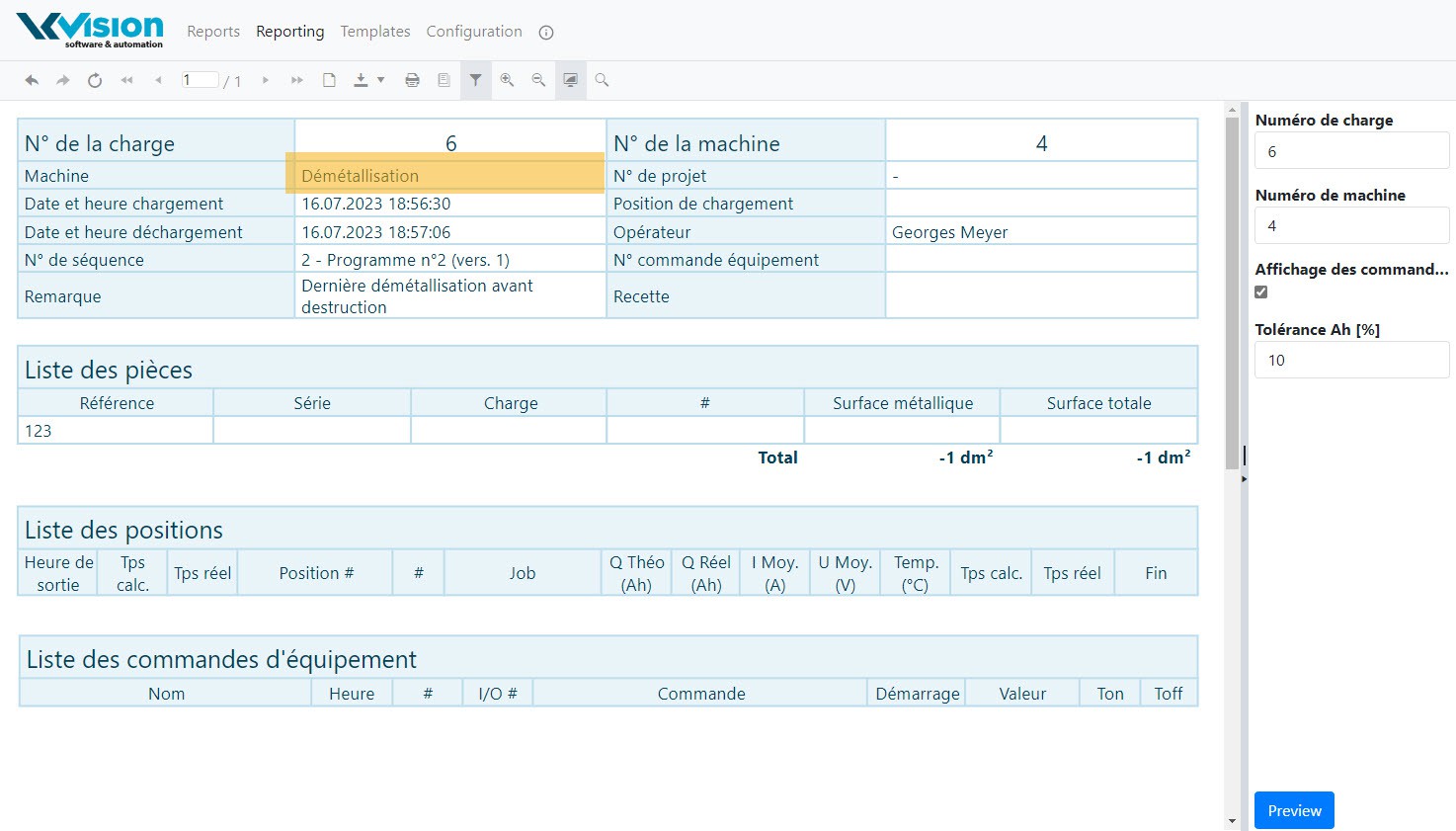
</td></tr><tr style="height:29.7969px;"><td style="height:29.7969px;">Numéro de la machine</td><td style="height:29.7969px;">String</td><td style="height:29.7969px;">Numéro de la machine affiché sur les rapports:

[![ReportMachineNumber.jpg](https://docs.vkvision.net/uploads/images/gallery/2023-07/scaled-1680-/reportmachinenumber.jpg)](https://docs.vkvision.net/uploads/images/gallery/2023-07/reportmachinenumber.jpg)
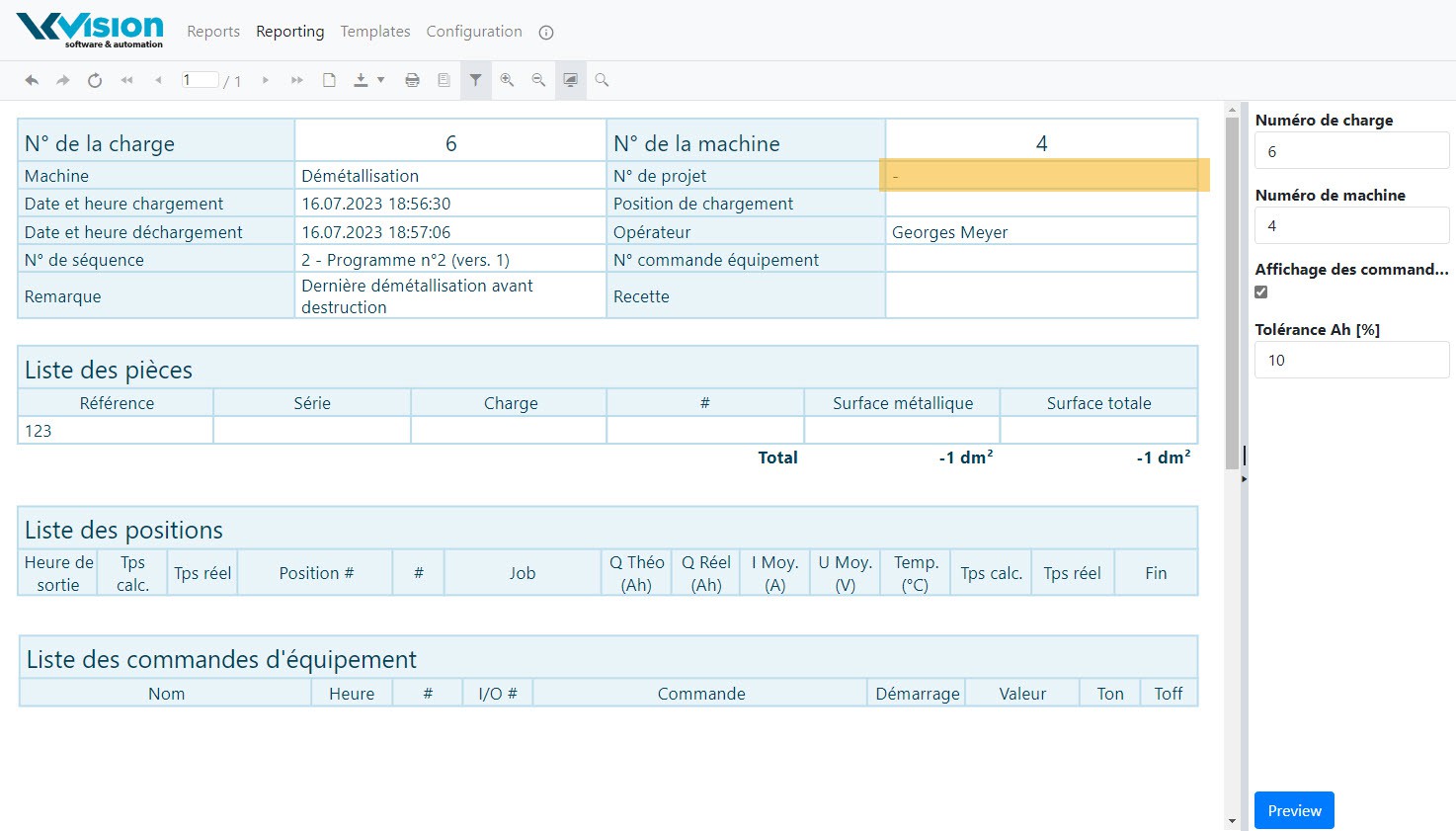
</td></tr></tbody></table>

Les programme pouvants être sélectionnés sont définis dans cette page de configuration. 30 noms de programmes peuvent être définis.

[![Config&#95;Programs.jpg](https://docs.vkvision.net/uploads/images/gallery/2023-07/scaled-1680-/config-programs.jpg)](https://docs.vkvision.net/uploads/images/gallery/2023-07/config-programs.jpg)

Les connexions avec la base de données sont définies dans la page de configuration des connexions:

[![Config&#95;Connections.jpg](https://docs.vkvision.net/uploads/images/gallery/2023-07/scaled-1680-/config-connections.jpg)](https://docs.vkvision.net/uploads/images/gallery/2023-07/config-connections.jpg)

<table id="bkmrk-param%E3%A8tre-type-descri" style="border-collapse:collapse;width:100%;"><colgroup><col style="width:33.3745%;"></col><col style="width:17.6955%;"></col><col style="width:49.0535%;"></col></colgroup><tbody><tr><td>**Paramètre**</td><td>**Type**</td><td>**Description**</td></tr><tr><td>Adresse du serveur (outillages)</td><td>String</td><td>Adresse http ou https du serveur d'articles</td></tr><tr><td>Nom d'accès (outillages)</td><td>String</td><td>Nom d'accès du serveur d'outillage: toujours "vkqvpart"</td></tr><tr><td>Nom d'utilisateur (outillages)</td><td>String</td><td>Nom d'utilisateur permettant l'accès au serveur: toujours "vkvisionsa"</td></tr><tr><td>Mot de passe (outillages)</td><td>String</td><td>Mot de passe permettant l'accès au serveur.</td></tr><tr><td>ID machine (outillages)</td><td>Integer</td><td>Numéro de la machine utilisé pour les outillages. Ici 10.</td></tr><tr><td>Adresse du serveur (suivi)</td><td>String</td><td>Adresse http ou https du serveur de rapports</td></tr><tr><td>Nom d'accès (suivi)</td><td>String</td><td>Nom d'accès du serveur de rapports: toujours "vkqvreport"</td></tr><tr><td>Nom d'utilisateur (suivi)</td><td>String</td><td>Nom d'utilisateur permettant l'accès au serveur: toujours "vkvisionsa"</td></tr><tr><td>Mot de passe (suivi)</td><td>String</td><td>Mot de passe permettant l'accès au serveur.</td></tr><tr><td>ID machine (suivi)</td><td>Integer</td><td>Numéro de la machine utilisé pour les rapports. Ici 4:

[![ReportMachineID.jpg](https://docs.vkvision.net/uploads/images/gallery/2023-07/scaled-1680-/reportmachineid.jpg)](https://docs.vkvision.net/uploads/images/gallery/2023-07/reportmachineid.jpg)
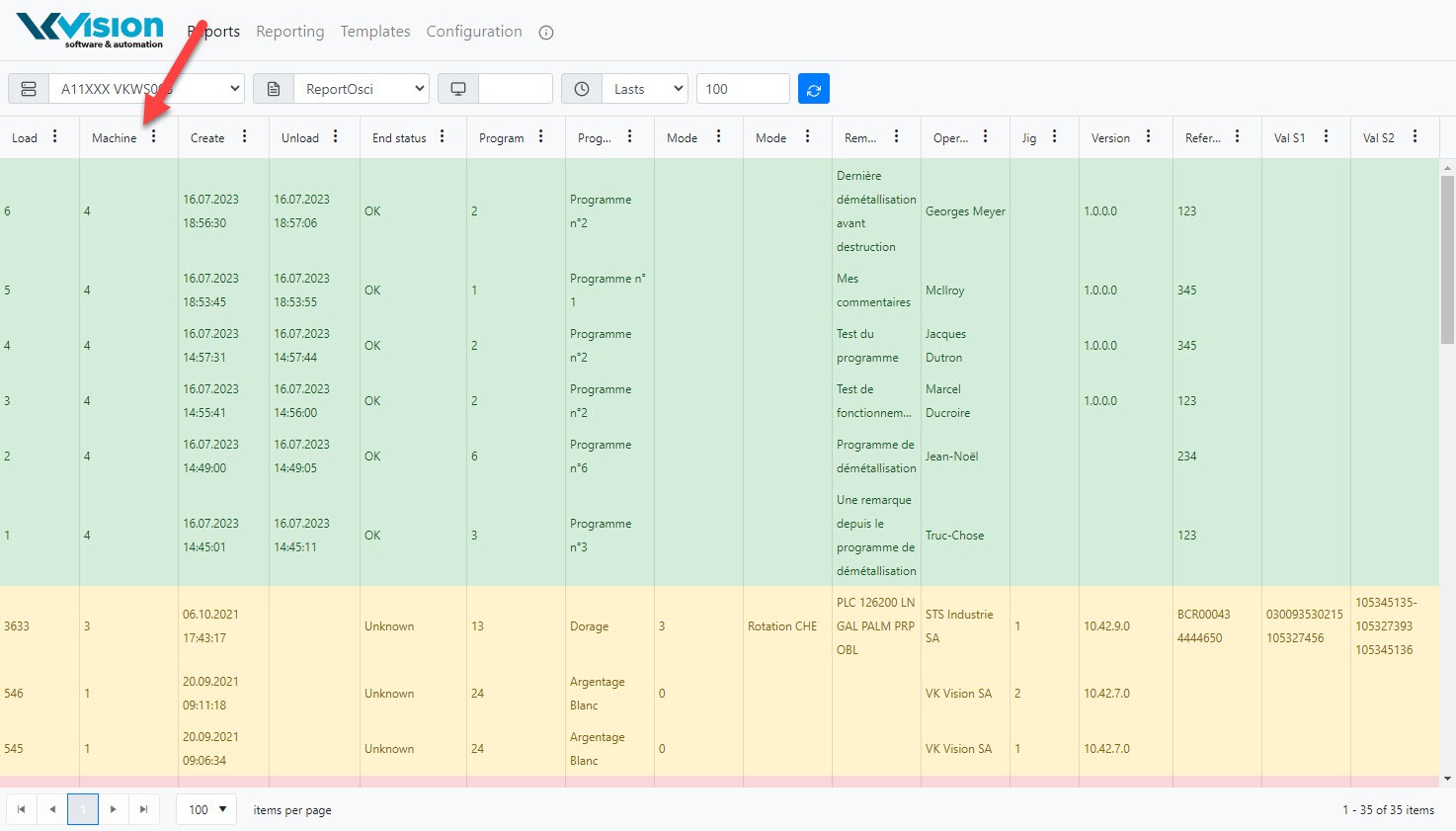
</td></tr></tbody></table>

Pour commencer, l'utilisateur introduit un numéro de référence de l'outillage. Si l'outillage est trouvé dans la base de données, les informations sur l'outillage sont affichées:

[![Reference&#95;OK.jpg](https://docs.vkvision.net/uploads/images/gallery/2023-07/scaled-1680-/reference-ok.jpg)](https://docs.vkvision.net/uploads/images/gallery/2023-07/reference-ok.jpg)

Si la référence n'est pas trouvée dans la base de données, un message l'indique:

[![Error&#95;reference.jpg](https://docs.vkvision.net/uploads/images/gallery/2023-07/scaled-1680-/error-reference.jpg)](https://docs.vkvision.net/uploads/images/gallery/2023-07/error-reference.jpg)

Une fois les informations de la référence affichées, l'utilisateur doit introduire les données obligatoires:

[![Reference&#95;Start.jpg](https://docs.vkvision.net/uploads/images/gallery/2023-07/scaled-1680-/reference-start.jpg)](https://docs.vkvision.net/uploads/images/gallery/2023-07/reference-start.jpg)

Le bouton de démarrage s'affiche en vert. L'utilisateur doit cliquer dessus pour démarrer la démétallisation.

[![Reference&#95;Stop.jpg](https://docs.vkvision.net/uploads/images/gallery/2023-07/scaled-1680-/reference-stop.jpg)](https://docs.vkvision.net/uploads/images/gallery/2023-07/reference-stop.jpg)

Lorsque la démétallisation à débutée, les champs d'informations sont grisés. Le numéro de la charge en cours est affiché en dessus du bouton STOP. Lors du démarrage, les compteurs sont remis à zéro et la date et le nom de l'opérateur sont actualisés.

Lorsque l'utilisateur clique sur le bouton STOP, la date de fin de traitement est actualisée et le statut de la charge passe à "terminé". La forme est effacée et une nouvelle démétallisation peut être démarrée.

# La connexion à un broker MQTT

## Définition dans le serveur

Dans tous les logiciels modernes, il est possible de publier des données pouvant être utilisées par d'autres applications. Dans QuickView, nous avons opter pour l'utilisation de MQTT. MQTT est une manière de publier des données selon un protocole standard (voir MQTT sur wikipedia ).

[![1001&#95;AI Architecture informatique&#95;08.jpg](https://docs.vkvision.net/uploads/images/gallery/2026-01/scaled-1680-/1001-ai-architecture-informatique-08.jpg)](https://docs.vkvision.net/uploads/images/gallery/2026-01/1001-ai-architecture-informatique-08.jpg)

### Création d'un "UNS" (Unified Name Space)

L'utilisation de MQTT doit se faire d'une manière standardisée en appliquant les standards ISA-95 dans l'architecture d'un UNS:

[![ISA-95 equipment hierarchy model.png](https://docs.vkvision.net/uploads/images/gallery/2022-07/scaled-1680-/isa-95-equipment-hierarchy-model.png)](https://docs.vkvision.net/uploads/images/gallery/2022-07/isa-95-equipment-hierarchy-model.png)

Exemple d'un Unified Name Space:

[![MQTT.png](https://docs.vkvision.net/uploads/images/gallery/2023-12/scaled-1680-/mqtt.png)](https://docs.vkvision.net/uploads/images/gallery/2023-12/mqtt.png)

[![2026-07-20&#95;09-46-44.PNG](https://docs.vkvision.net/uploads/images/gallery/2026-07/scaled-1680-/2026-07-20-09-46-44.PNG)](https://docs.vkvision.net/uploads/images/gallery/2026-07/2026-07-20-09-46-44.PNG)

Dans l'exemple ci-dessus, ENTREPRISE, SITE et AREA correspondent à "Base Name". PRODUCTION LINE correspond à "Group Name".

### La configuration

<span>La configuration de la connexion se fait dans VKServer.ini. Une nouvelle section \[</span>[<span>MQTT</span>](https://vkvisionsa.atlassian.net/wiki/pages/createpage.action%C2%B0spaceKey=VKQV&title=MQTT&linkCreation=true&fromPageId=262259)<span>\] doit être créée. Il faut auparavant avoir obtenu la licence pour permettre cette connexion. La licence correspond à AMConnector car elle est aussi utilisée par VK A&amp;M pour importer des données depuis QuickView.</span>

[![assets&#95;quickview&#95;-MNbofKPQVP3lfIcEA04&#95;-MNbs97iuZ0DBAv92vJq&#95;0.png](https://docs.vkvision.net/uploads/images/gallery/2020-12/scaled-1680-/assets-quickview-mnbofkpqvp3lficea04-mnbs97iuz0dbav92vjq-0.png)](https://docs.vkvision.net/uploads/images/gallery/2020-12/assets-quickview-mnbofkpqvp3lficea04-mnbs97iuz0dbav92vjq-0.png)

Exemple de configuration:

```INI
[MQTT]
Enabled=1
Host=192.168.11.31
Port=8883
SSlEnable=1
ClientID=VKQuickView
GroupName=A34002
RefreshRate=30
Hierarchical=1
ForceIOType=0
AutoRestart=1
PublishRectifiers=1
PublishMachine=1
PublishCounters=1
PublishDailyData=1
ValueStyle=1
DecimalCount=2
```

#### La section \[MQTT\]

<span class="text-4505230f--TextH400-3033861f--textContentFamily-49a318e1"><span>Les mots clef suivants peuvent être définis:</span></span>

<div id="bkmrk-mot-clef-type-valeur"><table class="table-0f56c2d8" style="width:96.4286%;height:1300.83px;"><tbody><tr class="tableRow-41a0302b" style="height:46.5938px;"><td class="tableCell-150ac604--tableCellEditable-6ee34180" style="width:17.037%;height:46.5938px;"><span class="text-4505230f--UIH400-4e41e82a--textContentFamily-49a318e1"><span>**Mot clef**</span></span>

</td><td class="tableCell-150ac604--tableCellEditable-6ee34180" style="width:12.3457%;height:46.5938px;"><span class="text-4505230f--UIH400-4e41e82a--textContentFamily-49a318e1"><span>**Type**</span></span>

</td><td class="tableCell-150ac604--tableCellEditable-6ee34180" style="width:13.2099%;height:46.5938px;"><span class="text-4505230f--UIH400-4e41e82a--textContentFamily-49a318e1"><span>**Valeur par défaut**</span></span>

</td><td class="tableCell-150ac604--tableCellEditable-6ee34180" style="width:57.284%;height:46.5938px;"><span class="text-4505230f--UIH400-4e41e82a--textContentFamily-49a318e1"><span>**Description**</span></span>

</td></tr><tr class="tableRow-41a0302b" style="height:29.7969px;"><td class="tableCell-150ac604--tableCellEditable-6ee34180" style="width:17.037%;height:29.7969px;"><span class="text-4505230f--TextH400-3033861f--textContentFamily-49a318e1"><span>Enabled</span></span>

</td><td class="tableCell-150ac604--tableCellEditable-6ee34180" style="width:12.3457%;height:29.7969px;"><span class="text-4505230f--TextH400-3033861f--textContentFamily-49a318e1"><span>Boolean</span></span>

</td><td class="tableCell-150ac604--tableCellEditable-6ee34180" style="width:13.2099%;height:29.7969px;"><span class="text-4505230f--TextH400-3033861f--textContentFamily-49a318e1"><span>0</span></span>

</td><td class="tableCell-150ac604--tableCellEditable-6ee34180" style="width:57.284%;height:29.7969px;"><span class="text-4505230f--TextH400-3033861f--textContentFamily-49a318e1"><span>Doit être activé pour que la connexion soit créée.</span></span>

</td></tr><tr class="tableRow-41a0302b" style="height:29.7969px;"><td class="tableCell-150ac604--tableCellEditable-6ee34180" style="width:17.037%;height:29.7969px;"><span class="text-4505230f--TextH400-3033861f--textContentFamily-49a318e1"><span>Host</span></span>

</td><td class="tableCell-150ac604--tableCellEditable-6ee34180" style="width:12.3457%;height:29.7969px;"><span class="text-4505230f--TextH400-3033861f--textContentFamily-49a318e1"><span>String</span></span>

</td><td class="tableCell-150ac604--tableCellEditable-6ee34180" style="width:13.2099%;height:29.7969px;"><span class="text-4505230f--TextH400-3033861f--textContentFamily-49a318e1"><span>vide</span></span>

</td><td class="tableCell-150ac604--tableCellEditable-6ee34180" style="width:57.284%;height:29.7969px;"><span class="text-4505230f--TextH400-3033861f--textContentFamily-49a318e1"><span>Adresse du broker MQTT</span></span>

</td></tr><tr class="tableRow-41a0302b" style="height:29.7969px;"><td class="tableCell-150ac604--tableCellEditable-6ee34180" style="width:17.037%;height:29.7969px;"><span class="text-4505230f--TextH400-3033861f--textContentFamily-49a318e1"><span>Port</span></span>

</td><td class="tableCell-150ac604--tableCellEditable-6ee34180" style="width:12.3457%;height:29.7969px;"><span class="text-4505230f--TextH400-3033861f--textContentFamily-49a318e1"><span>Integer</span></span>

</td><td class="tableCell-150ac604--tableCellEditable-6ee34180" style="width:13.2099%;height:29.7969px;"><span class="text-4505230f--TextH400-3033861f--textContentFamily-49a318e1"><span>1883</span></span>

</td><td class="tableCell-150ac604--tableCellEditable-6ee34180" style="width:57.284%;height:29.7969px;"><span class="text-4505230f--TextH400-3033861f--textContentFamily-49a318e1"><span>Numéro du port TCP</span></span>

</td></tr><tr class="tableRow-41a0302b" style="height:80.1875px;"><td class="tableCell-150ac604--tableCellEditable-6ee34180" style="width:17.037%;height:80.1875px;"><span class="text-4505230f--TextH400-3033861f--textContentFamily-49a318e1"><span>SSLEnable</span></span>

</td><td class="tableCell-150ac604--tableCellEditable-6ee34180" style="width:12.3457%;height:80.1875px;"><span class="text-4505230f--TextH400-3033861f--textContentFamily-49a318e1"><span>Boolean</span></span>

</td><td class="tableCell-150ac604--tableCellEditable-6ee34180" style="width:13.2099%;height:80.1875px;"><span class="text-4505230f--TextH400-3033861f--textContentFamily-49a318e1"><span>0</span></span>

</td><td class="tableCell-150ac604--tableCellEditable-6ee34180" style="width:57.284%;height:80.1875px;"><span class="text-4505230f--TextH400-3033861f--textContentFamily-49a318e1"><span>Vrai si la connexion utilise Open SSL (TLSv1.1) pour une connexion sécurisée. **Pour pouvoir travailler en mode SSL sécurisé, il faut placer les dll d'OpenSSL dans le même répertoire que QuickView (version 32bits, version testée: 1.0.2.18)**</span></span>

</td></tr><tr class="tableRow-41a0302b" style="height:29.7969px;"><td class="tableCell-150ac604--tableCellEditable-6ee34180" style="width:17.037%;height:29.7969px;"><span class="text-4505230f--TextH400-3033861f--textContentFamily-49a318e1"><span>ClientID</span></span>

</td><td class="tableCell-150ac604--tableCellEditable-6ee34180" style="width:12.3457%;height:29.7969px;"><span class="text-4505230f--TextH400-3033861f--textContentFamily-49a318e1"><span>String</span></span>

</td><td class="tableCell-150ac604--tableCellEditable-6ee34180" style="width:13.2099%;height:29.7969px;"><span class="text-4505230f--TextH400-3033861f--textContentFamily-49a318e1"><span>GUID</span></span>

</td><td class="tableCell-150ac604--tableCellEditable-6ee34180" style="width:57.284%;height:29.7969px;"><span class="text-4505230f--TextH400-3033861f--textContentFamily-49a318e1"><span>Nom du client MQTT</span></span>

</td></tr><tr class="tableRow-41a0302b" style="height:46.5938px;"><td class="tableCell-150ac604--tableCellEditable-6ee34180" style="width:17.037%;height:46.5938px;"><span class="text-4505230f--TextH400-3033861f--textContentFamily-49a318e1"><span>KeepAlive</span></span>

</td><td class="tableCell-150ac604--tableCellEditable-6ee34180" style="width:12.3457%;height:46.5938px;"><span class="text-4505230f--TextH400-3033861f--textContentFamily-49a318e1"><span>Integer</span></span>

</td><td class="tableCell-150ac604--tableCellEditable-6ee34180" style="width:13.2099%;height:46.5938px;"><span class="text-4505230f--TextH400-3033861f--textContentFamily-49a318e1"><span>60</span></span>

</td><td class="tableCell-150ac604--tableCellEditable-6ee34180" style="width:57.284%;height:46.5938px;"><span class="text-4505230f--TextH400-3033861f--textContentFamily-49a318e1"><span>Temps en secondes pour garder la connexion en vie lorsqu'il n'y a pas de communication</span></span>

</td></tr><tr class="tableRow-41a0302b" style="height:29.7969px;"><td class="tableCell-150ac604--tableCellEditable-6ee34180" style="width:17.037%;height:29.7969px;"><span class="text-4505230f--TextH400-3033861f--textContentFamily-49a318e1"><span>RefreshRate</span></span>

</td><td class="tableCell-150ac604--tableCellEditable-6ee34180" style="width:12.3457%;height:29.7969px;"><span class="text-4505230f--TextH400-3033861f--textContentFamily-49a318e1"><span>Integer</span></span>

</td><td class="tableCell-150ac604--tableCellEditable-6ee34180" style="width:13.2099%;height:29.7969px;"><span class="text-4505230f--TextH400-3033861f--textContentFamily-49a318e1"><span>30</span></span>

</td><td class="tableCell-150ac604--tableCellEditable-6ee34180" style="width:57.284%;height:29.7969px;"><span class="text-4505230f--TextH400-3033861f--textContentFamily-49a318e1"><span>Temps en secondes pour l'exécution d'un rafraîchissement des variables</span></span>

</td></tr><tr class="tableRow-41a0302b" style="height:63.3906px;"><td class="tableCell-150ac604--tableCellEditable-6ee34180" style="width:17.037%;height:63.3906px;"><span class="text-4505230f--TextH400-3033861f--textContentFamily-49a318e1"><span>Retain</span></span>

</td><td class="tableCell-150ac604--tableCellEditable-6ee34180" style="width:12.3457%;height:63.3906px;"><span class="text-4505230f--TextH400-3033861f--textContentFamily-49a318e1"><span>Boolean</span></span>

</td><td class="tableCell-150ac604--tableCellEditable-6ee34180" style="width:13.2099%;height:63.3906px;"><span class="text-4505230f--TextH400-3033861f--textContentFamily-49a318e1"><span>0</span></span>

</td><td class="tableCell-150ac604--tableCellEditable-6ee34180" style="width:57.284%;height:63.3906px;"><span class="text-4505230f--TextH400-3033861f--textContentFamily-49a318e1"><span>Vrai si le contenu des variables doit être préservé sur le broker après la déconnexion. Si ce flag est activé, alors des messages seront renvoyés à tous les clients lors de leur connexion au broker.</span></span>

</td></tr><tr style="height:29.7969px;"><td style="width:17.037%;height:29.7969px;"><span class="text-4505230f--TextH400-3033861f--textContentFamily-49a318e1"><span>BaseName</span></span>

</td><td style="width:12.3457%;height:29.7969px;"><span class="text-4505230f--TextH400-3033861f--textContentFamily-49a318e1"><span>String</span></span>

</td><td style="width:13.2099%;height:29.7969px;"><span class="text-4505230f--TextH400-3033861f--textContentFamily-49a318e1"><span>VKQV</span></span>

</td><td style="width:57.284%;height:29.7969px;"><span class="text-4505230f--TextH400-3033861f--textContentFamily-49a318e1"><span>Nom de base des topics.</span></span>

</td></tr><tr class="tableRow-41a0302b" style="height:46.5938px;"><td class="tableCell-150ac604--tableCellEditable-6ee34180" style="width:17.037%;height:46.5938px;"><span class="text-4505230f--TextH400-3033861f--textContentFamily-49a318e1"><span>GroupName</span></span>

</td><td class="tableCell-150ac604--tableCellEditable-6ee34180" style="width:12.3457%;height:46.5938px;"><span class="text-4505230f--TextH400-3033861f--textContentFamily-49a318e1"><span>String</span></span>

</td><td class="tableCell-150ac604--tableCellEditable-6ee34180" style="width:13.2099%;height:46.5938px;"><span class="text-4505230f--TextH400-3033861f--textContentFamily-49a318e1"><span>MachineName</span></span>

</td><td class="tableCell-150ac604--tableCellEditable-6ee34180" style="width:57.284%;height:46.5938px;"><span class="text-4505230f--TextH400-3033861f--textContentFamily-49a318e1"><span>Nom de publication du groupe. En général correspond au code de la machine par exemple: A34002</span></span>

</td></tr><tr class="tableRow-41a0302b" style="height:46.5938px;"><td class="tableCell-150ac604--tableCellEditable-6ee34180" style="width:17.037%;height:46.5938px;"><span class="text-4505230f--TextH400-3033861f--textContentFamily-49a318e1"><span>ForceIOType</span></span>

</td><td class="tableCell-150ac604--tableCellEditable-6ee34180" style="width:12.3457%;height:46.5938px;"><span class="text-4505230f--TextH400-3033861f--textContentFamily-49a318e1"><span>Boolean</span></span>

</td><td class="tableCell-150ac604--tableCellEditable-6ee34180" style="width:13.2099%;height:46.5938px;"><span class="text-4505230f--TextH400-3033861f--textContentFamily-49a318e1"><span>1</span></span>

</td><td class="tableCell-150ac604--tableCellEditable-6ee34180" style="width:57.284%;height:46.5938px;"><span class="text-4505230f--TextH400-3033861f--textContentFamily-49a318e1"><span>Vrai si le type défini dans les I/O doit être respecté. Si faux alors le système utilise le type des registres des databanks.</span></span>

</td></tr><tr class="tableRow-41a0302b" style="height:80.1875px;"><td class="tableCell-150ac604--tableCellEditable-6ee34180" style="width:17.037%;height:80.1875px;"><span class="text-4505230f--TextH400-3033861f--textContentFamily-49a318e1"><span>Hierarchical</span></span>

</td><td class="tableCell-150ac604--tableCellEditable-6ee34180" style="width:12.3457%;height:80.1875px;"><span class="text-4505230f--TextH400-3033861f--textContentFamily-49a318e1"><span>Boolean</span></span>

</td><td class="tableCell-150ac604--tableCellEditable-6ee34180" style="width:13.2099%;height:80.1875px;"><span class="text-4505230f--TextH400-3033861f--textContentFamily-49a318e1"><span>0</span></span>

</td><td class="tableCell-150ac604--tableCellEditable-6ee34180" style="width:57.284%;height:80.1875px;"><span class="text-4505230f--TextH400-3033861f--textContentFamily-49a318e1"><span>Vrai pour forcer une hiérarchie dans la publication des variables par exemple: VKQV\\23\\Température actuelle. Si faux alors le système n'utilise pas le nom de la variable mais son numéro</span></span>

<span class="text-4505230f--TextH400-3033861f--textContentFamily-49a318e1"><span>exemple: VKQV\\924</span></span>

</td></tr><tr class="tableRow-41a0302b" style="height:46.5938px;"><td class="tableCell-150ac604--tableCellEditable-6ee34180" style="width:17.037%;height:46.5938px;"><span class="text-4505230f--TextH400-3033861f--textContentFamily-49a318e1"><span>PublishMachine</span></span>

</td><td class="tableCell-150ac604--tableCellEditable-6ee34180" style="width:12.3457%;height:46.5938px;"><span class="text-4505230f--TextH400-3033861f--textContentFamily-49a318e1"><span>Boolean</span></span>

</td><td class="tableCell-150ac604--tableCellEditable-6ee34180" style="width:13.2099%;height:46.5938px;"><span class="text-4505230f--TextH400-3033861f--textContentFamily-49a318e1"><span>0</span></span>

</td><td class="tableCell-150ac604--tableCellEditable-6ee34180" style="width:57.284%;height:46.5938px;"><span class="text-4505230f--TextH400-3033861f--textContentFamily-49a318e1"><span>Vrai pour forcer la publication de la machine et des tableaux correspondants comme les redresseurs, les pompes doseuses.</span></span>

</td></tr><tr class="tableRow-41a0302b" style="height:46.5938px;"><td class="tableCell-150ac604--tableCellEditable-6ee34180" style="width:17.037%;height:46.5938px;"><span class="text-4505230f--TextH400-3033861f--textContentFamily-49a318e1"><span>AutoRestart</span></span>

</td><td class="tableCell-150ac604--tableCellEditable-6ee34180" style="width:12.3457%;height:46.5938px;"><span class="text-4505230f--TextH400-3033861f--textContentFamily-49a318e1"><span>Boolean</span></span>

</td><td class="tableCell-150ac604--tableCellEditable-6ee34180" style="width:13.2099%;height:46.5938px;"><span class="text-4505230f--TextH400-3033861f--textContentFamily-49a318e1"><span>1</span></span>

</td><td class="tableCell-150ac604--tableCellEditable-6ee34180" style="width:57.284%;height:46.5938px;"><span class="text-4505230f--TextH400-3033861f--textContentFamily-49a318e1"><span>Vrai pour forcer la reconnexion et le démarrage de la publication après une perte de connexion.</span></span>

</td></tr><tr class="tableRow-41a0302b" style="height:180.969px;"><td class="tableCell-150ac604--tableCellEditable-6ee34180" style="width:17.037%;height:180.969px;"><span class="text-4505230f--TextH400-3033861f--textContentFamily-49a318e1"><span>ValueStyle</span></span>

</td><td class="tableCell-150ac604--tableCellEditable-6ee34180" style="width:12.3457%;height:180.969px;"><span class="text-4505230f--TextH400-3033861f--textContentFamily-49a318e1"><span>Integer</span></span>

</td><td class="tableCell-150ac604--tableCellEditable-6ee34180" style="width:13.2099%;height:180.969px;"><span class="text-4505230f--TextH400-3033861f--textContentFamily-49a318e1"><span>1</span></span>

</td><td class="tableCell-150ac604--tableCellEditable-6ee34180" style="width:57.284%;height:180.969px;"><span class="text-4505230f--TextH400-3033861f--textContentFamily-49a318e1"><span>Format des valeurs des variables:</span></span>

<span class="text-4505230f--TextH400-3033861f--textContentFamily-49a318e1"><span>0: (ISA-95)</span></span>

<span class="text-4505230f--TextH400-3033861f--textContentFamily-49a318e1"><span>Tous les changement de variable sont envoyés dans le même topic soit:</span></span>

<span class="text-4505230f--TextH400-3033861f--textContentFamily-49a318e1"><span>BaseName/GroupName/ToVKAM . Le format utilisé sera:</span></span>

<span class="text-4505230f--TextH400-3033861f--textContentFamily-49a318e1"><span>{ "Type":1, "Items":\[{ "LB": "A34001/23/Température actuelle", "V": 12.4, "U":"°C","T":"Double"},{...}\], "TS": "2019-04-06T13:46:15.145"}</span></span>

<span class="text-4505230f--TextH400-3033861f--textContentFamily-49a318e1"><span>1: (Legacy)</span></span>

<span class="text-4505230f--TextH400-3033861f--textContentFamily-49a318e1"><span>{"V":12.4,"U":"°C","T":"Double","TS":"2019-04-06T13:46:15.145"}</span></span>

<span class="text-4505230f--TextH400-3033861f--textContentFamily-49a318e1"><span>V=Value, U=Units, T=Type, TS=TimeStamp</span></span>

</td></tr><tr class="tableRow-41a0302b" style="height:29.7969px;"><td class="tableCell-150ac604--tableCellEditable-6ee34180" style="width:17.037%;height:29.7969px;"><span class="text-4505230f--TextH400-3033861f--textContentFamily-49a318e1"><span>DecimalCount</span></span>

</td><td class="tableCell-150ac604--tableCellEditable-6ee34180" style="width:12.3457%;height:29.7969px;"><span class="text-4505230f--TextH400-3033861f--textContentFamily-49a318e1"><span>Integer</span></span>

</td><td class="tableCell-150ac604--tableCellEditable-6ee34180" style="width:13.2099%;height:29.7969px;"><span class="text-4505230f--TextH400-3033861f--textContentFamily-49a318e1"><span>2</span></span>

</td><td class="tableCell-150ac604--tableCellEditable-6ee34180" style="width:57.284%;height:29.7969px;"><span class="text-4505230f--TextH400-3033861f--textContentFamily-49a318e1"><span>Nombre de décimales affichées dans les valeurs réelles</span></span>

</td></tr><tr class="tableRow-41a0302b" style="height:29.7969px;"><td class="tableCell-150ac604--tableCellEditable-6ee34180" style="width:17.037%;height:29.7969px;"><span class="text-4505230f--TextH400-3033861f--textContentFamily-49a318e1"><span>UserName</span></span>

</td><td class="tableCell-150ac604--tableCellEditable-6ee34180" style="width:12.3457%;height:29.7969px;"><span class="text-4505230f--TextH400-3033861f--textContentFamily-49a318e1"><span>String</span></span>

</td><td class="tableCell-150ac604--tableCellEditable-6ee34180" style="width:13.2099%;height:29.7969px;"><span class="text-4505230f--TextH400-3033861f--textContentFamily-49a318e1"><span>vide</span></span>

</td><td class="tableCell-150ac604--tableCellEditable-6ee34180" style="width:57.284%;height:29.7969px;"><span class="text-4505230f--TextH400-3033861f--textContentFamily-49a318e1"><span>Nom de l'utilisateur lorsqu'un login est demandé par le broker</span></span>

</td></tr><tr class="tableRow-41a0302b" style="height:29.7969px;"><td class="tableCell-150ac604--tableCellEditable-6ee34180" style="width:17.037%;height:29.7969px;"><span class="text-4505230f--TextH400-3033861f--textContentFamily-49a318e1"><span>Password</span></span>

</td><td class="tableCell-150ac604--tableCellEditable-6ee34180" style="width:12.3457%;height:29.7969px;"><span class="text-4505230f--TextH400-3033861f--textContentFamily-49a318e1"><span>String</span></span>

</td><td class="tableCell-150ac604--tableCellEditable-6ee34180" style="width:13.2099%;height:29.7969px;"><span class="text-4505230f--TextH400-3033861f--textContentFamily-49a318e1"><span>vide</span></span>

</td><td class="tableCell-150ac604--tableCellEditable-6ee34180" style="width:57.284%;height:29.7969px;"><span class="text-4505230f--TextH400-3033861f--textContentFamily-49a318e1"><span>Mot de passe lorsqu'un login est demandé par le broker</span></span>

</td></tr><tr class="tableRow-41a0302b" style="height:29.7969px;"><td class="tableCell-150ac604--tableCellEditable-6ee34180" style="width:17.037%;height:29.7969px;"><span class="text-4505230f--TextH400-3033861f--textContentFamily-49a318e1"><span>Language</span></span>

</td><td class="tableCell-150ac604--tableCellEditable-6ee34180" style="width:12.3457%;height:29.7969px;"><span class="text-4505230f--TextH400-3033861f--textContentFamily-49a318e1"><span>Integer</span></span>

</td><td class="tableCell-150ac604--tableCellEditable-6ee34180" style="width:13.2099%;height:29.7969px;"><span class="text-4505230f--TextH400-3033861f--textContentFamily-49a318e1"><span>0</span></span>

</td><td class="tableCell-150ac604--tableCellEditable-6ee34180" style="width:57.284%;height:29.7969px;"><span class="text-4505230f--TextH400-3033861f--textContentFamily-49a318e1"><span>Langue utilisée pour les textes des alarmes et messages</span></span>

</td></tr><tr class="tableRow-41a0302b" style="height:29.7969px;"><td class="tableCell-150ac604--tableCellEditable-6ee34180" style="width:17.037%;height:29.7969px;"><span class="text-4505230f--TextH400-3033861f--textContentFamily-49a318e1"><span>PublishAlarm</span></span>

</td><td class="tableCell-150ac604--tableCellEditable-6ee34180" style="width:12.3457%;height:29.7969px;"><span class="text-4505230f--TextH400-3033861f--textContentFamily-49a318e1"><span>Boolean</span></span>

</td><td class="tableCell-150ac604--tableCellEditable-6ee34180" style="width:13.2099%;height:29.7969px;"><span class="text-4505230f--TextH400-3033861f--textContentFamily-49a318e1"><span>0</span></span>

</td><td class="tableCell-150ac604--tableCellEditable-6ee34180" style="width:57.284%;height:29.7969px;"><span class="text-4505230f--TextH400-3033861f--textContentFamily-49a318e1"><span>Vrai pour forcer la publication des alarmes et des messages</span></span>

</td></tr><tr class="tableRow-41a0302b" style="height:46.5938px;"><td class="tableCell-150ac604--tableCellEditable-6ee34180" style="width:17.037%;height:46.5938px;"><span class="text-4505230f--TextH400-3033861f--textContentFamily-49a318e1"><span>UsePosNumber</span></span>

</td><td class="tableCell-150ac604--tableCellEditable-6ee34180" style="width:12.3457%;height:46.5938px;"><span class="text-4505230f--TextH400-3033861f--textContentFamily-49a318e1"><span>Boolean</span></span>

</td><td class="tableCell-150ac604--tableCellEditable-6ee34180" style="width:13.2099%;height:46.5938px;"><span class="text-4505230f--TextH400-3033861f--textContentFamily-49a318e1"><span>0</span></span>

</td><td class="tableCell-150ac604--tableCellEditable-6ee34180" style="width:57.284%;height:46.5938px;"><span class="text-4505230f--TextH400-3033861f--textContentFamily-49a318e1"><span>Vrai pour utiliser la valeur "display" de la position à la place de son index dans le nom des variables publiées.</span></span>

</td></tr><tr style="height:29.7969px;"><td style="width:17.037%;height:29.7969px;"><span class="text-4505230f--TextH400-3033861f--textContentFamily-49a318e1"><span>PublishIOs</span></span>

</td><td style="width:12.3457%;height:29.7969px;"><span class="text-4505230f--TextH400-3033861f--textContentFamily-49a318e1"><span>Boolean</span></span>

</td><td style="width:13.2099%;height:29.7969px;"><span class="text-4505230f--TextH400-3033861f--textContentFamily-49a318e1"><span>0</span></span>

</td><td style="width:57.284%;height:29.7969px;"><span class="text-4505230f--TextH400-3033861f--textContentFamily-49a318e1"><span>Publie les IO dans l'items 'IOs' si le style ISA-95 est utilisé</span></span>

</td></tr><tr style="height:63.3906px;"><td style="width:17.037%;height:63.3906px;"><span class="text-4505230f--TextH400-3033861f--textContentFamily-49a318e1"><span>ItemValueOnly</span></span>

</td><td style="width:12.3457%;height:63.3906px;"><span class="text-4505230f--TextH400-3033861f--textContentFamily-49a318e1"><span>Boolean</span></span>

</td><td style="width:13.2099%;height:63.3906px;"><span class="text-4505230f--TextH400-3033861f--textContentFamily-49a318e1"><span>0</span></span>

</td><td style="width:57.284%;height:63.3906px;"><span class="text-4505230f--TextH400-3033861f--textContentFamily-49a318e1"><span>Lorsque les I/O sont publiées avec le style ISA-95, si ce mot clef est activé alors les données des I/O seront publiées en valeurs numériques (sans TS, T et U)</span></span>

</td></tr><tr class="tableRow-41a0302b" style="height:29.7969px;"><td class="tableCell-150ac604--tableCellEditable-6ee34180" style="width:17.037%;height:29.7969px;"><span class="text-4505230f--TextH400-3033861f--textContentFamily-49a318e1"><span>PublishDailyData</span></span>

</td><td class="tableCell-150ac604--tableCellEditable-6ee34180" style="width:12.3457%;height:29.7969px;"><span class="text-4505230f--TextH400-3033861f--textContentFamily-49a318e1"><span>Boolean</span></span>

</td><td class="tableCell-150ac604--tableCellEditable-6ee34180" style="width:13.2099%;height:29.7969px;"><span class="text-4505230f--TextH400-3033861f--textContentFamily-49a318e1"><span>0</span></span>

</td><td class="tableCell-150ac604--tableCellEditable-6ee34180" style="width:57.284%;height:29.7969px;"><span class="text-4505230f--TextH400-3033861f--textContentFamily-49a318e1"><span>Vrai pour publier les données de fonctionnement journalier</span></span>

</td></tr><tr style="height:29.7969px;"><td style="width:17.037%;height:29.7969px;"><span class="text-4505230f--TextH400-3033861f--textContentFamily-49a318e1"><span>WillTopic</span></span>

</td><td style="width:12.3457%;height:29.7969px;"><span class="text-4505230f--TextH400-3033861f--textContentFamily-49a318e1"><span>String</span></span>

</td><td style="width:13.2099%;height:29.7969px;"><span class="text-4505230f--TextH400-3033861f--textContentFamily-49a318e1"><span>vide</span></span>

</td><td style="width:57.284%;height:29.7969px;"><span class="text-4505230f--TextH400-3033861f--textContentFamily-49a318e1"><span>Nom du topic du will (utilisé seulement lorsque ValueStyle=1)</span></span>

</td></tr><tr style="height:29.7969px;"><td style="width:17.037%;height:29.7969px;"><span class="text-4505230f--TextH400-3033861f--textContentFamily-49a318e1"><span>Will</span></span>

</td><td style="width:12.3457%;height:29.7969px;"><span class="text-4505230f--TextH400-3033861f--textContentFamily-49a318e1"><span>String</span></span>

</td><td style="width:13.2099%;height:29.7969px;"><span class="text-4505230f--TextH400-3033861f--textContentFamily-49a318e1"><span>vide</span></span>

</td><td style="width:57.284%;height:29.7969px;"><span class="text-4505230f--TextH400-3033861f--textContentFamily-49a318e1"><span>Contenu du will (utilisé seulement lorsque ValueStyle=1)</span></span>

</td></tr><tr style="height:29.7969px;"><td style="width:17.037%;height:29.7969px;"><span class="text-4505230f--TextH400-3033861f--textContentFamily-49a318e1"><span>QoS</span></span>

</td><td style="width:12.3457%;height:29.7969px;"><span class="text-4505230f--TextH400-3033861f--textContentFamily-49a318e1"><span>Integer</span></span>

</td><td style="width:13.2099%;height:29.7969px;"><span class="text-4505230f--TextH400-3033861f--textContentFamily-49a318e1"><span>0</span></span>

</td><td style="width:57.284%;height:29.7969px;"><span class="text-4505230f--TextH400-3033861f--textContentFamily-49a318e1"><span>Qualité se service (0:At most once, 1: At least once, 2: Exactly once)</span></span>

</td></tr><tr style="height:29.7969px;"><td style="width:17.037%;height:29.7969px;"><span class="text-4505230f--TextH400-3033861f--textContentFamily-49a318e1"><span>  
</span></span>

</td><td style="width:12.3457%;height:29.7969px;"><span class="text-4505230f--TextH400-3033861f--textContentFamily-49a318e1"><span>  
</span></span>

</td><td style="width:13.2099%;height:29.7969px;"><span class="text-4505230f--TextH400-3033861f--textContentFamily-49a318e1"><span>  
</span></span>

</td><td style="width:57.284%;height:29.7969px;"><span class="text-4505230f--TextH400-3033861f--textContentFamily-49a318e1"><span>  
</span></span>

</td></tr></tbody></table>

</div>#### La définition des variables dans QuickView

Les variables sont définies dans les IO de QuickView. Le flag 'Q' doit être ajouté à toutes les variables devant être publiées vers MQTT. Ceci se fait soit manuellement dans le fichier IO.ini soit en utilisant le navigateur d'équipement de VKClient10.

[![assets&#95;quickview&#95;-MNbofKPQVP3lfIcEA04&#95;-MNbs97jk7GUF7nhWl0J&#95;1.png](https://docs.vkvision.net/uploads/images/gallery/2020-12/scaled-1680-/assets-quickview-mnbofkpqvp3lficea04-mnbs97jk7guf7nhwl0j-1.png)](https://docs.vkvision.net/uploads/images/gallery/2020-12/assets-quickview-mnbofkpqvp3lficea04-mnbs97jk7guf7nhwl0j-1.png)

Exemple de définition dans \[IO.INI\]:

```INI
; Températures
; ============
300=1,Actual Temperature A,W,RQ,15,0,$FFFF,10,100
301=1,Actual Temperature B,W,RQ,15,1,$FFFF,10,100
302=3,Actual Temperature,W,RQ,15,2,$FFFF,10,100
303=4,Actual Temperature,W,RQ,15,3,$FFFF,10,100
304=5,Actual Temperature,W,RQ,15,4,$FFFF,10,100
```

#### La publication des variables

<span class="text-4505230f--TextH400-3033861f--textContentFamily-49a318e1"><span>Le système publiera les I/O qui sont définies comme pouvant être publiées dans la définition ci-dessus. Il publiera également les valeurs globales de la machine comme par exemple la définition machine ou les redresseurs à condition que le mot clef "PublishMachine" soit activé.</span></span>

<span class="text-4505230f--TextH400-3033861f--textContentFamily-49a318e1"><span>Les variables sont publiées sous forme d'un enregistrement au format JSON. Exemple:</span></span>

<span class="text-4505230f--TextH400-3033861f--textContentFamily-49a318e1"><span>{"V":12.4,"U":"°C","T":"Double","TS":"2019-04-06T13:46:15.145"}</span></span>

<span class="text-4505230f--TextH400-3033861f--textContentFamily-49a318e1"><span>Les topics de publication dépendent du mot clef "ValueStyle". 2 styles sont définis: 0-ISA-95: Style utilisé avec VKAM ayant une version &gt; 3.0.0.2. et 1-Legacy: Style utilisé avec VKAM ayant une version &lt;= 3.0.0.2</span></span>

##### <span class="text-4505230f--TextH400-3033861f--textContentFamily-49a318e1"><span>VariableStyle=ISA-95</span></span>

<span class="text-4505230f--TextH400-3033861f--textContentFamily-49a318e1"><span>Ce style utilise des topics prédéfinis dont voici la liste:</span></span>

<table id="bkmrk-topics-description-b" style="border-collapse:collapse;width:100%;height:1581.45px;"><tbody><tr style="height:29.7969px;"><td style="width:44.6215%;height:29.7969px;">**Topics**</td><td style="width:55.3785%;height:29.7969px;">**Description**</td></tr><tr style="height:729.5px;"><td style="width:44.6215%;height:729.5px;">BaseName/GroupName/VKQV/Datas</td><td style="width:55.3785%;height:729.5px;">Topic dans lequel les changements des variables sont envoyés. Le format du topic sera le suivant:

{

   "Type": int,

   "Items": Array \[

                             {

                               "LB": string,

                               "V": object,

                               "U": string,

                               "T": string,

                               "S": string

                              },

                             {

                              ....

                              }

                           \],

    "TS" : string

}

Type: Type de message. Toujours 1 pour l'instant

LB : Label de la variable

V  : valeur de la variable

U : unité de la variable

T: type de la variable

S: source de la variable

TS: Timestamp

Exemple:

<span class="text-4505230f--TextH400-3033861f--textContentFamily-49a318e1"><span>{ "Type":1, "Items":\[{ "LB": "A34001/23/Température actuelle", "V": 12.4, "U":"°C", "T":"Double"},{"LB":"A34001/78/Conductivité", "V":2.44, "U":"mS", "T":"Double"}\], "TS": "2019-04-06T13:46:15.145"}</span></span>

</td></tr><tr style="height:46.5938px;"><td style="width:44.6215%;height:46.5938px;">BaseName/GroupName/VKQV/Apps</td><td style="width:55.3785%;height:46.5938px;">Topic dans lequel les clients se connectent à QuickView</td></tr><tr><td style="width:44.6215%;">BaseName/GroupName/VKQV/Apps/ClientID</td><td style="width:55.3785%;">Topic dans lequel le client ClientID publie ses commandes.</td></tr><tr><td style="width:44.6215%;">BaseName/GroupName/VKQV/Apps/ClientID/Status</td><td style="width:55.3785%;">Statut de la connexion avec le client ClientID.</td></tr><tr><td style="width:44.6215%;">BaseName/GroupName/VKQV/Apps/ClientID/Status/Connection</td><td style="width:55.3785%;">Topic dans lequel le client ClientID publie le statut de sa connexion.

Exemple:

{"TS":"2023-12-27T10:54:40.646125Z","T":"String","V":"Connected"}

Ce topic est également désigné comme Last Will Topic lors de la connexion du client.

</td></tr><tr><td style="width:44.6215%;">BaseName/GroupName/VKQV/Apps/ClientID/Status/Watchdog</td><td style="width:55.3785%;">Topic dans lequel ClientID va écrire de temps en temps pour indiquer que la connexion est valide.

Exemple:

{"Id":"Server\_92881d83-d3a0-4edf-8720-e8e700340346","Date":"2023-12-28T12:40:45.6958696+01:00"}

</td></tr><tr><td style="width:44.6215%;">BaseName/GroupName/VKQV/Apps/ClientID/Login</td><td style="width:55.3785%;">Topic dans lequel ClientID va s'authentifier.

Exemple:

{"Id":"Server\_92881d83-d3a0-4edf-8720-e8e700340346", "UserName":"MyUserName","Password":"MyPassword"}

Lorsque VKQV constate qu'un client s'authentifie, il remplace le contenu par les informations de connexion:

Exemple:

{"jwtoken":"MyToken"}

Si le login n'aboutit pas alors la réponse sera:

{"Error":"Login fail !"}

Si le login aboutit alors il contient un jwt de connexion qui devra être utilisé à chaque commande vers VKQV.

Le client lit la réponse, l'enregistre puis efface le contenu du topic.

</td></tr><tr><td style="width:44.6215%;">BaseName/GroupName/VKQV/Apps/ClientID/Commands</td><td style="width:55.3785%;">Topic dans lequel ClientID envoie des commandes à VKQV.

Exemple:

{"jwtoken":"MyToken", "Commands": \[{"Cmd":"WriteBit", "Addr":"20,4,2", "Value": true}\] }

Lorsque VKQV accepte la commande, il l'execute si le jwtoken est valide puis efface le contenu.

</td></tr><tr style="height:259.297px;"><td style="width:44.6215%;height:259.297px;">BaseName/GroupName/VKQV/Status/Watchdog</td><td style="width:55.3785%;height:259.297px;">Topic dans lequel VKQV va écrire à chaque rafraîchissement des variables. VKQV s'abonne à ce topic pour vérifier que le broker soit bien fonctionnel. Si celui-ci fonctionne correctement, il devrait renvoyer ce que VKQV a écrit. La liaison est déclarée comme dégradée si ce topic n'est pas envoyé par le broker après 5 fois le temps de rafraichissement. Dans ce cas, la liaison est interrompue et une nouvelle connexion est tentée.

Exemple du contenu envoyé par VKQV:

<span style="color:#333333;"><a class="accordion-toggle" style="color:#333333;">{"V":269,"T":"Int","TS":"2022-06-03T10:28:01.936"}</a></span>

</td></tr><tr style="height:29.7969px;"><td style="width:44.6215%;height:29.7969px;">BaseName/GroupName/VKQV/Status/Machine</td><td style="width:55.3785%;height:29.7969px;">Statut de la machine. Pour chaque position de la machine, un statut est envoyé dans un json array:

"V": {  
        "positions": \[  
            {  
                "pos": 1,  
                "jn": 3,  
                "js": 0,  
                "jp": 0,  
                "rdy": 1,  
                "ala": false  
            },  
            {  
                "pos": 2,  
                "rdy": 1,  
                "ala": false  
            },  
            {  
                "pos": 3,  
                "jn": 1,  
                "js": 0,  
                "jp": 0,  
                "ena": true,  
                "rdy": 1,  
                "ala": false  
            },

...

    \],  
        "hoists": \[  
            {  
                "hoist": 1,  
                "rdy": true,  
                "blockingala": 0,  
                "ala": 0,  
                "height": 0,  
                "destheight": 0,  
                "position": 0,  
                "destpos": 0,  
                "origin": 0,  
                "destination": 0,  
                "mode": 0,  
                "moveHforward": false,  
                "moveHbackward": false,  
                "moveVup": false,  
                "moveVdown": false  
            },  
            {  
                "hoist": 2,  
                "rdy": true,  
                "blockingala": 0,  
                "ala": 0,  
                "height": 0,  
                "destheight": 0,  
                "position": 0,  
                "destpos": 0,  
                "origin": 0,  
                "destination": 0,  
                "mode": 0,  
                "moveHforward": false,  
                "moveHbackward": false,  
                "moveVup": false,  
                "moveVdown": false  
            }

        \]  
    },  
    "T": "MachineStatus",  
    "TS": "2024-04-26T06:55:30.333"  
}

Les positions sont composées des topics suivants:

pos : int  -&gt; numéro de position

jn : int  -&gt; numéro du rack dans la position

js : int -&gt; Statut du rack dans la position

jp: int -&gt; numéro de programme du rack

ena: boolean -&gt; position en/hors service

rdy: boolean -&gt; position prête (mode machine)

ala: boolean -&gt; position en alarme

Les robots sont composés des topics suivants:

hoist:int -&gt; numéro du robot

rdy:boolean -&gt; indique si le robot est prêt

blockingala:int -&gt; mot de statut des alarmes bloquantes

ala:int -&gt; mot de statut des alarmes non bloquantes

height:int -&gt; hauteur actuelle du robot

destheight:int -&gt; hauteur de destination

position:int -&gt; position actuelle

destpos:int -&gt; position de destination

origin:int -&gt; position d'origine lors d'un mouvement complet

destination:int -&gt; position de destination lors d'un mouvement

mode:int -&gt; mode de fonctionnement du robot

moveHforward:boolean -&gt; le robot se déplace horizontalement en avant

moveHbackward:boolean -&gt; le robot se déplace horizontalement en arrière

moveVup:boolean -&gt; le robot se déplace verticalement vers le haut

moveVdown:boolean -&gt; le robot se déplace verticalement vers le bas.

</td></tr><tr><td style="width:44.6215%;">BaseName/GroupName/VKQV/Status/Alarms</td><td style="width:55.3785%;">Statut des alarmes:

{  
    "V": {  
        "alarms": \[  
            {  
                "evt": 2,  
                "num": 50,  
                "time": "07:16:19",  
                "type": "Programme",  
                "group": "Général",  
                "mess": "Programme en mode STOP",  
                "tnum": 1,  
                "gnum": 150,  
                "mnum": 2  
            },  
            {  
                "evt": 2,  
                "num": 897,  
                "time": "07:16:19",  
                "type": "Communication",  
                "group": "M5Stack",  
                "mess": "Erreur de communication avec l'automate",  
                "tnum": 14,  
                "gnum": 148,  
                "mnum": 35  
            },  
            {  
                "evt": 3,  
                "num": 2,  
                "time": "07:16:20",  
                "type": "Système",  
                "group": "HMI",  
                "mess": "Watchdog communication avec automate",  
                "tnum": 2,  
                "gnum": 140,  
                "mnum": 37  
            }  
        \]  
    },  
    "T": "AlarmStatus",  
    "TS": "2024-04-26T07:16:46.639"  
}

Les alarmes contiennent les topics suivants:

evt:int -&gt; événement ALA/ACK/RTN

num:int -&gt; numéro de l'alarme.

time:Time -&gt; heure/minute/seconde de l'alarme

type:string -&gt; type de l'alarme

mess:string -&gt; message de l'alarme

group:string -&gt; groupe de l'alarme

tnum:int -&gt; numéro du type de l'alarme

gnum:int -&gt; numéro du groupe de l'alarme

mnum:int -&gt; numéro du message de l'alarme

val:num -&gt; valeur associée à l'alarme.

</td></tr><tr style="height:29.7969px;"><td style="width:44.6215%;height:29.7969px;">BaseName/GroupName/VKQV/Status/Messages</td><td style="width:55.3785%;height:29.7969px;">Même chose que ci-dessus pour les messages</td></tr><tr style="height:29.7969px;"><td style="width:44.6215%;height:29.7969px;">BaseName/GroupName/VKQV/Status/DailyData</td><td style="width:55.3785%;height:29.7969px;">Données de production et d'efficacité:

{ "V": {  
        "DateOfData": "20240426",  
        "Date": "26.04.2024",  
        "BatchesIn": 0,  
        "BatchesOut": 0,  
        "IdleTime": 0,  
        "ErrorStopTime": 0,  
        "ErrorWarningTime": 28,  
        "ManuModeTime": 28,  
        "SafetyDoorTime": 0,  
        "PowerOnTime": 28,  
        "Utilization": 100,  
        "Reliability": 100,  
        "24hours": \[  
            {  
                "Hour": 9,  
                "BachesIn": 0,  
                "BachesOut": 0,  
                "Reliability": 0,  
                "Utilization": 0  
            },  
            {  
                "Hour": 10,  
                "BachesIn": 0,  
                "BachesOut": 0,  
                "Reliability": 0,  
                "Utilization": 0  
            },  
            {

...

    },  
    "T": "DailyData",  
    "TS": "2024-04-26T07:23:31.594"  
}

</td></tr><tr style="height:29.7969px;"><td style="width:44.6215%;height:29.7969px;">BaseName/GroupName/VKQV/Status/Rectifiers</td><td style="width:55.3785%;height:29.7969px;">Statut des redresseurs:

{  
    "V": {  
        "rectifiers": \[  
            {  
                "rectifier": 1,  
                "position": 13,  
                "name": "",  
                "status": 128,  
                "step": 0,  
                "ahamn": 1,  
                "surface": 0,  
                "density": 0,  
                "current": 0,  
                "voltage": 0,  
                "Q": 0,  
                "QTheo": 0,  
                "QTheoAct": 0,  
                "QTotal": 1406.11250237337,  
                "setpoint": 0,  
                "reverse": 0,  
                "maxU": 15,  
                "maxI": 100,  
                "minU": 0,  
                "minI": 100,  
                "pcsetpoint": 100,  
                "alternation": 0,  
                "flag0": 0,  
                "flag1": 1,  
                "flag2": 0,  
                "surfaceflag": 7,  
                "currentform": 0  
            },  
            {

...

            }

        \]  
    },  
    "T": "RectifiersStatus",  
    "TS": "2024-04-26T06:55:30.353"  
}

</td></tr><tr><td style="width:44.6215%;">BaseName/GroupName/VKQV/Status/PositionsStat</td><td style="width:55.3785%;">Statut d'utilisation des positions de la machine et des barres:

{  
    "V": {  
        "positions": \[  
            {  
                "pos": 1,  
                "time": 13,  
                "load": "",  
                "surftotal": 128,  
                "surfmetal": 0,  
                "entrainment": 1  
            },  
            {

...

            }

        \]

      "jigs":\[

         {

              "jig": 1,

              "loaded": 45,

              "total": 234

         },

         {

         ...

         }

      \]    },  
    "T": "RectifiersStatus",  
    "TS": "2024-04-26T06:55:30.353"  
}

</td></tr><tr style="height:169.734px;"><td style="width:44.6215%;height:169.734px;">BaseName/GroupName/VKQV/Status/Connection</td><td style="width:55.3785%;height:169.734px;">Statut de la connexion VKQV. Lorsque VKQV démarre, il écrit le statut de la connexion soit: {"V":"Connected","T":"String","TS":"2022-06-02T09:20:00.642"}.

Avant de se déconnecter, il écrit: {"V":"Disconnected","T":"String","TS":"2022-06-02T10:24:35.123"}. Ce topic est également désigné comme Last Will Topic lors de la connexion.

</td></tr><tr><td style="width:44.6215%;">BaseName/GroupName/VKQV/Status/Databanks/{#}</td><td style="width:55.3785%;">Liste des databanks de l'application. Le contenu de chaque databank est contenu dans le topic ayant comme nom le numéro du databank.

Exemple:

{"DB":1,"Device":1,"Channel":1,"Regi":0,"Regf":13,"Registers":\[{"R":0,"T":"Int","V":0},{"R":1,"T":"Int","V":0},{"R":2,"T":"Int","V":0},{"R":3,"T":"Int","V":0},{"R":4,"T":"Int","V":0},{"R":5,"T":"Int","V":0},{"R":6,"T":"Int","V":0},{"R":7,"T":"Int","V":0},{"R":8,"T":"Int","V":0},{"R":9,"T":"Int","V":0},{"R":10,"T":"Int","V":0},{"R":11,"T":"Int","V":0},{"R":12,"T":"Int","V":0},{"R":13,"T":"Int","V":0}\],"TS":"2023-12-28T11:22:22.923"}

</td></tr><tr><td style="width:44.6215%;">BaseName/Messaging/</td><td style="width:55.3785%;">Service d'envoi de message

</td></tr><tr><td style="width:44.6215%;">BaseName/Messaging/Status/Connection/</td><td style="width:55.3785%;">Statut de la connexion de VKSMSMessaging. Lorsque ce programme démarre, il écrit le statut de la connexion soit: {"V":"Connected","T":"String","TS":"2022-06-02T09:20:00.642"}.

Avant de se déconnecter, il écrit: {"V":"Disconnected","T":"String","TS":"2022-06-02T10:24:35.123"}. Ce topic est également désigné comme Last Will Topic lors de la connexion.

</td></tr><tr><td style="width:44.6215%;">BaseName/Messaging/Status/Watchdog/</td><td style="width:55.3785%;">Topic dans lequel VKSMSMessaging va écrire à chaque rafraîchissement des variables. VKSMSMessaging s'abonne à ce topic pour vérifier que le broker soit bien fonctionnel. Si celui-ci fonctionne correctement, il devrait renvoyer ce que VKSMSMessaging a écrit. La liaison est déclarée comme dégradée si ce topic n'est pas envoyé par le broker après 5 fois le temps de rafraichissement. Dans ce cas, la liaison est interrompue et une nouvelle connexion est tentée.

Exemple du contenu envoyé par VKSMSMessaging:

<span style="color:#333333;"><a class="accordion-toggle" style="color:#333333;">{"V":269,"T":"Int","TS":"2022-06-03T10:28:01.936"}</a></span>

</td></tr><tr><td style="width:44.6215%;">BaseName/Messaging/SMS/{messages}</td><td style="width:55.3785%;">Topic contenant les messages à envoyer par SMS. Ce topic contiendra des sous-topic nommer par un GUID. Chaque sous-topic correspondra à un message à envoyer. L'application qui s'occupera de l'envoi des SMS devra s'abonner au topic .../SMS/#. Chaque fois que l'application recevra un topic, il l'analysera, enverra le SMS correspondant puis effacera le topic. Le contenu du topic sera composé d'un json.

Exemple:

{"Recipient":"+41219683128", "Sender":"VKVision", "Message" : "Température max. chaudière", "TS":"2023-12-28T11:22:22.923"}

Si le temps entre le TS et l'heure de réception du topic est plus grand qu'un temps pré-défini, le message est effacé sans être envoyé.

</td></tr><tr><td style="width:44.6215%;">BaseName/GroupName/VKQV/Datas/</td><td style="width:55.3785%;">Changement des I/O de la machine:

{"Type":1,"Items":\[{"LB":"A44003/3/Température actuelle","V":38.1,"T":"Double","U":"°C"}\],"TS":"2024-04-26T07:32:31.852"}

Toutes les I/O qui ont changées d'état depuis la dernière analyse sont  transmit dans cet array.

</td></tr><tr style="height:80.1719px;"><td style="width:44.6215%;height:80.1719px;">BaseName/GroupName/VKQV/Datas/{#position}</td><td style="width:55.3785%;height:80.1719px;">Liste des I/O par position. Le nom des I/O est modifié pour ne pas interférer dans les noms de topics: les espaces, /, \\,# sont remplacés par \_

Par exemple, l'I/O "Compteur d'Amin" de la cuve 33:

Topic: 33

Topic: Compteur\_Amin

{"V":135.44,"TS":"2024-04-16T08:48:16.256","T":"Double","U":"Amin"}

</td></tr><tr style="height:35.3906px;"><td style="width:44.6215%;height:35.3906px;">BaseName/GroupName/VKQV/Configuration/Machine</td><td style="width:55.3785%;height:35.3906px;">Définition de la machine:

{  
    "V": {  
        "positioncount": 65,  
        "hoistcount": 4,  
        "positions": \[  
            {  
                "pos": 1,  
                "name": "01 - Charge",  
                "flag": 2,  
                "addr": 1,  
                "group": 0,  
                "tank": 1,  
                "disable": false,  
                "width": 0,  
                "process": 1,  
                "dist": 200,  
                "branch": 0,  
                "num": 1,  
                "layout": 0  
            },  
            {  
                "pos": 2,  
                "name": "02 - Transfert 1",  
                "flag": 10,  
                "addr": 2,  
                "group": 0,  
                "tank": 2,  
                "disable": false,  
                "width": 0,  
                "process": 2,  
                "dist": 200,  
                "branch": 0,  
                "num": 2,  
                "layout": 0  
            },  
            {

..

            }

        \],  
        "hoists": \[  
            {  
                "hoist": 1,  
                "type": 13,  
                "driptray": true,  
                "halfup": true,  
                "pmin": 1,  
                "pmax": 26  
            },  
            {  
                "hoist": 2,  
                "type": 13,  
                "driptray": true,  
                "halfup": true,  
                "pmin": 12,  
                "pmax": 36  
            },  
            {  
                "hoist": 3,  
                "type": 13,  
                "driptray": true,  
                "halfup": true,  
                "pmin": 37,  
                "pmax": 56  
            },  
            {  
                "hoist": 4,  
                "type": 13,  
                "driptray": true,  
                "halfup": true,  
                "pmin": 45,  
                "pmax": 65  
            }  
        \]  
    },  
    "T": "MachineDefinition",  
    "TS": "2024-04-26T06:54:58.864"  
}

</td></tr><tr style="height:46.5938px;"><td style="width:44.6215%;height:46.5938px;">BaseName/GroupName/VKQV/Configuration/Graphics/{#NomduSynoptique}</td><td style="width:55.3785%;height:46.5938px;">Pages graphiques de l'application publiées sous forme de winjson

</td></tr><tr><td style="width:44.6215%;">BaseName/GroupName/VKQV/Status/TimeTable</td><td style="width:55.3785%;"><div>Positions avec une charge:</div><div>{</div><div>"V": {</div><div>"timetable": [</div><div>{</div><div>"rack": 5,</div><div>"num": 2,</div><div>"posnumber": 112,</div><div>"name": "112 - Stockage",</div><div>"status": 3,</div><div>"reference": "APEP30100",</div><div>"progname": "G-APEP30100",</div><div>"prognum": 255,</div><div>"tmin": 0,</div><div>"tmax": 1800000,</div><div>"in": "2026-07-20T08:17:50.000"</div><div>},</div><div>{</div><div>"rack": 4,</div><div>"num": 4,</div><div>"posnumber": 114,</div><div>"name": "114 - Stockage",</div><div>"status": 3,</div><div>"reference": "APCC30100",</div><div>"progname": "G-APCC30100",</div><div>"prognum": 255,</div><div>"tmin": 0,</div><div>"tmax": 1800000,</div><div>"in": "2026-07-20T08:15:32.000"</div><div>},</div><div>{</div><div>"rack": 7,</div><div>"num": 14,</div><div>"posnumber": 207,</div><div>"name": "207 - Dégrais. 2.1",</div><div>"status": 1,</div><div>"reference": "BCBD30035",</div><div>"progname": "G-BCBD30035",</div><div>"prognum": 255,</div><div>"tmin": 900,</div><div>"tmax": 930,</div><div>"in": "2026-07-20T09:34:33.000"</div></td></tr></tbody></table>

### Pub/Sub

Il est possible de définir des variables en publication ou en souscription indépendamment du système d'I/O de QuickView. Ces variables sont définies dans 2 sections de IO.ini: \[MQTTSub\] et \[MQTTPub\].

##### MQTTSub

Dans cette section il est possible de définir jusqu'à 100 souscriptions à des topics MQTT.

```ini
;*************************************************************************
;Souscription à des variables MQTT
;1..100=nom de la variable,Type (IO/DB),N°I/O, Var type,N°DB, N°Reg, N°Bit
;*************************************************************************
[MQTTSub]
1=Rolex/Bienne/Galvano_BB/A34003/VKQV/Pub/STEP/Conductivité_eau_recyclée_20uS,DB,0,F,36,90
2=Rolex/Bienne/Galvano_BB/A34003/VKQV/Pub/STEP/Température_eau_recyclée_20uS,DB,0,F,36,91
3=Rolex/Bienne/Galvano_BB/A34003/VKQV/Pub/STEP/pH_eau_recyclée_20uS,DB,0,F,36,92
4=Rolex/Bienne/Galvano_BB/A34003/VKQV/Pub/STEP/Turbidité_eau_recyclée_20uS,DB,0,F,36,93
5=Rolex/Bienne/Galvano_BB/A34003/VKQV/Pub/STEP/Conductivité_eau_recyclée_5uS,DB,0,F,36,94
6=Rolex/Bienne/Galvano_BB/A34003/VKQV/Pub/STEP/Température_eau_recyclée_5uS,DB,0,F,36,95
7=Rolex/Bienne/Galvano_BB/A34003/VKQV/Pub/STEP/pH_eau_recyclée_5uS,DB,0,F,36,96
8=Rolex/Bienne/Galvano_BB/A34003/VKQV/Pub/STEP/Turbidité_eau_recyclée_5uS,DB,0,F,36,97
9=Rolex/Bienne/Galvano_BB/A34003/VKQV/Pub/STEP/Conductivité_eau_DI,DB,0,F,36,98
10=Rolex/Bienne/Galvano_BB/A34003/VKQV/Pub/STEP/Température_eau_DI,DB,0,F,36,99
```

Il est possible de souscrire à des topics MQTT et de les stocker dans des registres de databank. Il est possible de souscrire jusqu'à 100 topics. La définition se fait de la manière suivante:

Section \[MQTTSub\]

n=Nom du topic, type de donnée, n° de l'I/O, type de variable, n° du DB, n° du registre, n° du bit

n : numéro de souscription(1..100)

Nom du topic: nom du topic dans MQTT

type de donnée: IO =&gt; correspond à un numéro d'I/O  DB =&gt; correspond à un DB,Reg,Bit

n° d'I/O: si le type de donnée = IO alors indique le numéro d'I/O à utiliser pour stocker les données sinon pas utilisé

type de variable: 'F' =&gt; float, 'B' =&gt; boolean, 'W' =&gt; integer

n° du DB: numéro du databank si le type de donnée = DB sinon pas utilisé

n° du registre: numéro du registre du databank si type de donnée = DB sinon pas utilisé

n° du bit: numéro du bit du registre du databank si type de donnée = DB sinon pas utilisé

##### MQTTPub

Dans cette section il est possible de définir jusqu'à 100 publications dans des topics MQTT.

```ini
;*******************************************************************************************************************************
;Publication de variables vers MQTT
;1..100=nom du topic,Min time between refresh (sec),Force Refresh after (sec),Type (IO/DB),N° d'I/O,Var type, N°DB, N°Reg, N°Bit
;*******************************************************************************************************************************
[MQTTPub]
1=Rolex/Bienne/Galvano_BB/A34003/VKQV/Pub/STEP/Conductivité_eau_recyclée_20uS,5,600,DB,0,F,36,121
2=Rolex/Bienne/Galvano_BB/A34003/VKQV/Pub/STEP/Température_eau_recyclée_20uS,5,600,DB,0,F,36,122
3=Rolex/Bienne/Galvano_BB/A34003/VKQV/Pub/STEP/pH_eau_recyclée_20uS,5,600,DB,0,F,36,123
4=Rolex/Bienne/Galvano_BB/A34003/VKQV/Pub/STEP/Turbidité_eau_recyclée_20uS,5,600,DB,0,F,36,124
5=Rolex/Bienne/Galvano_BB/A34003/VKQV/Pub/STEP/Conductivité_eau_recyclée_5uS,5,600,DB,0,F,36,125
6=Rolex/Bienne/Galvano_BB/A34003/VKQV/Pub/STEP/Température_eau_recyclée_5uS,5,600,DB,0,F,36,126
7=Rolex/Bienne/Galvano_BB/A34003/VKQV/Pub/STEP/pH_eau_recyclée_5uS,5,600,DB,0,F,36,127
8=Rolex/Bienne/Galvano_BB/A34003/VKQV/Pub/STEP/Turbidité_eau_recyclée_5uS,5,600,DB,0,F,36,128
9=Rolex/Bienne/Galvano_BB/A34003/VKQV/Pub/STEP/Conductivité_eau_DI,5,600,DB,0,F,36,129
10=Rolex/Bienne/Galvano_BB/A34003/VKQV/Pub/STEP/Température_eau_DI,5,600,DB,0,F,36,130
```

Il est possible de publier le contenu de DB ou d'I/O dans des topics MQTT. Il est possible de définir jusqu'à 100 publications. La définition se fait de la manière suivante:

Section \[MQTTPub\]

n=Nom du topic, Min time between refresh, Force refresh after, n° de l'I/O, type de donnée, type de variable, n° du DB, n° du registre, n° du bit

n : numéro de publication (1..100)

Nom du topic: nom du topic dans MQTT

Min time between refresh: correspond au temps minimum entre chaque publication si la variable à changée. Le temps est exprimé en secondes.

Force refresh after: correspond au temps minimum entre chaque publication quelque soit le valeur de la variable. Le temps est exprimé en secondes.

type de donnée: IO =&gt; correspond à un numéro d'I/O  DB =&gt; correspond à un DB,Reg,Bit

n° d'I/O: si le type de donnée = IO alors indique le numéro d'I/O à utiliser pour stocker les données sinon pas utilisé

type de variable: 'F' =&gt; float, 'B' =&gt; boolean, 'W' =&gt; integer

n° du DB: numéro du databank si le type de donnée = DB sinon pas utilisé

n° du registre: numéro du registre du databank si type de donnée = DB sinon pas utilisé

n° du bit: numéro du bit du registre du databank si type de donnée = DB sinon pas utilisé

[![2024-12-14&#95;12-00-40.PNG](https://docs.vkvision.net/uploads/images/gallery/2024-12/scaled-1680-/2024-12-14-12-00-40.PNG)](https://docs.vkvision.net/uploads/images/gallery/2024-12/2024-12-14-12-00-40.PNG)

## Définition dans le client

Il est possible de définir une connexion MQTT dans le programme client. Cette connexion peut être utilisée pour échanger avec un ERP ou pour l'utilisation d'un lecteur de codes à barres partagé sur plusieurs PC ou pour faire un login/logout sur plusieurs PC en même temps.

La définition se fait dans le fichier VKWinQV.ini dans la section \[MQTT\]. Par exemple:

```ini
[MQTT]
Enabled=1
Host=wss://google.com
Port=xxxx
GroupName=A11191
WatchdogTopic=WatchDog
BaseName=VK_Vision_SA/Villeneuve/Galvano_BA
BarCodeReaderTopic=VK_Vision_SA/Villeneuve/Galvano_BA/A11191/BarcodeReader_PDC1
LoginTopic=
SSLEnable=1
ValueStyle=0
UserName=
Password=
RefreshRate=10
ClientName=PC_Poste_de_charge_1
```

#### La section \[MQTT\]

<span class="text-4505230f--TextH400-3033861f--textContentFamily-49a318e1"><span>Les mots clef suivants peuvent être définis:</span></span>

<div id="bkmrk-mot-clef-type-valeur-1"><table class="table-0f56c2d8" style="width:96.4286%;height:1062.64px;"><tbody><tr class="tableRow-41a0302b" style="height:46.5938px;"><td class="tableCell-150ac604--tableCellEditable-6ee34180" style="width:19.0334%;height:46.5938px;"><span class="text-4505230f--UIH400-4e41e82a--textContentFamily-49a318e1"><span>**Mot clef**</span></span>

</td><td class="tableCell-150ac604--tableCellEditable-6ee34180" style="width:10.3856%;height:46.5938px;"><span class="text-4505230f--UIH400-4e41e82a--textContentFamily-49a318e1"><span>**Type**</span></span>

</td><td class="tableCell-150ac604--tableCellEditable-6ee34180" style="width:13.2262%;height:46.5938px;"><span class="text-4505230f--UIH400-4e41e82a--textContentFamily-49a318e1"><span>**Valeur par défaut**</span></span>

</td><td class="tableCell-150ac604--tableCellEditable-6ee34180" style="width:57.3548%;height:46.5938px;"><span class="text-4505230f--UIH400-4e41e82a--textContentFamily-49a318e1"><span>**Description**</span></span>

</td></tr><tr class="tableRow-41a0302b" style="height:29.7969px;"><td class="tableCell-150ac604--tableCellEditable-6ee34180" style="width:19.0334%;height:29.7969px;"><span class="text-4505230f--TextH400-3033861f--textContentFamily-49a318e1"><span>Enabled</span></span>

</td><td class="tableCell-150ac604--tableCellEditable-6ee34180" style="width:10.3856%;height:29.7969px;"><span class="text-4505230f--TextH400-3033861f--textContentFamily-49a318e1"><span>Boolean</span></span>

</td><td class="tableCell-150ac604--tableCellEditable-6ee34180" style="width:13.2262%;height:29.7969px;"><span class="text-4505230f--TextH400-3033861f--textContentFamily-49a318e1"><span>0</span></span>

</td><td class="tableCell-150ac604--tableCellEditable-6ee34180" style="width:57.3548%;height:29.7969px;"><span class="text-4505230f--TextH400-3033861f--textContentFamily-49a318e1"><span>Doit être activé pour que la connexion soit créée.</span></span>

</td></tr><tr class="tableRow-41a0302b" style="height:29.7969px;"><td class="tableCell-150ac604--tableCellEditable-6ee34180" style="width:19.0334%;height:29.7969px;"><span class="text-4505230f--TextH400-3033861f--textContentFamily-49a318e1"><span>Host</span></span>

</td><td class="tableCell-150ac604--tableCellEditable-6ee34180" style="width:10.3856%;height:29.7969px;"><span class="text-4505230f--TextH400-3033861f--textContentFamily-49a318e1"><span>String</span></span>

</td><td class="tableCell-150ac604--tableCellEditable-6ee34180" style="width:13.2262%;height:29.7969px;"><span class="text-4505230f--TextH400-3033861f--textContentFamily-49a318e1"><span>vide</span></span>

</td><td class="tableCell-150ac604--tableCellEditable-6ee34180" style="width:57.3548%;height:29.7969px;"><span class="text-4505230f--TextH400-3033861f--textContentFamily-49a318e1"><span>Adresse du broker MQTT</span></span>

</td></tr><tr class="tableRow-41a0302b" style="height:29.7969px;"><td class="tableCell-150ac604--tableCellEditable-6ee34180" style="width:19.0334%;height:29.7969px;"><span class="text-4505230f--TextH400-3033861f--textContentFamily-49a318e1"><span>Port</span></span>

</td><td class="tableCell-150ac604--tableCellEditable-6ee34180" style="width:10.3856%;height:29.7969px;"><span class="text-4505230f--TextH400-3033861f--textContentFamily-49a318e1"><span>Integer</span></span>

</td><td class="tableCell-150ac604--tableCellEditable-6ee34180" style="width:13.2262%;height:29.7969px;"><span class="text-4505230f--TextH400-3033861f--textContentFamily-49a318e1"><span>1883</span></span>

</td><td class="tableCell-150ac604--tableCellEditable-6ee34180" style="width:57.3548%;height:29.7969px;"><span class="text-4505230f--TextH400-3033861f--textContentFamily-49a318e1"><span>Numéro du port TCP</span></span>

</td></tr><tr class="tableRow-41a0302b" style="height:80.1875px;"><td class="tableCell-150ac604--tableCellEditable-6ee34180" style="width:19.0334%;height:80.1875px;"><span class="text-4505230f--TextH400-3033861f--textContentFamily-49a318e1"><span>SSLEnable</span></span>

</td><td class="tableCell-150ac604--tableCellEditable-6ee34180" style="width:10.3856%;height:80.1875px;"><span class="text-4505230f--TextH400-3033861f--textContentFamily-49a318e1"><span>Boolean</span></span>

</td><td class="tableCell-150ac604--tableCellEditable-6ee34180" style="width:13.2262%;height:80.1875px;"><span class="text-4505230f--TextH400-3033861f--textContentFamily-49a318e1"><span>0</span></span>

</td><td class="tableCell-150ac604--tableCellEditable-6ee34180" style="width:57.3548%;height:80.1875px;"><span class="text-4505230f--TextH400-3033861f--textContentFamily-49a318e1"><span>Vrai si la connexion utilise Open SSL (TLSv1.1) pour une connexion sécurisée. **Pour pouvoir travailler en mode SSL sécurisé, il faut placer les dll d'OpenSSL dans le même répertoire que QuickView (version 32bits, version testée: 1.0.2.18)**</span></span>

</td></tr><tr class="tableRow-41a0302b" style="height:29.7969px;"><td class="tableCell-150ac604--tableCellEditable-6ee34180" style="width:19.0334%;height:29.7969px;"><span class="text-4505230f--TextH400-3033861f--textContentFamily-49a318e1"><span>ClientID</span></span>

</td><td class="tableCell-150ac604--tableCellEditable-6ee34180" style="width:10.3856%;height:29.7969px;"><span class="text-4505230f--TextH400-3033861f--textContentFamily-49a318e1"><span>String</span></span>

</td><td class="tableCell-150ac604--tableCellEditable-6ee34180" style="width:13.2262%;height:29.7969px;"><span class="text-4505230f--TextH400-3033861f--textContentFamily-49a318e1"><span>GUID</span></span>

</td><td class="tableCell-150ac604--tableCellEditable-6ee34180" style="width:57.3548%;height:29.7969px;"><span class="text-4505230f--TextH400-3033861f--textContentFamily-49a318e1"><span>Nom du client MQTT</span></span>

</td></tr><tr class="tableRow-41a0302b" style="height:46.5938px;"><td class="tableCell-150ac604--tableCellEditable-6ee34180" style="width:19.0334%;height:46.5938px;"><span class="text-4505230f--TextH400-3033861f--textContentFamily-49a318e1"><span>KeepAlive</span></span>

</td><td class="tableCell-150ac604--tableCellEditable-6ee34180" style="width:10.3856%;height:46.5938px;"><span class="text-4505230f--TextH400-3033861f--textContentFamily-49a318e1"><span>Integer</span></span>

</td><td class="tableCell-150ac604--tableCellEditable-6ee34180" style="width:13.2262%;height:46.5938px;"><span class="text-4505230f--TextH400-3033861f--textContentFamily-49a318e1"><span>60</span></span>

</td><td class="tableCell-150ac604--tableCellEditable-6ee34180" style="width:57.3548%;height:46.5938px;"><span class="text-4505230f--TextH400-3033861f--textContentFamily-49a318e1"><span>Temps en secondes pour garder la connexion en vie lorsqu'il n'y a pas de communication</span></span>

</td></tr><tr class="tableRow-41a0302b" style="height:96.9844px;"><td class="tableCell-150ac604--tableCellEditable-6ee34180" style="width:19.0334%;height:96.9844px;"><span class="text-4505230f--TextH400-3033861f--textContentFamily-49a318e1"><span>RefreshRate</span></span>

</td><td class="tableCell-150ac604--tableCellEditable-6ee34180" style="width:10.3856%;height:96.9844px;"><span class="text-4505230f--TextH400-3033861f--textContentFamily-49a318e1"><span>Integer</span></span>

</td><td class="tableCell-150ac604--tableCellEditable-6ee34180" style="width:13.2262%;height:96.9844px;"><span class="text-4505230f--TextH400-3033861f--textContentFamily-49a318e1"><span>30</span></span>

</td><td class="tableCell-150ac604--tableCellEditable-6ee34180" style="width:57.3548%;height:96.9844px;"><span class="text-4505230f--TextH400-3033861f--textContentFamily-49a318e1"><span>Temps en secondes pour l'exécution d'un rafraîchissement des variables. Ce temps, multiplié par 5, est également utilisé pour l'attente du watchdog. Lorsque le topic watchdog est défini, celui-ci doit être reçu par le programme client pour confirmer sa connexion avec MQTT. Passé ce temps, une reconnexion automatique est effectuée.</span></span>

</td></tr><tr class="tableRow-41a0302b" style="height:63.3906px;"><td class="tableCell-150ac604--tableCellEditable-6ee34180" style="width:19.0334%;height:63.3906px;"><span class="text-4505230f--TextH400-3033861f--textContentFamily-49a318e1"><span>Retain</span></span>

</td><td class="tableCell-150ac604--tableCellEditable-6ee34180" style="width:10.3856%;height:63.3906px;"><span class="text-4505230f--TextH400-3033861f--textContentFamily-49a318e1"><span>Boolean</span></span>

</td><td class="tableCell-150ac604--tableCellEditable-6ee34180" style="width:13.2262%;height:63.3906px;"><span class="text-4505230f--TextH400-3033861f--textContentFamily-49a318e1"><span>0</span></span>

</td><td class="tableCell-150ac604--tableCellEditable-6ee34180" style="width:57.3548%;height:63.3906px;"><span class="text-4505230f--TextH400-3033861f--textContentFamily-49a318e1"><span>Vrai si le contenu des variables doit être préservé sur le broker après la déconnexion. Si ce flag est activé, alors des messages seront renvoyés à tous les clients lors de leur connexion au broker.</span></span>

</td></tr><tr style="height:29.7969px;"><td style="width:19.0334%;height:29.7969px;"><span class="text-4505230f--TextH400-3033861f--textContentFamily-49a318e1"><span>BaseName</span></span>

</td><td style="width:10.3856%;height:29.7969px;"><span class="text-4505230f--TextH400-3033861f--textContentFamily-49a318e1"><span>String</span></span>

</td><td style="width:13.2262%;height:29.7969px;"><span class="text-4505230f--TextH400-3033861f--textContentFamily-49a318e1"><span>VKQV</span></span>

</td><td style="width:57.3548%;height:29.7969px;"><span class="text-4505230f--TextH400-3033861f--textContentFamily-49a318e1"><span>Nom de base des topics.</span></span>

</td></tr><tr class="tableRow-41a0302b" style="height:46.5938px;"><td class="tableCell-150ac604--tableCellEditable-6ee34180" style="width:19.0334%;height:46.5938px;"><span class="text-4505230f--TextH400-3033861f--textContentFamily-49a318e1"><span>GroupName</span></span>

</td><td class="tableCell-150ac604--tableCellEditable-6ee34180" style="width:10.3856%;height:46.5938px;"><span class="text-4505230f--TextH400-3033861f--textContentFamily-49a318e1"><span>String</span></span>

</td><td class="tableCell-150ac604--tableCellEditable-6ee34180" style="width:13.2262%;height:46.5938px;"><span class="text-4505230f--TextH400-3033861f--textContentFamily-49a318e1"><span>MachineName</span></span>

</td><td class="tableCell-150ac604--tableCellEditable-6ee34180" style="width:57.3548%;height:46.5938px;"><span class="text-4505230f--TextH400-3033861f--textContentFamily-49a318e1"><span>Nom de publication du groupe. En général correspond au code de la machine par exemple: A34002</span></span>

</td></tr><tr class="tableRow-41a0302b" style="height:46.5938px;"><td class="tableCell-150ac604--tableCellEditable-6ee34180" style="width:19.0334%;height:46.5938px;"><span class="text-4505230f--TextH400-3033861f--textContentFamily-49a318e1"><span>AutoRestart</span></span>

</td><td class="tableCell-150ac604--tableCellEditable-6ee34180" style="width:10.3856%;height:46.5938px;"><span class="text-4505230f--TextH400-3033861f--textContentFamily-49a318e1"><span>Boolean</span></span>

</td><td class="tableCell-150ac604--tableCellEditable-6ee34180" style="width:13.2262%;height:46.5938px;"><span class="text-4505230f--TextH400-3033861f--textContentFamily-49a318e1"><span>1</span></span>

</td><td class="tableCell-150ac604--tableCellEditable-6ee34180" style="width:57.3548%;height:46.5938px;"><span class="text-4505230f--TextH400-3033861f--textContentFamily-49a318e1"><span>Vrai pour forcer la reconnexion et le démarrage de la publication après une perte de connexion.</span></span>

</td></tr><tr class="tableRow-41a0302b" style="height:48.969px;"><td class="tableCell-150ac604--tableCellEditable-6ee34180" style="width:19.0334%;height:48.969px;"><span class="text-4505230f--TextH400-3033861f--textContentFamily-49a318e1"><span>ValueStyle</span></span>

</td><td class="tableCell-150ac604--tableCellEditable-6ee34180" style="width:10.3856%;height:48.969px;"><span class="text-4505230f--TextH400-3033861f--textContentFamily-49a318e1"><span>Integer</span></span>

</td><td class="tableCell-150ac604--tableCellEditable-6ee34180" style="width:13.2262%;height:48.969px;"><span class="text-4505230f--TextH400-3033861f--textContentFamily-49a318e1"><span>0</span></span>

</td><td class="tableCell-150ac604--tableCellEditable-6ee34180" style="width:57.3548%;height:48.969px;"><span class="text-4505230f--TextH400-3033861f--textContentFamily-49a318e1"><span>Format des valeurs des variables:</span></span>

<span class="text-4505230f--TextH400-3033861f--textContentFamily-49a318e1"><span>0: (ISA-95)</span></span>

</td></tr><tr class="tableRow-41a0302b" style="height:29.7969px;"><td class="tableCell-150ac604--tableCellEditable-6ee34180" style="width:19.0334%;height:29.7969px;"><span class="text-4505230f--TextH400-3033861f--textContentFamily-49a318e1"><span>UserName</span></span>

</td><td class="tableCell-150ac604--tableCellEditable-6ee34180" style="width:10.3856%;height:29.7969px;"><span class="text-4505230f--TextH400-3033861f--textContentFamily-49a318e1"><span>String</span></span>

</td><td class="tableCell-150ac604--tableCellEditable-6ee34180" style="width:13.2262%;height:29.7969px;"><span class="text-4505230f--TextH400-3033861f--textContentFamily-49a318e1"><span>vide</span></span>

</td><td class="tableCell-150ac604--tableCellEditable-6ee34180" style="width:57.3548%;height:29.7969px;"><span class="text-4505230f--TextH400-3033861f--textContentFamily-49a318e1"><span>Nom de l'utilisateur lorsqu'un login est demandé par le broker</span></span>

</td></tr><tr class="tableRow-41a0302b" style="height:29.7969px;"><td class="tableCell-150ac604--tableCellEditable-6ee34180" style="width:19.0334%;height:29.7969px;"><span class="text-4505230f--TextH400-3033861f--textContentFamily-49a318e1"><span>Password</span></span>

</td><td class="tableCell-150ac604--tableCellEditable-6ee34180" style="width:10.3856%;height:29.7969px;"><span class="text-4505230f--TextH400-3033861f--textContentFamily-49a318e1"><span>String</span></span>

</td><td class="tableCell-150ac604--tableCellEditable-6ee34180" style="width:13.2262%;height:29.7969px;"><span class="text-4505230f--TextH400-3033861f--textContentFamily-49a318e1"><span>vide</span></span>

</td><td class="tableCell-150ac604--tableCellEditable-6ee34180" style="width:57.3548%;height:29.7969px;"><span class="text-4505230f--TextH400-3033861f--textContentFamily-49a318e1"><span>Mot de passe lorsqu'un login est demandé par le broker</span></span>

</td></tr><tr style="height:29.7969px;"><td style="width:19.0334%;height:29.7969px;"><span class="text-4505230f--TextH400-3033861f--textContentFamily-49a318e1"><span>QoS</span></span>

</td><td style="width:10.3856%;height:29.7969px;"><span class="text-4505230f--TextH400-3033861f--textContentFamily-49a318e1"><span>Integer</span></span>

</td><td style="width:13.2262%;height:29.7969px;"><span class="text-4505230f--TextH400-3033861f--textContentFamily-49a318e1"><span>0</span></span>

</td><td style="width:57.3548%;height:29.7969px;"><span class="text-4505230f--TextH400-3033861f--textContentFamily-49a318e1"><span>Qualité se service (0:At most once, 1: At least once, 2: Exactly once)</span></span>

</td></tr><tr style="height:29.7969px;"><td style="width:19.0334%;height:29.7969px;"><span class="text-4505230f--TextH400-3033861f--textContentFamily-49a318e1"><span>ClientName</span></span>

</td><td style="width:10.3856%;height:29.7969px;"><span class="text-4505230f--TextH400-3033861f--textContentFamily-49a318e1"><span>String</span></span>

</td><td style="width:13.2262%;height:29.7969px;"><span class="text-4505230f--TextH400-3033861f--textContentFamily-49a318e1"><span>vide</span></span>

</td><td style="width:57.3548%;height:29.7969px;">Nom lisible du client utilisé par la connexion à un ERP

</td></tr><tr><td style="width:19.0334%;"><span class="text-4505230f--TextH400-3033861f--textContentFamily-49a318e1"><span>LoginTopic</span></span>

</td><td style="width:10.3856%;"><span class="text-4505230f--TextH400-3033861f--textContentFamily-49a318e1"><span>String</span></span>

</td><td style="width:13.2262%;"><span class="text-4505230f--TextH400-3033861f--textContentFamily-49a318e1"><span>vide</span></span>

</td><td style="width:57.3548%;">Nom du topic utilisé lors d'un partage de login/logout par les clients

</td></tr><tr><td style="width:19.0334%;"><span class="text-4505230f--TextH400-3033861f--textContentFamily-49a318e1"><span>BarcodeReaderTopic</span></span>

</td><td style="width:10.3856%;"><span class="text-4505230f--TextH400-3033861f--textContentFamily-49a318e1"><span>String</span></span>

</td><td style="width:13.2262%;"><span class="text-4505230f--TextH400-3033861f--textContentFamily-49a318e1"><span>vide</span></span>

</td><td style="width:57.3548%;">Nom du topic utilisé lorsqu'un lecteur de codes à barres est partagé entre plusieurs PC

</td></tr></tbody></table>

</div>#### Login/Logout sur plusieurs PC

Le LoginTopic n'est pas basé sur le BaseName, il est définissable n'importe où dans l'espace MQTT.

Si un LoginTopic est défini, il est utilisé lorsqu'un utilisateur effectue un login ou un logout. Lorsqu'il effectue un login, le topic est rempli avec le json suivant:

```json
{
  "Command": "Login",
  "User": "Crypted user name",
  "Pwd": "Crypted password"
}
```

Lorsqu'il effectue un logout, le topic est rempli avec le json suivant:

```json
{
  "Command": "Logout",
  "User": "Crypted user name"
}
```

 Le client s'abonne au LoginTopic. Lorsque ce dernier change, le programme exécute le login ou le logout selon les données reçues. Bien s¹r, le nom d'utilisateur et le mot de passe doivent être définis et correspondre.

#### Lecteur de barres codes partagé

Le BarcodeReaderTopic n'est pas basé sur le BaseName, il est définissable n'importe où dans l'espace MQTT.

Ce topic possède 2 sous-topics : In et Out. Le topic "In" correspond à la valeur lue par le lecteur de codes à barres. Le topic "Out" permet l'envoi de données à afficher sur le lecteur. Il peut également correspondre à une commande permettant de faire beeper le lecteur.

Lorsque la section \[Barcode\]ReaderType=MQTT, le programme s'abonne au topic BarcodeReaderTopic et lorsque son contenu change, il prend la valeur contenu dans le sous-topic "In" pour l'utiliser sur le poste de charge.

<div id="bkmrk--9"></div>
#### Echanges entre QuickView et un ERP

Les échanges entre QuickView et un ERP peuvent être réalisés en passant par MQTT. QuickView fait la demande en publiant une demande sur MQTT. Un agent spécialisé s'occupe de l'échange avec l'ERP et retourne la réponse en publiant cette réponse à MQTT. QuickView récupère la réponse et effectue la commande correspondante.

Pour fonctionner avec MQTT, la section \[Exchange\] doit être défini  doit être définie avec les valeurs suivantes:

```ini
[Exchange]
Enabled=1
Mode=8
Timeout=10
```

Lorsque le mode d'échange est = 8, le client s'abonne au topic suivant: BaseName/GroupName**/ERP/Clients/**ClientName/**Request/#.**

L'agent (VKQV\_NCOM ou VKQV\_SAPDB ou autre) souscrit au topic  BaseName/GroupName**/ERP/Clients/#** et répondra aux requêtes des différents clients dans **/Request/Result** ou **/Request/Error** ou **/Request/File.**

Lorsque l'agent démarre, il publie son statut dans le topic BaseName/GroupName**/ERP/Status/Connection** pour que les clients connectés sachent que l'agent est actif. Il publie également le type d'agent dans BaseName/GroupName/**ERP/Status/AgentType** pour que les clients puissent modifier l'interprétation des données car tous les ERP ne fonctionnent pas de la même manière.

##### NCOM

NCOM est un échange entre Flexnet et QuickView. Le nom de l'agent est VKQV-NCOM. Les échanges ci-dessous sont pris en compte:

[![VKQV&#95;NCOM.png](https://docs.vkvision.net/uploads/images/gallery/2026-01/scaled-1680-/vkqv-ncom.png)](https://docs.vkvision.net/uploads/images/gallery/2026-01/vkqv-ncom.png)

##### SAPDM

L'échange entre SAPDM et QuickView est réalisé à l'aide de l'agent VKQV-SAPDM. Les échanges ci-dessous sont pris en compte:

[![VKQV SAPDM-2026-08-24-150941.png](https://docs.vkvision.net/uploads/images/gallery/2026-08/scaled-1680-/vkqv-sapdm-2026-08-24-150941.png)](https://docs.vkvision.net/uploads/images/gallery/2026-08/vkqv-sapdm-2026-08-24-150941.png)

### Mosquitto

Eclipse Mosquitto est un courtier de messages open source (sous licence EPL/EDL) qui implémente les versions 5.0, 3.1.1 et 3.1 du protocole MQTT. Mosquitto est léger et convient à une utilisation sur tous les appareils, des ordinateurs monocarte à faible consommation aux serveurs complets.  
  
Le protocole MQTT fournit une méthode légère pour effectuer la messagerie à l'aide d'un modèle de publication/abonnement. Cela le rend adapté à la messagerie de l'Internet des objets, par exemple avec des capteurs de faible puissance ou des appareils mobiles tels que des téléphones, des ordinateurs embarqués ou des microcontrôleurs.

Télécharger le programme ici : [https://mosquitto.org/download/](https://mosquitto.org/download/) puis l'installer selon les instructions.

Il faut modifier le fichier de configuration de Mosquitto (mosquitto.conf) en y ajoutant les "listener" disponibles:

```ini
#Si pas de mot de passe nécessaire
allow_anonymous true

#Web socket ws://
listener 9000
protocol websockets
socket_domain ipv4

#Web socket sécurisé wss://
listener 9001
protocol websockets

cafile C:\Metier\mosquitto\certs\ca_certificat.crt
certfile C:\Metier\mosquitto\certs\certificat.crt
keyfile C:\Metier\mosquitto\certs\certificat.key

#accès standard mqtt://
listener 1883
protocol mqtt
require_certificate false

#accès sécurisé mqtts://
listener 8883
protocol mqtt
cafile C:\Metier\mosquitto\certs\ca_certificat.crt
certfile C:\Metier\mosquitto\certs\certificat.crt
keyfile C:\Metier\mosquitto\certs\certificat.key
```

Pour permettre l'utilisation depuis une application web, un listener Web socket doit être activé (ws:// ou wss://)

### Configuration de l'ACL (Access Control List) dans Mosquitto

**Par défaut Mosquitto autorise la connexion sans login / mot de passe.** *J'ai parlé de ce point dans l'article sur son installation*

Une fois connecté chaque utilisateur (ou client) peut écrire ou écouter n'importe quel topic sans aucune restriction. C'est ici que l'ACL intervient !

Dans le fichier de configuration de votre Mosquitto, il est nécessaire de configurer l'emplacement de votre acl\_file.

```bash
acl_file /etc/mosquitto/acl
```

##### "Lexique"

- **\#** û Wildcard, il donne accès à tout le topic de façon récursive.
- **+** û Wildcard, il donne accès à tout le topic sur le même niveau.
- **$SYS** û est réservé au broker, il communique ses statistiques,... Vous pouvez laisser l'accès en lecture ou non aux clients via un pattern par exemple.
- **user** û Permet de définir l'utilisateur concerné.
- **topic** û Permet de définir le topic concerné.
- **pattern** û Permet de définir un topic à tous utilisateurs ou clients.
- **read** û Permet de lire le topic.
- **write** û Permet d'écrire sur le topic.
- **readwrite** û Permet de lire et d'écrire sur le topic.
- **%c** û ID du client.
- **%u** û Nom de l'utilisateur.

Il est possible de connecter plusieurs clients avec un ID différent avec le même utilisateur. Dans un premier temps limitez-vous à un client = un utilisateur car cela peut vite poser des soucis.

##### Clients &amp; Users

Dans l'exemple suivant l'utilisateur ***cuisine*** à le droit d'écrire et de lire dans tout le topic maison/cuisine et à aussi le droit de lire tout le topic maison.

l'utilisateur ***toto*** lui à uniquement le droit de lire maison/cuisine/temperature.

```bash
user cuisine
topic readwrite maison/cuisine/#
topic read maison/#

user toto
topic read maison/cuisine/temperature
```

##### Patterns

Dans l'exemple suivant tous les utilisateurs peuvent lire les informations du broker $SYS. Chaque client et utilisateur ont le droit d'écrire et de lire dans " leur espace ?. Donc l'utilisateur ***toto*** à son topic maison/user/toto de façon récursive, pareil pour l'utilisateur ***cuisine***.

```bash
pattern read $SYS/#
pattern readwrite maison/id/%c/#
pattern readwrite maison/user/%u/#
```

Ressource : [https://mosquitto.org/man/mosquitto-conf-5.html](https://mosquitto.org/man/mosquitto-conf-5.html)

Sources: [https://iooner.io/configuration-acl-mosquitto/](https://iooner.io/configuration-acl-mosquitto/)

#### SparkPlugB

Sparkplug B est une spécification qui standardise la façon dont les données sont structurées et échangées sur MQTT dans un contexte industriel (IIoT/SCADA), pour éviter que chaque fournisseur ait son propre format.

Points clés :

**Topic namespace** : les messages suivent une arborescence fixe `spBv1.0/group_id/message_type/edge_node_id/device_id`, où `message_type` indique le type de message (NBIRTH, NDEATH, DBIRTH, DDEATH, NDATA, DDATA, etc.).

**Payload en Protobuf** : contrairement au MQTT classique souvent en JSON, Sparkplug B encode les données en Protocol Buffers, ce qui réduit la taille des messages et impose un schéma strict (métriques avec nom, type, valeur, timestamp, alias).

**Gestion d'état (birth/death)** : à la connexion, un nœud publie un message NBIRTH (Node Birth) listant toutes ses métriques avec leurs valeurs initiales. Le broker MQTT garde en réserve un message NDEATH (via le mécanisme Last Will and Testament) qui est publié automatiquement si le nœud se déconnecte anormalement. Cela permet aux abonnés de connaître l'état de santé (« online »/« stale ») du réseau à tout instant.

**Rapport par exception (RBE)** : après le message de naissance complet, seules les valeurs qui changent sont republiées (NDATA/DDATA), ce qui limite la bande passante.

**Séquencing** : chaque message porte un numéro de séquence (0-255) qui permet de détecter des messages perdus et de déclencher une resynchronisation.

En résumé, Sparkplug B ajoute par-dessus MQTT une convention de topics, un format de payload binaire, et un cycle de vie (birth/death/data) qui garantit un état cohérent et interopérable entre tous les appareils du réseau.

# Le flux de données avec un serveur d'entreprise

<span>Ce chapitre décrit les flux de données entre le serveur d'entreprise FlexNet et VK QuickView lors de la recherche d'articles. Il décrit également les flux de données utilisées pour les rapports de suivi.</span>

<span>[![1001&#95;ST&#95;FluxDeDonnées&#95;02.jpg](https://docs.vkvision.net/uploads/images/gallery/2020-12/scaled-1680-/1001-st-fluxdedonnees-02.jpg)](https://docs.vkvision.net/uploads/images/gallery/2020-12/1001-st-fluxdedonnees-02.jpg)</span>

# Echanges avec des équipements

Ce chapitre décrit les échanges effectués entre le PC et les divers équipement

# L'interface avec le contrôleur de transporteur CB99A

Dans une installation de traitement de surface, le système VK envoie les commandes de déplacement à l'automate programmable. Ce dernier est responsable de contrôler le déplacement et de positionnement des transporteurs. Le système VK gère l'anticollision avant l'envoi d'une nouvelle commande. Par exemple, si le système doit envoyer le transporteur 1 à la position 10 et que le transporteur 2 se trouve sur la position 9, il ordonnera d'abord au transporteur 2 de se déplacer à une position suffisamment éloignée pour ne pas entrer en collision avec le transporteur 1. La commande de déplacement du transporteur 1 sera envoyée une fois que le transporteur 2 est en dehors de la zone de collision.

Pour gagner du temps lors des déplacements, un mode " unsafe " peut être activé sur le système VK lui permettant d'envoyer les commandes de déplacement en parallèle. Dans notre exemple, le système envoi la commande de déplacement au robot 2 et dès que le système voit que le robot 2 est effectivement en train de se déplacer vers la position de destination, il envoi la commande au robot 1. Ce mode impose les fonctions suivantes :

1\) Les transporteurs doivent tous avoir la même vitesse de déplacement.  
2\) Un système d'anticollision doit être implémenté dans l'automate programmable.

Ce mode est activé dans l'onglet \[Hoist\] de la page des paramètres du serveur:

[![image-1607596449572.png](https://docs.vkvision.net/uploads/images/gallery/2020-12/scaled-1680-/image-1607596449572.png)](https://docs.vkvision.net/uploads/images/gallery/2020-12/image-1607596449572.png)

#### Les registres d'échange

<span data-slate-fragment="JTdCJTIyb2JqZWN0JTIyJTNBJTIyZG9jdW1lbnQlMjIlMkMlMjJkYXRhJTIyJTNBJTdCJTdEJTJDJTIybm9kZXMlMjIlM0ElNUIlN0IlMjJvYmplY3QlMjIlM0ElMjJibG9jayUyMiUyQyUyMnR5cGUlMjIlM0ElMjJwYXJhZ3JhcGglMjIlMkMlMjJpc1ZvaWQlMjIlM0FmYWxzZSUyQyUyMmRhdGElMjIlM0ElN0IlN0QlMkMlMjJub2RlcyUyMiUzQSU1QiU3QiUyMm9iamVjdCUyMiUzQSUyMnRleHQlMjIlMkMlMjJsZWF2ZXMlMjIlM0ElNUIlN0IlMjJvYmplY3QlMjIlM0ElMjJsZWFmJTIyJTJDJTIydGV4dCUyMiUzQSUyMkxlcyUyMHJlZ2lzdHJlcyUyMGRlJTIwY29tbWFuZGUlMjBldCUyMGRlJTIwc3RhdHV0JTIwc29udCUyMGQlQzMlQTlmaW5pcyUyMGNvbW1lJTIwc3VpdCUzQSUyMiUyQyUyMm1hcmtzJTIyJTNBJTVCJTVEJTdEJTVEJTdEJTVEJTdEJTVEJTdE">Les registres de commande et de statut sont définis comme suit:</span>

<div data-slate-fragment="JTdCJTIyb2JqZWN0JTIyJTNBJTIyZG9jdW1lbnQlMjIlMkMlMjJkYXRhJTIyJTNBJTdCJTdEJTJDJTIybm9kZXMlMjIlM0ElNUIlN0IlMjJvYmplY3QlMjIlM0ElMjJibG9jayUyMiUyQyUyMnR5cGUlMjIlM0ElMjJwYXJhZ3JhcGglMjIlMkMlMjJpc1ZvaWQlMjIlM0FmYWxzZSUyQyUyMmRhdGElMjIlM0ElN0IlN0QlMkMlMjJub2RlcyUyMiUzQSU1QiU3QiUyMm9iamVjdCUyMiUzQSUyMnRleHQlMjIlMkMlMjJsZWF2ZXMlMjIlM0ElNUIlN0IlMjJvYmplY3QlMjIlM0ElMjJsZWFmJTIyJTJDJTIydGV4dCUyMiUzQSUyMiUyMiUyQyUyMm1hcmtzJTIyJTNBJTVCJTVEJTdEJTVEJTdEJTVEJTdEJTJDJTdCJTIyb2JqZWN0JTIyJTNBJTIyYmxvY2slMjIlMkMlMjJ0eXBlJTIyJTNBJTIydGFibGUlMjIlMkMlMjJpc1ZvaWQlMjIlM0FmYWxzZSUyQyUyMmRhdGElMjIlM0ElN0IlMjJhbGlnbnMlMjIlM0ElNUIlMjJsZWZ0JTIyJTJDJTIybGVmdCUyMiUyQyUyMmxlZnQlMjIlMkMlMjJsZWZ0JTIyJTVEJTdEJTJDJTIybm9kZXMlMjIlM0ElNUIlN0IlMjJvYmplY3QlMjIlM0ElMjJibG9jayUyMiUyQyUyMnR5cGUlMjIlM0ElMjJ0YWJsZS1yb3clMjIlMkMlMjJpc1ZvaWQlMjIlM0FmYWxzZSUyQyUyMmRhdGElMjIlM0ElN0IlN0QlMkMlMjJub2RlcyUyMiUzQSU1QiU3QiUyMm9iamVjdCUyMiUzQSUyMmJsb2NrJTIyJTJDJTIydHlwZSUyMiUzQSUyMnRhYmxlLWNlbGwlMjIlMkMlMjJpc1ZvaWQlMjIlM0FmYWxzZSUyQyUyMmRhdGElMjIlM0ElN0IlN0QlMkMlMjJub2RlcyUyMiUzQSU1QiU3QiUyMm9iamVjdCUyMiUzQSUyMmJsb2NrJTIyJTJDJTIydHlwZSUyMiUzQSUyMnBhcmFncmFwaCUyMiUyQyUyMmlzVm9pZCUyMiUzQWZhbHNlJTJDJTIyZGF0YSUyMiUzQSU3QiU3RCUyQyUyMm5vZGVzJTIyJTNBJTVCJTdCJTIyb2JqZWN0JTIyJTNBJTIydGV4dCUyMiUyQyUyMmxlYXZlcyUyMiUzQSU1QiU3QiUyMm9iamVjdCUyMiUzQSUyMmxlYWYlMjIlMkMlMjJ0ZXh0JTIyJTNBJTIyUmVnaXN0cmUlMjIlMkMlMjJtYXJrcyUyMiUzQSU1QiU3QiUyMm9iamVjdCUyMiUzQSUyMm1hcmslMjIlMkMlMjJ0eXBlJTIyJTNBJTIyYm9sZCUyMiUyQyUyMmRhdGElMjIlM0ElN0IlN0QlN0QlNUQlN0QlNUQlN0QlNUQlN0QlNUQlN0QlMkMlN0IlMjJvYmplY3QlMjIlM0ElMjJibG9jayUyMiUyQyUyMnR5cGUlMjIlM0ElMjJ0YWJsZS1jZWxsJTIyJTJDJTIyaXNWb2lkJTIyJTNBZmFsc2UlMkMlMjJkYXRhJTIyJTNBJTdCJTdEJTJDJTIybm9kZXMlMjIlM0ElNUIlN0IlMjJvYmplY3QlMjIlM0ElMjJibG9jayUyMiUyQyUyMnR5cGUlMjIlM0ElMjJwYXJhZ3JhcGglMjIlMkMlMjJpc1ZvaWQlMjIlM0FmYWxzZSUyQyUyMmRhdGElMjIlM0ElN0IlN0QlMkMlMjJub2RlcyUyMiUzQSU1QiU3QiUyMm9iamVjdCUyMiUzQSUyMnRleHQlMjIlMkMlMjJsZWF2ZXMlMjIlM0ElNUIlN0IlMjJvYmplY3QlMjIlM0ElMjJsZWFmJTIyJTJDJTIydGV4dCUyMiUzQSUyMlR5cGUlMjIlMkMlMjJtYXJrcyUyMiUzQSU1QiU3QiUyMm9iamVjdCUyMiUzQSUyMm1hcmslMjIlMkMlMjJ0eXBlJTIyJTNBJTIyYm9sZCUyMiUyQyUyMmRhdGElMjIlM0ElN0IlN0QlN0QlNUQlN0QlNUQlN0QlNUQlN0QlNUQlN0QlMkMlN0IlMjJvYmplY3QlMjIlM0ElMjJibG9jayUyMiUyQyUyMnR5cGUlMjIlM0ElMjJ0YWJsZS1jZWxsJTIyJTJDJTIyaXNWb2lkJTIyJTNBZmFsc2UlMkMlMjJkYXRhJTIyJTNBJTdCJTdEJTJDJTIybm9kZXMlMjIlM0ElNUIlN0IlMjJvYmplY3QlMjIlM0ElMjJibG9jayUyMiUyQyUyMnR5cGUlMjIlM0ElMjJwYXJhZ3JhcGglMjIlMkMlMjJpc1ZvaWQlMjIlM0FmYWxzZSUyQyUyMmRhdGElMjIlM0ElN0IlN0QlMkMlMjJub2RlcyUyMiUzQSU1QiU3QiUyMm9iamVjdCUyMiUzQSUyMnRleHQlMjIlMkMlMjJsZWF2ZXMlMjIlM0ElNUIlN0IlMjJvYmplY3QlMjIlM0ElMjJsZWFmJTIyJTJDJTIydGV4dCUyMiUzQSUyMkRpcmVjdGlvbiUyMiUyQyUyMm1hcmtzJTIyJTNBJTVCJTdCJTIyb2JqZWN0JTIyJTNBJTIybWFyayUyMiUyQyUyMnR5cGUlMjIlM0ElMjJib2xkJTIyJTJDJTIyZGF0YSUyMiUzQSU3QiU3RCU3RCU1RCU3RCU1RCU3RCU1RCU3RCU1RCU3RCUyQyU3QiUyMm9iamVjdCUyMiUzQSUyMmJsb2NrJTIyJTJDJTIydHlwZSUyMiUzQSUyMnRhYmxlLWNlbGwlMjIlMkMlMjJpc1ZvaWQlMjIlM0FmYWxzZSUyQyUyMmRhdGElMjIlM0ElN0IlN0QlMkMlMjJub2RlcyUyMiUzQSU1QiU3QiUyMm9iamVjdCUyMiUzQSUyMmJsb2NrJTIyJTJDJTIydHlwZSUyMiUzQSUyMnBhcmFncmFwaCUyMiUyQyUyMmlzVm9pZCUyMiUzQWZhbHNlJTJDJTIyZGF0YSUyMiUzQSU3QiU3RCUyQyUyMm5vZGVzJTIyJTNBJTVCJTdCJTIyb2JqZWN0JTIyJTNBJTIydGV4dCUyMiUyQyUyMmxlYXZlcyUyMiUzQSU1QiU3QiUyMm9iamVjdCUyMiUzQSUyMmxlYWYlMjIlMkMlMjJ0ZXh0JTIyJTNBJTIyRGVzY3JpcHRpb24lMjIlMkMlMjJtYXJrcyUyMiUzQSU1QiU3QiUyMm9iamVjdCUyMiUzQSUyMm1hcmslMjIlMkMlMjJ0eXBlJTIyJTNBJTIyYm9sZCUyMiUyQyUyMmRhdGElMjIlM0ElN0IlN0QlN0QlNUQlN0QlNUQlN0QlNUQlN0QlNUQlN0QlNUQlN0QlMkMlN0IlMjJvYmplY3QlMjIlM0ElMjJibG9jayUyMiUyQyUyMnR5cGUlMjIlM0ElMjJ0YWJsZS1yb3clMjIlMkMlMjJpc1ZvaWQlMjIlM0FmYWxzZSUyQyUyMmRhdGElMjIlM0ElN0IlN0QlMkMlMjJub2RlcyUyMiUzQSU1QiU3QiUyMm9iamVjdCUyMiUzQSUyMmJsb2NrJTIyJTJDJTIydHlwZSUyMiUzQSUyMnRhYmxlLWNlbGwlMjIlMkMlMjJpc1ZvaWQlMjIlM0FmYWxzZSUyQyUyMmRhdGElMjIlM0ElN0IlN0QlMkMlMjJub2RlcyUyMiUzQSU1QiU3QiUyMm9iamVjdCUyMiUzQSUyMmJsb2NrJTIyJTJDJTIydHlwZSUyMiUzQSUyMnBhcmFncmFwaCUyMiUyQyUyMmlzVm9pZCUyMiUzQWZhbHNlJTJDJTIyZGF0YSUyMiUzQSU3QiU3RCUyQyUyMm5vZGVzJTIyJTNBJTVCJTdCJTIyb2JqZWN0JTIyJTNBJTIydGV4dCUyMiUyQyUyMmxlYXZlcyUyMiUzQSU1QiU3QiUyMm9iamVjdCUyMiUzQSUyMmxlYWYlMjIlMkMlMjJ0ZXh0JTIyJTNBJTIyMCUyMiUyQyUyMm1hcmtzJTIyJTNBJTVCJTVEJTdEJTVEJTdEJTVEJTdEJTVEJTdEJTJDJTdCJTIyb2JqZWN0JTIyJTNBJTIyYmxvY2slMjIlMkMlMjJ0eXBlJTIyJTNBJTIydGFibGUtY2VsbCUyMiUyQyUyMmlzVm9pZCUyMiUzQWZhbHNlJTJDJTIyZGF0YSUyMiUzQSU3QiU3RCUyQyUyMm5vZGVzJTIyJTNBJTVCJTdCJTIyb2JqZWN0JTIyJTNBJTIyYmxvY2slMjIlMkMlMjJ0eXBlJTIyJTNBJTIycGFyYWdyYXBoJTIyJTJDJTIyaXNWb2lkJTIyJTNBZmFsc2UlMkMlMjJkYXRhJTIyJTNBJTdCJTdEJTJDJTIybm9kZXMlMjIlM0ElNUIlN0IlMjJvYmplY3QlMjIlM0ElMjJ0ZXh0JTIyJTJDJTIybGVhdmVzJTIyJTNBJTVCJTdCJTIyb2JqZWN0JTIyJTNBJTIybGVhZiUyMiUyQyUyMnRleHQlMjIlM0ElMjJXb3JkJTIyJTJDJTIybWFya3MlMjIlM0ElNUIlNUQlN0QlNUQlN0QlNUQlN0QlNUQlN0QlMkMlN0IlMjJvYmplY3QlMjIlM0ElMjJibG9jayUyMiUyQyUyMnR5cGUlMjIlM0ElMjJ0YWJsZS1jZWxsJTIyJTJDJTIyaXNWb2lkJTIyJTNBZmFsc2UlMkMlMjJkYXRhJTIyJTNBJTdCJTdEJTJDJTIybm9kZXMlMjIlM0ElNUIlN0IlMjJvYmplY3QlMjIlM0ElMjJibG9jayUyMiUyQyUyMnR5cGUlMjIlM0ElMjJwYXJhZ3JhcGglMjIlMkMlMjJpc1ZvaWQlMjIlM0FmYWxzZSUyQyUyMmRhdGElMjIlM0ElN0IlN0QlMkMlMjJub2RlcyUyMiUzQSU1QiU3QiUyMm9iamVjdCUyMiUzQSUyMnRleHQlMjIlMkMlMjJsZWF2ZXMlMjIlM0ElNUIlN0IlMjJvYmplY3QlMjIlM0ElMjJsZWFmJTIyJTJDJTIydGV4dCUyMiUzQSUyMlBMQy0lM0VWSyUyMiUyQyUyMm1hcmtzJTIyJTNBJTVCJTVEJTdEJTVEJTdEJTVEJTdEJTVEJTdEJTJDJTdCJTIyb2JqZWN0JTIyJTNBJTIyYmxvY2slMjIlMkMlMjJ0eXBlJTIyJTNBJTIydGFibGUtY2VsbCUyMiUyQyUyMmlzVm9pZCUyMiUzQWZhbHNlJTJDJTIyZGF0YSUyMiUzQSU3QiU3RCUyQyUyMm5vZGVzJTIyJTNBJTVCJTdCJTIyb2JqZWN0JTIyJTNBJTIyYmxvY2slMjIlMkMlMjJ0eXBlJTIyJTNBJTIycGFyYWdyYXBoJTIyJTJDJTIyaXNWb2lkJTIyJTNBZmFsc2UlMkMlMjJkYXRhJTIyJTNBJTdCJTdEJTJDJTIybm9kZXMlMjIlM0ElNUIlN0IlMjJvYmplY3QlMjIlM0ElMjJ0ZXh0JTIyJTJDJTIybGVhdmVzJTIyJTNBJTVCJTdCJTIyb2JqZWN0JTIyJTNBJTIybGVhZiUyMiUyQyUyMnRleHQlMjIlM0ElMjJTdGF0dXQlMjBkdSUyMHRyYW5zcG9ydGV1ciUzQSUyMiUyQyUyMm1hcmtzJTIyJTNBJTVCJTVEJTdEJTVEJTdEJTVEJTdEJTJDJTdCJTIyb2JqZWN0JTIyJTNBJTIyYmxvY2slMjIlMkMlMjJ0eXBlJTIyJTNBJTIycGFyYWdyYXBoJTIyJTJDJTIyaXNWb2lkJTIyJTNBZmFsc2UlMkMlMjJkYXRhJTIyJTNBJTdCJTdEJTJDJTIybm9kZXMlMjIlM0ElNUIlN0IlMjJvYmplY3QlMjIlM0ElMjJ0ZXh0JTIyJTJDJTIybGVhdmVzJTIyJTNBJTVCJTdCJTIyb2JqZWN0JTIyJTNBJTIybGVhZiUyMiUyQyUyMnRleHQlMjIlM0ElMjJiaXQlMjAwLi42JTNBJTIwcG9zaXRpb24lMjBhY3R1ZWxsZSUyMiUyQyUyMm1hcmtzJTIyJTNBJTVCJTVEJTdEJTVEJTdEJTVEJTdEJTJDJTdCJTIyb2JqZWN0JTIyJTNBJTIyYmxvY2slMjIlMkMlMjJ0eXBlJTIyJTNBJTIycGFyYWdyYXBoJTIyJTJDJTIyaXNWb2lkJTIyJTNBZmFsc2UlMkMlMjJkYXRhJTIyJTNBJTdCJTdEJTJDJTIybm9kZXMlMjIlM0ElNUIlN0IlMjJvYmplY3QlMjIlM0ElMjJ0ZXh0JTIyJTJDJTIybGVhdmVzJTIyJTNBJTVCJTdCJTIyb2JqZWN0JTIyJTNBJTIybGVhZiUyMiUyQyUyMnRleHQlMjIlM0ElMjJCaXQlMjA3JTNBJTIwbGUlMjB0cmFuc3BvcnRldXIlMjBlc3QlMjBlbiUyMGJhcyUyMiUyQyUyMm1hcmtzJTIyJTNBJTVCJTVEJTdEJTVEJTdEJTVEJTdEJTJDJTdCJTIyb2JqZWN0JTIyJTNBJTIyYmxvY2slMjIlMkMlMjJ0eXBlJTIyJTNBJTIycGFyYWdyYXBoJTIyJTJDJTIyaXNWb2lkJTIyJTNBZmFsc2UlMkMlMjJkYXRhJTIyJTNBJTdCJTdEJTJDJTIybm9kZXMlMjIlM0ElNUIlN0IlMjJvYmplY3QlMjIlM0ElMjJ0ZXh0JTIyJTJDJTIybGVhdmVzJTIyJTNBJTVCJTdCJTIyb2JqZWN0JTIyJTNBJTIybGVhZiUyMiUyQyUyMnRleHQlMjIlM0ElMjJCaXQlMjA4JTNBJTIwbGUlMjB0cmFuc3BvcnRldXIlMjBlc3QlMjBlbiUyMGhhdXQlMjIlMkMlMjJtYXJrcyUyMiUzQSU1QiU1RCU3RCU1RCU3RCU1RCU3RCUyQyU3QiUyMm9iamVjdCUyMiUzQSUyMmJsb2NrJTIyJTJDJTIydHlwZSUyMiUzQSUyMnBhcmFncmFwaCUyMiUyQyUyMmlzVm9pZCUyMiUzQWZhbHNlJTJDJTIyZGF0YSUyMiUzQSU3QiU3RCUyQyUyMm5vZGVzJTIyJTNBJTVCJTdCJTIyb2JqZWN0JTIyJTNBJTIydGV4dCUyMiUyQyUyMmxlYXZlcyUyMiUzQSU1QiU3QiUyMm9iamVjdCUyMiUzQSUyMmxlYWYlMjIlMkMlMjJ0ZXh0JTIyJTNBJTIyQml0JTIwOSUzQSUyMGxlJTIwdHJhbnNwb3J0ZXVyJTIwc2UlMjBkJUMzJUE5cGxhY2UlMjBob3Jpem9udGFsZW1lbnQlMjIlMkMlMjJtYXJrcyUyMiUzQSU1QiU1RCU3RCU1RCU3RCU1RCU3RCUyQyU3QiUyMm9iamVjdCUyMiUzQSUyMmJsb2NrJTIyJTJDJTIydHlwZSUyMiUzQSUyMnBhcmFncmFwaCUyMiUyQyUyMmlzVm9pZCUyMiUzQWZhbHNlJTJDJTIyZGF0YSUyMiUzQSU3QiU3RCUyQyUyMm5vZGVzJTIyJTNBJTVCJTdCJTIyb2JqZWN0JTIyJTNBJTIydGV4dCUyMiUyQyUyMmxlYXZlcyUyMiUzQSU1QiU3QiUyMm9iamVjdCUyMiUzQSUyMmxlYWYlMjIlMkMlMjJ0ZXh0JTIyJTNBJTIyQml0JTIwMTAlM0ElMjBsZSUyMHRyYW5zcG9ydGV1ciUyMG1vbnRlJTIyJTJDJTIybWFya3MlMjIlM0ElNUIlNUQlN0QlNUQlN0QlNUQlN0QlMkMlN0IlMjJvYmplY3QlMjIlM0ElMjJibG9jayUyMiUyQyUyMnR5cGUlMjIlM0ElMjJwYXJhZ3JhcGglMjIlMkMlMjJpc1ZvaWQlMjIlM0FmYWxzZSUyQyUyMmRhdGElMjIlM0ElN0IlN0QlMkMlMjJub2RlcyUyMiUzQSU1QiU3QiUyMm9iamVjdCUyMiUzQSUyMnRleHQlMjIlMkMlMjJsZWF2ZXMlMjIlM0ElNUIlN0IlMjJvYmplY3QlMjIlM0ElMjJsZWFmJTIyJTJDJTIydGV4dCUyMiUzQSUyMkJpdCUyMDExJTNBJTIwbGUlMjB0cmFuc3BvcnRldXIlMjBkZXNjZW5kJTIyJTJDJTIybWFya3MlMjIlM0ElNUIlNUQlN0QlNUQlN0QlNUQlN0QlMkMlN0IlMjJvYmplY3QlMjIlM0ElMjJibG9jayUyMiUyQyUyMnR5cGUlMjIlM0ElMjJwYXJhZ3JhcGglMjIlMkMlMjJpc1ZvaWQlMjIlM0FmYWxzZSUyQyUyMmRhdGElMjIlM0ElN0IlN0QlMkMlMjJub2RlcyUyMiUzQSU1QiU3QiUyMm9iamVjdCUyMiUzQSUyMnRleHQlMjIlMkMlMjJsZWF2ZXMlMjIlM0ElNUIlN0IlMjJvYmplY3QlMjIlM0ElMjJsZWFmJTIyJTJDJTIydGV4dCUyMiUzQSUyMkJpdCUyMDEyJTNBJTIwYmFjJTIwZCclQzMlQTlnb3V0dGFnZSUyMGZlcm0lQzMlQTklMjIlMkMlMjJtYXJrcyUyMiUzQSU1QiU1RCU3RCU1RCU3RCU1RCU3RCUyQyU3QiUyMm9iamVjdCUyMiUzQSUyMmJsb2NrJTIyJTJDJTIydHlwZSUyMiUzQSUyMnBhcmFncmFwaCUyMiUyQyUyMmlzVm9pZCUyMiUzQWZhbHNlJTJDJTIyZGF0YSUyMiUzQSU3QiU3RCUyQyUyMm5vZGVzJTIyJTNBJTVCJTdCJTIyb2JqZWN0JTIyJTNBJTIydGV4dCUyMiUyQyUyMmxlYXZlcyUyMiUzQSU1QiU3QiUyMm9iamVjdCUyMiUzQSUyMmxlYWYlMjIlMkMlMjJ0ZXh0JTIyJTNBJTIyQml0JTIwMTMlM0ElMjBsZSUyMHRyYW5zcG9ydGV1ciUyMGVzdCUyMCVDMyVBMCUyMGxhJTIwaGF1dGV1ciUyMFVwMSUyRjIlMjIlMkMlMjJtYXJrcyUyMiUzQSU1QiU1RCU3RCU1RCU3RCU1RCU3RCUyQyU3QiUyMm9iamVjdCUyMiUzQSUyMmJsb2NrJTIyJTJDJTIydHlwZSUyMiUzQSUyMnBhcmFncmFwaCUyMiUyQyUyMmlzVm9pZCUyMiUzQWZhbHNlJTJDJTIyZGF0YSUyMiUzQSU3QiU3RCUyQyUyMm5vZGVzJTIyJTNBJTVCJTdCJTIyb2JqZWN0JTIyJTNBJTIydGV4dCUyMiUyQyUyMmxlYXZlcyUyMiUzQSU1QiU3QiUyMm9iamVjdCUyMiUzQSUyMmxlYWYlMjIlMkMlMjJ0ZXh0JTIyJTNBJTIyQml0JTIwMTQlM0ElMjBsZSUyMHRyYW5zcG9ydGV1ciUyMGVzdCUyMHByJUMzJUFBdCUyMiUyQyUyMm1hcmtzJTIyJTNBJTVCJTVEJTdEJTVEJTdEJTVEJTdEJTJDJTdCJTIyb2JqZWN0JTIyJTNBJTIyYmxvY2slMjIlMkMlMjJ0eXBlJTIyJTNBJTIycGFyYWdyYXBoJTIyJTJDJTIyaXNWb2lkJTIyJTNBZmFsc2UlMkMlMjJkYXRhJTIyJTNBJTdCJTdEJTJDJTIybm9kZXMlMjIlM0ElNUIlN0IlMjJvYmplY3QlMjIlM0ElMjJ0ZXh0JTIyJTJDJTIybGVhdmVzJTIyJTNBJTVCJTdCJTIyb2JqZWN0JTIyJTNBJTIybGVhZiUyMiUyQyUyMnRleHQlMjIlM0ElMjJCaXQlMjAxNSUzQSUyMHRvZ2dsZSUyMG5vdXZlbGxlJTIwY29tbWFuZGUuJTIyJTJDJTIybWFya3MlMjIlM0ElNUIlNUQlN0QlNUQlN0QlNUQlN0QlNUQlN0QlNUQlN0QlMkMlN0IlMjJvYmplY3QlMjIlM0ElMjJibG9jayUyMiUyQyUyMnR5cGUlMjIlM0ElMjJ0YWJsZS1yb3clMjIlMkMlMjJpc1ZvaWQlMjIlM0FmYWxzZSUyQyUyMmRhdGElMjIlM0ElN0IlN0QlMkMlMjJub2RlcyUyMiUzQSU1QiU3QiUyMm9iamVjdCUyMiUzQSUyMmJsb2NrJTIyJTJDJTIydHlwZSUyMiUzQSUyMnRhYmxlLWNlbGwlMjIlMkMlMjJpc1ZvaWQlMjIlM0FmYWxzZSUyQyUyMmRhdGElMjIlM0ElN0IlN0QlMkMlMjJub2RlcyUyMiUzQSU1QiU3QiUyMm9iamVjdCUyMiUzQSUyMmJsb2NrJTIyJTJDJTIydHlwZSUyMiUzQSUyMnBhcmFncmFwaCUyMiUyQyUyMmlzVm9pZCUyMiUzQWZhbHNlJTJDJTIyZGF0YSUyMiUzQSU3QiU3RCUyQyUyMm5vZGVzJTIyJTNBJTVCJTdCJTIyb2JqZWN0JTIyJTNBJTIydGV4dCUyMiUyQyUyMmxlYXZlcyUyMiUzQSU1QiU3QiUyMm9iamVjdCUyMiUzQSUyMmxlYWYlMjIlMkMlMjJ0ZXh0JTIyJTNBJTIyMSUyMiUyQyUyMm1hcmtzJTIyJTNBJTVCJTVEJTdEJTVEJTdEJTVEJTdEJTVEJTdEJTJDJTdCJTIyb2JqZWN0JTIyJTNBJTIyYmxvY2slMjIlMkMlMjJ0eXBlJTIyJTNBJTIydGFibGUtY2VsbCUyMiUyQyUyMmlzVm9pZCUyMiUzQWZhbHNlJTJDJTIyZGF0YSUyMiUzQSU3QiU3RCUyQyUyMm5vZGVzJTIyJTNBJTVCJTdCJTIyb2JqZWN0JTIyJTNBJTIyYmxvY2slMjIlMkMlMjJ0eXBlJTIyJTNBJTIycGFyYWdyYXBoJTIyJTJDJTIyaXNWb2lkJTIyJTNBZmFsc2UlMkMlMjJkYXRhJTIyJTNBJTdCJTdEJTJDJTIybm9kZXMlMjIlM0ElNUIlN0IlMjJvYmplY3QlMjIlM0ElMjJ0ZXh0JTIyJTJDJTIybGVhdmVzJTIyJTNBJTVCJTdCJTIyb2JqZWN0JTIyJTNBJTIybGVhZiUyMiUyQyUyMnRleHQlMjIlM0ElMjJXb3JkJTIyJTJDJTIybWFya3MlMjIlM0ElNUIlNUQlN0QlNUQlN0QlNUQlN0QlNUQlN0QlMkMlN0IlMjJvYmplY3QlMjIlM0ElMjJibG9jayUyMiUyQyUyMnR5cGUlMjIlM0ElMjJ0YWJsZS1jZWxsJTIyJTJDJTIyaXNWb2lkJTIyJTNBZmFsc2UlMkMlMjJkYXRhJTIyJTNBJTdCJTdEJTJDJTIybm9kZXMlMjIlM0ElNUIlN0IlMjJvYmplY3QlMjIlM0ElMjJibG9jayUyMiUyQyUyMnR5cGUlMjIlM0ElMjJwYXJhZ3JhcGglMjIlMkMlMjJpc1ZvaWQlMjIlM0FmYWxzZSUyQyUyMmRhdGElMjIlM0ElN0IlN0QlMkMlMjJub2RlcyUyMiUzQSU1QiU3QiUyMm9iamVjdCUyMiUzQSUyMnRleHQlMjIlMkMlMjJsZWF2ZXMlMjIlM0ElNUIlN0IlMjJvYmplY3QlMjIlM0ElMjJsZWFmJTIyJTJDJTIydGV4dCUyMiUzQSUyMlBMQy0lM0VWSyUyMiUyQyUyMm1hcmtzJTIyJTNBJTVCJTVEJTdEJTVEJTdEJTVEJTdEJTVEJTdEJTJDJTdCJTIyb2JqZWN0JTIyJTNBJTIyYmxvY2slMjIlMkMlMjJ0eXBlJTIyJTNBJTIydGFibGUtY2VsbCUyMiUyQyUyMmlzVm9pZCUyMiUzQWZhbHNlJTJDJTIyZGF0YSUyMiUzQSU3QiU3RCUyQyUyMm5vZGVzJTIyJTNBJTVCJTdCJTIyb2JqZWN0JTIyJTNBJTIyYmxvY2slMjIlMkMlMjJ0eXBlJTIyJTNBJTIycGFyYWdyYXBoJTIyJTJDJTIyaXNWb2lkJTIyJTNBZmFsc2UlMkMlMjJkYXRhJTIyJTNBJTdCJTdEJTJDJTIybm9kZXMlMjIlM0ElNUIlN0IlMjJvYmplY3QlMjIlM0ElMjJ0ZXh0JTIyJTJDJTIybGVhdmVzJTIyJTNBJTVCJTdCJTIyb2JqZWN0JTIyJTNBJTIybGVhZiUyMiUyQyUyMnRleHQlMjIlM0ElMjJBbGFybWVzJTIwZHUlMjB0cmFuc3BvcnRldXIlMjIlMkMlMjJtYXJrcyUyMiUzQSU1QiU1RCU3RCU1RCU3RCU1RCU3RCU1RCU3RCU1RCU3RCUyQyU3QiUyMm9iamVjdCUyMiUzQSUyMmJsb2NrJTIyJTJDJTIydHlwZSUyMiUzQSUyMnRhYmxlLXJvdyUyMiUyQyUyMmlzVm9pZCUyMiUzQWZhbHNlJTJDJTIyZGF0YSUyMiUzQSU3QiU3RCUyQyUyMm5vZGVzJTIyJTNBJTVCJTdCJTIyb2JqZWN0JTIyJTNBJTIyYmxvY2slMjIlMkMlMjJ0eXBlJTIyJTNBJTIydGFibGUtY2VsbCUyMiUyQyUyMmlzVm9pZCUyMiUzQWZhbHNlJTJDJTIyZGF0YSUyMiUzQSU3QiU3RCUyQyUyMm5vZGVzJTIyJTNBJTVCJTdCJTIyb2JqZWN0JTIyJTNBJTIyYmxvY2slMjIlMkMlMjJ0eXBlJTIyJTNBJTIycGFyYWdyYXBoJTIyJTJDJTIyaXNWb2lkJTIyJTNBZmFsc2UlMkMlMjJkYXRhJTIyJTNBJTdCJTdEJTJDJTIybm9kZXMlMjIlM0ElNUIlN0IlMjJvYmplY3QlMjIlM0ElMjJ0ZXh0JTIyJTJDJTIybGVhdmVzJTIyJTNBJTVCJTdCJTIyb2JqZWN0JTIyJTNBJTIybGVhZiUyMiUyQyUyMnRleHQlMjIlM0ElMjIyJTIyJTJDJTIybWFya3MlMjIlM0ElNUIlNUQlN0QlNUQlN0QlNUQlN0QlNUQlN0QlMkMlN0IlMjJvYmplY3QlMjIlM0ElMjJibG9jayUyMiUyQyUyMnR5cGUlMjIlM0ElMjJ0YWJsZS1jZWxsJTIyJTJDJTIyaXNWb2lkJTIyJTNBZmFsc2UlMkMlMjJkYXRhJTIyJTNBJTdCJTdEJTJDJTIybm9kZXMlMjIlM0ElNUIlN0IlMjJvYmplY3QlMjIlM0ElMjJibG9jayUyMiUyQyUyMnR5cGUlMjIlM0ElMjJwYXJhZ3JhcGglMjIlMkMlMjJpc1ZvaWQlMjIlM0FmYWxzZSUyQyUyMmRhdGElMjIlM0ElN0IlN0QlMkMlMjJub2RlcyUyMiUzQSU1QiU3QiUyMm9iamVjdCUyMiUzQSUyMnRleHQlMjIlMkMlMjJsZWF2ZXMlMjIlM0ElNUIlN0IlMjJvYmplY3QlMjIlM0ElMjJsZWFmJTIyJTJDJTIydGV4dCUyMiUzQSUyMldvcmQlMjIlMkMlMjJtYXJrcyUyMiUzQSU1QiU1RCU3RCU1RCU3RCU1RCU3RCU1RCU3RCUyQyU3QiUyMm9iamVjdCUyMiUzQSUyMmJsb2NrJTIyJTJDJTIydHlwZSUyMiUzQSUyMnRhYmxlLWNlbGwlMjIlMkMlMjJpc1ZvaWQlMjIlM0FmYWxzZSUyQyUyMmRhdGElMjIlM0ElN0IlN0QlMkMlMjJub2RlcyUyMiUzQSU1QiU3QiUyMm9iamVjdCUyMiUzQSUyMmJsb2NrJTIyJTJDJTIydHlwZSUyMiUzQSUyMnBhcmFncmFwaCUyMiUyQyUyMmlzVm9pZCUyMiUzQWZhbHNlJTJDJTIyZGF0YSUyMiUzQSU3QiU3RCUyQyUyMm5vZGVzJTIyJTNBJTVCJTdCJTIyb2JqZWN0JTIyJTNBJTIydGV4dCUyMiUyQyUyMmxlYXZlcyUyMiUzQSU1QiU3QiUyMm9iamVjdCUyMiUzQSUyMmxlYWYlMjIlMkMlMjJ0ZXh0JTIyJTNBJTIyUExDLSUzRVZLJTIyJTJDJTIybWFya3MlMjIlM0ElNUIlNUQlN0QlNUQlN0QlNUQlN0QlNUQlN0QlMkMlN0IlMjJvYmplY3QlMjIlM0ElMjJibG9jayUyMiUyQyUyMnR5cGUlMjIlM0ElMjJ0YWJsZS1jZWxsJTIyJTJDJTIyaXNWb2lkJTIyJTNBZmFsc2UlMkMlMjJkYXRhJTIyJTNBJTdCJTdEJTJDJTIybm9kZXMlMjIlM0ElNUIlN0IlMjJvYmplY3QlMjIlM0ElMjJibG9jayUyMiUyQyUyMnR5cGUlMjIlM0ElMjJwYXJhZ3JhcGglMjIlMkMlMjJpc1ZvaWQlMjIlM0FmYWxzZSUyQyUyMmRhdGElMjIlM0ElN0IlN0QlMkMlMjJub2RlcyUyMiUzQSU1QiU3QiUyMm9iamVjdCUyMiUzQSUyMnRleHQlMjIlMkMlMjJsZWF2ZXMlMjIlM0ElNUIlN0IlMjJvYmplY3QlMjIlM0ElMjJsZWFmJTIyJTJDJTIydGV4dCUyMiUzQSUyMkJpdCUyMDAlM0ElMjBGZXJtZXR1cmUlMjBkdSUyMGJhYyUyMGQnJUMzJUE5Z291dHRhZ2UlMjIlMkMlMjJtYXJrcyUyMiUzQSU1QiU1RCU3RCU1RCU3RCU1RCU3RCU1RCU3RCU1RCU3RCUyQyU3QiUyMm9iamVjdCUyMiUzQSUyMmJsb2NrJTIyJTJDJTIydHlwZSUyMiUzQSUyMnRhYmxlLXJvdyUyMiUyQyUyMmlzVm9pZCUyMiUzQWZhbHNlJTJDJTIyZGF0YSUyMiUzQSU3QiU3RCUyQyUyMm5vZGVzJTIyJTNBJTVCJTdCJTIyb2JqZWN0JTIyJTNBJTIyYmxvY2slMjIlMkMlMjJ0eXBlJTIyJTNBJTIydGFibGUtY2VsbCUyMiUyQyUyMmlzVm9pZCUyMiUzQWZhbHNlJTJDJTIyZGF0YSUyMiUzQSU3QiU3RCUyQyUyMm5vZGVzJTIyJTNBJTVCJTdCJTIyb2JqZWN0JTIyJTNBJTIyYmxvY2slMjIlMkMlMjJ0eXBlJTIyJTNBJTIycGFyYWdyYXBoJTIyJTJDJTIyaXNWb2lkJTIyJTNBZmFsc2UlMkMlMjJkYXRhJTIyJTNBJTdCJTdEJTJDJTIybm9kZXMlMjIlM0ElNUIlN0IlMjJvYmplY3QlMjIlM0ElMjJ0ZXh0JTIyJTJDJTIybGVhdmVzJTIyJTNBJTVCJTdCJTIyb2JqZWN0JTIyJTNBJTIybGVhZiUyMiUyQyUyMnRleHQlMjIlM0ElMjIzJTIyJTJDJTIybWFya3MlMjIlM0ElNUIlNUQlN0QlNUQlN0QlNUQlN0QlNUQlN0QlMkMlN0IlMjJvYmplY3QlMjIlM0ElMjJibG9jayUyMiUyQyUyMnR5cGUlMjIlM0ElMjJ0YWJsZS1jZWxsJTIyJTJDJTIyaXNWb2lkJTIyJTNBZmFsc2UlMkMlMjJkYXRhJTIyJTNBJTdCJTdEJTJDJTIybm9kZXMlMjIlM0ElNUIlN0IlMjJvYmplY3QlMjIlM0ElMjJibG9jayUyMiUyQyUyMnR5cGUlMjIlM0ElMjJwYXJhZ3JhcGglMjIlMkMlMjJpc1ZvaWQlMjIlM0FmYWxzZSUyQyUyMmRhdGElMjIlM0ElN0IlN0QlMkMlMjJub2RlcyUyMiUzQSU1QiU3QiUyMm9iamVjdCUyMiUzQSUyMnRleHQlMjIlMkMlMjJsZWF2ZXMlMjIlM0ElNUIlN0IlMjJvYmplY3QlMjIlM0ElMjJsZWFmJTIyJTJDJTIydGV4dCUyMiUzQSUyMldvcmQlMjIlMkMlMjJtYXJrcyUyMiUzQSU1QiU1RCU3RCU1RCU3RCU1RCU3RCU1RCU3RCUyQyU3QiUyMm9iamVjdCUyMiUzQSUyMmJsb2NrJTIyJTJDJTIydHlwZSUyMiUzQSUyMnRhYmxlLWNlbGwlMjIlMkMlMjJpc1ZvaWQlMjIlM0FmYWxzZSUyQyUyMmRhdGElMjIlM0ElN0IlN0QlMkMlMjJub2RlcyUyMiUzQSU1QiU3QiUyMm9iamVjdCUyMiUzQSUyMmJsb2NrJTIyJTJDJTIydHlwZSUyMiUzQSUyMnBhcmFncmFwaCUyMiUyQyUyMmlzVm9pZCUyMiUzQWZhbHNlJTJDJTIyZGF0YSUyMiUzQSU3QiU3RCUyQyUyMm5vZGVzJTIyJTNBJTVCJTdCJTIyb2JqZWN0JTIyJTNBJTIydGV4dCUyMiUyQyUyMmxlYXZlcyUyMiUzQSU1QiU3QiUyMm9iamVjdCUyMiUzQSUyMmxlYWYlMjIlMkMlMjJ0ZXh0JTIyJTNBJTIyUExDLSUzRVZLJTIyJTJDJTIybWFya3MlMjIlM0ElNUIlNUQlN0QlNUQlN0QlNUQlN0QlNUQlN0QlMkMlN0IlMjJvYmplY3QlMjIlM0ElMjJibG9jayUyMiUyQyUyMnR5cGUlMjIlM0ElMjJ0YWJsZS1jZWxsJTIyJTJDJTIyaXNWb2lkJTIyJTNBZmFsc2UlMkMlMjJkYXRhJTIyJTNBJTdCJTdEJTJDJTIybm9kZXMlMjIlM0ElNUIlN0IlMjJvYmplY3QlMjIlM0ElMjJibG9jayUyMiUyQyUyMnR5cGUlMjIlM0ElMjJwYXJhZ3JhcGglMjIlMkMlMjJpc1ZvaWQlMjIlM0FmYWxzZSUyQyUyMmRhdGElMjIlM0ElN0IlN0QlMkMlMjJub2RlcyUyMiUzQSU1QiU3QiUyMm9iamVjdCUyMiUzQSUyMnRleHQlMjIlMkMlMjJsZWF2ZXMlMjIlM0ElNUIlN0IlMjJvYmplY3QlMjIlM0ElMjJsZWFmJTIyJTJDJTIydGV4dCUyMiUzQSUyMk1vZGUlMjBkdSUyMHRyYW5zcG9ydGV1ciUzQSUyMiUyQyUyMm1hcmtzJTIyJTNBJTVCJTVEJTdEJTVEJTdEJTVEJTdEJTJDJTdCJTIyb2JqZWN0JTIyJTNBJTIyYmxvY2slMjIlMkMlMjJ0eXBlJTIyJTNBJTIycGFyYWdyYXBoJTIyJTJDJTIyaXNWb2lkJTIyJTNBZmFsc2UlMkMlMjJkYXRhJTIyJTNBJTdCJTdEJTJDJTIybm9kZXMlMjIlM0ElNUIlN0IlMjJvYmplY3QlMjIlM0ElMjJ0ZXh0JTIyJTJDJTIybGVhdmVzJTIyJTNBJTVCJTdCJTIyb2JqZWN0JTIyJTNBJTIybGVhZiUyMiUyQyUyMnRleHQlMjIlM0ElMjJCaXQlMjAwLi4zJTNBJTIwTW9kZSUyMGR1JTIwdHJhbnNwb3J0ZXVyJTIwKCUyMDAlM0ElMjBPRkYlMkMlMjAxJTNBJTIwTWFudSUyQyUyMDIlM0ElMjBTZW1pJTJDJTIwNCUzQSUyMEF1dG8lMkMlMjA4JTNBJTIwSW5pdCklMjIlMkMlMjJtYXJrcyUyMiUzQSU1QiU1RCU3RCU1RCU3RCU1RCU3RCUyQyU3QiUyMm9iamVjdCUyMiUzQSUyMmJsb2NrJTIyJTJDJTIydHlwZSUyMiUzQSUyMnBhcmFncmFwaCUyMiUyQyUyMmlzVm9pZCUyMiUzQWZhbHNlJTJDJTIyZGF0YSUyMiUzQSU3QiU3RCUyQyUyMm5vZGVzJTIyJTNBJTVCJTdCJTIyb2JqZWN0JTIyJTNBJTIydGV4dCUyMiUyQyUyMmxlYXZlcyUyMiUzQSU1QiU3QiUyMm9iamVjdCUyMiUzQSUyMmxlYWYlMjIlMkMlMjJ0ZXh0JTIyJTNBJTIyQml0JTIwNCUzQSUyMExlJTIwdHJhbnNwb3J0ZXVyJTIwZXN0JTIwJUMzJUEwJTIwbGElMjBoYXV0ZXVyJTIwSExpZnRvdXQlMjAobm91dmVhdSklMjIlMkMlMjJtYXJrcyUyMiUzQSU1QiU1RCU3RCU1RCU3RCU1RCU3RCU1RCU3RCU1RCU3RCUyQyU3QiUyMm9iamVjdCUyMiUzQSUyMmJsb2NrJTIyJTJDJTIydHlwZSUyMiUzQSUyMnRhYmxlLXJvdyUyMiUyQyUyMmlzVm9pZCUyMiUzQWZhbHNlJTJDJTIyZGF0YSUyMiUzQSU3QiU3RCUyQyUyMm5vZGVzJTIyJTNBJTVCJTdCJTIyb2JqZWN0JTIyJTNBJTIyYmxvY2slMjIlMkMlMjJ0eXBlJTIyJTNBJTIydGFibGUtY2VsbCUyMiUyQyUyMmlzVm9pZCUyMiUzQWZhbHNlJTJDJTIyZGF0YSUyMiUzQSU3QiU3RCUyQyUyMm5vZGVzJTIyJTNBJTVCJTdCJTIyb2JqZWN0JTIyJTNBJTIyYmxvY2slMjIlMkMlMjJ0eXBlJTIyJTNBJTIycGFyYWdyYXBoJTIyJTJDJTIyaXNWb2lkJTIyJTNBZmFsc2UlMkMlMjJkYXRhJTIyJTNBJTdCJTdEJTJDJTIybm9kZXMlMjIlM0ElNUIlN0IlMjJvYmplY3QlMjIlM0ElMjJ0ZXh0JTIyJTJDJTIybGVhdmVzJTIyJTNBJTVCJTdCJTIyb2JqZWN0JTIyJTNBJTIybGVhZiUyMiUyQyUyMnRleHQlMjIlM0ElMjI0JTIyJTJDJTIybWFya3MlMjIlM0ElNUIlNUQlN0QlNUQlN0QlNUQlN0QlNUQlN0QlMkMlN0IlMjJvYmplY3QlMjIlM0ElMjJibG9jayUyMiUyQyUyMnR5cGUlMjIlM0ElMjJ0YWJsZS1jZWxsJTIyJTJDJTIyaXNWb2lkJTIyJTNBZmFsc2UlMkMlMjJkYXRhJTIyJTNBJTdCJTdEJTJDJTIybm9kZXMlMjIlM0ElNUIlN0IlMjJvYmplY3QlMjIlM0ElMjJibG9jayUyMiUyQyUyMnR5cGUlMjIlM0ElMjJwYXJhZ3JhcGglMjIlMkMlMjJpc1ZvaWQlMjIlM0FmYWxzZSUyQyUyMmRhdGElMjIlM0ElN0IlN0QlMkMlMjJub2RlcyUyMiUzQSU1QiU3QiUyMm9iamVjdCUyMiUzQSUyMnRleHQlMjIlMkMlMjJsZWF2ZXMlMjIlM0ElNUIlN0IlMjJvYmplY3QlMjIlM0ElMjJsZWFmJTIyJTJDJTIydGV4dCUyMiUzQSUyMldvcmQlMjIlMkMlMjJtYXJrcyUyMiUzQSU1QiU1RCU3RCU1RCU3RCU1RCU3RCU1RCU3RCUyQyU3QiUyMm9iamVjdCUyMiUzQSUyMmJsb2NrJTIyJTJDJTIydHlwZSUyMiUzQSUyMnRhYmxlLWNlbGwlMjIlMkMlMjJpc1ZvaWQlMjIlM0FmYWxzZSUyQyUyMmRhdGElMjIlM0ElN0IlN0QlMkMlMjJub2RlcyUyMiUzQSU1QiU3QiUyMm9iamVjdCUyMiUzQSUyMmJsb2NrJTIyJTJDJTIydHlwZSUyMiUzQSUyMnBhcmFncmFwaCUyMiUyQyUyMmlzVm9pZCUyMiUzQWZhbHNlJTJDJTIyZGF0YSUyMiUzQSU3QiU3RCUyQyUyMm5vZGVzJTIyJTNBJTVCJTdCJTIyb2JqZWN0JTIyJTNBJTIydGV4dCUyMiUyQyUyMmxlYXZlcyUyMiUzQSU1QiU3QiUyMm9iamVjdCUyMiUzQSUyMmxlYWYlMjIlMkMlMjJ0ZXh0JTIyJTNBJTIyVkstUExDJTIyJTJDJTIybWFya3MlMjIlM0ElNUIlNUQlN0QlNUQlN0QlNUQlN0QlNUQlN0QlMkMlN0IlMjJvYmplY3QlMjIlM0ElMjJibG9jayUyMiUyQyUyMnR5cGUlMjIlM0ElMjJ0YWJsZS1jZWxsJTIyJTJDJTIyaXNWb2lkJTIyJTNBZmFsc2UlMkMlMjJkYXRhJTIyJTNBJTdCJTdEJTJDJTIybm9kZXMlMjIlM0ElNUIlN0IlMjJvYmplY3QlMjIlM0ElMjJibG9jayUyMiUyQyUyMnR5cGUlMjIlM0ElMjJwYXJhZ3JhcGglMjIlMkMlMjJpc1ZvaWQlMjIlM0FmYWxzZSUyQyUyMmRhdGElMjIlM0ElN0IlN0QlMkMlMjJub2RlcyUyMiUzQSU1QiU3QiUyMm9iamVjdCUyMiUzQSUyMnRleHQlMjIlMkMlMjJsZWF2ZXMlMjIlM0ElNUIlN0IlMjJvYmplY3QlMjIlM0ElMjJsZWFmJTIyJTJDJTIydGV4dCUyMiUzQSUyMkNvbnNpZ25lJTIwZGUlMjB2aXRlc3NlJTIwZGUlMjByb3RhdGlvbiUyMiUyQyUyMm1hcmtzJTIyJTNBJTVCJTVEJTdEJTVEJTdEJTVEJTdEJTVEJTdEJTVEJTdEJTJDJTdCJTIyb2JqZWN0JTIyJTNBJTIyYmxvY2slMjIlMkMlMjJ0eXBlJTIyJTNBJTIydGFibGUtcm93JTIyJTJDJTIyaXNWb2lkJTIyJTNBZmFsc2UlMkMlMjJkYXRhJTIyJTNBJTdCJTdEJTJDJTIybm9kZXMlMjIlM0ElNUIlN0IlMjJvYmplY3QlMjIlM0ElMjJibG9jayUyMiUyQyUyMnR5cGUlMjIlM0ElMjJ0YWJsZS1jZWxsJTIyJTJDJTIyaXNWb2lkJTIyJTNBZmFsc2UlMkMlMjJkYXRhJTIyJTNBJTdCJTdEJTJDJTIybm9kZXMlMjIlM0ElNUIlN0IlMjJvYmplY3QlMjIlM0ElMjJibG9jayUyMiUyQyUyMnR5cGUlMjIlM0ElMjJwYXJhZ3JhcGglMjIlMkMlMjJpc1ZvaWQlMjIlM0FmYWxzZSUyQyUyMmRhdGElMjIlM0ElN0IlN0QlMkMlMjJub2RlcyUyMiUzQSU1QiU3QiUyMm9iamVjdCUyMiUzQSUyMnRleHQlMjIlMkMlMjJsZWF2ZXMlMjIlM0ElNUIlN0IlMjJvYmplY3QlMjIlM0ElMjJsZWFmJTIyJTJDJTIydGV4dCUyMiUzQSUyMjUlMjIlMkMlMjJtYXJrcyUyMiUzQSU1QiU1RCU3RCU1RCU3RCU1RCU3RCU1RCU3RCUyQyU3QiUyMm9iamVjdCUyMiUzQSUyMmJsb2NrJTIyJTJDJTIydHlwZSUyMiUzQSUyMnRhYmxlLWNlbGwlMjIlMkMlMjJpc1ZvaWQlMjIlM0FmYWxzZSUyQyUyMmRhdGElMjIlM0ElN0IlN0QlMkMlMjJub2RlcyUyMiUzQSU1QiU3QiUyMm9iamVjdCUyMiUzQSUyMmJsb2NrJTIyJTJDJTIydHlwZSUyMiUzQSUyMnBhcmFncmFwaCUyMiUyQyUyMmlzVm9pZCUyMiUzQWZhbHNlJTJDJTIyZGF0YSUyMiUzQSU3QiU3RCUyQyUyMm5vZGVzJTIyJTNBJTVCJTdCJTIyb2JqZWN0JTIyJTNBJTIydGV4dCUyMiUyQyUyMmxlYXZlcyUyMiUzQSU1QiU3QiUyMm9iamVjdCUyMiUzQSUyMmxlYWYlMjIlMkMlMjJ0ZXh0JTIyJTNBJTIyV29yZCUyMiUyQyUyMm1hcmtzJTIyJTNBJTVCJTVEJTdEJTVEJTdEJTVEJTdEJTVEJTdEJTJDJTdCJTIyb2JqZWN0JTIyJTNBJTIyYmxvY2slMjIlMkMlMjJ0eXBlJTIyJTNBJTIydGFibGUtY2VsbCUyMiUyQyUyMmlzVm9pZCUyMiUzQWZhbHNlJTJDJTIyZGF0YSUyMiUzQSU3QiU3RCUyQyUyMm5vZGVzJTIyJTNBJTVCJTdCJTIyb2JqZWN0JTIyJTNBJTIyYmxvY2slMjIlMkMlMjJ0eXBlJTIyJTNBJTIycGFyYWdyYXBoJTIyJTJDJTIyaXNWb2lkJTIyJTNBZmFsc2UlMkMlMjJkYXRhJTIyJTNBJTdCJTdEJTJDJTIybm9kZXMlMjIlM0ElNUIlN0IlMjJvYmplY3QlMjIlM0ElMjJ0ZXh0JTIyJTJDJTIybGVhdmVzJTIyJTNBJTVCJTdCJTIyb2JqZWN0JTIyJTNBJTIybGVhZiUyMiUyQyUyMnRleHQlMjIlM0ElMjJWSy0lM0VQTEMlMjIlMkMlMjJtYXJrcyUyMiUzQSU1QiU1RCU3RCU1RCU3RCU1RCU3RCU1RCU3RCUyQyU3QiUyMm9iamVjdCUyMiUzQSUyMmJsb2NrJTIyJTJDJTIydHlwZSUyMiUzQSUyMnRhYmxlLWNlbGwlMjIlMkMlMjJpc1ZvaWQlMjIlM0FmYWxzZSUyQyUyMmRhdGElMjIlM0ElN0IlN0QlMkMlMjJub2RlcyUyMiUzQSU1QiU3QiUyMm9iamVjdCUyMiUzQSUyMmJsb2NrJTIyJTJDJTIydHlwZSUyMiUzQSUyMnBhcmFncmFwaCUyMiUyQyUyMmlzVm9pZCUyMiUzQWZhbHNlJTJDJTIyZGF0YSUyMiUzQSU3QiU3RCUyQyUyMm5vZGVzJTIyJTNBJTVCJTdCJTIyb2JqZWN0JTIyJTNBJTIydGV4dCUyMiUyQyUyMmxlYXZlcyUyMiUzQSU1QiU3QiUyMm9iamVjdCUyMiUzQSUyMmxlYWYlMjIlMkMlMjJ0ZXh0JTIyJTNBJTIyQ29tbWFuZGUlMjAlQzMlQTAlMjBleCVDMyVBOWN1dGVyJTNBJTIyJTJDJTIybWFya3MlMjIlM0ElNUIlNUQlN0QlNUQlN0QlNUQlN0QlMkMlN0IlMjJvYmplY3QlMjIlM0ElMjJibG9jayUyMiUyQyUyMnR5cGUlMjIlM0ElMjJwYXJhZ3JhcGglMjIlMkMlMjJpc1ZvaWQlMjIlM0FmYWxzZSUyQyUyMmRhdGElMjIlM0ElN0IlN0QlMkMlMjJub2RlcyUyMiUzQSU1QiU3QiUyMm9iamVjdCUyMiUzQSUyMnRleHQlMjIlMkMlMjJsZWF2ZXMlMjIlM0ElNUIlN0IlMjJvYmplY3QlMjIlM0ElMjJsZWFmJTIyJTJDJTIydGV4dCUyMiUzQSUyMkJpdCUyMDAuLjMlM0ElMjBDb21tYW5kZSUyMCVDMyVBMCUyMGV4JUMzJUE5Y3V0ZXIlMjIlMkMlMjJtYXJrcyUyMiUzQSU1QiU1RCU3RCU1RCU3RCU1RCU3RCUyQyU3QiUyMm9iamVjdCUyMiUzQSUyMmJsb2NrJTIyJTJDJTIydHlwZSUyMiUzQSUyMmxpc3QtdW5vcmRlcmVkJTIyJTJDJTIyaXNWb2lkJTIyJTNBZmFsc2UlMkMlMjJkYXRhJTIyJTNBJTdCJTdEJTJDJTIybm9kZXMlMjIlM0ElNUIlN0IlMjJvYmplY3QlMjIlM0ElMjJibG9jayUyMiUyQyUyMnR5cGUlMjIlM0ElMjJsaXN0LWl0ZW0lMjIlMkMlMjJpc1ZvaWQlMjIlM0FmYWxzZSUyQyUyMmRhdGElMjIlM0ElN0IlN0QlMkMlMjJub2RlcyUyMiUzQSU1QiU3QiUyMm9iamVjdCUyMiUzQSUyMmJsb2NrJTIyJTJDJTIydHlwZSUyMiUzQSUyMnBhcmFncmFwaCUyMiUyQyUyMmlzVm9pZCUyMiUzQWZhbHNlJTJDJTIyZGF0YSUyMiUzQSU3QiU3RCUyQyUyMm5vZGVzJTIyJTNBJTVCJTdCJTIyb2JqZWN0JTIyJTNBJTIydGV4dCUyMiUyQyUyMmxlYXZlcyUyMiUzQSU1QiU3QiUyMm9iamVjdCUyMiUzQSUyMmxlYWYlMjIlMkMlMjJ0ZXh0JTIyJTNBJTIyMSUyMCUzRCUyMEQlQzMlQTlwbGFjZW1lbnQlMjBob3Jpem9udGFsJTIwKEJpdCUyMDgtMTQlMjAlM0QlMjBwb3NpdGlvbiUyMGRlJTIwZGVzdGluYXRpb24pJTIyJTJDJTIybWFya3MlMjIlM0ElNUIlNUQlN0QlNUQlN0QlNUQlN0QlNUQlN0QlMkMlN0IlMjJvYmplY3QlMjIlM0ElMjJibG9jayUyMiUyQyUyMnR5cGUlMjIlM0ElMjJsaXN0LWl0ZW0lMjIlMkMlMjJpc1ZvaWQlMjIlM0FmYWxzZSUyQyUyMmRhdGElMjIlM0ElN0IlN0QlMkMlMjJub2RlcyUyMiUzQSU1QiU3QiUyMm9iamVjdCUyMiUzQSUyMmJsb2NrJTIyJTJDJTIydHlwZSUyMiUzQSUyMnBhcmFncmFwaCUyMiUyQyUyMmlzVm9pZCUyMiUzQWZhbHNlJTJDJTIyZGF0YSUyMiUzQSU3QiU3RCUyQyUyMm5vZGVzJTIyJTNBJTVCJTdCJTIyb2JqZWN0JTIyJTNBJTIydGV4dCUyMiUyQyUyMmxlYXZlcyUyMiUzQSU1QiU3QiUyMm9iamVjdCUyMiUzQSUyMmxlYWYlMjIlMkMlMjJ0ZXh0JTIyJTNBJTIyMiUyMCUzRCUyMEQlQzMlQTlwbGFjZW1lbnQlMjB2ZXJ0aWNhbCUyMChCaXQlMjA0LTclMjAlM0QlMjBoYXV0ZXVyJTIwZGUlMjBkZXN0aW5hdGlvbiUyMDElM0FlbiUyMGhhdXQlMkMlMjAyJTNBJTIwZW4lMjBiYXMlMkMlMjA0JTNBdXAlMjAxJTJGMiUyMEJpdCUyMDEyLi4xNCUyMCUzRCUyMHZpdGVzc2UlMjAlQzMlQTAlMjB1dGlsaXNlciUyMDAuLjcpJTIyJTJDJTIybWFya3MlMjIlM0ElNUIlNUQlN0QlNUQlN0QlNUQlN0QlNUQlN0QlMkMlN0IlMjJvYmplY3QlMjIlM0ElMjJibG9jayUyMiUyQyUyMnR5cGUlMjIlM0ElMjJsaXN0LWl0ZW0lMjIlMkMlMjJpc1ZvaWQlMjIlM0FmYWxzZSUyQyUyMmRhdGElMjIlM0ElN0IlN0QlMkMlMjJub2RlcyUyMiUzQSU1QiU3QiUyMm9iamVjdCUyMiUzQSUyMmJsb2NrJTIyJTJDJTIydHlwZSUyMiUzQSUyMnBhcmFncmFwaCUyMiUyQyUyMmlzVm9pZCUyMiUzQWZhbHNlJTJDJTIyZGF0YSUyMiUzQSU3QiU3RCUyQyUyMm5vZGVzJTIyJTNBJTVCJTdCJTIyb2JqZWN0JTIyJTNBJTIydGV4dCUyMiUyQyUyMmxlYXZlcyUyMiUzQSU1QiU3QiUyMm9iamVjdCUyMiUzQSUyMmxlYWYlMjIlMkMlMjJ0ZXh0JTIyJTNBJTIyNCUyMCUzRCUyMEQlQzMlQTlwbGFjZW1lbnQlMjB2ZXJ0aWNhbCUyMChCaXQlMjA0LTclMjAlM0QlMjBoYXV0ZXVyJTIwZGUlMjBkZXN0aW5hdGlvbiUyMDElM0FlbiUyMGhhdXQlMkMlMjAyJTNBJTIwZW4lMjBiYXMlMkMlMjA4JTNBJTIwaGF1dGV1ciUyMEhMaWZ0b3V0LiUyMExhJTIwdml0ZXNzZSUyMHNlbWktdmVydGljYWxlJTIwZG9pdCUyMCVDMyVBQXRyZSUyMHV0aWxpcyVDMyVBOWUpJTIwKG5vdXZlYXUpJTIyJTJDJTIybWFya3MlMjIlM0ElNUIlNUQlN0QlNUQlN0QlNUQlN0QlNUQlN0QlNUQlN0QlMkMlN0IlMjJvYmplY3QlMjIlM0ElMjJibG9jayUyMiUyQyUyMnR5cGUlMjIlM0ElMjJwYXJhZ3JhcGglMjIlMkMlMjJpc1ZvaWQlMjIlM0FmYWxzZSUyQyUyMmRhdGElMjIlM0ElN0IlN0QlMkMlMjJub2RlcyUyMiUzQSU1QiU3QiUyMm9iamVjdCUyMiUzQSUyMnRleHQlMjIlMkMlMjJsZWF2ZXMlMjIlM0ElNUIlN0IlMjJvYmplY3QlMjIlM0ElMjJsZWFmJTIyJTJDJTIydGV4dCUyMiUzQSUyMkJpdCUyMDE1JTNBJTIwdHJpZ2dlciUyMG5vdXZlbGxlJTIwY29tbWFuZGUlMjAoaW52ZXJzJUMzJUE5JTIwJUMzJUEwJTIwY2hhcXVlJTIwY29tbWFuZGUpJTIyJTJDJTIybWFya3MlMjIlM0ElNUIlNUQlN0QlNUQlN0QlNUQlN0QlNUQlN0QlNUQlN0QlNUQlN0QlNUQlN0Q=" id="bkmrk-registre-type-direct"><div><div><div><table class="table-0f56c2d8" data-key="c52ba3380c7f4d7c84ba11905b2cb13e"><tbody><tr class="tableRow-41a0302b" data-key="d656ede786514a9c8cb026a08580d9a6"><td class="tableCell-150ac604--tableCellEditable-6ee34180" data-key="97c51a1d931d40449417bc291a463563" data-table="cell" style="width: 77.7778px;"><span class="text-4505230f--UIH400-4e41e82a--textContentFamily-49a318e1"><span data-key="ca1d35d0f1e04f2a93534a9006670dc6">**Registre**</span></span>

</td><td class="tableCell-150ac604--tableCellEditable-6ee34180" data-key="1ec30da3d3e94cf3a025644787fb72a9" data-table="cell" style="width: 60px;"><span class="text-4505230f--UIH400-4e41e82a--textContentFamily-49a318e1"><span data-key="5e63cb5dccac4c78bb1394de00219d65">**Type**</span></span>

</td><td class="tableCell-150ac604--tableCellEditable-6ee34180" data-key="f1fec30e536a45d99f1640adbafdc001" data-table="cell" style="width: 84.4445px;"><span class="text-4505230f--UIH400-4e41e82a--textContentFamily-49a318e1"><span data-key="b9252c4734d94c8c83bd1e20679a8e9c">**Direction**</span></span>

</td><td class="tableCell-150ac604--tableCellEditable-6ee34180" data-key="9d8d0e3f72444beebfa9eeb6b2c0e8e9" data-table="cell" style="width: 586.667px;"><span class="text-4505230f--UIH400-4e41e82a--textContentFamily-49a318e1"><span data-key="dac9822a85594a858c5fe3b30353c848">**Description**</span></span>

</td></tr><tr class="tableRow-41a0302b" data-key="19b2e77fe8cf4071adace821a08208fe"><td class="tableCell-150ac604--tableCellEditable-6ee34180" data-key="686d32fc9bf640e59f6707777eadbb92" data-table="cell" style="width: 77.7778px;"><span class="text-4505230f--TextH400-3033861f--textContentFamily-49a318e1"><span data-key="08453167c7334fafacdfbb3728ccf89c">0</span></span>

</td><td class="tableCell-150ac604--tableCellEditable-6ee34180" data-key="7dd1cd8b37114c208265e1758528db3b" data-table="cell" style="width: 60px;"><span class="text-4505230f--TextH400-3033861f--textContentFamily-49a318e1"><span data-key="80282633984345ddbe9f6176329fcfd7">Word</span></span>

</td><td class="tableCell-150ac604--tableCellEditable-6ee34180" data-key="e11a96135ca842d4ba798521193799d7" data-table="cell" style="width: 84.4445px;"><span class="text-4505230f--TextH400-3033861f--textContentFamily-49a318e1"><span data-key="9fbdf8f62e3949f1a9ff132c33247b73">PLC-&gt;VK</span></span>

</td><td class="tableCell-150ac604--tableCellEditable-6ee34180" data-key="c3400848c3724ee09ee7eee5f5a3c285" data-table="cell" style="width: 586.667px;"><span class="text-4505230f--TextH400-3033861f--textContentFamily-49a318e1"><span data-key="c1df30ac91d3427b9ae26a0b81924b23">Statut du transporteur:</span></span>

<span class="text-4505230f--TextH400-3033861f--textContentFamily-49a318e1"><span data-key="4e975702e300485bb24486562d56adfb">bit 0..6: position actuelle</span></span>

<span class="text-4505230f--TextH400-3033861f--textContentFamily-49a318e1"><span data-key="bbcc4898b6bb4b8788b435077008586c">Bit 7: le transporteur est en bas</span></span>

<span class="text-4505230f--TextH400-3033861f--textContentFamily-49a318e1"><span data-key="19f1b75dfad54cc49b49d42e991fba85">Bit 8: le transporteur est en haut</span></span>

<span class="text-4505230f--TextH400-3033861f--textContentFamily-49a318e1"><span data-key="1769537bcb8f47d6a71440d70abb7e43">Bit 9: le transporteur se déplace horizontalement</span></span>

<span class="text-4505230f--TextH400-3033861f--textContentFamily-49a318e1"><span data-key="3e1d70caa690415a9daf5a822af28c42">Bit 10: le transporteur monte</span></span>

<span class="text-4505230f--TextH400-3033861f--textContentFamily-49a318e1"><span data-key="c922967f3a6349019c75071dff559ca6">Bit 11: le transporteur descend</span></span>

<span class="text-4505230f--TextH400-3033861f--textContentFamily-49a318e1"><span data-key="da946051f3f941b490214d4fe7066753">Bit 12: bac d'égouttage fermé</span></span>

<span class="text-4505230f--TextH400-3033861f--textContentFamily-49a318e1"><span data-key="68f0a462c59a4770b72730fa01c7b36a">Bit 13: le transporteur est à la hauteur Up1/2</span></span>

<span class="text-4505230f--TextH400-3033861f--textContentFamily-49a318e1"><span data-key="0a7c90587e2346e1bcf822ea9b5c9b64">Bit 14: le transporteur est prêt</span></span>

<span class="text-4505230f--TextH400-3033861f--textContentFamily-49a318e1"><span data-key="1cfdbeb7ff4545908851056073bd047e">Bit 15: toggle nouvelle commande.</span></span>

</td></tr><tr class="tableRow-41a0302b" data-key="b512b932536c48d1a8924a7b0b0bd87a"><td class="tableCell-150ac604--tableCellEditable-6ee34180" data-key="1cc095bfd88f44cc99e164a7d80dacf5" data-table="cell" style="width: 77.7778px;"><span class="text-4505230f--TextH400-3033861f--textContentFamily-49a318e1"><span data-key="b4786f4571c141129bc967cedc40b026">1</span></span>

</td><td class="tableCell-150ac604--tableCellEditable-6ee34180" data-key="4cc131de1b9f42b39c4de3dbc7f67d1a" data-table="cell" style="width: 60px;"><span class="text-4505230f--TextH400-3033861f--textContentFamily-49a318e1"><span data-key="f25ab60ac0584caeb6cff577aa9ef4d0">Word</span></span>

</td><td class="tableCell-150ac604--tableCellEditable-6ee34180" data-key="b086e4c9a17b49cf9ef5d02e86902f2c" data-table="cell" style="width: 84.4445px;"><span class="text-4505230f--TextH400-3033861f--textContentFamily-49a318e1"><span data-key="86b0133c8cae44a0b6e11fd0754eabb4">PLC-&gt;VK</span></span>

</td><td class="tableCell-150ac604--tableCellEditable-6ee34180" data-key="df78b1923c6441b2a52d077310d4c64a" data-table="cell" style="width: 586.667px;"><span class="text-4505230f--TextH400-3033861f--textContentFamily-49a318e1"><span data-key="3c5354ac27334e0c87a2340287ce28cd">Alarmes du transporteur</span></span>

</td></tr><tr class="tableRow-41a0302b" data-key="328c4ca3b7d141958b6be42c6bc40e74"><td class="tableCell-150ac604--tableCellEditable-6ee34180" data-key="cfe2a9ff1ca546868e6438e65477a55d" data-table="cell" style="width: 77.7778px;"><span class="text-4505230f--TextH400-3033861f--textContentFamily-49a318e1"><span data-key="ffed69a59acc4bfba80e4f98415e5e6b">2</span></span>

</td><td class="tableCell-150ac604--tableCellEditable-6ee34180" data-key="cc2eb4c85df44f44ae8691841c7d21e9" data-table="cell" style="width: 60px;"><span class="text-4505230f--TextH400-3033861f--textContentFamily-49a318e1"><span data-key="beebc71f0cdf4a88b263fbf68346caf6">Word</span></span>

</td><td class="tableCell-150ac604--tableCellEditable-6ee34180" data-key="81f949423553415dad380eda72513449" data-table="cell" style="width: 84.4445px;"><span class="text-4505230f--TextH400-3033861f--textContentFamily-49a318e1"><span data-key="8eacdf076347441b8fe80e25edeb5798">PLC-&gt;VK</span></span>

</td><td class="tableCell-150ac604--tableCellEditable-6ee34180" data-key="e367df33c7d94b9487f9fb7f929a8662" data-table="cell" style="width: 586.667px;"><span class="text-4505230f--TextH400-3033861f--textContentFamily-49a318e1"><span data-key="4e3fe79e029b4447b3a53b22f0f661df">Bit 0: Fermeture du bac d'égouttage</span></span>

</td></tr><tr class="tableRow-41a0302b" data-key="7a21c5c5baf74e9fa774add39bd30773"><td class="tableCell-150ac604--tableCellEditable-6ee34180" data-key="688b87e617424385a159c6440ca210e1" data-table="cell" style="width: 77.7778px;"><span class="text-4505230f--TextH400-3033861f--textContentFamily-49a318e1"><span data-key="2c09df235e5f43c6b15e774109090a10">3</span></span>

</td><td class="tableCell-150ac604--tableCellEditable-6ee34180" data-key="238b3e8361a944a586e346908585457e" data-table="cell" style="width: 60px;"><span class="text-4505230f--TextH400-3033861f--textContentFamily-49a318e1"><span data-key="ce5e44e7e4c34b91afd4c753f3273317">Word</span></span>

</td><td class="tableCell-150ac604--tableCellEditable-6ee34180" data-key="f0db990eabae43cda720143c95151357" data-table="cell" style="width: 84.4445px;"><span class="text-4505230f--TextH400-3033861f--textContentFamily-49a318e1"><span data-key="380c18fd3cd243409d2b2939b55c8fcd">PLC-&gt;VK</span></span>

</td><td class="tableCell-150ac604--tableCellEditable-6ee34180" data-key="8cabdca29f464569a70b5ec2cf53452d" data-table="cell" style="width: 586.667px;"><span class="text-4505230f--TextH400-3033861f--textContentFamily-49a318e1"><span data-key="dc75e5930bc74f84b9fad5e8a38ce217">Mode du transporteur:</span></span>

<span class="text-4505230f--TextH400-3033861f--textContentFamily-49a318e1"><span data-key="56b1c631d0d74e77822e8d4e19cf3f11">Bit 0..3: Mode du transporteur ( 0: OFF, 1: Manu, 2: Semi, 4: Auto, 8: Init)</span></span>

<span class="text-4505230f--TextH400-3033861f--textContentFamily-49a318e1"><span data-key="855e8794b94e4e11bc1093abd03fc039">Bit 4: Le transporteur est à la hauteur HLiftout (nouveau)</span></span>

</td></tr><tr class="tableRow-41a0302b" data-key="fbc99d97ff50451aabf9d3ccc9779e9b"><td class="tableCell-150ac604--tableCellEditable-6ee34180" data-key="0e7d74704d4046818ab2d019b722c7b5" data-table="cell" style="width: 77.7778px;"><span class="text-4505230f--TextH400-3033861f--textContentFamily-49a318e1"><span data-key="069f21098b6241ae9ad997b72b56abee">4</span></span>

</td><td class="tableCell-150ac604--tableCellEditable-6ee34180" data-key="d2acc740177747c69d7c6cff7e4cfdc7" data-table="cell" style="width: 60px;"><span class="text-4505230f--TextH400-3033861f--textContentFamily-49a318e1"><span data-key="0d80f66b6fdb46d0bc15f48ed819422f">Word</span></span>

</td><td class="tableCell-150ac604--tableCellEditable-6ee34180" data-key="e5d04ed7b15b472ebf6655a582e357b1" data-table="cell" style="width: 84.4445px;"><span class="text-4505230f--TextH400-3033861f--textContentFamily-49a318e1"><span data-key="566bbccf2ca2454dae2510ffbd56e5c2">VK-PLC</span></span>

</td><td class="tableCell-150ac604--tableCellEditable-6ee34180" data-key="5516961fb8ae4c56b80eb7dd0e093872" data-table="cell" style="width: 586.667px;"><span class="text-4505230f--TextH400-3033861f--textContentFamily-49a318e1"><span data-key="8ac918f277c24d98a41c9167a8bc37e8">Consigne de vitesse de rotation</span></span>

</td></tr><tr class="tableRow-41a0302b" data-key="90de485b99484002a107f963e57fcc77"><td class="tableCell-150ac604--tableCellEditable-6ee34180" data-key="b2d4c86feb1f4a7ea795493ff46d2315" data-table="cell" style="width: 77.7778px;"><span class="text-4505230f--TextH400-3033861f--textContentFamily-49a318e1"><span data-key="93e645dc008c476abebabf7c1ad01992">5</span></span>

</td><td class="tableCell-150ac604--tableCellEditable-6ee34180" data-key="9f0fe7819d564e05b4a6974b3c4d9209" data-table="cell" style="width: 60px;"><span class="text-4505230f--TextH400-3033861f--textContentFamily-49a318e1"><span data-key="5e2c5fa99bc5445d8dbf8c267483c2dc">Word</span></span>

</td><td class="tableCell-150ac604--tableCellEditable-6ee34180" data-key="645c8ed023154f09a90fae029d0dfd99" data-table="cell" style="width: 84.4445px;"><span class="text-4505230f--TextH400-3033861f--textContentFamily-49a318e1"><span data-key="7cd18278e05845d5abd9724a3907418a">VK-&gt;PLC</span></span>

</td><td class="tableCell-150ac604--tableCellEditable-6ee34180" data-key="2bda3dacce48452cad9c12c6eb12a54e" data-table="cell" style="width: 586.667px;"><span class="text-4505230f--TextH400-3033861f--textContentFamily-49a318e1"><span data-key="792f16555b784389a7a95a5cad17c5d0">Commande à exécuter:</span></span>

<span class="text-4505230f--TextH400-3033861f--textContentFamily-49a318e1"><span data-key="3e0345a450ce40b785825f1216f038ab">Bit 0..3: Commande à exécuter</span></span>

- <span class="text-4505230f--TextH400-3033861f--textContentFamily-49a318e1"><span data-key="9da31419d80c47bab02e2f0be6d10494">1 = Déplacement horizontal (Bit 8-14 = position de destination)</span></span>
- <span class="text-4505230f--TextH400-3033861f--textContentFamily-49a318e1"><span data-key="6c632cf0cd6e442e9dae123096740382">2 = Déplacement vertical (Bit 4-7 = hauteur de destination 1:en haut, 2: en bas, 4:up 1/2 Bit 12..14 = vitesse à utiliser 0..7)</span></span>
- <span class="text-4505230f--TextH400-3033861f--textContentFamily-49a318e1"><span data-key="87dd923c21a74a3f90bc60ffcc6c9119">4 = Déplacement vertical (Bit 4-7 = hauteur de destination 1:en haut, 2: en bas, 8: hauteur HLiftout. La vitesse semi-verticale doit être utilisée) (nouveau)</span></span>

<span class="text-4505230f--TextH400-3033861f--textContentFamily-49a318e1"><span data-key="6729e7fb96d64562ad6e75945e8c6811">Bit 15: trigger nouvelle commande (inversé à chaque commande)</span></span>

</td></tr></tbody></table>

</div></div></div></div>

# L'interface avec le contrôleur de transporteur CB07FPL

#### <span class="text-4505230f--TextH400-3033861f--textContentFamily-49a318e1"><span data-key="7d729eaa499a44d998e95ae120c80ee8">Les registres d'échange</span></span>

<span class="text-4505230f--TextH400-3033861f--textContentFamily-49a318e1"><span data-key="7d729eaa499a44d998e95ae120c80ee8">Les registres de commande et de statut sont définis comme suit:</span></span>

<div id="bkmrk-registre-type-direct"><div><div><table class="table-0f56c2d8" data-key="74cc1aaeb23845318d1f1f9f6558bc8b"><tbody><tr class="tableRow-41a0302b" data-key="67f6d31b245144cc908d8db468dbbb40"><td class="tableCell-150ac604--tableCellEditable-6ee34180" data-key="60d58df9d37f4e5088ba8ee3542f6cef" data-table="cell" style="width: 74.4444px;"><span class="text-4505230f--UIH400-4e41e82a--textContentFamily-49a318e1"><span data-key="85c0c2b6c1e34cec8bca323fc0d2c239">**Registre**</span></span>

</td><td class="tableCell-150ac604--tableCellEditable-6ee34180" data-key="e88596851be04c59819b2ee4fb71eb3b" data-table="cell" style="width: 72.2222px;"><span class="text-4505230f--UIH400-4e41e82a--textContentFamily-49a318e1"><span data-key="0333f828214344fda56b742ed436036d">**Type**</span></span>

</td><td class="tableCell-150ac604--tableCellEditable-6ee34180" data-key="850bee200479483899b1e5a8fb1add18" data-table="cell" style="width: 81.1111px;"><span class="text-4505230f--UIH400-4e41e82a--textContentFamily-49a318e1"><span data-key="5f32d57e0b9e4c9bbdbc03261a406e4b">**Direction**</span></span>

</td><td class="tableCell-150ac604--tableCellEditable-6ee34180" data-key="d21eae0c34a143b4af4f7b1b9aa8beb8" data-table="cell" style="width: 531.111px;"><span class="text-4505230f--UIH400-4e41e82a--textContentFamily-49a318e1"><span data-key="964a56adc8a44a729b7a6163c64186e3">**Description**</span></span>

</td></tr><tr class="tableRow-41a0302b" data-key="62fe4ddda35c491dbb0c906cde36755f"><td class="tableCell-150ac604--tableCellEditable-6ee34180" data-key="4ecbba8e8c904142821bb100272450e9" data-table="cell" style="width: 74.4444px;"><span class="text-4505230f--TextH400-3033861f--textContentFamily-49a318e1"><span data-key="0c3ba8198a3c4fa5b230f2f8a406e9eb">0</span></span>

</td><td class="tableCell-150ac604--tableCellEditable-6ee34180" data-key="efdf6aad46bf43a4b5213cb8c186d383" data-table="cell" style="width: 72.2222px;"><span class="text-4505230f--TextH400-3033861f--textContentFamily-49a318e1"><span data-key="95b84ad2b5c841329b742b50abaa5e56">DWORD</span></span>

</td><td class="tableCell-150ac604--tableCellEditable-6ee34180" data-key="a4c1ec2fe32c418aa4831dfea1ecef8c" data-table="cell" style="width: 81.1111px;"><span class="text-4505230f--TextH400-3033861f--textContentFamily-49a318e1"><span data-key="ac7d1ca85911460a9077dd86e7666231">VK-&gt;PLC</span></span>

</td><td class="tableCell-150ac604--tableCellEditable-6ee34180" data-key="e69d7a05c4ee43b1bd4b196a73ffe39e" data-table="cell" style="width: 531.111px;"><span class="text-4505230f--TextH400-3033861f--textContentFamily-49a318e1"><span data-key="4091ad3c320f49a1b609644b2369a96d">Hoist command:</span></span>

<span class="text-4505230f--TextH400-3033861f--textContentFamily-49a318e1"><span data-key="ca6310fddfb046d6b63d4e49ad7c90c6">Bit 0 : Hoist command</span></span>

<span class="text-4505230f--TextH400-3033861f--textContentFamily-49a318e1"><span data-key="b719d6a622224b3cb8b0306f6b67d383">Bit 1 : Hoist command</span></span>

<span class="text-4505230f--TextH400-3033861f--textContentFamily-49a318e1"><span data-key="f4a2bdbadeb549abbd18cda9c11cb6d2">Bit 2 : Hoist command</span></span>

<span class="text-4505230f--TextH400-3033861f--textContentFamily-49a318e1"><span data-key="d8e036baef134ef69e585fbf419f39bb">Bit 3 : Hoist command</span></span>

<span class="text-4505230f--TextH400-3033861f--textContentFamily-49a318e1"><span data-key="4e7efee11ad240d9bf14cdcd8837107b">Bit 4 : ON if next movement is a lift command (UP or DOWN movement).</span></span>

<span class="text-4505230f--TextH400-3033861f--textContentFamily-49a318e1"><span data-key="91b7ef11ca2c4a4893434803ef504ffe">Bit 5 : ON when horizontal movement is without rack holder (jig).</span></span>

<span class="text-4505230f--TextH400-3033861f--textContentFamily-49a318e1"><span data-key="623679be588145f5a77c7c6a16a1b905">Bit 6 : (reserve)</span></span>

<span class="text-4505230f--TextH400-3033861f--textContentFamily-49a318e1"><span data-key="672f99b1c3174250a283258b6c7e2605">Bit 7 : Movement data</span></span>

<span class="text-4505230f--TextH400-3033861f--textContentFamily-49a318e1"><span data-key="136f2a689232482980b6dff1d16de099">Bit 8 : Movement data</span></span>

<span class="text-4505230f--TextH400-3033861f--textContentFamily-49a318e1"><span data-key="fb1b3b5c12344b69ba661f53fa682fa8">Bit 9 : Movement data</span></span>

<span class="text-4505230f--TextH400-3033861f--textContentFamily-49a318e1"><span data-key="87a773f956ca4390ac6ae49a459bf2b5">Bit 10 : Movement data</span></span>

<span class="text-4505230f--TextH400-3033861f--textContentFamily-49a318e1"><span data-key="a773270d818b4f5db921ccc4f07dd912">Bit 11 : Movement data</span></span>

<span class="text-4505230f--TextH400-3033861f--textContentFamily-49a318e1"><span data-key="bf75d54f89f34ac3aa1720649b79180a">Bit 12 : Movement data</span></span>

<span class="text-4505230f--TextH400-3033861f--textContentFamily-49a318e1"><span data-key="1463e37396254aafaa3c9d66a987d135">Bit 13 : Movement data</span></span>

<span class="text-4505230f--TextH400-3033861f--textContentFamily-49a318e1"><span data-key="12d416e141414925b148a3c93daa3dbd">Bit 14 : Movement data</span></span>

<span class="text-4505230f--TextH400-3033861f--textContentFamily-49a318e1"><span data-key="196edce3bf8c4c65a0e3357755e55905">Bit 15 : Trigger new command</span></span>

<span class="text-4505230f--TextH400-3033861f--textContentFamily-49a318e1"><span data-key="596188f1698347c88c6d3112c3c3fc6b">Bit 16 : Reset buffer</span></span>

<span class="text-4505230f--TextH400-3033861f--textContentFamily-49a318e1"><span data-key="3e7aeea20ef24e1da821cad1506e94a9">Bit 17 : Program is in AUTO mode</span></span>

<span class="text-4505230f--TextH400-3033861f--textContentFamily-49a318e1"><span data-key="cacd82a8dcae40ea856d25290b80c102">Bit 18..</span></span>

<span class="text-4505230f--TextH400-3033861f--textContentFamily-49a318e1"><span data-key="cacd82a8dcae40ea856d25290b80c102">Bit 20..Bit 27 : Temps d'égouttage en secondes (spécial)</span></span>

<span class="text-4505230f--TextH400-3033861f--textContentFamily-49a318e1"><span data-key="87a2f7c5557043cf9015d911f2797932">Bit 31 : (reserve)</span></span>

</td></tr><tr class="tableRow-41a0302b" data-key="2f6e69c99e4b4d3e9d2dc2e750f2bae0"><td class="tableCell-150ac604--tableCellEditable-6ee34180" data-key="1af7285cad564f7b8ecd56cb83291665" data-table="cell" style="width: 74.4444px;"><span class="text-4505230f--TextH400-3033861f--textContentFamily-49a318e1"><span data-key="ea3f7122dd8d4c16893077a986cf28b6">1</span></span>

</td><td class="tableCell-150ac604--tableCellEditable-6ee34180" data-key="dd6b75549bcb42ebb46f70aae700bad3" data-table="cell" style="width: 72.2222px;"><span class="text-4505230f--TextH400-3033861f--textContentFamily-49a318e1"><span data-key="5270cd3e70f74be2b868e29a728eefa4">DWORD</span></span>

</td><td class="tableCell-150ac604--tableCellEditable-6ee34180" data-key="aa2b986c757a4cc991192a5e27a60cdc" data-table="cell" style="width: 81.1111px;"><span class="text-4505230f--TextH400-3033861f--textContentFamily-49a318e1"><span data-key="420e5363b61b412c8355b1f8fb1f8cd9">VK-&gt;PLC</span></span>

</td><td class="tableCell-150ac604--tableCellEditable-6ee34180" data-key="eb3addb991804dffb16573352468a2af" data-table="cell" style="width: 531.111px;"><span class="text-4505230f--TextH400-3033861f--textContentFamily-49a318e1"><span data-key="a60a78e2b5b84ffcbe074e74b3cf1d02">Hoist equipement command :</span></span>

<span class="text-4505230f--TextH400-3033861f--textContentFamily-49a318e1"><span data-key="c255c580b90d4ed69f83f6e95912fa92">Bit 0 : Barrel rotation type</span></span>

<span class="text-4505230f--TextH400-3033861f--textContentFamily-49a318e1"><span data-key="4fd6be2c74d54048b8297ca8d024f1d6">Bit 1 : Barrel rotation type</span></span>

<span class="text-4505230f--TextH400-3033861f--textContentFamily-49a318e1"><span data-key="50ad530fc9994b34952a0db0c797700f">Bit 2 : Barrel rotation type</span></span>

<span class="text-4505230f--TextH400-3033861f--textContentFamily-49a318e1"><span data-key="32ada2c7efd9435d9203a75b66571f09">Bit 3 : Barrel rotation type</span></span>

<span class="text-4505230f--TextH400-3033861f--textContentFamily-49a318e1"><span data-key="37307a9b799e45ec89c87044951a533f">Bit 4 : ON if drip tray must be in closed position</span></span>

<span class="text-4505230f--TextH400-3033861f--textContentFamily-49a318e1"><span data-key="3f684e9dafc84e9b9eff1fe4b843cb2e">Bit 5..</span></span>

<span class="text-4505230f--TextH400-3033861f--textContentFamily-49a318e1"><span data-key="9d0cf302b0b041ecbdc914c13f538c10">Bit 31 : (reserve)</span></span>

</td></tr><tr class="tableRow-41a0302b" data-key="0210b91460e24533b5f66f3eb8a623a9"><td class="tableCell-150ac604--tableCellEditable-6ee34180" data-key="62af3ab8ca9d4b86a7de0762775cb09b" data-table="cell" style="width: 74.4444px;"><span class="text-4505230f--TextH400-3033861f--textContentFamily-49a318e1"><span data-key="5bb230e23b8340738184dc72f2086aa9">2</span></span>

</td><td class="tableCell-150ac604--tableCellEditable-6ee34180" data-key="378fe402ff424021aa966917e39af4ce" data-table="cell" style="width: 72.2222px;"><span class="text-4505230f--TextH400-3033861f--textContentFamily-49a318e1"><span data-key="64e08a944b744946a15677ce70de5a17">DWORD</span></span>

</td><td class="tableCell-150ac604--tableCellEditable-6ee34180" data-key="2412e9d80b08403c9d129ed8aa70df18" data-table="cell" style="width: 81.1111px;"><span class="text-4505230f--TextH400-3033861f--textContentFamily-49a318e1"><span data-key="21e4f57489bc43129f51a1628a9c9fc0">PLC-&gt;VK</span></span>

</td><td class="tableCell-150ac604--tableCellEditable-6ee34180" data-key="5510989ae0ba4b44a893001ab6d2885f" data-table="cell" style="width: 531.111px;"><span class="text-4505230f--TextH400-3033861f--textContentFamily-49a318e1"><span data-key="ae903f7ce7b444c99c33e1b1ecdb2db2">Hoist Status :</span></span>

<span class="text-4505230f--TextH400-3033861f--textContentFamily-49a318e1"><span data-key="e67fe98cb8444c569960150082e913f0">Bit 0 : Hoist mode</span></span>

<span class="text-4505230f--TextH400-3033861f--textContentFamily-49a318e1"><span data-key="110d7a266b194c42bf8bac7add96bc50">Bit 1 : Hoist mode</span></span>

<span class="text-4505230f--TextH400-3033861f--textContentFamily-49a318e1"><span data-key="d12d0027196f42fbae8801c71872d454">Bit 2 : Hoist mode</span></span>

<span class="text-4505230f--TextH400-3033861f--textContentFamily-49a318e1"><span data-key="d8e826944fde439f9a605d6239f954a6"> 0=OFF</span></span>

<span class="text-4505230f--TextH400-3033861f--textContentFamily-49a318e1"><span data-key="a36e0e8519a74b81b076550c004b9f9f"> 1=Manual</span></span>

<span class="text-4505230f--TextH400-3033861f--textContentFamily-49a318e1"><span data-key="6b5409a67810456a8b9cc4e93c5126eb"> 2=Semi-auto</span></span>

<span class="text-4505230f--TextH400-3033861f--textContentFamily-49a318e1"><span data-key="872a08f02a7f4c6ea1857ecdcb6bf0a5"> 4=Automatic</span></span>

<span class="text-4505230f--TextH400-3033861f--textContentFamily-49a318e1"><span data-key="74ab17ca66964be18c02e62ea6d2f8cb">Bit 3 : ON when hoist is ready to accept new command</span></span>

<span class="text-4505230f--TextH400-3033861f--textContentFamily-49a318e1"><span data-key="64ed68e7fd4e47a4aa4867134f6632e3">Bit 4 : ON when a blocking alarm is pending (register 3 is not empty)</span></span>

<span class="text-4505230f--TextH400-3033861f--textContentFamily-49a318e1"><span data-key="210285b9a6d448dea90b8e9ed5353da2">Bit 5 : ON when drip tray is in closed position</span></span>

<span class="text-4505230f--TextH400-3033861f--textContentFamily-49a318e1"><span data-key="a7df43d462c04c09a45b95215b71864e">Bit 6 : ON when hoist is moving horizontaly</span></span>

<span class="text-4505230f--TextH400-3033861f--textContentFamily-49a318e1"><span data-key="0f992a68595140d09f8dd63904bd877a">Bit 7..14 : Logical horizontal position of the hoist (0..255)</span></span>

<span class="text-4505230f--TextH400-3033861f--textContentFamily-49a318e1"><span data-key="cb39148a99eb4f7ea3d7d61701f0ba3a">Bit 15 : Trigger command terminated</span></span>

<span class="text-4505230f--TextH400-3033861f--textContentFamily-49a318e1"><span data-key="fdbea615fac44dbab4ba4cbf565e020c">Bit 16 : ON when lift 1 is in low vertical position</span></span>

<span class="text-4505230f--TextH400-3033861f--textContentFamily-49a318e1"><span data-key="88d52b1d00404a438de80a4ee5d5e9a9">Bit 17 : ON when lift 1 is in upper vertical position</span></span>

<span class="text-4505230f--TextH400-3033861f--textContentFamily-49a318e1"><span data-key="6d74af58fda7478090c8d2eb77cf183c">Bit 18 : ON when lift 1 is lowering</span></span>

<span class="text-4505230f--TextH400-3033861f--textContentFamily-49a318e1"><span data-key="336887a2ba6c451d89b572647a7170a5">Bit 19 : ON when lift 1 is lifting</span></span>

<span class="text-4505230f--TextH400-3033861f--textContentFamily-49a318e1"><span data-key="070227dbb3ef4342a0608088a7f807be">Bit 20 : ON when lift 1 is in intermediate vertical position</span></span>

<span class="text-4505230f--TextH400-3033861f--textContentFamily-49a318e1"><span data-key="b4f28b6d92d94003a8ee22cd3d4f16e9">Bit 21 : ON when clip on lift 1 is closed (clipped)</span></span>

<span class="text-4505230f--TextH400-3033861f--textContentFamily-49a318e1"><span data-key="bf9fe6517e834e61aec6e6438a8e2a01">Bit 22 : ON when hoist is agitating</span></span>

<span class="text-4505230f--TextH400-3033861f--textContentFamily-49a318e1"><span data-key="ea49f7ecd5ab44fd8d9ecf3e6a12d8fb">Bit 23 : ON when lift 1 is in HLiftout vertical position</span></span>

<span class="text-4505230f--TextH400-3033861f--textContentFamily-49a318e1"><span data-key="e9775632a89947cf96d46fe794a99f2e">Bit 24 : ON when lift 2 is in low vertical position</span></span>

<span class="text-4505230f--TextH400-3033861f--textContentFamily-49a318e1"><span data-key="988fea85e5024749a5dbd9fed3eb35c3">Bit 25 : ON when lift 2 is in upper vertical position</span></span>

<span class="text-4505230f--TextH400-3033861f--textContentFamily-49a318e1"><span data-key="5cb460f03e354d18994c19b4487bce05">Bit 26 : ON when lift 2 is lowering</span></span>

<span class="text-4505230f--TextH400-3033861f--textContentFamily-49a318e1"><span data-key="c26c88b7cda34ba1b1116490ea45e890">Bit 27 : ON when lift 2 is lifting</span></span>

<span class="text-4505230f--TextH400-3033861f--textContentFamily-49a318e1"><span data-key="b79ee40b7cfe4385bd30a02e4edaaba0">Bit 28 : ON when lift 2 is in intermediate vertical position</span></span>

<span class="text-4505230f--TextH400-3033861f--textContentFamily-49a318e1"><span data-key="e9eedfc5d59044ebaa7c7108821274aa">Bit 29 : (reserve)</span></span>

<span class="text-4505230f--TextH400-3033861f--textContentFamily-49a318e1"><span data-key="271641b9a79441d5ab2bf1dd8d358cdd">Bit 30 : (reserve)</span></span>

<span class="text-4505230f--TextH400-3033861f--textContentFamily-49a318e1"><span data-key="e1266dc2b2894945a5f7a7e0312619db">Bit 31 : (reserve)</span></span>

</td></tr><tr class="tableRow-41a0302b" data-key="459c08cbcae74e9597f0b1ad8a76caf8"><td class="tableCell-150ac604--tableCellEditable-6ee34180" data-key="d3c1f5a24c044f2f99e6c217944093c9" data-table="cell" style="width: 74.4444px;"><span class="text-4505230f--TextH400-3033861f--textContentFamily-49a318e1"><span data-key="e9c1a47384f840699f3d8b1f5065dda9">3</span></span>

</td><td class="tableCell-150ac604--tableCellEditable-6ee34180" data-key="f83263802d694622941b53fd44084baf" data-table="cell" style="width: 72.2222px;"><span class="text-4505230f--TextH400-3033861f--textContentFamily-49a318e1"><span data-key="a51ef2cd87c64fceb9013713cc8af2aa">DWORD</span></span>

</td><td class="tableCell-150ac604--tableCellEditable-6ee34180" data-key="0c6b0ba28acd4a5ab74a8656b5d925da" data-table="cell" style="width: 81.1111px;"><span class="text-4505230f--TextH400-3033861f--textContentFamily-49a318e1"><span data-key="c824b42da33545ffa15d31e702fd88f8">PLC-&gt;VK</span></span>

</td><td class="tableCell-150ac604--tableCellEditable-6ee34180" data-key="29ea21584a3d4b88aade2317dd9f98e6" data-table="cell" style="width: 531.111px;"><span class="text-4505230f--TextH400-3033861f--textContentFamily-49a318e1"><span data-key="4bbc4998c7c546f4bf7288373d09d83e">Alarm bits. Program should go to STOP mode:</span></span>

<span class="text-4505230f--TextH400-3033861f--textContentFamily-49a318e1"><span data-key="23c791d919394d6b945aef53ffecfa6e">Bit 0..31 : Alarm indication</span></span>

</td></tr><tr class="tableRow-41a0302b" data-key="895818315c734416bde4859d332a38a2"><td class="tableCell-150ac604--tableCellEditable-6ee34180" data-key="d7595f3150464ee1906d804b9ff8a6e8" data-table="cell" style="width: 74.4444px;"><span class="text-4505230f--TextH400-3033861f--textContentFamily-49a318e1"><span data-key="6c0e8fd34a1b4d1899899247bda0ae3c">4</span></span>

</td><td class="tableCell-150ac604--tableCellEditable-6ee34180" data-key="2cfeaf761ec54937a5e438de01ff453b" data-table="cell" style="width: 72.2222px;"><span class="text-4505230f--TextH400-3033861f--textContentFamily-49a318e1"><span data-key="0ef8fe618e5e480d8290c09eefa63a0b">DWORD</span></span>

</td><td class="tableCell-150ac604--tableCellEditable-6ee34180" data-key="daf4c746daa04cee83a44ff8fae7e7a2" data-table="cell" style="width: 81.1111px;"><span class="text-4505230f--TextH400-3033861f--textContentFamily-49a318e1"><span data-key="9f9663b3e12747b3835071cb5ffb4efe">PLC-&gt;VK</span></span>

</td><td class="tableCell-150ac604--tableCellEditable-6ee34180" data-key="fac2459cd62d4aaab3b6f6aa5f8794eb" data-table="cell" style="width: 531.111px;"><span class="text-4505230f--TextH400-3033861f--textContentFamily-49a318e1"><span data-key="c61ebced80c54a179a95ccb189368829">Warning bits. Program continue in AUTO mode:</span></span>

<span class="text-4505230f--TextH400-3033861f--textContentFamily-49a318e1"><span data-key="c37cc1b267614fdcb1cf99d30f8c0f42">Bit 0..31 : Warning indication</span></span>

</td></tr></tbody></table>

</div></div></div>### <span class="text-4505230f--HeadingH600-23f228db--textContentFamily-49a318e1"><span data-key="5b2d42fb09af41ebb847cf06d68899f6">Commands to hoist</span></span>

#### <span class="text-4505230f--HeadingH600-23f228db--textContentFamily-49a318e1"><span data-key="5b2d42fb09af41ebb847cf06d68899f6">Check &lt;Ready state&gt;</span></span>

<div id="bkmrk-in-order-to-send-a-n"><div><div><div>In order to send a new command to hoist, VKQV will check the following conditions :</div><div>?</div></div></div></div><div id="bkmrk-hoist-mode-is-in-aut"><div><div>

1. <span class="text-4505230f--TextH400-3033861f--textContentFamily-49a318e1"><span data-key="24dc9fd4ba6e4a32a0405442cce908fa">Hoist mode is in Auto ( Reg2 Bit 0-2 == 4)</span></span>
2. <span class="text-4505230f--TextH400-3033861f--textContentFamily-49a318e1"><span data-key="6ecefc2091b94ef198fbdfbbafc21a56">Hoist is ready to accept new command ( Reg2 Bit 3 == ON)</span></span>
3. <span class="text-4505230f--TextH400-3033861f--textContentFamily-49a318e1"><span data-key="22bb17d0c17743efb24f78cc80b3759f">Hoist has no blocking alarm activated (Reg2 Bit 4 == OFF)</span></span>
4. <span class="text-4505230f--TextH400-3033861f--textContentFamily-49a318e1"><span data-key="79ebd68e60184bbea406f1e1c43193fb">Command trigger = status trigger (Reg0 Bit 15 == Reg2 Bit 15)</span></span>

</div></div><div><div>If all of those conditions are verified than a new command can be send.</div></div></div>#### <span class="text-4505230f--HeadingH600-23f228db--textContentFamily-49a318e1"><span data-key="1d3655ad9fb8408e8c2458cb0a527a7e">Sending a new command</span></span>

<span class="text-4505230f--TextH400-3033861f--textContentFamily-49a318e1"><span data-key="3de055a6775c485693c4bdb6c62b7eb5">VKQV writes a new command in the register #0. In this new command, the Bit15 will be inverted from its last value, telling to the PLC that a new command has been written.</span></span>

<span class="text-4505230f--TextH400-3033861f--textContentFamily-49a318e1"><span data-key="105e6597d0174236b691cd693f353f88">When the PLC see that Reg0 Bit15 is different than Reg2 Bit15, it knows that a new command is pending. The Reg2 Bit4 should go Off telling to VKQV that the command is being executed. When the command is terminated (hoist is in destination), Reg2 Bit4 should go ON again and Reg2 Bit15 must be set with the content of Reg0 Bit15.</span></span>

#### <span class="text-4505230f--HeadingH600-23f228db--textContentFamily-49a318e1"><span data-key="c97286b78dc847ec851d796d7c0a0c14">Move horizontal command</span></span>

<span class="text-4505230f--TextH400-3033861f--textContentFamily-49a318e1"><span data-key="0755543787d8461dbc2bdf1690f8fa42">A move horizontal command is specified by writting the value 1 in the Reg0 HoistCommand bits. The Reg0 Bit4 is set to ON if the next movement is a vertical lift. This is used by the PLC to activate some equipement command ( open tank cover, or turn on spray, or etc.). The Reg0 Bit5 is set to ON when the horizontal movement is done without rack holder (jig) on the hoist. This is also an information used by the PLC to not activate some equipement command because the hoist is empty. The destination logical position is written in Reg0 Bit7-14. This is corresponding to the horizontal destination of the hoist. The Reg0 Bit15 is inverted from its previous state. And the Reg0 Bit 17 is set to ON telling to the PLC that VKQV program mode is in AUTO (set to OFF if the program mode is in STOP. This is corresponding in a command done by the remote control of the hoist).</span></span>

<span class="text-4505230f--TextH400-3033861f--textContentFamily-49a318e1"><span data-key="c736169dc0264bcaa8a182a215927a53">Example of horizontal command:</span></span>

<span class="text-4505230f--TextH400-3033861f--textContentFamily-49a318e1"><span data-key="df8d7b33f32246f3873950ce2962e10c">Hoist is located in logical position #16 in lower vertical position:</span></span>

<span class="text-4505230f--TextH400-3033861f--textContentFamily-49a318e1"><span data-key="df8d7b33f32246f3873950ce2962e10c">[![assets&#95;quickview&#95;-MNh2ifGif2o49BTcYu2&#95;-MNiOqxcEqCdiOlHfeeM&#95;0.png](https://docs.vkvision.net/uploads/images/gallery/2020-12/scaled-1680-/assets-quickview-mnh2ifgif2o49btcyu2-mnioqxceqcdiolhfeem-0.png)](https://docs.vkvision.net/uploads/images/gallery/2020-12/assets-quickview-mnh2ifgif2o49btcyu2-mnioqxceqcdiolhfeem-0.png)</span></span>

<span class="text-4505230f--TextH400-3033861f--textContentFamily-49a318e1"><span data-key="df8d7b33f32246f3873950ce2962e10c">Move to logical position #3, program mode = STOP, there is no rack holder on the hoist:</span></span>

<span class="text-4505230f--TextH400-3033861f--textContentFamily-49a318e1"><span data-key="df8d7b33f32246f3873950ce2962e10c">[![assets&#95;quickview&#95;-MNh2ifGif2o49BTcYu2&#95;-MNiOqxdNcZtBonlerLi&#95;1.png](https://docs.vkvision.net/uploads/images/gallery/2020-12/scaled-1680-/assets-quickview-mnh2ifgif2o49btcyu2-mnioqxdncztbonlerli-1.png)](https://docs.vkvision.net/uploads/images/gallery/2020-12/assets-quickview-mnh2ifgif2o49btcyu2-mnioqxdncztbonlerli-1.png)</span></span>

<span class="text-4505230f--TextH400-3033861f--textContentFamily-49a318e1"><span data-key="df8d7b33f32246f3873950ce2962e10c">Command is accepted by the PLC:</span></span>

<span class="text-4505230f--TextH400-3033861f--textContentFamily-49a318e1"><span data-key="df8d7b33f32246f3873950ce2962e10c">[![assets&#95;quickview&#95;-MNh2ifGif2o49BTcYu2&#95;-MNiOqxdNcZtBonlerLi&#95;1.png](https://docs.vkvision.net/uploads/images/gallery/2020-12/scaled-1680-/dbcassets-quickview-mnh2ifgif2o49btcyu2-mnioqxdncztbonlerli-1.png)](https://docs.vkvision.net/uploads/images/gallery/2020-12/dbcassets-quickview-mnh2ifgif2o49btcyu2-mnioqxdncztbonlerli-1.png)</span></span>

<span class="text-4505230f--TextH400-3033861f--textContentFamily-49a318e1"><span data-key="df8d7b33f32246f3873950ce2962e10c">Hoist is moving horizontally and is actually in logical position #9:</span></span>

<span class="text-4505230f--TextH400-3033861f--textContentFamily-49a318e1"><span data-key="df8d7b33f32246f3873950ce2962e10c">[![assets&#95;quickview&#95;-MNh2ifGif2o49BTcYu2&#95;-MNiOqxfsKFmaywx4GcI&#95;3.png](https://docs.vkvision.net/uploads/images/gallery/2020-12/scaled-1680-/assets-quickview-mnh2ifgif2o49btcyu2-mnioqxfskfmaywx4gci-3.png)](https://docs.vkvision.net/uploads/images/gallery/2020-12/assets-quickview-mnh2ifgif2o49btcyu2-mnioqxfskfmaywx4gci-3.png)</span></span>

<span class="text-4505230f--TextH400-3033861f--textContentFamily-49a318e1"><span data-key="df8d7b33f32246f3873950ce2962e10c">Hoist is in the logicial position 3 and is ready to accept a new command:</span></span>

<span class="text-4505230f--TextH400-3033861f--textContentFamily-49a318e1"><span data-key="df8d7b33f32246f3873950ce2962e10c">[![assets&#95;quickview&#95;-MNh2ifGif2o49BTcYu2&#95;-MNiOqxgEZ-5iGmxN3q0&#95;4.png](https://docs.vkvision.net/uploads/images/gallery/2020-12/scaled-1680-/assets-quickview-mnh2ifgif2o49btcyu2-mnioqxgez-5igmxn3q0-4.png)](https://docs.vkvision.net/uploads/images/gallery/2020-12/assets-quickview-mnh2ifgif2o49btcyu2-mnioqxgez-5igmxn3q0-4.png)</span></span>

#### <span class="text-4505230f--HeadingH600-23f228db--textContentFamily-49a318e1"><span data-key="0b1cb0bff87647f9ad88b5678a22fded">Move vertical command</span></span>

<span class="text-4505230f--TextH400-3033861f--textContentFamily-49a318e1"><span data-key="f677b35a016842949676e9f45aca440e">A move vertical command is specified by writting 2 in the Reg0 HoistCommand bits. The Reg0 Bit5 is set to ON when the movement is done without rack holder (jig) on the hoist. The type of vertical movement is specified in the Reg0 Bit8-11 (1=go up to top, 2=go down to bottom, 3=go up to intermediate high, 4= go up to top from the intermediate high, 5=go down to bottom from the intermediate high, 6=go down from top to intermediate high, 7=go up to HLiftout, 8=go up from HLiftout to top, 9= go down from top to HLiftout, 10= do down from HLiftout to bottom). The speed to be use is specified in the Reg0 Bit12-14 (0..7).</span></span>

<span class="text-4505230f--TextH400-3033861f--textContentFamily-49a318e1"><span data-key="b97196bb517a4621b220eca38eee9090">Example of vertical command:</span></span>

<span class="text-4505230f--TextH400-3033861f--textContentFamily-49a318e1"><span data-key="ded7b1c79af54bffaae3ca69f8a8c093">Hoist is in the logicial position #3 in lower vertical position:</span></span>

<span class="text-4505230f--TextH400-3033861f--textContentFamily-49a318e1"><span data-key="ded7b1c79af54bffaae3ca69f8a8c093">[![assets&#95;quickview&#95;-MNh2ifGif2o49BTcYu2&#95;-MNiOqxhZ7NiaYo&#95;VmLf&#95;5.png](https://docs.vkvision.net/uploads/images/gallery/2020-12/scaled-1680-/assets-quickview-mnh2ifgif2o49btcyu2-mnioqxhz7niayo-vmlf-5.png)](https://docs.vkvision.net/uploads/images/gallery/2020-12/assets-quickview-mnh2ifgif2o49btcyu2-mnioqxhz7niayo-vmlf-5.png)</span></span>

<span class="text-4505230f--TextH400-3033861f--textContentFamily-49a318e1"><span data-key="ded7b1c79af54bffaae3ca69f8a8c093">Move to top:</span></span>

<span class="text-4505230f--TextH400-3033861f--textContentFamily-49a318e1"><span data-key="ded7b1c79af54bffaae3ca69f8a8c093">[![assets&#95;quickview&#95;-MNh2ifGif2o49BTcYu2&#95;-MNiOqxiv&#95;PDBxoo1BYi&#95;6.png](https://docs.vkvision.net/uploads/images/gallery/2020-12/scaled-1680-/assets-quickview-mnh2ifgif2o49btcyu2-mnioqxiv-pdbxoo1byi-6.png)](https://docs.vkvision.net/uploads/images/gallery/2020-12/assets-quickview-mnh2ifgif2o49btcyu2-mnioqxiv-pdbxoo1byi-6.png)</span></span>

<span class="text-4505230f--TextH400-3033861f--textContentFamily-49a318e1"><span data-key="ded7b1c79af54bffaae3ca69f8a8c093">Command is accepted by the PLC:</span></span>

<span class="text-4505230f--TextH400-3033861f--textContentFamily-49a318e1"><span data-key="ded7b1c79af54bffaae3ca69f8a8c093">[![assets&#95;quickview&#95;-MNh2ifGif2o49BTcYu2&#95;-MNiOqxjaCjhVNwa5A3i&#95;7.png](https://docs.vkvision.net/uploads/images/gallery/2020-12/scaled-1680-/assets-quickview-mnh2ifgif2o49btcyu2-mnioqxjacjhvnwa5a3i-7.png)](https://docs.vkvision.net/uploads/images/gallery/2020-12/assets-quickview-mnh2ifgif2o49btcyu2-mnioqxjacjhvnwa5a3i-7.png)</span></span>

<span class="text-4505230f--TextH400-3033861f--textContentFamily-49a318e1"><span data-key="ded7b1c79af54bffaae3ca69f8a8c093">Hoist is moving vertically. It is in logical position #3 and is clipped:</span></span>

<span class="text-4505230f--TextH400-3033861f--textContentFamily-49a318e1"><span data-key="ded7b1c79af54bffaae3ca69f8a8c093">[![assets&#95;quickview&#95;-MNh2ifGif2o49BTcYu2&#95;-MNiOqxkRNHSqwhTYeO-&#95;8.png](https://docs.vkvision.net/uploads/images/gallery/2020-12/scaled-1680-/assets-quickview-mnh2ifgif2o49btcyu2-mnioqxkrnhsqwhtyeo-8.png)](https://docs.vkvision.net/uploads/images/gallery/2020-12/assets-quickview-mnh2ifgif2o49btcyu2-mnioqxkrnhsqwhtyeo-8.png)</span></span>

<span class="text-4505230f--TextH400-3033861f--textContentFamily-49a318e1"><span data-key="ded7b1c79af54bffaae3ca69f8a8c093">Hoist is in logical position #3 in upper vertical position and is ready to accept a new command:</span></span>

<span class="text-4505230f--TextH400-3033861f--textContentFamily-49a318e1"><span data-key="ded7b1c79af54bffaae3ca69f8a8c093">[![assets&#95;quickview&#95;-MNh2ifGif2o49BTcYu2&#95;-MNiOqxl9qMe6NP5up5l&#95;9.png](https://docs.vkvision.net/uploads/images/gallery/2020-12/scaled-1680-/assets-quickview-mnh2ifgif2o49btcyu2-mnioqxl9qme6np5up5l-9.png)](https://docs.vkvision.net/uploads/images/gallery/2020-12/assets-quickview-mnh2ifgif2o49btcyu2-mnioqxl9qme6np5up5l-9.png)</span></span>

#### <span class="text-4505230f--HeadingH600-23f228db--textContentFamily-49a318e1"><span data-key="755c9670491b401aa7fe8acdf6c1511c">Hoist agitation command</span></span>

<div data-slate-fragment="JTdCJTIyb2JqZWN0JTIyJTNBJTIyZG9jdW1lbnQlMjIlMkMlMjJkYXRhJTIyJTNBJTdCJTdEJTJDJTIybm9kZXMlMjIlM0ElNUIlN0IlMjJvYmplY3QlMjIlM0ElMjJibG9jayUyMiUyQyUyMnR5cGUlMjIlM0ElMjJoZWFkaW5nLTIlMjIlMkMlMjJpc1ZvaWQlMjIlM0FmYWxzZSUyQyUyMmRhdGElMjIlM0ElN0IlN0QlMkMlMjJub2RlcyUyMiUzQSU1QiU3QiUyMm9iamVjdCUyMiUzQSUyMnRleHQlMjIlMkMlMjJsZWF2ZXMlMjIlM0ElNUIlN0IlMjJvYmplY3QlMjIlM0ElMjJsZWFmJTIyJTJDJTIydGV4dCUyMiUzQSUyMkhvaXN0JTIwYWdpdGF0aW9uJTIwY29tbWFuZCUyMiUyQyUyMm1hcmtzJTIyJTNBJTVCJTVEJTdEJTVEJTdEJTVEJTdEJTJDJTdCJTIyb2JqZWN0JTIyJTNBJTIyYmxvY2slMjIlMkMlMjJ0eXBlJTIyJTNBJTIycGFyYWdyYXBoJTIyJTJDJTIyaXNWb2lkJTIyJTNBZmFsc2UlMkMlMjJkYXRhJTIyJTNBJTdCJTdEJTJDJTIybm9kZXMlMjIlM0ElNUIlN0IlMjJvYmplY3QlMjIlM0ElMjJ0ZXh0JTIyJTJDJTIybGVhdmVzJTIyJTNBJTVCJTdCJTIyb2JqZWN0JTIyJTNBJTIybGVhZiUyMiUyQyUyMnRleHQlMjIlM0ElMjJBJTIwaG9pc3QlMjBhZ2l0YXRpb24lMjBjb21tYW5kJTIwaXMlMjBzcGVjaWZpZWQlMjBpbiUyMHdyaXR0aW5nJTIwNCUyMGluJTIwdGhlJTIwUmVnMCUyMEhvaXN0Q29tbWFuZCUyMGJpdHMuJTIwVGhpcyUyMGNvbW1hbmQlMjB0ZWxscyUyMHRvJTIwdGhlJTIwaG9pc3QlMjBjb250cm9sbGVyJTIwdG8lMjBhZ2l0YXRlJTIwYSUyMGxvYWQuJTIwVGhlJTIwaG9pc3QlMjBtdXN0JTIwYmUlMjBpbiUyMGxvd2VyJTIwcG9zaXRpb24lMjBhbmQlMjBjZW50ZXJlZC4lMjBXaGVuJTIwdGhlJTIwY29udHJvbGxlciUyMHJlY2VpdmUlMjB0aGlzJTIwY29tbWFuZCUyQyUyMGl0JTIwc3RhcnRzJTIwdG8lMjBhZ2l0YXRlJTIwd2hpbGUlMjBhJTIwdGltZSUyMGRlZmluZWQlMjBpbiUyMHRoZSUyMGNvbnRyb2xsZXIuJTIwSXQlMjBtdXN0JTIwc3RvcCUyMGluJTIwJTIwbG93ZXIlMjBwb3NpdGlvbi4lMjBXaGlsZSUyMHRoZSUyMGhvaXN0JTIwaXMlMjBhZ2l0YXRpbmclMkMlMjB0aGUlMjBiaXQyMiUyMG9mJTIwc3RhdHVzJTIwcmVnaXN0ZXIlMjBpcyUyMHNldCUyMGJ5JTIwdGhlJTIwY29udHJvbGxlci4lMjBRdWlja1ZpZXclMjB3aWxsJTIwbm90JTIwcGljayUyRmRyb3AlMjBsb2FkJTIwd2hpbGUlMjB0aGlzJTIwYml0JTIwaXMlMjBhY3RpdmF0ZWQuJTIyJTJDJTIybWFya3MlMjIlM0ElNUIlNUQlN0QlNUQlN0QlNUQlN0QlNUQlN0Q=" id="bkmrk-a-hoist-agitation-co"><div data-slate-fragment="JTdCJTIyb2JqZWN0JTIyJTNBJTIyZG9jdW1lbnQlMjIlMkMlMjJkYXRhJTIyJTNBJTdCJTdEJTJDJTIybm9kZXMlMjIlM0ElNUIlN0IlMjJvYmplY3QlMjIlM0ElMjJibG9jayUyMiUyQyUyMnR5cGUlMjIlM0ElMjJoZWFkaW5nLTIlMjIlMkMlMjJpc1ZvaWQlMjIlM0FmYWxzZSUyQyUyMmRhdGElMjIlM0ElN0IlN0QlMkMlMjJub2RlcyUyMiUzQSU1QiU3QiUyMm9iamVjdCUyMiUzQSUyMnRleHQlMjIlMkMlMjJsZWF2ZXMlMjIlM0ElNUIlN0IlMjJvYmplY3QlMjIlM0ElMjJsZWFmJTIyJTJDJTIydGV4dCUyMiUzQSUyMkhvaXN0JTIwYWdpdGF0aW9uJTIwY29tbWFuZCUyMiUyQyUyMm1hcmtzJTIyJTNBJTVCJTVEJTdEJTVEJTdEJTVEJTdEJTJDJTdCJTIyb2JqZWN0JTIyJTNBJTIyYmxvY2slMjIlMkMlMjJ0eXBlJTIyJTNBJTIycGFyYWdyYXBoJTIyJTJDJTIyaXNWb2lkJTIyJTNBZmFsc2UlMkMlMjJkYXRhJTIyJTNBJTdCJTdEJTJDJTIybm9kZXMlMjIlM0ElNUIlN0IlMjJvYmplY3QlMjIlM0ElMjJ0ZXh0JTIyJTJDJTIybGVhdmVzJTIyJTNBJTVCJTdCJTIyb2JqZWN0JTIyJTNBJTIybGVhZiUyMiUyQyUyMnRleHQlMjIlM0ElMjJBJTIwaG9pc3QlMjBhZ2l0YXRpb24lMjBjb21tYW5kJTIwaXMlMjBzcGVjaWZpZWQlMjBpbiUyMHdyaXR0aW5nJTIwNCUyMGluJTIwdGhlJTIwUmVnMCUyMEhvaXN0Q29tbWFuZCUyMGJpdHMuJTIwVGhpcyUyMGNvbW1hbmQlMjB0ZWxscyUyMHRvJTIwdGhlJTIwaG9pc3QlMjBjb250cm9sbGVyJTIwdG8lMjBhZ2l0YXRlJTIwYSUyMGxvYWQuJTIwVGhlJTIwaG9pc3QlMjBtdXN0JTIwYmUlMjBpbiUyMGxvd2VyJTIwcG9zaXRpb24lMjBhbmQlMjBjZW50ZXJlZC4lMjBXaGVuJTIwdGhlJTIwY29udHJvbGxlciUyMHJlY2VpdmUlMjB0aGlzJTIwY29tbWFuZCUyQyUyMGl0JTIwc3RhcnRzJTIwdG8lMjBhZ2l0YXRlJTIwd2hpbGUlMjBhJTIwdGltZSUyMGRlZmluZWQlMjBpbiUyMHRoZSUyMGNvbnRyb2xsZXIuJTIwSXQlMjBtdXN0JTIwc3RvcCUyMGluJTIwJTIwbG93ZXIlMjBwb3NpdGlvbi4lMjBXaGlsZSUyMHRoZSUyMGhvaXN0JTIwaXMlMjBhZ2l0YXRpbmclMkMlMjB0aGUlMjBiaXQyMiUyMG9mJTIwc3RhdHVzJTIwcmVnaXN0ZXIlMjBpcyUyMHNldCUyMGJ5JTIwdGhlJTIwY29udHJvbGxlci4lMjBRdWlja1ZpZXclMjB3aWxsJTIwbm90JTIwcGljayUyRmRyb3AlMjBsb2FkJTIwd2hpbGUlMjB0aGlzJTIwYml0JTIwaXMlMjBhY3RpdmF0ZWQuJTIyJTJDJTIybWFya3MlMjIlM0ElNUIlNUQlN0QlNUQlN0QlNUQlN0QlNUQlN0Q="><div><div><div>A hoist agitation command is specified in writting 4 in the Reg0 HoistCommand bits. This command tells to the hoist controller to agitate a load. The hoist must be in lower position and centered. When the controller receive this command, it starts to agitate while a time defined in the controller. It must stop in lower position. While the hoist is agitating, the bit22 of status register is set by the controller. QuickView will not pick/drop load while this bit is activated.</div><div>  
</div></div></div></div></div>

# Interface avec le contrôleur de transporteur CB24FPL

<span class="text-4505230f--TextH400-3033861f--textContentFamily-49a318e1"><span data-key="7d729eaa499a44d998e95ae120c80ee8">Ce nouveau type de contrôleur permet le contrôle d'un transporteur permettant l'inclinaison latérale des charges ainsi que l'inclinaison radiale de celles-ci. Ces inclinaisons permettent un meilleur égouttage des charges. L'inclinaison se fait en haut mais peut également se faire en bas pour remplir et évacuer les bulles dans les pièces traitées.</span></span>

#### <span class="text-4505230f--TextH400-3033861f--textContentFamily-49a318e1"><span data-key="7d729eaa499a44d998e95ae120c80ee8">Les registres d'échange</span></span>

<span class="text-4505230f--TextH400-3033861f--textContentFamily-49a318e1"><span data-key="7d729eaa499a44d998e95ae120c80ee8">Il y a 6 registres d'échange par transporteur:</span></span>

<table border="1" id="bkmrk-registre-type-direct" style="border-collapse: collapse; width: 100%;"><colgroup><col style="width: 9.2707%;"></col><col style="width: 9.39431%;"></col><col style="width: 10.0694%;"></col><col style="width: 71.1419%;"></col></colgroup><tbody><tr><td>**Registre**</td><td>**Type**</td><td>**Direction**</td><td>**Description**</td></tr><tr><td>0</td><td>DWORD</td><td>VK-&gt;PLC</td><td>Command 1 register (Triggered commands)</td></tr><tr><td>1</td><td>DWORD</td><td>VK-&gt;PLC</td><td>Command 2 register (Direct commands)</td></tr><tr><td>2</td><td>DWORD</td><td>PLC-&gt;VK</td><td>Status 1</td></tr><tr><td>3</td><td>DWORD</td><td>PLC-&gt;VK</td><td>Status 2</td></tr><tr><td>4</td><td>DWORD</td><td>PLC-&gt;VK</td><td>Alarms register</td></tr><tr><td>5</td><td>DWORD</td><td>PLC-&gt;VK</td><td>Warnings register</td></tr></tbody></table>

<span class="text-4505230f--TextH400-3033861f--textContentFamily-49a318e1"><span data-key="7d729eaa499a44d998e95ae120c80ee8">Le détail des registres de commande et de statut sont définis comme suit:</span></span>

<div id="bkmrk-registre-type-direct-1"><table class="table-0f56c2d8" data-key="74cc1aaeb23845318d1f1f9f6558bc8b"><tbody><tr class="tableRow-41a0302b" data-key="67f6d31b245144cc908d8db468dbbb40"><td class="tableCell-150ac604--tableCellEditable-6ee34180" data-key="60d58df9d37f4e5088ba8ee3542f6cef" data-table="cell" style="width: 74.4444px;"><span class="text-4505230f--UIH400-4e41e82a--textContentFamily-49a318e1"><span data-key="85c0c2b6c1e34cec8bca323fc0d2c239">**Registre**</span></span>

</td><td class="tableCell-150ac604--tableCellEditable-6ee34180" data-key="e88596851be04c59819b2ee4fb71eb3b" data-table="cell" style="width: 72.2222px;"><span class="text-4505230f--UIH400-4e41e82a--textContentFamily-49a318e1"><span data-key="0333f828214344fda56b742ed436036d">**Type**</span></span>

</td><td class="tableCell-150ac604--tableCellEditable-6ee34180" data-key="850bee200479483899b1e5a8fb1add18" data-table="cell" style="width: 81.1111px;"><span class="text-4505230f--UIH400-4e41e82a--textContentFamily-49a318e1"><span data-key="5f32d57e0b9e4c9bbdbc03261a406e4b">**Direction**</span></span>

</td><td class="tableCell-150ac604--tableCellEditable-6ee34180" data-key="d21eae0c34a143b4af4f7b1b9aa8beb8" data-table="cell" style="width: 531.111px;"><span class="text-4505230f--UIH400-4e41e82a--textContentFamily-49a318e1"><span data-key="964a56adc8a44a729b7a6163c64186e3">**Description**</span></span>

</td></tr><tr class="tableRow-41a0302b" data-key="62fe4ddda35c491dbb0c906cde36755f"><td class="tableCell-150ac604--tableCellEditable-6ee34180" data-key="4ecbba8e8c904142821bb100272450e9" data-table="cell" style="width: 74.4444px;"><span class="text-4505230f--TextH400-3033861f--textContentFamily-49a318e1"><span data-key="0c3ba8198a3c4fa5b230f2f8a406e9eb">0</span></span>

</td><td class="tableCell-150ac604--tableCellEditable-6ee34180" data-key="efdf6aad46bf43a4b5213cb8c186d383" data-table="cell" style="width: 72.2222px;"><span class="text-4505230f--TextH400-3033861f--textContentFamily-49a318e1"><span data-key="95b84ad2b5c841329b742b50abaa5e56">DWORD</span></span>

</td><td class="tableCell-150ac604--tableCellEditable-6ee34180" data-key="a4c1ec2fe32c418aa4831dfea1ecef8c" data-table="cell" style="width: 81.1111px;"><span class="text-4505230f--TextH400-3033861f--textContentFamily-49a318e1"><span data-key="ac7d1ca85911460a9077dd86e7666231">VK-&gt;PLC</span></span>

</td><td class="tableCell-150ac604--tableCellEditable-6ee34180" data-key="e69d7a05c4ee43b1bd4b196a73ffe39e" data-table="cell" style="width: 531.111px;"><span class="text-4505230f--TextH400-3033861f--textContentFamily-49a318e1"><span data-key="4091ad3c320f49a1b609644b2369a96d">Hoist horizontal command:</span></span>

<span class="text-4505230f--TextH400-3033861f--textContentFamily-49a318e1"><span data-key="ca6310fddfb046d6b63d4e49ad7c90c6">Bit 0 : True =&gt; Horizontal move</span></span>

<span class="text-4505230f--TextH400-3033861f--textContentFamily-49a318e1"><span data-key="b719d6a622224b3cb8b0306f6b67d383">Bit 1 : False</span></span>

<span class="text-4505230f--TextH400-3033861f--textContentFamily-49a318e1"><span data-key="f4a2bdbadeb549abbd18cda9c11cb6d2">Bit 2 : False</span></span>

<span class="text-4505230f--TextH400-3033861f--textContentFamily-49a318e1"><span data-key="d8e036baef134ef69e585fbf419f39bb">Bit 3 : False</span></span>

<span class="text-4505230f--TextH400-3033861f--textContentFamily-49a318e1"><span data-key="4e7efee11ad240d9bf14cdcd8837107b">Bit 4 : ON if next movement is a lift command (UP or DOWN movement).</span></span>

<span class="text-4505230f--TextH400-3033861f--textContentFamily-49a318e1"><span data-key="91b7ef11ca2c4a4893434803ef504ffe">Bit 5 : ON when horizontal movement is without rack holder (jig).</span></span>

<span class="text-4505230f--TextH400-3033861f--textContentFamily-49a318e1"><span data-key="623679be588145f5a77c7c6a16a1b905">Bit 6 : (reserve)</span></span>

<span class="text-4505230f--TextH400-3033861f--textContentFamily-49a318e1"><span data-key="672f99b1c3174250a283258b6c7e2605">Bit 7..</span></span>

<span class="text-4505230f--TextH400-3033861f--textContentFamily-49a318e1"><span data-key="672f99b1c3174250a283258b6c7e2605">Bit 14 : Destination logical position.</span></span>

<span class="text-4505230f--TextH400-3033861f--textContentFamily-49a318e1"><span data-key="196edce3bf8c4c65a0e3357755e55905">Bit 15 : Trigger new command</span></span>

<span class="text-4505230f--TextH400-3033861f--textContentFamily-49a318e1"><span data-key="596188f1698347c88c6d3112c3c3fc6b">Bit 16 : Reset buffer</span></span>

<span class="text-4505230f--TextH400-3033861f--textContentFamily-49a318e1"><span data-key="3e7aeea20ef24e1da821cad1506e94a9">Bit 17 : Program is in AUTO mode</span></span>

<span class="text-4505230f--TextH400-3033861f--textContentFamily-49a318e1"><span data-key="cacd82a8dcae40ea856d25290b80c102">Bit 18..</span></span>

<span class="text-4505230f--TextH400-3033861f--textContentFamily-49a318e1"><span data-key="87a2f7c5557043cf9015d911f2797932">Bit 31 : (reserve)</span></span>

</td></tr><tr><td style="width: 74.4444px;"><span class="text-4505230f--TextH400-3033861f--textContentFamily-49a318e1"><span data-key="ea3f7122dd8d4c16893077a986cf28b6">0</span></span>

</td><td style="width: 72.2222px;"><span class="text-4505230f--TextH400-3033861f--textContentFamily-49a318e1"><span data-key="5270cd3e70f74be2b868e29a728eefa4">DWord</span></span>

</td><td style="width: 81.1111px;"><span class="text-4505230f--TextH400-3033861f--textContentFamily-49a318e1"><span data-key="420e5363b61b412c8355b1f8fb1f8cd9">VK-&gt;PLC</span></span>

</td><td style="width: 531.111px;"><span class="text-4505230f--TextH400-3033861f--textContentFamily-49a318e1"><span data-key="a60a78e2b5b84ffcbe074e74b3cf1d02">Hoist vertical command:</span></span>

<span class="text-4505230f--TextH400-3033861f--textContentFamily-49a318e1"><span data-key="a60a78e2b5b84ffcbe074e74b3cf1d02">Bit 0 : False</span></span>

<span class="text-4505230f--TextH400-3033861f--textContentFamily-49a318e1"><span data-key="a60a78e2b5b84ffcbe074e74b3cf1d02">Bit 1 : True =&gt; Vertical move</span></span>

<span class="text-4505230f--TextH400-3033861f--textContentFamily-49a318e1"><span data-key="a60a78e2b5b84ffcbe074e74b3cf1d02">Bit 2 : False</span></span>

<span class="text-4505230f--TextH400-3033861f--textContentFamily-49a318e1"><span data-key="a60a78e2b5b84ffcbe074e74b3cf1d02">Bit 3 : False</span></span>

<span class="text-4505230f--TextH400-3033861f--textContentFamily-49a318e1"><span data-key="a60a78e2b5b84ffcbe074e74b3cf1d02">Bit 4 : (reserve)</span></span>

<span class="text-4505230f--TextH400-3033861f--textContentFamily-49a318e1"><span data-key="a60a78e2b5b84ffcbe074e74b3cf1d02">Bit 5 : Movement without jig</span></span>

<span class="text-4505230f--TextH400-3033861f--textContentFamily-49a318e1"><span data-key="a60a78e2b5b84ffcbe074e74b3cf1d02">Bit 6 : (reserve)</span></span>

<span class="text-4505230f--TextH400-3033861f--textContentFamily-49a318e1"><span data-key="a60a78e2b5b84ffcbe074e74b3cf1d02">Bit 7 : (reserve)</span></span>

<span class="text-4505230f--TextH400-3033861f--textContentFamily-49a318e1"><span data-key="a60a78e2b5b84ffcbe074e74b3cf1d02">Bit 8 ..</span></span>

<span class="text-4505230f--TextH400-3033861f--textContentFamily-49a318e1"><span data-key="a60a78e2b5b84ffcbe074e74b3cf1d02">Bit 11 : Movement type: 1=Up, 2=Down, 3=Up 1/2, 4=1/2 to Up, 5=1/2 to Down</span></span>

<span class="text-4505230f--TextH400-3033861f--textContentFamily-49a318e1"><span data-key="a60a78e2b5b84ffcbe074e74b3cf1d02">Bit 12 ..</span></span>

<span class="text-4505230f--TextH400-3033861f--textContentFamily-49a318e1"><span data-key="a60a78e2b5b84ffcbe074e74b3cf1d02">Bit 14 : (reserve)</span></span>

<span class="text-4505230f--TextH400-3033861f--textContentFamily-49a318e1"><span data-key="196edce3bf8c4c65a0e3357755e55905">Bit 15 : Trigger new command</span></span>

<span class="text-4505230f--TextH400-3033861f--textContentFamily-49a318e1"><span data-key="596188f1698347c88c6d3112c3c3fc6b">Bit 16 : Reset buffer</span></span>

<span class="text-4505230f--TextH400-3033861f--textContentFamily-49a318e1"><span data-key="3e7aeea20ef24e1da821cad1506e94a9">Bit 17 : Program is in AUTO mode</span></span>

<span class="text-4505230f--TextH400-3033861f--textContentFamily-49a318e1">Bit 18 ..</span>

<span class="text-4505230f--TextH400-3033861f--textContentFamily-49a318e1">Bit 23 : Drip time</span>

<span class="text-4505230f--TextH400-3033861f--textContentFamily-49a318e1">Bit 24 ..</span>

<span class="text-4505230f--TextH400-3033861f--textContentFamily-49a318e1">Bit 29 : Type of movement</span>

<span class="text-4505230f--TextH400-3033861f--textContentFamily-49a318e1">Bit 30..</span>

<span class="text-4505230f--TextH400-3033861f--textContentFamily-49a318e1">Bit 31 : (reserve)</span>

</td></tr><tr><td style="width: 74.4444px;"><span class="text-4505230f--TextH400-3033861f--textContentFamily-49a318e1"><span data-key="ea3f7122dd8d4c16893077a986cf28b6">0</span></span>

</td><td style="width: 72.2222px;"><span class="text-4505230f--TextH400-3033861f--textContentFamily-49a318e1"><span data-key="5270cd3e70f74be2b868e29a728eefa4">DWORD</span></span>

</td><td style="width: 81.1111px;"><span class="text-4505230f--TextH400-3033861f--textContentFamily-49a318e1"><span data-key="420e5363b61b412c8355b1f8fb1f8cd9">VK-&gt;PLC</span></span>

</td><td style="width: 531.111px;"><span class="text-4505230f--TextH400-3033861f--textContentFamily-49a318e1"><span data-key="a60a78e2b5b84ffcbe074e74b3cf1d02">Hoist initialisation command:</span></span>

<span class="text-4505230f--TextH400-3033861f--textContentFamily-49a318e1"><span data-key="ca6310fddfb046d6b63d4e49ad7c90c6">Bit 0 : True </span></span>

<span class="text-4505230f--TextH400-3033861f--textContentFamily-49a318e1"><span data-key="b719d6a622224b3cb8b0306f6b67d383">Bit 1 : True =&gt; Hoist initialisation</span></span>

<span class="text-4505230f--TextH400-3033861f--textContentFamily-49a318e1"><span data-key="f4a2bdbadeb549abbd18cda9c11cb6d2">Bit 2 : False</span></span>

<span class="text-4505230f--TextH400-3033861f--textContentFamily-49a318e1"><span data-key="d8e036baef134ef69e585fbf419f39bb">Bit 3 : False</span></span>

<span class="text-4505230f--TextH400-3033861f--textContentFamily-49a318e1"><span data-key="4e7efee11ad240d9bf14cdcd8837107b">Bit 4 .. </span></span>

<span class="text-4505230f--TextH400-3033861f--textContentFamily-49a318e1"><span data-key="672f99b1c3174250a283258b6c7e2605">Bit 14 : (reserve)</span></span>

<span class="text-4505230f--TextH400-3033861f--textContentFamily-49a318e1"><span data-key="196edce3bf8c4c65a0e3357755e55905">Bit 15 : Trigger new command</span></span>

<span class="text-4505230f--TextH400-3033861f--textContentFamily-49a318e1"><span data-key="596188f1698347c88c6d3112c3c3fc6b">Bit 16 : Reset buffer</span></span>

<span class="text-4505230f--TextH400-3033861f--textContentFamily-49a318e1"><span data-key="3e7aeea20ef24e1da821cad1506e94a9">Bit 17 : Program is in AUTO mode</span></span>

<span class="text-4505230f--TextH400-3033861f--textContentFamily-49a318e1"><span data-key="cacd82a8dcae40ea856d25290b80c102">Bit 18..</span></span>

<span class="text-4505230f--TextH400-3033861f--textContentFamily-49a318e1"><span data-key="87a2f7c5557043cf9015d911f2797932">Bit 31 : (reserve)</span></span>

</td></tr><tr><td style="width: 74.4444px;"><span class="text-4505230f--TextH400-3033861f--textContentFamily-49a318e1"><span data-key="ea3f7122dd8d4c16893077a986cf28b6">0</span></span>

</td><td style="width: 72.2222px;"><span class="text-4505230f--TextH400-3033861f--textContentFamily-49a318e1"><span data-key="5270cd3e70f74be2b868e29a728eefa4">DWORD</span></span>

</td><td style="width: 81.1111px;"><span class="text-4505230f--TextH400-3033861f--textContentFamily-49a318e1"><span data-key="420e5363b61b412c8355b1f8fb1f8cd9">VK-&gt;PLC</span></span>

</td><td style="width: 531.111px;"><span class="text-4505230f--TextH400-3033861f--textContentFamily-49a318e1"><span data-key="a60a78e2b5b84ffcbe074e74b3cf1d02">License settings command:</span></span>

<span class="text-4505230f--TextH400-3033861f--textContentFamily-49a318e1"><span data-key="a60a78e2b5b84ffcbe074e74b3cf1d02">Bit 0 : False</span></span>

<span class="text-4505230f--TextH400-3033861f--textContentFamily-49a318e1"><span data-key="a60a78e2b5b84ffcbe074e74b3cf1d02">Bit 1 : False</span></span>

<span class="text-4505230f--TextH400-3033861f--textContentFamily-49a318e1"><span data-key="a60a78e2b5b84ffcbe074e74b3cf1d02">Bit 2 : True =&gt; Set license</span></span>

<span class="text-4505230f--TextH400-3033861f--textContentFamily-49a318e1"><span data-key="a60a78e2b5b84ffcbe074e74b3cf1d02">Bit 3 : False</span></span>

<span class="text-4505230f--TextH400-3033861f--textContentFamily-49a318e1"><span data-key="a60a78e2b5b84ffcbe074e74b3cf1d02">Bit 4 ..</span></span>

<span class="text-4505230f--TextH400-3033861f--textContentFamily-49a318e1"><span data-key="a60a78e2b5b84ffcbe074e74b3cf1d02">Bit 6 : (reserve)</span></span>

<span class="text-4505230f--TextH400-3033861f--textContentFamily-49a318e1"><span data-key="a60a78e2b5b84ffcbe074e74b3cf1d02">Bit 7 ..</span></span>

<span class="text-4505230f--TextH400-3033861f--textContentFamily-49a318e1"><span data-key="a60a78e2b5b84ffcbe074e74b3cf1d02">Bit 14 : License data</span></span>

<span class="text-4505230f--TextH400-3033861f--textContentFamily-49a318e1"><span data-key="196edce3bf8c4c65a0e3357755e55905">Bit 15 : Trigger new command</span></span>

<span class="text-4505230f--TextH400-3033861f--textContentFamily-49a318e1"><span data-key="596188f1698347c88c6d3112c3c3fc6b">Bit 16 : Reset buffer</span></span>

<span class="text-4505230f--TextH400-3033861f--textContentFamily-49a318e1"><span data-key="3e7aeea20ef24e1da821cad1506e94a9">Bit 17 : Program is in AUTO mode</span></span>

<span class="text-4505230f--TextH400-3033861f--textContentFamily-49a318e1"><span data-key="cacd82a8dcae40ea856d25290b80c102">Bit 18..</span></span>

<span class="text-4505230f--TextH400-3033861f--textContentFamily-49a318e1"><span data-key="87a2f7c5557043cf9015d911f2797932">Bit 31 : (reserve)</span></span>

</td></tr><tr class="tableRow-41a0302b" data-key="2f6e69c99e4b4d3e9d2dc2e750f2bae0"><td class="tableCell-150ac604--tableCellEditable-6ee34180" data-key="1af7285cad564f7b8ecd56cb83291665" data-table="cell" style="width: 74.4444px;"><span class="text-4505230f--TextH400-3033861f--textContentFamily-49a318e1"><span data-key="ea3f7122dd8d4c16893077a986cf28b6">1</span></span>

</td><td class="tableCell-150ac604--tableCellEditable-6ee34180" data-key="dd6b75549bcb42ebb46f70aae700bad3" data-table="cell" style="width: 72.2222px;"><span class="text-4505230f--TextH400-3033861f--textContentFamily-49a318e1"><span data-key="5270cd3e70f74be2b868e29a728eefa4">DWORD</span></span>

</td><td class="tableCell-150ac604--tableCellEditable-6ee34180" data-key="aa2b986c757a4cc991192a5e27a60cdc" data-table="cell" style="width: 81.1111px;"><span class="text-4505230f--TextH400-3033861f--textContentFamily-49a318e1"><span data-key="420e5363b61b412c8355b1f8fb1f8cd9">VK-&gt;PLC</span></span>

</td><td class="tableCell-150ac604--tableCellEditable-6ee34180" data-key="eb3addb991804dffb16573352468a2af" data-table="cell" style="width: 531.111px;"><span class="text-4505230f--TextH400-3033861f--textContentFamily-49a318e1"><span data-key="a60a78e2b5b84ffcbe074e74b3cf1d02">Hoist equipement command :</span></span>

<span class="text-4505230f--TextH400-3033861f--textContentFamily-49a318e1"><span data-key="c255c580b90d4ed69f83f6e95912fa92">Bit 0 : Barrel rotation type</span></span>

<span class="text-4505230f--TextH400-3033861f--textContentFamily-49a318e1"><span data-key="4fd6be2c74d54048b8297ca8d024f1d6">Bit 1 : Barrel rotation type</span></span>

<span class="text-4505230f--TextH400-3033861f--textContentFamily-49a318e1"><span data-key="50ad530fc9994b34952a0db0c797700f">Bit 2 : Barrel rotation type</span></span>

<span class="text-4505230f--TextH400-3033861f--textContentFamily-49a318e1"><span data-key="32ada2c7efd9435d9203a75b66571f09">Bit 3 : Barrel rotation type</span></span>

<span class="text-4505230f--TextH400-3033861f--textContentFamily-49a318e1"><span data-key="37307a9b799e45ec89c87044951a533f">Bit 4 : ON if drip tray must be in closed position</span></span>

<span class="text-4505230f--TextH400-3033861f--textContentFamily-49a318e1"><span data-key="3f684e9dafc84e9b9eff1fe4b843cb2e">Bit 5..</span></span>

<span class="text-4505230f--TextH400-3033861f--textContentFamily-49a318e1"><span data-key="9d0cf302b0b041ecbdc914c13f538c10">Bit 31 : (reserve)</span></span>

</td></tr><tr class="tableRow-41a0302b" data-key="0210b91460e24533b5f66f3eb8a623a9"><td class="tableCell-150ac604--tableCellEditable-6ee34180" data-key="62af3ab8ca9d4b86a7de0762775cb09b" data-table="cell" style="width: 74.4444px;"><span class="text-4505230f--TextH400-3033861f--textContentFamily-49a318e1"><span data-key="5bb230e23b8340738184dc72f2086aa9">2</span></span>

</td><td class="tableCell-150ac604--tableCellEditable-6ee34180" data-key="378fe402ff424021aa966917e39af4ce" data-table="cell" style="width: 72.2222px;"><span class="text-4505230f--TextH400-3033861f--textContentFamily-49a318e1"><span data-key="64e08a944b744946a15677ce70de5a17">DWORD</span></span>

</td><td class="tableCell-150ac604--tableCellEditable-6ee34180" data-key="2412e9d80b08403c9d129ed8aa70df18" data-table="cell" style="width: 81.1111px;"><span class="text-4505230f--TextH400-3033861f--textContentFamily-49a318e1"><span data-key="21e4f57489bc43129f51a1628a9c9fc0">PLC-&gt;VK</span></span>

</td><td class="tableCell-150ac604--tableCellEditable-6ee34180" data-key="5510989ae0ba4b44a893001ab6d2885f" data-table="cell" style="width: 531.111px;"><span class="text-4505230f--TextH400-3033861f--textContentFamily-49a318e1"><span data-key="ae903f7ce7b444c99c33e1b1ecdb2db2">Hoist Status 1 :</span></span>

<span class="text-4505230f--TextH400-3033861f--textContentFamily-49a318e1"><span data-key="e67fe98cb8444c569960150082e913f0">Bit 0 : Hoist Manu</span></span>

<span class="text-4505230f--TextH400-3033861f--textContentFamily-49a318e1"><span data-key="110d7a266b194c42bf8bac7add96bc50">Bit 1 : Hoist Semi</span></span>

<span class="text-4505230f--TextH400-3033861f--textContentFamily-49a318e1"><span data-key="d12d0027196f42fbae8801c71872d454">Bit 2 : Hoist Auto</span></span>

<span class="text-4505230f--TextH400-3033861f--textContentFamily-49a318e1"><span data-key="74ab17ca66964be18c02e62ea6d2f8cb">Bit 3 : ON when hoist is ready to accept new command</span></span>

<span class="text-4505230f--TextH400-3033861f--textContentFamily-49a318e1"><span data-key="64ed68e7fd4e47a4aa4867134f6632e3">Bit 4 : ON when a blocking alarm is pending (register 3 is not empty)</span></span>

<span class="text-4505230f--TextH400-3033861f--textContentFamily-49a318e1"><span data-key="210285b9a6d448dea90b8e9ed5353da2">Bit 5 : ON when drip tray is in closed position</span></span>

<span class="text-4505230f--TextH400-3033861f--textContentFamily-49a318e1"><span data-key="a7df43d462c04c09a45b95215b71864e">Bit 6 : ON when hoist is moving horizontaly</span></span>

<span class="text-4505230f--TextH400-3033861f--textContentFamily-49a318e1"><span data-key="0f992a68595140d09f8dd63904bd877a">Bit 7..14 : Logical horizontal position of the hoist (0..255)</span></span>

<span class="text-4505230f--TextH400-3033861f--textContentFamily-49a318e1"><span data-key="cb39148a99eb4f7ea3d7d61701f0ba3a">Bit 15 : Trigger command terminated</span></span>

<span class="text-4505230f--TextH400-3033861f--textContentFamily-49a318e1"><span data-key="fdbea615fac44dbab4ba4cbf565e020c">Bit 16 : ON when lift 1 is in low vertical position</span></span>

<span class="text-4505230f--TextH400-3033861f--textContentFamily-49a318e1"><span data-key="88d52b1d00404a438de80a4ee5d5e9a9">Bit 17 : ON when lift 1 is in upper vertical position</span></span>

<span class="text-4505230f--TextH400-3033861f--textContentFamily-49a318e1"><span data-key="6d74af58fda7478090c8d2eb77cf183c">Bit 18 : ON when lift 1 is lowering</span></span>

<span class="text-4505230f--TextH400-3033861f--textContentFamily-49a318e1"><span data-key="336887a2ba6c451d89b572647a7170a5">Bit 19 : ON when lift 1 is lifting</span></span>

<span class="text-4505230f--TextH400-3033861f--textContentFamily-49a318e1"><span data-key="070227dbb3ef4342a0608088a7f807be">Bit 20 : ON when lift 1 is in intermediate vertical position</span></span>

<span class="text-4505230f--TextH400-3033861f--textContentFamily-49a318e1"><span data-key="b4f28b6d92d94003a8ee22cd3d4f16e9">Bit 21 : ON when clip on lift 1 is closed (clipped)</span></span>

<span class="text-4505230f--TextH400-3033861f--textContentFamily-49a318e1"><span data-key="bf9fe6517e834e61aec6e6438a8e2a01">Bit 22 : ON when hoist is agitating</span></span>

<span class="text-4505230f--TextH400-3033861f--textContentFamily-49a318e1"><span data-key="ea49f7ecd5ab44fd8d9ecf3e6a12d8fb">Bit 23 : ON when lift 1 is in HLiftout vertical position</span></span>

<span class="text-4505230f--TextH400-3033861f--textContentFamily-49a318e1"><span data-key="e9775632a89947cf96d46fe794a99f2e">Bit 24 : ON when lift 2 is in low vertical position</span></span>

<span class="text-4505230f--TextH400-3033861f--textContentFamily-49a318e1"><span data-key="988fea85e5024749a5dbd9fed3eb35c3">Bit 25 : ON when lift 2 is in upper vertical position</span></span>

<span class="text-4505230f--TextH400-3033861f--textContentFamily-49a318e1"><span data-key="5cb460f03e354d18994c19b4487bce05">Bit 26 : ON when lift 2 is lowering</span></span>

<span class="text-4505230f--TextH400-3033861f--textContentFamily-49a318e1"><span data-key="c26c88b7cda34ba1b1116490ea45e890">Bit 27 : ON when lift 2 is lifting</span></span>

<span class="text-4505230f--TextH400-3033861f--textContentFamily-49a318e1"><span data-key="b79ee40b7cfe4385bd30a02e4edaaba0">Bit 28 : ON when lift 2 is in intermediate vertical position</span></span>

<span class="text-4505230f--TextH400-3033861f--textContentFamily-49a318e1"><span data-key="e9eedfc5d59044ebaa7c7108821274aa">Bit 29 : (reserve)</span></span>

<span class="text-4505230f--TextH400-3033861f--textContentFamily-49a318e1"><span data-key="271641b9a79441d5ab2bf1dd8d358cdd">Bit 30 : (reserve)</span></span>

<span class="text-4505230f--TextH400-3033861f--textContentFamily-49a318e1"><span data-key="e1266dc2b2894945a5f7a7e0312619db">Bit 31 : (reserve)</span></span>

</td></tr><tr><td style="width: 74.4444px;"><span class="text-4505230f--TextH400-3033861f--textContentFamily-49a318e1"><span data-key="e9c1a47384f840699f3d8b1f5065dda9">3</span></span>

</td><td style="width: 72.2222px;"><span class="text-4505230f--TextH400-3033861f--textContentFamily-49a318e1"><span data-key="a51ef2cd87c64fceb9013713cc8af2aa">DWORD</span></span>

</td><td style="width: 81.1111px;"><span class="text-4505230f--TextH400-3033861f--textContentFamily-49a318e1"><span data-key="c824b42da33545ffa15d31e702fd88f8">PLC-&gt;VK</span></span>

</td><td style="width: 531.111px;"><span class="text-4505230f--TextH400-3033861f--textContentFamily-49a318e1"><span data-key="4bbc4998c7c546f4bf7288373d09d83e">Hoist status 2:</span></span>

<span class="text-4505230f--TextH400-3033861f--textContentFamily-49a318e1"><span data-key="4bbc4998c7c546f4bf7288373d09d83e">Bit 0 : (reserve)</span></span>

<span class="text-4505230f--TextH400-3033861f--textContentFamily-49a318e1"><span data-key="4bbc4998c7c546f4bf7288373d09d83e">Bit 1 : Lateral inclinaison: -15?</span></span>

<span class="text-4505230f--TextH400-3033861f--textContentFamily-49a318e1"><span data-key="4bbc4998c7c546f4bf7288373d09d83e">Bit 2 : Lateral inclinaison: 0?</span></span>

<span class="text-4505230f--TextH400-3033861f--textContentFamily-49a318e1"><span data-key="4bbc4998c7c546f4bf7288373d09d83e">Bit 3 : Lateral inclinaison: +15?</span></span>

<span class="text-4505230f--TextH400-3033861f--textContentFamily-49a318e1"><span data-key="4bbc4998c7c546f4bf7288373d09d83e">Bit 4 : (Reserve)</span></span>

<span class="text-4505230f--TextH400-3033861f--textContentFamily-49a318e1"><span data-key="4bbc4998c7c546f4bf7288373d09d83e">Bit 5 : Radial inclinaison: -20?</span></span>

<span class="text-4505230f--TextH400-3033861f--textContentFamily-49a318e1"><span data-key="4bbc4998c7c546f4bf7288373d09d83e">Bit 6 : Radial inclinaison: -10?</span></span>

<span class="text-4505230f--TextH400-3033861f--textContentFamily-49a318e1"><span data-key="4bbc4998c7c546f4bf7288373d09d83e">Bit 7 : Radial inclinaison: 0?</span></span>

<span class="text-4505230f--TextH400-3033861f--textContentFamily-49a318e1"><span data-key="4bbc4998c7c546f4bf7288373d09d83e">Bit 8 : Radial inclinaison: +10?</span></span>

<span class="text-4505230f--TextH400-3033861f--textContentFamily-49a318e1"><span data-key="4bbc4998c7c546f4bf7288373d09d83e">Bit 9 : Radial inclinaison: +20?</span></span>

<span class="text-4505230f--TextH400-3033861f--textContentFamily-49a318e1"><span data-key="4bbc4998c7c546f4bf7288373d09d83e">Bit 10 ..</span></span>

<span class="text-4505230f--TextH400-3033861f--textContentFamily-49a318e1"><span data-key="4bbc4998c7c546f4bf7288373d09d83e">Bit 17 : (reserve)</span></span>

<span class="text-4505230f--TextH400-3033861f--textContentFamily-49a318e1"><span data-key="4bbc4998c7c546f4bf7288373d09d83e">Bit 18 : Vertical movement in progress</span></span>

<span class="text-4505230f--TextH400-3033861f--textContentFamily-49a318e1"><span data-key="4bbc4998c7c546f4bf7288373d09d83e">Bit 19..</span></span>

<span class="text-4505230f--TextH400-3033861f--textContentFamily-49a318e1"><span data-key="4bbc4998c7c546f4bf7288373d09d83e">Bit 23 : Actual step of the lift sequencer</span></span>

<span class="text-4505230f--TextH400-3033861f--textContentFamily-49a318e1"><span data-key="4bbc4998c7c546f4bf7288373d09d83e">Bit 24..</span></span>

<span class="text-4505230f--TextH400-3033861f--textContentFamily-49a318e1"><span data-key="4bbc4998c7c546f4bf7288373d09d83e">Bit 29 : Actual type of lift</span></span>

<span class="text-4505230f--TextH400-3033861f--textContentFamily-49a318e1"><span data-key="4bbc4998c7c546f4bf7288373d09d83e">Bit 30..</span></span>

<span class="text-4505230f--TextH400-3033861f--textContentFamily-49a318e1"><span data-key="4bbc4998c7c546f4bf7288373d09d83e">Bit 31 : (reserve)</span></span>

</td></tr><tr class="tableRow-41a0302b" data-key="459c08cbcae74e9597f0b1ad8a76caf8"><td class="tableCell-150ac604--tableCellEditable-6ee34180" data-key="d3c1f5a24c044f2f99e6c217944093c9" data-table="cell" style="width: 74.4444px;"><span class="text-4505230f--TextH400-3033861f--textContentFamily-49a318e1"><span data-key="e9c1a47384f840699f3d8b1f5065dda9">4</span></span>

</td><td class="tableCell-150ac604--tableCellEditable-6ee34180" data-key="f83263802d694622941b53fd44084baf" data-table="cell" style="width: 72.2222px;"><span class="text-4505230f--TextH400-3033861f--textContentFamily-49a318e1"><span data-key="a51ef2cd87c64fceb9013713cc8af2aa">DWORD</span></span>

</td><td class="tableCell-150ac604--tableCellEditable-6ee34180" data-key="0c6b0ba28acd4a5ab74a8656b5d925da" data-table="cell" style="width: 81.1111px;"><span class="text-4505230f--TextH400-3033861f--textContentFamily-49a318e1"><span data-key="c824b42da33545ffa15d31e702fd88f8">PLC-&gt;VK</span></span>

</td><td class="tableCell-150ac604--tableCellEditable-6ee34180" data-key="29ea21584a3d4b88aade2317dd9f98e6" data-table="cell" style="width: 531.111px;"><span class="text-4505230f--TextH400-3033861f--textContentFamily-49a318e1"><span data-key="4bbc4998c7c546f4bf7288373d09d83e">Alarm bits. Program should go to STOP mode:</span></span>

<span class="text-4505230f--TextH400-3033861f--textContentFamily-49a318e1"><span data-key="23c791d919394d6b945aef53ffecfa6e">Bit 0..31 : Alarm indication</span></span>

</td></tr><tr class="tableRow-41a0302b" data-key="895818315c734416bde4859d332a38a2"><td class="tableCell-150ac604--tableCellEditable-6ee34180" data-key="d7595f3150464ee1906d804b9ff8a6e8" data-table="cell" style="width: 74.4444px;"><span class="text-4505230f--TextH400-3033861f--textContentFamily-49a318e1"><span data-key="6c0e8fd34a1b4d1899899247bda0ae3c">5</span></span>

</td><td class="tableCell-150ac604--tableCellEditable-6ee34180" data-key="2cfeaf761ec54937a5e438de01ff453b" data-table="cell" style="width: 72.2222px;"><span class="text-4505230f--TextH400-3033861f--textContentFamily-49a318e1"><span data-key="0ef8fe618e5e480d8290c09eefa63a0b">DWORD</span></span>

</td><td class="tableCell-150ac604--tableCellEditable-6ee34180" data-key="daf4c746daa04cee83a44ff8fae7e7a2" data-table="cell" style="width: 81.1111px;"><span class="text-4505230f--TextH400-3033861f--textContentFamily-49a318e1"><span data-key="9f9663b3e12747b3835071cb5ffb4efe">PLC-&gt;VK</span></span>

</td><td class="tableCell-150ac604--tableCellEditable-6ee34180" data-key="fac2459cd62d4aaab3b6f6aa5f8794eb" data-table="cell" style="width: 531.111px;"><span class="text-4505230f--TextH400-3033861f--textContentFamily-49a318e1"><span data-key="c61ebced80c54a179a95ccb189368829">Warning bits. Program continue in AUTO mode:</span></span>

<span class="text-4505230f--TextH400-3033861f--textContentFamily-49a318e1"><span data-key="c37cc1b267614fdcb1cf99d30f8c0f42">Bit 0..31 : Warning indication</span></span>

</td></tr></tbody></table>

</div>#### Les types de mouvements verticaux

Les mouvements verticaux sont définis dans une table de l'automate. Cette table est composée de 50 types de mouvements. Chaque type est composé de 20 enregistrements. Chaque enregistrement est composé de:

<table border="1" id="bkmrk-type-%28int%29-param-1-%28" style="border-collapse: collapse; width: 100%;"><colgroup><col style="width: 22.2497%;"></col><col style="width: 38.1953%;"></col><col style="width: 39.555%;"></col></colgroup><tbody><tr><td>**Type (Int)**</td><td>**Param 1 (Int)**</td><td>**Param 2 (Int)**</td></tr><tr><td>0=None</td><td>  
</td><td>  
</td></tr><tr><td>1=Go to High</td><td>High # (0-5):

0=Top

1=Middle Top

2=Brillantage Pos

3=Réserve

4=Middle Bottom

5=Bottom

</td><td>Speed (0-100%)</td></tr><tr><td>2=Wait</td><td>Wait time (seconds)

</td><td>  
</td></tr><tr><td>3=Wait drip time</td><td></td><td>  
</td></tr><tr><td>4=Lateral inclinaison</td><td>Inclinaison position (0-2):

0=Center (0?)

1=Neg (-15?)

2=Pos (15?)

</td><td>Speed (0-100%)</td></tr><tr><td>5=Radial inclinaison</td><td>Inclinaison position (0-4):

0=Center (0?)

1=Neg20 (-20?)

2=Neg10 (-10?)

3=Pos10 (+10?)

4=Pos20 (+20?)

</td><td>Speed (0-100%)</td></tr><tr><td>6=Go up</td><td>Duration (miliseconds)

</td><td>Speed (0-100%)</td></tr><tr><td>7=Go down</td><td>Duration (miliseconds)

</td><td>Speed (0-100%)</td></tr></tbody></table>

#### Structure du DB interne d'échange

Tous les types de transporteur utilisent une zone mémoire commune définie dans DBData et RegData. Cette zone doit comprendre 100 registres et doit être associé à un Databank interne. Les registres de cette zone correspondent à la définition suivante:

Le DB Interne d'échange a la structure suivante:

<table border="1" id="bkmrk-reg-fonction-0-1-ala" style="border-collapse: collapse; width: 100%; height: 1698.42px;"><colgroup><col style="width: 7.29845%;"></col><col style="width: 92.7016%;"></col></colgroup><tbody><tr style="height: 29.7969px;"><td style="height: 29.7969px;">**Reg**</td><td style="height: 29.7969px;">**Fonction**</td></tr><tr style="height: 29.7969px;"><td style="height: 29.7969px;">0</td><td style="height: 29.7969px;">  
</td></tr><tr style="height: 29.7969px;"><td style="height: 29.7969px;">1</td><td style="height: 29.7969px;">Alarmes bloquantes</td></tr><tr style="height: 29.7969px;"><td style="height: 29.7969px;">2</td><td style="height: 29.7969px;">Registre d'alarmes</td></tr><tr style="height: 29.7969px;"><td style="height: 29.7969px;">3</td><td style="height: 29.7969px;">Registre de warning</td></tr><tr style="height: 29.7969px;"><td style="height: 29.7969px;">4</td><td style="height: 29.7969px;">Numéro de position occupée en cas d'erreur</td></tr><tr style="height: 29.7969px;"><td style="height: 29.7969px;">5</td><td style="height: 29.7969px;">  
</td></tr><tr style="height: 29.7969px;"><td style="height: 29.7969px;">6</td><td style="height: 29.7969px;">Hauteur deuxième lift</td></tr><tr style="height: 29.7969px;"><td style="height: 29.7969px;">7</td><td style="height: 29.7969px;">Hauteur du transporteur (1=en haut, 2 en bas)</td></tr><tr style="height: 29.7969px;"><td style="height: 29.7969px;">8</td><td style="height: 29.7969px;">Position du transporteur</td></tr><tr style="height: 29.7969px;"><td style="height: 29.7969px;">9</td><td style="height: 29.7969px;">  
</td></tr><tr style="height: 29.7969px;"><td style="height: 29.7969px;">10</td><td style="height: 29.7969px;">Registre de statut du transporteur</td></tr><tr style="height: 29.7969px;"><td style="height: 29.7969px;">11</td><td style="height: 29.7969px;">Alarme transporteur</td></tr><tr style="height: 29.7969px;"><td style="height: 29.7969px;">12</td><td style="height: 29.7969px;">Commande en cours</td></tr><tr style="height: 29.7969px;"><td style="height: 29.7969px;">13</td><td style="height: 29.7969px;">  
</td></tr><tr style="height: 29.7969px;"><td style="height: 29.7969px;">14</td><td style="height: 29.7969px;">Vitesse de rotation</td></tr><tr style="height: 29.7969px;"><td style="height: 29.7969px;">15</td><td style="height: 29.7969px;">Registre de commande du transporteur</td></tr><tr style="height: 29.7969px;"><td style="height: 29.7969px;">16</td><td style="height: 29.7969px;">  
</td></tr><tr style="height: 29.7969px;"><td style="height: 29.7969px;">17</td><td style="height: 29.7969px;">  
</td></tr><tr style="height: 29.7969px;"><td style="height: 29.7969px;">18</td><td style="height: 29.7969px;">Position de destination</td></tr><tr style="height: 29.7969px;"><td style="height: 29.7969px;">19</td><td style="height: 29.7969px;">Hauteur de destination</td></tr><tr style="height: 29.7969px;"><td style="height: 29.7969px;">20</td><td style="height: 29.7969px;">Temps d'égouttage</td></tr><tr style="height: 29.7969px;"><td style="height: 29.7969px;">21</td><td style="height: 29.7969px;">Programme de montée</td></tr><tr style="height: 29.7969px;"><td style="height: 29.7969px;">22</td><td style="height: 29.7969px;">Programme de descente</td></tr><tr style="height: 29.7969px;"><td style="height: 29.7969px;">23</td><td style="height: 29.7969px;">Forçage programme de montée</td></tr><tr style="height: 29.7969px;"><td style="height: 29.7969px;">24</td><td style="height: 29.7969px;">Forçage programme de descente</td></tr><tr style="height: 29.7969px;"><td style="height: 29.7969px;">25</td><td style="height: 29.7969px;">  
</td></tr><tr style="height: 29.7969px;"><td style="height: 29.7969px;">26</td><td style="height: 29.7969px;">  
</td></tr><tr style="height: 29.7969px;"><td style="height: 29.7969px;">27</td><td style="height: 29.7969px;">Transporteur prêt (0=pas prêt 1=prêt)</td></tr><tr style="height: 29.7969px;"><td style="height: 29.7969px;">28</td><td style="height: 29.7969px;">  
</td></tr><tr style="height: 29.7969px;"><td style="height: 29.7969px;">29</td><td style="height: 29.7969px;">  
</td></tr><tr style="height: 29.7969px;"><td style="height: 29.7969px;">30</td><td style="height: 29.7969px;">Flèches télécommande (bit 0=déplacement horizontal, bit 2=descente, bit 3 =montée, bit 4=origine verticale atteinte, bit 5 = origine horizontale atteinte</td></tr><tr style="height: 29.7969px;"><td style="height: 29.7969px;">31</td><td style="height: 29.7969px;">  
</td></tr><tr style="height: 29.7969px;"><td style="height: 29.7969px;">32</td><td style="height: 29.7969px;">  
</td></tr><tr style="height: 29.7969px;"><td style="height: 29.7969px;">33</td><td style="height: 29.7969px;">  
</td></tr><tr style="height: 29.7969px;"><td style="height: 29.7969px;">34</td><td style="height: 29.7969px;">Numéro de position physique minimum</td></tr><tr style="height: 29.7969px;"><td style="height: 29.7969px;">35</td><td style="height: 29.7969px;">Numéro de position physique maximum</td></tr><tr style="height: 29.7969px;"><td style="height: 29.7969px;">36</td><td style="height: 29.7969px;">  
</td></tr><tr style="height: 29.7969px;"><td style="height: 29.7969px;">37</td><td style="height: 29.7969px;">  
</td></tr><tr style="height: 29.7969px;"><td style="height: 29.7969px;">38</td><td style="height: 29.7969px;">  
</td></tr><tr style="height: 29.7969px;"><td style="height: 29.7969px;">39</td><td style="height: 29.7969px;">  
</td></tr><tr style="height: 29.7969px;"><td style="height: 29.7969px;">40</td><td style="height: 29.7969px;">Mode du transporteur (auto, manu, semi, off)</td></tr><tr style="height: 29.7969px;"><td style="height: 29.7969px;">41</td><td style="height: 29.7969px;">  
</td></tr><tr style="height: 29.7969px;"><td style="height: 29.7969px;">42</td><td style="height: 29.7969px;">Pince fermée</td></tr><tr style="height: 29.7969px;"><td style="height: 29.7969px;">43</td><td style="height: 29.7969px;">Type de rotation en cours</td></tr><tr style="height: 29.7969px;"><td style="height: 29.7969px;">44</td><td style="height: 29.7969px;">  
</td></tr><tr style="height: 29.7969px;"><td style="height: 29.7969px;">45</td><td style="height: 29.7969px;">  
</td></tr><tr style="height: 29.7969px;"><td style="height: 29.7969px;">46</td><td style="height: 29.7969px;">  
</td></tr><tr style="height: 29.7969px;"><td style="height: 29.7969px;">47</td><td style="height: 29.7969px;">  
</td></tr><tr style="height: 29.7969px;"><td style="height: 29.7969px;">48</td><td style="height: 29.7969px;">  
</td></tr><tr style="height: 29.7969px;"><td style="height: 29.7969px;">49</td><td style="height: 29.7969px;">  
</td></tr><tr style="height: 29.7969px;"><td style="height: 29.7969px;">50</td><td style="height: 29.7969px;">  
</td></tr><tr style="height: 29.7969px;"><td style="height: 29.7969px;">51</td><td style="height: 29.7969px;">  
</td></tr><tr style="height: 29.7969px;"><td style="height: 29.7969px;">52</td><td style="height: 29.7969px;">  
</td></tr><tr style="height: 29.7969px;"><td style="height: 29.7969px;">53</td><td style="height: 29.7969px;">  
</td></tr><tr style="height: 29.7969px;"><td style="height: 29.7969px;">54</td><td style="height: 29.7969px;">  
</td></tr><tr style="height: 29.7969px;"><td style="height: 29.7969px;">55</td><td style="height: 29.7969px;">  
</td></tr></tbody></table>

# L'interface avec les redresseurs PLCRECTIFIER

#### Les registres d'échange

Cette page décrit l'échange des données entre le PC et l'automate programmable en ce qui concerne la commande d'un redresseur.

<table class="table-0f56c2d8" data-key="74cc1aaeb23845318d1f1f9f6558bc8b" id="bkmrk-registre-type-direct"><tbody><tr class="tableRow-41a0302b" data-key="67f6d31b245144cc908d8db468dbbb40"><td class="tableCell-150ac604--tableCellEditable-6ee34180" data-key="60d58df9d37f4e5088ba8ee3542f6cef" data-table="cell" style="width: 96.6667px;"><span class="text-4505230f--UIH400-4e41e82a--textContentFamily-49a318e1"><span data-key="85c0c2b6c1e34cec8bca323fc0d2c239">**Registre**</span></span>

</td><td class="tableCell-150ac604--tableCellEditable-6ee34180" data-key="e88596851be04c59819b2ee4fb71eb3b" data-table="cell" style="width: 83.3333px;"><span class="text-4505230f--UIH400-4e41e82a--textContentFamily-49a318e1"><span data-key="0333f828214344fda56b742ed436036d">**Type**</span></span>

</td><td class="tableCell-150ac604--tableCellEditable-6ee34180" data-key="850bee200479483899b1e5a8fb1add18" data-table="cell" style="width: 92.2222px;"><span class="text-4505230f--UIH400-4e41e82a--textContentFamily-49a318e1"><span data-key="5f32d57e0b9e4c9bbdbc03261a406e4b">**Direction**</span></span>

</td><td class="tableCell-150ac604--tableCellEditable-6ee34180" data-key="d21eae0c34a143b4af4f7b1b9aa8beb8" data-table="cell" style="width: 535.556px;"><span class="text-4505230f--UIH400-4e41e82a--textContentFamily-49a318e1"><span data-key="964a56adc8a44a729b7a6163c64186e3">**Description**</span></span>

</td></tr><tr class="tableRow-41a0302b" data-key="62fe4ddda35c491dbb0c906cde36755f"><td class="tableCell-150ac604--tableCellEditable-6ee34180" data-key="4ecbba8e8c904142821bb100272450e9" data-table="cell" style="width: 96.6667px;"><span class="text-4505230f--TextH400-3033861f--textContentFamily-49a318e1"><span data-key="0c3ba8198a3c4fa5b230f2f8a406e9eb">0</span></span>

</td><td class="tableCell-150ac604--tableCellEditable-6ee34180" data-key="efdf6aad46bf43a4b5213cb8c186d383" data-table="cell" style="width: 83.3333px;"><span class="text-4505230f--TextH400-3033861f--textContentFamily-49a318e1"><span data-key="95b84ad2b5c841329b742b50abaa5e56">WORD</span></span>

</td><td class="tableCell-150ac604--tableCellEditable-6ee34180" data-key="a4c1ec2fe32c418aa4831dfea1ecef8c" data-table="cell" style="width: 92.2222px;"><span class="text-4505230f--TextH400-3033861f--textContentFamily-49a318e1"><span data-key="ac7d1ca85911460a9077dd86e7666231">VK-&gt;PLC</span></span>

</td><td class="tableCell-150ac604--tableCellEditable-6ee34180" data-key="e69d7a05c4ee43b1bd4b196a73ffe39e" data-table="cell" style="width: 535.556px;"><span class="text-4505230f--TextH400-3033861f--textContentFamily-49a318e1"><span data-key="4091ad3c320f49a1b609644b2369a96d">Commande envoyée au redresseur</span></span>

<span class="text-4505230f--TextH400-3033861f--textContentFamily-49a318e1"><span data-key="ca6310fddfb046d6b63d4e49ad7c90c6">Bit 0 : Mise en marche/arrêt du redresseur (0=arrêt 1=Mise en marche)</span></span>

<span class="text-4505230f--TextH400-3033861f--textContentFamily-49a318e1"><span data-key="b719d6a622224b3cb8b0306f6b67d383">Bit 1 : Mode de régulation (0=courant constant 1=tension constante)</span></span>

<span class="text-4505230f--TextH400-3033861f--textContentFamily-49a318e1"><span data-key="f4a2bdbadeb549abbd18cda9c11cb6d2">Bit 2 : Remise à zéro du compteur d'Ah. Toggle=changement d'état = remise à zéro</span></span>

<span class="text-4505230f--TextH400-3033861f--textContentFamily-49a318e1"><span data-key="d8e036baef134ef69e585fbf419f39bb">Bit 3 : acquittement des alarmes. Toggle=changement d'état = acquittement</span></span>

<span class="text-4505230f--TextH400-3033861f--textContentFamily-49a318e1"><span data-key="d8e036baef134ef69e585fbf419f39bb">Bit 4 : Démarrage/Arrêt séquence </span></span>

<span class="text-4505230f--TextH400-3033861f--textContentFamily-49a318e1"><span data-key="d8e036baef134ef69e585fbf419f39bb">Bit 8 : Mode amorçage (0=mode polarisation 1=mode amorçage)</span></span>

</td></tr><tr class="tableRow-41a0302b" data-key="2f6e69c99e4b4d3e9d2dc2e750f2bae0"><td class="tableCell-150ac604--tableCellEditable-6ee34180" data-key="1af7285cad564f7b8ecd56cb83291665" data-table="cell" style="width: 96.6667px;"><span class="text-4505230f--TextH400-3033861f--textContentFamily-49a318e1"><span data-key="ea3f7122dd8d4c16893077a986cf28b6">1</span></span>

</td><td class="tableCell-150ac604--tableCellEditable-6ee34180" data-key="dd6b75549bcb42ebb46f70aae700bad3" data-table="cell" style="width: 83.3333px;"><span class="text-4505230f--TextH400-3033861f--textContentFamily-49a318e1"><span data-key="5270cd3e70f74be2b868e29a728eefa4">WORD</span></span>

</td><td class="tableCell-150ac604--tableCellEditable-6ee34180" data-key="aa2b986c757a4cc991192a5e27a60cdc" data-table="cell" style="width: 92.2222px;"><span class="text-4505230f--TextH400-3033861f--textContentFamily-49a318e1"><span data-key="420e5363b61b412c8355b1f8fb1f8cd9">PLC-&gt;VK</span></span>

</td><td class="tableCell-150ac604--tableCellEditable-6ee34180" data-key="eb3addb991804dffb16573352468a2af" data-table="cell" style="width: 535.556px;"><span class="text-4505230f--TextH400-3033861f--textContentFamily-49a318e1"><span data-key="a60a78e2b5b84ffcbe074e74b3cf1d02">Statut du redresseur</span></span>

<span class="text-4505230f--TextH400-3033861f--textContentFamily-49a318e1"><span data-key="c255c580b90d4ed69f83f6e95912fa92">Bit 0 : Etat de marche. 0=arrêté 1=en marche</span></span>

<span class="text-4505230f--TextH400-3033861f--textContentFamily-49a318e1"><span data-key="4fd6be2c74d54048b8297ca8d024f1d6">Bit 1 : Alarme disjoncteur. 0=pas d'alarme 1=en alarme.</span></span>

<span class="text-4505230f--TextH400-3033861f--textContentFamily-49a318e1"><span data-key="50ad530fc9994b34952a0db0c797700f">Bit 2 : Alarme régulation. 0=pas d'alarme 1=en alarme. L'alarme régulation doit être activée lorsque le redresseur ne peut pas atteindre la valeur à réguler. Il est remis à zéro lorsque le bit 3 du regsitre de commande change d'état.</span></span>

<span class="text-4505230f--TextH400-3033861f--textContentFamily-49a318e1"><span data-key="50ad530fc9994b34952a0db0c797700f">Bit 3 : Défaut retour de marche</span></span>

<span class="text-4505230f--TextH400-3033861f--textContentFamily-49a318e1"><span data-key="50ad530fc9994b34952a0db0c797700f">Bit 4 : Défaut régulation</span></span>

<span class="text-4505230f--TextH400-3033861f--textContentFamily-49a318e1"><span data-key="50ad530fc9994b34952a0db0c797700f">Bit 5 : Redresseur en alarme</span></span>

<span class="text-4505230f--TextH400-3033861f--textContentFamily-49a318e1"><span data-key="50ad530fc9994b34952a0db0c797700f">Bit 6 : Défaut disjoncteur</span></span>

<span class="text-4505230f--TextH400-3033861f--textContentFamily-49a318e1"><span data-key="50ad530fc9994b34952a0db0c797700f">Bit 7 : Défaut mode amorçage</span></span>

<span class="text-4505230f--TextH400-3033861f--textContentFamily-49a318e1"><span data-key="50ad530fc9994b34952a0db0c797700f">Bit 8 : Statut amorçage (0=polarisation 1=amorçage)</span></span>

</td></tr><tr><td style="width: 96.6667px;"><span class="text-4505230f--TextH400-3033861f--textContentFamily-49a318e1"><span data-key="ea3f7122dd8d4c16893077a986cf28b6">2</span></span>

</td><td style="width: 83.3333px;"><span class="text-4505230f--TextH400-3033861f--textContentFamily-49a318e1"><span data-key="5270cd3e70f74be2b868e29a728eefa4">REAL</span></span>

</td><td style="width: 92.2222px;"><span class="text-4505230f--TextH400-3033861f--textContentFamily-49a318e1"><span data-key="420e5363b61b412c8355b1f8fb1f8cd9">VK-&gt;PLC</span></span>

</td><td style="width: 535.556px;"><span class="text-4505230f--TextH400-3033861f--textContentFamily-49a318e1"><span data-key="a60a78e2b5b84ffcbe074e74b3cf1d02">Consigne de courant. La consigne de courant correspond à la valeur ( en ampère) à réguler lorsque le mode de régulation = courant constant. Si le mode de régulation = tension constante alors cette consigne correspond à la valeur maximale de courant à délivrer par le redresseur.</span></span>

</td></tr><tr><td style="width: 96.6667px;"><span class="text-4505230f--TextH400-3033861f--textContentFamily-49a318e1"><span data-key="ea3f7122dd8d4c16893077a986cf28b6">3</span></span>

</td><td style="width: 83.3333px;"><span class="text-4505230f--TextH400-3033861f--textContentFamily-49a318e1"><span data-key="5270cd3e70f74be2b868e29a728eefa4">REAL</span></span>

</td><td style="width: 92.2222px;"><span class="text-4505230f--TextH400-3033861f--textContentFamily-49a318e1"><span data-key="420e5363b61b412c8355b1f8fb1f8cd9">VK-&gt;PLC</span></span>

</td><td style="width: 535.556px;"><span class="text-4505230f--TextH400-3033861f--textContentFamily-49a318e1"><span data-key="a60a78e2b5b84ffcbe074e74b3cf1d02">Consigne de tension. La consigne de tension correspond à la valeur (en volt) à réguler lorsque le mode de régulation = tension constante. Si le mode de régulation = courant constant alors cette consigne correspond é la valeur maximale de tension à délivrer par le redresseur.</span></span>

</td></tr><tr><td style="width: 96.6667px;"><span class="text-4505230f--TextH400-3033861f--textContentFamily-49a318e1"><span data-key="ea3f7122dd8d4c16893077a986cf28b6">4</span></span>

</td><td style="width: 83.3333px;"><span class="text-4505230f--TextH400-3033861f--textContentFamily-49a318e1"><span data-key="5270cd3e70f74be2b868e29a728eefa4">REAL</span></span>

</td><td style="width: 92.2222px;"><span class="text-4505230f--TextH400-3033861f--textContentFamily-49a318e1"><span data-key="420e5363b61b412c8355b1f8fb1f8cd9">PLC-&gt;VK</span></span>

</td><td style="width: 535.556px;"><span class="text-4505230f--TextH400-3033861f--textContentFamily-49a318e1"><span data-key="a60a78e2b5b84ffcbe074e74b3cf1d02">Courant actuel (en ampères) délivré par le redresseur.</span></span>

</td></tr><tr><td style="width: 96.6667px;"><span class="text-4505230f--TextH400-3033861f--textContentFamily-49a318e1"><span data-key="ea3f7122dd8d4c16893077a986cf28b6">5</span></span>

</td><td style="width: 83.3333px;"><span class="text-4505230f--TextH400-3033861f--textContentFamily-49a318e1"><span data-key="5270cd3e70f74be2b868e29a728eefa4">REAL</span></span>

</td><td style="width: 92.2222px;"><span class="text-4505230f--TextH400-3033861f--textContentFamily-49a318e1"><span data-key="420e5363b61b412c8355b1f8fb1f8cd9">PLC-&gt;VK</span></span>

</td><td style="width: 535.556px;"><span class="text-4505230f--TextH400-3033861f--textContentFamily-49a318e1"><span data-key="a60a78e2b5b84ffcbe074e74b3cf1d02">Tension actuelle (en volts) délivrée par le redresseur.</span></span>

</td></tr><tr><td style="width: 96.6667px;"><span class="text-4505230f--TextH400-3033861f--textContentFamily-49a318e1"><span data-key="ea3f7122dd8d4c16893077a986cf28b6">6</span></span>

</td><td style="width: 83.3333px;"><span class="text-4505230f--TextH400-3033861f--textContentFamily-49a318e1"><span data-key="5270cd3e70f74be2b868e29a728eefa4">REAL</span></span>

</td><td style="width: 92.2222px;"><span class="text-4505230f--TextH400-3033861f--textContentFamily-49a318e1"><span data-key="420e5363b61b412c8355b1f8fb1f8cd9">PLC-&gt;VK</span></span>

</td><td style="width: 535.556px;"><span class="text-4505230f--TextH400-3033861f--textContentFamily-49a318e1"><span data-key="a60a78e2b5b84ffcbe074e74b3cf1d02">Compteur ampères/secondes déjà délivré par le redresseur. Ce compteur est mis à zéro lorsque le bit2 du registre de commande change d'état.</span></span>

</td></tr></tbody></table>

# L'interface avec les redresseurs PULSPLCRECTIFIER

### Configuration

Le device se configure de la manière suivante:

```INI
[Device2]
Protocol=PULSPLCRECTIFIER
```

Les redresseurs se configurent de la manière suivante:

```INI
[Rectifier1]
Device=2
Position=28             
Surface=1           
AhorAmn=Amn
MaxI=150
MaxU=15
MaxRI=450
MaxRU=45
PulsMode=1
DBIO=50
REGIO=0
CurrentFormDb=51
CurrentFormReg=0
Version=2
BrandName=PE86CB
DualRangeMode=0
```

<table border="1" id="bkmrk-mot-clef-description" style="border-collapse: collapse; width: 100%;"><tbody><tr><td style="width: 16.9136%;">**Mot clef**</td><td style="width: 83.0864%;">**Description**</td></tr><tr><td style="width: 16.9136%;">Device</td><td style="width: 83.0864%;">Numéro du device</td></tr><tr><td style="width: 16.9136%;">Position</td><td style="width: 83.0864%;">Index de la position dans la définition machine</td></tr><tr><td style="width: 16.9136%;">Surface</td><td style="width: 83.0864%;">1=avant A, 2=arrière A, 3=Total avant &amp; arrière A, 4=avant B, 5=Arrière B, 6=Total avant et arrière B, 7=Total de toutes les surfaces.</td></tr><tr><td style="width: 16.9136%;">AhorAmn</td><td style="width: 83.0864%;">Ah=Ampères heures, Amn=Ampères minutes</td></tr><tr><td style="width: 16.9136%;">PulseMode</td><td style="width: 83.0864%;">0=mode DC 1=Mode pulsé</td></tr><tr><td style="width: 16.9136%;">MaxI</td><td style="width: 83.0864%;">Courant max positif en Ampère</td></tr><tr><td style="width: 16.9136%;">MaxU</td><td style="width: 83.0864%;">Tension max positive en Volt</td></tr><tr><td style="width: 16.9136%;">MaxRI</td><td style="width: 83.0864%;">Courant max négatif en Ampère</td></tr><tr><td style="width: 16.9136%;">MaxRU</td><td style="width: 83.0864%;">Tension max négative en Volt</td></tr><tr><td style="width: 16.9136%;">DDBIO</td><td style="width: 83.0864%;">Numéro du DB d'échange</td></tr><tr><td style="width: 16.9136%;">REGIO</td><td style="width: 83.0864%;">Numéro du premier registre d'échange</td></tr><tr><td style="width: 16.9136%;">CurrentFormDB</td><td style="width: 83.0864%;">Numéro du DB de la table de la forme de courant</td></tr><tr><td style="width: 16.9136%;">CurrentFormReg</td><td style="width: 83.0864%;">Numéro du premier registre de la table de la forme de courant</td></tr><tr><td style="width: 16.9136%;">Version</td><td style="width: 83.0864%;">Numéro de version du protocole</td></tr><tr><td style="width: 16.9136%;">BrandName</td><td style="width: 83.0864%;">Nom du type de redresseur</td></tr><tr><td style="width: 16.9136%;">DualRangeMode</td><td style="width: 83.0864%;">1 = plusieurs redresseurs pour la même position. La consigne permet de choisir le redresseur si celle-ci est &lt;= au MaxI.</td></tr></tbody></table>

### Les registres d'échange

Cette page décrit l'échange des données entre le PC et l'automate programmable en ce qui concerne la commande d'un redresseur.

<div id="bkmrk-"><svg class="svg-icon" data-icon="link" role="presentation" viewbox="0 0 24 24" xmlns="http://www.w3.org/2000/svg"></svg>  
</div><table border="1" class="table-0f56c2d8" data-key="74cc1aaeb23845318d1f1f9f6558bc8b" id="bkmrk-registre-type-direct" style="width: 100%; border-collapse: collapse;"><tbody><tr class="tableRow-41a0302b" data-key="67f6d31b245144cc908d8db468dbbb40"><td class="tableCell-150ac604--tableCellEditable-6ee34180" data-key="60d58df9d37f4e5088ba8ee3542f6cef" data-table="cell" style="width: 71px;"><span class="text-4505230f--UIH400-4e41e82a--textContentFamily-49a318e1"><span data-key="85c0c2b6c1e34cec8bca323fc0d2c239">**Registre**</span></span>

</td><td class="tableCell-150ac604--tableCellEditable-6ee34180" data-key="e88596851be04c59819b2ee4fb71eb3b" data-table="cell" style="width: 82px;"><span class="text-4505230f--UIH400-4e41e82a--textContentFamily-49a318e1"><span data-key="0333f828214344fda56b742ed436036d">**Type**</span></span>

</td><td class="tableCell-150ac604--tableCellEditable-6ee34180" data-key="850bee200479483899b1e5a8fb1add18" data-table="cell" style="width: 88px;"><span class="text-4505230f--UIH400-4e41e82a--textContentFamily-49a318e1"><span data-key="5f32d57e0b9e4c9bbdbc03261a406e4b">**Direction**</span></span>

</td><td class="tableCell-150ac604--tableCellEditable-6ee34180" data-key="d21eae0c34a143b4af4f7b1b9aa8beb8" data-table="cell" style="width: 568px;"><span class="text-4505230f--UIH400-4e41e82a--textContentFamily-49a318e1"><span data-key="964a56adc8a44a729b7a6163c64186e3">**Description**</span></span>

</td></tr><tr class="tableRow-41a0302b" data-key="62fe4ddda35c491dbb0c906cde36755f"><td class="tableCell-150ac604--tableCellEditable-6ee34180" data-key="4ecbba8e8c904142821bb100272450e9" data-table="cell" style="width: 71px;"><span class="text-4505230f--TextH400-3033861f--textContentFamily-49a318e1"><span data-key="0c3ba8198a3c4fa5b230f2f8a406e9eb">0</span></span>

</td><td class="tableCell-150ac604--tableCellEditable-6ee34180" data-key="efdf6aad46bf43a4b5213cb8c186d383" data-table="cell" style="width: 82px;"><span class="text-4505230f--TextH400-3033861f--textContentFamily-49a318e1"><span data-key="95b84ad2b5c841329b742b50abaa5e56">WORD</span></span>

</td><td class="tableCell-150ac604--tableCellEditable-6ee34180" data-key="a4c1ec2fe32c418aa4831dfea1ecef8c" data-table="cell" style="width: 88px;"><span class="text-4505230f--TextH400-3033861f--textContentFamily-49a318e1"><span data-key="ac7d1ca85911460a9077dd86e7666231">VK-&gt;PLC</span></span>

</td><td class="tableCell-150ac604--tableCellEditable-6ee34180" data-key="e69d7a05c4ee43b1bd4b196a73ffe39e" data-table="cell" style="width: 568px;"><span class="text-4505230f--TextH400-3033861f--textContentFamily-49a318e1"><span data-key="4091ad3c320f49a1b609644b2369a96d">Commande envoyée au redresseur</span></span>

<span class="text-4505230f--TextH400-3033861f--textContentFamily-49a318e1"><span data-key="ca6310fddfb046d6b63d4e49ad7c90c6">Bit 0 : Mise en marche/arrêt du redresseur (0=arrêt 1=Mise en marche)</span></span>

<span class="text-4505230f--TextH400-3033861f--textContentFamily-49a318e1"><span data-key="b719d6a622224b3cb8b0306f6b67d383">Bit 1 : Démarrage redresseur (0=standby 1=Auto)</span></span>

<span class="text-4505230f--TextH400-3033861f--textContentFamily-49a318e1"><span data-key="f4a2bdbadeb549abbd18cda9c11cb6d2">Bit 2 : Remise à zéro du compteur d'Ah. Toggle=changement d'état = remise à zéro</span></span>

<span class="text-4505230f--TextH400-3033861f--textContentFamily-49a318e1"><span data-key="d8e036baef134ef69e585fbf419f39bb">Bit 3 : Acquittement des alarmes. Toggle=changement d'état = acquittement</span></span>

<span class="text-4505230f--TextH400-3033861f--textContentFamily-49a318e1"><span data-key="d8e036baef134ef69e585fbf419f39bb">Bit 4 : Prise en compte des changements. Lorsqu'un nouveau step est envoyé dans le CurrentFormDB ou que le % de la consigne change, le programme inverse ce bit. Toggle = changement de courbe ou de % de consigne.</span></span>

</td></tr><tr class="tableRow-41a0302b" data-key="2f6e69c99e4b4d3e9d2dc2e750f2bae0"><td class="tableCell-150ac604--tableCellEditable-6ee34180" data-key="1af7285cad564f7b8ecd56cb83291665" data-table="cell" style="width: 71px;"><span class="text-4505230f--TextH400-3033861f--textContentFamily-49a318e1"><span data-key="ea3f7122dd8d4c16893077a986cf28b6">1</span></span>

</td><td class="tableCell-150ac604--tableCellEditable-6ee34180" data-key="dd6b75549bcb42ebb46f70aae700bad3" data-table="cell" style="width: 82px;"><span class="text-4505230f--TextH400-3033861f--textContentFamily-49a318e1"><span data-key="5270cd3e70f74be2b868e29a728eefa4">WORD</span></span>

</td><td class="tableCell-150ac604--tableCellEditable-6ee34180" data-key="aa2b986c757a4cc991192a5e27a60cdc" data-table="cell" style="width: 88px;"><span class="text-4505230f--TextH400-3033861f--textContentFamily-49a318e1"><span data-key="420e5363b61b412c8355b1f8fb1f8cd9">PLC-&gt;VK</span></span>

</td><td class="tableCell-150ac604--tableCellEditable-6ee34180" data-key="eb3addb991804dffb16573352468a2af" data-table="cell" style="width: 568px;"><span class="text-4505230f--TextH400-3033861f--textContentFamily-49a318e1"><span data-key="a60a78e2b5b84ffcbe074e74b3cf1d02">Statut du redresseur</span></span>

<span class="text-4505230f--TextH400-3033861f--textContentFamily-49a318e1"><span data-key="c255c580b90d4ed69f83f6e95912fa92">Bit 0 : Etat de marche. 0=arrêté 1=en marche</span></span>

<span class="text-4505230f--TextH400-3033861f--textContentFamily-49a318e1"><span data-key="4fd6be2c74d54048b8297ca8d024f1d6">Bit 1 : Etat démarrage 0=standby 1=démarré</span></span>

<span class="text-4505230f--TextH400-3033861f--textContentFamily-49a318e1"><span data-key="50ad530fc9994b34952a0db0c797700f">Bit 2 : Statut des alarmes. 0=OK 1=en alarme</span></span>

<span class="text-4505230f--TextH400-3033861f--textContentFamily-49a318e1"><span data-key="50ad530fc9994b34952a0db0c797700f">Bit 3 : Statut des warnings. 0=OK 1=il existe des warning</span></span>

<span class="text-4505230f--TextH400-3033861f--textContentFamily-49a318e1"><span data-key="50ad530fc9994b34952a0db0c797700f">Bit 4 : Statut des warnings from the past. 0=OK 1=Warning from the past </span></span>

</td></tr><tr><td style="width: 71px;"><span class="text-4505230f--TextH400-3033861f--textContentFamily-49a318e1"><span data-key="ea3f7122dd8d4c16893077a986cf28b6">2</span></span>

</td><td style="width: 82px;"><span class="text-4505230f--TextH400-3033861f--textContentFamily-49a318e1"><span data-key="5270cd3e70f74be2b868e29a728eefa4">WORD</span></span>

</td><td style="width: 88px;"><span class="text-4505230f--TextH400-3033861f--textContentFamily-49a318e1"><span data-key="420e5363b61b412c8355b1f8fb1f8cd9">VK-&gt;PLC</span></span>

</td><td style="width: 568px;"><span class="text-4505230f--TextH400-3033861f--textContentFamily-49a318e1"><span data-key="a60a78e2b5b84ffcbe074e74b3cf1d02">Consigne du redresseur : 0-100%</span></span>

</td></tr><tr><td style="width: 71px;"><span class="text-4505230f--TextH400-3033861f--textContentFamily-49a318e1"><span data-key="ea3f7122dd8d4c16893077a986cf28b6">3</span></span>

</td><td style="width: 82px;"><span class="text-4505230f--TextH400-3033861f--textContentFamily-49a318e1"><span data-key="5270cd3e70f74be2b868e29a728eefa4">REAL</span></span>

</td><td style="width: 88px;"><span class="text-4505230f--TextH400-3033861f--textContentFamily-49a318e1"><span data-key="420e5363b61b412c8355b1f8fb1f8cd9">PLC-&gt;VK</span></span>

</td><td style="width: 568px;"><span class="text-4505230f--TextH400-3033861f--textContentFamily-49a318e1"><span data-key="a60a78e2b5b84ffcbe074e74b3cf1d02">Courant actuel (en ampères) délivré par le redresseur. </span></span>

</td></tr><tr><td style="width: 71px;"><span class="text-4505230f--TextH400-3033861f--textContentFamily-49a318e1"><span data-key="ea3f7122dd8d4c16893077a986cf28b6">4</span></span>

</td><td style="width: 82px;"><span class="text-4505230f--TextH400-3033861f--textContentFamily-49a318e1"><span data-key="5270cd3e70f74be2b868e29a728eefa4">REAL</span></span>

</td><td style="width: 88px;"><span class="text-4505230f--TextH400-3033861f--textContentFamily-49a318e1"><span data-key="420e5363b61b412c8355b1f8fb1f8cd9">PLC-&gt;VK</span></span>

</td><td style="width: 568px;"><span class="text-4505230f--TextH400-3033861f--textContentFamily-49a318e1"><span data-key="a60a78e2b5b84ffcbe074e74b3cf1d02">Tension actuelle (en volts) délivrée par le redresseur.</span></span>

</td></tr><tr><td style="width: 71px;"><span class="text-4505230f--TextH400-3033861f--textContentFamily-49a318e1"><span data-key="ea3f7122dd8d4c16893077a986cf28b6">5</span></span>

</td><td style="width: 82px;"><span class="text-4505230f--TextH400-3033861f--textContentFamily-49a318e1"><span data-key="5270cd3e70f74be2b868e29a728eefa4">REAL</span></span>

</td><td style="width: 88px;"><span class="text-4505230f--TextH400-3033861f--textContentFamily-49a318e1"><span data-key="420e5363b61b412c8355b1f8fb1f8cd9">PLC-&gt;VK</span></span>

</td><td style="width: 568px;"><span class="text-4505230f--TextH400-3033861f--textContentFamily-49a318e1"><span data-key="a60a78e2b5b84ffcbe074e74b3cf1d02">Compteur ampères/secondes déjà délivré par le redresseur. Ce compteur est mis à zéro lorsque le bit2 du registre de commande change d'état.</span></span>

</td></tr><tr><td style="width: 71px;"><span class="text-4505230f--TextH400-3033861f--textContentFamily-49a318e1"><span data-key="ea3f7122dd8d4c16893077a986cf28b6">6</span></span>

</td><td style="width: 82px;"><span class="text-4505230f--TextH400-3033861f--textContentFamily-49a318e1"><span data-key="5270cd3e70f74be2b868e29a728eefa4">DWORD</span></span>

</td><td style="width: 88px;"><span class="text-4505230f--TextH400-3033861f--textContentFamily-49a318e1"><span data-key="420e5363b61b412c8355b1f8fb1f8cd9">PLC-&gt;VK</span></span>

</td><td style="width: 568px;"><span class="text-4505230f--TextH400-3033861f--textContentFamily-49a318e1"><span data-key="a60a78e2b5b84ffcbe074e74b3cf1d02">Messages actuels 1-4</span></span>

</td></tr><tr><td style="width: 71px;"><span class="text-4505230f--TextH400-3033861f--textContentFamily-49a318e1"><span data-key="ea3f7122dd8d4c16893077a986cf28b6">7</span></span>

</td><td style="width: 82px;"><span class="text-4505230f--TextH400-3033861f--textContentFamily-49a318e1"><span data-key="5270cd3e70f74be2b868e29a728eefa4">DWORD</span></span>

</td><td style="width: 88px;"><span class="text-4505230f--TextH400-3033861f--textContentFamily-49a318e1"><span data-key="420e5363b61b412c8355b1f8fb1f8cd9">PLC-&gt;VK</span></span>

</td><td style="width: 568px;"><span class="text-4505230f--TextH400-3033861f--textContentFamily-49a318e1"><span data-key="a60a78e2b5b84ffcbe074e74b3cf1d02">Message actuel 5</span></span>

</td></tr><tr><td style="width: 71px;"><span class="text-4505230f--TextH400-3033861f--textContentFamily-49a318e1"><span data-key="ea3f7122dd8d4c16893077a986cf28b6">8</span></span>

</td><td style="width: 82px;"><span class="text-4505230f--TextH400-3033861f--textContentFamily-49a318e1"><span data-key="5270cd3e70f74be2b868e29a728eefa4">DWORD</span></span>

</td><td style="width: 88px;"><span class="text-4505230f--TextH400-3033861f--textContentFamily-49a318e1"><span data-key="420e5363b61b412c8355b1f8fb1f8cd9">PLC-&gt;VK</span></span>

</td><td style="width: 568px;"><span class="text-4505230f--TextH400-3033861f--textContentFamily-49a318e1"><span data-key="a60a78e2b5b84ffcbe074e74b3cf1d02">Messages from the past 1-4</span></span>

</td></tr><tr><td style="width: 71px;"><span class="text-4505230f--TextH400-3033861f--textContentFamily-49a318e1"><span data-key="ea3f7122dd8d4c16893077a986cf28b6">9</span></span>

</td><td style="width: 82px;"><span class="text-4505230f--TextH400-3033861f--textContentFamily-49a318e1"><span data-key="5270cd3e70f74be2b868e29a728eefa4">DWORD</span></span>

</td><td style="width: 88px;"><span class="text-4505230f--TextH400-3033861f--textContentFamily-49a318e1"><span data-key="420e5363b61b412c8355b1f8fb1f8cd9">PLC-&gt;VK</span></span>

</td><td style="width: 568px;"><span class="text-4505230f--TextH400-3033861f--textContentFamily-49a318e1"><span data-key="a60a78e2b5b84ffcbe074e74b3cf1d02">Message from the past 5</span></span>

</td></tr></tbody></table>

### Table de la forme de courant (Version=1)

Les formes de courant est composée de max 10 steps sous la forme suivante:

<table border="1" id="bkmrk-registre-type-descri" style="border-collapse: collapse; width: 100%;"><tbody><tr><td style="width: 9.25923%;">**Registre**</td><td style="width: 17.9012%;">**Type**</td><td style="width: 72.8395%;">**Description**</td></tr><tr><td style="width: 9.25923%;">0</td><td style="width: 17.9012%;">INT</td><td style="width: 72.8395%;">Step 1: Courant Ix1 en Ampères. Plage -3276.8 à 3276.7. Courant multiplié par 1000 si

MaxI&lt;=25A et que BandName='PE86CB' ou 'PE526'. Si MaxI&gt;25 et que BandName='PE86CB' ou 'PE526' alors le courant est multiplié par 100 sinon le courant est multiplié par 10.

</td></tr><tr><td style="width: 9.25923%;">1</td><td style="width: 17.9012%;">INT</td><td style="width: 72.8395%;">Step 1: Courant Ix2 en Ampères. Plage -3276.8 à 3276.7. Courant multiplié par 1000 si MaxI&lt;=25A et que BandName='PE86CB' ou 'PE526'. Si MaxI&gt;25 et que BandName='PE86CB' ou 'PE526' alors le courant est multiplié par 100 sinon le courant est multiplié par 10.

</td></tr><tr><td style="width: 9.25923%;">2</td><td style="width: 17.9012%;">INT</td><td style="width: 72.8395%;">Step 1: Tension Ux1 en Volts. Plage -3276.8 à 3276.7. Tension multipliée par 1000 si MaxI&lt;=25A et que BandName='PE86CB' ou 'PE526'. Si MaxI&gt;25 et que BandName='PE86CB' ou 'PE526' alors la tension est multipliée par 100 sinon la tension est multipliée par 10.

</td></tr><tr><td style="width: 9.25923%;">3</td><td style="width: 17.9012%;">INT</td><td style="width: 72.8395%;">Step 1: Tension Ux2 en Volts. Plage -3276.8 à 3276.7. Tension multipliée par 1000 si MaxI&lt;=25A et que BandName='PE86CB' ou 'PE526'. Si MaxI&gt;25 et que BandName='PE86CB' ou 'PE526' alors la tension est multipliée par 100 sinon la tension est multipliée par 10.

</td></tr><tr><td style="width: 9.25923%;">4</td><td style="width: 17.9012%;">WORD</td><td style="width: 72.8395%;">Step 1: Time Tx1 en x20 S. Plage 0s to 1.307 secondes</td></tr><tr><td style="width: 9.25923%;">5</td><td style="width: 17.9012%;">WORD</td><td style="width: 72.8395%;">Step 1: Time Tx2 en x20 S. Plage 0s to 1.307 secondes</td></tr><tr><td style="width: 9.25923%;">6</td><td style="width: 17.9012%;">BYTE</td><td style="width: 72.8395%;">Step 1: Slope (option)</td></tr><tr><td style="width: 9.25923%;">7</td><td style="width: 17.9012%;">BYTE</td><td style="width: 72.8395%;">Step 1: Nombre de cycle</td></tr><tr><td style="width: 9.25923%;">8</td><td style="width: 17.9012%;">INT</td><td style="width: 72.8395%;">Step 2: Courant Ix1 en Ampères. Plage -3276.8 à 3276.7</td></tr><tr><td style="width: 9.25923%;">9</td><td style="width: 17.9012%;">INT</td><td style="width: 72.8395%;">Step 2: Courant Ix2 en Ampères. Plage -3276.8 à 3276.7</td></tr><tr><td style="width: 9.25923%;">10</td><td style="width: 17.9012%;">INT</td><td style="width: 72.8395%;">Step 2: Tension Ux1 en Volts. Plage -3276.8 à 3276.7</td></tr><tr><td style="width: 9.25923%;">...</td><td style="width: 17.9012%;"> </td><td style="width: 72.8395%;"> </td></tr><tr><td style="width: 9.25923%;">79</td><td style="width: 17.9012%;">BYTE</td><td style="width: 72.8395%;">Step10: Nombre de cycle</td></tr></tbody></table>

[![Pulsrectifier.jpg](https://docs.vkvision.net/uploads/images/gallery/2024-03/scaled-1680-/pulsrectifier.jpg)](https://docs.vkvision.net/uploads/images/gallery/2024-03/pulsrectifier.jpg)

### Table de la forme de courant (Version=2)

Les formes de courant est composée de max 10 steps sous la forme suivante:

<table border="1" id="bkmrk-registre-type-descri-1" style="border-collapse: collapse; width: 100%;"><tbody><tr><td style="width: 9.25923%;">**Registre**</td><td style="width: 17.9012%;">**Type**</td><td style="width: 72.8395%;">**Description**</td></tr><tr><td style="width: 9.25923%;">0</td><td style="width: 17.9012%;">INT</td><td style="width: 72.8395%;">Step 1: Courant Ix1 en Ampères. Plage -3276.8 à 3276.7</td></tr><tr><td style="width: 9.25923%;">1</td><td style="width: 17.9012%;">INT</td><td style="width: 72.8395%;">Step 1: Courant Ix2 en Ampères. Plage -3276.8 à 3276.7</td></tr><tr><td style="width: 9.25923%;">2</td><td style="width: 17.9012%;">INT</td><td style="width: 72.8395%;">Step 1: Tension Ux1 en Volts. Plage -3276.8 à 3276.7</td></tr><tr><td style="width: 9.25923%;">3</td><td style="width: 17.9012%;">INT</td><td style="width: 72.8395%;">Step 1: Tension Ux2 en Volts. Plage -3276.8 à 3276.7</td></tr><tr><td style="width: 9.25923%;">4</td><td style="width: 17.9012%;">WORD</td><td style="width: 72.8395%;">Step 1: Time Tx1 en x20 S. Plage 0s to 1.307 secondes</td></tr><tr><td style="width: 9.25923%;">5</td><td style="width: 17.9012%;">WORD</td><td style="width: 72.8395%;">Step 1: Time Tx2 en x20 S. Plage 0s to 1.307 secondes</td></tr><tr><td style="width: 9.25923%;">6</td><td style="width: 17.9012%;">WORD</td><td style="width: 72.8395%;">Step 1: RESERVE</td></tr><tr><td style="width: 9.25923%;">7</td><td style="width: 17.9012%;">WORD</td><td style="width: 72.8395%;">Step 1: Nombre de cycles</td></tr><tr><td style="width: 9.25923%;">8</td><td style="width: 17.9012%;">WORD</td><td style="width: 72.8395%;">Step 1: RESERVE</td></tr><tr><td style="width: 9.25923%;">9</td><td style="width: 17.9012%;">WORD</td><td style="width: 72.8395%;">Step 1: numéro du step 0 à 10. 0=Fin des steps</td></tr><tr><td style="width: 9.25923%;">10</td><td style="width: 17.9012%;">INT</td><td style="width: 72.8395%;">Step 2: Courant Ix1 en Ampères. Plage -3276.8 à 3276.7</td></tr><tr><td style="width: 9.25923%;">11</td><td style="width: 17.9012%;">INT</td><td style="width: 72.8395%;">Step 2: Courant Ix2 en Ampères. Plage -3276.8 à 3276.7</td></tr><tr><td style="width: 9.25923%;">12</td><td style="width: 17.9012%;">INT</td><td style="width: 72.8395%;">Step 2: Tension Ux1 en Volts. Plage -3276.8 à 3276.7</td></tr><tr><td style="width: 9.25923%;">...</td><td style="width: 17.9012%;"> </td><td style="width: 72.8395%;"> </td></tr><tr><td style="width: 9.25923%;">99</td><td style="width: 17.9012%;">WORD</td><td style="width: 72.8395%;">Step10: Numéro du step 0 à 10. 0=Fin des steps</td></tr></tbody></table>

[![FormePulsée.png](https://docs.vkvision.net/uploads/images/gallery/2021-04/scaled-1680-/formepulsee.png)](https://docs.vkvision.net/uploads/images/gallery/2021-04/formepulsee.png)

# Utilisation d'un liftout sur les machines de type FPL

### Description

Les liftouts n'ont pas été intégrés sur les machines de type FPL car dans ces machines, il n'y a pas de déplacement à une hauteur intermédiaire. Le déplacement est soit en haut ou soit en bas. Les autres mouvements horizontaux sont interdit.

Le fonctionnement autour d'un liftout demande donc des modifications dans le contrôleur de bras (automate programmable) et dans QuickView. Ce document décrit les modifications qui seront réalisées dans QuickView pour rendre possible le fonctionnement de positions équipées de liftout. Une description des nouvelles commandes ainsi que des nouveaux statuts sera également documentée.

Le type de liftout utilisé dans ce document est un ascenseur en forme de cage qui permet de sortir complètement des pièces de la cuve sans devoir utiliser le transporteur. Le transporteur, quant à lui, doit pouvoir :

- Déposer une charge dans la position lorsque l'ascenseur est en haut
- Déposer une charge dans la position lorsque l'ascenseur est en bas
- Prendre une charge depuis la position lorsque l'ascenseur est en haut
- Prendre une charge depuis la position lorsque l'ascenseur est en bas

Pour fonctionner correctement, les 2 positions avant et après la position du liftout doivent être définies mais ne doivent pas être utilisées pour déposer une charge. Il faut donc interdire les mouvements verticaux avec une charge sur ces positions. Cette interdiction doit être réalisée dans l'automate. Il faut également que la hauteur de passage sous la balancelle lorsque l'ascenseur est en position haute soit définie dans le statut du transporteur. Il doit y avoir un nouveau détecteur sur le transporteur pour détecter cette position (ou détecteur virtuel si un encodeur est utilisé)

#### Déposer une charge "Ascenseur en haut"

Il n'est pas possible de venir déposer une charge lorsque l'ascenseur est en haut. Il faut d'abord amener la charge en position, monter l'ascenseur, puis descendre à la hauteur de dépose "haute". Il faut ensuite déplacer le transporteur à gauche ou à droite puis descendre le transporteur jusqu'en bas. l'ascenseur peut alors descendre la charge jusqu'en bas. Pour permettre ces mouvements, de nouvelles commandes doivent être ajoutées dans l'interface:

1. Commande de descendre à la hauteur de passage sous la balancelle à la hauteur "Haute" du liftout (Dépose en position haute).
2. Commande de descendre tout en bas depuis la hauteur &lt;HLiftout&gt;

La vitesse utilisée lors de ces mouvements sera la vitesse "Semi verticale". Il ne faut pas tenir compte de la vitesse envoyée dans la commande.

#### Déposer une charge "Ascenseur en bas"

Cette fonction est la même que sur une position sans liftout. Les vitesses utilisées sont celles définies dans la séquence ou dans la position.

#### Prendre une charge "Ascenseur en haut"

Pour prendre une charge du liftout en position haute, il faut que le transporteur se déplace sur la position précédant le lift, monter le transporteur à la hauteur HLiftout, se déplacer sur la position du liftout, monter jusqu'en haut, descendre l'ascenseur puis se déplacer sur la position de destination et descendre. Pour permettre ces mouvements, de nouvelles commandes doivent être ajoutées dans l'interface:

1. Commande de monter à la hauteur de passage sous la balancelle (HLiftout).
2. Commande de monter tout en haut depuis la hauteur HLiftout.

La vitesse utilisée lors de ces mouvements sera la vitesse "Semi verticale". Il ne faut pas tenir compte de la vitesse envoyée dans la commande.

#### Prendre une charge "Ascenseur en bas"

Cette fonction est la même que sur une position sans liftout. Les vitesses utilisées sont celles définies dans la séquence ou dans la position.

#### Déplacement à vide par dessus la position liftout "Ascenseur pas en bas"

Lorsque l'ascenseur n'est pas en bas, il sera possible de se déplacer avec le transporteur par dessus de la position uniquement si celui-ci est vide. Un transporteur ôchargé" ne peut pas traverser en dessus de la position. Pour traverser, le transporteur doit: se déplacer à la position précédant la position équipée du liftout, monter tout en haut, se déplacer à la position suivant le liftout, descendre jusqu'en bas et continuer ses mouvements.

#### Les paramètres, statuts et commandes de l'ascenseur

l'ascenseur procède quelques paramètres:

1. Vitesse de montée en mm/sec lors d'un déplacement dans le liquide (word)
2. Vitesse de montée en mm/sec lors d'un déplacement en dehors du liquide (word)
3. Vitesse de descente en mm/sec lors d'un déplacement dans le liquide (word)
4. Vitesse de descente en mm/sec lors d'un déplacement en dehors du liquide (word)
5. Position en mm lorsque l'ascenseur est en bas (word)
6. Position en mm lorsque l'ascenseur est en haut (word)

Un registre automate est utilisé pour chacun des paramètres. Les paramètres de vitesse pourront être défini dans la commande d'équipement.

Les commandes suivantes sont possibles:

1. Arrêter = 0
2. Monter = 1
3. Descendre = 2

Un registre de commande doit être réservé pour transmettre la commande à l'automate (word)

Les statuts suivants doivent être disponibles:

1. l'ascenseur est en haut (bit)
2. l'ascenseur est en bas (bit)
3. l'ascenseur monte (bit)
4. l'ascenseur descend (bit)
5. Position actuelle de l'ascenseur en mm (word)

#### Commandes couvercle

Les commandes du couvercle doivent être gérées par l'automate programmable. Lorsqu'une commande de monter de l'ascenseur est détectée, le couvercle doit s'ouvrir. Le VK ne vérifie pas ceci.

# Interface avec le contrôleur de transporteur CB07FCL

#### <span class="text-4505230f--TextH400-3033861f--textContentFamily-49a318e1"><span data-key="7d729eaa499a44d998e95ae120c80ee8">Les registres d'échange</span></span>

<span class="text-4505230f--TextH400-3033861f--textContentFamily-49a318e1"><span data-key="7d729eaa499a44d998e95ae120c80ee8">Les registres de commande et de statut sont définis comme suit:</span></span>

<div id="bkmrk-registre-type-direct"><div><div><table class="table-0f56c2d8" data-key="74cc1aaeb23845318d1f1f9f6558bc8b"><tbody><tr class="tableRow-41a0302b" data-key="67f6d31b245144cc908d8db468dbbb40"><td class="tableCell-150ac604--tableCellEditable-6ee34180" data-key="60d58df9d37f4e5088ba8ee3542f6cef" data-table="cell"><span class="text-4505230f--UIH400-4e41e82a--textContentFamily-49a318e1"><span data-key="85c0c2b6c1e34cec8bca323fc0d2c239">**Registre**</span></span>

</td><td class="tableCell-150ac604--tableCellEditable-6ee34180" data-key="e88596851be04c59819b2ee4fb71eb3b" data-table="cell"><span class="text-4505230f--UIH400-4e41e82a--textContentFamily-49a318e1"><span data-key="0333f828214344fda56b742ed436036d">**Type**</span></span>

</td><td class="tableCell-150ac604--tableCellEditable-6ee34180" data-key="850bee200479483899b1e5a8fb1add18" data-table="cell"><span class="text-4505230f--UIH400-4e41e82a--textContentFamily-49a318e1"><span data-key="5f32d57e0b9e4c9bbdbc03261a406e4b">**Direction**</span></span>

</td><td class="tableCell-150ac604--tableCellEditable-6ee34180" data-key="d21eae0c34a143b4af4f7b1b9aa8beb8" data-table="cell"><span class="text-4505230f--UIH400-4e41e82a--textContentFamily-49a318e1"><span data-key="964a56adc8a44a729b7a6163c64186e3">**Description**</span></span>

</td></tr><tr class="tableRow-41a0302b" data-key="62fe4ddda35c491dbb0c906cde36755f"><td class="tableCell-150ac604--tableCellEditable-6ee34180" data-key="4ecbba8e8c904142821bb100272450e9" data-table="cell"><span class="text-4505230f--TextH400-3033861f--textContentFamily-49a318e1"><span data-key="0c3ba8198a3c4fa5b230f2f8a406e9eb">0</span></span>

</td><td class="tableCell-150ac604--tableCellEditable-6ee34180" data-key="efdf6aad46bf43a4b5213cb8c186d383" data-table="cell"><span class="text-4505230f--TextH400-3033861f--textContentFamily-49a318e1"><span data-key="95b84ad2b5c841329b742b50abaa5e56">WORD</span></span>

</td><td class="tableCell-150ac604--tableCellEditable-6ee34180" data-key="a4c1ec2fe32c418aa4831dfea1ecef8c" data-table="cell"><span class="text-4505230f--TextH400-3033861f--textContentFamily-49a318e1"><span data-key="ac7d1ca85911460a9077dd86e7666231">VK -&gt; PLC</span></span>

</td><td class="tableCell-150ac604--tableCellEditable-6ee34180" data-key="e69d7a05c4ee43b1bd4b196a73ffe39e" data-table="cell"><span class="text-4505230f--TextH400-3033861f--textContentFamily-49a318e1"><span data-key="4091ad3c320f49a1b609644b2369a96d">Hoist command:</span></span>

<span class="text-4505230f--TextH400-3033861f--textContentFamily-49a318e1"><span data-key="ca6310fddfb046d6b63d4e49ad7c90c6">Bit 0 : Hoist command</span></span>

<span class="text-4505230f--TextH400-3033861f--textContentFamily-49a318e1"><span data-key="b719d6a622224b3cb8b0306f6b67d383">Bit 1 : Hoist command</span></span>

<span class="text-4505230f--TextH400-3033861f--textContentFamily-49a318e1"><span data-key="f4a2bdbadeb549abbd18cda9c11cb6d2">Bit 2 : Hoist command</span></span>

<span class="text-4505230f--TextH400-3033861f--textContentFamily-49a318e1"><span data-key="d8e036baef134ef69e585fbf419f39bb">Bit 3 : Hoist command</span></span>

<span class="text-4505230f--TextH400-3033861f--textContentFamily-49a318e1"><span data-key="d8e036baef134ef69e585fbf419f39bb">Commandes possibles:</span></span>

<span class="text-4505230f--TextH400-3033861f--textContentFamily-49a318e1"><span data-key="d8e036baef134ef69e585fbf419f39bb">$0: Commande pince et rotation sans mouvement: </span></span>

<span class="text-4505230f--TextH400-3033861f--textContentFamily-49a318e1"><span data-key="d8e036baef134ef69e585fbf419f39bb">      Bit 4 : On = Ouvrir pince</span></span>

<span class="text-4505230f--TextH400-3033861f--textContentFamily-49a318e1"><span data-key="d8e036baef134ef69e585fbf419f39bb">      Bit 5 : On = Fermer pince</span></span>

<span class="text-4505230f--TextH400-3033861f--textContentFamily-49a318e1"><span data-key="d8e036baef134ef69e585fbf419f39bb">      Bit 8..E = No de cycle de rotation, 0=Arrêt</span></span>

<span class="text-4505230f--TextH400-3033861f--textContentFamily-49a318e1"><span data-key="d8e036baef134ef69e585fbf419f39bb">$1: Commande de déplacement du robot.</span></span>

<span class="text-4505230f--TextH400-3033861f--textContentFamily-49a318e1"><span data-key="d8e036baef134ef69e585fbf419f39bb">      Bit 4 : On = Ouvrir la pince</span></span>

<span class="text-4505230f--TextH400-3033861f--textContentFamily-49a318e1"><span data-key="d8e036baef134ef69e585fbf419f39bb">      Bit 5:  On = Fermer la pince</span></span>

<span class="text-4505230f--TextH400-3033861f--textContentFamily-49a318e1"><span data-key="d8e036baef134ef69e585fbf419f39bb">$2: Stop</span></span>

<span class="text-4505230f--TextH400-3033861f--textContentFamily-49a318e1"><span data-key="d8e036baef134ef69e585fbf419f39bb">$4: Déplacement à l'origine (initialisation)</span></span>

<span class="text-4505230f--TextH400-3033861f--textContentFamily-49a318e1"><span data-key="d8e036baef134ef69e585fbf419f39bb">$8: Changement de mode:</span></span>

<span class="text-4505230f--TextH400-3033861f--textContentFamily-49a318e1"><span data-key="d8e036baef134ef69e585fbf419f39bb">      Bit 4 = On = Mode Joystick</span></span>

<span class="text-4505230f--TextH400-3033861f--textContentFamily-49a318e1"><span data-key="d8e036baef134ef69e585fbf419f39bb">      Bit 4 = Off = Mode automatique</span></span>

<span class="text-4505230f--TextH400-3033861f--textContentFamily-49a318e1"><span data-key="d8e036baef134ef69e585fbf419f39bb"> </span></span>

<span class="text-4505230f--TextH400-3033861f--textContentFamily-49a318e1"><span data-key="196edce3bf8c4c65a0e3357755e55905">Bit 15 : Trigger new command</span></span>

</td></tr><tr class="tableRow-41a0302b" data-key="2f6e69c99e4b4d3e9d2dc2e750f2bae0"><td class="tableCell-150ac604--tableCellEditable-6ee34180" data-key="1af7285cad564f7b8ecd56cb83291665" data-table="cell"><span class="text-4505230f--TextH400-3033861f--textContentFamily-49a318e1"><span data-key="ea3f7122dd8d4c16893077a986cf28b6">1</span></span>

</td><td class="tableCell-150ac604--tableCellEditable-6ee34180" data-key="dd6b75549bcb42ebb46f70aae700bad3" data-table="cell"><span class="text-4505230f--TextH400-3033861f--textContentFamily-49a318e1"><span data-key="5270cd3e70f74be2b868e29a728eefa4">WORD</span></span>

</td><td class="tableCell-150ac604--tableCellEditable-6ee34180" data-key="aa2b986c757a4cc991192a5e27a60cdc" data-table="cell"><span class="text-4505230f--TextH400-3033861f--textContentFamily-49a318e1"><span data-key="420e5363b61b412c8355b1f8fb1f8cd9">VK -&gt; PLC</span></span>

</td><td class="tableCell-150ac604--tableCellEditable-6ee34180" data-key="eb3addb991804dffb16573352468a2af" data-table="cell"><span class="text-4505230f--TextH400-3033861f--textContentFamily-49a318e1"><span data-key="a60a78e2b5b84ffcbe074e74b3cf1d02">Vitesse et accéleration à utiliser pour la commande de déplacement</span></span>

<span class="text-4505230f--TextH400-3033861f--textContentFamily-49a318e1"><span data-key="c255c580b90d4ed69f83f6e95912fa92">Bit 0..3 : Vitesse horizontale à utiliser (1,,10)</span></span>

<span class="text-4505230f--TextH400-3033861f--textContentFamily-49a318e1"><span data-key="c255c580b90d4ed69f83f6e95912fa92">Bit 4..5 : Accélération horizontale à utiliser (1..3)</span></span>

<span class="text-4505230f--TextH400-3033861f--textContentFamily-49a318e1"><span data-key="4fd6be2c74d54048b8297ca8d024f1d6">Bit 8..B : Vitesse verticale à utiliser (1..10)</span></span>

<span class="text-4505230f--TextH400-3033861f--textContentFamily-49a318e1"><span data-key="50ad530fc9994b34952a0db0c797700f">Bit C..D: Accéleration verticale à utiliser (1..3)</span></span>

</td></tr><tr class="tableRow-41a0302b" data-key="0210b91460e24533b5f66f3eb8a623a9"><td class="tableCell-150ac604--tableCellEditable-6ee34180" data-key="62af3ab8ca9d4b86a7de0762775cb09b" data-table="cell"><span class="text-4505230f--TextH400-3033861f--textContentFamily-49a318e1"><span data-key="5bb230e23b8340738184dc72f2086aa9">2</span></span>

</td><td class="tableCell-150ac604--tableCellEditable-6ee34180" data-key="378fe402ff424021aa966917e39af4ce" data-table="cell"><span class="text-4505230f--TextH400-3033861f--textContentFamily-49a318e1"><span data-key="64e08a944b744946a15677ce70de5a17">WORD</span></span>

</td><td class="tableCell-150ac604--tableCellEditable-6ee34180" data-key="2412e9d80b08403c9d129ed8aa70df18" data-table="cell"><span class="text-4505230f--TextH400-3033861f--textContentFamily-49a318e1"><span data-key="21e4f57489bc43129f51a1628a9c9fc0">VK -&gt; PLC</span></span>

</td><td class="tableCell-150ac604--tableCellEditable-6ee34180" data-key="5510989ae0ba4b44a893001ab6d2885f" data-table="cell"><span class="text-4505230f--TextH400-3033861f--textContentFamily-49a318e1"><span data-key="ae903f7ce7b444c99c33e1b1ecdb2db2">Position horizontale à atteindre (mm)</span></span>

</td></tr><tr class="tableRow-41a0302b" data-key="459c08cbcae74e9597f0b1ad8a76caf8"><td class="tableCell-150ac604--tableCellEditable-6ee34180" data-key="d3c1f5a24c044f2f99e6c217944093c9" data-table="cell"><span class="text-4505230f--TextH400-3033861f--textContentFamily-49a318e1"><span data-key="e9c1a47384f840699f3d8b1f5065dda9">3</span></span>

</td><td class="tableCell-150ac604--tableCellEditable-6ee34180" data-key="f83263802d694622941b53fd44084baf" data-table="cell"><span class="text-4505230f--TextH400-3033861f--textContentFamily-49a318e1"><span data-key="a51ef2cd87c64fceb9013713cc8af2aa">WORD</span></span>

</td><td class="tableCell-150ac604--tableCellEditable-6ee34180" data-key="0c6b0ba28acd4a5ab74a8656b5d925da" data-table="cell"><span class="text-4505230f--TextH400-3033861f--textContentFamily-49a318e1"><span data-key="c824b42da33545ffa15d31e702fd88f8">VK -&gt; PLC</span></span>

</td><td class="tableCell-150ac604--tableCellEditable-6ee34180" data-key="29ea21584a3d4b88aade2317dd9f98e6" data-table="cell">Position verticale à atteindre (mm)

</td></tr><tr class="tableRow-41a0302b" data-key="895818315c734416bde4859d332a38a2"><td class="tableCell-150ac604--tableCellEditable-6ee34180" data-key="d7595f3150464ee1906d804b9ff8a6e8" data-table="cell"><span class="text-4505230f--TextH400-3033861f--textContentFamily-49a318e1"><span data-key="6c0e8fd34a1b4d1899899247bda0ae3c">4</span></span>

</td><td class="tableCell-150ac604--tableCellEditable-6ee34180" data-key="2cfeaf761ec54937a5e438de01ff453b" data-table="cell"><span class="text-4505230f--TextH400-3033861f--textContentFamily-49a318e1"><span data-key="0ef8fe618e5e480d8290c09eefa63a0b">WORD</span></span>

</td><td class="tableCell-150ac604--tableCellEditable-6ee34180" data-key="daf4c746daa04cee83a44ff8fae7e7a2" data-table="cell"><span class="text-4505230f--TextH400-3033861f--textContentFamily-49a318e1"><span data-key="9f9663b3e12747b3835071cb5ffb4efe">PLC -&gt; VK</span></span>

</td><td class="tableCell-150ac604--tableCellEditable-6ee34180" data-key="fac2459cd62d4aaab3b6f6aa5f8794eb" data-table="cell">Statut du robot:

Bit 0: Mode actuel du robot 0=joystick 1=auto

Bit 1: On=Le robot monte

Bit 2: On=Le robot descend

Bit 3: On=Le robot se déplace horizontalement

Bit 4: On=Origine verticale atteinte

Bit 5: On=Origine horizontale atteinte

Bit 6: On=Le robot se déplace à l'origine

Bit 7: On = La pince est fermée

Bit 8: On = la pince est ouverte

Bit 9: On = la rotation est activée

Bit 13: On = Alarme bloquante.

Bit 14: On = robot est prêt pour une nouvelle commande

Bit 15: Trigger commande acceptée

</td></tr><tr><td><span class="text-4505230f--TextH400-3033861f--textContentFamily-49a318e1"><span data-key="6c0e8fd34a1b4d1899899247bda0ae3c">5</span></span>

</td><td><span class="text-4505230f--TextH400-3033861f--textContentFamily-49a318e1"><span data-key="0ef8fe618e5e480d8290c09eefa63a0b">WORD</span></span>

</td><td><span class="text-4505230f--TextH400-3033861f--textContentFamily-49a318e1"><span data-key="9f9663b3e12747b3835071cb5ffb4efe">PLC -&gt; VK</span></span>

</td><td>Position horizontale du robot

</td></tr><tr><td><span class="text-4505230f--TextH400-3033861f--textContentFamily-49a318e1"><span data-key="6c0e8fd34a1b4d1899899247bda0ae3c">6</span></span>

</td><td><span class="text-4505230f--TextH400-3033861f--textContentFamily-49a318e1"><span data-key="0ef8fe618e5e480d8290c09eefa63a0b">WORD</span></span>

</td><td><span class="text-4505230f--TextH400-3033861f--textContentFamily-49a318e1"><span data-key="9f9663b3e12747b3835071cb5ffb4efe">PLC -&gt; VK</span></span>

</td><td>Position vertical du robot

</td></tr></tbody></table>

</div></div></div>

# Interface avec les transferts

Les transferts permettent le transport de charges d'une branche de la machine à une autre branche. Les transferts sont représentés comme suit:

[![image.png](https://docs.vkvision.net/uploads/images/gallery/2025-05/scaled-1680-/image.png)](https://docs.vkvision.net/uploads/images/gallery/2025-05/image.png)

Dans QuickView, il est possible de définir 4 transferts au maximum. Ils sont définis dans le fichier VKServer.ini dans les sections \[ShuttleX\]

```ini

;---------------> SHUTTLE
[SHUTTLE1]
Db=29
RegCommand=0
RegStatus=1
Mode=1
DefaultMachine=0


[SHUTTLE2]
Db=29
RegCommand=3
RegStatus=4
Mode=1
DefaultMachine=1


```

Les mots clef suivant sont possibles:

<table border="1" id="bkmrk-mot-clef-type-descri" style="border-collapse: collapse; width: 100%; height: 238.375px;"><colgroup><col style="width: 17.2825%;"></col><col style="width: 16.4873%;"></col><col style="width: 66.2302%;"></col></colgroup><thead><tr style="height: 29.7969px;"><td style="height: 29.7969px;">**Mot clef**</td><td style="height: 29.7969px;">**Type**</td><td style="height: 29.7969px;">**Description**</td></tr></thead><tbody><tr style="height: 29.7969px;"><td style="height: 29.7969px;">DB</td><td style="height: 29.7969px;">Integer</td><td style="height: 29.7969px;">Numéro de databank dans lequel se trouve les registres de statut et de commande</td></tr><tr style="height: 29.7969px;"><td style="height: 29.7969px;">DBCom</td><td style="height: 29.7969px;">Integer</td><td style="height: 29.7969px;">Numéro de databank si le DB de statut et différent du DB de commande</td></tr><tr style="height: 29.7969px;"><td style="height: 29.7969px;">RegComand</td><td style="height: 29.7969px;">Integer</td><td style="height: 29.7969px;">Numéro de registre dans lequel les commandes sont écrites</td></tr><tr style="height: 29.7969px;"><td style="height: 29.7969px;">RegStatus</td><td style="height: 29.7969px;">Integer</td><td style="height: 29.7969px;">Numéro de registre dans lequel les statuts sont écrits par l'automate</td></tr><tr style="height: 29.7969px;"><td style="height: 29.7969px;">Mode</td><td style="height: 29.7969px;">Integer</td><td style="height: 29.7969px;">Mode de fonctionnement une fois la charge déposée dans la destination:

0: Renvoie le transfert à la position d'origine.

1: Renvoie le transfert à la position par défaut.

2: Renvoie le transfert à la machine dont un mouvement robot est prévu.

3: Ne rien faire

</td></tr><tr style="height: 29.7969px;"><td style="height: 29.7969px;">DefaultMachine</td><td style="height: 29.7969px;">Integer</td><td style="height: 29.7969px;">Numéro de la branche de la machine dans laquelle le transfert est envoyé à la fin d'un mouvement</td></tr></tbody></table>

Le registre de statut est constitué comme suit:

<table border="1" id="bkmrk-bits-description-0-l" style="border-collapse: collapse; width: 100%; height: 297.969px;"><colgroup><col style="width: 9.70245%;"></col><col style="width: 90.4167%;"></col></colgroup><thead><tr style="height: 29.7969px;"><td class="align-center" style="height: 29.7969px;">Bits</td><td style="height: 29.7969px;">Description</td></tr></thead><tbody><tr style="height: 29.7969px;"><td class="align-center" style="height: 29.7969px;">0</td><td style="height: 29.7969px;">Le transfert se trouve dans la branche 0 de la machine</td></tr><tr style="height: 29.7969px;"><td class="align-center" style="height: 29.7969px;">1</td><td style="height: 29.7969px;">Le transfert se trouve dans la branche 1 de la machine</td></tr><tr style="height: 29.7969px;"><td class="align-center" style="height: 29.7969px;">2</td><td style="height: 29.7969px;">Le transfert se trouve dans la branche 2 de la machine</td></tr><tr style="height: 29.7969px;"><td class="align-center" style="height: 29.7969px;">3</td><td style="height: 29.7969px;">Le transfert se trouve dans la branche 3 de la machine</td></tr><tr style="height: 29.7969px;"><td class="align-center" style="height: 29.7969px;">4</td><td style="height: 29.7969px;">Le transfert se déplace vers la branche 0 de la machine</td></tr><tr style="height: 29.7969px;"><td class="align-center" style="height: 29.7969px;">5</td><td style="height: 29.7969px;">Le transfert se déplace vers la branche 1 de la machine</td></tr><tr style="height: 29.7969px;"><td class="align-center" style="height: 29.7969px;">6</td><td style="height: 29.7969px;">Le transfert se déplace vers la branche 2 de la machine</td></tr><tr style="height: 29.7969px;"><td class="align-center" style="height: 29.7969px;">7</td><td style="height: 29.7969px;">Le transfert se déplace vers la branche 3 de la machine</td></tr></tbody></table>

Le registre de commande est constitué comme suit:

<table border="1" id="bkmrk-bits-description-0-d" style="border-collapse: collapse; width: 100%;"><colgroup><col style="width: 10.0596%;"></col><col style="width: 90.0596%;"></col></colgroup><thead><tr><td class="align-center">Bits</td><td>Description</td></tr></thead><tbody><tr><td class="align-center">0</td><td>Demande de déplacement vers la branche 0 de la machine</td></tr><tr><td class="align-center">1</td><td>Demande de déplacement vers la branche 1 de la machine</td></tr><tr><td class="align-center">2</td><td>Demande de déplacement vers la branche 2 de la machine</td></tr><tr><td class="align-center">3</td><td>Demande de déplacement vers la branche 3 de la machine</td></tr></tbody></table>

Il existe d'autres mots clef utilisés par les transferts:

<table border="1" id="bkmrk-mots-clef-type-valeu" style="border-collapse: collapse; width: 100%;"><colgroup><col style="width: 43.0274%;"></col><col style="width: 9.29678%;"></col><col style="width: 7.27056%;"></col><col style="width: 40.4052%;"></col></colgroup><thead><tr><td class="align-center">Mots clef</td><td class="align-center">Type</td><td class="align-center">Valeur par défaut</td><td>Description</td></tr></thead><tbody><tr><td>Parameters.ini\[System\]CheckMovementOverShuttlePrio</td><td class="align-center">Boolean</td><td class="align-center">0</td><td>Avant d'envoyer un transfert dans une branche de la machine, le système doit vérifier si un mouvement d'un robot est en cours au dessus d'une position d'un transfert. Si actif, la vérification est effectuée en mode prioritaire.</td></tr><tr><td>Parameters.ini\[System\]NoMoveToNearesetShuttlePrio</td><td class="align-center">Boolean</td><td class="align-center">0</td><td>Lorsqu'un robot a pris une charge dans une position ayant pour destination un transfert, il se déplace à la position la plus proche du transfert si le transfert est en cours de déplacement. Si ce mot clef est activé, le robot ne se déplace pas vers la position la plus proche, il attend au dessus de la position sur laquelle il a pris la charge.</td></tr><tr><td>Parameters.ini\[System\]PrioOverLoadedShuttle</td><td class="align-center">Boolean</td><td class="align-center">0</td><td>Si mot clef est activé cela indique au système qu'il n'est pas autorisé à un robot de se déplacer au dessus d'un transfert chargé.</td></tr><tr><td>Parameters.ini\[System\]Shuttle1</td><td class="align-center">Integer</td><td class="align-center">30</td><td>Temps de déplacement du transfert 1 d'une branche à l'autre en secondes.</td></tr><tr><td>Parameters.ini\[System\]Shuttle2</td><td class="align-center">Integer</td><td class="align-center">30</td><td>Temps de déplacement du transfert 2 d'une branche à l'autre en secondes.</td></tr><tr><td>Parameters.ini\[System\]Shuttle3</td><td class="align-center">Integer</td><td class="align-center">30</td><td>Temps de déplacement du transfert 3 d'une branche à l'autre en secondes.</td></tr><tr><td>Parameters.ini\[System\]Shuttle4</td><td class="align-center">Integer</td><td class="align-center">30</td><td>Temps de déplacement du transfert 4 d'une branche à l'autre en secondes.</td></tr><tr><td>Parameters.ini\[System\]ShuttleFree1</td><td class="align-center">Integer</td><td class="align-center">60</td><td>Temps libre nécessaire pour le calcul d'utilisation du transfert 1.  </td></tr><tr><td>Parameters.ini\[System\]ShuttleFree2</td><td class="align-center">Integer</td><td class="align-center">60</td><td>Temps libre nécessaire pour le calcul d'utilisation du transfert 2.  </td></tr><tr><td>Parameters.ini\[System\]ShuttleFree3</td><td class="align-center">Integer</td><td class="align-center">60</td><td>Temps libre nécessaire pour le calcul d'utilisation du transfert 3.  </td></tr><tr><td>Parameters.ini\[System\]ShuttleFree4</td><td class="align-center">Integer</td><td class="align-center">60</td><td>Temps libre nécessaire pour le calcul d'utilisation du transfert 4.  </td></tr><tr><td>VKServer.ini\[System\]DoNotCheckShuttleMoving</td><td class="align-center">Boolean</td><td class="align-center">0</td><td>Si activé, le système ne vérifie pas les bits de statut indiquant le déplacement d'un transfert pour positionner un robot</td></tr></tbody></table>

# Procédure de mise en service d'un CB07FPL

#### 1 Réglage de l'axe horizontal

<span lang="FR-CH">Commencer les réglages avec le premier robot, et cela pour chaque ligne.</span>

##### <span lang="FR-CH">Régler les paramètres de **configuration**</span>

<span lang="FR-CH" style="font-family: Symbol; mso-fareast-font-family: Symbol; mso-bidi-font-family: Symbol;"><span style="mso-list: Ignore;">·<span style="font: 7.0pt 'Times New Roman';">         </span></span></span><span lang="FR-CH">Type de bras</span>

<span lang="FR-CH" style="font-family: Symbol; mso-fareast-font-family: Symbol; mso-bidi-font-family: Symbol;"><span style="mso-list: Ignore;">·<span style="font: 7.0pt 'Times New Roman';">         </span></span></span><span lang="FR-CH">N° du bras en arrière</span>

<span lang="FR-CH" style="font-family: Symbol; mso-fareast-font-family: Symbol; mso-bidi-font-family: Symbol;"><span style="mso-list: Ignore;">·<span style="font: 7.0pt 'Times New Roman';">         </span></span></span><span lang="FR-CH">N° du bras en avant</span>

<span lang="FR-CH" style="font-family: Symbol; mso-fareast-font-family: Symbol; mso-bidi-font-family: Symbol;"><span style="mso-list: Ignore;">·<span style="font: 7.0pt 'Times New Roman';">         </span></span></span><span lang="FR-CH">N° de l'axe horizontal</span>

<span lang="FR-CH" style="font-family: Symbol; mso-fareast-font-family: Symbol; mso-bidi-font-family: Symbol;"><span style="mso-list: Ignore;">·<span style="font: 7.0pt 'Times New Roman';">         </span></span></span><span lang="FR-CH">N° de l'axe vertical</span>

<span lang="FR-CH">Se référer à la documentation " Library\_FPL.chm ? si nécessaire (<span class="ftitle1">librairie FPL </span></span><span class="ftitle1"><span lang="FR-CH" style="font-family: 'Siemens Serif Semibold',serif;">® \\ </span></span><span lang="FR-CH">CB07a \\ DB \\ H\_Par\_Hoist).</span>

##### <span lang="FR-CH">Définir les **valeurs des positions**</span>

<span lang="FR-CH" style="mso-fareast-font-family: Arial; mso-bidi-font-family: Arial;"><span style="mso-list: Ignore;"><span style="font: 7.0pt 'Times New Roman';">     </span></span></span><span lang="FR-CH">Introduire les valeurs des distances des positions de manière approximative. </span>

##### <span lang="FR-CH">Régler les paramètres des **Grandeurs physiques**</span>

<span lang="FR-CH" style="mso-fareast-font-family: Arial; mso-bidi-font-family: Arial;"><span style="mso-list: Ignore;">-<span style="font: 7.0pt 'Times New Roman';">       </span></span></span><span lang="FR-CH">Définir les largeurs du robot en arrière et avant en fonction du centre de la potence et les extrémités des encombrements en avant et en arrière.</span>

<span lang="FR-CH" style="mso-fareast-font-family: Arial; mso-bidi-font-family: Arial;"><span style="mso-list: Ignore;">-<span style="font: 7.0pt 'Times New Roman';">       </span></span></span><span lang="FR-CH">VKServer \\ System parameters \\ Hoists: entrer les mêmes valeurs en y ajoutant 50mm et mettre à jour la largeur du robot.</span>

<span lang="FR-CH" style="mso-fareast-font-family: Arial; mso-bidi-font-family: Arial;"><span style="mso-list: Ignore;">-<span style="font: 7.0pt 'Times New Roman';">       </span></span></span><span lang="FR-CH">Définir les limites physiques en arrière et en avant selon la configuration de la machine (butés mécaniques, chaine porte cÔbles mais sans tenir comptes des autres robots).</span>

<span lang="FR-CH" style="mso-fareast-font-family: Arial; mso-bidi-font-family: Arial;"><span style="mso-list: Ignore;">-<span style="font: 7.0pt 'Times New Roman';">       </span></span></span><span lang="FR-CH">Introduire les paramètres suivants :</span>

<span lang="FR-CH" style="font-family: Symbol; mso-fareast-font-family: Symbol; mso-bidi-font-family: Symbol;"><span style="mso-list: Ignore;">·<span style="font: 7.0pt 'Times New Roman';">         </span></span></span><span lang="FR-CH">Offset de référence = 0</span>

<span lang="FR-CH" style="font-family: Symbol; mso-fareast-font-family: Symbol; mso-bidi-font-family: Symbol;"><span style="mso-list: Ignore;">·<span style="font: 7.0pt 'Times New Roman';">         </span></span></span><span lang="FR-CH">Offset de recouvrement = 0</span>

<span lang="FR-CH" style="font-family: Symbol; mso-fareast-font-family: Symbol; mso-bidi-font-family: Symbol;"><span style="mso-list: Ignore;">·<span style="font: 7.0pt 'Times New Roman';">         </span></span></span><span lang="FR-CH">Fenêtre au point de positionnement = 3</span>

<span lang="FR-CH" style="font-family: Symbol; mso-fareast-font-family: Symbol; mso-bidi-font-family: Symbol;"><span style="mso-list: Ignore;">·<span style="font: 7.0pt 'Times New Roman';">         </span></span></span><span lang="FR-CH">Zone d'arrêt = 3</span>

<span lang="FR-CH" style="font-family: Symbol; mso-fareast-font-family: Symbol; mso-bidi-font-family: Symbol;"><span style="mso-list: Ignore;">·<span style="font: 7.0pt 'Times New Roman';">         </span></span></span><span lang="FR-CH">Distance d'arrêt anticipé de l'agitation = 100</span>

<span lang="FR-CH" style="font-family: Symbol; mso-fareast-font-family: Symbol; mso-bidi-font-family: Symbol;"><span style="mso-list: Ignore;">·<span style="font: 7.0pt 'Times New Roman';">         </span></span></span><span lang="FR-CH">Distance d'arrêt anticipé de l'agitation avant prise = 100</span>

<span lang="FR-CH" style="font-family: Symbol; mso-fareast-font-family: Symbol; mso-bidi-font-family: Symbol;"><span style="mso-list: Ignore;">·<span style="font: 7.0pt 'Times New Roman';">         </span></span></span><span lang="FR-CH">Distance d'ouverture anticipée des couvercles = 0</span>

<span lang="FR-CH" style="font-family: Symbol; mso-fareast-font-family: Symbol; mso-bidi-font-family: Symbol;"><span style="mso-list: Ignore;">·<span style="font: 7.0pt 'Times New Roman';">         </span></span></span><span lang="FR-CH">Distance d'ouverture anticipée du bac d'égouttage = 0</span>

<span lang="FR-CH"> </span>

##### <span lang="FR-CH">Régler les paramètres des **Positions logiques**</span>

<span lang="FR-CH" style="mso-fareast-font-family: Arial; mso-bidi-font-family: Arial;"><span style="mso-list: Ignore;">-<span style="font: 7.0pt 'Times New Roman';">       </span></span></span><span lang="FR-CH">Régler les limites logiques en arrière et en avant en fonction des valeurs des positions et des limites physiques.</span>

<span lang="FR-CH" style="mso-fareast-font-family: Arial; mso-bidi-font-family: Arial;"><span style="mso-list: Ignore;">-<span style="font: 7.0pt 'Times New Roman';">       </span></span></span><span lang="FR-CH">VKServer \\ System parameters \\ Hoists: entrer les mêmes valeurs dans les positions min et max hardware.</span>

<span lang="FR-CH" style="mso-fareast-font-family: Arial; mso-bidi-font-family: Arial;"><span style="mso-list: Ignore;">-<span style="font: 7.0pt 'Times New Roman';">       </span></span></span><span lang="FR-CH">Si utilisation d'un axe relatif, définir les paramètres suivants</span>

<span lang="FR-CH" style="font-family: Symbol; mso-fareast-font-family: Symbol; mso-bidi-font-family: Symbol;"><span style="mso-list: Ignore;">·<span style="font: 7.0pt 'Times New Roman';">         </span></span></span><span lang="FR-CH">Position de destination après initialisation</span>

<span lang="FR-CH" style="font-family: Symbol; mso-fareast-font-family: Symbol; mso-bidi-font-family: Symbol;"><span style="mso-list: Ignore;">·<span style="font: 7.0pt 'Times New Roman';">         </span></span></span><span lang="FR-CH">Sens d'initialisation</span>

##### <span lang="FR-CH" style="mso-fareast-font-family: Arial; mso-bidi-font-family: Arial;"><span style="mso-list: Ignore;">-<span style="font: 7.0pt 'Times New Roman';">      </span></span></span>

##### <span lang="FR-CH">Régler les paramètres des **Vitesses**</span>

<span lang="FR-CH" style="mso-fareast-font-family: Arial; mso-bidi-font-family: Arial;"><span style="mso-list: Ignore;">-<span style="font: 7.0pt 'Times New Roman';">       </span></span></span><span lang="FR-CH">Régler les paramètres avec les valeurs typiques suivantes :</span>

<span lang="FR-CH" style="font-family: Symbol; mso-fareast-font-family: Symbol; mso-bidi-font-family: Symbol;"><span style="mso-list: Ignore;">·<span style="font: 7.0pt 'Times New Roman';">         </span></span></span><span lang="FR-CH">Vitesse d'initialisation= 0</span>

<span lang="FR-CH" style="font-family: Symbol; mso-fareast-font-family: Symbol; mso-bidi-font-family: Symbol;"><span style="mso-list: Ignore;">·<span style="font: 7.0pt 'Times New Roman';">         </span></span></span><span lang="FR-CH">Vitesse manu horizontale= 150</span>

<span lang="FR-CH" style="font-family: Symbol; mso-fareast-font-family: Symbol; mso-bidi-font-family: Symbol;"><span style="mso-list: Ignore;">·<span style="font: 7.0pt 'Times New Roman';">         </span></span></span><span lang="FR-CH">Vitesse semi horizontale= 250..400</span>

<span lang="FR-CH" style="font-family: Symbol; mso-fareast-font-family: Symbol; mso-bidi-font-family: Symbol;"><span style="mso-list: Ignore;">·<span style="font: 7.0pt 'Times New Roman';">         </span></span></span><span lang="FR-CH">Vitesse auto horizontale= 500..1000 (en fonction des caractéristiques du constructeur). </span>

<span lang="FR-CH" style="font-family: Symbol; mso-fareast-font-family: Symbol; mso-bidi-font-family: Symbol;"><span style="mso-list: Ignore;">·<span style="font: 7.0pt 'Times New Roman';">         </span></span></span><span lang="FR-CH">Accélération horizontale= 300..400</span>

##### <span lang="FR-CH">Régler le paramètre du **Time-out**</span>

<span lang="FR-CH">Régler le Time-out mouvement horizontal à 60.</span>

##### <span lang="FR-CH">Mouvement en **mode manuel**</span>

<span lang="FR-CH" style="mso-fareast-font-family: Arial; mso-bidi-font-family: Arial;"><span style="mso-list: Ignore;">-<span style="font: 7.0pt 'Times New Roman';">       </span></span></span><span lang="FR-CH">Faire des mouvements en avant / arrière et ajuster les paramètres de l'axe correspondant.</span>

<span lang="FR-CH" style="mso-fareast-font-family: Arial; mso-bidi-font-family: Arial;"><span style="mso-list: Ignore;">-<span style="font: 7.0pt 'Times New Roman';">       </span></span></span><span lang="FR-CH">Aller en butée avant/arrière à pleine vitesse et contrôler que le robot s'arrête correctement sans rentrer en collision avec les butées/robots. Si nécessaire, augmenter ou diminuer les <u>largeurs du robot</u> afin d'obtenir un arrêt correct. <span style="color: red;">Attention la modification de la vitesse manuelle et de l'accélération peuvent influencer sur l'arrêt. Si ces paramètres sont modifiés, il faut tester à nouveau !</span></span>

<span lang="FR-CH" style="mso-fareast-font-family: Arial; mso-bidi-font-family: Arial;"><span style="mso-list: Ignore;"><span style="font: 7.0pt 'Times New Roman';"> </span></span></span><span lang="FR-CH">Si les largeurs ont été modifiées il faut mettre à jour les paramètres dans le VKServer \\ System parameters \\ Hoists en y ajoutant 50mm et mettre à jour la largeur du robot.</span>

##### <span lang="FR-CH">Mouvement en **mode Auto**</span>

<span lang="FR-CH" style="mso-fareast-font-family: Arial; mso-bidi-font-family: Arial;"><span style="mso-list: Ignore;">-<span style="font: 7.0pt 'Times New Roman';">       </span></span></span><span lang="FR-CH">Tester les déplacements en automatique et contrôler le positionnement pour des mouvements courts et longs.</span>

<span lang="FR-CH">Ajuster les paramètres de l'axe correspondant si nécessaire.</span>

#### <span lang="FR-CH">2 Réglage de l'axe vertical</span>

##### <span lang="FR-CH">Régler les paramètres des **Vitesses**</span>

<span lang="FR-CH" style="mso-fareast-font-family: Arial; mso-bidi-font-family: Arial;"><span style="mso-list: Ignore;">-<span style="font: 7.0pt 'Times New Roman';">       </span></span></span><span lang="FR-CH">Régler les paramètres avec les valeurs typiques suivantes :</span>

<span lang="FR-CH" style="font-family: Symbol; mso-fareast-font-family: Symbol; mso-bidi-font-family: Symbol;"><span style="mso-list: Ignore;">·<span style="font: 7.0pt 'Times New Roman';">         </span></span></span><span lang="FR-CH">Vitesse manu verticale = 15</span>

<span lang="FR-CH" style="font-family: Symbol; mso-fareast-font-family: Symbol; mso-bidi-font-family: Symbol;"><span style="mso-list: Ignore;">·<span style="font: 7.0pt 'Times New Roman';">         </span></span></span><span lang="FR-CH">Vitesse semi verticale = 25</span>

<span lang="FR-CH" style="font-family: Symbol; mso-fareast-font-family: Symbol; mso-bidi-font-family: Symbol;"><span style="mso-list: Ignore;">·<span style="font: 7.0pt 'Times New Roman';">         </span></span></span><span lang="FR-CH">Vitesse d'approche verticale = 15</span>

<span lang="FR-CH" style="font-family: Symbol; mso-fareast-font-family: Symbol; mso-bidi-font-family: Symbol;"><span style="mso-list: Ignore;">·<span style="font: 7.0pt 'Times New Roman';">         </span></span></span><span lang="FR-CH">Accélération verticale = 300..400</span>

##### <span lang="FR-CH">Régler le paramètre du **Time-out**</span>

<span lang="FR-CH">Régler le Time-out mouvement vertical à 20.</span>

##### <span lang="FR-CH">Mouvement en **mode manuel**</span>

<span lang="FR-CH">Faire des mouvements en haut / bas et ajuster les paramètres de l'axe correspondant.</span>

##### <span lang="FR-CH">Définir les paramètres des **mouvements verticaux**</span>

<span lang="FR-CH" style="mso-fareast-font-family: Arial; mso-bidi-font-family: Arial;"><span style="mso-list: Ignore;">-<span style="font: 7.0pt 'Times New Roman';">       </span></span></span><span lang="FR-CH">Pour tous les types de montée utilisés (Up et Up-Demi), il faut définir un step correspondant à la sortie du rack du Vé, puis le compléter en fonction du mouvement souhaité. Par exemple Up1</span>

<span lang="FR-CH" style="font-family: Symbol; mso-fareast-font-family: Symbol; mso-bidi-font-family: Symbol;"><span style="mso-list: Ignore;">·<span style="font: 7.0pt 'Times New Roman';">         </span></span></span><span lang="FR-CH">Vitesse1 = 20 <span style="mso-tab-count: 1;"> </span>\| <span style="mso-tab-count: 1;">          </span>Temps1 =<span style="mso-spacerun: yes;">  </span>1500</span>

<span lang="FR-CH" style="font-family: Symbol; mso-fareast-font-family: Symbol; mso-bidi-font-family: Symbol;"><span style="mso-list: Ignore;">·<span style="font: 7.0pt 'Times New Roman';">         </span></span></span><span lang="FR-CH">Vitesse2 = 100 <span style="mso-tab-count: 1;">           </span>\| <span style="mso-tab-count: 1;">          </span>Temps2 = 3500</span>

<span lang="FR-CH" style="color: red;">Cela est nécessaire pour l'enclenchement de l'agitation dès la sortie du Vé. </span>

<span lang="FR-CH" style="color: red;"> </span>

<span lang="FR-CH" style="mso-fareast-font-family: Arial; mso-bidi-font-family: Arial;"><span style="mso-list: Ignore;">-<span style="font: 7.0pt 'Times New Roman';">       </span></span></span><span lang="FR-CH">Pour tous les types de descentes utilisés (Down et Dw-Demi), il faut veiller que le rack soit en vitesse d'approche lorsque le rack arrive dans le Vé.</span>

<span lang="FR-CH" style="color: red;">Cela est nécessaire pour l'arrêt retardé de l'agitation. Attention **risque de crash** si cela n'est pas respecté.</span>

##### <span lang="FR-CH">Mouvement en **mode Automatique**</span>

<span lang="FR-CH" style="mso-fareast-font-family: Arial; mso-bidi-font-family: Arial;"><span style="mso-list: Ignore;">-<span style="font: 7.0pt 'Times New Roman';">       </span></span></span><span lang="FR-CH">Tester et optimiser chaque type défini.</span>

<span lang="FR-CH">VKServer \\ System parameters \\ Lift time: compléter le tableau avec les valeurs correspondantes.</span>

#### <span lang="FR-CH">3 Régalge des robots suivants de la même ligne</span>

<span lang="FR-CH">Lorsque le premier robot de la même ligne est en service, il faut répéter les opérations décrites dans les º1 et 2 relatives au robot pour les robots suivants. Seul le régalge de l'offset de recouvrement diffère :</span>

##### <span lang="FR-CH">Réglage de **l'offset de recouvrement**</span>

<span lang="FR-CH" style="mso-fareast-font-family: Arial; mso-bidi-font-family: Arial;"><span style="mso-list: Ignore;">-<span style="font: 7.0pt 'Times New Roman';">       </span></span></span><span lang="FR-CH">Définir une position commune (entre le robot mis en service le robot suivant) comme référence.</span>

<span lang="FR-CH">Ajuster l'offset de recouvrement du bras à mettre en service sur cette la position de référence</span>

#### <span lang="FR-CH" style="mso-fareast-font-family: Arial; text-decoration: none; text-underline: none;"><span style="mso-list: Ignore;">4 </span></span><span lang="FR-CH">Réglages des valeurs de positions</span>

##### <span lang="FR-CH">Réglage des **valeurs des positions**</span>

<span lang="FR-CH" style="mso-fareast-font-family: Arial; mso-bidi-font-family: Arial;"><span style="mso-list: Ignore;">-<span style="font: 7.0pt 'Times New Roman';">       </span></span></span><span lang="FR-CH">Introduire les valeurs des distances des positions de manière précise.</span>

<span lang="FR-CH">Mettre à jour les distances dans le VKServer en utilisant la commande du menu Hoists : read positions distances from PLC.</span>

#### <span lang="FR-CH" style="mso-fareast-font-family: Arial; text-decoration: none; text-underline: none;"><span style="mso-list: Ignore;">5 </span></span><span lang="FR-CH">Test des interfaces</span>

##### <span lang="FR-CH">Test de l'interfaces de **couvercles**</span>

<span lang="FR-CH">En mode semi ou auto, faire un mouvement de montée / descente sur chaque position équipée d'un couvercle pour tester l'interface.</span>

##### <span lang="FR-CH">Test de l'interface des **agitations**</span>

<span lang="FR-CH" style="mso-fareast-font-family: Arial; mso-bidi-font-family: Arial;"><span style="mso-list: Ignore;"><span style="font: 7.0pt 'Times New Roman';"> </span></span></span><span lang="FR-CH">En mode semi ou auto, faire un mouvement de montée / descente sur chaque position équipée d'une agitation pour tester l'interface.</span>

##### <span lang="FR-CH">Test de l'interface des **transferts**</span>

<span lang="FR-CH" style="mso-fareast-font-family: Arial; mso-bidi-font-family: Arial;"><span style="mso-list: Ignore;">-<span style="font: 7.0pt 'Times New Roman';">       </span></span></span><span lang="FR-CH">En mode semi ou auto, déplacer le robot sur le transfert, puis dès le départ du mouvement du robot : </span>

<span lang="FR-CH" style="font-family: Symbol; mso-fareast-font-family: Symbol; mso-bidi-font-family: Symbol;"><span style="mso-list: Ignore;">·<span style="font: 7.0pt 'Times New Roman';">         </span></span></span><span lang="FR-CH">Contrôler que le transfert ne peut pas se déplacer (verrouillage)</span>

<span lang="FR-CH" style="mso-fareast-font-family: Arial; mso-bidi-font-family: Arial;"><span style="mso-list: Ignore;">-<span style="font: 7.0pt 'Times New Roman';">       </span></span></span><span lang="FR-CH">En mode semi ou auto, déplacer le transfert, puis dès le départ du mouvement du transfert : </span>

<span lang="FR-CH" style="font-family: Symbol; mso-fareast-font-family: Symbol; mso-bidi-font-family: Symbol;"><span style="mso-list: Ignore;">·<span style="font: 7.0pt 'Times New Roman';">         </span></span></span><span lang="FR-CH">Contrôler que le robot ne peut pas se déplacer sur le transfert (verrouillage)</span>

#### <span lang="FR-CH" style="mso-fareast-font-family: Arial; text-decoration: none; text-underline: none;"><span style="mso-list: Ignore;">6 </span></span><span lang="FR-CH">Test des anti-collisions</span>

##### <span lang="FR-CH">Test dans le sens en " avant ? en mode Automatique</span>

<span lang="FR-CH" style="mso-fareast-font-family: Arial; mso-bidi-font-family: Arial;"><span style="mso-list: Ignore;">-<span style="font: 7.0pt 'Times New Roman';">       </span></span></span><span lang="FR-CH">Positionner tous les robots de la même ligne sur la position correspondant à leur limite logique en arrière.</span>

<span lang="FR-CH" style="mso-fareast-font-family: Arial; mso-bidi-font-family: Arial;"><span style="mso-list: Ignore;">-<span style="font: 7.0pt 'Times New Roman';">       </span></span></span><span lang="FR-CH">Déplacer le premier robot de position en position et contrôler que les robots suivants soient dégagés correctement.</span>

<span lang="FR-CH">Lorsque le premier robot a atteint sa limite logique en avant, continuer avec le deuxième robot, etc.</span>

##### <span lang="FR-CH">Test dans le sens en " arrière ? en mode Automatique</span>

<span lang="FR-CH" style="mso-fareast-font-family: Arial; mso-bidi-font-family: Arial;"><span style="mso-list: Ignore;">-<span style="font: 7.0pt 'Times New Roman';">       </span></span></span><span lang="FR-CH">Positionner tous les robots de la même ligne sur la position correspondant à leur limite logique en avant.</span>

<span lang="FR-CH" style="mso-fareast-font-family: Arial; mso-bidi-font-family: Arial;"><span style="mso-list: Ignore;">-<span style="font: 7.0pt 'Times New Roman';">       </span></span></span><span lang="FR-CH">Déplacer le dernier robot de position en position et contrôler que les robots précédents soient dégagés correctement.</span>

<span lang="FR-CH">Lorsque le dernier robot a atteint sa limite logique en arrière, continuer avec le robot précédent, etc.</span>

**<span lang="FR-CH">Répéter le test pour chaque ligne de l'installation.</span>**

#### <span lang="FR-CH" style="mso-fareast-font-family: Arial; text-decoration: none; text-underline: none;"><span style="mso-list: Ignore;">7 </span></span><span lang="FR-CH">Test de la sécurité</span>

<span lang="FR-CH" style="mso-fareast-font-family: Arial; mso-bidi-font-family: Arial;"><span style="mso-list: Ignore;"><span style="font: 7.0pt 'Times New Roman';"> </span></span></span><span lang="FR-CH">Tester la fonctionnalité du détecteur de position occupée.</span>

<span lang="FR-CH">Tester un arrêt mouvement en pleine vitesse (attention à respecter les caractéristiques du constructeur).</span>

#### <span lang="FR-CH" style="mso-fareast-font-family: Arial; text-decoration: none; text-underline: none;"><span style="mso-list: Ignore;">8<span style="font: 7.0pt 'Times New Roman';">      </span></span></span><span lang="FR-CH">Test du positionnement</span>

**<span lang="FR-CH" style="color: red;">Attention </span>**<span lang="FR-CH">: ne pas exécuter ce test avec des bouclards, tonneaux ou autres supports qui seraient en contact avec les bains s'il y a de la chimie dans les bains. Risque de pollution !</span>

<span lang="FR-CH"> </span>

- <span lang="FR-CH" style="mso-fareast-font-family: Arial; mso-bidi-font-family: Arial;"><span style="mso-list: Ignore;"><span style="font: 7.0pt 'Times New Roman';">       </span></span></span><span lang="FR-CH">Crée un programme de test allant dans toutes les positions</span>
- <span lang="FR-CH" style="mso-fareast-font-family: Arial; mso-bidi-font-family: Arial;"><span style="mso-list: Ignore;"><span style="font: 7.0pt 'Times New Roman';">       </span></span></span><span lang="FR-CH">Sélectionner dans le VKServer \\ Systems parameters \\ Repeat Load</span>
- <span lang="FR-CH" style="mso-fareast-font-family: Arial; mso-bidi-font-family: Arial;"><span style="mso-list: Ignore;"><span style="font: 7.0pt 'Times New Roman';">       </span></span></span><span lang="FR-CH">Mettre le programme et la gare en mode automatique</span>
- <span lang="FR-CH" style="mso-fareast-font-family: Arial; mso-bidi-font-family: Arial;"><span style="mso-list: Ignore;"><span style="font: 7.0pt 'Times New Roman';">       </span></span></span><span lang="FR-CH">Charger le programme de test </span>
- <span lang="FR-CH" style="mso-fareast-font-family: Arial; mso-bidi-font-family: Arial;"><span style="mso-list: Ignore;"><span style="font: 7.0pt 'Times New Roman';">       </span></span></span><span lang="FR-CH">Surveiller les mouvements des robots.</span>

#### <span lang="FR-CH" style="mso-fareast-font-family: Arial; text-decoration: none; text-underline: none;"><span style="mso-list: Ignore;">9<span style="font: 7.0pt 'Times New Roman';">      </span></span></span><span lang="FR-CH">Optimisation des anticipations</span>

<span lang="FR-CH" style="mso-fareast-font-family: Arial; mso-bidi-font-family: Arial;"><span style="mso-list: Ignore;">-<span style="font: 7.0pt 'Times New Roman';">       </span></span></span><span lang="FR-CH">Régler les paramètres suivants :</span>

- <span lang="FR-CH">Distance d'arrêt anticipé de l'agitation</span>
- <span lang="FR-CH">Distance d'arrêt anticipé de l'agitation avant prise</span>
- <span lang="FR-CH">Distance d'ouverture anticipée des couvercles</span>
- <span lang="FR-CH">Distance d'ouverture anticipée du bac d'égouttage</span>

<span lang="FR-CH">Afin que les mouvements des robots ne soient pas retardés, mais tout en conservant un temps maximum d'agitation. </span>

# Interface avec le contrôleur de transporteur CB25FPLA

<span class="text-4505230f--TextH400-3033861f--textContentFamily-49a318e1"><span data-key="7d729eaa499a44d998e95ae120c80ee8">Le contrôleur de transporteur CB25FPLA est un contrôleur pour robot spécial. Il permet de transporter des paniers à l'aide de crochets. Pour se déplacer horizontalement, les crochets doivent être en-haut. C'est pout cela que ce transporteur ne se déplace horizontalement qu'en haut.</span></span>

<span class="text-4505230f--TextH400-3033861f--textContentFamily-49a318e1"><span data-key="7d729eaa499a44d998e95ae120c80ee8">Le principe pour prendre une charge est de se décaler du centre de la position, descendre, se centrer puis prendre la charge. Pour la dépose c'est le même principe, aller sur une position, descendre puis se décaler et remonter.</span></span>

<span class="text-4505230f--TextH400-3033861f--textContentFamily-49a318e1"><span data-key="7d729eaa499a44d998e95ae120c80ee8">Le CB25FPLA a une autre spécialité c'est le transport de 2 paniers en même temps: un petit panier à l'intérieur d'un grand panier. Sur certaines positions de la machine, le petit panier doit être extrait du grand panier pour continuer.</span></span>

#### <span class="text-4505230f--TextH400-3033861f--textContentFamily-49a318e1"><span data-key="7d729eaa499a44d998e95ae120c80ee8">Les registres d'échange</span></span>

<span class="text-4505230f--TextH400-3033861f--textContentFamily-49a318e1"><span data-key="7d729eaa499a44d998e95ae120c80ee8">Les registres de commande et de statut sont définis comme suit:</span></span>

<div id="bkmrk-registre-type-direct"><table class="table-0f56c2d8" data-key="74cc1aaeb23845318d1f1f9f6558bc8b"><tbody><tr class="tableRow-41a0302b" data-key="67f6d31b245144cc908d8db468dbbb40"><td class="tableCell-150ac604--tableCellEditable-6ee34180" data-key="60d58df9d37f4e5088ba8ee3542f6cef" data-table="cell"><span class="text-4505230f--UIH400-4e41e82a--textContentFamily-49a318e1"><span data-key="85c0c2b6c1e34cec8bca323fc0d2c239">**Registre**</span></span>

</td><td class="tableCell-150ac604--tableCellEditable-6ee34180" data-key="e88596851be04c59819b2ee4fb71eb3b" data-table="cell"><span class="text-4505230f--UIH400-4e41e82a--textContentFamily-49a318e1"><span data-key="0333f828214344fda56b742ed436036d">**Type**</span></span>

</td><td class="tableCell-150ac604--tableCellEditable-6ee34180" data-key="850bee200479483899b1e5a8fb1add18" data-table="cell"><span class="text-4505230f--UIH400-4e41e82a--textContentFamily-49a318e1"><span data-key="5f32d57e0b9e4c9bbdbc03261a406e4b">**Direction**</span></span>

</td><td class="tableCell-150ac604--tableCellEditable-6ee34180" data-key="d21eae0c34a143b4af4f7b1b9aa8beb8" data-table="cell"><span class="text-4505230f--UIH400-4e41e82a--textContentFamily-49a318e1"><span data-key="964a56adc8a44a729b7a6163c64186e3">**Description**</span></span>

</td></tr><tr class="tableRow-41a0302b" data-key="62fe4ddda35c491dbb0c906cde36755f"><td class="tableCell-150ac604--tableCellEditable-6ee34180" data-key="4ecbba8e8c904142821bb100272450e9" data-table="cell"><span class="text-4505230f--TextH400-3033861f--textContentFamily-49a318e1"><span data-key="0c3ba8198a3c4fa5b230f2f8a406e9eb">0</span></span>

</td><td class="tableCell-150ac604--tableCellEditable-6ee34180" data-key="efdf6aad46bf43a4b5213cb8c186d383" data-table="cell"><span class="text-4505230f--TextH400-3033861f--textContentFamily-49a318e1"><span data-key="95b84ad2b5c841329b742b50abaa5e56">DWORD</span></span>

</td><td class="tableCell-150ac604--tableCellEditable-6ee34180" data-key="a4c1ec2fe32c418aa4831dfea1ecef8c" data-table="cell"><span class="text-4505230f--TextH400-3033861f--textContentFamily-49a318e1"><span data-key="ac7d1ca85911460a9077dd86e7666231">VK-&gt;PLC</span></span>

</td><td class="tableCell-150ac604--tableCellEditable-6ee34180" data-key="e69d7a05c4ee43b1bd4b196a73ffe39e" data-table="cell"><span class="text-4505230f--TextH400-3033861f--textContentFamily-49a318e1"><span data-key="4091ad3c320f49a1b609644b2369a96d">Hoist command:</span></span>

<span class="text-4505230f--TextH400-3033861f--textContentFamily-49a318e1"><span data-key="ca6310fddfb046d6b63d4e49ad7c90c6">Bit 0 : Hoist command</span></span>

<span class="text-4505230f--TextH400-3033861f--textContentFamily-49a318e1"><span data-key="b719d6a622224b3cb8b0306f6b67d383">Bit 1 : Hoist command</span></span>

<span class="text-4505230f--TextH400-3033861f--textContentFamily-49a318e1"><span data-key="f4a2bdbadeb549abbd18cda9c11cb6d2">Bit 2 : Hoist command</span></span>

<span class="text-4505230f--TextH400-3033861f--textContentFamily-49a318e1"><span data-key="d8e036baef134ef69e585fbf419f39bb">Bit 3 : Hoist command</span></span>

<span class="text-4505230f--TextH400-3033861f--textContentFamily-49a318e1"><span data-key="4e7efee11ad240d9bf14cdcd8837107b">Bit 4 : ON if next movement is a lift command (UP or DOWN movement).</span></span>

<span class="text-4505230f--TextH400-3033861f--textContentFamily-49a318e1"><span data-key="91b7ef11ca2c4a4893434803ef504ffe">Bit 5 : ON when horizontal movement is without rack holder (jig).</span></span>

<span class="text-4505230f--TextH400-3033861f--textContentFamily-49a318e1"><span data-key="623679be588145f5a77c7c6a16a1b905">Bit 6 : ON for small basket  OFF for big basket</span></span>

<span class="text-4505230f--TextH400-3033861f--textContentFamily-49a318e1"><span data-key="672f99b1c3174250a283258b6c7e2605">Bit 7 : Movement data</span></span>

<span class="text-4505230f--TextH400-3033861f--textContentFamily-49a318e1"><span data-key="136f2a689232482980b6dff1d16de099">Bit 8 : Movement data</span></span>

<span class="text-4505230f--TextH400-3033861f--textContentFamily-49a318e1"><span data-key="fb1b3b5c12344b69ba661f53fa682fa8">Bit 9 : Movement data</span></span>

<span class="text-4505230f--TextH400-3033861f--textContentFamily-49a318e1"><span data-key="87a773f956ca4390ac6ae49a459bf2b5">Bit 10 : Movement data</span></span>

<span class="text-4505230f--TextH400-3033861f--textContentFamily-49a318e1"><span data-key="a773270d818b4f5db921ccc4f07dd912">Bit 11 : Movement data</span></span>

<span class="text-4505230f--TextH400-3033861f--textContentFamily-49a318e1"><span data-key="bf75d54f89f34ac3aa1720649b79180a">Bit 12 : Movement data</span></span>

<span class="text-4505230f--TextH400-3033861f--textContentFamily-49a318e1"><span data-key="1463e37396254aafaa3c9d66a987d135">Bit 13 : Movement data</span></span>

<span class="text-4505230f--TextH400-3033861f--textContentFamily-49a318e1"><span data-key="12d416e141414925b148a3c93daa3dbd">Bit 14 : Movement data</span></span>

<span class="text-4505230f--TextH400-3033861f--textContentFamily-49a318e1"><span data-key="196edce3bf8c4c65a0e3357755e55905">Bit 15 : Trigger new command</span></span>

<span class="text-4505230f--TextH400-3033861f--textContentFamily-49a318e1"><span data-key="596188f1698347c88c6d3112c3c3fc6b">Bit 16 : Reset buffer</span></span>

<span class="text-4505230f--TextH400-3033861f--textContentFamily-49a318e1"><span data-key="3e7aeea20ef24e1da821cad1506e94a9">Bit 17 : Program is in AUTO mode</span></span>

<span class="text-4505230f--TextH400-3033861f--textContentFamily-49a318e1"><span data-key="cacd82a8dcae40ea856d25290b80c102">Bit 18 : Extraction of small basket from big one</span></span>

<span class="text-4505230f--TextH400-3033861f--textContentFamily-49a318e1"><span data-key="cacd82a8dcae40ea856d25290b80c102">Bit 19 : Reintroduction of small basket into big one</span></span>

<span class="text-4505230f--TextH400-3033861f--textContentFamily-49a318e1"><span data-key="cacd82a8dcae40ea856d25290b80c102">Bit 20..Bit 31: (reserve)</span></span>

</td></tr><tr class="tableRow-41a0302b" data-key="2f6e69c99e4b4d3e9d2dc2e750f2bae0"><td class="tableCell-150ac604--tableCellEditable-6ee34180" data-key="1af7285cad564f7b8ecd56cb83291665" data-table="cell"><span class="text-4505230f--TextH400-3033861f--textContentFamily-49a318e1"><span data-key="ea3f7122dd8d4c16893077a986cf28b6">1</span></span>

</td><td class="tableCell-150ac604--tableCellEditable-6ee34180" data-key="dd6b75549bcb42ebb46f70aae700bad3" data-table="cell"><span class="text-4505230f--TextH400-3033861f--textContentFamily-49a318e1"><span data-key="5270cd3e70f74be2b868e29a728eefa4">DWORD</span></span>

</td><td class="tableCell-150ac604--tableCellEditable-6ee34180" data-key="aa2b986c757a4cc991192a5e27a60cdc" data-table="cell"><span class="text-4505230f--TextH400-3033861f--textContentFamily-49a318e1"><span data-key="420e5363b61b412c8355b1f8fb1f8cd9">VK-&gt;PLC</span></span>

</td><td class="tableCell-150ac604--tableCellEditable-6ee34180" data-key="eb3addb991804dffb16573352468a2af" data-table="cell"><span class="text-4505230f--TextH400-3033861f--textContentFamily-49a318e1"><span data-key="a60a78e2b5b84ffcbe074e74b3cf1d02">Hoist equipement command :</span></span>

<span class="text-4505230f--TextH400-3033861f--textContentFamily-49a318e1"><span data-key="c255c580b90d4ed69f83f6e95912fa92">Bit 0 : Barrel rotation type</span></span>

<span class="text-4505230f--TextH400-3033861f--textContentFamily-49a318e1"><span data-key="4fd6be2c74d54048b8297ca8d024f1d6">Bit 1 : Barrel rotation type</span></span>

<span class="text-4505230f--TextH400-3033861f--textContentFamily-49a318e1"><span data-key="50ad530fc9994b34952a0db0c797700f">Bit 2 : Barrel rotation type</span></span>

<span class="text-4505230f--TextH400-3033861f--textContentFamily-49a318e1"><span data-key="32ada2c7efd9435d9203a75b66571f09">Bit 3 : Barrel rotation type</span></span>

<span class="text-4505230f--TextH400-3033861f--textContentFamily-49a318e1"><span data-key="37307a9b799e45ec89c87044951a533f">Bit 4 : ON if drip tray must be in closed position</span></span>

<span class="text-4505230f--TextH400-3033861f--textContentFamily-49a318e1"><span data-key="3f684e9dafc84e9b9eff1fe4b843cb2e">Bit 5..</span></span>

<span class="text-4505230f--TextH400-3033861f--textContentFamily-49a318e1"><span data-key="9d0cf302b0b041ecbdc914c13f538c10">Bit 31 : (reserve)</span></span>

</td></tr><tr class="tableRow-41a0302b" data-key="0210b91460e24533b5f66f3eb8a623a9"><td class="tableCell-150ac604--tableCellEditable-6ee34180" data-key="62af3ab8ca9d4b86a7de0762775cb09b" data-table="cell"><span class="text-4505230f--TextH400-3033861f--textContentFamily-49a318e1"><span data-key="5bb230e23b8340738184dc72f2086aa9">2</span></span>

</td><td class="tableCell-150ac604--tableCellEditable-6ee34180" data-key="378fe402ff424021aa966917e39af4ce" data-table="cell"><span class="text-4505230f--TextH400-3033861f--textContentFamily-49a318e1"><span data-key="64e08a944b744946a15677ce70de5a17">DWORD</span></span>

</td><td class="tableCell-150ac604--tableCellEditable-6ee34180" data-key="2412e9d80b08403c9d129ed8aa70df18" data-table="cell"><span class="text-4505230f--TextH400-3033861f--textContentFamily-49a318e1"><span data-key="21e4f57489bc43129f51a1628a9c9fc0">PLC-&gt;VK</span></span>

</td><td class="tableCell-150ac604--tableCellEditable-6ee34180" data-key="5510989ae0ba4b44a893001ab6d2885f" data-table="cell"><span class="text-4505230f--TextH400-3033861f--textContentFamily-49a318e1"><span data-key="ae903f7ce7b444c99c33e1b1ecdb2db2">Hoist Status :</span></span>

<span class="text-4505230f--TextH400-3033861f--textContentFamily-49a318e1"><span data-key="e67fe98cb8444c569960150082e913f0">Bit 0 : Hoist mode</span></span>

<span class="text-4505230f--TextH400-3033861f--textContentFamily-49a318e1"><span data-key="110d7a266b194c42bf8bac7add96bc50">Bit 1 : Hoist mode</span></span>

<span class="text-4505230f--TextH400-3033861f--textContentFamily-49a318e1"><span data-key="d12d0027196f42fbae8801c71872d454">Bit 2 : Hoist mode</span></span>

<span class="text-4505230f--TextH400-3033861f--textContentFamily-49a318e1"><span data-key="d8e826944fde439f9a605d6239f954a6">0=OFF</span></span>

<span class="text-4505230f--TextH400-3033861f--textContentFamily-49a318e1"><span data-key="a36e0e8519a74b81b076550c004b9f9f">1=Manual</span></span>

<span class="text-4505230f--TextH400-3033861f--textContentFamily-49a318e1"><span data-key="6b5409a67810456a8b9cc4e93c5126eb">2=Semi-auto</span></span>

<span class="text-4505230f--TextH400-3033861f--textContentFamily-49a318e1"><span data-key="872a08f02a7f4c6ea1857ecdcb6bf0a5">4=Automatic</span></span>

<span class="text-4505230f--TextH400-3033861f--textContentFamily-49a318e1"><span data-key="74ab17ca66964be18c02e62ea6d2f8cb">Bit 3 : ON when hoist is ready to accept new command</span></span>

<span class="text-4505230f--TextH400-3033861f--textContentFamily-49a318e1"><span data-key="64ed68e7fd4e47a4aa4867134f6632e3">Bit 4 : ON when a blocking alarm is pending (register 3 is not empty)</span></span>

<span class="text-4505230f--TextH400-3033861f--textContentFamily-49a318e1"><span data-key="210285b9a6d448dea90b8e9ed5353da2">Bit 5 : ON when drip tray is in closed position</span></span>

<span class="text-4505230f--TextH400-3033861f--textContentFamily-49a318e1"><span data-key="a7df43d462c04c09a45b95215b71864e">Bit 6 : ON when hoist is moving horizontaly</span></span>

<span class="text-4505230f--TextH400-3033861f--textContentFamily-49a318e1"><span data-key="0f992a68595140d09f8dd63904bd877a">Bit 7..14 : Logical horizontal position of the hoist (0..255)</span></span>

<span class="text-4505230f--TextH400-3033861f--textContentFamily-49a318e1"><span data-key="cb39148a99eb4f7ea3d7d61701f0ba3a">Bit 15 : Trigger command terminated</span></span>

<span class="text-4505230f--TextH400-3033861f--textContentFamily-49a318e1"><span data-key="fdbea615fac44dbab4ba4cbf565e020c">Bit 16 : ON when lift 1 is in low vertical position</span></span>

<span class="text-4505230f--TextH400-3033861f--textContentFamily-49a318e1"><span data-key="88d52b1d00404a438de80a4ee5d5e9a9">Bit 17 : ON when lift 1 is in upper vertical position</span></span>

<span class="text-4505230f--TextH400-3033861f--textContentFamily-49a318e1"><span data-key="6d74af58fda7478090c8d2eb77cf183c">Bit 18 : ON when lift 1 is lowering</span></span>

<span class="text-4505230f--TextH400-3033861f--textContentFamily-49a318e1"><span data-key="336887a2ba6c451d89b572647a7170a5">Bit 19 : ON when lift 1 is lifting</span></span>

<span class="text-4505230f--TextH400-3033861f--textContentFamily-49a318e1"><span data-key="070227dbb3ef4342a0608088a7f807be">Bit 20 : ON when lift 1 is in intermediate vertical position</span></span>

<span class="text-4505230f--TextH400-3033861f--textContentFamily-49a318e1"><span data-key="b4f28b6d92d94003a8ee22cd3d4f16e9">Bit 21 : ON when clip on lift 1 is closed (clipped)</span></span>

<span class="text-4505230f--TextH400-3033861f--textContentFamily-49a318e1"><span data-key="bf9fe6517e834e61aec6e6438a8e2a01">Bit 22 : ON when hoist is agitating</span></span>

<span class="text-4505230f--TextH400-3033861f--textContentFamily-49a318e1"><span data-key="ea49f7ecd5ab44fd8d9ecf3e6a12d8fb">Bit 23 : ON when lift 1 is in HLiftout vertical position</span></span>

<span class="text-4505230f--TextH400-3033861f--textContentFamily-49a318e1"><span data-key="e9775632a89947cf96d46fe794a99f2e">Bit 24..Bit 28 : (reserve)</span></span>

<span class="text-4505230f--TextH400-3033861f--textContentFamily-49a318e1"><span data-key="e9eedfc5d59044ebaa7c7108821274aa">Bit 29 : ON when hoist is shifted</span></span>

<span class="text-4505230f--TextH400-3033861f--textContentFamily-49a318e1"><span data-key="271641b9a79441d5ab2bf1dd8d358cdd">Bit 30 : (reserve)</span></span>

<span class="text-4505230f--TextH400-3033861f--textContentFamily-49a318e1"><span data-key="e1266dc2b2894945a5f7a7e0312619db">Bit 31 : (reserve)</span></span>

</td></tr><tr class="tableRow-41a0302b" data-key="459c08cbcae74e9597f0b1ad8a76caf8"><td class="tableCell-150ac604--tableCellEditable-6ee34180" data-key="d3c1f5a24c044f2f99e6c217944093c9" data-table="cell"><span class="text-4505230f--TextH400-3033861f--textContentFamily-49a318e1"><span data-key="e9c1a47384f840699f3d8b1f5065dda9">3</span></span>

</td><td class="tableCell-150ac604--tableCellEditable-6ee34180" data-key="f83263802d694622941b53fd44084baf" data-table="cell"><span class="text-4505230f--TextH400-3033861f--textContentFamily-49a318e1"><span data-key="a51ef2cd87c64fceb9013713cc8af2aa">DWORD</span></span>

</td><td class="tableCell-150ac604--tableCellEditable-6ee34180" data-key="0c6b0ba28acd4a5ab74a8656b5d925da" data-table="cell"><span class="text-4505230f--TextH400-3033861f--textContentFamily-49a318e1"><span data-key="c824b42da33545ffa15d31e702fd88f8">PLC-&gt;VK</span></span>

</td><td class="tableCell-150ac604--tableCellEditable-6ee34180" data-key="29ea21584a3d4b88aade2317dd9f98e6" data-table="cell"><span class="text-4505230f--TextH400-3033861f--textContentFamily-49a318e1"><span data-key="4bbc4998c7c546f4bf7288373d09d83e">Alarm bits. Program should go to STOP mode:</span></span>

<span class="text-4505230f--TextH400-3033861f--textContentFamily-49a318e1"><span data-key="23c791d919394d6b945aef53ffecfa6e">Bit 0..31 : Alarm indication</span></span>

</td></tr><tr class="tableRow-41a0302b" data-key="895818315c734416bde4859d332a38a2"><td class="tableCell-150ac604--tableCellEditable-6ee34180" data-key="d7595f3150464ee1906d804b9ff8a6e8" data-table="cell"><span class="text-4505230f--TextH400-3033861f--textContentFamily-49a318e1"><span data-key="6c0e8fd34a1b4d1899899247bda0ae3c">4</span></span>

</td><td class="tableCell-150ac604--tableCellEditable-6ee34180" data-key="2cfeaf761ec54937a5e438de01ff453b" data-table="cell"><span class="text-4505230f--TextH400-3033861f--textContentFamily-49a318e1"><span data-key="0ef8fe618e5e480d8290c09eefa63a0b">DWORD</span></span>

</td><td class="tableCell-150ac604--tableCellEditable-6ee34180" data-key="daf4c746daa04cee83a44ff8fae7e7a2" data-table="cell"><span class="text-4505230f--TextH400-3033861f--textContentFamily-49a318e1"><span data-key="9f9663b3e12747b3835071cb5ffb4efe">PLC-&gt;VK</span></span>

</td><td class="tableCell-150ac604--tableCellEditable-6ee34180" data-key="fac2459cd62d4aaab3b6f6aa5f8794eb" data-table="cell"><span class="text-4505230f--TextH400-3033861f--textContentFamily-49a318e1"><span data-key="c61ebced80c54a179a95ccb189368829">Warning bits. Program continue in AUTO mode:</span></span>

<span class="text-4505230f--TextH400-3033861f--textContentFamily-49a318e1"><span data-key="c37cc1b267614fdcb1cf99d30f8c0f42">Bit 0..31 : Warning indication</span></span>

</td></tr></tbody></table>

</div>

# Cobian backup

Le logiciel Cobian est un outil qui permet de sauvegarder les fichiers et la base de donnée de l'application Quickview.

Dans le dossier C:\\VK-WinQV\\Addon\\Cobian, exécuter le fichier cbSetup.exe pour installer Cobian Backup 11.

Utiliser l'outil en tant que service pour un client. Si c'est pour des tests, utiliser le en tant qu'application.

[![image-1618919916417.png](https://docs.vkvision.net/uploads/images/gallery/2021-04/scaled-1680-/image-1618919916417.png)](https://docs.vkvision.net/uploads/images/gallery/2021-04/image-1618919916417.png)

Dans la barre des notifications Windows, vous trouverez Cobian:[ ![image-1618920108806.png](https://docs.vkvision.net/uploads/images/gallery/2021-04/scaled-1680-/image-1618920108806.png)](https://docs.vkvision.net/uploads/images/gallery/2021-04/image-1618920108806.png)

Copier le dossier "C:\\VK-WinQV\\Addon\\Cobian\\Backup" dans le dossier racine Quickview "C:\\VK-WinQV\\Backup"

[![image-1618920397899.png](https://docs.vkvision.net/uploads/images/gallery/2021-04/scaled-1680-/image-1618920397899.png)](https://docs.vkvision.net/uploads/images/gallery/2021-04/image-1618920397899.png)

[![image-1618920473420.png](https://docs.vkvision.net/uploads/images/gallery/2021-04/scaled-1680-/image-1618920473420.png)](https://docs.vkvision.net/uploads/images/gallery/2021-04/image-1618920473420.png)

[![image-1618920511332.png](https://docs.vkvision.net/uploads/images/gallery/2021-04/scaled-1680-/image-1618920511332.png)](https://docs.vkvision.net/uploads/images/gallery/2021-04/image-1618920511332.png)

Dans le script "BackupDatabase.bat", vérifier le chemin d'accès à l'outil de compression Firebird "Gbak.exe".

[![image-1618922477727.png](https://docs.vkvision.net/uploads/images/gallery/2021-04/scaled-1680-/image-1618922477727.png)](https://docs.vkvision.net/uploads/images/gallery/2021-04/image-1618922477727.png)

### Sauvegarde des fichiers de l'application Quickview

Clique droit, Edit task...

[![image-1618920628965.png](https://docs.vkvision.net/uploads/images/gallery/2021-04/scaled-1680-/image-1618920628965.png)](https://docs.vkvision.net/uploads/images/gallery/2021-04/image-1618920628965.png)

[![image-1618920640785.png](https://docs.vkvision.net/uploads/images/gallery/2021-04/scaled-1680-/image-1618920640785.png)](https://docs.vkvision.net/uploads/images/gallery/2021-04/image-1618920640785.png)

Définir le dossier de destination des sauvegardes:

[![image-1618921260576.png](https://docs.vkvision.net/uploads/images/gallery/2021-04/scaled-1680-/image-1618921260576.png)](https://docs.vkvision.net/uploads/images/gallery/2021-04/image-1618921260576.png)

Définir la fréquence des sauvegardes:

[![image-1618920693953.png](https://docs.vkvision.net/uploads/images/gallery/2021-04/scaled-1680-/image-1618920693953.png)](https://docs.vkvision.net/uploads/images/gallery/2021-04/image-1618920693953.png)

Le nombre de copies à conserver:

[![image-1618920738869.png](https://docs.vkvision.net/uploads/images/gallery/2021-04/scaled-1680-/image-1618920738869.png)](https://docs.vkvision.net/uploads/images/gallery/2021-04/image-1618920738869.png)

Compression du fichier

[![image-1618920782626.png](https://docs.vkvision.net/uploads/images/gallery/2021-04/scaled-1680-/image-1618920782626.png)](https://docs.vkvision.net/uploads/images/gallery/2021-04/image-1618920782626.png)

Ne pas copier la base de donnée:

[![image-1618920808818.png](https://docs.vkvision.net/uploads/images/gallery/2021-04/scaled-1680-/image-1618920808818.png)](https://docs.vkvision.net/uploads/images/gallery/2021-04/image-1618920808818.png)

### Sauvegarde de la base de donnée Quickview

Clique droit, Edit task...

[![image-1618920945997.png](https://docs.vkvision.net/uploads/images/gallery/2021-04/scaled-1680-/image-1618920945997.png)](https://docs.vkvision.net/uploads/images/gallery/2021-04/image-1618920945997.png)

Créer manuellement le dossier source "C:\\VK-WinQV\\Backup\\DBase":

[![image-1618923620590.png](https://docs.vkvision.net/uploads/images/gallery/2021-04/scaled-1680-/image-1618923620590.png)](https://docs.vkvision.net/uploads/images/gallery/2021-04/image-1618923620590.png)

Définir le dossier de destination des sauvegardes:

[![image-1618921430436.png](https://docs.vkvision.net/uploads/images/gallery/2021-04/scaled-1680-/image-1618921430436.png)](https://docs.vkvision.net/uploads/images/gallery/2021-04/image-1618921430436.png)

Définir la fréquence des sauvegardes:

[![image-1618921477703.png](https://docs.vkvision.net/uploads/images/gallery/2021-04/scaled-1680-/image-1618921477703.png)](https://docs.vkvision.net/uploads/images/gallery/2021-04/image-1618921477703.png)

Le nombre de copies à conserver:

[![image-1618921541913.png](https://docs.vkvision.net/uploads/images/gallery/2021-04/scaled-1680-/image-1618921541913.png)](https://docs.vkvision.net/uploads/images/gallery/2021-04/image-1618921541913.png)

Compression du fichier

[![image-1618920782626.png](https://docs.vkvision.net/uploads/images/gallery/2021-04/scaled-1680-/image-1618920782626.png)](https://docs.vkvision.net/uploads/images/gallery/2021-04/image-1618920782626.png)

[![image-1618921596886.png](https://docs.vkvision.net/uploads/images/gallery/2021-04/scaled-1680-/image-1618921596886.png)](https://docs.vkvision.net/uploads/images/gallery/2021-04/image-1618921596886.png)

Scripts à exécuter avant et après la sauvegarde:

[![image-1618921660528.png](https://docs.vkvision.net/uploads/images/gallery/2021-04/scaled-1680-/image-1618921660528.png)](https://docs.vkvision.net/uploads/images/gallery/2021-04/image-1618921660528.png)

### Résultats

Lancer un test en cliquant sur RUN:

[![image-1618921912778.png](https://docs.vkvision.net/uploads/images/gallery/2021-04/scaled-1680-/image-1618921912778.png)](https://docs.vkvision.net/uploads/images/gallery/2021-04/image-1618921912778.png)

[![image-1618923110351.png](https://docs.vkvision.net/uploads/images/gallery/2021-04/scaled-1680-/image-1618923110351.png)](https://docs.vkvision.net/uploads/images/gallery/2021-04/image-1618923110351.png)

[![image-1618922929325.png](https://docs.vkvision.net/uploads/images/gallery/2021-04/scaled-1680-/image-1618922929325.png)](https://docs.vkvision.net/uploads/images/gallery/2021-04/image-1618922929325.png)

# La fonction "RFID Follower"

<span>Lorsque QuickView est utilisé sur une machine manuelle (sans robot), la fonction "RFID Follower" peut est utilisée pour suivre les manipulations faites pas l'opérateur. </span>

<span>Pour permettre le suivi des charges, des lecteurs RFID devront être installés sur les positions devant être suivi</span>

### <span>Configuration des robots virtuels</span>

<span class="text-4505230f--TextH400-3033861f--textContentFamily-49a318e1"><span>Pour pouvoir utiliser la fonction "RFID Follower", un robot virtuel doit être défini. Ceci se fait dans le fichier VKServer.ini dans la section \[Hoist1\]. Cette section est utilisée pour définir le robot n°1 de la machine. Dans le cas d'une machine manuelle, le type de robot doit être défini comme Type=CBSim2. Ce type de robot demande l'utilisation d'un DB de données ainsi qu'un DB Table.</span></span>

<span class="text-4505230f--HeadingH400-686c0942--textContentFamily-49a318e1">Exemple de configuration:</span>

```INI
[Hoist1]
Type=CBSim2
DbData=23
RegData=0
DbTable=80
RegTable=0
```

### Le DBTable

<span>Le DBTable permet de transmettre les RFID lus par les lecteurs à QuickView. Chaque registre de ce DB correspond à une position de la machine. Le premier registre à la position 1, le deuxième à la position 2 et ainsi de suite. Le DB doit contenir autant de registres string qu'il y a de positions machine. Si une position n'est pas équipée alors le registre sera toujours vide mais doit exister.</span>

Exemple d'un DBTable pour 32 positions:

```INI
[Databank80]
Device=1
Channel=380
Regi=0
Regf=31
Pool=1000
RegType=String
```

# Les bases de données

Ce chapitre décrit la structure des bases de données utilisées dans le système

# Les divers types de bases de données

VKQuickView utilise actuellement 3 types de base de données : BDE, Firebird et ODBC.

### BDE (Borland Database Engine)

#### Installation

Cette base de données est installée automatiquement lors de la procédure d'installation de VKQuickView si son option d'installation a été sélectionnée ou si l'installation par défaut a été choisie.

[![BDE.png](https://docs.vkvision.net/uploads/images/gallery/2021-07/scaled-1680-/bde.png)](https://docs.vkvision.net/uploads/images/gallery/2021-07/bde.png)

Si l'option a été choisie, un programme séparé d'installation est exécuté à la fin de l'installation du logiciel.

#### Utilisation

La BDE est utilisée uniquement par le programme " Client ? pour stocker les données utilisées par les divers postes de charge.

Lors du démarrage du programme " Client ?, le système vérifie la présence du fichier de base de données et le crée dans le cas où celui-ci n'existerai pas. Pour les postes de charge 0 à 35, ce fichier s'appelle " DBase\\Database.DBF ?. A partir du poste de charge N° 36, ce fichier s'appelle " Dbase\\Database\[N° de poste de charge\].DBF. Si vous changez de n° de poste de charge après le premier démarrage du système, il faut obligatoirement effacer l'ancien fichier si le nouveau et l'ancien poste de charge est plus petit que 35 car les champs définis dans les tables ne sont pas forcément identiques.

Ce type de base de données est uniquement destiné aux mises à jour d'ancien équipement. Sur les nouvelles machines, ce type a été remplacé par une base de données relationnelles de type Firebird.

### Firebird

Firebird est un moteur de bases de données relationnelles open sources. Il existe différentes versions de ce logiciel. La structure des fichiers de base de données change selon la version utilisée mais elle reste compatible lorsque vous passez d'une ancienne version à une version plus récente. l'inverse n'est pas vrai.

#### Installation

Lors de l'installation du logiciel VKQuickView, une option d'installation permet de choisir de copier le fichier d'installation de Firebird sur le disque dur du PC dans le répertoire " VK-WinQV\\ADDON ?. Ce programme d'installation n'est pas lancé automatiquement pendant la phase d'installation du logiciel VKQuickView.

Pour installer le moteur Firebird, il faut ouvrir l'explorateur Windows et localiser le programme d'installation qui se trouve dans le répertoire C :\\VK-WinQV\\Addon. Lors de la fabrication du CD d'installation, la dernière version publiée de Firebird est installée. Actuellement c'est la version 3.0.7 qui est contenue dans le fichier d'installation " Firebird-3.0.7.33374\_1\_Win32 ?.

#### Utilisation

##### Le suivi des charges "Reporting"

Cette base de données est utilisée pour l'enregistrement des événements qui se passent pendant le passage des pièces dans la machine. l'affichage des rapports de charge utilise cette base de données.

Pour pouvoir utiliser la base de données, il faut la configurer dans les fichiers VKWinQV.ini et VKServer.ini. La section se nomme \[Database\] (voir aide QuickView).

Lors du démarrage du programme Client, le système vérifie la présence du fichier de base de données. Si celui-ci n'existe pas, un nouveau fichier est créé (seulement si le fichier se trouve sur le poste local (nom du fichier commençant par " localhost : ?)).

##### La base de données "Articles" du poste de charge N° 11

Cette base de données est utilisée pour stocker les informations des pièces et des gammes du poste de charge N° 11.

Pour pouvoir utiliser la base de données, il faut la configurer dans le fichier VKWinQV.ini dans la section \[PartDatabase\] (Voir aide QuickView).

Lors du démarrage du programme Client, le système vérifie la présence du fichier de base de données. Si celui-ci n'existe pas, un nouveau fichier est créé (seulement si le fichier se trouve sur le poste local).

##### La base de données "Articles" du poste de charge N° 52

Cette base de données est utilisée pour stocker les informations des pièces et des gammes de traitement utilisés par le poste de charge N° 52.

Pour pouvoir utiliser la base de données, il faut la configurer dans le fichier VKWinQV.ini. La section se nomme \[PartLibrary\] (voir aide QuickView). Lors du démarrage du programme Client, le système vérifie la présence du fichier de base de données. Si celui-ci n'existe pas, un nouveau fichier est créé (seulement si le fichier se trouve sur le poste local (nom du fichier commençant par " localhost : ?)).

### ODBC

ODBC (Open Data Base Connectivity) n'est pas une base de données à proprement dit mais plutôt un accès à une base de données.

Pour pouvoir utiliser ODBC, il faut tout d'abord installer une base de données compatible avec ODBC par exemple MSSQL ou MSSQL Express. MSSQL Express est une version gratuite de MSSQL avec des limitations sur la quantité d'enregistrements possibles.

#### Utilisation

##### Le suivi des charges "Reporting"

Cette base de données est utilisée pour l'enregistrement des événements qui se passent pendant le passage des pièces dans la machine.

Pour pouvoir utiliser la base de données, il faut la configurer dans le fichier VKServer.ini. La section se nomme \[ODBC\].

La base de données doit être créée en utilisant un programme de management de la base de données. Il n'est pas possible de créer une base de données au travers de la connexion ODBC.  Le système test la présence des tables. Si les tables n'existent pas (nouvelle base de données), le système les crée automatiquement.

### ODBC-Customer

Ce type de base de données fonctionne comme la connexion ODBC ci-dessus sauf que la base de données n'est pas gérée par le système mais par le client.

Cette connexion est utilisée pour un accès à des données pièces pour remplir les champs de certains porte de charge.

##### La base de données "Article" du poste de charge N° 52

Cette base de données est utilisée pour stocker les informations des pièces et des gammes de traitement utilisés par le poste de charge N° 52Pour pouvoir utiliser la base de données, il faut la configurer dans le fichier VKWinQV.ini. La section se nomme \[PartLibrary\] (voir aide QuickView). Lors du démarrage de QuickView, le système vérifie la connexion avec la base de données. Si celle-ci est OK, il teste la présence des tables. Si les tables n'existent pas elles sont créées automatiquement.

# La structure de la base de données "Reporting"

Les bases de données " Reporting " comportent 10 tables :

<table id="bkmrk-vk_actions-liste-des"><tbody><tr><td>VK\_ACTIONS

</td><td>Liste des actions possibles dans les messages

</td></tr><tr><td>VK\_MSG\_TYPES

</td><td>Liste des types de message.

</td></tr><tr><td>VK\_ALARM\_GROUPS

</td><td>Liste des groupes d'alarmes dans les 4 langues

</td></tr><tr><td>VK\_ALARM\_TYPES

</td><td>Liste des types d'alarmes dans les 4 langues

</td></tr><tr><td>VK\_ALARM\_MESSAGES

</td><td>Liste des messages des alarmes dans les 4 langues

</td></tr><tr><td>VK\_LOADS

</td><td>Liste des charges introduites au poste de charge

</td></tr><tr><td>VK\_LOAD\_PARTS

</td><td>Liste des pièces des charges introduites au poste de charge

</td></tr><tr><td>VK\_LOAD\_TBS

</td><td>Liste des blocs de traitements des charges

</td></tr><tr><td>VK\_LOAD\_CONTROLS

</td><td>Liste des contrôles en sortie

</td></tr><tr><td>VK\_MESSAGES

</td><td>Liste de tous les événements intervenus sur l'installation.

</td></tr></tbody></table>

#### La table "VK\_MSG\_TYPE"

Cette table contient la liste des types d'actions (Champ TYPE\_ID) de la table " VK\_MESSAGES ?. Ces champs sont définis comme suit :

<table id="bkmrk-champ-type-descripti" width="643"><thead><tr><td width="140">**Champ**

</td><td width="104">**Type**

</td><td width="399">**Description**

</td></tr></thead><tbody><tr><td width="140">TYPE\_ID

</td><td width="104">Integer

</td><td width="399">Numéro de l'action

</td></tr><tr><td width="140">DESCRIPTION

</td><td width="104">Varchar(200)

</td><td width="399">Description du type

<table><thead><tr><td>100

</td><td>Take/Give load

</td></tr></thead><tbody><tr><td>200

</td><td>Login/Logout

</td></tr><tr><td>300

</td><td>Alarm/return/ack

</td></tr><tr><td>310

</td><td>Alarm rack

</td></tr><tr><td>400

</td><td>Logger

</td></tr><tr><td>500

</td><td>Programme/Buffer mode/Divers

</td></tr><tr><td>600

</td><td>Message/return/ack

</td></tr><tr><td>700

</td><td>Chemical

</td></tr><tr><td>800

</td><td>Equipment controls

</td></tr><tr><td>900

</td><td>Buffer Messages

</td></tr><tr><td>1000

</td><td>MQTT Commands

</td></tr><tr><td>1100

</td><td>Hoist changes

</td></tr><tr><td>1200

</td><td>DailyData

</td></tr><tr><td>1300

</td><td>Position En/Hors service

</td></tr></tbody></table>

</td></tr></tbody></table>

#### La table "VK\_ACTIONS"

Cette table contient la liste de toutes les actions (Champ ACTION\_ID) de la table " VK\_MESSAGES ?. Les champs sont définis comme suit :

<table id="bkmrk-champ-type-descripti-0" width="643"><thead><tr><td width="140">**Champ**

</td><td width="104">**Type**

</td><td width="399">**Description**

</td></tr></thead><tbody><tr><td width="140">ACTION\_ID

</td><td width="104">Integer

</td><td width="399">Numéro de l'action

</td></tr><tr><td width="140">DESCRIPTION

</td><td width="104">Varchar(200)

</td><td width="399">Description de l'action

<table><tbody><tr><td width="50">101

</td><td width="240">Take Load

</td></tr><tr><td width="50">102

</td><td width="240">Drop Load

</td></tr><tr><td width="50">103

</td><td width="240">Ampères/heure réels

</td></tr><tr><td width="50">104

</td><td width="240">Ampères/heure théorique

</td></tr><tr><td width="50">105

</td><td width="240">Courants moyens

</td></tr><tr><td width="50">106

</td><td width="240">Tensions moyennes

</td></tr><tr><td width="50">107

</td><td width="240">Courants max

</td></tr><tr><td width="50">108

</td><td width="240">Tensions max

</td></tr><tr><td width="50">109

</td><td width="240">Consignes de courant

</td></tr><tr><td width="50">110

</td><td width="240">Consignes de tension

</td></tr><tr><td width="50">111

</td><td width="240">End Job OSCILine

</td></tr><tr><td width="50">112

</td><td width="240">Start Job OSCILine

</td></tr><tr><td>113

</td><td>Log Job data OSCILine

</td></tr><tr><td>114

</td><td>Log Job commande OSCILine

</td></tr><tr><td>115

</td><td>Log Job Status Change OSCILine

</td></tr><tr><td width="50">121..

125

</td><td width="240">RecDBOut

</td></tr><tr><td width="50">131..

135

</td><td width="240">RecDBIn

</td></tr><tr><td width="50">201

</td><td width="240">Login

</td></tr><tr><td width="50">202

</td><td width="240">Logout

</td></tr><tr><td width="50">301

</td><td width="240">Return

</td></tr><tr><td width="50">302

</td><td width="240">Acknowlege

</td></tr><tr><td width="50">303

</td><td width="240">Alarm

</td></tr><tr><td width="50">401

</td><td width="240">Log item

</td></tr><tr><td width="50">402

</td><td width="240">Log rectifier

</td></tr><tr><td width="50">403

</td><td width="240">Log US

</td></tr><tr><td width="50">404

</td><td width="240">Log validation data

</td></tr><tr><td width="50">405

</td><td width="240">Log validation Windows

</td></tr><tr><td width="50">406

</td><td width="240">Log rectifier setpoints

</td></tr><tr><td width="50">501

</td><td width="240">Programme Mode

</td></tr><tr><td width="50">502

</td><td width="240">Buffer Mode

</td></tr><tr><td width="50">503

</td><td width="240">Machine Mode

</td></tr><tr><td width="50">504

</td><td width="240">Log counters

</td></tr><tr><td width="50">505

</td><td width="240">Log dosing

</td></tr><tr><td width="50">506

</td><td width="240">Log Exchange mode

</td></tr><tr><td width="50">507

</td><td width="240">Log Execution Mode

</td></tr><tr><td width="50">508

</td><td width="240">Log Increment Delay

</td></tr><tr><td width="50">509

</td><td width="240">Log server Start/Stop

</td></tr><tr><td>510

</td><td>Log dosing pumps

</td></tr><tr><td>511

</td><td>Log makeup

</td></tr><tr><td width="50">601

</td><td width="240">Return message

</td></tr><tr><td width="50">602

</td><td width="240">Acknowlege

</td></tr><tr><td width="50">603

</td><td width="240">Message

</td></tr><tr><td width="50">701

</td><td width="240">Auto add chemical

</td></tr><tr><td width="50">702

</td><td width="240">Manu add chemical

</td></tr><tr><td width="50">801

</td><td width="240">Equipment controls

</td></tr><tr><td width="50">802

</td><td width="240">Equipment commands start

</td></tr><tr><td>900

</td><td>Save Buffer Messages

</td></tr><tr><td>1001

</td><td>MQTT DB Commands

</td></tr><tr><td>1002

</td><td>MQTT Login

</td></tr><tr><td>1003

</td><td>MQTT Alarm/Message ack

</td></tr><tr><td>1004

</td><td>MQTT Hoists commands

</td></tr><tr><td>1101

</td><td>Hoist change

</td></tr><tr><td>1201

</td><td>LastHour dailydata

</td></tr><tr><td>1301

</td><td>Position En Service

</td></tr><tr><td>1302

</td><td>Position Hors service

</td></tr></tbody></table>

</td></tr></tbody></table>

#### La table "VK\_ALARM\_GROUPS"

Cette table contient la liste des textes des groupes d'alarme dans les 4 langues. Ces champs sont définis comme suit :

<table id="bkmrk-nom-du-champ-type-fo" width="643"><thead><tr><td>Nom du champ

</td><td>Type

</td><td>Fonction

</td></tr></thead><tbody><tr><td>ALARMGROUP\_ID

</td><td>Integer

</td><td>Numéro du groupe d'alarme

</td></tr><tr><td>MACHINE\_ID

</td><td>Integer

</td><td>Numéro de la machine

</td></tr><tr><td>DESCRIPTION

</td><td>Varchar(200)

</td><td>Description du groupe (pas utilisé)

</td></tr><tr><td>NAME\_LGU0

</td><td>Varchar(50)

</td><td>Nom du groupe dans la langue 0

</td></tr><tr><td>NAME\_LGU1

</td><td>Varchar(50)

</td><td>Nom du groupe dans la langue 1

</td></tr><tr><td>NAME\_LGU2

</td><td>Varchar(50)

</td><td>Nom du groupe dans la langue 2

</td></tr><tr><td>NAME\_LGU3

</td><td>Varchar(50)

</td><td>Nom du groupe dans la langue 3

</td></tr><tr><td>STATUS

</td><td>Char(1)

</td><td>Status de l'enregistrement (pas utilisé)

</td></tr></tbody></table>

#### La table "VK\_ALARM\_TYPES"

Cette table contient la liste des textes des types d'alarme dans les 4 langues. Ces champs sont définis comme suit :

<table id="bkmrk-nom-du-champ-type-fo-0" width="643"><thead><tr><td width="146">Nom du champ

</td><td width="132">Type

</td><td width="365">Fonction

</td></tr></thead><tbody><tr><td width="146">ALARMTYPE\_ID

</td><td width="132">Integer

</td><td width="365">Numéro du type d'alarme

</td></tr><tr><td width="146">MACHINE\_ID

</td><td width="132">Integer

</td><td width="365">Numéro de la machine

</td></tr><tr><td width="146">DESCRIPTION

</td><td width="132">Varchar(200)

</td><td width="365">Description du type (pas utilisé)

</td></tr><tr><td width="146">NAME\_LGU0

</td><td width="132">Varchar(50)

</td><td width="365">Nom du type dans la langue 0

</td></tr><tr><td width="146">NAME\_LGU1

</td><td width="132">Varchar(50)

</td><td width="365">Nom du type dans la langue 1

</td></tr><tr><td width="146">NAME\_LGU2

</td><td width="132">Varchar(50)

</td><td width="365">Nom du type dans la langue 2

</td></tr><tr><td width="146">NAME\_LGU3

</td><td width="132">Varchar(50)

</td><td width="365">Nom du type dans la langue 3

</td></tr><tr><td width="146">STATUS

</td><td width="132">Char(1)

</td><td width="365">Status de l'enregistrement (pas utilisé)

</td></tr></tbody></table>

#### La table "VK\_ALARM\_MESSAGES"

Cette table contient la liste des textes des messages d'alarme dans les 4 langues. Ces champs sont définis comme suit :

<table id="bkmrk-nom-du-champ-type-fo-1" width="643"><thead><tr><td width="146">Nom du champ

</td><td width="132">Type

</td><td width="365">Fonction

</td></tr></thead><tbody><tr><td width="146">ALARMMESSAGE\_ID

</td><td width="132">Integer

</td><td width="365">Numéro du message d'alarme

</td></tr><tr><td width="146">MACHINE\_ID

</td><td width="132">Integer

</td><td width="365">Numéro de la machine

</td></tr><tr><td width="146">DESCRIPTION

</td><td width="132">Varchar(200)

</td><td width="365">Description du message (pas utilisé)

</td></tr><tr><td width="146">NAME\_LGU0

</td><td width="132">Varchar(50)

</td><td width="365">Nom du message dans la langue 0

</td></tr><tr><td width="146">NAME\_LGU1

</td><td width="132">Varchar(50)

</td><td width="365">Nom du message dans la langue 1

</td></tr><tr><td width="146">NAME\_LGU2

</td><td width="132">Varchar(50)

</td><td width="365">Nom du message dans la langue 2

</td></tr><tr><td width="146">NAME\_LGU3

</td><td width="132">Varchar(50)

</td><td width="365">Nom du message dans la langue 3

</td></tr><tr><td width="146">STATUS

</td><td width="132">Char(1)

</td><td width="365">Status de l'enregistrement (pas utilisé)

</td></tr></tbody></table>

#### La table "VK\_LOADS"

Cette table contient les données des charges créées sur les postes de charge des machines.

<table id="bkmrk-champ-type-descripti-1" style="border-style: solid; width: 88.1481%;"><tbody><tr><td style="width: 35.0586%;" width="199">**Champ**

</td><td style="width: 14.17%;" width="118">**Type**

</td><td style="width: 50.9116%;" width="328">**Description**

</td></tr><tr><td style="width: 35.0586%;" width="199">REC\_ID

</td><td style="width: 14.17%;" width="118">BigInt PK

</td><td style="width: 50.9116%;" width="328">Numéro d'identification. Ce champ sera la clef primaire de la table

</td></tr><tr><td style="width: 35.0586%;" width="199">LOAD\_ID

</td><td style="width: 14.17%;" width="118">Integer

</td><td style="width: 50.9116%;" width="328">Numéro unique d'identification des charges

</td></tr><tr><td style="width: 35.0586%;" width="199">MACHINE\_ID

</td><td style="width: 14.17%;" width="118">Integer

</td><td style="width: 50.9116%;" width="328">Numéro de la machine

</td></tr><tr><td style="width: 35.0586%;" width="199">CUSTOMER\_NAME

</td><td style="width: 14.17%;" width="118">Varchar(80)

</td><td style="width: 50.9116%;" width="328">Nom du client

</td></tr><tr><td style="width: 35.0586%;" width="199">CUSTOMER\_NUMBER

</td><td style="width: 14.17%;" width="118">Varchar(16)

</td><td style="width: 50.9116%;" width="328">Numéro du client

</td></tr><tr><td style="width: 35.0586%;" width="199">CREATE\_DATE

</td><td style="width: 14.17%;" width="118">Date

</td><td style="width: 50.9116%;" width="328">Date de création

</td></tr><tr><td style="width: 35.0586%;" width="199">CREATE\_TIME

</td><td style="width: 14.17%;" width="118">Time

</td><td style="width: 50.9116%;" width="328">Heure de création

</td></tr><tr><td style="width: 35.0586%;" width="199">CREATE\_TIMESTAMP

</td><td style="width: 14.17%;" width="118">DateTime

</td><td style="width: 50.9116%;" width="328">Horodatage de création

</td></tr><tr><td style="width: 35.0586%;" width="199">PROGRAM\_NR

</td><td style="width: 14.17%;" width="118">Smallint

</td><td style="width: 50.9116%;" width="328">Numéro de programme

</td></tr><tr><td style="width: 35.0586%;" width="199">PROGRAM\_NAME

</td><td style="width: 14.17%;" width="118">Varchar(80)

</td><td style="width: 50.9116%;" width="328">Nom du programme

</td></tr><tr><td style="width: 35.0586%;" width="199">PROGRAM\_VERSION

</td><td style="width: 14.17%;" width="118">Integer

</td><td style="width: 50.9116%;" width="328">Numéro de version du programme

</td></tr><tr><td style="width: 35.0586%;" width="199">MODE\_NR

</td><td style="width: 14.17%;" width="118">Smallint

</td><td style="width: 50.9116%;" width="328">Numéro du mode d'équipement

</td></tr><tr><td style="width: 35.0586%;" width="199">MODE\_NAME

</td><td style="width: 14.17%;" width="118">Varchar(80)

</td><td style="width: 50.9116%;" width="328">Nom du mode d'équipement

</td></tr><tr><td style="width: 35.0586%;" width="199">MODE\_VERSION

</td><td style="width: 14.17%;" width="118">Integer

</td><td style="width: 50.9116%;" width="328">Numéro de version du mode d'équipement

</td></tr><tr><td style="width: 35.0586%;" width="199">JIG\_NR

</td><td style="width: 14.17%;" width="118">Smallint

</td><td style="width: 50.9116%;" width="328">Numéro du porte rack

</td></tr><tr><td style="width: 35.0586%;" width="199">POSITION\_NR

</td><td style="width: 14.17%;" width="118">Smallint

</td><td style="width: 50.9116%;" width="328">Numéro de la position de chargement

</td></tr><tr><td style="width: 35.0586%;" width="199">REMARQUE1

</td><td style="width: 14.17%;" width="118">Varchar(80)

</td><td style="width: 50.9116%;" width="328">Remarque

</td></tr><tr><td style="width: 35.0586%;" width="199">REMARQUE2

</td><td style="width: 14.17%;" width="118">Varchar(80)

</td><td style="width: 50.9116%;" width="328">Remarque

</td></tr><tr><td style="width: 35.0586%;" width="199">RECEIPT\_NAME

</td><td style="width: 14.17%;" width="118">Varchar(80)

</td><td style="width: 50.9116%;" width="328">Nom de la recette (ID base de données parts)

</td></tr><tr><td style="width: 35.0586%;" width="199">AREA\_FRONT\_A

</td><td style="width: 14.17%;" width="118">Float

</td><td style="width: 50.9116%;" width="328">Surface N° 1

</td></tr><tr><td style="width: 35.0586%;" width="199">AREA\_BACK\_A

</td><td style="width: 14.17%;" width="118">Float

</td><td style="width: 50.9116%;" width="328">Surface N° 2

</td></tr><tr><td style="width: 35.0586%;" width="199">AREA\_FRONT\_B

</td><td style="width: 14.17%;" width="118">Float

</td><td style="width: 50.9116%;" width="328">Surface N° 3

</td></tr><tr><td style="width: 35.0586%;" width="199">AREA\_BACK\_B

</td><td style="width: 14.17%;" width="118">Float

</td><td style="width: 50.9116%;" width="328">Surface N° 4

</td></tr><tr><td style="width: 35.0586%;" width="199">AREA\_FRONT\_C

</td><td style="width: 14.17%;" width="118">Float

</td><td style="width: 50.9116%;" width="328">Surface N° 5

</td></tr><tr><td style="width: 35.0586%;" width="199">AREA\_BACK\_C

</td><td style="width: 14.17%;" width="118">Float

</td><td style="width: 50.9116%;" width="328">Surface N° 6

</td></tr><tr><td style="width: 35.0586%;" width="199">AREA\_FRONT\_D

</td><td style="width: 14.17%;" width="118">Float

</td><td style="width: 50.9116%;" width="328">Surface N° 7

</td></tr><tr><td style="width: 35.0586%;" width="199">AREA\_BACK\_D

</td><td style="width: 14.17%;" width="118">Float

</td><td style="width: 50.9116%;" width="328">Surface N° 8

</td></tr><tr><td style="width: 35.0586%;" width="199">AREA\_CHEM

</td><td style="width: 14.17%;" width="118">Float

</td><td style="width: 50.9116%;" width="328">Surface chimique (surface totale)

</td></tr><tr><td style="width: 35.0586%;" width="199">UP\_TYPE

</td><td style="width: 14.17%;" width="118">Smallint

</td><td style="width: 50.9116%;" width="328">Type de montée

</td></tr><tr><td style="width: 35.0586%;" width="199">DOWN\_TYPE

</td><td style="width: 14.17%;" width="118">Smallint

</td><td style="width: 50.9116%;" width="328">Type de descente

</td></tr><tr><td style="width: 35.0586%;" width="199">ROTATION\_TYPE

</td><td style="width: 14.17%;" width="118">Smallint

</td><td style="width: 50.9116%;" width="328">Type de rotation

</td></tr><tr><td style="width: 35.0586%;" width="199">ROTATION\_SPEED

</td><td style="width: 14.17%;" width="118">Smallint

</td><td style="width: 50.9116%;" width="328">Vitesse de rotation

</td></tr><tr><td style="width: 35.0586%;" width="199">SUPPORT\_TYPE

</td><td style="width: 14.17%;" width="118">Smallint

</td><td style="width: 50.9116%;" width="328">Type de support

</td></tr><tr><td style="width: 35.0586%;" width="199">PANEL\_TYPE

</td><td style="width: 14.17%;" width="118">Smallint

</td><td style="width: 50.9116%;" width="328">Type de panneaux

</td></tr><tr><td style="width: 35.0586%;" width="199">CHECK\_SUM

</td><td style="width: 14.17%;" width="118">Integer

</td><td style="width: 50.9116%;" width="328">Pas utilisé

</td></tr><tr><td style="width: 35.0586%;" width="199">END\_STATUS

</td><td style="width: 14.17%;" width="118">Smallint

</td><td style="width: 50.9116%;" width="328">Statut de fin (1=charge OK 2=charge avec erreurs)

</td></tr><tr><td style="width: 35.0586%;" width="199">UNLOAD\_DATE

</td><td style="width: 14.17%;" width="118">Date

</td><td style="width: 50.9116%;" width="328">Date de déchargement

</td></tr><tr><td style="width: 35.0586%;" width="199">UNLOAD\_TIME

</td><td style="width: 14.17%;" width="118">Time

</td><td style="width: 50.9116%;" width="328">Heure de déchargement

</td></tr><tr><td style="width: 35.0586%;" width="199">UNLOAD\_TIMESTAMP

</td><td style="width: 14.17%;" width="118">DateTime

</td><td style="width: 50.9116%;" width="328">Horodatage de déchargement

</td></tr><tr><td style="width: 35.0586%;" width="199">DEPARTEMENT

</td><td style="width: 14.17%;" width="118">Varchar(80)

</td><td style="width: 50.9116%;" width="328">Nom du département

</td></tr><tr><td style="width: 35.0586%;" width="199">TEAM

</td><td style="width: 14.17%;" width="118">Varchar(80)

</td><td style="width: 50.9116%;" width="328">Nom de l'équipe

</td></tr><tr><td style="width: 35.0586%;" width="199">NUM\_LOAD

</td><td style="width: 14.17%;" width="118">Smallint

</td><td style="width: 50.9116%;" width="328">Numéro de la charge par rapport au nombre total

</td></tr><tr><td style="width: 35.0586%;" width="199">TOTAL\_LOAD

</td><td style="width: 14.17%;" width="118">Smallint

</td><td style="width: 50.9116%;" width="328">Nombre total de charge

</td></tr><tr><td style="width: 35.0586%;" width="199">VALIDATION

</td><td style="width: 14.17%;" width="118">Smallint

</td><td style="width: 50.9116%;" width="328">Charge de validation

</td></tr><tr><td style="width: 35.0586%;" width="199">TXT\_1

</td><td style="width: 14.17%;" width="118">Varchar(80)

</td><td style="width: 50.9116%;" width="328">Texte libre (dépend du type de poste de charge)

</td></tr><tr><td style="width: 35.0586%;" width="199">TXT\_2

</td><td style="width: 14.17%;" width="118">Varchar(80)

</td><td style="width: 50.9116%;" width="328">"

</td></tr><tr><td style="width: 35.0586%;" width="199">TXT\_3

</td><td style="width: 14.17%;" width="118">Varchar(80)

</td><td style="width: 50.9116%;" width="328">"

</td></tr><tr><td style="width: 35.0586%;" width="199">TXT\_4

</td><td style="width: 14.17%;" width="118">Varchar(80)

</td><td style="width: 50.9116%;" width="328">"

</td></tr><tr><td style="width: 35.0586%;" width="199">TXT\_5

</td><td style="width: 14.17%;" width="118">Varchar(80)

</td><td style="width: 50.9116%;" width="328">"

</td></tr><tr><td style="width: 35.0586%;" width="199">TXT\_6

</td><td style="width: 14.17%;" width="118">Varchar(64)

</td><td style="width: 50.9116%;" width="328">"

</td></tr><tr><td style="width: 35.0586%;" width="199">TXT\_7

</td><td style="width: 14.17%;" width="118">Varchar(64)

</td><td style="width: 50.9116%;" width="328">"

</td></tr><tr><td style="width: 35.0586%;" width="199">TXT\_8

</td><td style="width: 14.17%;" width="118">Varchar(64)

</td><td style="width: 50.9116%;" width="328">"

</td></tr><tr><td style="width: 35.0586%;" width="199">TXT\_9

</td><td style="width: 14.17%;" width="118">Varchar(64)

</td><td style="width: 50.9116%;" width="328">"

</td></tr><tr><td style="width: 35.0586%;" width="199">TXT\_10

</td><td style="width: 14.17%;" width="118">Varchar(64)

</td><td style="width: 50.9116%;" width="328">"

</td></tr><tr><td style="width: 35.0586%;" width="199">TXT\_11

</td><td style="width: 14.17%;" width="118">Varchar(32)

</td><td style="width: 50.9116%;" width="328">"

</td></tr><tr><td style="width: 35.0586%;" width="199">TXT\_12

</td><td style="width: 14.17%;" width="118">Varchar(32)

</td><td style="width: 50.9116%;" width="328">"

</td></tr><tr><td style="width: 35.0586%;" width="199">TXT\_13

</td><td style="width: 14.17%;" width="118">Varchar(32)

</td><td style="width: 50.9116%;" width="328">"

</td></tr><tr><td style="width: 35.0586%;" width="199">TXT\_14

</td><td style="width: 14.17%;" width="118">Varchar(32)

</td><td style="width: 50.9116%;" width="328">"

</td></tr><tr><td style="width: 35.0586%;" width="199">TXT\_15

</td><td style="width: 14.17%;" width="118">Varchar(32)

</td><td style="width: 50.9116%;" width="328">"

</td></tr><tr><td style="width: 35.0586%;" width="199">TXT\_16

</td><td style="width: 14.17%;" width="118">Varchar(32)

</td><td style="width: 50.9116%;" width="328">"

</td></tr><tr><td style="width: 35.0586%;" width="199">TXT\_17

</td><td style="width: 14.17%;" width="118">Varchar(32)

</td><td style="width: 50.9116%;" width="328">"

</td></tr><tr><td style="width: 35.0586%;" width="199">TXT\_18

</td><td style="width: 14.17%;" width="118">Varchar(32)

</td><td style="width: 50.9116%;" width="328">"

</td></tr><tr><td style="width: 35.0586%;" width="199">TXT\_19

</td><td style="width: 14.17%;" width="118">Varchar(32)

</td><td style="width: 50.9116%;" width="328">"

</td></tr><tr><td style="width: 35.0586%;" width="199">TXT\_20

</td><td style="width: 14.17%;" width="118">Varchar(32)

</td><td style="width: 50.9116%;" width="328">"

</td></tr><tr><td style="width: 35.0586%;" width="199">CHEM\_NAME\_1

</td><td style="width: 14.17%;" width="118">Varchar(64)

</td><td style="width: 50.9116%;" width="328">Nom du produit chimique N° 1

</td></tr><tr><td style="width: 35.0586%;" width="199">CHEM\_NAME\_2

</td><td style="width: 14.17%;" width="118">Varchar(64)

</td><td style="width: 50.9116%;" width="328">Nom du produit chimique N° 2

</td></tr><tr><td style="width: 35.0586%;" width="199">CHEM\_NAME\_3

</td><td style="width: 14.17%;" width="118">Varchar(64)

</td><td style="width: 50.9116%;" width="328">Nom du produit chimique N° 3

</td></tr><tr><td style="width: 35.0586%;" width="199">CHEM\_NAME\_4

</td><td style="width: 14.17%;" width="118">Varchar(64)

</td><td style="width: 50.9116%;" width="328">Nom du produit chimique N° 4

</td></tr><tr><td style="width: 35.0586%;" width="199">CHEM\_NAME\_5

</td><td style="width: 14.17%;" width="118">Varchar(64)

</td><td style="width: 50.9116%;" width="328">Nom du produit chimique N° 5

</td></tr><tr><td style="width: 35.0586%;" width="199">CHEM\_NAME\_6

</td><td style="width: 14.17%;" width="118">Varchar(64)

</td><td style="width: 50.9116%;" width="328">Nom du produit chimique N° 6

</td></tr><tr><td style="width: 35.0586%;" width="199">CHEM\_NAME\_7

</td><td style="width: 14.17%;" width="118">Varchar(64)

</td><td style="width: 50.9116%;" width="328">Nom du produit chimique N° 7

</td></tr><tr><td style="width: 35.0586%;" width="199">CHEM\_NAME\_8

</td><td style="width: 14.17%;" width="118">Varchar(64)

</td><td style="width: 50.9116%;" width="328">Nom du produit chimique N° 8

</td></tr><tr><td style="width: 35.0586%;" width="199">CHEM\_NAME\_9

</td><td style="width: 14.17%;" width="118">Varchar(64)

</td><td style="width: 50.9116%;" width="328">Nom du produit chimique N° 9

</td></tr><tr><td style="width: 35.0586%;" width="199">CHEM\_NAME\_10

</td><td style="width: 14.17%;" width="118">Varchar(64)

</td><td style="width: 50.9116%;" width="328">Nom du produit chimique N° 10

</td></tr><tr><td style="width: 35.0586%;" width="199">CHEM\_NAME\_11

</td><td style="width: 14.17%;" width="118">Varchar(64)

</td><td style="width: 50.9116%;" width="328">Nom du produit chimique N° 11

</td></tr><tr><td style="width: 35.0586%;" width="199">CHEM\_NAME\_12

</td><td style="width: 14.17%;" width="118">Varchar(64)

</td><td style="width: 50.9116%;" width="328">Nom du produit chimique N° 12

</td></tr><tr><td style="width: 35.0586%;" width="199">CHEM\_NAME\_13

</td><td style="width: 14.17%;" width="118">Varchar(64)

</td><td style="width: 50.9116%;" width="328">Nom du produit chimique N° 13

</td></tr><tr><td style="width: 35.0586%;" width="199">CHEM\_NAME\_14

</td><td style="width: 14.17%;" width="118">Varchar(64)

</td><td style="width: 50.9116%;" width="328">Nom du produit chimique N° 14

</td></tr><tr><td style="width: 35.0586%;" width="199">CHEM\_NAME\_15

</td><td style="width: 14.17%;" width="118">Varchar(64)

</td><td style="width: 50.9116%;" width="328">Nom du produit chimique N° 15

</td></tr><tr><td style="width: 35.0586%;" width="199">CHEM\_NAME\_16

</td><td style="width: 14.17%;" width="118">Varchar(64)

</td><td style="width: 50.9116%;" width="328">Nom du produit chimique N° 16

</td></tr><tr><td style="width: 35.0586%;" width="199">CHEM\_LOT\_1

</td><td style="width: 14.17%;" width="118">Varchar(64)

</td><td style="width: 50.9116%;" width="328">Numéro de lot du produit chimique N° 1

</td></tr><tr><td style="width: 35.0586%;" width="199">CHEM\_LOT\_2

</td><td style="width: 14.17%;" width="118">Varchar(64)

</td><td style="width: 50.9116%;" width="328">Numéro de lot du produit chimique N° 2

</td></tr><tr><td style="width: 35.0586%;" width="199">CHEM\_LOT\_3

</td><td style="width: 14.17%;" width="118">Varchar(64)

</td><td style="width: 50.9116%;" width="328">Numéro de lot du produit chimique N° 3

</td></tr><tr><td style="width: 35.0586%;" width="199">CHEM\_LOT\_4

</td><td style="width: 14.17%;" width="118">Varchar(64)

</td><td style="width: 50.9116%;" width="328">Numéro de lot du produit chimique N° 4

</td></tr><tr><td style="width: 35.0586%;" width="199">CHEM\_LOT\_5

</td><td style="width: 14.17%;" width="118">Varchar(64)

</td><td style="width: 50.9116%;" width="328">Numéro de lot du produit chimique N° 5

</td></tr><tr><td style="width: 35.0586%;" width="199">CHEM\_LOT\_6

</td><td style="width: 14.17%;" width="118">Varchar(64)

</td><td style="width: 50.9116%;" width="328">Numéro de lot du produit chimique N° 6

</td></tr><tr><td style="width: 35.0586%;" width="199">CHEM\_LOT\_7

</td><td style="width: 14.17%;" width="118">Varchar(64)

</td><td style="width: 50.9116%;" width="328">Numéro de lot du produit chimique N° 7

</td></tr><tr><td style="width: 35.0586%;" width="199">CHEM\_LOT\_8

</td><td style="width: 14.17%;" width="118">Varchar(64)

</td><td style="width: 50.9116%;" width="328">Numéro de lot du produit chimique N° 8

</td></tr><tr><td style="width: 35.0586%;" width="199">CHEM\_LOT\_9

</td><td style="width: 14.17%;" width="118">Varchar(64)

</td><td style="width: 50.9116%;" width="328">Numéro de lot du produit chimique N° 9

</td></tr><tr><td style="width: 35.0586%;" width="199">CHEM\_LOT\_10

</td><td style="width: 14.17%;" width="118">Varchar(64)

</td><td style="width: 50.9116%;" width="328">Numéro de lot du produit chimique N° 10

</td></tr><tr><td style="width: 35.0586%;" width="199">CHEM\_LOT\_11

</td><td style="width: 14.17%;" width="118">Varchar(64)

</td><td style="width: 50.9116%;" width="328">Numéro de lot du produit chimique N° 11

</td></tr><tr><td style="width: 35.0586%;" width="199">CHEM\_LOT\_12

</td><td style="width: 14.17%;" width="118">Varchar(64)

</td><td style="width: 50.9116%;" width="328">Numéro de lot du produit chimique N° 12

</td></tr><tr><td style="width: 35.0586%;" width="199">CHEM\_LOT\_13

</td><td style="width: 14.17%;" width="118">Varchar(64)

</td><td style="width: 50.9116%;" width="328">Numéro de lot du produit chimique N° 13

</td></tr><tr><td style="width: 35.0586%;" width="199">CHEM\_LOT\_14

</td><td style="width: 14.17%;" width="118">Varchar(64)

</td><td style="width: 50.9116%;" width="328">Numéro de lot du produit chimique N° 14

</td></tr><tr><td style="width: 35.0586%;" width="199">CHEM\_LOT\_15

</td><td style="width: 14.17%;" width="118">Varchar(64)

</td><td style="width: 50.9116%;" width="328">Numéro de lot du produit chimique N° 15

</td></tr><tr><td style="width: 35.0586%;" width="199">CHEM\_LOT\_16

</td><td style="width: 14.17%;" width="118">Varchar(64)

</td><td style="width: 50.9116%;" width="328">Numéro de lot du produit chimique N° 16

</td></tr><tr><td style="width: 35.0586%;" width="199">SERVER\_VERSION

</td><td style="width: 14.17%;" width="118">Varchar(64)

</td><td style="width: 50.9116%;" width="328">Numéro de version du programme VKServer

</td></tr><tr><td style="width: 35.0586%;" width="199">STATUS

</td><td style="width: 14.17%;" width="118">Char(1)

</td><td style="width: 50.9116%;" width="328">Statut de l'enregistrement (pas utilisé)

</td></tr><tr><td style="width: 35.0586%;" width="199">OPERATOR\_NAME

</td><td style="width: 14.17%;" width="118">Varchar(64)

</td><td style="width: 50.9116%;" width="328">Nom de l'opérateur ayant chargé les données

</td></tr><tr><td style="width: 35.0586%;">AUTOCONTROLS

</td><td style="width: 14.17%;">Smallint

</td><td style="width: 50.9116%;">Nombre de contrôles à effectuer

</td></tr><tr><td style="width: 35.0586%;">AUTOCONTROLS\_RESULT

</td><td style="width: 14.17%;">Smallint

</td><td style="width: 50.9116%;">Résultat des contrôles de l'opérateur

</td></tr><tr><td style="width: 35.0586%;">AUTOCONTROLS\_SUP\_RESULT

</td><td style="width: 14.17%;">Smallint

</td><td style="width: 50.9116%;">Résultat des contrôles du superviseur

</td></tr><tr><td style="width: 35.0586%;">AUTOCONTROLS\_DOUBLE\_CONTROL

</td><td style="width: 14.17%;">Smallint

</td><td style="width: 50.9116%;">1 = un superviseur doit faire un contrôle

</td></tr><tr><td style="width: 35.0586%;">AUTOCONTROL\_DATE

</td><td style="width: 14.17%;">Timestamp

</td><td style="width: 50.9116%;">Date et heure du contrôle par l'opérateur

</td></tr><tr><td style="width: 35.0586%;">AUTOCONTROL\_USER

</td><td style="width: 14.17%;">Varchar(32)

</td><td style="width: 50.9116%;">Nom de l'opérateur ayant réalisé les contrôles

</td></tr><tr><td style="width: 35.0586%;">AUTOCONTROL\_SUP\_DATE

</td><td style="width: 14.17%;">Timestamp

</td><td style="width: 50.9116%;">Date et heure du contrôle par le superviseur

</td></tr><tr><td style="width: 35.0586%;">AUTOCONTROL\_SUR\_USER

</td><td style="width: 14.17%;">Varchar(32)

</td><td style="width: 50.9116%;">Nom du superviseur ayant réalisé le double contrôle

</td></tr></tbody></table>

#### La table "VK\_LOAD\_PARTS"

Cette table contient la liste des pièces chargées sur chaque charge.

<table id="bkmrk-champ-type-descripti-2" style="border-style: solid;"><tbody><tr><td width="199">**Champ**

</td><td width="118">**Type**

</td><td width="328">**Description**

</td></tr><tr><td width="199">PART\_ID

</td><td width="118">BigInt PK

</td><td width="328">Numéro d'identification. Ce champ sera la clef primaire de la table

</td></tr><tr><td width="199">LOAD\_ID

</td><td width="118">Integer

</td><td width="328">Numéro de la charge

</td></tr><tr><td width="199">MACHINE\_ID

</td><td width="118">Integer

</td><td width="328">Numéro de la machine

</td></tr><tr><td width="199">PART\_NR

</td><td width="118">Smallint

</td><td width="328">Numéro de la pièce sur la charge (1..n)

</td></tr><tr><td width="199">PART\_TYPE

</td><td width="118">Smallint

</td><td width="328">Type de pièce :

0 : Outillage

1 : Pièce

2 : Billes

</td></tr><tr><td width="199">REFERENCE

</td><td width="118">Varchar(80)

</td><td width="328">Référence de la pièce

</td></tr><tr><td width="199">VAL\_S1

</td><td width="118">Varchar(64)

</td><td width="328">Texte N° 1 (dépend du type de poste de charge)

</td></tr><tr><td width="199">VAL\_S2

</td><td width="118">Varchar(64)

</td><td width="328">Texte N° 2 (dépend du type de poste de charge)

</td></tr><tr><td width="199">VAL\_S3

</td><td width="118">Varchar(64)

</td><td width="328">Texte N° 3 (dépend du type de poste de charge)

</td></tr><tr><td width="199">VAL\_S4

</td><td width="118">Varchar(64)

</td><td width="328">Texte N° 4 (dépend du type de poste de charge)

</td></tr><tr><td width="199">VAL\_S5

</td><td width="118">Varchar(64)

</td><td width="328">Texte N° 5 (dépend du type de poste de charge)

</td></tr><tr><td width="199">VAL\_S6

</td><td width="118">Varchar(64)

</td><td width="328">Texte N° 6 (dépend du type de poste de charge)

</td></tr><tr><td width="199">VAL\_S7

</td><td width="118">Varchar(64)

</td><td width="328">Texte N° 7 (dépend du type de poste de charge)

</td></tr><tr><td width="199">VAL\_S8

</td><td width="118">Varchar(64)

</td><td width="328">Texte N° 8 (dépend du type de poste de charge)

</td></tr><tr><td width="199">VAL\_S9

</td><td width="118">Varchar(64)

</td><td width="328">Texte N° 9 (dépend du type de poste de charge)

</td></tr><tr><td width="199">VAL\_S10

</td><td width="118">Varchar(64)

</td><td width="328">Texte N° 10 (dépend du type de poste de charge)

</td></tr><tr><td width="199">VAL\_N1

</td><td width="118">Integer

</td><td width="328">Nombre N° 1 (dépend du type de charge)

</td></tr><tr><td width="199">VAL\_N2

</td><td width="118">Integer

</td><td width="328">Nombre N° 2 (dépend du type de charge)

</td></tr><tr><td width="199">VAL\_N3

</td><td width="118">Integer

</td><td width="328">Nombre N° 3 (dépend du type de charge)

</td></tr><tr><td width="199">VAL\_N4

</td><td width="118">Integer

</td><td width="328">Nombre N° 4 (dépend du type de charge)

</td></tr><tr><td width="199">VAL\_N5

</td><td width="118">Integer

</td><td width="328">Nombre N° 5 (dépend du type de charge)

</td></tr><tr><td width="199">VAL\_N6

</td><td width="118">Integer

</td><td width="328">Nombre N° 6 (dépend du type de charge)

</td></tr><tr><td width="199">VAL\_N7

</td><td width="118">Integer

</td><td width="328">Nombre N° 7 (dépend du type de charge)

</td></tr><tr><td width="199">VAL\_N8

</td><td width="118">Integer

</td><td width="328">Nombre N° 8 (dépend du type de charge)

</td></tr><tr><td width="199">VAL\_N9

</td><td width="118">Integer

</td><td width="328">Nombre N° 9 (dépend du type de charge)

</td></tr><tr><td width="199">VAL\_N10

</td><td width="118">Integer

</td><td width="328">Nombre N° 10 (dépend du type de charge)

</td></tr><tr><td width="199">VAL\_R1

</td><td width="118">Float

</td><td width="328">Valeur N° 1 (Dépend du type de charge)

</td></tr><tr><td width="199">VAL\_R2

</td><td width="118">Float

</td><td width="328">Valeur N° 2 (Dépend du type de charge)

</td></tr><tr><td width="199">VAL\_R3

</td><td width="118">Float

</td><td width="328">Valeur N° 3 (Dépend du type de charge)

</td></tr><tr><td width="199">VAL\_R4

</td><td width="118">Float

</td><td width="328">Valeur N° 4 (Dépend du type de charge)

</td></tr><tr><td width="199">VAL\_R5

</td><td width="118">Float

</td><td width="328">Valeur N° 5 (Dépend du type de charge)

</td></tr><tr><td width="199">VAL\_R6

</td><td width="118">Float

</td><td width="328">Valeur N° 6 (Dépend du type de charge)

</td></tr><tr><td width="199">VAL\_R7

</td><td width="118">Float

</td><td width="328">Valeur N° 7 (Dépend du type de charge)

</td></tr><tr><td width="199">VAL\_R8

</td><td width="118">Float

</td><td width="328">Valeur N° 8 (Dépend du type de charge)

</td></tr><tr><td width="199">VAL\_R9

</td><td width="118">Float

</td><td width="328">Valeur N° 9 (Dépend du type de charge)

</td></tr><tr><td width="199">VAL\_R10

</td><td width="118">Float

</td><td width="328">Valeur N° 10 (Dépend du type de charge)

</td></tr><tr><td width="199">STATUS

</td><td width="118">Char(1)

</td><td width="328">Statut de l'enregistrement (pas utilisé)

</td></tr></tbody></table>

#### La table "VK\_LOAD\_TBS"

Cette table contient les données des blocs de traitement définis pour les charges au poste de charge.

<table id="bkmrk-champ-type-descripti-3" style="width: 643px; border-style: solid; height: 731px;"><tbody><tr style="height: 35px;"><td style="height: 35px; width: 199px;">**Champ**

</td><td style="height: 35px; width: 118px;">**Type**

</td><td style="height: 35px; width: 328px;">**Description**

</td></tr><tr style="height: 57px;"><td style="height: 57px; width: 199px;">TB\_ID

</td><td style="height: 57px; width: 118px;">BigInt PK

</td><td style="height: 57px; width: 328px;">Numéro d'identification. Ce champ sera la clef primaire de la table

</td></tr><tr style="height: 35px;"><td style="height: 35px; width: 199px;">LOAD\_ID

</td><td style="height: 35px; width: 118px;">Integer

</td><td style="height: 35px; width: 328px;">Numéro de la charge

</td></tr><tr style="height: 35px;"><td style="height: 35px; width: 199px;">MACHINE\_ID

</td><td style="height: 35px; width: 118px;">Integer

</td><td style="height: 35px; width: 328px;">Numéro de la machine

</td></tr><tr style="height: 35px;"><td style="height: 35px; width: 199px;">TB\_NB

</td><td style="height: 35px; width: 118px;">Smallint

</td><td style="height: 35px; width: 328px;">Index du bloc de traitement (1..8)

</td></tr><tr style="height: 35px;"><td style="height: 35px; width: 199px;">TB

</td><td style="height: 35px; width: 118px;">Smallint

</td><td style="height: 35px; width: 328px;">Numéro du bloc de traitement

</td></tr><tr style="height: 35px;"><td style="height: 35px; width: 199px;">TB\_NAME

</td><td style="height: 35px; width: 118px;">Varchar(32)

</td><td style="height: 35px; width: 328px;">Nom du bloc de traitement

</td></tr><tr style="height: 35px;"><td style="height: 35px; width: 199px;">TB\_POSITION

</td><td style="height: 35px; width: 118px;">SmallInt

</td><td style="height: 35px; width: 328px;">Numéro de la position machine

</td></tr><tr style="height: 35px;"><td style="height: 35px; width: 199px;">TB\_GROUP

</td><td style="height: 35px; width: 118px;">SmallInt

</td><td style="height: 35px; width: 328px;">Numéro du groupe

</td></tr><tr style="height: 35px;"><td style="height: 35px; width: 199px;">TB\_CYCLE

</td><td style="height: 35px; width: 118px;">Smallint

</td><td style="height: 35px; width: 328px;">Nombre de cycle

</td></tr><tr style="height: 35px;"><td style="height: 35px; width: 199px;">TB\_TIME

</td><td style="height: 35px; width: 118px;">Integer

</td><td style="height: 35px; width: 328px;">Temps du bloc de traitement

</td></tr><tr style="height: 35px;"><td style="height: 35px; width: 199px;">TB\_SINGLEPOS

</td><td style="height: 35px; width: 118px;">Smallint

</td><td style="height: 35px; width: 328px;">Numéro de la position du groupe

</td></tr><tr style="height: 35px;"><td style="height: 35px; width: 199px;">TB\_RAMP

</td><td style="height: 35px; width: 118px;">Smallint

</td><td style="height: 35px; width: 328px;">Numéro de la forme de courant

</td></tr><tr style="height: 79px;"><td style="height: 79px; width: 199px;">TB\_RAMP\_TYPE

</td><td style="height: 79px; width: 118px;">Smallint

</td><td style="height: 79px; width: 328px;">Type de régulation de la forme de courant :

0 : Courant

1 : Tension

</td></tr><tr style="height: 35px;"><td style="height: 35px; width: 199px;">TB\_DENSITY

</td><td style="height: 35px; width: 118px;">Float

</td><td style="height: 35px; width: 328px;">Densité de courant

</td></tr><tr style="height: 35px;"><td style="height: 35px; width: 199px;">TB\_THICKNESS

</td><td style="height: 35px; width: 118px;">Float

</td><td style="height: 35px; width: 328px;">Epaisseur désirée

</td></tr><tr style="height: 35px;"><td style="height: 35px; width: 199px;">TB\_MEASURE

</td><td style="height: 35px; width: 118px;">Float

</td><td style="height: 35px; width: 328px;">Epaisseur mesurée

</td></tr><tr style="height: 35px;"><td style="height: 35px; width: 199px;">STATUS

</td><td style="height: 35px; width: 118px;">Char(1)

</td><td style="height: 35px; width: 328px;">Statut de l'enregistrement (pas utilisé)

</td></tr><tr style="height: 35px;"><td style="height: 35px; width: 199px;">CHECK\_SUM

</td><td style="height: 35px; width: 118px;">Integer

</td><td style="height: 35px; width: 328px;">pas utilisé

</td></tr></tbody></table>

#### La table "VK\_LOAD\_CONTROLS"

Cette table contient les données des résultats des contrôles en sortie des pièces.

<table id="bkmrk-champ-type-descripti-4" style="width: 643px; border-style: solid; height: 731px;"><tbody><tr style="height: 35px;"><td style="height: 35px; width: 199px;">**Champ**

</td><td style="height: 35px; width: 118px;">**Type**

</td><td style="height: 35px; width: 328px;">**Description**

</td></tr><tr style="height: 57px;"><td style="height: 57px; width: 199px;">CONTROL\_ID

</td><td style="height: 57px; width: 118px;">BigInt PK

</td><td style="height: 57px; width: 328px;">Numéro d'identification. Ce champ sera la clef primaire de la table

</td></tr><tr style="height: 35px;"><td style="height: 35px; width: 199px;">LOAD\_ID

</td><td style="height: 35px; width: 118px;">Integer

</td><td style="height: 35px; width: 328px;">Numéro de la charge

</td></tr><tr style="height: 35px;"><td style="height: 35px; width: 199px;">MACHINE\_ID

</td><td style="height: 35px; width: 118px;">Integer

</td><td style="height: 35px; width: 328px;">Numéro de la machine

</td></tr><tr style="height: 35px;"><td style="height: 35px; width: 199px;">ARTICLE\_NB

</td><td style="height: 35px; width: 118px;">Smallint

</td><td style="height: 35px; width: 328px;">Index de l'article

</td></tr><tr style="height: 35px;"><td style="height: 35px; width: 199px;">ARTICLE\_NAME

</td><td style="height: 35px; width: 118px;">Varchar(32)

</td><td style="height: 35px; width: 328px;">Nom de l'article

</td></tr><tr style="height: 35px;"><td style="height: 35px; width: 199px;">VALID\_COUNT

</td><td style="height: 35px; width: 118px;">SmallInt

</td><td style="height: 35px; width: 328px;">Numéro de la validation (1..10)

</td></tr><tr style="height: 35px;"><td style="height: 35px; width: 199px;">VALID\_SUP

</td><td style="height: 35px; width: 118px;">SmallInt

</td><td style="height: 35px; width: 328px;">0: Opérateur 1:Superviseur

</td></tr><tr style="height: 35px;"><td style="height: 35px; width: 199px;">VALID\_CONTROL

</td><td style="height: 35px; width: 118px;">Varchar(32)

</td><td style="height: 35px; width: 328px;">Nom du contrôle

</td></tr><tr style="height: 35px;"><td style="height: 35px; width: 199px;">VALID\_MESURE

</td><td style="height: 35px; width: 118px;">Varchar(32)

</td><td style="height: 35px; width: 328px;">Valeur mesurée par l'opérateur

</td></tr><tr style="height: 35px;"><td style="height: 35px; width: 199px;">VALID\_RESULT

</td><td style="height: 35px; width: 118px;">Smallint

</td><td style="height: 35px; width: 328px;">Résultat du contrôle:

1: CONFORME

2:NON-CONFORME

</td></tr><tr style="height: 35px;"><td style="height: 35px; width: 199px;">VALID\_NONCONFORMITY

</td><td style="height: 35px; width: 118px;">Varchar(64)

</td><td style="height: 35px; width: 328px;">Résultat de la non-conformité

</td></tr></tbody></table>

#### La table "VK\_MESSAGES"

Cette table regroupe tous les messages produits par l'application. Les champs sont définis comme suit:

<table id="bkmrk-nom-du-champ-type-fo-2" width="643"><thead><tr><td width="146">Nom du champ

</td><td width="132">Type

</td><td width="365">Fonction

</td></tr></thead><tbody><tr><td width="146">MESSAGE\_ID

</td><td width="132">Integer

</td><td width="365">Numéro du message.

</td></tr><tr><td width="146">LOAD\_ID

</td><td width="132">Integer

</td><td width="365">Numéro de la charge

</td></tr><tr><td width="146">MACHINE\_ID

</td><td width="132">Integer

</td><td width="365">Numéro de la machine

</td></tr><tr><td width="146">TYPE\_ID

</td><td width="132">Integer

</td><td width="365">Type de message:

</td></tr><tr><td width="146">MSG\_DATE

</td><td width="132">Date

</td><td width="365">Date du message

</td></tr><tr><td width="146">MSG\_TIME

</td><td width="132">Time

</td><td width="365">Heure du message

</td></tr><tr><td width="146">MSG\_TIMESTAMP

</td><td width="132">DateTime

</td><td width="365">Date et heure du message

</td></tr><tr><td width="146">USER\_ID

</td><td width="132">Integer

</td><td width="365">Numéro de l'utilisateur (pas utilisé)

</td></tr><tr><td width="146">MACHINE\_NB

</td><td width="132">Smallint

</td><td width="365">Numéro de la machine (branche de la machine)

</td></tr><tr><td width="146">POSITION\_NB

</td><td width="132">Smallint

</td><td width="365">Numéro de position

</td></tr><tr><td width="146">ACTION\_ID

</td><td width="132">Integer

</td><td width="365">Type d'action:

</td></tr><tr><td width="146">VAL\_N1

</td><td width="132">Integer

</td><td width="365"></td></tr><tr><td width="146">VAL\_N2

</td><td width="132">Integer

</td><td width="365"></td></tr><tr><td width="146">VAL\_N3

</td><td width="132">Integer

</td><td width="365"></td></tr><tr><td width="146">VAL\_N4

</td><td width="132">Integer

</td><td width="365"></td></tr><tr><td width="146">VAL\_N5

</td><td width="132">Integer

</td><td width="365"></td></tr><tr><td width="146">VAL\_N6

</td><td width="132">Integer

</td><td width="365"></td></tr><tr><td width="146">VAL\_N7

</td><td width="132">Integer

</td><td width="365"></td></tr><tr><td width="146">VAL\_N8

</td><td width="132">Integer

</td><td width="365"></td></tr><tr><td width="146">VAL\_N9

</td><td width="132">Integer

</td><td width="365"></td></tr><tr><td width="146">VAL\_N10

</td><td width="132">Integer

</td><td width="365"></td></tr><tr><td width="146">VAL\_R1

</td><td width="132">Float

</td><td width="365"></td></tr><tr><td width="146">VAL\_R2

</td><td width="132">Float

</td><td width="365"></td></tr><tr><td width="146">VAL\_R3

</td><td width="132">Float

</td><td width="365"></td></tr><tr><td width="146">VAL\_R4

</td><td width="132">Float

</td><td width="365"></td></tr><tr><td width="146">VAL\_R5

</td><td width="132">Float

</td><td width="365"></td></tr><tr><td width="146">VAL\_R6

</td><td width="132">Float

</td><td width="365"></td></tr><tr><td width="146">VAL\_R7

</td><td width="132">Float

</td><td width="365"></td></tr><tr><td width="146">VAL\_R8

</td><td width="132">Float

</td><td width="365"></td></tr><tr><td width="146">VAL\_R9

</td><td width="132">Float

</td><td width="365"></td></tr><tr><td width="146">VAL\_R10

</td><td width="132">Float

</td><td width="365"></td></tr><tr><td width="146">VAL\_S1

</td><td width="132">Varchar(80)

</td><td width="365"></td></tr><tr><td width="146">VAL\_S2

</td><td width="132">Varchar(80)

</td><td width="365"></td></tr><tr><td width="146">VAL\_B1

</td><td width="132">SmallInt

</td><td width="365"></td></tr><tr><td width="146">VAL\_B2

</td><td width="132">SmallInt

</td><td width="365"></td></tr><tr><td width="146">VAL\_TIME1

</td><td width="132">Timestamp

</td><td width="365"></td></tr><tr><td width="146">VAL\_TIME2

</td><td width="132">Timestamp

</td><td width="365"></td></tr><tr><td width="146">CHECK\_SUM

</td><td width="132">Integer

</td><td width="365">Checksum de l'enregistrement (pas utilisé)

</td></tr><tr><td width="146">STATUS

</td><td width="132">Char(1)

</td><td width="365">Etat de l'enregistrement (pas utilisé)

</td></tr></tbody></table>

#####   


##### Les messages "Take Load" sur une position avec redresseur

Ces messages sont générés lorsqu'un transporteur prend une charge sur une position équipée de redresseur:

<table id="bkmrk-champ-valeur-descrip" width="643"><thead><tr><td width="140">**Champ**

</td><td width="76">**Valeur**

</td><td width="427">**Description**

</td></tr></thead><tbody><tr><td width="140">TYPE\_ID

</td><td width="76">100

</td><td width="427">Take/Drop

</td></tr><tr><td width="140">ACTION\_ID

</td><td width="76">101

</td><td width="427">Take

</td></tr><tr><td width="140">LOAD\_ID

</td><td width="76">n

</td><td width="427">Numéro de la charge

</td></tr><tr><td width="140">MACHINE\_ID

</td><td width="76">n

</td><td width="427">Numéro de la machine

</td></tr><tr><td width="140">MACHINE\_NB

</td><td width="76">n

</td><td width="427">Numéro de la branche de machine

</td></tr><tr><td width="140">POSITION\_NB

</td><td width="76">n

</td><td width="427">Numéro de position

</td></tr><tr><td width="140">VAL\_N1

</td><td width="76">n

</td><td width="427">Numéro du robot

</td></tr><tr><td width="140">VAL\_N2

</td><td width="76">n

</td><td width="427">Numéro de rack

</td></tr><tr><td width="140">VAL\_N3

</td><td width="76">n

</td><td width="427">Tmin

</td></tr><tr><td width="140">VAL\_N4

</td><td width="76">n

</td><td width="427">Tmax

</td></tr><tr><td width="140">VAL\_N5

</td><td width="76">n

</td><td width="427">Teff

</td></tr><tr><td width="140">VAL\_N6

</td><td width="76">n

</td><td width="427">Nombre d'alarmes

</td></tr><tr><td width="140">VAL\_N7

</td><td width="76">n

</td><td width="427">I/O à enregistrer I1

</td></tr><tr><td width="140">VAL\_N8

</td><td width="76">n

</td><td width="427">I/O à enregistrer I2

</td></tr><tr><td width="140">VAL\_N9

</td><td width="76">n

</td><td width="427">I/O à enregistrer I3

</td></tr><tr><td width="140">VAL\_N10

</td><td width="76">n

</td><td width="427">Type de régulation pendant le step de type " Immersion ?

0=Courant constant

1=Tension constante

</td></tr><tr><td width="140">VAL\_R1

</td><td width="76">n

</td><td width="427">I/O à enregistrer R1

</td></tr><tr><td width="140">VAL\_R2

</td><td width="76">n

</td><td width="427">I/O à enregistrer R2 ou Moyenne R1<sup> 1</sup>

</td></tr><tr><td width="140">VAL\_R3

</td><td width="76">n

</td><td width="427">I/O à enregistrer R3 ou Min R1 <sup>1</sup>

</td></tr><tr><td width="140">VAL\_R4

</td><td width="76">n

</td><td width="427">I/O à enregistrer R4 ou Max R1 <sup>1</sup>

</td></tr><tr><td width="140">VAL\_R5

</td><td width="76">n

</td><td width="427">Ah réel avant

</td></tr><tr><td width="140">VAL\_R6

</td><td width="76">n

</td><td width="427">Ah réel arrière  ou  U moyen <sup>2</sup>

</td></tr><tr><td width="140">VAL\_R7

</td><td width="76">n

</td><td width="427">Ah théorique avant

</td></tr><tr><td width="140">VAL\_R8

</td><td width="76">n

</td><td width="427">Ah théorique arrière ou I moyen <sup>2</sup>

</td></tr><tr><td width="140">VAL\_R9

</td><td width="76">n

</td><td width="427">U max ou U Setpoint <sup>3</sup>

</td></tr><tr><td width="140">VAL\_R10

</td><td width="76">n

</td><td width="427">I max ou I Setpoint <sup>3</sup>

</td></tr><tr><td width="140">VAL\_B1

</td><td width="76">n

</td><td width="427">% d'erreur entre les Ah théoriques et le Ah réels. Ce % peut être modifié par l'utilisateur dans le programme client.

</td></tr></tbody></table>

  
\*1) Les colonnes R2, R3 et R4 correspondent respectivement à la valeur moyenne, la valeur Min et la valeur Max de R1 si le mot clef Parameters.ini\[Database\]DBMeanAnalog=1.

\*2) S'il n'y a qu'un seul redresseur défini sur la position alors enregistrement de la moyenne du courant ou de la tension sinon enregistrement des Ah réels et théoriques du deuxième redresseur.

\*3) Les colonnes R9 et R10 correspondent respectivement à la valeur max de la tension et la valeur max du courant si le mot clef Parameters.ini\[Database\]LogUISetPoints=0.  Si le mot clef = 1 alors les colonnes correspondent aux consignes de courant et de tension lors du premier step de type " Immersion ?

Les colonnes VAL\_R1 à VAL\_R10 peuvent contenir des données différentes selon la configuration du VKServer. Dans l'onglet " Database ? de la page " System Parameters ?, on peut sélectionner diverses fonctions :

[![rectparam.png](https://docs.vkvision.net/uploads/images/gallery/2021-07/scaled-1680-/rectparam.png)](https://docs.vkvision.net/uploads/images/gallery/2021-07/rectparam.png)

La case " Log hoists movements ? indique au système qu'il doit enregistrer les mouvements des transporteurs (Take/Drop load ).

La case " Log alarms ? indique au système qu'il doit enregistrer les alarmes lorsque celles-ci sont générées.

La case " Log Loads ? indique au système qu'il doit enregistrer les informations des charges lors de leurs intégrations au poste de charge.

La case " Log equipment commands ? indique au système qu'il doit sauvegarder les commandes d'équipements lorque celles-ci sont exécutées.

La case " Log special counters ? indique au système d'il doit sauvegarder les compteurs spéciaux La fréquence de sauvegarde est indiqué dans le champ " Time ?. Les compteurs spéciaux sont définis dans le fichier IO.ini dans la section \[Database\]

La case " Average analog value ? permet d'enregistrer les moyennes de la valeur analogique N° 1. La valeur de R1 à la sortie de la cuve est enregistrée dans la colonne VAL\_R1. La moyenne de R1 pendant toute l'immersion est enregistrée dans la colonne VAL\_R2. La valeur minimale de R1 pendant toute l'immersion est enregistrée dans la colonne VAL\_R3 et la valeur maximale de R1 pendant toutes l'immersion est enregistrée dans la colonne VAL\_R4.

La case " Log rectifers ah/ah/theor/Imean/Umean/Imax/Umax ? indique au système qu'il doit enregistrer les messages correspondants à la sortie des charges des positions.

La case " Log rectifiers data ? Indique au système qu'il doit enregistrer les variations des redresseurs pendant l'immersion des charges.

##### Les messages "Take load" sur une position sans redresseur

Ces messages sont générés lorsqu'un transporteur prend une charge sur une position sans redresseur:

<table id="bkmrk-champ-valeur-descrip-0" width="643"><thead><tr><td width="140">**Champ**

</td><td width="76">**Valeur**

</td><td width="427">**Description**

</td></tr></thead><tbody><tr><td width="140">TYPE\_ID

</td><td width="76">100

</td><td width="427">Take/Drop

</td></tr><tr><td width="140">ACTION\_ID

</td><td width="76">101

</td><td width="427">Take

</td></tr><tr><td width="140">LOAD\_ID

</td><td width="76">n

</td><td width="427">Numéro de la charge

</td></tr><tr><td width="140">MACHINE\_ID

</td><td width="76">n

</td><td width="427">Numéro de la machine

</td></tr><tr><td width="140">MACHINE\_NB

</td><td width="76">n

</td><td width="427">Numéro de la branche de machine

</td></tr><tr><td width="140">POSITION\_NB

</td><td width="76">n

</td><td width="427">Numéro de position

</td></tr><tr><td width="140">VAL\_N1

</td><td width="76">n

</td><td width="427">Numéro du robot

</td></tr><tr><td width="140">VAL\_N2

</td><td width="76">n

</td><td width="427">Numéro de rack

</td></tr><tr><td width="140">VAL\_N3

</td><td width="76">n

</td><td width="427">Tmin

</td></tr><tr><td width="140">VAL\_N4

</td><td width="76">n

</td><td width="427">Tmax

</td></tr><tr><td width="140">VAL\_N5

</td><td width="76">n

</td><td width="427">Teff

</td></tr><tr><td width="140">VAL\_N6

</td><td width="76">n

</td><td width="427">Nombre d'alarmes

</td></tr><tr><td width="140">VAL\_N7

</td><td width="76">n

</td><td width="427">I/O à enregistrer I1

</td></tr><tr><td width="140">VAL\_N8

</td><td width="76">n

</td><td width="427">I/O à enregistrer I2

</td></tr><tr><td width="140">VAL\_N9

</td><td width="76">n

</td><td width="427">I/O à enregistrer I3

</td></tr><tr><td width="140">VAL\_N10

</td><td width="76">n

</td><td width="427">I/O à enregistrer I4

</td></tr><tr><td width="140">VAL\_R1

</td><td width="76">n

</td><td width="427">I/O à enregistrer R1

</td></tr><tr><td width="140">VAL\_R2

</td><td width="76">n

</td><td width="427">I/O à enregistrer R2 ou Moyenne R1<sup> 1</sup>

</td></tr><tr><td width="140">VAL\_R3

</td><td width="76">n

</td><td width="427">I/O à enregistrer R3 ou Min R1 <sup>1</sup>

</td></tr><tr><td width="140">VAL\_R4

</td><td width="76">n

</td><td width="427">I/O à enregistrer R4 ou Max R1 <sup>1</sup>

</td></tr><tr><td width="140">VAL\_R5

</td><td width="76">n

</td><td width="427">I/O à enregistrer R5

</td></tr><tr><td width="140">VAL\_R6

</td><td width="76">n

</td><td width="427">I/O à enregistrer R6

</td></tr><tr><td width="140">VAL\_R7

</td><td width="76">n

</td><td width="427">I/O à enregistrer R7

</td></tr><tr><td width="140">VAL\_R8

</td><td width="76">n

</td><td width="427">I/O à enregistrer R8

</td></tr><tr><td width="140">VAL\_R9

</td><td width="76">n

</td><td width="427">I/O à enregistrer R9

</td></tr><tr><td width="140">VAL\_R10

</td><td width="76">n

</td><td width="427">I/O à enregistrer R10

</td></tr></tbody></table>

\*1) Les colonnes R2, R3 et R4 correspondent respectivement à la valeur moyenne, la valeur Min et la valeur Max de R1 si le mot clef Parameters.ini\[Database\]DBMeanAnalog=1.

##### Les messages "Drop load"

Ces messages sont générés lorsqu'un transporteur dépose une charge dans une position.

<table id="bkmrk-champ-valeur-descrip-1" width="643"><thead><tr><td width="140">**Champ**

</td><td width="104">**Valeur**

</td><td width="399">**Description**

</td></tr></thead><tbody><tr><td width="140">TYPE\_ID

</td><td width="104">100

</td><td width="399">Take/Drop

</td></tr><tr><td width="140">ACTION\_ID

</td><td width="104">102

</td><td width="399">Drop

</td></tr><tr><td width="140">LOAD\_ID

</td><td width="104">n

</td><td width="399">Numéro de la charge

</td></tr><tr><td width="140">MACHINE\_ID

</td><td width="104">n

</td><td width="399">Numéro de la machine

</td></tr><tr><td width="140">MACHINE\_NB

</td><td width="104">n

</td><td width="399">Numéro de la branche de machine

</td></tr><tr><td width="140">POSITION\_NB

</td><td width="104">n

</td><td width="399">Numéro de position

</td></tr><tr><td width="140">VAL\_N1

</td><td width="104">n

</td><td width="399">Numéro du robot

</td></tr><tr><td width="140">VAL\_N2

</td><td width="104">n

</td><td width="399">Numéro de rack

</td></tr><tr><td width="140">VAL\_N3

</td><td width="104">n

</td><td width="399">Tmin

</td></tr><tr><td width="140">VAL\_N4

</td><td width="104">n

</td><td width="399">Tmax

</td></tr><tr><td width="140">VAL\_N7

</td><td width="104">n

</td><td width="399">I/O à enregistrer I1

</td></tr><tr><td width="140">VAL\_N8

</td><td width="104">n

</td><td width="399">I/O à enregistrer I2

</td></tr><tr><td width="140">VAL\_N9

</td><td width="104">n

</td><td width="399">I/O à enregistrer I3

</td></tr><tr><td width="140">VAL\_N10

</td><td width="104">n

</td><td width="399">I/O à enregistrer I4

</td></tr><tr><td width="140">VAL\_R1

</td><td width="104">n

</td><td width="399">I/O à enregistrer R1

</td></tr><tr><td width="140">VAL\_R2

</td><td width="104">n

</td><td width="399">I/O à enregistrer R2

</td></tr><tr><td width="140">VAL\_R3

</td><td width="104">n

</td><td width="399">I/O à enregistrer R3

</td></tr><tr><td width="140">VAL\_R4

</td><td width="104">n

</td><td width="399">I/O à enregistrer R4

</td></tr><tr><td width="140">VAL\_R5

</td><td width="104">n

</td><td width="399">I/O à enregistrer R5

</td></tr><tr><td width="140">VAL\_R6

</td><td width="104">n

</td><td width="399">I/O à enregistrer R6

</td></tr><tr><td width="140">VAL\_R7

</td><td width="104">n

</td><td width="399">I/O à enregistrer R7

</td></tr><tr><td width="140">VAL\_R8

</td><td width="104">n

</td><td width="399">I/O à enregistrer R8

</td></tr><tr><td width="140">VAL\_R9

</td><td width="104">n

</td><td width="399">I/O à enregistrer R9

</td></tr><tr><td width="140">VAL\_R10

</td><td width="104">n

</td><td width="399">I/O à enregistrer R10

</td></tr></tbody></table>

#####   


##### Les messages "Ah réels"

<table id="bkmrk-champ-valeur-descrip-2" style="height: 875px; border-style: solid; width: 643px;" width="643"><thead><tr style="height: 35px;"><td style="height: 35px; width: 140px;">**Champ**

</td><td style="height: 35px; width: 104px;">**Valeur**

</td><td style="height: 35px; width: 399px;">**Description**

</td></tr></thead><tbody><tr style="height: 35px;"><td style="height: 35px; width: 140px;">TYPE\_ID

</td><td style="height: 35px; width: 104px;">100

</td><td style="height: 35px; width: 399px;"></td></tr><tr style="height: 35px;"><td style="height: 35px; width: 140px;">ACTION\_ID

</td><td style="height: 35px; width: 104px;">103

</td><td style="height: 35px; width: 399px;">Ampères/heure réels

</td></tr><tr style="height: 35px;"><td style="height: 35px; width: 140px;">LOAD\_ID

</td><td style="height: 35px; width: 104px;">n

</td><td style="height: 35px; width: 399px;">Numéro de la charge

</td></tr><tr style="height: 35px;"><td style="height: 35px; width: 140px;">MACHINE\_ID

</td><td style="height: 35px; width: 104px;">n

</td><td style="height: 35px; width: 399px;">Numéro de la machine

</td></tr><tr style="height: 35px;"><td style="height: 35px; width: 140px;">MACHINE\_NB

</td><td style="height: 35px; width: 104px;">n

</td><td style="height: 35px; width: 399px;">Numéro de la branche de machine

</td></tr><tr style="height: 35px;"><td style="height: 35px; width: 140px;">POSITION\_NB

</td><td style="height: 35px; width: 104px;">n

</td><td style="height: 35px; width: 399px;">Numéro de position

</td></tr><tr style="height: 35px;"><td style="height: 35px; width: 140px;">VAL\_N1

</td><td style="height: 35px; width: 104px;">n

</td><td style="height: 35px; width: 399px;">Différence entre ah réel et ah théor du redresseur 1 (ë)

</td></tr><tr style="height: 35px;"><td style="height: 35px; width: 140px;">VAL\_N2

</td><td style="height: 35px; width: 104px;">n

</td><td style="height: 35px; width: 399px;">Différence entre ah réel et ah théor du redresseur 2 (ë)

</td></tr><tr style="height: 35px;"><td style="height: 35px; width: 140px;">VAL\_N3

</td><td style="height: 35px; width: 104px;">n

</td><td style="height: 35px; width: 399px;">Différence entre ah réel et ah théor du redresseur 3 (ë)

</td></tr><tr style="height: 35px;"><td style="height: 35px; width: 140px;">VAL\_N4

</td><td style="height: 35px; width: 104px;">n

</td><td style="height: 35px; width: 399px;">Différence entre ah réel et ah théor du redresseur 4 (ë)

</td></tr><tr style="height: 35px;"><td style="height: 35px; width: 140px;">VAL\_N5

</td><td style="height: 35px; width: 104px;">n

</td><td style="height: 35px; width: 399px;">Différence entre ah réel et ah théor du redresseur 5 (ë)

</td></tr><tr style="height: 35px;"><td style="height: 35px; width: 140px;">VAL\_N6

</td><td style="height: 35px; width: 104px;">n

</td><td style="height: 35px; width: 399px;">Différence entre ah réel et ah théor du redresseur 6 (ë)

</td></tr><tr style="height: 35px;"><td style="height: 35px; width: 140px;">VAL\_N7

</td><td style="height: 35px; width: 104px;">n

</td><td style="height: 35px; width: 399px;">Différence entre ah réel et ah théor du redresseur 7 (ë)

</td></tr><tr style="height: 35px;"><td style="height: 35px; width: 140px;">VAL\_N8

</td><td style="height: 35px; width: 104px;">n

</td><td style="height: 35px; width: 399px;">Différence entre ah réel et ah théor du redresseur 8 (ë)

</td></tr><tr style="height: 35px;"><td style="height: 35px; width: 140px;">VAL\_N9

</td><td style="height: 35px; width: 104px;">n

</td><td style="height: 35px; width: 399px;">Numéro du bras

</td></tr><tr style="height: 35px;"><td style="height: 35px; width: 140px;">VAL\_N10

</td><td style="height: 35px; width: 104px;">n

</td><td style="height: 35px; width: 399px;">Numéro du rack

</td></tr><tr style="height: 35px;"><td style="height: 35px; width: 140px;">VAL\_R1

</td><td style="height: 35px; width: 104px;">n

</td><td style="height: 35px; width: 399px;">Ampères/heure réels redresseur 1 (Ah)

</td></tr><tr style="height: 35px;"><td style="height: 35px; width: 140px;">VAL\_R2

</td><td style="height: 35px; width: 104px;">n

</td><td style="height: 35px; width: 399px;">Ampères/heure réels redresseur 2 (Ah)

</td></tr><tr style="height: 35px;"><td style="height: 35px; width: 140px;">VAL\_R3

</td><td style="height: 35px; width: 104px;">n

</td><td style="height: 35px; width: 399px;">Ampères/heure réels redresseur 3 (Ah)

</td></tr><tr style="height: 35px;"><td style="height: 35px; width: 140px;">VAL\_R4

</td><td style="height: 35px; width: 104px;">n

</td><td style="height: 35px; width: 399px;">Ampères/heure réels redresseur 4 (Ah)

</td></tr><tr style="height: 35px;"><td style="height: 35px; width: 140px;">VAL\_R5

</td><td style="height: 35px; width: 104px;">n

</td><td style="height: 35px; width: 399px;">Ampères/heure réels redresseur 5 (Ah)

</td></tr><tr style="height: 35px;"><td style="height: 35px; width: 140px;">VAL\_R6

</td><td style="height: 35px; width: 104px;">n

</td><td style="height: 35px; width: 399px;">Ampères/heure réels redresseur 6 (Ah)

</td></tr><tr style="height: 35px;"><td style="height: 35px; width: 140px;">VAL\_R7

</td><td style="height: 35px; width: 104px;">n

</td><td style="height: 35px; width: 399px;">Ampères/heure réels redresseur 7 (Ah)

</td></tr><tr style="height: 35px;"><td style="height: 35px; width: 140px;">VAL\_R8

</td><td style="height: 35px; width: 104px;">n

</td><td style="height: 35px; width: 399px;">Ampères/heure réels redresseur 8 (Ah)

</td></tr></tbody></table>

La différence entre ah réels et théorique est positive si il y a trop d'ampères/heure et négative si pas assez.

##### Les messages "Ah théoriques"

<table id="bkmrk-champ-valeur-descrip-3" style="border-style: solid; width: 643px;" width="643"><thead><tr><td width="140">**Champ**

</td><td width="104">**Valeur**

</td><td width="399">**Description**

</td></tr></thead><tbody><tr><td width="140">TYPE\_ID

</td><td width="104">100

</td><td width="399"></td></tr><tr><td width="140">ACTION\_ID

</td><td width="104">104

</td><td width="399">Ampères/heure théoriques

</td></tr><tr><td width="140">LOAD\_ID

</td><td width="104">n

</td><td width="399">Numéro de la charge

</td></tr><tr><td width="140">MACHINE\_ID

</td><td width="104">n

</td><td width="399">Numéro de la machine

</td></tr><tr><td width="140">MACHINE\_NB

</td><td width="104">n

</td><td width="399">Numéro de la branche de machine

</td></tr><tr><td width="140">POSITION\_NB

</td><td width="104">n

</td><td width="399">Numéro de position

</td></tr><tr><td width="140">VAL\_N9

</td><td width="104">n

</td><td width="399">Numéro du bras

</td></tr><tr><td width="140">VAL\_N10

</td><td width="104">n

</td><td width="399">Numéro du rack

</td></tr><tr><td width="140">VAL\_R1

</td><td width="104">n

</td><td width="399">Ampères/heure théoriques redresseur 1 (Ah)

</td></tr><tr><td width="140">VAL\_R2

</td><td width="104">n

</td><td width="399">Ampères/heure théoriques redresseur 2 (Ah)

</td></tr><tr><td width="140">VAL\_R3

</td><td width="104">n

</td><td width="399">Ampères/heure théoriques redresseur 3 (Ah)

</td></tr><tr><td width="140">VAL\_R4

</td><td width="104">n

</td><td width="399">Ampères/heure théoriques redresseur 4 (Ah)

</td></tr><tr><td width="140">VAL\_R5

</td><td width="104">n

</td><td width="399">Ampères/heure théoriques redresseur 5 (Ah)

</td></tr><tr><td width="140">VAL\_R6

</td><td width="104">n

</td><td width="399">Ampères/heure théoriques redresseur 6 (Ah)

</td></tr><tr><td width="140">VAL\_R7

</td><td width="104">n

</td><td width="399">Ampères/heure théoriques redresseur 7 (Ah)

</td></tr><tr><td width="140">VAL\_R8

</td><td width="104">n

</td><td width="399">Ampères/heure théoriques redresseur 8 (Ah)

</td></tr></tbody></table>

#####   


##### Les messages "Courants moyens"

<table id="bkmrk-champ-valeur-descrip-4" style="border-style: solid; width: 643px;" width="643"><thead><tr><td width="140">**Champ**

</td><td width="104">**Valeur**

</td><td width="399">**Description**

</td></tr></thead><tbody><tr><td width="140">TYPE\_ID

</td><td width="104">100

</td><td width="399"></td></tr><tr><td width="140">ACTION\_ID

</td><td width="104">105

</td><td width="399">Ampères/heure théoriques

</td></tr><tr><td width="140">LOAD\_ID

</td><td width="104">n

</td><td width="399">Numéro de la charge

</td></tr><tr><td width="140">MACHINE\_ID

</td><td width="104">n

</td><td width="399">Numéro de la machine

</td></tr><tr><td width="140">MACHINE\_NB

</td><td width="104">n

</td><td width="399">Numéro de la branche de machine

</td></tr><tr><td width="140">POSITION\_NB

</td><td width="104">n

</td><td width="399">Numéro de position

</td></tr><tr><td width="140">VAL\_N9

</td><td width="104">n

</td><td width="399">Numéro du bras

</td></tr><tr><td width="140">VAL\_N10

</td><td width="104">n

</td><td width="399">Numéro du rack

</td></tr><tr><td width="140">VAL\_R1

</td><td width="104">n

</td><td width="399">Courant moyen redresseur 1 (A)

</td></tr><tr><td width="140">VAL\_R2

</td><td width="104">n

</td><td width="399">Courant moyen redresseur 2 (A)

</td></tr><tr><td width="140">VAL\_R3

</td><td width="104">n

</td><td width="399">Courant moyen redresseur 3 (A)

</td></tr><tr><td width="140">VAL\_R4

</td><td width="104">n

</td><td width="399">Courant moyen redresseur 4 (A)

</td></tr><tr><td width="140">VAL\_R5

</td><td width="104">n

</td><td width="399">Courant moyen redresseur 5 (A)

</td></tr><tr><td width="140">VAL\_R6

</td><td width="104">n

</td><td width="399">Courant moyen redresseur 6 (A)

</td></tr><tr><td width="140">VAL\_R7

</td><td width="104">n

</td><td width="399">Courant moyen redresseur 7 (A)

</td></tr><tr><td width="140">VAL\_R8

</td><td width="104">n

</td><td width="399">Courant moyen redresseur 8 (A)

</td></tr></tbody></table>

#####   


##### Les messages "Tensions moyennes"

<table id="bkmrk-champ-valeur-descrip-5" style="border-style: solid; width: 643px;" width="643"><thead><tr><td width="140">**Champ**

</td><td width="104">**Valeur**

</td><td width="399">**Description**

</td></tr></thead><tbody><tr><td width="140">TYPE\_ID

</td><td width="104">100

</td><td width="399"></td></tr><tr><td width="140">ACTION\_ID

</td><td width="104">106

</td><td width="399">Tension moyenne

</td></tr><tr><td width="140">LOAD\_ID

</td><td width="104">n

</td><td width="399">Numéro de la charge

</td></tr><tr><td width="140">MACHINE\_ID

</td><td width="104">n

</td><td width="399">Numéro de la machine

</td></tr><tr><td width="140">MACHINE\_NB

</td><td width="104">n

</td><td width="399">Numéro de la branche de machine

</td></tr><tr><td width="140">POSITION\_NB

</td><td width="104">n

</td><td width="399">Numéro de position

</td></tr><tr><td width="140">VAL\_N9

</td><td width="104">n

</td><td width="399">Numéro du bras

</td></tr><tr><td width="140">VAL\_N10

</td><td width="104">n

</td><td width="399">Numéro du rack

</td></tr><tr><td width="140">VAL\_R1

</td><td width="104">n

</td><td width="399">Tension moyenne redresseur 1 (Volt)

</td></tr><tr><td width="140">VAL\_R2

</td><td width="104">n

</td><td width="399">Tension moyenne redresseur 2 (Volt)

</td></tr><tr><td width="140">VAL\_R3

</td><td width="104">n

</td><td width="399">Tension moyenne redresseur 3 (Volt)

</td></tr><tr><td width="140">VAL\_R4

</td><td width="104">n

</td><td width="399">Tension moyenne redresseur 4 (Volt)

</td></tr><tr><td width="140">VAL\_R5

</td><td width="104">n

</td><td width="399">Tension moyenne redresseur 5 (Volt)

</td></tr><tr><td width="140">VAL\_R6

</td><td width="104">n

</td><td width="399">Tension moyenne redresseur 6 (Volt)

</td></tr><tr><td width="140">VAL\_R7

</td><td width="104">n

</td><td width="399">Tension moyenne redresseur 7 (Volt)

</td></tr><tr><td width="140">VAL\_R8

</td><td width="104">n

</td><td width="399">Tension moyenne redresseur 8 (Volt)

</td></tr></tbody></table>

##### Les messages "Courant max."

<table id="bkmrk-champ-valeur-descrip-6" style="border-style: solid; width: 643px;" width="643"><thead><tr><td width="140">**Champ**

</td><td width="104">**Valeur**

</td><td width="399">**Description**

</td></tr></thead><tbody><tr><td width="140">TYPE\_ID

</td><td width="104">100

</td><td width="399"></td></tr><tr><td width="140">ACTION\_ID

</td><td width="104">107

</td><td width="399">Courant maximum

</td></tr><tr><td width="140">LOAD\_ID

</td><td width="104">n

</td><td width="399">Numéro de la charge

</td></tr><tr><td width="140">MACHINE\_ID

</td><td width="104">n

</td><td width="399">Numéro de la machine

</td></tr><tr><td width="140">MACHINE\_NB

</td><td width="104">n

</td><td width="399">Numéro de la branche de machine

</td></tr><tr><td width="140">POSITION\_NB

</td><td width="104">n

</td><td width="399">Numéro de position

</td></tr><tr><td width="140">VAL\_N9

</td><td width="104">n

</td><td width="399">Numéro du bras

</td></tr><tr><td width="140">VAL\_N10

</td><td width="104">n

</td><td width="399">Numéro du rack

</td></tr><tr><td width="140">VAL\_R1

</td><td width="104">n

</td><td width="399">Courant max. redresseur 1 (A)

</td></tr><tr><td width="140">VAL\_R2

</td><td width="104">n

</td><td width="399">Courant max. redresseur 2 (A)

</td></tr><tr><td width="140">VAL\_R3

</td><td width="104">n

</td><td width="399">Courant max. redresseur 3 (A)

</td></tr><tr><td width="140">VAL\_R4

</td><td width="104">n

</td><td width="399">Courant max. redresseur 4 (A)

</td></tr><tr><td width="140">VAL\_R5

</td><td width="104">n

</td><td width="399">Courant max. redresseur 5 (A)

</td></tr><tr><td width="140">VAL\_R6

</td><td width="104">n

</td><td width="399">Courant max. redresseur 6 (A)

</td></tr><tr><td width="140">VAL\_R7

</td><td width="104">n

</td><td width="399">Courant max. redresseur 7 (A)

</td></tr><tr><td width="140">VAL\_R8

</td><td width="104">n

</td><td width="399">Courant max. redresseur 8 (A)

</td></tr></tbody></table>

##### Les messages "Tensions max."

<table id="bkmrk-champ-valeur-descrip-7" style="border-style: solid; width: 643px;" width="643"><thead><tr><td width="140">**Champ**

</td><td width="104">**Valeur**

</td><td width="399">**Description**

</td></tr></thead><tbody><tr><td width="140">TYPE\_ID

</td><td width="104">100

</td><td width="399"></td></tr><tr><td width="140">ACTION\_ID

</td><td width="104">108

</td><td width="399">Tension maximum

</td></tr><tr><td width="140">LOAD\_ID

</td><td width="104">n

</td><td width="399">Numéro de la charge

</td></tr><tr><td width="140">MACHINE\_ID

</td><td width="104">n

</td><td width="399">Numéro de la machine

</td></tr><tr><td width="140">MACHINE\_NB

</td><td width="104">n

</td><td width="399">Numéro de la branche de machine

</td></tr><tr><td width="140">POSITION\_NB

</td><td width="104">n

</td><td width="399">Numéro de position

</td></tr><tr><td width="140">VAL\_N9

</td><td width="104">n

</td><td width="399">Numéro du bras

</td></tr><tr><td width="140">VAL\_N10

</td><td width="104">n

</td><td width="399">Numéro du rack

</td></tr><tr><td width="140">VAL\_R1

</td><td width="104">n

</td><td width="399">Tension max. redresseur 1 (Volt)

</td></tr><tr><td width="140">VAL\_R2

</td><td width="104">n

</td><td width="399">Tension max. redresseur 2 (Volt)

</td></tr><tr><td width="140">VAL\_R3

</td><td width="104">n

</td><td width="399">Tension max. redresseur 3 (Volt)

</td></tr><tr><td width="140">VAL\_R4

</td><td width="104">n

</td><td width="399">Tension max. redresseur 4 (Volt)

</td></tr><tr><td width="140">VAL\_R5

</td><td width="104">n

</td><td width="399">Tension max. redresseur 5 (Volt)

</td></tr><tr><td width="140">VAL\_R6

</td><td width="104">n

</td><td width="399">Tension max. redresseur 6 (Volt)

</td></tr><tr><td width="140">VAL\_R7

</td><td width="104">n

</td><td width="399">Tension max. redresseur 7 (Volt)

</td></tr><tr><td width="140">VAL\_R8

</td><td width="104">n

</td><td width="399">Tension max. redresseur 8 (Volt)

</td></tr></tbody></table>

#####   


##### Les messages "Consignes de courant"

<table id="bkmrk-champ-valeur-descrip-8" style="border-style: solid; width: 643px;" width="643"><thead><tr><td width="140">**Champ**

</td><td width="104">**Valeur**

</td><td width="399">**Description**

</td></tr></thead><tbody><tr><td width="140">TYPE\_ID

</td><td width="104">100

</td><td width="399">Take/Drop

</td></tr><tr><td width="140">ACTION\_ID

</td><td width="104">109

</td><td width="399">Consignes de courant

</td></tr><tr><td width="140">LOAD\_ID

</td><td width="104">n

</td><td width="399">Numéro de la charge

</td></tr><tr><td width="140">MACHINE\_ID

</td><td width="104">n

</td><td width="399">Numéro de la machine

</td></tr><tr><td width="140">MACHINE\_NB

</td><td width="104">n

</td><td width="399">Numéro de la branche de machine

</td></tr><tr><td width="140">POSITION\_NB

</td><td width="104">n

</td><td width="399">Numéro de position

</td></tr><tr><td width="140">VAL\_N1

</td><td width="104">0

</td><td width="399">Type de régulation (0 :I 1 :U) du redresseur N° 1

</td></tr><tr><td width="140">VAL\_N2

</td><td width="104">n

</td><td width="399">Type de régulation (0 :I 1 :U) du redresseur N° 2

</td></tr><tr><td width="140">VAL\_N3

</td><td width="104">n

</td><td width="399">Type de régulation (0 :I 1 :U) du redresseur N° 3

</td></tr><tr><td width="140">VAL\_N4

</td><td width="104">n

</td><td width="399">Type de régulation (0 :I 1 :U) du redresseur N° 4

</td></tr><tr><td width="140">VAL\_N5

</td><td width="104">n

</td><td width="399">Type de régulation (0 :I 1 :U) du redresseur N° 5

</td></tr><tr><td width="140">VAL\_N6

</td><td width="104">n

</td><td width="399">Type de régulation (0 :I 1 :U) du redresseur N° 6

</td></tr><tr><td width="140">VAL\_N7

</td><td width="104">n

</td><td width="399">Type de régulation (0 :I 1 :U) du redresseur N° 7

</td></tr><tr><td width="140">VAL\_N8

</td><td width="104">n

</td><td width="399">Type de régulation (0 :I 1 :U) du redresseur N° 8

</td></tr><tr><td width="140">VAL\_N9

</td><td width="104">n

</td><td width="399">Numéro du bras

</td></tr><tr><td width="140">VAL\_N10

</td><td width="104">n

</td><td width="399">Numéro du rack

</td></tr><tr><td width="140">VAL\_R1

</td><td width="104">n

</td><td width="399">Consigne de courant du redresseur N° 1

</td></tr><tr><td width="140">VAL\_R2

</td><td width="104">n

</td><td width="399">Consigne de courant du redresseur N° 2

</td></tr><tr><td width="140">VAL\_R3

</td><td width="104">n

</td><td width="399">Consigne de courant du redresseur N° 3

</td></tr><tr><td width="140">VAL\_R4

</td><td width="104">n

</td><td width="399">Consigne de courant du redresseur N° 4

</td></tr><tr><td width="140">VAL\_R5

</td><td width="104">n

</td><td width="399">Consigne de courant du redresseur N° 5

</td></tr><tr><td width="140">VAL\_R6

</td><td width="104">n

</td><td width="399">Consigne de courant du redresseur N° 6

</td></tr><tr><td width="140">VAL\_R7

</td><td width="104">n

</td><td width="399">Consigne de courant du redresseur N° 7

</td></tr><tr><td width="140">VAL\_R8

</td><td width="104">n

</td><td width="399">Consigne de courant du redresseur N° 8

</td></tr></tbody></table>

##### Les messages "Consignes de tension"

<table id="bkmrk-champ-valeur-descrip-9" style="border-style: solid; width: 643px;" width="643"><thead><tr><td width="140">**Champ**

</td><td width="104">**Valeur**

</td><td width="399">**Description**

</td></tr></thead><tbody><tr><td width="140">TYPE\_ID

</td><td width="104">100

</td><td width="399">Take/Drop

</td></tr><tr><td width="140">ACTION\_ID

</td><td width="104">110

</td><td width="399">Consignes de tension

</td></tr><tr><td width="140">LOAD\_ID

</td><td width="104">n

</td><td width="399">Numéro de la charge

</td></tr><tr><td width="140">MACHINE\_ID

</td><td width="104">n

</td><td width="399">Numéro de la machine

</td></tr><tr><td width="140">MACHINE\_NB

</td><td width="104">n

</td><td width="399">Numéro de la branche de machine

</td></tr><tr><td width="140">POSITION\_NB

</td><td width="104">n

</td><td width="399">Numéro de position

</td></tr><tr><td width="140">VAL\_N1

</td><td width="104">0

</td><td width="399">Type de régulation (0 :I 1 :U) du redresseur N° 1

</td></tr><tr><td width="140">VAL\_N2

</td><td width="104">n

</td><td width="399">Type de régulation (0 :I 1 :U) du redresseur N° 2

</td></tr><tr><td width="140">VAL\_N3

</td><td width="104">n

</td><td width="399">Type de régulation (0 :I 1 :U) du redresseur N° 3

</td></tr><tr><td width="140">VAL\_N4

</td><td width="104">n

</td><td width="399">Type de régulation (0 :I 1 :U) du redresseur N° 4

</td></tr><tr><td width="140">VAL\_N5

</td><td width="104">n

</td><td width="399">Type de régulation (0 :I 1 :U) du redresseur N° 5

</td></tr><tr><td width="140">VAL\_N6

</td><td width="104">n

</td><td width="399">Type de régulation (0 :I 1 :U) du redresseur N° 6

</td></tr><tr><td width="140">VAL\_N7

</td><td width="104">n

</td><td width="399">Type de régulation (0 :I 1 :U) du redresseur N° 7

</td></tr><tr><td width="140">VAL\_N8

</td><td width="104">n

</td><td width="399">Type de régulation (0 :I 1 :U) du redresseur N° 8

</td></tr><tr><td width="140">VAL\_N9

</td><td width="104">n

</td><td width="399">Numéro du bras

</td></tr><tr><td width="140">VAL\_N10

</td><td width="104">n

</td><td width="399">Numéro du rack

</td></tr><tr><td width="140">VAL\_R1

</td><td width="104">n

</td><td width="399">Consigne de tension du redresseur N° 1

</td></tr><tr><td width="140">VAL\_R2

</td><td width="104">n

</td><td width="399">Consigne de tension du redresseur N° 2

</td></tr><tr><td width="140">VAL\_R3

</td><td width="104">n

</td><td width="399">Consigne de tension du redresseur N° 3

</td></tr><tr><td width="140">VAL\_R4

</td><td width="104">n

</td><td width="399">Consigne de tension du redresseur N° 4

</td></tr><tr><td width="140">VAL\_R5

</td><td width="104">n

</td><td width="399">Consigne de tension du redresseur N° 5

</td></tr><tr><td width="140">VAL\_R6

</td><td width="104">n

</td><td width="399">Consigne de tension du redresseur N° 6

</td></tr><tr><td width="140">VAL\_R7

</td><td width="104">n

</td><td width="399">Consigne de tension du redresseur N° 7

</td></tr><tr><td width="140">VAL\_R8

</td><td width="104">n

</td><td width="399">Consigne de tension du redresseur N° 8

</td></tr></tbody></table>

##### Les messages "Start job OSCILine"

<table id="bkmrk-champ-valeur-descrip-10" style="border-style: solid; width: 643px;" width="643"><thead><tr><td width="140">**Champ**

</td><td width="104">**Valeur**

</td><td width="399">**Description**

</td></tr></thead><tbody><tr><td width="140">TYPE\_ID

</td><td width="104">100

</td><td width="399">Take/Drop

</td></tr><tr><td width="140">ACTION\_ID

</td><td width="104">112

</td><td width="399">Start Job

</td></tr><tr><td width="140">LOAD\_ID

</td><td width="104">n

</td><td width="399">Numéro de la charge

</td></tr><tr><td width="140">MACHINE\_ID

</td><td width="104">n

</td><td width="399">Numéro de la machine

</td></tr><tr><td width="140">MACHINE\_NB

</td><td width="104">n

</td><td width="399">Numéro de la branche de machine

</td></tr><tr><td width="140">POSITION\_NB

</td><td width="104">n

</td><td width="399">Numéro de position

</td></tr><tr><td width="140">VAL\_N1

</td><td width="104">0

</td><td width="399"></td></tr><tr><td width="140">VAL\_N2

</td><td width="104">n

</td><td width="399">Numéro de rack

</td></tr><tr><td width="140">VAL\_N3

</td><td width="104">0

</td><td width="399"></td></tr><tr><td width="140">VAL\_N4

</td><td width="104">n

</td><td width="399">Consigne

</td></tr><tr><td width="140">VAL\_N7

</td><td width="104">n

</td><td width="399">I/O à enregistrer I1

</td></tr><tr><td width="140">VAL\_N8

</td><td width="104">n

</td><td width="399">I/O à enregistrer I2

</td></tr><tr><td width="140">VAL\_N9

</td><td width="104">n

</td><td width="399">Job index

</td></tr><tr><td width="140">VAL\_N10

</td><td width="104">n

</td><td width="399">Job num

</td></tr><tr><td width="140">VAL\_R1

</td><td width="104">n

</td><td width="399">I/O à enregistrer R1

</td></tr><tr><td width="140">VAL\_R2

</td><td width="104">n

</td><td width="399">I/O à enregistrer R2

</td></tr><tr><td width="140">VAL\_R3

</td><td width="104">n

</td><td width="399">I/O à enregistrer R3

</td></tr><tr><td width="140">VAL\_R4

</td><td width="104">n

</td><td width="399">I/O à enregistrer R4

</td></tr><tr><td width="140">VAL\_R5

</td><td width="104">n

</td><td width="399">Ah réel avant   ou  I/O à enregistrer R5

</td></tr><tr><td width="140">VAL\_R6

</td><td width="104">n

</td><td width="399">Ah réel arrière  ou  I/O à enregistrer R6

</td></tr><tr><td width="140">VAL\_R7

</td><td width="104">n

</td><td width="399">Ah théorique avant  ou  I/O à enregistrer R7

</td></tr><tr><td width="140">VAL\_R8

</td><td width="104">n

</td><td width="399">Ah théorique arrière  ou  I/O à enregistrer R8

</td></tr><tr><td width="140">VAL\_R9

</td><td width="104">n

</td><td width="399">I/O à enregistrer R9

</td></tr><tr><td width="140">VAL\_R10

</td><td width="104">n

</td><td width="399">I/O à enregister R10

</td></tr><tr><td width="140">VAL\_S1

</td><td width="104">n

</td><td width="399">Nom du Job

</td></tr></tbody></table>

##### Les messages "End job OSCILine"

<table id="bkmrk-champ-valeur-descrip-11" style="border-style: solid; width: 643px;" width="643"><thead><tr><td width="140">**Champ**

</td><td width="104">**Valeur**

</td><td width="399">**Description**

</td></tr></thead><tbody><tr><td width="140">TYPE\_ID

</td><td width="104">100

</td><td width="399">Take/Drop

</td></tr><tr><td width="140">ACTION\_ID

</td><td width="104">111

</td><td width="399">End Job

</td></tr><tr><td width="140">LOAD\_ID

</td><td width="104">n

</td><td width="399">Numéro de la charge

</td></tr><tr><td width="140">MACHINE\_ID

</td><td width="104">n

</td><td width="399">Numéro de la machine

</td></tr><tr><td width="140">MACHINE\_NB

</td><td width="104">n

</td><td width="399">Numéro de la branche de machine

</td></tr><tr><td width="140">POSITION\_NB

</td><td width="104">n

</td><td width="399">Numéro de position

</td></tr><tr><td width="140">VAL\_N1

</td><td width="104">0

</td><td width="399"></td></tr><tr><td width="140">VAL\_N2

</td><td width="104">n

</td><td width="399">Numéro de rack

</td></tr><tr><td width="140">VAL\_N3

</td><td width="104">n

</td><td width="399">Temps actuel

</td></tr><tr><td width="140">VAL\_N4

</td><td width="104">n

</td><td width="399">Consigne

</td></tr><tr><td width="140">VAL\_N7

</td><td width="104">n

</td><td width="399">I/O à enregistrer I1

</td></tr><tr><td width="140">VAL\_N8

</td><td width="104">n

</td><td width="399">I/O à enregistrer I2

</td></tr><tr><td width="140">VAL\_N9

</td><td width="104">n

</td><td width="399">Job index

</td></tr><tr><td width="140">VAL\_N10

</td><td width="104">n

</td><td width="399">Job num

</td></tr><tr><td width="140">VAL\_R1

</td><td width="104">n

</td><td width="399">I/O à enregistrer R1

</td></tr><tr><td width="140">VAL\_R2

</td><td width="104">n

</td><td width="399">I/O à enregistrer R2

</td></tr><tr><td width="140">VAL\_R3

</td><td width="104">n

</td><td width="399">I/O à enregistrer R3

</td></tr><tr><td width="140">VAL\_R4

</td><td width="104">n

</td><td width="399">I/O à enregistrer R4

</td></tr><tr><td width="140">VAL\_R5

</td><td width="104">n

</td><td width="399">Ah réel avant   ou  I/O à enregistrer R5

</td></tr><tr><td width="140">VAL\_R6

</td><td width="104">n

</td><td width="399">Ah réel arrière  ou  I/O à enregistrer R6

</td></tr><tr><td width="140">VAL\_R7

</td><td width="104">n

</td><td width="399">Ah théorique avant  ou  I/O à enregistrer R7

</td></tr><tr><td width="140">VAL\_R8

</td><td width="104">n

</td><td width="399">Ah théorique arrière  ou  I/O à enregistrer R8

</td></tr><tr><td width="140">VAL\_R9

</td><td width="104">n

</td><td width="399">I/O à enregistrer R9

</td></tr><tr><td width="140">VAL\_R10

</td><td width="104">n

</td><td width="399">I/O à enregister R10

</td></tr><tr><td width="140">VAL\_S1

</td><td width="104">n

</td><td width="399">Nom du Job

</td></tr><tr><td width="140">VAL\_B1

</td><td width="104">n

</td><td width="399">% d'erreur entre les Ah théoriques et le Ah réels. Ce % peut être modifié par l'utilisateur dans le programme client.

</td></tr></tbody></table>

#####   


##### Les messages "Log Job Data OSCIILine"

<table id="bkmrk-champ-valeur-descrip-12" style="border-style: solid; width: 643px;" width="643"><thead><tr><td width="140">**Champ**

</td><td width="104">**Valeur**

</td><td width="399">**Description**

</td></tr></thead><tbody><tr><td width="140">TYPE\_ID

</td><td width="104">100

</td><td width="399">Take/Drop

</td></tr><tr><td width="140">ACTION\_ID

</td><td width="104">113

</td><td width="399">Log Job Data

</td></tr><tr><td width="140">LOAD\_ID

</td><td width="104">n

</td><td width="399">Numéro de la charge

</td></tr><tr><td width="140">MACHINE\_ID

</td><td width="104">n

</td><td width="399">Numéro de la machine

</td></tr><tr><td width="140">MACHINE\_NB

</td><td width="104">n

</td><td width="399">Numéro de la branche de machine

</td></tr><tr><td width="140">POSITION\_NB

</td><td width="104">n

</td><td width="399">Numéro de position

</td></tr><tr><td width="140">VAL\_N1

</td><td width="104">n

</td><td width="399">Commande</td></tr><tr><td width="140">VAL\_N2

</td><td width="104">n

</td><td width="399">N° de rack</td></tr><tr><td width="140">VAL\_N3

</td><td width="104">n

</td><td width="399">Numéro du job

</td></tr><tr><td width="140">VAL\_N4

</td><td width="104">n

</td><td width="399">Numéro du prochain Job</td></tr><tr><td width="140">VAL\_N5

</td><td width="104">n

</td><td width="399">Temps

</td></tr><tr><td width="140">VAL\_N6

</td><td width="104">n

</td><td width="399">Paramètre 1

</td></tr><tr><td width="140">VAL\_N7

</td><td width="104">n

</td><td width="399">Paramètre 2</td></tr></tbody></table>

#####   


##### Les messages "Log Job Command OSCILine"

<table id="bkmrk-champ-valeur-descrip-13" style="border-style: solid; width: 643px;" width="643"><thead><tr><td width="140">**Champ**

</td><td width="104">**Valeur**

</td><td width="399">**Description**

</td></tr></thead><tbody><tr><td width="140">TYPE\_ID

</td><td width="104">100

</td><td width="399">Take/Drop

</td></tr><tr><td width="140">ACTION\_ID

</td><td width="104">114

</td><td width="399">Log Job Data

</td></tr><tr><td width="140">LOAD\_ID

</td><td width="104">n

</td><td width="399">Numéro de la charge

</td></tr><tr><td width="140">MACHINE\_ID

</td><td width="104">n

</td><td width="399">Numéro de la machine

</td></tr><tr><td width="140">MACHINE\_NB

</td><td width="104">n

</td><td width="399">Numéro de la branche de machine

</td></tr><tr><td width="140">POSITION\_NB

</td><td width="104">n

</td><td width="399">Numéro de position

</td></tr><tr><td width="140">VAL\_N1

</td><td width="104">n

</td><td width="399">Commande</td></tr><tr><td width="140">VAL\_N2

</td><td width="104">n

</td><td width="399">N° de rack</td></tr></tbody></table>


##### Les messages "Log Job Status change OSCILine"

<table id="bkmrk-champ-valeur-descrip-28" style="border-style: solid; width: 643px;" width="643"><thead><tr><td width="140">**Champ**

</td><td width="104">**Valeur**

</td><td width="399">**Description**

</td></tr></thead><tbody><tr><td width="140">TYPE\_ID

</td><td width="104">100

</td><td width="399">Take/Drop

</td></tr><tr><td width="140">ACTION\_ID

</td><td width="104">115

</td><td width="399">Log Job Data

</td></tr><tr><td width="140">LOAD\_ID

</td><td width="104">n

</td><td width="399">Numéro de la charge

</td></tr><tr><td width="140">MACHINE\_ID

</td><td width="104">n

</td><td width="399">Numéro de la machine

</td></tr><tr><td width="140">MACHINE\_NB

</td><td width="104">n

</td><td width="399">Numéro de la branche de machine

</td></tr><tr><td width="140">POSITION\_NB

</td><td width="104">n

</td><td width="399">Numéro de position

</td></tr><tr><td width="140">VAL\_N1

</td><td width="104">n

</td><td width="399">Status</td></tr><tr><td width="140">VAL\_N2

</td><td width="104">n

</td><td width="399">N° de rack</td></tr><tr><td>VAL\_S2

</td><td>n

</td><td>Statut en texte clair</td></tr></tbody></table>

##### Les messages "RecDBOut"

<table id="bkmrk-champ-valeur-descrip-29" style="border-style: solid; width: 643px;" width="643"><thead><tr><td width="140">**Champ**

</td><td width="104">**Valeur**

</td><td width="399">**Description**

</td></tr></thead><tbody><tr><td width="140">TYPE\_ID

</td><td width="104">100

</td><td width="399"></td></tr><tr><td width="140">ACTION\_ID

</td><td width="104">121..125

</td><td width="399">Enregistrement de db à la sortie d'une charge

</td></tr><tr><td width="140">LOAD\_ID

</td><td width="104">n

</td><td width="399">Numéro de la charge

</td></tr><tr><td width="140">MACHINE\_ID

</td><td width="104">n

</td><td width="399">Numéro de la machine

</td></tr><tr><td width="140">MACHINE\_NB

</td><td width="104">n

</td><td width="399">Numéro de la branche de machine

</td></tr><tr><td width="140">POSITION\_NB

</td><td width="104">n

</td><td width="399">Numéro de position

</td></tr><tr><td width="140">VAL\_N1

</td><td width="104">n

</td><td width="399">Valeur entière N° 1

</td></tr><tr><td width="140">VAL\_N2

</td><td width="104">n

</td><td width="399">Valeur entière N° 2

</td></tr><tr><td width="140">VAL\_N3

</td><td width="104">n

</td><td width="399">Valeur entière N° 3

</td></tr><tr><td width="140">VAL\_N4

</td><td width="104">n

</td><td width="399">Valeur entière N° 4

</td></tr><tr><td width="140">VAL\_N5

</td><td width="104">n

</td><td width="399">Valeur entière N° 5

</td></tr><tr><td width="140">VAL\_N6

</td><td width="104">n

</td><td width="399">Valeur entière N° 6

</td></tr><tr><td width="140">VAL\_N7

</td><td width="104">n

</td><td width="399">Valeur entière N° 7

</td></tr><tr><td width="140">VAL\_N8

</td><td width="104">n

</td><td width="399">Valeur entière N° 8

</td></tr><tr><td width="140">VAL\_N9

</td><td width="104">n

</td><td width="399">Numéro du bras

</td></tr><tr><td width="140">VAL\_N10

</td><td width="104">n

</td><td width="399">Numéro du rack

</td></tr><tr><td width="140">VAL\_R1

</td><td width="104">n

</td><td width="399">Valeur réelle N° 1

</td></tr><tr><td width="140">VAL\_R2

</td><td width="104">n

</td><td width="399">Valeur réelle N° 2

</td></tr><tr><td width="140">VAL\_R3

</td><td width="104">n

</td><td width="399">Valeur réelle N° 3

</td></tr><tr><td width="140">VAL\_R4

</td><td width="104">n

</td><td width="399">Valeur réelle N° 4

</td></tr><tr><td width="140">VAL\_R5

</td><td width="104">n

</td><td width="399">Valeur réelle N° 5

</td></tr><tr><td width="140">VAL\_R6

</td><td width="104">n

</td><td width="399">Valeur réelle N° 6

</td></tr><tr><td width="140">VAL\_R7

</td><td width="104">n

</td><td width="399">Valeur réelle N° 7

</td></tr><tr><td width="140">VAL\_R8

</td><td width="104">n

</td><td width="399">Valeur réelle N° 8

</td></tr></tbody></table>

##### Les messages "RecDBIn"

<table id="bkmrk-champ-valeur-descrip-30" style="border-style: solid; width: 643px;" width="643"><thead><tr><td width="140">**Champ**

</td><td width="104">**Valeur**

</td><td width="399">**Description**

</td></tr></thead><tbody><tr><td width="140">TYPE\_ID

</td><td width="104">100

</td><td width="399"></td></tr><tr><td width="140">ACTION\_ID

</td><td width="104">131..135

</td><td width="399">Enregistrement de db à l'entrée d'une charge

</td></tr><tr><td width="140">LOAD\_ID

</td><td width="104">n

</td><td width="399">Numéro de la charge

</td></tr><tr><td width="140">MACHINE\_ID

</td><td width="104">n

</td><td width="399">Numéro de la machine

</td></tr><tr><td width="140">MACHINE\_NB

</td><td width="104">n

</td><td width="399">Numéro de la branche de machine

</td></tr><tr><td width="140">POSITION\_NB

</td><td width="104">n

</td><td width="399">Numéro de position

</td></tr><tr><td width="140">VAL\_N1

</td><td width="104">n

</td><td width="399">Valeur entière N° 1

</td></tr><tr><td width="140">VAL\_N2

</td><td width="104">n

</td><td width="399">Valeur entière N° 2

</td></tr><tr><td width="140">VAL\_N3

</td><td width="104">n

</td><td width="399">Valeur entière N° 3

</td></tr><tr><td width="140">VAL\_N4

</td><td width="104">n

</td><td width="399">Valeur entière N° 4

</td></tr><tr><td width="140">VAL\_N5

</td><td width="104">n

</td><td width="399">Valeur entière N° 5

</td></tr><tr><td width="140">VAL\_N6

</td><td width="104">n

</td><td width="399">Valeur entière N° 6

</td></tr><tr><td width="140">VAL\_N7

</td><td width="104">n

</td><td width="399">Valeur entière N° 7

</td></tr><tr><td width="140">VAL\_N8

</td><td width="104">n

</td><td width="399">Valeur entière N° 8

</td></tr><tr><td width="140">VAL\_N9

</td><td width="104">n

</td><td width="399">Numéro du bras

</td></tr><tr><td width="140">VAL\_N10

</td><td width="104">n

</td><td width="399">Numéro du rack

</td></tr><tr><td width="140">VAL\_R1

</td><td width="104">n

</td><td width="399">Valeur réelle N° 1

</td></tr><tr><td width="140">VAL\_R2

</td><td width="104">n

</td><td width="399">Valeur réelle N° 2

</td></tr><tr><td width="140">VAL\_R3

</td><td width="104">n

</td><td width="399">Valeur réelle N° 3

</td></tr><tr><td width="140">VAL\_R4

</td><td width="104">n

</td><td width="399">Valeur réelle N° 4

</td></tr><tr><td width="140">VAL\_R5

</td><td width="104">n

</td><td width="399">Valeur réelle N° 5

</td></tr><tr><td width="140">VAL\_R6

</td><td width="104">n

</td><td width="399">Valeur réelle N° 6

</td></tr><tr><td width="140">VAL\_R7

</td><td width="104">n

</td><td width="399">Valeur réelle N° 7

</td></tr><tr><td width="140">VAL\_R8

</td><td width="104">n

</td><td width="399">Valeur réelle N° 8

</td></tr></tbody></table>

##### Les messages "Login users"

<table id="bkmrk-champ-valeur-descrip-31" style="border-style: solid; width: 643px;" width="643"><thead><tr><td width="140">**Champ**

</td><td width="104">**Valeur**

</td><td width="399">**Description**

</td></tr></thead><tbody><tr><td width="140">TYPE\_ID

</td><td width="104">200

</td><td width="399">Login

</td></tr><tr><td width="140">ACTION\_ID

</td><td width="104">201,202

</td><td width="399">Login / Logout

</td></tr><tr><td width="140">MACHINE\_ID

</td><td width="104">n

</td><td width="399">Numéro de la machine

</td></tr><tr><td width="140">VAL\_S1

</td><td width="104">n

</td><td width="399">Nom de l'utilisateur

</td></tr></tbody></table>

##### Les messages "Alarmes"

<table id="bkmrk-champ-valeur-descrip-32" style="border-style: solid; width: 643px;" width="643"><thead><tr><td width="140">**Champ**

</td><td width="104">**Valeur**

</td><td width="399">**Description**

</td></tr></thead><tbody><tr><td width="140">TYPE\_ID

</td><td width="104">300

</td><td width="399">Alarme

</td></tr><tr><td width="140">ACTION\_ID

</td><td width="104">301,302,303

</td><td width="399">Return/Ack/Alarm

</td></tr><tr><td width="140">LOAD\_ID

</td><td width="104">n

</td><td width="399">Numéro de la charge

</td></tr><tr><td width="140">MACHINE\_ID

</td><td width="104">n

</td><td width="399">Numéro de la machine

</td></tr><tr><td width="140">MACHINE\_NB

</td><td width="104">n

</td><td width="399">Numéro de la branche de machine

</td></tr><tr><td width="140">POSITION\_NB

</td><td width="104">n

</td><td width="399">Numéro de position

</td></tr><tr><td>VAL\_N1

</td><td>n

</td><td>Numéro de l'alarme

</td></tr><tr><td width="140">VAL\_N2

</td><td width="104">n

</td><td width="399">Type d'alarme

</td></tr><tr><td width="140">VAL\_N3

</td><td width="104">n

</td><td width="399">Groupe de l'alarme

</td></tr><tr><td width="140">VAL\_N4

</td><td width="104">n

</td><td width="399">Numéro du message

</td></tr><tr><td width="140">VAL\_N5

</td><td width="104">n

</td><td width="399">Priorité de l'alarme

</td></tr><tr><td width="140">VAL\_N6

</td><td width="104">n

</td><td width="399">=1 Indique une alarme de conformité.

</td></tr><tr><td>VAL\_N7

</td><td>n

</td><td>Classe de l'alarme (à partir de 10.58.0.0)

</td></tr><tr><td>VAL\_N8

</td><td>n

</td><td>Colonne OPT1 de la définition des alarmes (à partir de 10.58.0.0)

</td></tr><tr><td>VAL\_N9

</td><td>n

</td><td>Colonne OPT2 de la définition des alarmes (à partir de 10.58.0.0)

</td></tr><tr><td width="140">VAL\_R1

</td><td width="104">n

</td><td width="399">Valeur

</td></tr></tbody></table>

##### Les messages "Log Items"

<table id="bkmrk-champ-valeur-descrip-33" style="border-style: solid; width: 643px;" width="643"><thead><tr><td width="140">**Champ**

</td><td width="104">**Valeur**

</td><td width="399">**Description**

</td></tr></thead><tbody><tr><td width="140">TYPE\_ID

</td><td width="104">400

</td><td width="399">Logger

</td></tr><tr><td width="140">ACTION\_ID

</td><td width="104">401

</td><td width="399">Log item

</td></tr><tr><td width="140">MACHINE\_ID

</td><td width="104">n

</td><td width="399">Numéro de la machine

</td></tr><tr><td width="140">POSITION\_NB

</td><td width="104">n

</td><td width="399">Numéro de position

</td></tr><tr><td width="140">VAL\_N1

</td><td width="104">n

</td><td width="399">Numéro de l'enregistreur

</td></tr><tr><td width="140">VAL\_N2

</td><td width="104">n

</td><td width="399">Numéro de l'I/O

</td></tr><tr><td width="140">VAL\_N3

</td><td width="104">n

</td><td width="399">Numéro du DB

</td></tr><tr><td width="140">VAL\_N4

</td><td width="104">n

</td><td width="399">Numéro du registre

</td></tr><tr><td width="140">VAL\_R1

</td><td width="104">n

</td><td width="399">Valeur

</td></tr></tbody></table>

##### Les messages "Log Rectifier"

<table id="bkmrk-champ-valeur-descrip-34" style="border-style: solid; width: 643px;" width="643"><thead><tr><td width="140">**Champ**

</td><td width="104">**Valeur**

</td><td width="399">**Description**

</td></tr></thead><tbody><tr><td width="140">TYPE\_ID

</td><td width="104">400

</td><td width="399">Logger

</td></tr><tr><td width="140">ACTION\_ID

</td><td width="104">402

</td><td width="399">Rectifier

</td></tr><tr><td width="140">LOAD\_ID

</td><td width="104">n

</td><td width="399">Numéro de la charge

</td></tr><tr><td width="140">MACHINE\_ID

</td><td width="104">n

</td><td width="399">Numéro de la machine

</td></tr><tr><td width="140">MACHINE\_NB

</td><td width="104">n

</td><td width="399">Numéro de la branche de machine

</td></tr><tr><td width="140">POSITION\_NB

</td><td width="104">n

</td><td width="399">Numéro de position

</td></tr><tr><td width="140">VAL\_N1

</td><td width="104">n

</td><td width="399">Numéro du redresseur

</td></tr><tr><td width="140">VAL\_N2

</td><td width="104">n

</td><td width="399">Numéro de rack

</td></tr><tr><td width="140">VAL\_N3

</td><td width="104">n

</td><td width="399">Numéro du step redresseur

</td></tr><tr><td width="140">VAL\_R1

</td><td width="104">n

</td><td width="399">Courant

</td></tr><tr><td width="140">VAL\_R2

</td><td width="104">n

</td><td width="399">Tension

</td></tr><tr><td width="140">VAL\_R3

</td><td width="104">n

</td><td width="399">Consigne courant

</td></tr><tr><td width="140">VAL\_R4

</td><td width="104">n

</td><td width="399">Consigne tension

</td></tr></tbody></table>

##### Les messages "Log Validation Data"

<table id="bkmrk-champ-valeur-descrip-35" style="border-style: solid; width: 643px;" width="643"><thead><tr><td width="140">**Champ**

</td><td width="104">**Valeur**

</td><td width="399">**Description**

</td></tr></thead><tbody><tr><td width="140">TYPE\_ID

</td><td width="104">400

</td><td width="399">Logger

</td></tr><tr><td width="140">ACTION\_ID

</td><td width="104">404

</td><td width="399">Log validation data

</td></tr><tr><td width="140">MACHINE\_ID

</td><td width="104">n

</td><td width="399">Numéro de la machine

</td></tr><tr><td width="140">POSITION\_NB

</td><td width="104">n

</td><td width="399">Numéro de position

</td></tr><tr><td width="140">VAL\_N1

</td><td width="104">n

</td><td width="399">Numéro de l'enregistreur

</td></tr><tr><td width="140">VAL\_N2

</td><td width="104">n

</td><td width="399">Numéro de l'I/O

</td></tr><tr><td width="140">VAL\_N3

</td><td width="104">n

</td><td width="399">Numéro du DB

</td></tr><tr><td width="140">VAL\_N4

</td><td width="104">n

</td><td width="399">Numéro du registre

</td></tr><tr><td width="140">VAL\_R1

</td><td width="104">n

</td><td width="399">Valeur

</td></tr></tbody></table>

##### Les messages "Log Validation Windows"

<table id="bkmrk-champ-valeur-descrip-36" style="border-style: solid; width: 643px;" width="643"><thead><tr><td width="140">**Champ**

</td><td width="104">**Valeur**

</td><td width="399">**Description**

</td></tr></thead><tbody><tr><td width="140">TYPE\_ID

</td><td width="104">400

</td><td width="399">Logger

</td></tr><tr><td width="140">ACTION\_ID

</td><td width="104">405

</td><td width="399">Log validation Windows

</td></tr><tr><td width="140">MACHINE\_ID

</td><td width="104">n

</td><td width="399">Numéro de la machine

</td></tr><tr><td width="140">POSITION\_NB

</td><td width="104">n

</td><td width="399">Numéro de position

</td></tr><tr><td width="140">VAL\_N1

</td><td width="104">n

</td><td width="399">Numéro de la fenêtre

</td></tr><tr><td width="140">VAL\_N2

</td><td width="104">n

</td><td width="399">Numéro de la courbe

</td></tr><tr><td width="140">VAL\_N3

</td><td width="104">n

</td><td width="399">Début de la fenêtre

</td></tr><tr><td width="140">VAL\_N4

</td><td width="104">n

</td><td width="399">Fin de la fenêtre

</td></tr><tr><td width="140">VAL\_N5

</td><td width="104">n

</td><td width="399">Durée minimum

</td></tr><tr><td width="140">VAL\_N6

</td><td width="104">n

</td><td width="399">Temps effectif dans la fenêtre

</td></tr><tr><td width="140">VAL\_N7

</td><td width="104">n

</td><td width="399">=0 conforme, =1 temps effectif trop court, =2 la position du n° de pas ne correspond pas au numéro de la position de la charge de référence, =3 le numéro de pas est plus grand que le nombre de pas de la charge de référence

</td></tr><tr><td width="140">VAL\_N8

</td><td width="104">n

</td><td width="399">N° du pas de séquence

</td></tr><tr><td width="140">VAL\_R1

</td><td width="104">n

</td><td width="399">Valeur Minimum

</td></tr><tr><td width="140">VAL\_R2

</td><td width="104">n

</td><td width="399">Valeur maximum

</td></tr><tr><td width="140">VAL\_R3

</td><td width="104">n

</td><td width="399">Valeur moyenne dans la fenêtre de référence

</td></tr><tr><td width="140">VAL\_S1

</td><td width="104">x

</td><td width="399">Nom de la courbe

</td></tr></tbody></table>

##### Les messages "Rectifier setpoints"

<table id="bkmrk-champ-valeur-descrip-37" style="border-style: solid; width: 643px;" width="643"><thead><tr><td width="140">**Champ**

</td><td width="104">**Valeur**

</td><td width="399">**Description**

</td></tr></thead><tbody><tr><td width="140">TYPE\_ID

</td><td width="104">400

</td><td width="399">Logger

</td></tr><tr><td width="140">ACTION\_ID

</td><td width="104">406

</td><td width="399">Rectifier setpoint

</td></tr><tr><td width="140">LOAD\_ID

</td><td width="104">n

</td><td width="399">Numéro de la charge

</td></tr><tr><td width="140">MACHINE\_ID

</td><td width="104">n

</td><td width="399">Numéro de la machine

</td></tr><tr><td width="140">MACHINE\_NB

</td><td width="104">n

</td><td width="399">Numéro de la branche de machine

</td></tr><tr><td width="140">POSITION\_NB

</td><td width="104">n

</td><td width="399">Numéro de position

</td></tr><tr><td width="140">VAL\_N1

</td><td width="104">n

</td><td width="399">Numéro du redresseur

</td></tr><tr><td width="140">VAL\_N2

</td><td width="104">n

</td><td width="399">Numéro de rack

</td></tr><tr><td width="140">VAL\_N3

</td><td width="104">n

</td><td width="399">Type de régulation 0=courant constant 1=tension constante

</td></tr><tr><td width="140">VAL\_R1

</td><td width="104">n

</td><td width="399">Consigne de courant

</td></tr><tr><td width="140">VAL\_R2

</td><td width="104">n

</td><td width="399">Consigne de tension

</td></tr></tbody></table>

##### Les messages "Mode programme"

<table id="bkmrk-champ-valeur-descrip-38" style="border-style: solid; width: 643px;" width="643"><thead><tr><td width="140">**Champ**

</td><td width="104">**Valeur**

</td><td width="399">**Description**

</td></tr></thead><tbody><tr><td width="140">TYPE\_ID

</td><td width="104">500

</td><td width="399">Programme/Buffer

</td></tr><tr><td width="140">ACTION\_ID

</td><td width="104">501

</td><td width="399">Mode programme

</td></tr><tr><td width="140">MACHINE\_ID

</td><td width="104">n

</td><td width="399">Numéro de la machine

</td></tr><tr><td width="140">VAL\_N1

</td><td width="104">0/1

</td><td width="399">0=STOP  1=AUTO

</td></tr><tr><td>VAL\_N2

</td><td>n

</td><td>Temps depuis dernier changement

</td></tr></tbody></table>

##### Les messages "Mode gare"

<table id="bkmrk-champ-valeur-descrip-39" style="border-style: solid; width: 643px;" width="643"><thead><tr><td width="140">**Champ**

</td><td width="104">**Valeur**

</td><td width="399">**Description**

</td></tr></thead><tbody><tr><td width="140">TYPE\_ID

</td><td width="104">500

</td><td width="399">Programme/Buffer

</td></tr><tr><td width="140">ACTION\_ID

</td><td width="104">502

</td><td width="399">Mode Buffer

</td></tr><tr><td width="140">MACHINE\_ID

</td><td width="104">n

</td><td width="399">Numéro de la machine

</td></tr><tr><td width="140">VAL\_N1

</td><td width="104">0/1

</td><td width="399">0=STOP  1=AUTO

</td></tr></tbody></table>

##### Les messages "Mode machine"

<table id="bkmrk-champ-valeur-descrip-40" style="border-style: solid; width: 643px;" width="643"><thead><tr><td width="140">**Champ**

</td><td width="104">**Valeur**

</td><td width="399">**Description**

</td></tr></thead><tbody><tr><td width="140">TYPE\_ID

</td><td width="104">500

</td><td width="399">Programme/Buffer

</td></tr><tr><td width="140">ACTION\_ID

</td><td width="104">503

</td><td width="399">Mode machine

</td></tr><tr><td width="140">MACHINE\_ID

</td><td width="104">n

</td><td width="399">Numéro de la machine

</td></tr><tr><td width="140">VAL\_N1

</td><td width="104">n

</td><td width="399">Contenu de l'I/O machineState

</td></tr></tbody></table>

##### Les messages "Log Counters"

<table id="bkmrk-champ-valeur-descrip-41" style="border-style: solid; width: 643px;" width="643"><thead><tr><td width="140">**Champ**

</td><td width="76">**Valeur**

</td><td width="427">**Description**

</td></tr></thead><tbody><tr><td width="140">TYPE\_ID

</td><td width="76">500

</td><td width="427">Logger

</td></tr><tr><td width="140">ACTION\_ID

</td><td width="76">504

</td><td width="427">Log dosing

</td></tr><tr><td width="140">MACHINE\_ID

</td><td width="76">n

</td><td width="427">Numéro de la machine

</td></tr><tr><td width="140">VAL\_R1

</td><td width="76">n

</td><td width="427">Valeur compteur N° 1

</td></tr><tr><td width="140">VAL\_R2

</td><td width="76">n

</td><td width="427">Valeur compteur N° 2

</td></tr><tr><td width="140">VAL\_R3

</td><td width="76">n

</td><td width="427">Valeur compteur N° 3

</td></tr><tr><td width="140">VAL\_R4

</td><td width="76">n

</td><td width="427">Valeur compteur N° 4

</td></tr><tr><td width="140">VAL\_R5

</td><td width="76">n

</td><td width="427">Valeur compteur N° 5

</td></tr><tr><td width="140">VAL\_R6

</td><td width="76">n

</td><td width="427">Valeur compteur N° 6

</td></tr><tr><td width="140">VAL\_R7

</td><td width="76">n

</td><td width="427">Valeur compteur N° 7

</td></tr><tr><td width="140">VAL\_R8

</td><td width="76">n

</td><td width="427">Valeur compteur N° 8

</td></tr><tr><td width="140">VAL\_R9

</td><td width="76">n

</td><td width="427">Valeur compteur N° 9

</td></tr><tr><td width="140">VAL\_R10

</td><td width="76">n

</td><td width="427">Valeur compteur N° 10

</td></tr></tbody></table>

##### Les messages "Log Dosing"

<table id="bkmrk-champ-valeur-descrip-42" style="border-style: solid; width: 643px;" width="643"><thead><tr><td width="140">**Champ**

</td><td width="76">**Valeur**

</td><td width="427">**Description**

</td></tr></thead><tbody><tr><td width="140">TYPE\_ID

</td><td width="76">500

</td><td width="427">Logger

</td></tr><tr><td width="140">ACTION\_ID

</td><td width="76">505

</td><td width="427">Log dosing

</td></tr><tr><td width="140">MACHINE\_ID

</td><td width="76">n

</td><td width="427">Numéro de la machine

</td></tr><tr><td width="140">VAL\_N1

</td><td width="76">n

</td><td width="427">Numéro de la cuve

</td></tr><tr><td width="140">VAL\_N2

</td><td width="76">n

</td><td width="427">Numéro du produit

</td></tr><tr><td width="140">VAL\_R1

</td><td width="76">n

</td><td width="427">Quantité

</td></tr></tbody></table>

##### Les messages "Log Exchange mode"

<table id="bkmrk-champ-valeur-descrip-43" style="border-style: solid; width: 643px;" width="643"><thead><tr><td width="140">**Champ**

</td><td width="76">**Valeur**

</td><td width="427">**Description**

</td></tr></thead><tbody><tr><td width="140">TYPE\_ID

</td><td width="76">500

</td><td width="427">Logger

</td></tr><tr><td width="140">ACTION\_ID

</td><td width="76">506

</td><td width="427">Log exchange mode

</td></tr><tr><td width="140">MACHINE\_ID

</td><td width="76">n

</td><td width="427">Numéro de la machine

</td></tr><tr><td width="140">VAL\_N1

</td><td width="76">n

</td><td width="427">Mode exchange 0 :local 1 :server

</td></tr></tbody></table>

##### Les messages "Log Execute mode"

<table id="bkmrk-champ-valeur-descrip-44" style="border-style: solid; width: 643px;" width="643"><thead><tr><td width="140">**Champ**

</td><td width="76">**Valeur**

</td><td width="427">**Description**

</td></tr></thead><tbody><tr><td width="140">TYPE\_ID

</td><td width="76">500

</td><td width="427">Logger

</td></tr><tr><td width="140">ACTION\_ID

</td><td width="76">507

</td><td width="427">Log Execute mode

</td></tr><tr><td width="140">MACHINE\_ID

</td><td width="76">n

</td><td width="427">Numéro de la machine

</td></tr><tr><td width="140">VAL\_N1

</td><td width="76">n

</td><td width="427">Numéro du mode

</td></tr></tbody></table>

##### Les messages "Log Inc Delay"

<table id="bkmrk-champ-valeur-descrip-45" style="border-style: solid; width: 643px;" width="643"><thead><tr><td width="140">**Champ**

</td><td width="76">**Valeur**

</td><td width="427">**Description**

</td></tr></thead><tbody><tr><td width="140">TYPE\_ID

</td><td width="76">500

</td><td width="427">Logger

</td></tr><tr><td width="140">ACTION\_ID

</td><td width="76">508

</td><td width="427">Log Inc Delay

</td></tr><tr><td width="140">MACHINE\_ID

</td><td width="76">n

</td><td width="427">Numéro de la machine

</td></tr><tr><td width="140">VAL\_N1

</td><td width="76">n

</td><td width="427">Temps de délai retardé.

</td></tr></tbody></table>

##### Les messages "Start/Stop Server"

<table id="bkmrk-champ-valeur-descrip-46" style="border-style: solid; width: 643px;" width="643"><thead><tr><td width="140">**Champ**

</td><td width="104">**Valeur**

</td><td width="399">**Description**

</td></tr></thead><tbody><tr><td width="140">TYPE\_ID

</td><td width="104">500

</td><td width="399">Logger

</td></tr><tr><td width="140">ACTION\_ID

</td><td width="104">509

</td><td width="399">Mode server Start/Stop

</td></tr><tr><td width="140">MACHINE\_ID

</td><td width="104">n

</td><td width="399">Numéro de la machine

</td></tr><tr><td width="140">VAL\_N1

</td><td width="104">0/1

</td><td width="399">0=STOP  1=AUTO

</td></tr></tbody></table>


##### Les messages "Log dosing pumps"

<table id="bkmrk-champ-valeur-descrip-14" style="border-style: solid; width: 643px;" width="643"><thead><tr><td width="140">**Champ**

</td><td width="104">**Valeur**

</td><td width="399">**Description**

</td></tr></thead><tbody><tr><td width="140">TYPE\_ID

</td><td width="104">500

</td><td width="399">Logger

</td></tr><tr><td width="140">ACTION\_ID

</td><td width="104">510

</td><td width="399">Dosing pumps

</td></tr><tr><td width="140">MACHINE\_ID

</td><td width="104">n

</td><td width="399">Numéro de la machine

</td></tr><tr><td width="140">VAL\_N1

</td><td width="104">n

</td><td width="399">Numéro de position initiales

</td></tr><tr><td>VAL\_N2

</td><td>n

</td><td>Numéro du produit ID (ou numéro de la pompe si pas défini)

</td></tr><tr><td>VAL\_N3

</td><td>0/1/2

</td><td>Mode d'envoi :

0: Automatique

1: Manuel

2: Makeup

</td></tr><tr><td>VAL\_N4

</td><td>n

</td><td>Numéro de la position finales

</td></tr><tr><td>VAL\_R1

</td><td>n.0000

</td><td>Quantité envoyée à l'automate

</td></tr><tr><td>VAL\_S1

</td><td>s

</td><td>Nom du produit chimique

</td></tr><tr><td>VAL\_S2

</td><td>s

</td><td>Nom et numéro de la position

</td></tr></tbody></table>


##### Les messages "Log makeup"

<table id="bkmrk-champ-valeur-descrip-15" style="border-style: solid; width: 643px;" width="643"><thead><tr><td width="140">**Champ**

</td><td width="104">**Valeur**

</td><td width="399">**Description**

</td></tr></thead><tbody><tr><td width="140">TYPE\_ID

</td><td width="104">500

</td><td width="399">Logger

</td></tr><tr><td width="140">ACTION\_ID

</td><td width="104">511

</td><td width="399">Makeup

</td></tr><tr><td width="140">MACHINE\_ID

</td><td width="104">n

</td><td width="399">Numéro de la machine

</td></tr><tr><td width="140">VAL\_N1

</td><td width="104">n

</td><td width="399">Numéro de produit

</td></tr><tr><td>VAL\_N2

</td><td>n

</td><td>Numéro de la position de destination

</td></tr><tr><td>VAL\_R1

</td><td>n

</td><td>Quantité dosée</td></tr></tbody></table>


##### Les messages "Log messages"

<table id="bkmrk-champ-valeur-descrip-47" style="border-style: solid; width: 643px;" width="643"><thead><tr><td width="140">**Champ**

</td><td width="104">**Valeur**

</td><td width="399">**Description**

</td></tr></thead><tbody><tr><td width="140">TYPE\_ID

</td><td width="104">600

</td><td width="399">Message

</td></tr><tr><td width="140">ACTION\_ID

</td><td width="104">601,602,603

</td><td width="399">Return/Ack/Alarm

</td></tr><tr><td width="140">LOAD\_ID

</td><td width="104">n

</td><td width="399">Numéro de la charge

</td></tr><tr><td width="140">MACHINE\_ID

</td><td width="104">n

</td><td width="399">Numéro de la machine

</td></tr><tr><td width="140">MACHINE\_NB

</td><td width="104">n

</td><td width="399">Numéro de la branche de machine

</td></tr><tr><td width="140">POSITION\_NB

</td><td width="104">n

</td><td width="399">Numéro de position

</td></tr><tr><td>VAL\_N1

</td><td>n

</td><td>Numéro du message

</td></tr><tr><td width="140">VAL\_N2

</td><td width="104">n

</td><td width="399">Type du message

</td></tr><tr><td width="140">VAL\_N3

</td><td width="104">n

</td><td width="399">Groupe du message

</td></tr><tr><td width="140">VAL\_N4

</td><td width="104">n

</td><td width="399">Numéro du message

</td></tr><tr><td width="140">VAL\_R1

</td><td width="104">n

</td><td width="399">Valeur

</td></tr></tbody></table>

##### Les messages "Log chemical change"

<table id="bkmrk-champ-valeur-descrip-48" style="border-style: solid; width: 643px;" width="643"><thead><tr><td width="140">**Champ**

</td><td width="104">**Valeur**

</td><td width="399">**Description**

</td></tr></thead><tbody><tr><td width="140">TYPE\_ID

</td><td width="104">700

</td><td width="399">Log chemicals

</td></tr><tr><td width="140">ACTION\_ID

</td><td width="104">701,702

</td><td width="399">701 log auto 702 log mannal

</td></tr><tr><td width="140">MACHINE\_ID

</td><td width="104">n

</td><td width="399">Numéro de la machine

</td></tr><tr><td width="140">VAL\_N1

</td><td width="104">n

</td><td width="399">Numéro du produit chimique

</td></tr><tr><td width="140">VAL\_S1

</td><td width="104">n

</td><td width="399">Nom du produit chimique

</td></tr><tr><td width="140">VAL\_S2

</td><td width="104">n

</td><td width="399">Numéro de lot du produit

</td></tr></tbody></table>

##### Les messages "Equipment Controls"

<table id="bkmrk-champ-valeur-descrip-49" style="height: 455px; border-style: solid; width: 643px;" width="643"><thead><tr style="height: 35px;"><td style="height: 35px; width: 140px;">**Champ**

</td><td style="height: 35px; width: 76px;">**Valeur**

</td><td style="height: 35px; width: 427px;">**Description**

</td></tr></thead><tbody><tr style="height: 35px;"><td style="height: 35px; width: 140px;">TYPE\_ID

</td><td style="height: 35px; width: 76px;">800

</td><td style="height: 35px; width: 427px;">Equipment controls

</td></tr><tr style="height: 35px;"><td style="height: 35px; width: 140px;">ACTION\_ID

</td><td style="height: 35px; width: 76px;">801

</td><td style="height: 35px; width: 427px;">Log execution d'une commande d'équipement

</td></tr><tr style="height: 35px;"><td style="height: 35px; width: 140px;">LOAD\_ID

</td><td style="height: 35px; width: 76px;">n

</td><td style="height: 35px; width: 427px;">Numéro de la charge

</td></tr><tr style="height: 35px;"><td style="height: 35px; width: 140px;">MACHINE\_ID

</td><td style="height: 35px; width: 76px;">n

</td><td style="height: 35px; width: 427px;">Numéro de la machine

</td></tr><tr style="height: 35px;"><td style="height: 35px; width: 140px;">MACHINE\_NB

</td><td style="height: 35px; width: 76px;">n

</td><td style="height: 35px; width: 427px;">Numéro de la branche de machine

</td></tr><tr style="height: 35px;"><td style="height: 35px; width: 140px;">POSITION\_NB

</td><td style="height: 35px; width: 76px;">n

</td><td style="height: 35px; width: 427px;">Numéro de position

</td></tr><tr style="height: 35px;"><td style="height: 35px; width: 140px;">VAL\_N1

</td><td style="height: 35px; width: 76px;">n

</td><td style="height: 35px; width: 427px;">Numéro de la commande position (1..150)

</td></tr><tr style="height: 35px;"><td style="height: 35px; width: 140px;">VAL\_N2

</td><td style="height: 35px; width: 76px;">n

</td><td style="height: 35px; width: 427px;">Numéro de l'I/O

</td></tr><tr style="height: 35px;"><td style="height: 35px; width: 140px;">VAL\_N3

</td><td style="height: 35px; width: 76px;">n

</td><td style="height: 35px; width: 427px;">Start time

</td></tr><tr style="height: 35px;"><td style="height: 35px; width: 140px;">VAL\_N4

</td><td style="height: 35px; width: 76px;">n

</td><td style="height: 35px; width: 427px;">Start time type

</td></tr><tr style="height: 35px;"><td style="height: 35px; width: 140px;">VAL\_R1

</td><td style="height: 35px; width: 76px;">n

</td><td style="height: 35px; width: 427px;">Data

</td></tr><tr style="height: 35px;"><td style="height: 35px; width: 140px;">VAL\_S1

</td><td style="height: 35px; width: 76px;">n

</td><td style="height: 35px; width: 427px;">Nom de l'I/O

</td></tr></tbody></table>

##### Les messages "Equipment Start"

<table id="bkmrk-champ-valeur-descrip-50" style="border-style: solid; width: 643px;" width="643"><thead><tr><td width="140">**Champ**

</td><td width="76">**Valeur**

</td><td width="427">**Description**

</td></tr></thead><tbody><tr><td width="140">TYPE\_ID

</td><td width="76">800

</td><td width="427">Equipment controls

</td></tr><tr><td width="140">ACTION\_ID

</td><td width="76">802

</td><td width="427">Log initialisation des commandes d'une position

</td></tr><tr><td width="140">LOAD\_ID

</td><td width="76">n

</td><td width="427">Numéro de la charge

</td></tr><tr><td width="140">MACHINE\_ID

</td><td width="76">n

</td><td width="427">Numéro de la machine

</td></tr><tr><td width="140">MACHINE\_NB

</td><td width="76">n

</td><td width="427">Numéro de la branche de machine

</td></tr><tr><td width="140">POSITION\_NB

</td><td width="76">n

</td><td width="427">Numéro de position

</td></tr><tr><td width="140">VAL\_N1

</td><td width="76">n

</td><td width="427">Numéro d'immersion

</td></tr></tbody></table>

##### Les messages "Puls Rectifier Steps"

<table id="bkmrk-champ-valeur-descrip-51" style="border-style: solid; width: 643px;" width="643"><thead><tr><td width="140">**Champ**

</td><td width="76">**Valeur**

</td><td width="427">**Description**

</td></tr></thead><tbody><tr><td width="140">TYPE\_ID

</td><td width="76">5000

</td><td width="427">Puls rectifiers

</td></tr><tr><td width="140">ACTION\_ID

</td><td width="76">5003

</td><td width="427">Log recitifier steps

</td></tr><tr><td width="140">LOAD\_ID

</td><td width="76">n

</td><td width="427">Numéro de la charge

</td></tr><tr><td width="140">MACHINE\_ID

</td><td width="76">n

</td><td width="427">Numéro de la machine

</td></tr><tr><td width="140">VAL\_N1

</td><td width="76">n

</td><td width="427">Numéro du redresseur

</td></tr><tr><td width="140">VAL\_N2

</td><td width="76">n

</td><td width="427">Numéro du step

</td></tr><tr><td width="140">VAL\_N3

</td><td width="76">n

</td><td width="427">Numéro du Batch Step

</td></tr><tr><td width="140">VAL\_R1

</td><td width="76">n

</td><td width="427">Courant 1

</td></tr><tr><td width="140">VAL\_R2

</td><td width="76">n

</td><td width="427">Courant 2

</td></tr><tr><td width="140">VAL\_R3

</td><td width="76">n

</td><td width="427">Temps de la pulse 1

</td></tr><tr><td width="140">VAL\_R4

</td><td width="76">n

</td><td width="427">Temps de la pulse 2

</td></tr><tr><td width="140">VAL\_R5

</td><td width="76">n

</td><td width="427">Courant moyen

</td></tr></tbody></table>

##### Les messages "MQTT DB Commands"

<table id="bkmrk-champ-valeur-descrip-16" style="border-style: solid; width: 643px;" width="643"><thead><tr><td width="140">**Champ**

</td><td width="76">**Valeur**

</td><td width="427">**Description**

</td></tr></thead><tbody><tr><td width="140">TYPE\_ID

</td><td width="76">1000

</td><td width="427">MQTT Commands

</td></tr><tr><td width="140">ACTION\_ID

</td><td width="76">1001

</td><td width="427">DB write commands

</td></tr><tr><td width="140">MACHINE\_ID

</td><td width="76">n

</td><td width="427">Numéro de la machine

</td></tr><tr><td width="140">VAL\_N1

</td><td width="76">n

</td><td width="427">Fonction:

1: WriteBit

2: WriteWord

3: WriteFloat

</td></tr><tr><td width="140">VAL\_N2

</td><td width="76">n

</td><td width="427">Numéro du DB

</td></tr><tr><td width="140">VAL\_N3

</td><td width="76">n

</td><td width="427">Numéro du Registre

</td></tr><tr><td width="140">VAL\_N4

</td><td width="76">n

</td><td width="427">Numéro du Bit

</td></tr><tr><td>VAL\_N5

</td><td>n

</td><td>Donnée lors de l'écriture d'un entier.

</td></tr><tr><td width="140">VAL\_R1

</td><td width="76">n

</td><td width="427">Donnée lors de l'écriture d'un real.

</td></tr><tr><td width="140">VAL\_B1

</td><td width="76">n

</td><td width="427">Donnée lors de l'écriture d'un bit

</td></tr><tr><td width="140">VAL\_S1

</td><td width="76">n

</td><td width="427">Nom de l'utilisateur

</td></tr><tr><td width="140">VAL\_S2

</td><td width="76">n

</td><td width="427">Nom de l'application

</td></tr></tbody></table>

##### Les messages "MQTT Login"

<table id="bkmrk-champ-valeur-descrip-17" style="border-style: solid; width: 643px;" width="643"><thead><tr><td width="140">**Champ**

</td><td width="76">**Valeur**

</td><td width="427">**Description**

</td></tr></thead><tbody><tr><td width="140">TYPE\_ID

</td><td width="76">1000

</td><td width="427">MQTT Commands

</td></tr><tr><td width="140">ACTION\_ID

</td><td width="76">1002

</td><td width="427">Login

</td></tr><tr><td width="140">MACHINE\_ID

</td><td width="76">n

</td><td width="427">Numéro de la machine

</td></tr><tr><td width="140">VAL\_N1

</td><td width="76">n

</td><td width="427">0: Login fail

1 :Login ok

</td></tr><tr><td width="140">VAL\_S1

</td><td width="76">n

</td><td width="427">Nom de l'utilisateur

</td></tr><tr><td width="140">VAL\_S2

</td><td width="76">n

</td><td width="427">Nom de l'application

</td></tr></tbody></table>


##### Les messages "MQTT Hoists commands"

<table id="bkmrk-champ-valeur-descrip-19" style="border-style: solid; width: 643px;" width="643"><thead><tr><td width="140">**Champ**

</td><td width="76">**Valeur**

</td><td width="427">**Description**

</td></tr></thead><tbody><tr><td width="140">TYPE\_ID

</td><td width="76">1000

</td><td width="427">MQTT Commands

</td></tr><tr><td width="140">ACTION\_ID

</td><td width="76">1004

</td><td width="427">Hoist command

</td></tr><tr><td width="140">MACHINE\_ID

</td><td width="76">n

</td><td width="427">Numéro de la machine

</td></tr><tr><td width="140">VAL\_N1

</td><td width="76">n

</td><td width="427">Numéro de robot

</td></tr><tr><td>VAL\_N2

</td><td>n

</td><td>Commande

1: Monter

2: Descente

3: Déplacement horizontal

5: Ajustement de la position

6: Enregistrement de la position du robot dans la position

</td></tr><tr><td>VAL\_N3

</td><td>n

</td><td>Paramètre:

Si fonction 1 et 2 alors = type de montée/descente

Si fonction 5 = delta à ajouter/soustraire de la position

</td></tr><tr><td>VAL\_N4

</td><td>n

</td><td>Numéro de position

</td></tr><tr><td width="140">VAL\_S1

</td><td width="76">n

</td><td width="427">Nom de l'utilisateur

</td></tr><tr><td width="140">VAL\_S2

</td><td width="76">n

</td><td width="427">Nom de l'application

</td></tr></tbody></table>

##### Les messages "Hoist change"

<table id="bkmrk-champ-valeur-descrip-18" style="border-style: solid; width: 643px;" width="643"><thead><tr><td style="width: 140px;" width="140">**Champ**

</td><td style="width: 76px;" width="76">**Valeur**

</td><td style="width: 427px;" width="427">**Description**

</td></tr></thead><tbody><tr><td style="width: 140px;" width="140">TYPE\_ID

</td><td style="width: 76px;" width="76">1100

</td><td style="width: 427px;" width="427">Hoist change

</td></tr><tr><td style="width: 140px;" width="140">ACTION\_ID

</td><td style="width: 76px;" width="76">1101

</td><td style="width: 427px;" width="427">Hoist change

</td></tr><tr><td style="width: 140px;" width="140">LOAD\_ID

</td><td style="width: 76px;" width="76">n

</td><td style="width: 427px;" width="427">Numéro de la charge

</td></tr><tr><td style="width: 140px;" width="140">MACHINE\_ID

</td><td style="width: 76px;" width="76">n

</td><td style="width: 427px;" width="427">Numéro de la machine

</td></tr><tr><td style="width: 140px;" width="140">VAL\_N1

</td><td style="width: 76px;" width="76">n

</td><td style="width: 427px;" width="427">N° du robot

</td></tr><tr><td style="width: 140px;" width="140">VAL\_N2

</td><td style="width: 76px;" width="76">n

</td><td style="width: 427px;" width="427">N° du rack

</td></tr><tr><td style="width: 140px;" width="140">VAL\_N3

</td><td style="width: 76px;" width="76">n

</td><td style="width: 427px;" width="427">Registre de commande 1

</td></tr><tr><td style="width: 140px;">VAL\_N4

</td><td style="width: 76px;">n

</td><td style="width: 427px;">Registre de commande 2

</td></tr><tr><td style="width: 140px;">VAL\_N5

</td><td style="width: 76px;">n

</td><td style="width: 427px;">Registre de statut 1

</td></tr><tr><td style="width: 140px;">VAL\_N6

</td><td style="width: 76px;">n

</td><td style="width: 427px;">Registre de statut 2

</td></tr><tr><td style="width: 140px;">VAL\_N7

</td><td style="width: 76px;">n

</td><td style="width: 427px;">Registre d'alarmes

</td></tr><tr><td style="width: 140px;">VAL\_N8

</td><td style="width: 76px;">n

</td><td style="width: 427px;">Registre de messages

</td></tr></tbody></table>

##### Les messages "LastHour DailyData"

<table id="bkmrk-champ-valeur-descrip-20" style="border-style: solid; width: 643px;" width="643"><thead><tr><td style="width: 140px;" width="140">**Champ**

</td><td style="width: 76px;" width="76">**Valeur**

</td><td style="width: 427px;" width="427">**Description**

</td></tr></thead><tbody><tr><td style="width: 140px;" width="140">TYPE\_ID

</td><td style="width: 76px;" width="76">1200

</td><td style="width: 427px;" width="427">DailyData

</td></tr><tr><td style="width: 140px;" width="140">ACTION\_ID

</td><td style="width: 76px;" width="76">1201

</td><td style="width: 427px;" width="427">LastHour DailyData

</td></tr><tr><td style="width: 140px;" width="140">MACHINE\_ID

</td><td style="width: 76px;" width="76">n

</td><td style="width: 427px;" width="427">Numéro de la machine

</td></tr><tr><td style="width: 140px;" width="140">VAL\_N1

</td><td style="width: 76px;" width="76">n

</td><td style="width: 427px;" width="427">Batches IN

</td></tr><tr><td style="width: 140px;" width="140">VAL\_N2

</td><td style="width: 76px;" width="76">n

</td><td style="width: 427px;" width="427">Batches OUT

</td></tr><tr><td style="width: 140px;" width="140">VAL\_N3

</td><td style="width: 76px;" width="76">n

</td><td style="width: 427px;" width="427">Reliability

</td></tr><tr><td style="width: 140px;">VAL\_N4

</td><td style="width: 76px;">n

</td><td style="width: 427px;">Utilisation

</td></tr><tr><td style="width: 140px;">VAL\_N5

</td><td style="width: 76px;">n

</td><td style="width: 427px;">Error Hoist

</td></tr><tr><td style="width: 140px;">VAL\_N6

</td><td style="width: 76px;">n

</td><td style="width: 427px;">Alarm On Load

</td></tr><tr><td style="width: 140px;">VAL\_N7

</td><td style="width: 76px;">n

</td><td style="width: 427px;">Manu mode

</td></tr><tr><td style="width: 140px;">VAL\_N8

</td><td style="width: 76px;">n

</td><td style="width: 427px;">Power On

</td></tr><tr><td style="width: 140px;">VAL\_N9

</td><td style="width: 76px;">n

</td><td style="width: 427px;">Safety Door

</td></tr></tbody></table>

##### Les messages "Position En Service"

<table id="bkmrk-champ-valeur-descrip-21" style="border-style: solid; width: 643px;" width="643"><thead><tr><td style="width: 140px;" width="140">**Champ**

</td><td style="width: 76px;" width="76">**Valeur**

</td><td style="width: 427px;" width="427">**Description**

</td></tr></thead><tbody><tr><td style="width: 140px;" width="140">TYPE\_ID

</td><td style="width: 76px;" width="76">1300

</td><td style="width: 427px;" width="427">Position En/Hors service

</td></tr><tr><td style="width: 140px;" width="140">ACTION\_ID

</td><td style="width: 76px;" width="76">1301

</td><td style="width: 427px;" width="427">Position en service

</td></tr><tr><td style="width: 140px;" width="140">MACHINE\_ID

</td><td style="width: 76px;" width="76">n

</td><td style="width: 427px;" width="427">Numéro de la machine

</td></tr><tr><td style="width: 140px;" width="140">VAL\_N1

</td><td style="width: 76px;" width="76">n

</td><td style="width: 427px;" width="427">Position

</td></tr></tbody></table>

##### Les messages "Position Hors Service"

<table id="bkmrk-champ-valeur-descrip-22" style="border-style: solid; width: 643px;" width="643"><thead><tr><td style="width: 140px;" width="140">**Champ**

</td><td style="width: 76px;" width="76">**Valeur**

</td><td style="width: 427px;" width="427">**Description**

</td></tr></thead><tbody><tr><td style="width: 140px;" width="140">TYPE\_ID

</td><td style="width: 76px;" width="76">1300

</td><td style="width: 427px;" width="427">Position En/Hors service

</td></tr><tr><td style="width: 140px;" width="140">ACTION\_ID

</td><td style="width: 76px;" width="76">1302

</td><td style="width: 427px;" width="427">Position Hors service

</td></tr><tr><td style="width: 140px;" width="140">MACHINE\_ID

</td><td style="width: 76px;" width="76">n

</td><td style="width: 427px;" width="427">Numéro de la machine

</td></tr><tr><td style="width: 140px;" width="140">VAL\_N1

</td><td style="width: 76px;" width="76">n

</td><td style="width: 427px;" width="427">Position

</td></tr></tbody></table>

# La structure de la base de données "Articles"

Cette base de données est composée de 5 tables :

<table id="bkmrk-loads-table-de-charg" style="border-style: solid;"><tbody><tr><td width="227">LOADS

</td><td width="414">Table de chargement prédéfinie

</td></tr><tr><td width="227">PARTS

</td><td width="414">Table des articles

</td></tr><tr><td width="227">PROCESSES

</td><td width="414">Table des gammes de traitement

</td></tr><tr><td width="227">TOOLS

</td><td width="414">Table des outillages

</td></tr><tr><td width="227">REF\_TOOLING

</td><td width="414">Table de référencement des outillages

</td></tr><tr><td>CONTROLS

</td><td>Table des contrôles en sortie à effectuer

</td></tr></tbody></table>

#### La table "Parts"

Cette table contient les différentes pièces (articles) utilisées sur les machines.

<table id="bkmrk-champ-type-descripti" style="border-style: solid;"><tbody><tr><td width="199">**Champ**

</td><td width="118">**Type**

</td><td width="328">**Description**

</td></tr><tr><td width="199">REC\_ID

</td><td width="118">BigInt PK

</td><td width="328">Numéro d'identification. Ce champ sera la clef primaire de la table

</td></tr><tr><td width="199">REFERENCE\_C

</td><td width="118">Varchar(64)

</td><td width="328">Référence de la pièce. Ce champ sera référencé dans une table d'index

</td></tr><tr><td width="199">DESCRIPTION\_C

</td><td width="118">Varchar(255)

</td><td width="328">Description de la pièce.

</td></tr><tr><td width="199">CREATE\_DT

</td><td width="118">DateTime

</td><td width="328">Date et heure de création de la pièce

</td></tr><tr><td width="199">CREATE\_USER\_C

</td><td width="118">Varchar(128)

</td><td width="328">Nom de l'utilisateur ayant créé la pièce

</td></tr><tr><td width="199">MODIFY\_DT

</td><td width="118">Date

</td><td width="328">Date et heure de la dernière modification

</td></tr><tr><td width="199">MODIFY\_USER\_C

</td><td width="118">Varchar(128)

</td><td width="328">Nom de l'utilisateur ayant modification

</td></tr><tr><td width="199">MACHINEID\_N

</td><td width="118">Smallint

</td><td width="328">Numéro de la machine

</td></tr><tr><td width="199">TYPE\_C

</td><td width="118">Varchar(64)

</td><td width="328">Type de pièce.

</td></tr><tr><td width="199">CLIENT\_C

</td><td width="118">Varchar(64)

</td><td width="328">Nom du client final.

</td></tr><tr><td width="199">USER\_INFO\_C

</td><td width="118">Varchar(255)

</td><td width="328">Information à afficher à l'utilisateur lors du chargement

</td></tr><tr><td width="199">METAL\_AREA\_A\_N

</td><td width="118">Float

</td><td width="328">Surface métallique A de la pièce (surface avant pour PCB)

</td></tr><tr><td width="199">METAL\_AREA\_B\_N

</td><td width="118">Float

</td><td width="328">Surface métallique B de la pièce (surface arrière pour PCB)

</td></tr><tr><td width="199">CHEMICAL\_AREA\_N

</td><td width="118">Float

</td><td width="328">Surface totale de la pièce

</td></tr><tr><td width="199">UNIT\_AREA\_A\_N

</td><td width="118">SmallInt

</td><td width="328">Unité de surface pour la surface métallique A

</td></tr><tr><td width="199">UNIT\_AREA\_B\_N

</td><td width="118">SmallInt

</td><td width="328">Unité de surface pour la surface métallique B

</td></tr><tr><td width="199">UNIT\_CHEMICAL\_AREA\_N

</td><td width="118">SmallInt

</td><td width="328">Unité de surface pour la surface totale

</td></tr><tr><td width="199">WEIGHT\_N

</td><td width="118">Float

</td><td width="328">Poids de la pièce

</td></tr><tr><td width="199">UNIT\_WEIGHT\_C

</td><td width="118">SmallInt

</td><td width="328">Unité de poids pour le poids de la pièce

</td></tr><tr><td width="199">PARTCOUNT\_N

</td><td width="118">Integer

</td><td width="328">Nombre de pièces disponibles en stock

</td></tr><tr><td>TOTALPART\_N

</td><td>Integer

</td><td>pas utilisé

</td></tr></tbody></table>

#### La table "Tools"

Cette table contient les différents outillages utilisés sur les machines.

<table id="bkmrk-champ-type-descripti-0" style="height: 604px; border-style: solid; width: 79.8765%;"><tbody><tr style="height: 35px;"><td style="height: 35px; width: 29.0991%;">**Champ**

</td><td style="height: 35px; width: 15.1734%;">**Type**

</td><td style="height: 35px; width: 55.7276%;">**Description**

</td></tr><tr style="height: 57px;"><td style="height: 57px; width: 29.0991%;">REC\_ID

</td><td style="height: 57px; width: 15.1734%;">BitInt PK

</td><td style="height: 57px; width: 55.7276%;">Numéro d'identification. Ce champ sera la clef primaire de la table

</td></tr><tr style="height: 57px;"><td style="height: 57px; width: 29.0991%;">REFERENCE\_C

</td><td style="height: 57px; width: 15.1734%;">Varchar(64)

</td><td style="height: 57px; width: 55.7276%;">Nom de l'outillage. Ce champ sera référencé dans une table d'index.

</td></tr><tr style="height: 35px;"><td style="height: 35px; width: 29.0991%;">DESCRIPTION\_C

</td><td style="height: 35px; width: 15.1734%;">Varchar(255)

</td><td style="height: 35px; width: 55.7276%;">Description de l'outillage.

</td></tr><tr style="height: 35px;"><td style="height: 35px; width: 29.0991%;">CREATE\_DT

</td><td style="height: 35px; width: 15.1734%;">DateTime

</td><td style="height: 35px; width: 55.7276%;">Date et heure de la création de l'outillage

</td></tr><tr style="height: 35px;"><td style="height: 35px; width: 29.0991%;">CREATE\_USER\_C

</td><td style="height: 35px; width: 15.1734%;">Varchar(128)

</td><td style="height: 35px; width: 55.7276%;">Nom de l'utilisateur ayant créé l'outillage

</td></tr><tr style="height: 35px;"><td style="height: 35px; width: 29.0991%;">MODIFY\_DT

</td><td style="height: 35px; width: 15.1734%;">DateTime

</td><td style="height: 35px; width: 55.7276%;">Date et heure de la dernière modification

</td></tr><tr style="height: 35px;"><td style="height: 35px; width: 29.0991%;">MODIFY\_USER\_C

</td><td style="height: 35px; width: 15.1734%;">Varchar(128)

</td><td style="height: 35px; width: 55.7276%;">Nom de l'utilisateur ayant fait la dernière modification

</td></tr><tr style="height: 35px;"><td style="height: 35px; width: 29.0991%;">MACHINE\_ID

</td><td style="height: 35px; width: 15.1734%;">Smallint

</td><td style="height: 35px; width: 55.7276%;">Numéro de la machine

</td></tr><tr style="height: 35px;"><td style="height: 35px; width: 29.0991%;">TYPE\_C

</td><td style="height: 35px; width: 15.1734%;">Varchar(64)

</td><td style="height: 35px; width: 55.7276%;">Type d'outillage

</td></tr><tr style="height: 35px;"><td style="height: 35px; width: 29.0991%;">USER\_INFO\_C

</td><td style="height: 35px; width: 15.1734%;">Varchar(255)

</td><td style="height: 35px; width: 55.7276%;">Information à afficher à l'utilisateur lors du chargement

</td></tr><tr style="height: 35px;"><td style="height: 35px; width: 29.0991%;">TOOL\_ID

</td><td style="height: 35px; width: 15.1734%;">Integer

</td><td style="height: 35px; width: 55.7276%;">Numéro d'identification de l'outillage

</td></tr><tr style="height: 35px;"><td style="height: 35px; width: 29.0991%;">METAL\_AREA\_A\_N

</td><td style="height: 35px; width: 15.1734%;">Float

</td><td style="height: 35px; width: 55.7276%;">Surface métallique A de l'outillage.

</td></tr><tr style="height: 35px;"><td style="height: 35px; width: 29.0991%;">METAL\_AREA\_B\_N

</td><td style="height: 35px; width: 15.1734%;">Float

</td><td style="height: 35px; width: 55.7276%;">Surface métallique B de l'outillage

</td></tr><tr style="height: 35px;"><td style="height: 35px; width: 29.0991%;">CHEMICAL\_AREA\_N

</td><td style="height: 35px; width: 15.1734%;">Float

</td><td style="height: 35px; width: 55.7276%;">Surface totale immergée de l'outillage

</td></tr><tr style="height: 35px;"><td style="height: 35px; width: 29.0991%;">MAX\_CURRENT\_N

</td><td style="height: 35px; width: 15.1734%;">Float

</td><td style="height: 35px; width: 55.7276%;">Courant maximum autorisé.

</td></tr><tr><td style="width: 29.0991%;">UNIT\_AREA\_A\_N

</td><td style="width: 15.1734%;">Smallint

</td><td style="width: 55.7276%;">Unité de la surface A:

0:mm2

1:cm2

2:dm2

3:m2

4:in2

5:ft2

</td></tr><tr><td style="width: 29.0991%;">UNIT\_AREA\_B\_N

</td><td style="width: 15.1734%;">Smallint

</td><td style="width: 55.7276%;">Unité de la surface B

</td></tr><tr><td style="width: 29.0991%;">UNIT\_CHEMICAL\_AREA\_N

</td><td style="width: 15.1734%;">Smallint

</td><td style="width: 55.7276%;">Unité de la surface chimique

</td></tr><tr><td style="width: 29.0991%;">MAX\_WEIGHT\_N

</td><td style="width: 15.1734%;">Float

</td><td style="width: 55.7276%;">Poids maximum autorisé

</td></tr><tr><td style="width: 29.0991%;">UNIT\_MAX\_WEIGHT\_N

</td><td style="width: 15.1734%;">Smallint

</td><td style="width: 55.7276%;">Unité du poids:

0:g

1:Kg

2:lb

3:oz.

</td></tr><tr><td style="width: 29.0991%;">MIN\_PART\_N

</td><td style="width: 15.1734%;">Integer

</td><td style="width: 55.7276%;">Nombre minimum de pièces

</td></tr><tr><td style="width: 29.0991%;">MAX\_PART\_N

</td><td style="width: 15.1734%;">Integer

</td><td style="width: 55.7276%;">Nombre maximum de pièces autorisé

</td></tr><tr><td style="width: 29.0991%;">MIN\_SURFACE\_N

</td><td style="width: 15.1734%;">Float

</td><td style="width: 55.7276%;">Surface minimale

</td></tr><tr><td style="width: 29.0991%;">MAX\_SURFACE\_N

</td><td style="width: 15.1734%;">Float

</td><td style="width: 55.7276%;">Surface maximale

</td></tr><tr><td style="width: 29.0991%;">UNIT\_MIN\_SURFACE\_N

</td><td style="width: 15.1734%;">Smallint

</td><td style="width: 55.7276%;">Unité de la surface minimale

</td></tr><tr><td style="width: 29.0991%;">UNIT\_MAX\_SURFACE\_N

</td><td style="width: 15.1734%;">Smallint

</td><td style="width: 55.7276%;">Unité de la surface maximale

</td></tr><tr><td style="width: 29.0991%;">TOTALUSE\_N

</td><td style="width: 15.1734%;">Integer

</td><td style="width: 55.7276%;">Nombre total d'utilisation de l'outillage

</td></tr><tr><td style="width: 29.0991%;">TOTALUSE\_LIMIT\_N

</td><td style="width: 15.1734%;">Integer

</td><td style="width: 55.7276%;">Limite d'utilisation autorisée

</td></tr><tr><td style="width: 29.0991%;">INC\_NOGALVANIC\_N

</td><td style="width: 15.1734%;">Smallint

</td><td style="width: 55.7276%;">0: Incrément le nombre d'utilisation seulement avec les gamme passant pas une cuve de déposition électro.

1: Incrément pour toues les gammes

</td></tr><tr><td style="width: 29.0991%;">TOTALUSE\_NOGALVANIC\_N

</td><td style="width: 15.1734%;">Integer

</td><td style="width: 55.7276%;">Nombre d'utilisation non galvanique

</td></tr><tr><td style="width: 29.0991%;">TOTALUSE\_GALVANIC\_N

</td><td style="width: 15.1734%;">Integer

</td><td style="width: 55.7276%;">Nombre total d'utilisation galvanique

</td></tr><tr><td style="width: 29.0991%;">RFID\_C

</td><td style="width: 15.1734%;">Varchar(32)

</td><td style="width: 55.7276%;">Numéro  de code du RFID utilisé pour identifier l'outillage

</td></tr><tr><td style="width: 29.0991%;">LOCATION\_N

</td><td style="width: 15.1734%;">Smallint

</td><td style="width: 55.7276%;">Lieu où se trouve l'outillage:

0: Indéterminé

1: stockage

2: Production

3: Accrochage

4: Décrochage

5: Stripage

</td></tr><tr><td style="width: 29.0991%;">LASTSTRIP\_DT

</td><td style="width: 15.1734%;">Datetime

</td><td style="width: 55.7276%;">Date du dernier stripage

</td></tr><tr><td style="width: 29.0991%;">LASTSTRIPBY\_C

</td><td style="width: 15.1734%;">Varchar(64)

</td><td style="width: 55.7276%;">Nom de l'utilisateur ayant effectué le dernier stripage

</td></tr><tr><td style="width: 29.0991%;">STARTINGDATE\_DT

</td><td style="width: 15.1734%;">DateTime

</td><td style="width: 55.7276%;">Date de mise en service

</td></tr><tr><td style="width: 29.0991%;">ENDINGDATE\_DT

</td><td style="width: 15.1734%;">DateTime

</td><td style="width: 55.7276%;">Date de maintenance ou de retrait  de l'outillage

</td></tr><tr><td style="width: 29.0991%;">DISABLED\_N

</td><td style="width: 15.1734%;">Smallint

</td><td style="width: 55.7276%;">0: En service 1=Hors service

</td></tr><tr><td style="width: 29.0991%;">DISABLEREASON\_C

</td><td style="width: 15.1734%;">Varchar(80)

</td><td style="width: 55.7276%;">Raison de la mise hors service

</td></tr><tr><td style="width: 29.0991%;">WORKOUT\_N

</td><td style="width: 15.1734%;">Float

</td><td style="width: 55.7276%;">Quantité d'entrainement de l'outillage

</td></tr><tr><td style="width: 29.0991%;">PICTURE\_F

</td><td style="width: 15.1734%;">String

</td><td style="width: 55.7276%;">Nom du fichier image de l'outillage

</td></tr></tbody></table>

#### La table "REF\_TOOLING"

Cette table contient les liaisons entre pièces et outillages. Certaines pièces devant utiliser des outillages spécifiques.

<table id="bkmrk-champ-type-descripti-1" style="border-style: solid;"><tbody><tr><td width="140">**Champ**

</td><td width="122">**Type**

</td><td width="383">**Description**

</td></tr><tr><td width="140">REC\_ID

</td><td width="122">BitInt PK

</td><td width="383">Numéro d'identification

</td></tr><tr><td width="140">MACHINEID\_N

</td><td width="122">Smallint

</td><td width="383">Numéro de la machine

</td></tr><tr><td width="140">PARTREF

</td><td width="122">Varchar(64)

</td><td width="383">Référence de la pièce

</td></tr><tr><td width="140">TOOLREF

</td><td width="122">Varchar(64)

</td><td width="383">Référence de l'outillage

</td></tr></tbody></table>

#### La table "PROCESSES"

Cette table contient les données des gammes de traitement.

<table id="bkmrk-champ-type-fonction-" style="border-style: solid; width: 79.881%; height: 1803.48px;"><tbody><tr style="height: 35.3906px;"><td style="width: 23.4406%; height: 35.3906px;" width="151">**Champ**

</td><td style="width: 18.8122%; height: 35.3906px;" width="122">**Type**

</td><td style="width: 57.7802%; height: 35.3906px;" width="373">**Fonction**

</td></tr><tr style="height: 35.3906px;"><td style="width: 23.4406%; height: 35.3906px;" width="151">REC\_ID

</td><td style="width: 18.8122%; height: 35.3906px;" width="122">BigInt PK

</td><td style="width: 57.7802%; height: 35.3906px;" width="373">Numéro de gamme.

</td></tr><tr style="height: 35.3906px;"><td style="width: 23.4406%; height: 35.3906px;" width="151">REFERENCE\_C

</td><td style="width: 18.8122%; height: 35.3906px;" width="122">Varchar(64)

</td><td style="width: 57.7802%; height: 35.3906px;" width="373">Nom de la gamme

</td></tr><tr style="height: 35.3906px;"><td style="width: 23.4406%; height: 35.3906px;" width="151">DESCRIPTION\_C

</td><td style="width: 18.8122%; height: 35.3906px;" width="122">Varchar(255)

</td><td style="width: 57.7802%; height: 35.3906px;" width="373">Description de la gamme.

</td></tr><tr style="height: 35.3906px;"><td style="width: 23.4406%; height: 35.3906px;" width="151">CREATE\_DT

</td><td style="width: 18.8122%; height: 35.3906px;" width="122">DateTime

</td><td style="width: 57.7802%; height: 35.3906px;" width="373">Date et heure de la création de la gamme

</td></tr><tr style="height: 35.3906px;"><td style="width: 23.4406%; height: 35.3906px;" width="151">CREATE\_USER\_C

</td><td style="width: 18.8122%; height: 35.3906px;" width="122">Varchar(128)

</td><td style="width: 57.7802%; height: 35.3906px;" width="373">Utilisateur ayant créé la gamme

</td></tr><tr style="height: 35.3906px;"><td style="width: 23.4406%; height: 35.3906px;" width="151">MODIFY\_DT

</td><td style="width: 18.8122%; height: 35.3906px;" width="122">DateTime

</td><td style="width: 57.7802%; height: 35.3906px;" width="373">Date et heure de la dernière modification

</td></tr><tr style="height: 35.3906px;"><td style="width: 23.4406%; height: 35.3906px;" width="151">MODIFY\_USER\_C

</td><td style="width: 18.8122%; height: 35.3906px;" width="122">Varchar(128)

</td><td style="width: 57.7802%; height: 35.3906px;" width="373">Utilisateur ayant modifié la gamme en dernier

</td></tr><tr style="height: 35.3906px;"><td style="width: 23.4406%; height: 35.3906px;" width="151">MACHINEID\_N

</td><td style="width: 18.8122%; height: 35.3906px;" width="122">Smallint

</td><td style="width: 57.7802%; height: 35.3906px;" width="373">Numéro de la machine

</td></tr><tr style="height: 35.3906px;"><td style="width: 23.4406%; height: 35.3906px;" width="151">PROG\_NB\_N

</td><td style="width: 18.8122%; height: 35.3906px;" width="122">Integer

</td><td style="width: 57.7802%; height: 35.3906px;" width="373">Numéro de programme.

</td></tr><tr style="height: 35.3906px;"><td style="width: 23.4406%; height: 35.3906px;" width="151">PROG\_VER\_N

</td><td style="width: 18.8122%; height: 35.3906px;" width="122">Integer

</td><td style="width: 57.7802%; height: 35.3906px;" width="373">Numéro de version du programme

</td></tr><tr style="height: 35.3906px;"><td style="width: 23.4406%; height: 35.3906px;" width="151">MODE\_NB\_N

</td><td style="width: 18.8122%; height: 35.3906px;" width="122">Integer

</td><td style="width: 57.7802%; height: 35.3906px;" width="373">Numéro de mode.

</td></tr><tr style="height: 35.3906px;"><td style="width: 23.4406%; height: 35.3906px;" width="151">MODE\_VER\_N

</td><td style="width: 18.8122%; height: 35.3906px;" width="122">Integer

</td><td style="width: 57.7802%; height: 35.3906px;" width="373">Numéro de version du mode

</td></tr><tr style="height: 35.3906px;"><td style="width: 23.4406%; height: 35.3906px;" width="151">SUPPORT\_TYPE\_N

</td><td style="width: 18.8122%; height: 35.3906px;" width="122">Integer

</td><td style="width: 57.7802%; height: 35.3906px;" width="373">Type de support

</td></tr><tr style="height: 35.3906px;"><td style="width: 23.4406%; height: 35.3906px;" width="151">UP\_TYPE\_N

</td><td style="width: 18.8122%; height: 35.3906px;" width="122">Integer

</td><td style="width: 57.7802%; height: 35.3906px;" width="373">Type de montée

</td></tr><tr style="height: 35.3906px;"><td style="width: 23.4406%; height: 35.3906px;" width="151">DOWN\_TYPE\_N

</td><td style="width: 18.8122%; height: 35.3906px;" width="122">Integer

</td><td style="width: 57.7802%; height: 35.3906px;" width="373">Type de descente

</td></tr><tr style="height: 35.3906px;"><td style="width: 23.4406%; height: 35.3906px;" width="151">DRIP\_TIME\_N

</td><td style="width: 18.8122%; height: 35.3906px;" width="122">Integer

</td><td style="width: 57.7802%; height: 35.3906px;" width="373">Temps d'égouttage

</td></tr><tr style="height: 35.3906px;"><td style="width: 23.4406%; height: 35.3906px;" width="151">ADJUST\_TYPE\_N

</td><td style="width: 18.8122%; height: 35.3906px;" width="122">Integer

</td><td style="width: 57.7802%; height: 35.3906px;" width="373">Mode d'ajustement des temps/densité/épaisseur

</td></tr><tr style="height: 35.3906px;"><td style="width: 23.4406%; height: 35.3906px;" width="151">TB\_COUNT\_N

</td><td style="width: 18.8122%; height: 35.3906px;" width="122">Integer

</td><td style="width: 57.7802%; height: 35.3906px;" width="373">Nombre de blocs de traitement

</td></tr><tr style="height: 57.7812px;"><td style="width: 23.4406%; height: 57.7812px;" width="151">DENSITY\_TYPE\_N

</td><td style="width: 18.8122%; height: 57.7812px;" width="122">Integer

</td><td style="width: 57.7802%; height: 57.7812px;" width="373">Mode de fonctionnement de la densité de courant : pondération ou densité réelle

</td></tr><tr style="height: 35.3906px;"><td style="width: 23.4406%; height: 35.3906px;" width="151">TB1\_N

</td><td style="width: 18.8122%; height: 35.3906px;" width="122">Integer

</td><td style="width: 57.7802%; height: 35.3906px;" width="373">Numéro de bloc de traitement N° 1

</td></tr><tr style="height: 35.3906px;"><td style="width: 23.4406%; height: 35.3906px;" width="151">GROUP1\_N

</td><td style="width: 18.8122%; height: 35.3906px;" width="122">Integer

</td><td style="width: 57.7802%; height: 35.3906px;" width="373">Numéro du groupe du bloc de traitement N° 1

</td></tr><tr style="height: 35.3906px;"><td style="width: 23.4406%; height: 35.3906px;" width="151">POSITION1\_N

</td><td style="width: 18.8122%; height: 35.3906px;" width="122">Integer

</td><td style="width: 57.7802%; height: 35.3906px;" width="373">Numéro de position du bloc de traitement N° 1

</td></tr><tr style="height: 57.7812px;"><td style="width: 23.4406%; height: 57.7812px;" width="151">SINGLE\_POS1\_N

</td><td style="width: 18.8122%; height: 57.7812px;" width="122">Integer

</td><td style="width: 57.7802%; height: 57.7812px;" width="373">Numéro de la position forcée du groupe du bloc de traitement N° 1

</td></tr><tr style="height: 57.7812px;"><td style="width: 23.4406%; height: 57.7812px;" width="151">TIME1\_N

</td><td style="width: 18.8122%; height: 57.7812px;" width="122">Integer

</td><td style="width: 57.7802%; height: 57.7812px;" width="373">Temps d'immersion en secondes dans le bloc de traitement N° 1

</td></tr><tr style="height: 35.3906px;"><td style="width: 23.4406%; height: 35.3906px;" width="151">CYCLE\_COUNT1\_N

</td><td style="width: 18.8122%; height: 35.3906px;" width="122">Integer

</td><td style="width: 57.7802%; height: 35.3906px;" width="373">Nombre de cycle dans le bloc de traitement N° 1

</td></tr><tr style="height: 57.7812px;"><td style="width: 23.4406%; height: 57.7812px;" width="151">FORM1\_N

</td><td style="width: 18.8122%; height: 57.7812px;" width="122">Integer

</td><td style="width: 57.7802%; height: 57.7812px;" width="373">Numéro de la forme de courant à utiliser dans le bloc de traitement N° 1

</td></tr><tr style="height: 35.3906px;"><td style="width: 23.4406%; height: 35.3906px;" width="151">THICKNESS1\_N

</td><td style="width: 18.8122%; height: 35.3906px;" width="122">Float

</td><td style="width: 57.7802%; height: 35.3906px;" width="373">Epaisseur désirée en um dans le bloc de traitement N° 1

</td></tr><tr style="height: 57.7812px;"><td style="width: 23.4406%; height: 57.7812px;" width="151">DENSITY1\_N

</td><td style="width: 18.8122%; height: 57.7812px;" width="122">Float

</td><td style="width: 57.7802%; height: 57.7812px;" width="373">Densité de courant à utiliser dans le bloc de traitement N° 1

</td></tr><tr style="height: 57.7812px;"><td style="width: 23.4406%; height: 57.7812px;" width="151">VOLTAGE1\_N

</td><td style="width: 18.8122%; height: 57.7812px;" width="122">Float

</td><td style="width: 57.7802%; height: 57.7812px;" width="373">Tension à utiliser dans le bloc de traitement N° 1 lorsque le type de bain = Dégraissage Electro

</td></tr><tr style="height: 35.3906px;"><td style="width: 23.4406%; height: 35.3906px;" width="151">TB2\_N

</td><td style="width: 18.8122%; height: 35.3906px;" width="122">Integer

</td><td style="width: 57.7802%; height: 35.3906px;" width="373">Numéro de bloc de traitement N° 2

</td></tr><tr style="height: 35.3906px;"><td style="width: 23.4406%; height: 35.3906px;" width="151">GROUP2\_N

</td><td style="width: 18.8122%; height: 35.3906px;" width="122">Integer

</td><td style="width: 57.7802%; height: 35.3906px;" width="373">Numéro du groupe du bloc de traitement N° 2

</td></tr><tr style="height: 35.3906px;"><td style="width: 23.4406%; height: 35.3906px;" width="151">POSITION2\_N

</td><td style="width: 18.8122%; height: 35.3906px;" width="122">Integer

</td><td style="width: 57.7802%; height: 35.3906px;" width="373">Numéro de position du bloc de traitement N° 2

</td></tr><tr style="height: 57.7812px;"><td style="width: 23.4406%; height: 57.7812px;" width="151">SINGLE\_POS2\_N

</td><td style="width: 18.8122%; height: 57.7812px;" width="122">Integer

</td><td style="width: 57.7802%; height: 57.7812px;" width="373">Numéro de la position forcée du groupe du bloc de traitement N° 2

</td></tr><tr style="height: 57.7812px;"><td style="width: 23.4406%; height: 57.7812px;" width="151">TIME2\_N

</td><td style="width: 18.8122%; height: 57.7812px;" width="122">Integer

</td><td style="width: 57.7802%; height: 57.7812px;" width="373">Temps d'immersion en secondes dans le bloc de traitement N° 2

</td></tr><tr style="height: 35.3906px;"><td style="width: 23.4406%; height: 35.3906px;" width="151">CYCLE\_COUNT2\_N

</td><td style="width: 18.8122%; height: 35.3906px;" width="122">Integer

</td><td style="width: 57.7802%; height: 35.3906px;" width="373">Nombre de cycle dans le bloc de traitement N° 2

</td></tr><tr style="height: 57.7812px;"><td style="width: 23.4406%; height: 57.7812px;" width="151">FORM2\_N

</td><td style="width: 18.8122%; height: 57.7812px;" width="122">Integer

</td><td style="width: 57.7802%; height: 57.7812px;" width="373">Numéro de la forme de courant à utiliser dans le bloc de traitement N° 2

</td></tr><tr style="height: 35.3906px;"><td style="width: 23.4406%; height: 35.3906px;" width="151">THICKNESS2\_N

</td><td style="width: 18.8122%; height: 35.3906px;" width="122">Float

</td><td style="width: 57.7802%; height: 35.3906px;" width="373">Epaisseur désirée en um dans le bloc de traitement N° 2

</td></tr><tr style="height: 57.7812px;"><td style="width: 23.4406%; height: 57.7812px;" width="151">DENSITY2\_N

</td><td style="width: 18.8122%; height: 57.7812px;" width="122">Float

</td><td style="width: 57.7802%; height: 57.7812px;" width="373">Densité de courant à utiliser dans le bloc de traitement N° 2

</td></tr><tr style="height: 57.7812px;"><td style="width: 23.4406%; height: 57.7812px;" width="151">VOLTAGE2\_N

</td><td style="width: 18.8122%; height: 57.7812px;" width="122">Float

</td><td style="width: 57.7802%; height: 57.7812px;" width="373">Tension à utiliser dans le bloc de traitement N° 2 lorsque le type de bain = Dégraissage Electro

</td></tr><tr style="height: 35.3906px;"><td style="width: 23.4406%; height: 35.3906px;" width="151">Etc... jusqu'à 8

</td><td style="width: 18.8122%; height: 35.3906px;" width="122"></td><td style="width: 57.7802%; height: 35.3906px;" width="373"></td></tr><tr style="height: 35.3906px;"><td style="width: 23.4406%; height: 35.3906px;">SEQUENCE\_T

</td><td style="width: 18.8122%; height: 35.3906px;">Varchar(MAX)

</td><td style="width: 57.7802%; height: 35.3906px;">Fichier séquence

</td></tr><tr style="height: 35.3906px;"><td style="width: 23.4406%; height: 35.3906px;">COMMAND\_T

</td><td style="width: 18.8122%; height: 35.3906px;">Varchar(MAX)

</td><td style="width: 57.7802%; height: 35.3906px;">Fichier des commandes d'équipements

</td></tr><tr style="height: 35.3906px;"><td style="width: 23.4406%; height: 35.3906px;">TAGNAME\_C

</td><td style="width: 18.8122%; height: 35.3906px;">Varchar(64)

</td><td style="width: 57.7802%; height: 35.3906px;">Etiquette associée à la référence

</td></tr><tr><td style="width: 23.4406%;">START\_MODE\_N

</td><td style="width: 18.8122%;">Smallint

</td><td style="width: 57.7802%;">Numéro du mode de démarrage

</td></tr><tr><td style="width: 23.4406%;">SELECT\_MODE\_N

</td><td style="width: 18.8122%;">Smallint

</td><td style="width: 57.7802%;">Numéro de mode de sélection

</td></tr><tr><td style="width: 23.4406%;">ROTATION\_N

</td><td style="width: 18.8122%;">Smallint

</td><td style="width: 57.7802%;">Type de rotation

</td></tr><tr><td style="width: 23.4406%;">VERSION\_N

</td><td style="width: 18.8122%;">Integer

</td><td style="width: 57.7802%;">Numéro de version de la gamme

</td></tr><tr><td style="width: 23.4406%;">COMMENT\_C

</td><td style="width: 18.8122%;">Varchar(250)

</td><td style="width: 57.7802%;">Commentaire sur la version

</td></tr></tbody></table>

#### La table "LOADS"

Cette table contient la liste des charges prédéfinies permettant d'être directement chargées sur les postes de charge des machines.

<table id="bkmrk-champ-type-fonction--0" style="border-style: solid; width: 652px;" width="652"><tbody><tr><td style="width: 173.958px;" width="143">**Champ**

</td><td style="width: 105.99px;" width="122">**Type**

</td><td style="width: 370.99px;" width="386">**Fonction**

</td></tr><tr><td style="width: 173.958px;" width="143">REC\_ID

</td><td style="width: 105.99px;" width="122">Integer PK

</td><td style="width: 370.99px;" width="386">Numéro d'identification

</td></tr><tr><td style="width: 173.958px;" width="143">REFERENCE\_C

</td><td style="width: 105.99px;" width="122">Varchar(64)

</td><td style="width: 370.99px;" width="386">Nom de la charge

</td></tr><tr><td style="width: 173.958px;" width="143">DESCRIPTION\_C

</td><td style="width: 105.99px;" width="122">Varchar(255)

</td><td style="width: 370.99px;" width="386">Description de la charge

</td></tr><tr><td style="width: 173.958px;" width="143">CREATE\_DT

</td><td style="width: 105.99px;" width="122">DateTime

</td><td style="width: 370.99px;" width="386">Date et heure de la création de la charge

</td></tr><tr><td style="width: 173.958px;" width="143">CREATE\_USER\_C

</td><td style="width: 105.99px;" width="122">Varchar(128)

</td><td style="width: 370.99px;" width="386">Utilisateur ayant créé la charge

</td></tr><tr><td style="width: 173.958px;" width="143">MODIFY\_DT

</td><td style="width: 105.99px;" width="122">DateTime

</td><td style="width: 370.99px;" width="386">Date et heure de la dernière modification

</td></tr><tr><td style="width: 173.958px;" width="143">MODIFY\_USER\_C

</td><td style="width: 105.99px;" width="122">Varchar(128)

</td><td style="width: 370.99px;" width="386">Utilisateur ayant modifié la charge en dernier

</td></tr><tr><td style="width: 173.958px;" width="143">MACHINEID\_N

</td><td style="width: 105.99px;" width="122">Smallint

</td><td style="width: 370.99px;" width="386">Numéro de la machine

</td></tr><tr><td style="width: 173.958px;" width="143">TOOL\_C

</td><td style="width: 105.99px;" width="122">Varchar(64)

</td><td style="width: 370.99px;" width="386">Nom de l'outillage à utiliser

</td></tr><tr><td style="width: 173.958px;" width="143">PART1\_C

</td><td style="width: 105.99px;" width="122">Varchar(64)

</td><td style="width: 370.99px;" width="386">Nom de l'article N° 1

</td></tr><tr><td style="width: 173.958px;" width="143">PART1\_COUNT\_N

</td><td style="width: 105.99px;" width="122">Integer

</td><td style="width: 370.99px;" width="386">Nombre de pièce de l'article N° 1

</td></tr><tr><td style="width: 173.958px;" width="143">PART2\_C

</td><td style="width: 105.99px;" width="122">Varchar(64)

</td><td style="width: 370.99px;" width="386">Nom de l'article N° 2

</td></tr><tr><td style="width: 173.958px;" width="143">PART2\_COUNT\_N

</td><td style="width: 105.99px;" width="122">Integer

</td><td style="width: 370.99px;" width="386">Nombre de pièce de l'article N° 2

</td></tr><tr><td style="width: 173.958px;" width="143">PART3\_C

</td><td style="width: 105.99px;" width="122">Varchar(64)

</td><td style="width: 370.99px;" width="386">Nom de l'article N° 3

</td></tr><tr><td style="width: 173.958px;" width="143">PART3\_COUNT\_N

</td><td style="width: 105.99px;" width="122">Integer

</td><td style="width: 370.99px;" width="386">Nombre de pièce de l'article N° 3

</td></tr><tr><td style="width: 173.958px;" width="143">PART4\_C

</td><td style="width: 105.99px;" width="122">Varchar(64)

</td><td style="width: 370.99px;" width="386">Nom de l'article N° 4

</td></tr><tr><td style="width: 173.958px;" width="143">PART4\_COUNT\_N

</td><td style="width: 105.99px;" width="122">Integer

</td><td style="width: 370.99px;" width="386">Nombre de pièce de l'article N° 4

</td></tr><tr><td style="width: 173.958px;" width="143">PART5\_C

</td><td style="width: 105.99px;" width="122">Varchar(64)

</td><td style="width: 370.99px;" width="386">Nom de l'article N° 5

</td></tr><tr><td style="width: 173.958px;" width="143">PART5\_COUNT\_N

</td><td style="width: 105.99px;" width="122">Integer

</td><td style="width: 370.99px;" width="386">Nombre de pièce de l'article N° 5

</td></tr><tr><td style="width: 173.958px;" width="143">PROCESS\_C

</td><td style="width: 105.99px;" width="122">Varchar(64)

</td><td style="width: 370.99px;" width="386">Nom de la gamme à utiliser

</td></tr><tr><td style="width: 173.958px;">UNLOADDEST\_N

</td><td style="width: 105.99px;">Smallint

</td><td style="width: 370.99px;">Destination à la décharge. Valeur envoyée à l'automate pour diriger la barre vers sa destination finale

</td></tr><tr><td style="width: 173.958px;">PICTURE\_F

</td><td style="width: 105.99px;">Varchar(250)

</td><td style="width: 370.99px;">Nom du fichier de l'image

</td></tr><tr><td style="width: 173.958px;">DISABLE\_N

</td><td style="width: 105.99px;">Smallint

</td><td style="width: 370.99px;">0: La référence n'est pas hors service 1: la référence est hors service

</td></tr><tr><td style="width: 173.958px;">DISABLEREASON\_C

</td><td style="width: 105.99px;">Varchar(80)

</td><td style="width: 370.99px;">Raison pourquoi la référence est hors service

</td></tr><tr><td style="width: 173.958px;">QUANTITY\_MIN1\_N..

QUANTITY\_MIN5\_N

</td><td style="width: 105.99px;">Integer

</td><td style="width: 370.99px;">Quantité min 1 autorisée

</td></tr><tr><td style="width: 173.958px;">QUANTITY\_MAX1\_N..

QUANTITY\_MAX5\_N

</td><td style="width: 105.99px;">Integer

</td><td style="width: 370.99px;">Quantité max autorisée

</td></tr><tr><td style="width: 173.958px;">PROCESS\_MINMAX1\_C..

PROCESS\_MINMAX5\_C

</td><td style="width: 105.99px;">Varchar(64)

</td><td style="width: 370.99px;"></td></tr><tr><td style="width: 173.958px;">USERINFO\_C

</td><td style="width: 105.99px;">Varchar(250)

</td><td style="width: 370.99px;">Information pour l'utilisateur

</td></tr><tr><td style="width: 173.958px;">TOOLSQUANTITY\_N

</td><td style="width: 105.99px;">Integer

</td><td style="width: 370.99px;">Nombre de montage sur la charge

</td></tr><tr><td style="width: 173.958px;">BALLS\_N

</td><td style="width: 105.99px;">Integer

</td><td style="width: 370.99px;">Type de billes à utiliser

</td></tr><tr><td style="width: 173.958px;">BALLSWEIGHT\_N

</td><td style="width: 105.99px;">Integer

</td><td style="width: 370.99px;">Poids des billes en grammes

</td></tr></tbody></table>

#### La table "CONTROLS"

Cette table contient les données des contrôles à effectuer à la sortie des charges

<table id="bkmrk-champ-type-descripti-2" style="border-style: solid; width: 79.7531%;"><tbody><tr><td style="width: 27.7519%;" width="140">**Champ**

</td><td style="width: 19.0698%;" width="122">**Type**

</td><td style="width: 53.1783%;" width="383">**Description**

</td></tr><tr><td style="width: 27.7519%;" width="140">REC\_ID

</td><td style="width: 19.0698%;" width="122">BitInt PK

</td><td style="width: 53.1783%;" width="383">Numéro d'identification

</td></tr><tr><td style="width: 27.7519%;" width="140">MACHINEID\_N

</td><td style="width: 19.0698%;" width="122">Smallint

</td><td style="width: 53.1783%;" width="383">Numéro de la machine

</td></tr><tr><td style="width: 27.7519%;" width="140">REFERENCE\_C

</td><td style="width: 19.0698%;" width="122">Varchar(64)

</td><td style="width: 53.1783%;" width="383">Référence de la pièce

</td></tr><tr><td style="width: 27.7519%;" width="140">DESCRIPTION\_C

</td><td style="width: 19.0698%;" width="122">Varchar(255)

</td><td style="width: 53.1783%;" width="383">Description de la pièce

</td></tr><tr><td style="width: 27.7519%;">CREATE\_DT

</td><td style="width: 19.0698%;">DATETIME

</td><td style="width: 53.1783%;">Date de la création de l'enregistrement

</td></tr><tr><td style="width: 27.7519%;">CREATE\_USER\_C

</td><td style="width: 19.0698%;">Varchar(128)

</td><td style="width: 53.1783%;">Nom de l'utilisateur ayant créé l'enregistrement

</td></tr><tr><td style="width: 27.7519%;">MODIFY\_DT

</td><td style="width: 19.0698%;">DATETIME

</td><td style="width: 53.1783%;">Date de la dernière modification de l'enregistrement

</td></tr><tr><td style="width: 27.7519%;">MODIFY\_USER\_C

</td><td style="width: 19.0698%;">Varchar(128)

</td><td style="width: 53.1783%;">Nom de l'utilisateur ayant modifié l'enregistrement

</td></tr><tr><td style="width: 27.7519%;">DOUBLECONTROL\_N

</td><td style="width: 19.0698%;">Smallint

</td><td style="width: 53.1783%;">0=Pas de double contrôle. 1=Double contrôle

</td></tr><tr><td style="width: 27.7519%;">QUANTITY\_N

</td><td style="width: 19.0698%;">Integer

</td><td style="width: 53.1783%;">Nombre de pièces à contrôler

</td></tr><tr><td style="width: 27.7519%;">CONTROLTYPE1\_C..

CONTROLTYPE10\_C

</td><td style="width: 19.0698%;">Varchar(64)

</td><td style="width: 53.1783%;">Nom du contrôle à effectuer

</td></tr><tr><td style="width: 27.7519%;">INFO1\_C..

INFO10\_C

</td><td style="width: 19.0698%;">Varchar(64)

</td><td style="width: 53.1783%;">Information sur le contrôle à effectuer

</td></tr><tr><td style="width: 27.7519%;">TOOL1\_C..

TOOL10\_C

</td><td style="width: 19.0698%;">Varchar(64)

</td><td style="width: 53.1783%;">Nom de l'outillage à utiliser pour faire le contrôle

</td></tr><tr><td style="width: 27.7519%;">NUMRESULT1\_N..

NUMRESULT10\_N

</td><td style="width: 19.0698%;">Smallint

</td><td style="width: 53.1783%;">0=Par de résultat attendu 1=Besoin d'un résultat de mesure

</td></tr></tbody></table>

# La structure de la base de données "CUSTOMER"

Cette base de données peut être composée de plusieurs tables mais uniquement la table définie par \[PartLibrary\]TableName sera utilisée.

Pour rechercher une référence, une requête sera faite avec la requête suivante:

```sql
SELECT * FROM inidata.PartLibraryTableName
WHERE inidata.PartLibraryReferenceName = Reference
```

Si la requête aboutit, les 10 champs suivants seront lus: \[PartLibrary\]FieldName1..10. Les types des champs (\[PartLibrary\]FieldType1..10) pourrons être l'un des types suivants:  0:String, 1:Integer et 2:Float.

Si le nom d'un champ n'est pas défini, celui-ci ne sera pas lu.

# Les paramètres du système prioritaire

## Introduction

Les paramètres du système prioritaire sont accessibles depuis l'onglet \[Priority mode \] des paramètres du serveur:

[![PrioParameters.png](https://docs.vkvision.net/uploads/images/gallery/2021-09/scaled-1680-/prioparameters.png)](https://docs.vkvision.net/uploads/images/gallery/2021-09/prioparameters.png)

Ces paramètres permettent de modifier le comportement du système prioritaire.

### Le système prioritaire

Le système prioritaire gère le déplacement des robots sur une ligne de traitement de surfaces. Contrairement à un système optimisé, le système prioritaire ne calcule pas entièrement le diagramme des mouvements des robots mais estime le bon moment pour lancer une charge dans la machine. Une fois les charges lancées dans la machine, les robots seront appelés pour déplacer celle-ci selon un ordre de priorité défini dans les séquences:

[![Sequenceprio.png](https://docs.vkvision.net/uploads/images/gallery/2021-09/scaled-1680-/sequenceprio.png)](https://docs.vkvision.net/uploads/images/gallery/2021-09/sequenceprio.png)

Les priorités sont définissables de 0 à 255. 0 correspond à la priorité la plus basse et 255 la plus élevé. Cette dernière a également une signification importante c'est qu'une fois la charge déposée dans la cuve, le robot attendra sur la position pendant tout le temps défini dans le Tmin . Le robot sera bloqué pour toutes les autres charges.

Avant de lancer une charge, le système calcule l'occupation des positions dans lesquelles la charge devra passer. Si l'occupation des cuves est vérifié et que le système permet de chargement alors la charge est définie comme démarrée et la couleur de celle-ci dans la machine passe en vert-claire. Elle est alors traitée comme n'importe quelle autre charge dans la ligne.

Dans un système prioritaire, ce sont les cuves qui appellent un robot pour déplacer la charge. Lorsque le temps d'immersion Tmin est atteint, la cuve s'ajoute dans une liste de charges à déplacer. A chaque seconde, le système trie cette liste par ordre de priorité et cherche un robot libre pouvant effectuer le mouvement.

### Les paramètres prioritaires

#### Check immersion time

Ce paramètre devrait toujours être coché. Il indique au système de calculer l'utilisation des cuves dans le temps lors de la validation du démarrage de la charge. Si ce paramètre n'est pas coché alors aucun vérification de l'utilisation des cuves n'est effectuée.

#### Dec transfert time from Tmin

La cuve est ajoutée dans la liste des charges à déplacer lorsque son temps d'immersion a atteint son Tmin. Lorsque ce paramètre est coché alors le temps de déplacement du robot (le plus susceptible pour faire le déplacement) de sa position actuelle à la cuve est décompté du Tmin pour anticiper l'appel du robot. Ceci permet que le robot soit prêt à prendre la charge une fois le Tmin atteint.

#### Over jig forbidden

Lors de l'utilisation de certains outillage encombrant, il faut interdire de passer une charge par dessus une autre charge dans la ligne. Ce paramètre permet cette fonctionnalité.

#### Express jig only from buffer

Si ce paramètre est coché, seules les charges ayant été définies comme "Prioritaires" sur le poste de charge seront prises en compte lors du chargement de la machine. En fait, si dans la gare il existe des charges "prioritaires" et des charges "non prioritaire", le système attendra que toutes les charges "prioritaires" soient chargées avant d'essayer de charger les charges "non prioritaires"

#### Special hoist attribution

Ce paramètre doit être coché sur les nouvelles machine. Il est là pour être compatible avec les anciens systèmes. Ce paramètre permet d'attribuer un robot à un mouvement même si le mouvement sort des marges "logicielles" des positions min et max. Cela permet d'attribuer un robot à un mouvement lorsque le robot "naturel" est occupé par un autre mouvement.

#### Optimize Buffer to machine

Ce paramètre permet d'utiliser un autre robot que le robot "naturel" pour venir chercher une charge dans le buffer et l'envoyer en machine. Ce paramètre doit être utilisé que sur certaines machines ayant une configuration spéciale.

#### Hoist do not wait above buffer

Si ce paramètre est coché alors les robots ne resteront pas sur une position de la gare pour attendre mais ils se déplaceront sur une position d'attente.

#### Load to machine in case of buffer full

Ce paramètre permet de charger un charge directement en machine sans passer par la gare dans le cas où cette dernière serai pleine (pas de position libre).

#### Check position ready (mode machine ready)

Lorsque ce paramètre est coché, le système vérifie que chaque position définie dans la séquence soit "prête" (cuve pas dessinée en mauve). Si toutes les cuves sont prêtes alors le chargement est autorisé. Dans le cas contraire, la charge reste en jaune et un message affiche le message "Le mode de démarrage n'est pas vérifié"

#### Lock load/unload at origin position

Ce paramètre permet de bloquer les postes de charge/décharge dès la position d'origine du robot au lieu de les bloquer avant une montée/descente sur le poste de charge/décharge.

#### New way of timeway's computation

Ce paramètre modifie la manière de calculer le diagramme de mouvements. Sans ce paramètre, le diagramme est calculé selon les séquences et les temps définis dans Tmin. Avec ce paramètre, le digramme est calculé également selon les séquences et le temps définis dans Tmin mais certains temps peuvent être modifiés selon l'occupation des cuves. Ceci permet d'optimiser le chargement de la machine.

#### Always check Tmax for reporting

Normalement le système indique une charge en erreur lorsqu'une priorité a été définie et que le temps dépasse le Tmax. Si ce paramètre est coché alors le système indiquera une erreur sur toutes les positions où le TMax est dépassé sans tenir compte du fait que la position ai une priorité ou non.

#### Do not make up/down on same position (origin = destination)

Il est possible de définir dans une séquence plusieurs fois la même position de suite (utilisé par exemple pour permettre des densités de courant différentes pendant l'immersion). Dans un cas normal, lorsque l'immersion a atteint le Tmin, un robot vient prendre la charge et la dépose dans la destination mais comme dans ce cas la destination et la même que la position alors le robot fera une montée/descente sur la position. Ce paramètre permet de ne pas faire cette montée/descente et seulement continuer avec les paramètres de la deuxième ou nème immersion.

#### Check no alarm in clear path to continue

Lorsqu'un "clear path" est défini sur un pas de la séquence, si ce paramètre est coché alors le système vérifiera qu'il n'y a pas d'alarme dans les positions du "clear path" avant d'autoriser la charge à ce déplacer.

#### Wait if priority time and zone not free

Lorsqu'une priorité 255 est définie dans une position, le robot est bloqué sur cette pendant tout l'immersion mais seulement à condition que la zone occupé par le robot en sortie (position de destination) est libre. Dans le cas où la zone n'est pas libre, la priorité 255 ne bloque pas le robot sur la position et permet au robot de faire d'autre mouvements- Si ce paramètre est coché alors le robot passera dans une boucle d'attente sur la position même si la zone est occupée.

#### Sort time by difference between dwell time and Tmax

Ce paramètre permet de trier la liste des charges devant être déplacées avec comme paramètre la différence de temps entre le temps actuel d'immersion et le Tmax. Les temps les plus court seront traités en premier. Si ce paramètre n'est pas coché alors le Tmax n'interviendra pas dans le choix de l'ordre des charges à déplacer.

#### Disable position not permitted

Lors du calcul de démarrage d'une charge, le système vérifie que toutes les positions dans lesquelles la charge doit passer sont en service. Si une ou plusieurs positions sont hors service, le système interdira le chargement. Une fois démarrée, la charge pourra être déposée dans toutes les positions même si celles-ci ont été mises hors service après le départ. Ce paramètre interdira à une charge d'être déposée dans une position hors service. La charge attendra dans la position précédente que la position soit à nouveau en service.

#### Do not take load from disabled position

Normalement, une position dans laquelle une charge est déposée peut être mise hors service pour empêcher les charges suivantes d'y venir. Lorsque son temps d'immersion a atteint le TMin, le système demande à un robot de venir prendre la charge. En activant ce paramètre, les charges se trouvant dans une position hors service ne sont plus déplacées.

#### Passing with a load over a loaded shuttle is not allowed

Si ce paramètre est coché alors une charge n'a pas le droit de passer par dessus une charge se trouvant dans le transfert si celui-ci se trouve dans la même machine que la charge.

#### Time between load (sec)

Ce paramètre correspond au temps minimum (en secondes) entre 2 chargements. Il permet de limiter le nombre de charges en ligne.

#### Time between check load from buffer (sec)

Une fois le temps entre charge atteint, le système essaiera de charger la machine toutes les n secondes indiquées dans ce paramètre. Une valeur adéquate est 5 secondes. Il ne faut pas introduire une valeur inférieure pour ne pas surcharger le système.

#### Short priority time (sec)

Ce paramètre permet de gérer les charges ayant un temps Tmin plus petit que le temps indiqué dans ce paramètre comme si 255 avait été défini dans la priorité de la position. 0 indique que ce paramètre n'est pas utilisé.

#### Add time to immersion (sec)

Lors du calcul du diagramme de mouvement, le Tmin des positions est augmenté du nombre de secondes indiqués dans ce paramètre ce qui empêche que le test d'utilisation de la position soit autorisé aussitôt que le temps d'immersion se termine. Ce nombre de secondes correspond en général au temps nécessaire pour charger et décharger une position (environ 45 secondes).

#### Lockup time (sec)

Ce la valeur de ce paramètre indique au système un temps qu'il faut déduire du Tmin avant l'appel d'un robot. Ce temps est fixe pour toutes les positions contrairement au paramètre "Dec transfert time from Tmin" qui est individuel pour chaque position.

#### Wait time before moving to a safe position

Ce paramètre indique en secondes après combien de temps le robot est envoyé sur une position de type "Safe" (pouvant rester dessus) lorsqu'il est positionné sur une position sur laquelle il n'a pas le droit de rester.

#### Empty jig program &amp; Max empty jig program

Ces paramètres sont utilisés pour forcer un programme pour rack vide lorsqu'une charge doit entrer dans une position occupée par un rack vide. Le système essaie d'attribuer le programme "Empty jig program" à la charge. Si ce n'est pas possible (la position ne se trouve pas dans la séquence), il essaie avec le programme "Empty jig program"+1 et ainsi de suite jusqu'à "Max empty jig program". Lorsqu'un programme est trouvé, le programme est attribué au rack vide et celui-ci passe en couleur bleu indiquant un rack avec programme rack-vide.

#### Tmin in buffer before treatement (sec)

Ce paramètre indique en secondes le temps minimum qu'une charge doit rester dans la gare de chargement avant d'être intégré en ligne.

#### Maximum "Clear path" position allowed

Ce paramètre permet de limiter le nombre de positions de "Clear path" défini dans les pas de séquence. Si l'utilisateur a défini un nombre plus élevé que celui indiqué dans ce paramètre, le système tiendra compte uniquement de ce paramètre.

#### Liste of ignored positions in the occupancy calculation routine

Ce paramètre contient une liste de position dont l'occupation n'est pas vérifier lors du calcul d'utilisation des positions. La liste correspond aux numéros de position séparés par une virgule.

#### Drip time while up/down

Ce paramètre permet de définir un temps d'égouttage lorsque des montées/descentes sont programmées sur les positions.

### Les paramètres OSCILine

Les paramètres spécifiques au système OSCILine se situent dans la deuxième partie de l'onglet:

[![PrioOSCI.png](https://docs.vkvision.net/uploads/images/gallery/2021-10/scaled-1680-/prioosci.png)](https://docs.vkvision.net/uploads/images/gallery/2021-10/prioosci.png)

#### Wait next station filled

Si, dans la séquence, le step actuel demande le remplissage de la cuve de destination avant de déplacer la charge

[![OSCIFillBefore.png](https://docs.vkvision.net/uploads/images/gallery/2021-10/scaled-1680-/oscifillbefore.png)](https://docs.vkvision.net/uploads/images/gallery/2021-10/oscifillbefore.png)

et que ce paramètre est activé alors le système envoie la commande de remplissage de la cuve de destination et attend que celle-ci soit pleine avant de déplacer la charge.

#### Maximum wait time next station filled (sec)

Ce paramètre correspond à un temps d'attente maximum pour que la cuve de destination soit pleine. Il est utilisé seulement lorsque le paramètre précédant est activé.

#### Move empty load to next empty tank

Lorsque ce paramètre est coché cela indique au système que celui-ci peut déplacer une charge vide se trouvant dans la position de destination d'une charge et la stocker dans une position vide de la machine.

#### Time move empty load (sec)

Ce paramètre est utilisé pour anticipé le déplacement d'une charge vide se trouvant dans la position de destination d'une charge. Avec le paramètre précédant, les charges vides sont déplacés si celles-ci se trouvent dans la destination d'une charge mais ce déplacement est effectué juste avant d'effectuer le mouvement. Avec ce paramètre &gt; 0, ce déplacement est anticipé de la valeur de ce paramètre exprimée en secondes.

#### Do not move empty load on unload station

Si ce paramètre est activé alors les charges vides se trouvant sur un poste de décharge ne sont pas déplacées. Ce paramètre est utilisé en harmonie avec les 2 derniers paramètres.

#### Job time adjustment (sec)

Ce paramètre est utilisé pour ajuster le calcul total du temps d'utilisation d'une cuve. Tous les temps définis dans les jobs ainsi que les temps de remplissage et de vidange sont additionnés et pour charge job ce paramètre est ajouté. Il correspond au temps de communication (handshake) entre le système et l'automate.

#### Job 255 time adjustment (sec)

Ce paramètre est utilisé pour ajuster le calcul total du temps d'utilisation d'une cuve dont le job=255 (cuve jamais vidée). Ce temps est ajouté au temps défini dans la séquence. Il correspond au temps de communication (handshake) entre le système et l'automate.

### Les paramètres d'occupation des transporteurs

Dans un système prioritaire, les temps de déplacement des transporteurs (occupation) ne sont pris en compte que pour le calcul du temps d'utilisation des cuves. Si deux mouvements doivent être effectués en même temps par le même transporteur, cette incompatibilité n'est pas prise en compte par le système car, au moment du calcul, les transporteurs sont attribués selon leurs taux d'occupation calculés mais cela ne veut pas dire qu'ils seront appelés de la même manière au moment de l'exécution en temps réel. Pour palier à ce problème, un taux d'occupation maximum des transporteurs a été ajouté au système. Ce taux d'occupation est calculé sur une période définie dans le paramètre **Range**. Par exemple, si la valeur est 600 cela veut dire que le taux d'occupation sera calculé sur des périodes de 10 minutes. Le calcul sera répété toutes les 10 minutes décalé de la moitié du temps défini soit 5 minutes. Dans l'illustration suivante, les 3 premières périodes sont représentées:

[![PériodeTimeway.png](https://docs.vkvision.net/uploads/images/gallery/2021-10/scaled-1680-/periodetimeway.png)](https://docs.vkvision.net/uploads/images/gallery/2021-10/periodetimeway.png)

Le calcul est effectué jusqu'au dernier mouvement prévu.

Si le calcul du taux d'occupation de chaque transporteur pendant les périodes dépasse le taux d'occupation défini dans le tableau alors la charge ne sera pas autorisée à démarrer.

[![HoistOccupation.png](https://docs.vkvision.net/uploads/images/gallery/2021-10/scaled-1680-/hoistoccupation.png)](https://docs.vkvision.net/uploads/images/gallery/2021-10/hoistoccupation.png)

Dans le graphique, chaque colonne correspond au taux d'occupation de la période calculée. Dans l'exemple ci-dessus, le transporteur 1 sera occupé pendant 18% du temps de la première période puis plus rien dans les autres périodes. Le transporteur 2 sera occupé pendant 10% du temps de la première période, 16 % de la deuxième période, 11 % de la troisième période puis 4 % de la quatrième période puis plus rien. Pour le troisième transporteur, il sera occupé 9% pendant la première période, 0% pendant la deuxième, 7 % pendant la troisième, 14 % pendant la quatrième, 7 % pendant la cinquième, etc...

Le premier ensemble de colonnes correspond à la moyenne du taux d'occupation de tous les transporteurs.

Bien entendu, la case "**Check hoists occupation**" doit être cochée pour que la vérification soit effectuée.

# Le mode de fonctionnement OSCILine

### Introduction

Le mode de fonctionnement OSCILine permet l'utilisation de conteneurs contenant de la chimie ou des rinçages pouvant être pompés ou vidangés vers ou depuis la cuve de travail. L'utilisation de ces conteneurs est nommé "Job". Un "Job" correspond donc au remplissage de la cuve principale depuis un conteneur, à l'immersion de la charge pendant un temps défini puis à la vidange de la cuve de travail vers le conteneur. Il peut également correspondre à une douche pendant un certain temps et à la vidange vers l'égout ou vers un conteneur. Le fonctionnement du Job est programmé dans l'automate programmable et peut correspondre à n'importe quelle fonction. En mode OSCILine une cuve de travail est également appelée "Module".

[![CascadeOSCI.png](https://docs.vkvision.net/uploads/images/gallery/2021-10/scaled-1680-/cascadeosci.png)](https://docs.vkvision.net/uploads/images/gallery/2021-10/cascadeosci.png)

Exemple d'une cascade en mode OSCILine

[![RinçageOSCI.png](https://docs.vkvision.net/uploads/images/gallery/2021-10/scaled-1680-/rincageosci.png)](https://docs.vkvision.net/uploads/images/gallery/2021-10/rincageosci.png)

Exemple d'une cuve de rinçage en mode OSCILine

### La définition des modules et jobs

La définition des modules et des jobs est réalisée dans le fichier OSCIDef.ini. Par exemple:

```INI
[Module11]
Type=1
StatusDB=28
StatusReg=11
CommandDB=27
CommandReg=44
JOB1=Spray DI;11;10;3;5
JOB2=Spray EV;16;10;3;5
JOB3=Rinçage;1;30;30;30

[Module12]
Type=0
StatusDB=0
StatusReg=0
CommandDB=0
CommandReg=0
JOB1=Traitement;255;45;0;0

[Module13]
Type=1
StatusDB=28
StatusReg=13
CommandDB=27
CommandReg=52
JOB1=Spray DI;11;10;3;5
JOB2=Spray EV;16;10;3;5
JOB3=Rinçage;1;30;30;30

...

[Module21]
Type=0
StatusDB=0
StatusReg=0
CommandDB=0
CommandReg=0
JobDB=29
JobReg=21
JOB1=Champagne NN ;51;180;0;0;0;1
JOB2=5N ;52;180;0;0;0;2
JOB3=2N18 ;53;180;0;0;0;3

```

Pour chaque position de la machine un module doit être défini. Le numéro du module correspond au numéro (index) de la position.

#### Les mots clef

<table id="bkmrk-mots-clef-type-descr" style="border-collapse:collapse;width:100%;"><tbody><tr><td style="width:24.9382%;">Mots clef</td><td style="width:17.284%;">Type</td><td style="width:57.7777%;">Description</td></tr><tr><td style="width:24.9382%;">Type</td><td style="width:17.284%;">Integer</td><td style="width:57.7777%;">Indique le type de mode:

0: Cuve toujours pleine (pas de conteneur annexe). Le fonctionnement est géré par VKQuickView.

1: Cuve équipée de conteneurs annexes pouvant être remplie et vidée. Le fonctionnement est géré par l'automate programmable. Le statut du fonctionnement est lu depuis l'automate programmable dans le registre de statut. La commande est envoyé à l'automate programmable dans le registre de commande. Les divers statuts sont décrits dans la section "Statuts" et les diverses commandes sont décrites dans la section \*Commandes"

</td></tr><tr><td style="width:24.9382%;">StatusDB</td><td style="width:17.284%;">Integer</td><td style="width:57.7777%;">Numéro du DB dans lequel se trouve le registre de statut</td></tr><tr><td style="width:24.9382%;">StatusReg</td><td style="width:17.284%;">Integer</td><td style="width:57.7777%;">Numéro du registre de statut.</td></tr><tr><td style="width:24.9382%;">CommandDB</td><td style="width:17.284%;">Integer</td><td style="width:57.7777%;">Numéro du DB dans lequel se trouve le registre de commande.</td></tr><tr><td style="width:24.9382%;">CommandReg</td><td style="width:17.284%;">Integer</td><td style="width:57.7777%;">Numéro du registre de commande.</td></tr><tr><td style="width:24.9382%;">Job1..20</td><td style="width:17.284%;">String</td><td style="width:57.7777%;">Définition des 20 jobs possibles par module. Les jobs sont composés de données séparées par un point virgule. Les données sont les suivantes:

1\) Nom du job (texte affiché dans la définition des séquences)

2\) Numéro interne du job dans l'automate. Les jobs 1..254 correspondent à des fonctions définies dans l'automate programmable. Le job 255 correspond à une cuve toujours pleine gérée par QuickView.

3\) Temps (en secondes) par défaut dans la séquence.

4\) Temps caché (en secondes) correspond au temps de remplissage de la cuve principale.

5\) Temps (en secondes) de vidange de la cuve principale.

6\) Numéro du job correspondant à un rinçage. Lorsqu'un job est avorté suite à une erreur de rotation par exemple, ce numéro correspond au numéro de job que QuickView va exécuter après l'arrêt du job en cours.

7\) Numéro du redresseur par défaut (1..9). Un module peut comporter jusqu'à 8 redresseurs. 1 à 8 indique le numéro du redresseur, 9 indique tous les redresseurs.

</td></tr><tr><td style="width:24.9382%;">JobDB</td><td style="width:17.284%;">Integer</td><td style="width:57.7777%;">Numéro du DB dans lequel se trouve le registre de numéro de Job du module (1..20)</td></tr><tr><td style="width:24.9382%;">JobReg</td><td style="width:17.284%;">Integer</td><td style="width:57.7777%;">Numéro du registre de job. Le numéro de job indique à QuickView quelle cuve mobile est en place. Les autorisations de démarrage d'un programme passant par des cuves mobiles vérifient que les bonnes cuves sont en place avant que l'autorisation soit accordée. Chaque bit du registre correspond à un numéro de job (1..20). Le bit 1 correspond au job numéro 1, le bit 2 au job numéro 2, le bit 15 au job numéro 15, etc.... Le bit 0 n'est pas utilisé.</td></tr><tr><td style="width:24.9382%;"> </td><td style="width:17.284%;"> </td><td style="width:57.7777%;"> </td></tr></tbody></table>

#### Le contenu du registre de statut

Le contenu du registre de statut de l'automate indique au système dans quel état se trouve le job dans l'automate. Les statuts suivants sont possibles:

<table id="bkmrk-valeur-description-0" style="border-collapse:collapse;width:100%;"><tbody><tr><td style="width:13.5802%;">Valeur</td><td style="width:86.4198%;">Description</td></tr><tr><td style="width:13.5802%;">0</td><td style="width:86.4198%;">Le job est prêt à démarrer. Une nouvelle commande de démarrage peut être envoyée.</td></tr><tr><td style="width:13.5802%;">1</td><td style="width:86.4198%;">Le job a terminé son initialisation</td></tr><tr><td style="width:13.5802%;">2</td><td style="width:86.4198%;">Le job a démarré le décompte du temps</td></tr><tr><td style="width:13.5802%;">3</td><td style="width:86.4198%;">Le job a commencé la vidange</td></tr><tr><td style="width:13.5802%;">4</td><td style="width:86.4198%;">Le job a exécuté la fin de vidange</td></tr><tr><td style="width:13.5802%;">5</td><td style="width:86.4198%;">fin de job ou erreur</td></tr></tbody></table>

#### La structure des registres de commande

La structure des registres de commande est composé de 4 registres:

<table id="bkmrk-registre-type-descri" style="border-collapse:collapse;width:100%;"><tbody><tr><td style="width:9.38268%;">Registre</td><td style="width:9.25921%;">Type</td><td style="width:81.358%;">Description</td></tr><tr><td style="width:9.38268%;">0</td><td style="width:9.25921%;">Word</td><td style="width:81.358%;">bits 0-7 = commande : 0=reset, fin de job, 1=démarrer le remplissage, 2=démarrage du temps, 3=démarrage vidange, 4=fin de vidange, 255=Reset alarme

bits 8-15 = numéro de job

</td></tr><tr><td style="width:9.38268%;">1</td><td style="width:9.25921%;">Word</td><td style="width:81.358%;">Temps défini dans la séquence</td></tr><tr><td style="width:9.38268%;">2</td><td style="width:9.25921%;">Word</td><td style="width:81.358%;">bit 0-7 = numéro du prochain job dans la séquence ou 0 si dernier job.

bits 8-15 = paramètre 1

</td></tr><tr><td style="width:9.38268%;">3</td><td style="width:9.25921%;">Word</td><td style="width:81.358%;">Paramètre 2</td></tr></tbody></table>

# Utilisation de plusieurs langues sur les pages graphiques

En général, les textes des pages graphiques sont définis dans la langue de l'utilisateur final et ne sont pas relative à la langue de l'utilisateur enregistré dans le système. Il est cependant possible de définir les textes dans la langue de l'utilisateur en modifiant la manière dont laquelle sont défini les textes sur une page graphique. Dans l'utilitaire QVConfig.exe, il existe un onglet (UserText0-3.ini) permettant de définir des textes spécifiques à l'application. Ces textes sont sauvegardés dans les fichiers WQVFiles\\UserText0.ini, WQVFiles\\UserText1.ini, etc...

[![Multilangues.png](https://docs.vkvision.net/uploads/images/gallery/2022-01/scaled-1680-/multilangues.png)](https://docs.vkvision.net/uploads/images/gallery/2022-01/multilangues.png)

Pour utiliser ces textes, il faut commencer le texte par {% suivi du numéro de texte. Par exemple, pour un bouton Ouvrir/Fermer qui serait affiché dans la langue de l'utilisateur, il faut introduire \[\\1:{%4\\0:{%5\] dans le texte du bouton. Ceci est valable pour tous les textes d'une page graphique.

# Suivi des produits chimiques

Pour permettre le suivi des produits chimiques et leurs numéros de lots dans les rapports de suivi, une structure de données correspondant à une liste de produits chimiques a été introduite. Cette structure permet de définir 16 produits chimiques et numéros de lots différents . Les registres internes (DB 0) 12001..12016 correspondent aux noms des produits chimiques et les registres internes (DB 0) 13001..13016 correspondent aux numéros de lot. Ces données sont stockées dans le fichier WQVFiles\\Chemicals.dat au format "Texte". Ces données sont associées aux charges lors du chargement au poste de charge. Elles peuvent donc être imprimées sur le rapport de suivi.

[![Suividesproduits.png](https://docs.vkvision.net/uploads/images/gallery/2022-01/scaled-1680-/suividesproduits.png)](https://docs.vkvision.net/uploads/images/gallery/2022-01/suividesproduits.png)

# Les postes de charge

Description du fonctionnement des différents postes de charge intégrés dans l'application

# Le poste de charge n° 52

### Introduction

Le poste de charge n°52 est le poste de charge à utiliser pour les machines de traitement de surfaces en général car il contient toutes les options possibles existantes sur les postes de charge.

[![pdc52.png](https://docs.vkvision.net/uploads/images/gallery/2022-01/scaled-1680-/pdc52.png)](https://docs.vkvision.net/uploads/images/gallery/2022-01/pdc52.png)

1. Sélection de la référence à charger.
2. Zone dédiée à la sélection du poste de charge.
3. Tableau des articles et outillages
4. Zone dédiée à la sélection de fonctions spéciales
5. Tableau des blocs de traitement
6. Zone des commandes de charge et décharge
7. Zone des icônes de commande.

La configuration du poste de charge est effectuée à l’aide de mots clef. Ces mots clef sont éditables dans le fichier VKWinQV.ini dans la section \[PDC\] (ou au travers de l'icône "Options" du poste de charge)

[![PDC52Options.png](https://docs.vkvision.net/uploads/images/gallery/2022-01/scaled-1680-/pdc52options.png)](https://docs.vkvision.net/uploads/images/gallery/2022-01/pdc52options.png)

ou au travers de la boîte de dialogue “Settings” de QuickView.

[![SettingsPDC.png](https://docs.vkvision.net/uploads/images/gallery/2022-01/scaled-1680-/settingspdc.png)](https://docs.vkvision.net/uploads/images/gallery/2022-01/settingspdc.png)

#### Les supports de pièces

Les supports de pièces correspondent aux outils utilisés sur la machine pour stocker les pièces sur le porte rack. Sur certaines machines, il sera possible de travailler avec divers supports de pièces. Dans ce cas, il est important de pouvoir indiquer au système quel type de support est utilisé. Ceci se fait au travers d'un combobox permettant de choisir le type de support. Pour afficher cet élément, la case à cocher \[Settings\]\[General\]ShowSupportType doit être cochée.

[![PDC52CBSupport.png](https://docs.vkvision.net/uploads/images/gallery/2022-01/scaled-1680-/pdc52cbsupport.png)](https://docs.vkvision.net/uploads/images/gallery/2022-01/pdc52cbsupport.png)

La liste des supports est fixe et permet le choix entre: Rack, Tonneau ou Vibreur

#### La rotation sur le transporteur

Lorsque le support "Tonneau" est utilisé, il faut certaines fois pouvoir sélectionner si celui-ci doit tourner sur les transporteurs lorsque le tonneau est en l'air par le transporteur. Si uniquement le fait de tourner ou pas est exigé alors la case à cocher \[Settings\]\[General\]LoadRotation permettra de pouvoir sélectionner cette fonction sur le poste de charge

[![PDC52LoadRotation.png](https://docs.vkvision.net/uploads/images/gallery/2022-01/scaled-1680-/pdc52loadrotation.png)](https://docs.vkvision.net/uploads/images/gallery/2022-01/pdc52loadrotation.png)

Dans le cas où un type de rotation devait être sélectionner, la case à cocher \[Settings\]\[General\]LoadRotationType affichera un combobox permettant un choix entre divers types de rotation.

[![PDC52LoadRotationType.png](https://docs.vkvision.net/uploads/images/gallery/2022-01/scaled-1680-/pdc52loadrotationtype.png)](https://docs.vkvision.net/uploads/images/gallery/2022-01/pdc52loadrotationtype.png)

Les types de rotations possibles sont:

1. Pas de rotation
2. Rotation continue jusqu'à destination
3. Depuis le début du temps d'égouttage jusqu'en haut
4. Depuis le début du temps d'égouttage jusqu'à destination
5. Depuis la fin du temps d'égouttage jusqu'en haut
6. Depuis la fin du temps d'égouttage jusqu'à destination
7. Depuis le bas jusqu'à l'arrêt pour égoutter
8. Depuis le bas jusqu'à la fin du temps d'égouttage
9. Depuis le bas jusqu'en haut

#### Sélection du poste de charge

Lorsque la machine est équipé de plusieurs postes de charge, il est possible soit d'utiliser une boîte de dialogue pour chaque poste de charge ou une boîte de dialogue gérant tous les postes de charge. Pour choisir cette fonctionnalité, il faut cocher la case à cocher \[Settings\]\[General\]SingleLoadForm. Le choix des poste de charge est alors affiché sur le haut de la boîte de dialogue.

[![PDC52DCSelection.png](https://docs.vkvision.net/uploads/images/gallery/2022-01/scaled-1680-/pdc52dcselection.png)](https://docs.vkvision.net/uploads/images/gallery/2022-01/pdc52dcselection.png)

#### Sélection du numéro de porte-rack

En général, les portes-rack d'une machine sont numérotés. Pour permettre le suivi de leur utilisation, il est possible d'afficher une zone de sélection à l'aide de la case à cocher \[Settings\]\[General\]ShowVirtualJig.

[![PDC52ShowVirtualJig.png](https://docs.vkvision.net/uploads/images/gallery/2022-01/scaled-1680-/pdc52showvirtualjig.png)](https://docs.vkvision.net/uploads/images/gallery/2022-01/pdc52showvirtualjig.png)

Pour choisir le numéro de porte-rack, cliquez sur le bouton \[Porte-rack\], la liste des portes-racks s'affiche.

[![PDC52ListePorte-rack.png](https://docs.vkvision.net/uploads/images/gallery/2022-01/scaled-1680-/pdc52listeporte-rack.png)](https://docs.vkvision.net/uploads/images/gallery/2022-01/pdc52listeporte-rack.png)

#### Travail avec une gare virtuelle

Il est possible de préparer des charges dans une gare virtuelle et les charger dans la machine une fois le chariot inséré dans le poste de charge. Cette gare virtuelle permet de choisir une charge plutôt qu'une autre selon les informations affichées sur le panneau latéral.

[![Gare virtuelle.png](https://docs.vkvision.net/uploads/images/gallery/2022-12/scaled-1680-/gare-virtuelle.png)](https://docs.vkvision.net/uploads/images/gallery/2022-12/gare-virtuelle.png)

Le panneau latéral affiche en-haut les charges en cours dans la machine et en bas les charges dans la gare virtuelle. Pour définir une gare virtuel il faut définir un poste de charge virtuel dans la définition des postes de charge dans le fichier io.ini;

```ini
[Load2]
Position=EXT
mode=60
StackBuffer=15
```

Position=EXT indique que le chargement se fait dans la gare virtuelle. Mode=60 indique le mode de fonctionnement en gare virtuelle. StackBuffer=15 indique le nombre de positions maximum dans cette gare virtuelle.

Pour permettre un fonctionnement en gare virtuelle il faut donc:

1. Activer le panneau latéral.
2. Activer la sélection du numéro de porte-rack
3. Définir le poste de charge extérieur

#### Les informations de production

Il est possible d'afficher l'heure du prochain départ, l'heure de la prochaine sortie et l'heure du dernier mouvement. Pour afficher ceci, il faut cocher la case \[PDC\]"Affichage des informations de production".

[![PDC52ProductionInfo.png](https://docs.vkvision.net/uploads/images/gallery/2022-01/scaled-1680-/pdc52productioninfo.png)](https://docs.vkvision.net/uploads/images/gallery/2022-01/pdc52productioninfo.png)

#### Inspections

Lorsque des inspections sont définies dans IO.ini, il est possible de les afficher dans un bloc.

[![2026-05-29&#95;11-44-37.PNG](https://docs.vkvision.net/uploads/images/gallery/2026-05/scaled-1680-/2026-05-29-11-44-37.PNG)](https://docs.vkvision.net/uploads/images/gallery/2026-05/2026-05-29-11-44-37.PNG)

Pour les inspections de type 0 et 1, l'opérateur doit indiquer quelles inspections devront être réalisées ou si des pièces témoin doivent être ajoutées lors de l'inspection.

Pour afficher ces informations, la case ci-dessous doit être activée:

[![2026-05-29&#95;11-48-25.PNG](https://docs.vkvision.net/uploads/images/gallery/2026-05/scaled-1680-/2026-05-29-11-48-25.PNG)](https://docs.vkvision.net/uploads/images/gallery/2026-05/2026-05-29-11-48-25.PNG)

#### Mode de fonctionnement

Lorsque le système peut travailler en local ou avec le serveur d'entreprise, le bloc "Mode de fonctionnement" s'affiche.

[![2026-05-29&#95;11-57-09.PNG](https://docs.vkvision.net/uploads/images/gallery/2026-05/scaled-1680-/2026-05-29-11-57-09.PNG)](https://docs.vkvision.net/uploads/images/gallery/2026-05/2026-05-29-11-57-09.PNG)

#### Destination après la décharge

Sur certaines machines équipées de tapis ou de robot à la décharge, il faut indiquer la destination des pièces après avoir été déchargées. Pour afficher la destination, il faut cocher la case  \[Settings\]\[General\]ShowUnloadDest

[![PDC52ShowUnloadDest.png](https://docs.vkvision.net/uploads/images/gallery/2022-01/scaled-1680-/pdc52showunloaddest.png)](https://docs.vkvision.net/uploads/images/gallery/2022-01/pdc52showunloaddest.png)

La liste des destinations possibles est définie dans \[PDC\]"Destination après décharge":

[![PDC52UnloadDestination.png](https://docs.vkvision.net/uploads/images/gallery/2022-01/scaled-1680-/pdc52unloaddestination.png)](https://docs.vkvision.net/uploads/images/gallery/2022-01/pdc52unloaddestination.png)

#### Mode de démarrage

Sur certaines machines, il peut être demandé d'enclencher ou déclencher des équipements lorsque certaines pièces sont chargées. Pour pouvoir faire ceci, les modes machine sont utilisés. Pour sélectionner un mode de démarrage, la case à cocher \[Settings\]\[General\]ShowStartMode est utilisée.

[![PDC52StartMode.png](https://docs.vkvision.net/uploads/images/gallery/2022-01/scaled-1680-/pdc52startmode.png)](https://docs.vkvision.net/uploads/images/gallery/2022-01/pdc52startmode.png)

Le combobox affichera la liste de tous les modes ayant la case "mode pouvant être utilisé comme mode de démarrage" cochée.

[![ModesDémarrage.png](https://docs.vkvision.net/uploads/images/gallery/2022-01/scaled-1680-/modesdemarrage.png)](https://docs.vkvision.net/uploads/images/gallery/2022-01/modesdemarrage.png)

#### Sélection de l'heure de chargement

Sur certaines machines équipées d'une gare de chargement, il est possible de sélectionner une heure de démarrage. Pour permettre cette fonctionnalité, il faut cocher la case \[Settings\]\[General\]ShowStartDateTime. Lorsque celle-ci est cochée, l'icône "Calendrier" est affichée dans la zone des icônes de commande.

[![PDC52ShowStartDateTime.png](https://docs.vkvision.net/uploads/images/gallery/2022-01/scaled-1680-/pdc52showstartdatetime.png)](https://docs.vkvision.net/uploads/images/gallery/2022-01/pdc52showstartdatetime.png)

En cliquant sur cette icône, le mode de démarrage sur calendrier est activé ou désactivé. Lorsque le mode de démarrage sur calendrier est sélectionné, le choix de la date et de l'heure de départ est affiché.

[![PDC52StartDateTime.png](https://docs.vkvision.net/uploads/images/gallery/2022-01/scaled-1680-/pdc52startdatetime.png)](https://docs.vkvision.net/uploads/images/gallery/2022-01/pdc52startdatetime.png)

Si la date et l'heure sont affichées alors lorsque l'utilisateur cliquera sur le bouton \[Charge\], cette date et cette heure seront utilisées pour démarrer la charge en production. Si ceux-ci ne sont pas affichés alors la charge démarrera tout de suite lorsque l'état de la machine le permettra.

#### Utilisation d'une balance

Certaines machines sont équipées d'une balance au poste de charge permettant de peser la quantité de pièce introduite principalement dans des tonneaux. Pour permettre l'utilisation d'une balance, la case à cocher \[Settings\]\[General\]ShowScaleButton doit être activée. Une I/O doit être définie dans la définition du poste de charge IO.ini\[Load1\]WeightIO=n° d'I/O. Cette I/O doit contenir le poids retourné par la balance. Lorsque tout ceci est défini, l'icône "Balance" s'affiche dans les icônes de commande.

[![PDC52Scale.png](https://docs.vkvision.net/uploads/images/gallery/2022-01/scaled-1680-/pdc52scale.png)](https://docs.vkvision.net/uploads/images/gallery/2022-01/pdc52scale.png)

Lorsqu'un article a été introduit et que le nombre de pièces n'est pas encore défini, il est possible de cliquer sur l'icône "Balance" et la boîte de dialogue suivante s'affiche:

[![ScaleBox.png](https://docs.vkvision.net/uploads/images/gallery/2022-01/scaled-1680-/scalebox.png)](https://docs.vkvision.net/uploads/images/gallery/2022-01/scalebox.png)

Le poids max affiché dans la boîte correspond au poids maximum autorisé pour l'outillage. Cela veut dire qu'il est obligatoire d'introduire un type d'outillage avant de pouvoir peser des pièces.

Lors de l'ouverture de la boîte de dialogue, le poids affiché correspond en général au poids du tonneau et du porte-rack. L'utilisateur doit alors effectuer un tarage de la balance en cliquant sur le bouton \[T\]. Une fois taré, le poids s'affiche en vert, l'information NET est affichée en-dessous du poids et le bouton \[Ok\] devient actif.

[![ScaleNet.png](https://docs.vkvision.net/uploads/images/gallery/2022-01/scaled-1680-/scalenet.png)](https://docs.vkvision.net/uploads/images/gallery/2022-01/scalenet.png)

Il faut ensuite ajouter les pièces désirées dans le tonneau. Le poids affiché correspond maintenant au poids réel des pièces chargées. Pressez sur le bouton \[OK\] pour terminer la pesée. Le nombre de pièces est alors calculé et mis à jour dans le tableau des pièces.

#### Le tableau des pièces

Le tableau des pièces permet l'introduction des données des pièces chargées sur la machine. Il est partiellement configurable à l'aide de la boîte de dialogue des options du poste de charge.

[![PDC52TablePart.png](https://docs.vkvision.net/uploads/images/gallery/2022-01/scaled-1680-/pdc52tablepart.png)](https://docs.vkvision.net/uploads/images/gallery/2022-01/pdc52tablepart.png)

Le tableau ci-dessus indique que 2 outillages (rack #1796 et rack # 2457) sont chargés respectivement avec 100 pièces de l'article ayant la référence 123 et 50 pièces du même article. Ces deux outillages ont chacune une surface métallique de 0.23 dm² ainsi qu'une surface totale de 0.25 dm². 300 gammes de billes ont été ajoutés à la charge ce qui représente une surface de 1.87 dm². La surface métallique total est de 20.63 dm² (0.23 + 100x0.12 + 0.23 + 50x0.12 +1.87) et la surface chimique totale est de 24.87 dm².

##### Type de surface

Le type de surface affichée est sélectionnable dans \[PDC\]"Type de surface". Les types suivants sont possibles:

1. Surface métallique et surface totale
2. Surface avant et surface arrière (utilisé principalement dans le chargement de circuits imprimés)
3. Surface métallique et poids
4. Surface métallique
5. Surface avant, surface arrière et surface totale

##### Utilisation de billes de contact

Lorsque des tonneaux sont utilisés, il est fréquent d'ajouter aux pièces des billes de contact. Le nombre de bille n'étant pas connu, l'utilisateur introduit le poids de ces billes. La surface ainsi ajoutée est calculée automatiquement. Pour afficher la ligne correspondant aux billes, il faut cocher la case \[Settings\]\[General\]ShowBallsLib. Lorsque cette option est définie, l'onglet \[Définition des billes\] de la boîte de dialogue "Définition des bains" devient apparent.

[![DefinitionDesBilles.png](https://docs.vkvision.net/uploads/images/gallery/2022-01/scaled-1680-/definitiondesbilles.png)](https://docs.vkvision.net/uploads/images/gallery/2022-01/definitiondesbilles.png)

##### Quantité d'outillages

Certaines fois, il est demandé de mentionner le nombre d'outillages de même type chargé sur un porte-rack. Dans ce cas, la quantité d'outillage est affichée devant le nom de l'outillage.

[![2024-09-29&#95;09-16-26.PNG](https://docs.vkvision.net/uploads/images/gallery/2024-09/scaled-1680-/2024-09-29-09-16-26.PNG)](https://docs.vkvision.net/uploads/images/gallery/2024-09/2024-09-29-09-16-26.PNG)

Le champ correspondant au nom de l'outillage devient le type d'outillage. Il est possible d'introduire le numéro de chaque outillage en cliquant sur le champ du type d'outillage. Une boîte de dialogue s'affiche:

[![2024-09-29&#95;09-25-01.PNG](https://docs.vkvision.net/uploads/images/gallery/2024-09/scaled-1680-/2024-09-29-09-25-01.PNG)](https://docs.vkvision.net/uploads/images/gallery/2024-09/2024-09-29-09-25-01.PNG)

##### Nombre de lignes de données du tableau

Il est possible d'indiquer le nombre de lignes de données affichées dans \[PDC\]"Nombre de lignes visibles dans la grille des pièces". Si le nombre sélectionné est plus petit que le nombre réel de lignes possibles, un ascenseur vertical sera affiché à droite du tableau permettant la navigation. Le tableau peut être composé de maximum 4 outillages (\[PDC\]"Nombre max. d'outillages") pouvant contenir chacun 5 articles (\[PDC\]"Nombre max. d'articles par outillage"). Les unités utilisés ainsi que le nombre de décimales affichés sont également définissable dans \[PDC\].

#### Le tableau des blocs de traitement

Les blocs de traitement sont en général utilisés pour modifier certains paramètres comme : la densité de courant, le temps de traitement, l'épaisseur, le profil de courant ou une position d'un groupe. Il peut être défini jusqu'à 8 blocs de traitements par séquence. Un bloc de traitement est défini lorsque l'option "Charge" est défini dans la colonne \[Variable\] de la définition des séquences. Par défaut, les 8 blocs possibles sont affichés mais il est possible de réduire ce nombre pour diminuer la surface utilisée par la boîte de dialogue du poste de charge. Le nombre de lignes affichées se défini dans \[PDC\]"Nombre de lignes visibles dans la grille des blocs de traitement". Il est possible d'introduire 0 dans cette option pour cacher le tableau complètement (aucun bloc utilisé dans la machine).

Lorsqu'aucun redresseur n'est configuré dans la machine, le tableau des blocs de traitement est raccourcis des colonnes utilisées par les redresseurs.

[![PDC52NoRectifier.png](https://docs.vkvision.net/uploads/images/gallery/2022-01/scaled-1680-/pdc52norectifier.png)](https://docs.vkvision.net/uploads/images/gallery/2022-01/pdc52norectifier.png)

##### Les contrôles en sortie

Certaines fois, il est demandé à l'opérateur de faire certains contrôles lorsque les charge sont sorties de la machine. Lorsque cette option est activée, le panneau d'information contient un nouvel onglet "Contrôles à la sortie".

[![2024-09-29&#95;09-32-03.PNG](https://docs.vkvision.net/uploads/images/gallery/2024-09/scaled-1680-/2024-09-29-09-32-03.PNG)](https://docs.vkvision.net/uploads/images/gallery/2024-09/2024-09-29-09-32-03.PNG)

La table affichée dans cet onglet montre les n dernières charges déchargées de la machine. Lorsque des contrôles sont demandés, 2 colonnes indiquent le résultat des contrôles s'ils ont été effectués ou s'ils doivent être effectués. Pour effectuer un contrôle, l'opérateur doit double-cliquer sur la case "Conformité" de la charge correspondante. Une fenêtre s'affiche indiquant les contrôles à effectuer:

[![2024-09-29&#95;09-40-34.PNG](https://docs.vkvision.net/uploads/images/gallery/2024-09/scaled-1680-/2024-09-29-09-40-34.PNG)](https://docs.vkvision.net/uploads/images/gallery/2024-09/2024-09-29-09-40-34.PNG)

Dans cette fenêtre, les contrôles à réaliser sont affichés. L'opérateur doit indiquer si le contrôle est conforme ou non. Dans le cas ou le contrôle n'est pas conforme, il doit introduire une remarque dans le champ "Non-conformité".

Certaines fois, il est demandé d'introduire un résultat numérique tel que une épaisseur, ou un diamètre. Le champ mesure est fait pour cela.

Lorsque tous les champs ont été renseignés, un bouton de validation s'affiche dans le bas du tableau. Lorsque l'opérateur clique sur celui-ci, les résultats des contrôles sont enregistrés dans la base de données et ne sont plus modifiables.

[![2024-09-29&#95;09-45-24.PNG](https://docs.vkvision.net/uploads/images/gallery/2024-09/scaled-1680-/2024-09-29-09-45-24.PNG)](https://docs.vkvision.net/uploads/images/gallery/2024-09/2024-09-29-09-45-24.PNG)

Il peut être demandé qu'un deuxième contrôle soit requis. Ce deuxième contrôle doit être réalisé par un superviseur. L'opérateur ayant réalisé le premier contrôle ne peut pas effectuer le deuxième contrôle. Ce doit être un opérateur différent ayant les droits nécessaires.

#### Utilisation d'un lecteur de codes à barres

Pour fonctionner avec un lecteur de codes à barres, celui-ci doit être configuré dans VKWinQV.ini dans la section suivante:

```ini
[Barcode]
Comport=4
Baudrate=9600
StopBits=1
Databits=8
Parity=None
Encoding=14
```

Le lecteur doit être un lecteur connecté sur un port série physique ou virtuel. Lorsque l'encoding=14, la configuration des RegEx s'affiche dans la page de configuration du poste de charge.

[![2026-05-29&#95;12-06-01.PNG](https://docs.vkvision.net/uploads/images/gallery/2026-05/scaled-1680-/2026-05-29-12-06-01.PNG)](https://docs.vkvision.net/uploads/images/gallery/2026-05/2026-05-29-12-06-01.PNG)

Le groupe index permet de définir le même RegEx sur différents champs mais en indiquant l'index du groupe défini dans le RegEx. Ceci permet d'avoir plusieurs informations dans un même code à barres.

### Les mots clefs des fichiers ini

Les mots clef possibles sont:

<table data-layout="default" id="bkmrk-mot-clef-type-valeur" style="width: 100%; height: 4974.75px;"><tbody><tr style="height: 80.1719px;"><td style="width: 20.6173%; height: 80.1719px;">**Mot clef**

</td><td style="width: 9.1358%; height: 80.1719px;">**Type**

</td><td style="width: 7.41512%; height: 80.1719px;">**Valeur par défaut**

</td><td style="width: 13.4336%; height: 80.1719px;">**Configuration**

</td><td style="width: 49.2593%; height: 80.1719px;">**Description**

</td></tr><tr style="height: 57.7812px;"><td style="width: 20.6173%; height: 57.7812px;">DefaultSupport

</td><td style="width: 9.1358%; height: 57.7812px;">Integer

</td><td style="width: 7.41512%; height: 57.7812px;">0

</td><td style="width: 13.4336%; height: 57.7812px;">INI

</td><td style="width: 49.2593%; height: 57.7812px;">Indique le type de support à utiliser par défaut lorsque l’on efface le poste de charge (0: Rack 1: Tonneau 2: Vibarrel)

</td></tr><tr style="height: 57.7812px;"><td style="width: 20.6173%; height: 57.7812px;">DefaultRotation

</td><td style="width: 9.1358%; height: 57.7812px;">Integer

</td><td style="width: 7.41512%; height: 57.7812px;">0

</td><td style="width: 13.4336%; height: 57.7812px;">INI

</td><td style="width: 49.2593%; height: 57.7812px;">Indique le type de rotation sur les transporteurs à utiliser par défaut (0= sans 1=avec)

</td></tr><tr style="height: 35.3906px;"><td style="width: 20.6173%; height: 35.3906px;">MaxTools

</td><td style="width: 9.1358%; height: 35.3906px;">Integer

</td><td style="width: 7.41512%; height: 35.3906px;">4

</td><td style="width: 13.4336%; height: 35.3906px;">PDC

</td><td style="width: 49.2593%; height: 35.3906px;">Indique le nombre d’outillages à afficher.

</td></tr><tr style="height: 35.3906px;"><td style="width: 20.6173%; height: 35.3906px;">MaxReferences

</td><td style="width: 9.1358%; height: 35.3906px;">Integer

</td><td style="width: 7.41512%; height: 35.3906px;">5

</td><td style="width: 13.4336%; height: 35.3906px;">PDC

</td><td style="width: 49.2593%; height: 35.3906px;">Indique le nombre de références par outillage à afficher.

</td></tr><tr style="height: 60.4375px;"><td style="width: 20.6173%; height: 60.4375px;">DefaultMetalUnit

</td><td style="width: 9.1358%; height: 60.4375px;">Integer

</td><td style="width: 7.41512%; height: 60.4375px;">2

</td><td style="width: 13.4336%; height: 60.4375px;">PDC

</td><td style="width: 49.2593%; height: 60.4375px;">Indique le type d’unité de mesure pour la surface métallique (0: mm<sup>2</sup> 1:cm<sup>2</sup> 2: dm<sup>2</sup> 3: m<sup>2</sup> 4: in<sup>2</sup> 5: ft<sup>2</sup>)

</td></tr><tr style="height: 60.4375px;"><td style="width: 20.6173%; height: 60.4375px;">DefaultChemicalUnit

</td><td style="width: 9.1358%; height: 60.4375px;">Integer

</td><td style="width: 7.41512%; height: 60.4375px;">2

</td><td style="width: 13.4336%; height: 60.4375px;">PDC

</td><td style="width: 49.2593%; height: 60.4375px;">Indique le type d’unité de mesure pour la surface chimique (0: mm<sup>2</sup> 1:cm<sup>2</sup> 2: dm<sup>2</sup> 3: m<sup>2</sup> 4: in<sup>2</sup> 5: ft<sup>2</sup>)

</td></tr><tr style="height: 60.4375px;"><td style="width: 20.6173%; height: 60.4375px;">TotalMetalUnit

</td><td style="width: 9.1358%; height: 60.4375px;">Integer

</td><td style="width: 7.41512%; height: 60.4375px;">2

</td><td style="width: 13.4336%; height: 60.4375px;">PDC

</td><td style="width: 49.2593%; height: 60.4375px;">Indique le type d’unité de mesure pour le total de la surface métallique (0: mm<sup>2</sup> 1:cm<sup>2</sup> 2: dm<sup>2</sup> 3: m<sup>2</sup> 4: in<sup>2</sup> 5: ft<sup>2</sup>)

</td></tr><tr style="height: 60.4375px;"><td style="width: 20.6173%; height: 60.4375px;">TotalChemicalUnit

</td><td style="width: 9.1358%; height: 60.4375px;">Integer

</td><td style="width: 7.41512%; height: 60.4375px;">2

</td><td style="width: 13.4336%; height: 60.4375px;">PDC

</td><td style="width: 49.2593%; height: 60.4375px;">Indique le type d’unité de mesure pour le total de la surface chimique (0: mm<sup>2</sup> 1:cm<sup>2</sup> 2: dm<sup>2</sup> 3: m<sup>2</sup> 4: in<sup>2</sup> 5: ft<sup>2</sup>)

</td></tr><tr style="height: 57.7812px;"><td style="width: 20.6173%; height: 57.7812px;">WeightUnit

</td><td style="width: 9.1358%; height: 57.7812px;">Integer

</td><td style="width: 7.41512%; height: 57.7812px;">0

</td><td style="width: 13.4336%; height: 57.7812px;">PDC

</td><td style="width: 49.2593%; height: 57.7812px;">Indique le type d’unité de mesure pour le poids (0: g 1: kg 2: lb 3: oz.)

</td></tr><tr style="height: 57.7812px;"><td style="width: 20.6173%; height: 57.7812px;">TotalWeightUnit

</td><td style="width: 9.1358%; height: 57.7812px;">Integer

</td><td style="width: 7.41512%; height: 57.7812px;">0

</td><td style="width: 13.4336%; height: 57.7812px;">PDC

</td><td style="width: 49.2593%; height: 57.7812px;">Indique le type d’unité de mesure pour le total de poids (0: g 1: kg 2: lb 3: oz.)

</td></tr><tr style="height: 57.7812px;"><td style="width: 20.6173%; height: 57.7812px;">NbDecimalDensity

</td><td style="width: 9.1358%; height: 57.7812px;">Integer

</td><td style="width: 7.41512%; height: 57.7812px;">2

</td><td style="width: 13.4336%; height: 57.7812px;">PDC

</td><td style="width: 49.2593%; height: 57.7812px;">Indique le nombre de décimales à afficher dans les champs “Densité”

</td></tr><tr style="height: 57.7812px;"><td style="width: 20.6173%; height: 57.7812px;">NbDecimalMicron

</td><td style="width: 9.1358%; height: 57.7812px;">Integer

</td><td style="width: 7.41512%; height: 57.7812px;">2

</td><td style="width: 13.4336%; height: 57.7812px;">PDC

</td><td style="width: 49.2593%; height: 57.7812px;">Indique le nombre de décimales à afficher dans les champs “Epaisseur”

</td></tr><tr style="height: 57.7812px;"><td style="width: 20.6173%; height: 57.7812px;">NbDecimalWeight

</td><td style="width: 9.1358%; height: 57.7812px;">Integer

</td><td style="width: 7.41512%; height: 57.7812px;">2

</td><td style="width: 13.4336%; height: 57.7812px;">PDC

</td><td style="width: 49.2593%; height: 57.7812px;">Indique le nombre de décimales à afficher dans les champs “Poids”

</td></tr><tr style="height: 57.7812px;"><td style="width: 20.6173%; height: 57.7812px;">NbDecimalTotalWeight

</td><td style="width: 9.1358%; height: 57.7812px;">Integer

</td><td style="width: 7.41512%; height: 57.7812px;">2

</td><td style="width: 13.4336%; height: 57.7812px;">PDC

</td><td style="width: 49.2593%; height: 57.7812px;">Indique le nombre de décimales à afficher dans le total du poids

</td></tr><tr style="height: 57.7812px;"><td style="width: 20.6173%; height: 57.7812px;">NbdecimalCurrent

</td><td style="width: 9.1358%; height: 57.7812px;">Integer

</td><td style="width: 7.41512%; height: 57.7812px;">1

</td><td style="width: 13.4336%; height: 57.7812px;">PDC

</td><td style="width: 49.2593%; height: 57.7812px;">Indique le nombre de décimales à afficher dans les champs “Courant”

</td></tr><tr style="height: 57.7812px;"><td style="width: 20.6173%; height: 57.7812px;">NbDecimalTotal

</td><td style="width: 9.1358%; height: 57.7812px;">Integer

</td><td style="width: 7.41512%; height: 57.7812px;">2

</td><td style="width: 13.4336%; height: 57.7812px;">PDC

</td><td style="width: 49.2593%; height: 57.7812px;">Indique le nombre de décimales à afficher dans le total de la surface métallique

</td></tr><tr style="height: 57.7812px;"><td style="width: 20.6173%; height: 57.7812px;">NbDecimalSurface

</td><td style="width: 9.1358%; height: 57.7812px;">Integer

</td><td style="width: 7.41512%; height: 57.7812px;">2

</td><td style="width: 13.4336%; height: 57.7812px;">PDC

</td><td style="width: 49.2593%; height: 57.7812px;">Indique le nombre de décimales à afficher dans le total de la surface chimique

</td></tr><tr style="height: 102.562px;"><td style="width: 20.6173%; height: 102.562px;">ChangeProgramMode

</td><td style="width: 9.1358%; height: 102.562px;">Integer

</td><td style="width: 7.41512%; height: 102.562px;">0

</td><td style="width: 13.4336%; height: 102.562px;">PDC

</td><td style="width: 49.2593%; height: 102.562px;">Indique comment utiliser les champs “Densité”, “Temps” et “Epaisseur” lors d’un changement de programme. (0: Utiliser la densité et le temps, 1: Utiliser le temps et l'épaisseur 2: Utiliser la densité et l'épaisseur)

</td></tr><tr style="height: 57.7812px;"><td style="width: 20.6173%; height: 57.7812px;">ChangeDensityMode

</td><td style="width: 9.1358%; height: 57.7812px;">Integer

</td><td style="width: 7.41512%; height: 57.7812px;">0

</td><td style="width: 13.4336%; height: 57.7812px;">PDC

</td><td style="width: 49.2593%; height: 57.7812px;">Indique ce qu’il faut modifier lorsque l’on change la densité de courant (0: Le temps 1: l'épaisseur)

</td></tr><tr style="height: 57.7812px;"><td style="width: 20.6173%; height: 57.7812px;">ChangeTimeMode

</td><td style="width: 9.1358%; height: 57.7812px;">Integer

</td><td style="width: 7.41512%; height: 57.7812px;">0

</td><td style="width: 13.4336%; height: 57.7812px;">PDC

</td><td style="width: 49.2593%; height: 57.7812px;">Indique ce qu’il faut modifier lorsque l’on change le temps (0: la densité 1: l'épaisseur)

</td></tr><tr style="height: 57.7812px;"><td style="width: 20.6173%; height: 57.7812px;">ChangeThicknessMode

</td><td style="width: 9.1358%; height: 57.7812px;">Integer

</td><td style="width: 7.41512%; height: 57.7812px;">0

</td><td style="width: 13.4336%; height: 57.7812px;">PDC

</td><td style="width: 49.2593%; height: 57.7812px;">Indique ce qu’il faut modifier lorsque l’on change l'épaisseur (0: la densité 1: le temps)

</td></tr><tr style="height: 366.969px;"><td style="width: 20.6173%; height: 366.969px;">SurfaceMode

</td><td style="width: 9.1358%; height: 366.969px;">Integer

</td><td style="width: 7.41512%; height: 366.969px;">0

</td><td style="width: 13.4336%; height: 366.969px;">PDC

</td><td style="width: 49.2593%; height: 366.969px;">Indique quels champs de surface qu’il faut afficher dans le tableau des articles:

0: Surface métallique et surface totale

[![PDC52SurfaceType0.png](https://docs.vkvision.net/uploads/images/gallery/2022-01/scaled-1680-/pdc52surfacetype0.png)](https://docs.vkvision.net/uploads/images/gallery/2022-01/pdc52surfacetype0.png)

1: Surface avant et surface arrière (circuits imprimés):

[![PDC52SurfaceType1.png](https://docs.vkvision.net/uploads/images/gallery/2022-01/scaled-1680-/pdc52surfacetype1.png)](https://docs.vkvision.net/uploads/images/gallery/2022-01/pdc52surfacetype1.png)

2: Surface métallique et poids

[![PDC52SurfaceType2.png](https://docs.vkvision.net/uploads/images/gallery/2022-01/scaled-1680-/pdc52surfacetype2.png)](https://docs.vkvision.net/uploads/images/gallery/2022-01/pdc52surfacetype2.png)

3: Surface métallique uniquement

[![PDC52SurfaceType3.png](https://docs.vkvision.net/uploads/images/gallery/2022-01/scaled-1680-/pdc52surfacetype3.png)](https://docs.vkvision.net/uploads/images/gallery/2022-01/pdc52surfacetype3.png)

4: Surface avant, arrière et totale (circuits imprimés)

[![PDC52SurfaceType4.png](https://docs.vkvision.net/uploads/images/gallery/2022-01/scaled-1680-/pdc52surfacetype4.png)](https://docs.vkvision.net/uploads/images/gallery/2022-01/pdc52surfacetype4.png)

</td></tr><tr style="height: 124.953px;"><td style="width: 20.6173%; height: 124.953px;">CheckProgramVersion

</td><td style="width: 9.1358%; height: 124.953px;">Boolean

</td><td style="width: 7.41512%; height: 124.953px;">True

</td><td style="width: 13.4336%; height: 124.953px;">PDC

</td><td style="width: 49.2593%; height: 124.953px;">Vérification lors de la pression sur le bouton \[Charge\] que le numéro de version du programme enregistré dans la référence bibliothèque correspond au numéro de version du programme actuel. Si la version est différente, le chargement n’est pas possible et un message s’affiche vous l’indiquant.

</td></tr><tr style="height: 147.344px;"><td style="width: 20.6173%; height: 147.344px;">CheckModeVersion

</td><td style="width: 9.1358%; height: 147.344px;">Boolean

</td><td style="width: 7.41512%; height: 147.344px;">True

</td><td style="width: 13.4336%; height: 147.344px;">PDC

</td><td style="width: 49.2593%; height: 147.344px;">Vérification lors de la pression sur le bouton \[Charge\] que le numéro de version du mode d'équipement enregistré dans la référence bibliothèque correspond au numéro de version du mode d'équipement actuel. Si la version est différente, le chargement n’est pas possible et un message s’affiche vous l’indiquant.

</td></tr><tr style="height: 188.953px;"><td style="width: 20.6173%; height: 188.953px;">CheckDensityRange

</td><td style="width: 9.1358%; height: 188.953px;">Boolean

</td><td style="width: 7.41512%; height: 188.953px;">True

</td><td style="width: 13.4336%; height: 188.953px;">PDC

</td><td style="width: 49.2593%; height: 188.953px;">Vérification que la densité de courant introduite dans les blocs de traitement soit bien comprise entre le minimum et le maximum autorisé. Si en dehors des marge, les champs correspondant sont affichés en rouge.

[![PDC52CheckCurrentDensity.png](https://docs.vkvision.net/uploads/images/gallery/2022-01/scaled-1680-/pdc52checkcurrentdensity.png)](https://docs.vkvision.net/uploads/images/gallery/2022-01/pdc52checkcurrentdensity.png)
</td></tr><tr style="height: 273.953px;"><td style="width: 20.6173%; height: 273.953px;">CheckVoltageRange

</td><td style="width: 9.1358%; height: 273.953px;">Boolean

</td><td style="width: 7.41512%; height: 273.953px;">False

</td><td style="width: 13.4336%; height: 273.953px;">PDC

</td><td style="width: 49.2593%; height: 273.953px;">Vérification que la consigne de tension introduite dans les blocs de traitement soit bien comprise entre le minimum et le maximum autorisé. Si en dehors des marge, les champs correspondant sont affichés en rouge. Le champ “tension” n’est affiché que lorsque les profils de tension sont configurés comme “LargecurrentFormRegulation” dans l'écran de settings des redresseurs:

[![PDC52CheckVoltageRange.png](https://docs.vkvision.net/uploads/images/gallery/2022-01/scaled-1680-/pdc52checkvoltagerange.png)](https://docs.vkvision.net/uploads/images/gallery/2022-01/pdc52checkvoltagerange.png)
</td></tr><tr style="height: 102.562px;"><td style="width: 20.6173%; height: 102.562px;">CheckThicknessRange

</td><td style="width: 9.1358%; height: 102.562px;">Boolean

</td><td style="width: 7.41512%; height: 102.562px;">False

</td><td style="width: 13.4336%; height: 102.562px;">PDC

</td><td style="width: 49.2593%; height: 102.562px;">Vérification que l'épaisseur introduite dans les blocs de traitement soit bien comprise entre le minimum et le maximum autorisé. Si en dehors des marge, les champs correspondant sont affichés en rouge.

</td></tr><tr style="height: 305.094px;"><td style="width: 20.6173%; height: 305.094px;">CheckMaxRectifier

</td><td style="width: 9.1358%; height: 305.094px;">Boolean

</td><td style="width: 7.41512%; height: 305.094px;">True

</td><td style="width: 13.4336%; height: 305.094px;">Settings

</td><td style="width: 49.2593%; height: 305.094px;">Vérification de la capacité des redresseurs soit bien en dessous de la valeur autorisée. Si en dessus de la capacité des redresseurs, les champs correspondant sont affichés en rouge et le chargement est interdit.

[![PDC52CheckMaxRectifier.png](https://docs.vkvision.net/uploads/images/gallery/2022-01/scaled-1680-/pdc52checkmaxrectifier.png)](https://docs.vkvision.net/uploads/images/gallery/2022-01/pdc52checkmaxrectifier.png)
</td></tr><tr style="height: 80.1719px;"><td style="width: 20.6173%; height: 80.1719px;">CheckAuthorisedTools

</td><td style="width: 9.1358%; height: 80.1719px;">Boolean

</td><td style="width: 7.41512%; height: 80.1719px;">False

</td><td style="width: 13.4336%; height: 80.1719px;">PDC

</td><td style="width: 49.2593%; height: 80.1719px;">Lorsque les outillages sont associés au porte-rack, il est possible de vérifier que les pièces chargées soient bien chargées dans le bon outillage.

</td></tr><tr style="height: 80.1719px;"><td style="width: 20.6173%; height: 80.1719px;">CheckNumberOfBlock

</td><td style="width: 9.1358%; height: 80.1719px;">Boolean

</td><td style="width: 7.41512%; height: 80.1719px;">True

</td><td style="width: 13.4336%; height: 80.1719px;">PDC

</td><td style="width: 49.2593%; height: 80.1719px;">Vérification que le nombre de blocs de traitement définis dans la référence correspond bien au nombre de blocs actuellement utilisés par le programme sélectionné.

</td></tr><tr style="height: 35.3906px;"><td style="width: 20.6173%; height: 35.3906px;">CheckWeight

</td><td style="width: 9.1358%; height: 35.3906px;">Boolean

</td><td style="width: 7.41512%; height: 35.3906px;">False

</td><td style="width: 13.4336%; height: 35.3906px;">PDC

</td><td style="width: 49.2593%; height: 35.3906px;">Vérification du poids maximum autorisé.

</td></tr><tr style="height: 269.594px;"><td style="width: 20.6173%; height: 269.594px;">ShowToolButton

</td><td style="width: 9.1358%; height: 269.594px;">Boolean

</td><td style="width: 7.41512%; height: 269.594px;">False

</td><td style="width: 13.4336%; height: 269.594px;">Settings

</td><td style="width: 49.2593%; height: 269.594px;">Affichage du bouton permettant d’appeler un rack en décharge selon le type d’outillage nécessaire.

[![PDC52ShowToolButton.png](https://docs.vkvision.net/uploads/images/gallery/2022-01/scaled-1680-/pdc52showtoolbutton.png)](https://docs.vkvision.net/uploads/images/gallery/2022-01/pdc52showtoolbutton.png)
</td></tr><tr style="height: 173.469px;"><td style="width: 20.6173%; height: 173.469px;">ShowScaleButton

</td><td style="width: 9.1358%; height: 173.469px;">Boolean

</td><td style="width: 7.41512%; height: 173.469px;">False

</td><td style="width: 13.4336%; height: 173.469px;">Settings

</td><td style="width: 49.2593%; height: 173.469px;">Affichage de l’icône permettant de visualiser les données de la balance.

[![PDC52Scale.png](https://docs.vkvision.net/uploads/images/gallery/2022-01/scaled-1680-/pdc52scale.png)](https://docs.vkvision.net/uploads/images/gallery/2022-01/pdc52scale.png)
</td></tr><tr style="height: 46.5938px;"><td style="width: 20.6173%; height: 46.5938px;">ProgramAuto

</td><td style="width: 9.1358%; height: 46.5938px;">Boolean

</td><td style="width: 7.41512%; height: 46.5938px;">False

</td><td style="width: 13.4336%; height: 46.5938px;">PDC

</td><td style="width: 49.2593%; height: 46.5938px;">Permet d'interdire le chargement si le mode programme n'est pas en automatique</td></tr><tr style="height: 46.5938px;"><td style="width: 20.6173%; height: 46.5938px;">ToolUsage

</td><td style="width: 9.1358%; height: 46.5938px;">Boolean

</td><td style="width: 7.41512%; height: 46.5938px;">False

</td><td style="width: 13.4336%; height: 46.5938px;">PDC

</td><td style="width: 49.2593%; height: 46.5938px;">Permet d'activer la fonction de vérification de l'utilisation des outillages</td></tr><tr style="height: 46.5938px;"><td style="width: 20.6173%; height: 46.5938px;">ToolUsageLimit

</td><td style="width: 9.1358%; height: 46.5938px;">Integer

</td><td style="width: 7.41512%; height: 46.5938px;">0

</td><td style="width: 13.4336%; height: 46.5938px;">PDC

</td><td style="width: 49.2593%; height: 46.5938px;">Limite d'utilisation des outillages lors de la création d'un nouvel outillage</td></tr><tr style="height: 35.3906px;"><td style="width: 20.6173%; height: 35.3906px;">MonoCopyPaste

</td><td style="width: 9.1358%; height: 35.3906px;">Boolean

</td><td style="width: 7.41512%; height: 35.3906px;">False

</td><td style="width: 13.4336%; height: 35.3906px;">Settings

</td><td style="width: 49.2593%; height: 35.3906px;">Utilise le même copier/coller pour tous les postes de charge</td></tr><tr style="height: 46.5938px;"><td style="width: 20.6173%; height: 46.5938px;">DisplayTimeInHour

</td><td style="width: 9.1358%; height: 46.5938px;">Boolean

</td><td style="width: 7.41512%; height: 46.5938px;">False

</td><td style="width: 13.4336%; height: 46.5938px;">  
</td><td style="width: 49.2593%; height: 46.5938px;">Affichage des temps en heures (pour les positions utilisant des minutes comme unité de temps)</td></tr><tr style="height: 46.5938px;"><td style="width: 20.6173%; height: 46.5938px;">UserQuestion

</td><td style="width: 9.1358%; height: 46.5938px;">String

</td><td style="width: 7.41512%; height: 46.5938px;">  
</td><td style="width: 13.4336%; height: 46.5938px;">PDC

</td><td style="width: 49.2593%; height: 46.5938px;">Question affichée lorsque l'utilisateur clique sur le bouton \[Charge\].</td></tr><tr style="height: 143.062px;"><td style="width: 20.6173%; height: 143.062px;">ShowUnloadDest

</td><td style="width: 9.1358%; height: 143.062px;">Boolean

</td><td style="width: 7.41512%; height: 143.062px;">False

</td><td style="width: 13.4336%; height: 143.062px;">Settings

</td><td style="width: 49.2593%; height: 143.062px;">Affichage du combobox permettant le choix de la destination lors de la décharge.

[![LoadDest.png](https://docs.vkvision.net/uploads/images/gallery/2022-03/scaled-1680-/loaddest.png)](https://docs.vkvision.net/uploads/images/gallery/2022-03/loaddest.png)
</td></tr><tr style="height: 46.5938px;"><td style="width: 20.6173%; height: 46.5938px;">UnloadDest\[1..10\]

</td><td style="width: 9.1358%; height: 46.5938px;">String

</td><td style="width: 7.41512%; height: 46.5938px;">  
</td><td style="width: 13.4336%; height: 46.5938px;">PDC

</td><td style="width: 49.2593%; height: 46.5938px;">Définition du choix des destinations affichées dans le combobox ci-dessus</td></tr><tr style="height: 153.297px;"><td style="width: 20.6173%; height: 153.297px;">ShowStartDateTime

</td><td style="width: 9.1358%; height: 153.297px;">Boolean

</td><td style="width: 7.41512%; height: 153.297px;">False

</td><td style="width: 13.4336%; height: 153.297px;">Settings

</td><td style="width: 49.2593%; height: 153.297px;">Permet d'afficher la date et l'heure de démarrage désirées

[![StartTime.png](https://docs.vkvision.net/uploads/images/gallery/2022-03/scaled-1680-/starttime.png)](https://docs.vkvision.net/uploads/images/gallery/2022-03/starttime.png)
</td></tr><tr style="height: 35.3906px;"><td style="width: 20.6173%; height: 35.3906px;">CheckProgramOverload

</td><td style="width: 9.1358%; height: 35.3906px;">Boolean

</td><td style="width: 7.41512%; height: 35.3906px;">False

</td><td style="width: 13.4336%; height: 35.3906px;">PDC

</td><td style="width: 49.2593%; height: 35.3906px;">  
</td></tr><tr style="height: 35.3906px;"><td style="width: 20.6173%; height: 35.3906px;">CalcMicronRampe

</td><td style="width: 9.1358%; height: 35.3906px;">Boolean

</td><td style="width: 7.41512%; height: 35.3906px;">True

</td><td style="width: 13.4336%; height: 35.3906px;">PDC

</td><td style="width: 49.2593%; height: 35.3906px;">  
</td></tr><tr style="height: 35.3906px;"><td style="width: 20.6173%; height: 35.3906px;">HideChemicalSurface

</td><td style="width: 9.1358%; height: 35.3906px;">Boolean

</td><td style="width: 7.41512%; height: 35.3906px;">False

</td><td style="width: 13.4336%; height: 35.3906px;">  
</td><td style="width: 49.2593%; height: 35.3906px;">  
</td></tr><tr style="height: 35.3906px;"><td style="width: 20.6173%; height: 35.3906px;">CurrentDensity

</td><td style="width: 9.1358%; height: 35.3906px;">Integer

</td><td style="width: 7.41512%; height: 35.3906px;">0

</td><td style="width: 13.4336%; height: 35.3906px;">PDC

</td><td style="width: 49.2593%; height: 35.3906px;">  
</td></tr><tr style="height: 35.3906px;"><td style="width: 20.6173%; height: 35.3906px;">PartGridLineCount

</td><td style="width: 9.1358%; height: 35.3906px;">Integer

</td><td style="width: 7.41512%; height: 35.3906px;">6

</td><td style="width: 13.4336%; height: 35.3906px;">PDC

</td><td style="width: 49.2593%; height: 35.3906px;">Nombre de ligne dans le tableau des articles</td></tr><tr style="height: 139.75px;"><td style="width: 20.6173%; height: 139.75px;">ShowStartMode

</td><td style="width: 9.1358%; height: 139.75px;">Boolean

</td><td style="width: 7.41512%; height: 139.75px;">False

</td><td style="width: 13.4336%; height: 139.75px;">Settings

</td><td style="width: 49.2593%; height: 139.75px;">Affichage du mode de démarrage

[![StartMode.png](https://docs.vkvision.net/uploads/images/gallery/2022-03/scaled-1680-/startmode.png)](https://docs.vkvision.net/uploads/images/gallery/2022-03/startmode.png)

</td></tr><tr style="height: 46.5938px;"><td style="width: 20.6173%; height: 46.5938px;">ShowLoadPicture

</td><td style="width: 9.1358%; height: 46.5938px;">Boolean

</td><td style="width: 7.41512%; height: 46.5938px;">False

</td><td style="width: 13.4336%; height: 46.5938px;">Settings

</td><td style="width: 49.2593%; height: 46.5938px;">Affichage d'images associées aux articles dans le panneau d'information</td></tr><tr style="height: 133.812px;"><td style="width: 20.6173%; height: 133.812px;">ShowProductionInfo

</td><td style="width: 9.1358%; height: 133.812px;">Boolean

</td><td style="width: 7.41512%; height: 133.812px;">False

</td><td style="width: 13.4336%; height: 133.812px;">PDC

</td><td style="width: 49.2593%; height: 133.812px;">Affichage des informations de production:

[![ProductionInfo.png](https://docs.vkvision.net/uploads/images/gallery/2022-03/scaled-1680-/productioninfo.png)](https://docs.vkvision.net/uploads/images/gallery/2022-03/productioninfo.png)
</td></tr><tr style="height: 35.3906px;"><td style="width: 20.6173%; height: 35.3906px;">RFIDEqualReference

</td><td style="width: 9.1358%; height: 35.3906px;">Boolean

</td><td style="width: 7.41512%; height: 35.3906px;">True

</td><td style="width: 13.4336%; height: 35.3906px;">RFID Settings

</td><td style="width: 49.2593%; height: 35.3906px;">  
</td></tr><tr style="height: 35.3906px;"><td style="width: 20.6173%; height: 35.3906px;">RFIDTimeout

</td><td style="width: 9.1358%; height: 35.3906px;">Integer

</td><td style="width: 7.41512%; height: 35.3906px;">30

</td><td style="width: 13.4336%; height: 35.3906px;">PDC

</td><td style="width: 49.2593%; height: 35.3906px;">  
</td></tr><tr style="height: 35.3906px;"><td style="width: 20.6173%; height: 35.3906px;">RFIDOnTool

</td><td style="width: 9.1358%; height: 35.3906px;">Boolean

</td><td style="width: 7.41512%; height: 35.3906px;">False

</td><td style="width: 13.4336%; height: 35.3906px;">Settings

</td><td style="width: 49.2593%; height: 35.3906px;">  
</td></tr><tr style="height: 35.3906px;"><td style="width: 20.6173%; height: 35.3906px;">CheckPartUsage

</td><td style="width: 9.1358%; height: 35.3906px;">Boolean

</td><td style="width: 7.41512%; height: 35.3906px;">False

</td><td style="width: 13.4336%; height: 35.3906px;">PDC

</td><td style="width: 49.2593%; height: 35.3906px;">  
</td></tr><tr style="height: 35.3906px;"><td style="width: 20.6173%; height: 35.3906px;">CalcPartQuantity

</td><td style="width: 9.1358%; height: 35.3906px;">Boolean

</td><td style="width: 7.41512%; height: 35.3906px;">False

</td><td style="width: 13.4336%; height: 35.3906px;">PDC

</td><td style="width: 49.2593%; height: 35.3906px;">  
</td></tr><tr style="height: 35.3906px;"><td style="width: 20.6173%; height: 35.3906px;">ReportFile

</td><td style="width: 9.1358%; height: 35.3906px;">String

</td><td style="width: 7.41512%; height: 35.3906px;">  
</td><td style="width: 13.4336%; height: 35.3906px;">INI

</td><td style="width: 49.2593%; height: 35.3906px;">  
</td></tr><tr style="height: 35.3906px;"><td style="width: 20.6173%; height: 35.3906px;">FocusOnProcessFirst

</td><td style="width: 9.1358%; height: 35.3906px;">Boolean

</td><td style="width: 7.41512%; height: 35.3906px;">False

</td><td style="width: 13.4336%; height: 35.3906px;">PDC

</td><td style="width: 49.2593%; height: 35.3906px;">  
</td></tr><tr style="height: 35.3906px;"><td style="width: 20.6173%; height: 35.3906px;">AutoLoadEnabled

</td><td style="width: 9.1358%; height: 35.3906px;">Boolean

</td><td style="width: 7.41512%; height: 35.3906px;">False

</td><td style="width: 13.4336%; height: 35.3906px;">Settings

</td><td style="width: 49.2593%; height: 35.3906px;">  
</td></tr><tr style="height: 35.3906px;"><td style="width: 20.6173%; height: 35.3906px;">ResetToLoad1

</td><td style="width: 9.1358%; height: 35.3906px;">Boolean

</td><td style="width: 7.41512%; height: 35.3906px;">False

</td><td style="width: 13.4336%; height: 35.3906px;">Settings

</td><td style="width: 49.2593%; height: 35.3906px;">  
</td></tr><tr style="height: 35.3906px;"><td style="width: 20.6173%; height: 35.3906px;">CheckJigUsage

</td><td style="width: 9.1358%; height: 35.3906px;">Boolean

</td><td style="width: 7.41512%; height: 35.3906px;">False

</td><td style="width: 13.4336%; height: 35.3906px;">PDC

</td><td style="width: 49.2593%; height: 35.3906px;">  
</td></tr><tr style="height: 29.7969px;"><td style="width: 20.6173%; height: 29.7969px;">ShowToolQuantity</td><td style="width: 9.1358%; height: 29.7969px;">Boolean</td><td style="width: 7.41512%; height: 29.7969px;">False</td><td style="width: 13.4336%; height: 29.7969px;">Settings</td><td style="width: 49.2593%; height: 29.7969px;">  
</td></tr><tr style="height: 29.7969px;"><td style="width: 20.6173%; height: 29.7969px;">MaxToolQuantity</td><td style="width: 9.1358%; height: 29.7969px;">Integer</td><td style="width: 7.41512%; height: 29.7969px;">20</td><td style="width: 13.4336%; height: 29.7969px;">PDC</td><td style="width: 49.2593%; height: 29.7969px;">  
</td></tr><tr><td style="width: 20.6173%;">ShowBarcodeIcon</td><td style="width: 9.1358%;">Boolean</td><td style="width: 7.41512%;">False</td><td style="width: 13.4336%;">PDC</td><td style="width: 49.2593%;">  
</td></tr><tr><td style="width: 20.6173%;">CheckTBDiffTime</td><td style="width: 9.1358%;">Boolean</td><td style="width: 7.41512%;">False</td><td style="width: 13.4336%;">PDC</td><td style="width: 49.2593%;">Permet de vérifier si le changement de temps d'un bloc de traitement ne dépasse pas les limites autorisées:[![2026-05-29&#95;12-17-22.PNG](https://docs.vkvision.net/uploads/images/gallery/2026-05/scaled-1680-/2026-05-29-12-17-22.PNG)](https://docs.vkvision.net/uploads/images/gallery/2026-05/2026-05-29-12-17-22.PNG)</td></tr><tr><td style="width: 20.6173%;">DefaultPDC</td><td style="width: 9.1358%;">Integer</td><td style="width: 7.41512%;">1</td><td style="width: 13.4336%;">Settings</td><td style="width: 49.2593%;">Poste de charge par défaut. L'affiche lorsque l'on presse F5</td></tr><tr><td style="width: 20.6173%;">LoadingDisabledRackForbiden</td><td style="width: 9.1358%;">Boolean</td><td style="width: 7.41512%;">false</td><td style="width: 13.4336%;">PDC</td><td style="width: 49.2593%;">Interdiction d'utiliser des barres hors-service</td></tr><tr><td style="width: 20.6173%;">BypassVerification</td><td style="width: 9.1358%;">Boolean</td><td style="width: 7.41512%;">false</td><td style="width: 13.4336%;">PDC</td><td style="width: 49.2593%;">Ne pas effectuer les vérifications d'usage (utilisé lors de fonctionnement avec serveur d'entreprise)</td></tr></tbody></table>

# Poste de charge n°66

Suivre la procédure suivante pour scanner les différents barcode:

1. Scan le barcode "Optima". Ce barcode fait le lien entre le programme de lavage et la commande d'équipement. Il doit être défini dans la DBase [![image.png](https://docs.vkvision.net/uploads/images/gallery/2025-03/scaled-1680-/Ujmimage.png).](https://docs.vkvision.net/uploads/images/gallery/2025-03/Ujmimage.png)
2. Scan du **Basket carrier #** (N° de panier). Pas de règle défini pour ce barcode.
3. Scan du **Shop order** (N° de commande). Commence toujours avec le préfixe **$6**. Il contient aussi un suffixe de 1 caractère aléatoire. le préfixe et le suffixe sont automatiquement effacés pour l'enregistrement.
4. Scan du **Trace code** (Code de suivi). Commence toujours avec le préfixe **$7**. Il contient aussi un suffixe de 1 caractère aléatoire. le préfixe et le suffixe sont automatiquement effacés pour l'enregistrement.
5. La **Quantity** (Quantité) peut être insérée au clavier ou avec un barcode purement numérique sans règle (1-9999).

[![image.png](https://docs.vkvision.net/uploads/images/gallery/2025-03/scaled-1680-/image.png)](https://docs.vkvision.net/uploads/images/gallery/2025-03/image.png)

Lorsque l'on presse sur "Load", le système contrôle que tous les champs nécessaires sont remplis. Si ce n'est pas le cas, un message pop-up apparait à l'écran:

[![image.png](https://docs.vkvision.net/uploads/images/gallery/2025-03/scaled-1680-/fTNimage.png)](https://docs.vkvision.net/uploads/images/gallery/2025-03/fTNimage.png)

# Poste de charge n°67

Suivre la procédure suivante pour scanner les différents barcode:

1. Scan du **Lot ID** (N° de commande). Pas de règle défini pour ce barcode.
2. Scan du **Baseplate letter** (Code de suivi). Commence toujours avec le préfixe **$2**. Le préfixe est automatiquement effacé pour l'enregistrement.
3. Scan de la **Quantity** (Quantité). Commence toujours avec le préfixe **$QTY** + un numéro (1-8). Le préfixe est automatiquement effacé pour l'enregistrement.
4. Scan du **Lot ID** du lot numéro 2
5. Scan du **Baseplate letter** du lot numéro 2
6. Scan de la **Quantity** du lot numéro 2
7. Scan du **Basket Carrier #** (N° de panier). Commence toujours avec le préfixe **$1**.

[![image.png](https://docs.vkvision.net/uploads/images/gallery/2025-03/scaled-1680-/28Kimage.png)](https://docs.vkvision.net/uploads/images/gallery/2025-03/28Kimage.png)

Le programme et le mode sont renseignés la première fois puis automatiquement réinsérés lors du prochain chargement.

Si la quantité insérée n'est pas comprise entre 1 et 8, un message pop-up apparait:

[![image.png](https://docs.vkvision.net/uploads/images/gallery/2025-03/scaled-1680-/CzIimage.png)](https://docs.vkvision.net/uploads/images/gallery/2025-03/CzIimage.png)

Lorsque l'on presse sur "Load", le système contrôle que tous les champs nécessaires sont remplis. Si ce n'est pas le cas, un message pop-up apparait à l'écran:

[![image.png](https://docs.vkvision.net/uploads/images/gallery/2025-03/scaled-1680-/OPUimage.png)](https://docs.vkvision.net/uploads/images/gallery/2025-03/OPUimage.png)

# Poste de charge n°69

Options...

[![image.png](https://docs.vkvision.net/uploads/images/gallery/2025-03/scaled-1680-/SH0image.png)](https://docs.vkvision.net/uploads/images/gallery/2025-03/SH0image.png)

Suivre la procédure suivante pour scanner les différents barcode:

1. Scan du **Product ID** (Produit). Règle définie selon RegEx. Le système contrôle que ce numéro existe dans la base de donnée Optima. Le premier Product ID défini le programme à utiliser. Chaque Product ID supplémentaire doivent avoir le même programme de lavage lié dans la base de donnée.
2. Scan du **Lot ID** (Lot). Règle définie selon RegEx.
3. Scan de la **Quantity** (Quantité). Doit être un numéro (1-9999).
4. Répéter les opérations de 1 à 3. Jusqu'à un maximum de 12 Product ID.

[![image.png](https://docs.vkvision.net/uploads/images/gallery/2025-03/scaled-1680-/dGNimage.png)](https://docs.vkvision.net/uploads/images/gallery/2025-03/dGNimage.png)

Si un Product ID n'a pas le même programme de lavage que les précédents, un message pop-up s'affiche:

[![image.png](https://docs.vkvision.net/uploads/images/gallery/2025-03/scaled-1680-/hQvimage.png)](https://docs.vkvision.net/uploads/images/gallery/2025-03/hQvimage.png)

Si le champs attendu ne correspond pas au RegEx:

[![image.png](https://docs.vkvision.net/uploads/images/gallery/2025-03/scaled-1680-/rKWimage.png)](https://docs.vkvision.net/uploads/images/gallery/2025-03/rKWimage.png)

Si on presse sur "Load" et que le numéro de lot est vide:

[![image.png](https://docs.vkvision.net/uploads/images/gallery/2025-03/scaled-1680-/8Suimage.png)](https://docs.vkvision.net/uploads/images/gallery/2025-03/8Suimage.png)

Si on presse sur "Load" et que le champs quantité est vide:

[![image.png](https://docs.vkvision.net/uploads/images/gallery/2025-03/scaled-1680-/B8zimage.png)](https://docs.vkvision.net/uploads/images/gallery/2025-03/B8zimage.png)

Si on presse sur "Load" et que l'option "Checking maximum number of parts" est cochée. Un message pop-up apparait si la quantité total insérée (en prenant en compte chaque ligne) est plus grande que le paramètre "Maximum quantity":

[![image.png](https://docs.vkvision.net/uploads/images/gallery/2025-03/scaled-1680-/XKgimage.png)](https://docs.vkvision.net/uploads/images/gallery/2025-03/XKgimage.png)

Si on presse sur "Load" et que l'option "Checking unique lot ID" est cochée. Un message pop-up apparait si un numéro de lot n'est pas unique:

[![image.png](https://docs.vkvision.net/uploads/images/gallery/2025-03/scaled-1680-/KPVimage.png)](https://docs.vkvision.net/uploads/images/gallery/2025-03/KPVimage.png)

# Poste de charge n°71

Options...

[![image.png](https://docs.vkvision.net/uploads/images/gallery/2025-03/scaled-1680-/WL9image.png)](https://docs.vkvision.net/uploads/images/gallery/2025-03/WL9image.png)

Suivre la procédure suivante pour scanner les différents barcode:

1. Scan du **Product Code** (Produit). Règle définie selon RegEx. Le système contrôle que ce numéro existe dans la base de donnée Optima. Le premier Product Code défini le programme à utiliser. Chaque Product Code supplémentaire doivent avoir le même programme de lavage lié dans la base de donnée.
2. Scan du **Work Order** (Lot). Règle définie selon RegEx.
3. Scan de la **Quantity** (Quantité). Doit être un numéro (1-9999).
4. Répéter les opérations de 1 à 3 pour la deuxième ligne.

[![image.png](https://docs.vkvision.net/uploads/images/gallery/2025-03/scaled-1680-/UFaimage.png)](https://docs.vkvision.net/uploads/images/gallery/2025-03/UFaimage.png)

Si la case "Reading 2x barcode" est cochée et que le deuxième barcode lu est différent du premier, le message suivant apparait:

[![image.png](https://docs.vkvision.net/uploads/images/gallery/2025-03/scaled-1680-/NHqimage.png)](https://docs.vkvision.net/uploads/images/gallery/2025-03/NHqimage.png)

Si un Product Code inexistant dans la base de données est inséré:

[![image.png](https://docs.vkvision.net/uploads/images/gallery/2025-03/scaled-1680-/fGzimage.png)](https://docs.vkvision.net/uploads/images/gallery/2025-03/fGzimage.png)

Si un Product Code n'a pas le même programme de lavage que le précédent, un message pop-up s'affiche:

[![image.png](https://docs.vkvision.net/uploads/images/gallery/2025-03/scaled-1680-/hQvimage.png)](https://docs.vkvision.net/uploads/images/gallery/2025-03/hQvimage.png)

Si le champs attendu ne correspond pas au RegEx:

[![image.png](https://docs.vkvision.net/uploads/images/gallery/2025-03/scaled-1680-/rKWimage.png)](https://docs.vkvision.net/uploads/images/gallery/2025-03/rKWimage.png)

# Poste de charge n°74

Options...

[![image.png](https://docs.vkvision.net/uploads/images/gallery/2025-03/scaled-1680-/DsXimage.png)](https://docs.vkvision.net/uploads/images/gallery/2025-03/DsXimage.png)

Suivre la procédure suivante pour scanner les différents barcode:

1. Scan de la **Référence** (Dbase référence). N'importe quel barcode est autorisé. Le système contrôle que ce code existe dans la base de donnée Optima. [![Ujmimage.png](https://docs.vkvision.net/uploads/images/gallery/2025-03/scaled-1680-/YJrujmimage.png)](https://docs.vkvision.net/uploads/images/gallery/2025-03/YJrujmimage.png)
2. Scan du **Lot**. Règle définie selon RegEx.
3. Le nombre minimum de lot requis est défini dans les options et un maximum de 100 lots peut être inséré.
4. Si l'option "Vérification des lots uniques" est cochée, lors d'un doublon en scannant, celui-ci est ignoré par le système et n'est donc pas inséré une deuxième fois.

[![image.png](https://docs.vkvision.net/uploads/images/gallery/2025-03/scaled-1680-/UZjimage.png)](https://docs.vkvision.net/uploads/images/gallery/2025-03/UZjimage.png)

Si le champs attendu (lot) ne correspond pas au RegEx:

[![image.png](https://docs.vkvision.net/uploads/images/gallery/2025-03/scaled-1680-/aBIimage.png)](https://docs.vkvision.net/uploads/images/gallery/2025-03/aBIimage.png)

Si la quantité minimale de lot définie dans les options du poste de charge n'est pas atteinte:

[![image.png](https://docs.vkvision.net/uploads/images/gallery/2025-03/scaled-1680-/bNcimage.png)](https://docs.vkvision.net/uploads/images/gallery/2025-03/bNcimage.png)

Si la référence scannée n'existe pas dans la base de donnée Optima:

[![image.png](https://docs.vkvision.net/uploads/images/gallery/2025-03/scaled-1680-/lGLimage.png)](https://docs.vkvision.net/uploads/images/gallery/2025-03/lGLimage.png)

# Poste de charge n°77

Options...

[![image.png](https://docs.vkvision.net/uploads/images/gallery/2025-03/scaled-1680-/u0cimage.png)](https://docs.vkvision.net/uploads/images/gallery/2025-03/u0cimage.png)

Suivre la procédure suivante pour scanner les différents barcode:

1. Scan de la **référence**. Pas de règle. Le système contrôle que ce code existe dans la base de donnée Optima. Il permet de définir le programme de lavage ainsi que le mode d'équipement. [![YJrujmimage.png](https://docs.vkvision.net/uploads/images/gallery/2025-03/scaled-1680-/Qsdyjrujmimage.png)](https://docs.vkvision.net/uploads/images/gallery/2025-03/Qsdyjrujmimage.png)
2. Scan du **Numéro de commande**. Règle définie selon RegEx
3. Scan du (des) **Numéro d'article**. Règle définie selon RegEx. Un maximum de 100 articles peuvent être enregistré.
4. Scan du **Code opérateur**. Règle définie selon RegEx.

[![image.png](https://docs.vkvision.net/uploads/images/gallery/2025-03/scaled-1680-/OEdimage.png)](https://docs.vkvision.net/uploads/images/gallery/2025-03/OEdimage.png)

Si la référence insérée n'existe pas dans la base de donnée Optima, un message pop-up s'affiche:

[![image.png](https://docs.vkvision.net/uploads/images/gallery/2025-03/scaled-1680-/HTsimage.png)](https://docs.vkvision.net/uploads/images/gallery/2025-03/HTsimage.png)

# Poste de charge n°78

Options...

[![image.png](https://docs.vkvision.net/uploads/images/gallery/2025-03/scaled-1680-/zU9image.png)](https://docs.vkvision.net/uploads/images/gallery/2025-03/zU9image.png)

Suivre la procédure suivante pour scanner les différents barcode:

1. Scan de la **référence**. Pas de règle. Le système contrôle que ce code existe dans la base de donnée Optima. Il permet de définir le programme de lavage ainsi que le mode d'équipement. [![YJrujmimage.png](https://docs.vkvision.net/uploads/images/gallery/2025-03/scaled-1680-/Qsdyjrujmimage.png)](https://docs.vkvision.net/uploads/images/gallery/2025-03/Qsdyjrujmimage.png)
2. Scan du **Lot #**. Règle définie selon RegEx
3. Scan du **Article #.** Règle définie selon RegEx.
4. Scan du **Production order #**. Règle définie selon RegEx.

[![image.png](https://docs.vkvision.net/uploads/images/gallery/2025-03/scaled-1680-/WJ4image.png)](https://docs.vkvision.net/uploads/images/gallery/2025-03/WJ4image.png)

# Poste de charge n°79

Options...

[![image.png](https://docs.vkvision.net/uploads/images/gallery/2025-03/scaled-1680-/jkfimage.png)](https://docs.vkvision.net/uploads/images/gallery/2025-03/jkfimage.png)

Suivre la procédure suivante pour scanner les différents barcode:

1. Scan de la **Grundtrõger** (Panier). Règle définie selon RegEx.
2. Scan du **Fertigungsauftrags** (OF). Règle définie selon RegEx. Une requête est transmise à une base de données externe (côté client) avec ce numéro d'OF (WORK\_ORDER). Les autres champs de la ligne correspondante sont alors automatiquement ajouté dans le poste de charge. Le programme de lavage ainsi que le mode d'équipement sont aussi automatiquement renseigné. Le mode d'équipement doit avoir le même numéro que le programme (CLEAN\_PROGRAM).
3. Répéter le point 2 pour insérer d'autres articles.

[![image.png](https://docs.vkvision.net/uploads/images/gallery/2025-03/scaled-1680-/BN8image.png)](https://docs.vkvision.net/uploads/images/gallery/2025-03/BN8image.png)

Configuration dans VKWinQV.ini:

```
Type=ODBC_CUSTOMER
ConnectionString=DSN=A3226_Parts;UID=sa;PWD=xxxxxxxxxxxxxxxx;
CloseConnectionAfterQuery=0
TableName=VEI_Barcode_Query1_CLEAN
ReferenceName=WORK_ORDER
FieldName1=MATERIAL
FieldType1=0
FieldName2=MATERIAL_DESC
FieldType2=0
FieldName3=BATCH
FieldType3=0
FieldName4=OPERATION_QUANTITY
FieldType4=1
FieldName5=CLEAN_PROGRAM
FieldType5=1
```

Il faut définir une connexion ODBC à la base de données.

Exemple de la table d'une base de données:

[![image.png](https://docs.vkvision.net/uploads/images/gallery/2025-03/scaled-1680-/Kgwimage.png)](https://docs.vkvision.net/uploads/images/gallery/2025-03/Kgwimage.png)

Si le champs attendu ne correspond pas au RegEx:

[![image.png](https://docs.vkvision.net/uploads/images/gallery/2025-03/scaled-1680-/apSimage.png)](https://docs.vkvision.net/uploads/images/gallery/2025-03/apSimage.png)

Si l'article scanné n'a pas le même programme de lavage que le premier, un message pop-up s'affiche et la ligne du poste de charge n'est pas remplie:

[![image.png](https://docs.vkvision.net/uploads/images/gallery/2025-03/scaled-1680-/iN3image.png)](https://docs.vkvision.net/uploads/images/gallery/2025-03/iN3image.png)

# Poste de charge n°80

Options...

[![image.png](https://docs.vkvision.net/uploads/images/gallery/2025-03/scaled-1680-/AaHimage.png)](https://docs.vkvision.net/uploads/images/gallery/2025-03/AaHimage.png)

Suivre la procédure suivante pour scanner les différents barcode:

1. Scan du **N° de panier**. Règle définie selon RegEx.
2. Scan de la **référence** (Programme de lavage). Règle selon RegEx. Le système contrôle que ce numéro existe dans la base de donnée Optima. Il renseigne automatiquement le programme et le mode d'équipement.
3. Scan du **Article** et **Lot**. Règle définie selon RegEx. l'article et le lot sont ensemble dans un même barcode. Le RegEx et le Groupe index permet de les différencier.
4. Insérer au clavier le **Plateau**. Pas de règle défini.
5. Choisir dans le menu déroulant parmi les 3 options pour le **nombre de balancelle** (1/1, 1/2, 2/2). Par défaut 1/1 est sélectionné.

[![image.png](https://docs.vkvision.net/uploads/images/gallery/2025-03/scaled-1680-/Au7image.png)](https://docs.vkvision.net/uploads/images/gallery/2025-03/Au7image.png)

# Poste de charge n°82

Identique au poste de charge n°69 mais avec une colonne "Basket ID".

Options...

[![image.png](https://docs.vkvision.net/uploads/images/gallery/2026-06/scaled-1680-/image.png)](https://docs.vkvision.net/uploads/images/gallery/2026-06/image.png)

Suivre la procédure suivante pour scanner les différents barcode:

1. Scan du **Product ID** (Produit). Règle définie selon RegEx. Le système contrôle que ce numéro existe dans la base de donnée Optima. Le premier Product ID défini le programme à utiliser. Chaque Product ID supplémentaire doivent avoir le même programme de lavage lié dans la base de donnée.
2. Scan du **Lot ID** (Lot). Règle définie selon RegEx.
3. Scan de la **Quantity** (Quantité). Doit être un numéro (1-9999).
4. Scan du **Basket ID** (numéro de panier). Règle définie selon RegEx.
5. Répéter les opérations de 1 à 4. Jusqu'à un maximum de 12 Product ID.

[![image.png](https://docs.vkvision.net/uploads/images/gallery/2026-06/scaled-1680-/svHimage.png)](https://docs.vkvision.net/uploads/images/gallery/2026-06/svHimage.png)

Si un Product ID n'a pas le même programme de lavage que les précédents, un message pop-up s'affiche:

[![image.png](https://docs.vkvision.net/uploads/images/gallery/2026-06/scaled-1680-/zWzimage.png)](https://docs.vkvision.net/uploads/images/gallery/2026-06/zWzimage.png)

Si le Product ID n'existe pas dans la base de donnée Optima:

[![image.png](https://docs.vkvision.net/uploads/images/gallery/2026-06/scaled-1680-/fiRimage.png)](https://docs.vkvision.net/uploads/images/gallery/2026-06/fiRimage.png)

Si le champs attendu ne correspond pas au RegEx:

[![image.png](https://docs.vkvision.net/uploads/images/gallery/2025-03/scaled-1680-/rKWimage.png)](https://docs.vkvision.net/uploads/images/gallery/2025-03/rKWimage.png)

Si on presse sur "Load" et que le numéro de lot est vide:

[![image.png](https://docs.vkvision.net/uploads/images/gallery/2026-06/scaled-1680-/NWwimage.png)](https://docs.vkvision.net/uploads/images/gallery/2026-06/NWwimage.png)

Si on presse sur "Load" et que le champs quantité est vide:

[![image.png](https://docs.vkvision.net/uploads/images/gallery/2026-06/scaled-1680-/qIZimage.png)](https://docs.vkvision.net/uploads/images/gallery/2026-06/qIZimage.png)

Si on presse sur "Load" et que l'option "Checking maximum number of parts" est cochée. Un message pop-up apparait si la quantité total insérée (en prenant en compte chaque ligne) est plus grande que le paramètre "Maximum quantity":

[![image.png](https://docs.vkvision.net/uploads/images/gallery/2026-06/scaled-1680-/aMOimage.png)](https://docs.vkvision.net/uploads/images/gallery/2026-06/aMOimage.png)

Si on presse sur "Load" et que l'option "Checking unique lot ID" est cochée. Un message pop-up apparait si un numéro de lot n'est pas unique:

[![image.png](https://docs.vkvision.net/uploads/images/gallery/2026-06/scaled-1680-/U5Simage.png)](https://docs.vkvision.net/uploads/images/gallery/2026-06/U5Simage.png)

# Trucs et astuces

Rappel des fonctionnalités peu connues de QuickView

# Affichage du MTO sur les rapports de suivi

Le MTO (Metal turn over) indique combien de fois le bain a subi une régénération complète du métal contenu dans celui-ci. Un bain de Nickel chimique contient un certain nombre de grammes de nickel par litre de bain (par exemple 6 g/L). Tout au long de son existence, ce nickel est déposé sur les pièces étant traitées. Un analyseur sur lequel des pompes doseuses sont connectées permettent d'ajouter du nickel dans le bain pour maintenir une concentration constante. La durée de vie du bain est mesurée à l'aide du MTO. Le fournisseur du bain définit un MTO maximum pour décider de sa fin de vie et de son remplacement.

Pour ajouter un compteur de MTO dans QuickView, il faut afficher le navigateur d'équipements puis cliquer à droite sur la position désirée. Un menu popup permet d'ajouter un compteur de MTO:

[![AddMTO.png](https://docs.vkvision.net/uploads/images/gallery/2022-03/scaled-1680-/addmto.png)](https://docs.vkvision.net/uploads/images/gallery/2022-03/addmto.png)

Pour ajouter un compteur MTO, il faut activer la case à cocher M.T.O. et indiquer le numéro de pompe dans la liste des pompes doseuses utilisée pour régénérer le Nickel.

[![DefineMTO.png](https://docs.vkvision.net/uploads/images/gallery/2022-03/scaled-1680-/definemto.png)](https://docs.vkvision.net/uploads/images/gallery/2022-03/definemto.png)

Pour afficher le compteur, cliquez à droite sur la position de la machine dans laquelle vous avez ajouté le compteur.

[![MenuMTO.png](https://docs.vkvision.net/uploads/images/gallery/2022-03/scaled-1680-/menumto.png)](https://docs.vkvision.net/uploads/images/gallery/2022-03/menumto.png)

Le compteur s'affiche:

[![MTOCounter.png](https://docs.vkvision.net/uploads/images/gallery/2022-03/scaled-1680-/ub1mtocounter.png)](https://docs.vkvision.net/uploads/images/gallery/2022-03/ub1mtocounter.png)

<table border="1" id="bkmrk-fonction-description" style="border-collapse: collapse; width: 100%;"><tbody><tr><td style="width: 26.5432%;">**Fonction**</td><td style="width: 73.4568%;">**Description**</td></tr><tr><td style="width: 26.5432%;">Volume du bain</td><td style="width: 73.4568%;">Indique le volume du bain en litres</td></tr><tr><td style="width: 26.5432%;">Concentration</td><td style="width: 73.4568%;">Indique la concentration en métal du bain.</td></tr><tr><td style="width: 26.5432%;">Concentration régénération</td><td style="width: 73.4568%;">Indique la concentration en métal de la solution de régénération</td></tr><tr><td style="width: 26.5432%;">Poids spécifique</td><td style="width: 73.4568%;">Poids spécifique du métal. Ceci est utilisé lorsque le MTO est calculé par rapport à la surface passée dans le bain et à l'épaisseur définie au poste de charge.</td></tr><tr><td style="width: 26.5432%;">Total consommé (régénération)</td><td style="width: 73.4568%;">Poids total consommé par la pompe doseuse.</td></tr><tr><td style="width: 26.5432%;">Total consommé (surface)</td><td style="width: 73.4568%;">Si aucun pompe doseuse n'est définie alors la consommation est calculée par rapport à la surface passée selon la formule : surface des pièces \* épaisseur \* poids spécifique = total consommé.</td></tr><tr><td style="width: 26.5432%;">Rajout manuel</td><td style="width: 73.4568%;">Valeur ajoutée manuellement pour ajuster la concentration après analyse.</td></tr><tr><td style="width: 26.5432%;">MTO</td><td style="width: 73.4568%;">Valeur actuelle du MTO</td></tr></tbody></table>

Pour faire apparaître cette valeur de MTO sur les rapports de suivi, il faut ajouter une I/O sur la position. Ceci est réalisé dans le navigateur d'équipement

[![AddMTOIO.png](https://docs.vkvision.net/uploads/images/gallery/2022-03/scaled-1680-/addmtoio.png)](https://docs.vkvision.net/uploads/images/gallery/2022-03/addmtoio.png)

ou directement dans le fichier I/O.ini

[![AddMTOIOFile.png](https://docs.vkvision.net/uploads/images/gallery/2022-03/scaled-1680-/addmtoiofile.png)](https://docs.vkvision.net/uploads/images/gallery/2022-03/addmtoiofile.png)

Il faut ensuite définir cette I/O dans les données à enregistrer dans la base de données. Ceci ce fait dans la section \[Database\] du fichier IO.ini:

[![AddMTOIODabase.png](https://docs.vkvision.net/uploads/images/gallery/2022-03/scaled-1680-/addmtoiodabase.png)](https://docs.vkvision.net/uploads/images/gallery/2022-03/addmtoiodabase.png)

Voila, le rapport contiendra la valeur du MTO du bain à la sortie de la charge.

[![MTOReport.png](https://docs.vkvision.net/uploads/images/gallery/2022-03/scaled-1680-/mtoreport.png)](https://docs.vkvision.net/uploads/images/gallery/2022-03/mtoreport.png)

# Demande d'un outillage au poste de charge

Lorsque l'on charge des pièces en vrac dans une machine, celles-ci doivent être placées dans un tonneau ou un vibreur. Ces tonneaux ou vibreurs n'ont pas tous les mêmes caractéristiques, par exemple la grandeur des trous des tonneaux ou la charge maximum d'un vibreur.

Lors du chargement des pièces, il faut qu'un outillage (tonneau ou vibreur) soit amené au poste de charge mais il faut que le bon outillage soit utilisé. Pour résoudre ce problème, dans la bibliothèque d'articles, il est possible d'associer des outillages utilisables à chaque article.

[![ToolTypes.png](https://docs.vkvision.net/uploads/images/gallery/2022-03/scaled-1680-/tooltypes.png)](https://docs.vkvision.net/uploads/images/gallery/2022-03/tooltypes.png)

Dans la liste de gauche, tous les types d'outillage disponibles sont affichés. Il faut sélectionner les outillages pouvant être utilisés par l'article et les transférer dans la liste de droite qui correspond aux outillages autorisés. Le transfert entre les 2 listes se fait à l'aide des boutons situés entre ces 2 listes.

Pour que la liste des outillages disponibles puisse être remplie, il faut qu'un type d'outillage soit attribué à chaque outillage. Ceci se fait dans la bibliothèque d'outillages.

[![ToolDef.png](https://docs.vkvision.net/uploads/images/gallery/2022-03/scaled-1680-/tooldef.png)](https://docs.vkvision.net/uploads/images/gallery/2022-03/tooldef.png)

Pour tous les articles utilisés dans la machine, il faut leur attribué les outillages autorisés.

[![PartDef.png](https://docs.vkvision.net/uploads/images/gallery/2022-03/scaled-1680-/partdef.png)](https://docs.vkvision.net/uploads/images/gallery/2022-03/partdef.png)

Pour pouvoir appeler un outillage, il faut activer cette fonction dans la boîte de \[Settings\] dans l'onglet \[Poste de charge\]:

[![ShowToolButton.png](https://docs.vkvision.net/uploads/images/gallery/2022-03/scaled-1680-/showtoolbutton.png)](https://docs.vkvision.net/uploads/images/gallery/2022-03/showtoolbutton.png)

Lorsque cette case est cochée, le bouton permettant d'appeler un outillage s'affiche sur le poste de charge:

[![ToolButton.png](https://docs.vkvision.net/uploads/images/gallery/2022-03/scaled-1680-/toolbutton.png)](https://docs.vkvision.net/uploads/images/gallery/2022-03/toolbutton.png)

Pour que ce nouveau bouton soit fonctionnel, il faut tout d'abord sélectionner l'article que l'on désire charger dans la machine. Une fois que cet article est défini alors il est possible de cliquer sur le bouton \[Outillage\] pour afficher les positions contenant les outillages qui peuvent être utilisés pour cet article.

[![ToolSelection.png](https://docs.vkvision.net/uploads/images/gallery/2022-03/scaled-1680-/toolselection.png)](https://docs.vkvision.net/uploads/images/gallery/2022-03/toolselection.png)

La liste est établie par rapport aux charges se trouvant dans le groupe associé au poste de charge (groupe correspondant à la gare de charge). Si aucun groupe n'est défini, alors les positions ayant la colonne \[Jig\] définie avec la valeur "Yes" dans la définition de la machine seront utilisées. Toutes les charges présentes dans le groupe étant vides ou terminées et ayant un outillage autorisé seront ajoutées à la liste.

[![BufferInMachine.png](https://docs.vkvision.net/uploads/images/gallery/2022-03/scaled-1680-/bufferinmachine.png)](https://docs.vkvision.net/uploads/images/gallery/2022-03/bufferinmachine.png)

En sélectionnant l'outillage désiré puis en cliquant sur le bouton \[OK\], le système ira chercher la barre et le ramènera au poste de charge. Si une barre est déjà sur le poste de charge, alors celle-ci sera tout d'abord envoyée en gare avant de retourner la barre désirée.

# Les redresseurs de polarisation et d'amorçage

Sur les cuves de nickel chimique, il est fréquent de voir le redresseur de polarisation de la cuve utilisé également comme redresseur d'amorçage. Dans une telle configuration, il n'est pas possible d'utiliser ce type de redresseur comme les autres redresseurs de la machine.

Pour permettre ce mode de fonctionnement, il ne faut pas associer le redresseur à la position dans la définition machine. Les cases \[Recti\] et \[Rectf\] doivent rester vides. Il ne faut également pas définir le redresseur dans la liste des redresseurs du fichier VKServer.ini mais le redresseur fait qu'en même partie de la structure du databank utilisé pour la commande des redresseurs (PLCRECTIFIER).

Les redresseurs de polarisation doivent rester enclenchés tant que la température du bain est supérieure à une certaine température. Une consigne de tension doit être donnée au redresseur pour polariser la cuve pour éviter que celle-ci se plaque avec du nickel. Lorsque le courant généré par le redresseur dépasse une certaine consigne, cela indique que la cuve doit être strippée au plus vite et ne doit plus être utilisée en production.

##### Exemple de configuration

[![NickelChimique.png](https://docs.vkvision.net/uploads/images/gallery/2022-03/scaled-1680-/nickelchimique.png)](https://docs.vkvision.net/uploads/images/gallery/2022-03/nickelchimique.png)

Définition du databank des redresseurs:

```INI
;DB Rectifier
[DataBank50]
Device=1
Channel=400
Regi=0
Regf=76
RegType=Struct(Word=2,Real=5)11;
```

Définition d'un databank interne utilisé pour stocker les consignes des redresseurs de polarisation:

```INI
;DB Alarm rectifier
;Reg0,Bit0 = Alarme courant max
;Reg1 = Consigne alarme courant max mode actuel
;Reg2 = Consigne alarme courant max mode polarisation
;Reg3 = Consigne alarme courant max mode amorçage

[DataBank51]
Device=0
Regi=0
Regf=23
RegType=Struct(Word=1,Real=3)6;
Retain=1
```

Définition d'un script effectuant le contrôle du courant max des redresseurs de polarisation:

```PASCAL
//********************************************************
//* Génération d'alarmes sur redresseurs de polarisation *
//********************************************************

T:=TimerCreate(2000);
fin:=false;

repeat
 if t.timerFinish then
 begin
   { Position A21 Nickel Chimique }
   if bit(50,21,0) then { le redresseur est-il en marche ? }
   begin
    if not bit(50,21,8) then { le redresseur est-il en mode polarisation ? }
    begin
     if bit(51,0,8) then { le mode a changé }
     begin
      if plcr(51,1)<>plcR(51,2) then plcr(51,1,plcr(51,2)); { récupère la bonne consigne }
      bit(51,0,8,false);
     end;
     if plcr(51,1)<>plcr(51,2) then plcr(51,2,plcr(51,1));  { la consigne a changée alors enregistre la }
    end else
    begin
     if not bit(51,0,8) then { le mode a changé }
     begin
      if plcr(51,1)<>plcR(51,3) then plcr(51,1,plcr(51,3)); { récupère la bonne consigne }
      bit(51,0,8,true);
     end;
     if plcr(51,1)<>plcr(51,3) then plcr(51,3,plcr(51,1));  { la consigne a changée alors enregistre la }
    end;
    bit(51,0,0,plcr(50,25)>plcr(51,1));  { alarme si courant > alarme max }
   end else bit(51,0,0,false); { reset alarme }
   t.timerRestart;
 end;
until fin; 
```

Ce script devra être défini comme "Auto start" dans le VKServer.ini

[![AutoStartScript.png](https://docs.vkvision.net/uploads/images/gallery/2022-03/scaled-1680-/autostartscript.png)](https://docs.vkvision.net/uploads/images/gallery/2022-03/autostartscript.png)

```INI
[Script]
1=C:\VK-WinQV\Projets\44 - Emtech\A44004 - Verbrugge\SimulationA05.sct
2=C:\VK-WinQV\Projets\44 - Emtech\A44004 - Verbrugge\SimulationA07.sct
3=C:\VK-WinQV\Projets\44 - Emtech\A44004 - Verbrugge\Rectifiers.sct
```

Des I/O (mode de fonctionnement et consigne de tension) devront être définies pour chaque redresseur de polarisation:

```INI
;Pos.A21-Nickel Chimique
;==========
200=21,Pompe En/Hors,B,W,31,21,0
201=21,Chauffage En/Hors,B,W,31,21,10
202=21,Remplissage Auto/Hors,B,W,31,21,16
203=21,Ouvrir couvercle,B,W,31,21,26
204=21,Ouvrir aspiration,B,W,31,21,28
205=21,Etat couvercle ouvert,B,RC,32,21,26
206=21,Etat couvercle fermé,B,RC,32,21,27

207=21,Mode amorçage,B,WP,50,21,8
208=21,Consigne tension,F,WP,50,24,$ffff,0,10
```

Le mode d'amorçage est défini dans les commandes d'équipements:

[![RectPolarisationCommands.png](https://docs.vkvision.net/uploads/images/gallery/2022-03/scaled-1680-/rectpolarisationcommands.png)](https://docs.vkvision.net/uploads/images/gallery/2022-03/rectpolarisationcommands.png)

Dans l'exemple ci-dessus, le redresseur est activé en mode "Amorçage" pendant 2 minutes. La tension d'amorçage est de 2.4 volts. Après 2 minutes, le mode passe à nouveau en mode "Polarisation" et la consigne de tension retourne à 1.3 volts.

Il faut également définir une alarme de dépolarisation de la cuve:

[![RectAlarm.png](https://docs.vkvision.net/uploads/images/gallery/2022-03/scaled-1680-/rectalarm.png)](https://docs.vkvision.net/uploads/images/gallery/2022-03/rectalarm.png)

# Sauvegarde des courbes de température

Les courbes de température, conductivité, etc.. sont sauvegardées normalement dans des fichiers. Chaque courbe est sauvegardée dans un fichier ayant l'extension ".rec". Ces fichiers se trouvent dans les répertoires Report/Année/Mois/Jours/n.rec. Le n correspond au numéro de l'enregistreur que vous pouvez trouver dans le fichier Recorder.ini:

[![2026-06-10&#95;07-39-50.PNG](https://docs.vkvision.net/uploads/images/gallery/2026-06/scaled-1680-/2026-06-10-07-39-50.PNG)](https://docs.vkvision.net/uploads/images/gallery/2026-06/2026-06-10-07-39-50.PNG)

Il faut être prudent lors de la définition des l'enregistreurs. Il faut définir correctement chaque enregistreur pour ne pas encombrer les fichiers de données inutiles. Par exemple, l'enregistrement des températures ne devrait se faire que toutes les minutes voir plus car ces données ne changent pas souvent.

[![2026-06-10&#95;08-03-44.PNG](https://docs.vkvision.net/uploads/images/gallery/2026-06/scaled-1680-/2026-06-10-08-03-44.PNG)](https://docs.vkvision.net/uploads/images/gallery/2026-06/2026-06-10-08-03-44.PNG)

Deux types d'enregistrement sont possibles:

- Realtime data: utilisé par les graphiques sélectionnables dans le menu popup d'une cuve. Sampling rate correspondant au temps (en secondes) entre chaque point. Horiz. axis width: correspond à la grandeur de l'axe du temps du graphique et Retain (sec) correspond au temps de rétention des données en mémoire. Ces valeurs ne doivent pas dépasser quelques heures pour ne pas saturer la mémoire du PC. [![2026-06-10&#95;07-53-08.PNG](https://docs.vkvision.net/uploads/images/gallery/2026-06/scaled-1680-/2026-06-10-07-53-08.PNG)](https://docs.vkvision.net/uploads/images/gallery/2026-06/2026-06-10-07-53-08.PNG)
- Recording: utilisé pour sauvegarder les données dans les fichiers. Deadband (val) et deadband (sec) sont utilisés pour indiquer la zone morte qui doit être utilisée pour déclencher l'enregistrement. Dans l'exemple ci-dessus, si le système détecte un changement de valeur plus grand que 0.5 pendant une durée de 3 secondes, la valeur sera enregistrée. En plus, l'enregistrement sera effectué toutes les 60 secondes même si le deadband n'est pas atteint.

Chaque poste client génère ses propre fichiers d'enregistrement. **Si vous avez plusieurs postes client, il faut activer l'enregistrement sur un seul poste**.

[![2026-06-10&#95;07-23-40.PNG](https://docs.vkvision.net/uploads/images/gallery/2026-06/scaled-1680-/2026-06-10-07-23-40.PNG)](https://docs.vkvision.net/uploads/images/gallery/2026-06/2026-06-10-07-23-40.PNG)

A la place de sauvegarder les valeurs dans des fichiers, il est possible de les sauvegarder dans la base de données de reporting. Pour cela, il faut activer le mot clef VKWinQV.ini\[Database\]StoreChartInDatabase=1 (ce mot clef est activé par défaut).

Il est possible de demander au serveur de sauvegarder les données dans la base de données. Pour cela, il faut activer la case suivante:

[![2026-06-10&#95;07-23-40.PNG](https://docs.vkvision.net/uploads/images/gallery/2026-06/scaled-1680-/kX22026-06-10-07-23-40.PNG)](https://docs.vkvision.net/uploads/images/gallery/2026-06/kX22026-06-10-07-23-40.PNG)

Lorsque la sauvegarde est réalisée par le serveur, il faut décocher la case DoSaveRecorder des clients.

# Utilisation du service VKSMSMessaging

Le programme VKSMSMessaging permet l'envoi de messages par SMS, Email ou Office365.

[![2024-05-09&#95;14-06-03.PNG](https://docs.vkvision.net/uploads/images/gallery/2024-05/scaled-1680-/2024-05-09-14-06-03.PNG)](https://docs.vkvision.net/uploads/images/gallery/2024-05/2024-05-09-14-06-03.PNG)

Le programme peut fonctionner en tant que service ou sous forme d'une application normal. Pour lancer le programme en tant qu'application normal, il faut lancer la ligne de commande et passer le paramètre suivant :  -GUI.  Vous pouvez également créer un raccourcis sur le programme et ajouter le paramètre  dans les propriétés du raccourcis.

[![2024-05-09&#95;12-41-53.PNG](https://docs.vkvision.net/uploads/images/gallery/2024-05/scaled-1680-/2024-05-09-12-41-53.PNG)](https://docs.vkvision.net/uploads/images/gallery/2024-05/2024-05-09-12-41-53.PNG)

Pour installer le service, il faut passer par la ligne de commande et ajouter le paramètre -INSTALL. De même pour désinstaller le service, il faut passer le paramètre -UNINSTALL.

L'application fonctionne par la souscription à un topic MQTT. Lorsque ce topic reçoit un message, il est retransmit à un numéro de téléphone puis effacé.

#### Le mode application GUI

Lorsque l'application est lancée sous forme GUI, le programme démarre sous forme minimisée. L'icône suivante est affichée sur la barre des tÔches [![2024-05-09&#95;13-16-39.PNG](https://docs.vkvision.net/uploads/images/gallery/2024-05/scaled-1680-/2024-05-09-13-16-39.PNG)](https://docs.vkvision.net/uploads/images/gallery/2024-05/2024-05-09-13-16-39.PNG)

Pour afficher la page principale de l'application cliquer sur l'icône. La page s'affichera au centre de l'écran. Cette page principale permet de configurer les différents services.

##### L'onglet "SMS"

Cet onglet est utilisé pour configurer la fonction SMS.

[![2024-05-09&#95;13-43-27.PNG](https://docs.vkvision.net/uploads/images/gallery/2024-05/scaled-1680-/2024-05-09-13-43-27.PNG)](https://docs.vkvision.net/uploads/images/gallery/2024-05/2024-05-09-13-43-27.PNG)

L'envoi d'SMS est réalisé par une connexion chez un fournisseur d'accès.  Les fournisseurs suivants sont supportés:

- Twilio [https://www.twilio.com/docs/sms/api](https://www.twilio.com/docs/sms/api "Twilio")
- Sinch [https://developers.sinch.com/docs/sms/api-reference/](https://developers.sinch.com/docs/sms/api-reference/ "Sinch")
- SMS Global [https://www.smsglobal.com/us/rest-api/](https://www.smsglobal.com/us/rest-api/ "sms global")
- SMS.to  [https://developers.sms.to/#intro](https://developers.sms.to/#intro "SMS.to")
- Vonage [https://developer.vonage.com/en/api/sms](https://developer.vonage.com/en/api/sms "Vonage")
- Clickatell [https://docs.clickatell.com/channels/one-api/one-api-reference/](https://docs.clickatell.com/channels/one-api/one-api-reference/ "Clickatell")

Vous devez vous abonner à l'un de ces fournisseurs pour pouvoir utiliser le service. Une fois abonné, vous obtenez un numéro de compte ainsi qu'un clef secrète permettant la connexion au service.

Par exemple chez Sinch, les données de connexion se trouvent ici:

[![2024-05-09&#95;13-36-16.PNG](https://docs.vkvision.net/uploads/images/gallery/2024-05/scaled-1680-/2024-05-09-13-36-16.PNG)](https://docs.vkvision.net/uploads/images/gallery/2024-05/2024-05-09-13-36-16.PNG)

Le champ "Message From" est le nom affiché comme expéditeur sur votre téléphone. Certains fournisseurs ne permettent pas de changer le nom de l'expéditeur. Sinch lui le permet. Le champ "Recipient" indique le numéro de téléphone du destinataire. Pour la plupart des fournisseurs, le numéro de téléphone doit commencer par l'indicateur international + suivi du numéro du pays. Les noms du destinataire ainsi que le numéro de téléphone peuvent être envoyés dans les données du token depuis l'application VKQuickView.

Le champ message correspond au message qui sera envoyé au téléphone. Le message peut être composé de mot clef permettant de remplacer ces mots clef par les données en provenance de QuickView. Les mots clefs sont encadrés par des caractères %. Les mots clef suivants sont possibles:

<table id="bkmrk-mots-clef-descriptio" style="border-collapse:collapse;width:100%;"><colgroup><col style="width:22.0371%;"></col><col style="width:78.0865%;"></col></colgroup><tbody><tr><td>**Mots clef**</td><td>**Description**</td></tr><tr><td>%Subject%</td><td>Sujet du message</td></tr><tr><td>%Machine%</td><td>Nom ou numéro de la machine</td></tr><tr><td>%DateTime"</td><td>Date et heure du message d'alarme</td></tr><tr><td>%Type%</td><td>Type du message d'alarme</td></tr><tr><td>%Group%</td><td>Groupe du message d'alarme</td></tr><tr><td>%Message% </td><td>Message de l'alarme</td></tr><tr><td>%Number%</td><td>Numéro de l'alarme</td></tr></tbody></table>

Pour effectuer un test de message, remplissez les champs de test et cliquez sur le bouton \[Test\]. Le message sera envoyé selon le contenu du champ "Message" et des champs "Test".

##### Activation du service dans QuickView

L'activation du service se fait grace à la commande Edition\|Messagerie. L'image suivante s'affiche:

[![2025-07-20&#95;10-44-05.PNG](https://docs.vkvision.net/uploads/images/gallery/2025-07/scaled-1680-/2025-07-20-10-44-05.PNG)](https://docs.vkvision.net/uploads/images/gallery/2025-07/2025-07-20-10-44-05.PNG)

Il est nécessaire de définir les classes d'alarme devant être transmises.

# Les statistiques avec la base de données de suivi

Lorsqu'une base de données de suivi est utilisée, il est possible de générer des statistiques avec les données récoltées.

Les statistiques sont atteignables à l'aide des menus suivants:

- Rapports de suivi
- Statistiques de production
- Historique des mouvements des robots
- Historique des alarmes et messages
- Statistiques d'utilisation des pompes doseuses
- MTBF et MTTR
- Courbes des redresseurs

# Rapports de suivi

[![2025-12-25&#95;10-13-22.PNG](https://docs.vkvision.net/uploads/images/gallery/2025-12/scaled-1680-/2025-12-25-10-13-22.PNG)](https://docs.vkvision.net/uploads/images/gallery/2025-12/2025-12-25-10-13-22.PNG)

Par défaut, les charges passées durant le mois en cours sont affichées. Le graphique affiche le nombre de charges passées par jour. Il est possible de naviguer entre le total de charges passées sans tenir compte de l'état des charges terminées (jaune) ou le total des charges bonnes (vertes) et le total des charges pas bonnes (rouges). Ce choix est sélectionnée à l'aide des 2 premières icônes en dessus du graphique. Le centre de l'écran affiche le rapport sélectionné (avec ou sans les commandes d'équipements). La case à cocher "affichage des commandes d'équipements" permet de choisir entre 2 types de rapport : ReportFPL.frf ou ReportFPL\_CMD.frf (pour les machines de type FPL) et ReportFCL.frf et ReportFCL\_CMD.frf (pour les machines de type FCL). L'icône Imprimante permet d'afficher le graphique dans le centre de l'écran pour permettre son impression.

La liste de gauche affiche les charges du jour sélectionné. Il est possible de sélectionner le jour soit en le sélectionnant dans le calendrier ou soit en cliquant sur la colonne correspondante dans le graphique.

L'onglet "Recherche" donne l'accès à la recherche:

[![2025-12-25&#95;10-31-38.PNG](https://docs.vkvision.net/uploads/images/gallery/2025-12/scaled-1680-/2025-12-25-10-31-38.PNG)](https://docs.vkvision.net/uploads/images/gallery/2025-12/2025-12-25-10-31-38.PNG)

L'onglet "Export" donne l'accès aux fonctions d'exportation:

[![2025-12-25&#95;10-33-19.PNG](https://docs.vkvision.net/uploads/images/gallery/2025-12/scaled-1680-/2025-12-25-10-33-19.PNG)](https://docs.vkvision.net/uploads/images/gallery/2025-12/2025-12-25-10-33-19.PNG)

Le répertoire d'exportation affiché est également utilisé pour exporter les rapports lorsqu'une charge est déposée sur un poste de décharge. Les exportations sont faites à plat si la case à cocher "Structure de fichiers: années/mois/jours n'est pas cochée. Dans le cas contraire, les exportations sont faites dans la structure de fichiers années/mois/jours. Si les répertoires n'existent pas, ils sont créés automatiquement.

Si votre système a été configuré pour permettre l'introduction de mesures, lorsque vous cliquez avec le bouton droit de la souris sur une charge dans la liste, une fenêtre permettant l'introduction de mesures est affichée:

[![2025-12-25&#95;10-42-30.PNG](https://docs.vkvision.net/uploads/images/gallery/2025-12/scaled-1680-/2025-12-25-10-42-30.PNG)](https://docs.vkvision.net/uploads/images/gallery/2025-12/2025-12-25-10-42-30.PNG)

# Statistiques de production

Le type de statistiques  est sélectionnable à l'aide du combobox situé tout à gauche du menu. Les types suivants sont possibles:

- Références chargées
- Articles chargés
- Contrôles en sortie
- Productivité journalière
- Occupation des positions

##### Les références chargées

[![2025-12-25&#95;10-45-16.PNG](https://docs.vkvision.net/uploads/images/gallery/2025-12/scaled-1680-/2025-12-25-10-45-16.PNG)](https://docs.vkvision.net/uploads/images/gallery/2025-12/2025-12-25-10-45-16.PNG)

Pour chaque barre chargée, une ligne est affichée.

##### Articles chargés

##### [![2025-12-25&#95;10-59-51.PNG](https://docs.vkvision.net/uploads/images/gallery/2025-12/scaled-1680-/2025-12-25-10-59-51.PNG)](https://docs.vkvision.net/uploads/images/gallery/2025-12/2025-12-25-10-59-51.PNG)

Tous les articles chargés sont afficher dans cette table. Il peut y avoir plusieurs lignes (une par article) par charge.

##### Contrôles en sortie

[![2025-12-25&#95;11-03-14.PNG](https://docs.vkvision.net/uploads/images/gallery/2025-12/scaled-1680-/2025-12-25-11-03-14.PNG)](https://docs.vkvision.net/uploads/images/gallery/2025-12/2025-12-25-11-03-14.PNG)

Si l'option du contrôle en sortie a été configurée, vous pouvez afficher le résultat de ces contrôles dans cette table. Pour pouvez afficher le rapport correspondant à une ligne en double-cliquant sur la ligne.

##### Productivité journalière

[![2025-12-25&#95;11-06-14.PNG](https://docs.vkvision.net/uploads/images/gallery/2025-12/scaled-1680-/2025-12-25-11-06-14.PNG)](https://docs.vkvision.net/uploads/images/gallery/2025-12/2025-12-25-11-06-14.PNG)

##### Occupation des positions

[![2025-12-25&#95;11-08-03.PNG](https://docs.vkvision.net/uploads/images/gallery/2025-12/scaled-1680-/2025-12-25-11-08-03.PNG)](https://docs.vkvision.net/uploads/images/gallery/2025-12/2025-12-25-11-08-03.PNG)

L'occupation est calculé avec les enregistrements "Prise/Dépose" des robots dans les positions de la machine.

# Historique des mouvements des robots

Deux onglets permet soit d'afficher la liste des mouvements des robots dans une table (table des mouvements) ou soit un diagramme des mouvement effectués pendant la période de recherche.

##### Table des mouvements

[![2025-12-25&#95;11-13-07.PNG](https://docs.vkvision.net/uploads/images/gallery/2025-12/scaled-1680-/2025-12-25-11-13-07.PNG)](https://docs.vkvision.net/uploads/images/gallery/2025-12/2025-12-25-11-13-07.PNG)

##### Diagramme des mouvements

[![2025-12-25&#95;11-18-43.PNG](https://docs.vkvision.net/uploads/images/gallery/2025-12/scaled-1680-/2025-12-25-11-18-43.PNG)](https://docs.vkvision.net/uploads/images/gallery/2025-12/2025-12-25-11-18-43.PNG)

# Historique des alarmes et messages

Il est possible d'afficher 4 types de tableau:

- Alarmes et Messages
- Alarmes seulement
- Messages seulement
- Alarmes prioritaires

##### Alarmes et messages

[![2025-12-25&#95;18-32-16.PNG](https://docs.vkvision.net/uploads/images/gallery/2025-12/scaled-1680-/2025-12-25-18-32-16.PNG)](https://docs.vkvision.net/uploads/images/gallery/2025-12/2025-12-25-18-32-16.PNG)

La liste des alarmes et des messages est affichée en mélangeant chronologiquement les évènements.

Il est possible d'afficher toutes les alarmes d'un même type ou d'un même groupe ou d'un même message en double-cliquant sur la colonne désirée.

[![2025-12-25&#95;18-35-20.PNG](https://docs.vkvision.net/uploads/images/gallery/2025-12/scaled-1680-/2025-12-25-18-35-20.PNG)](https://docs.vkvision.net/uploads/images/gallery/2025-12/2025-12-25-18-35-20.PNG)

Dans l'exemple ci-dessus, l'utilisateur a double-cliqué sue le groupe "Robot 3". Pour revenir en arrière, double-cliquer sur le titre de la colonne en jaune.

##### Alarmes seulement

La liste ne contient que des alarmes.

##### Messages seulement

La liste ne contient que des messages.

##### Alarmes prioritaires

Lorsque ce type de statistique est choisi, une icône supplémentaire s'affiche dans l'entête. En cliquant sur cette icône, vous pouvez choisir les types et groupes d'alarmes désirés. Vous pouvez également choisir que les alarmes avec une priorité plus grande que 0.

[![2025-12-25&#95;18-40-10.PNG](https://docs.vkvision.net/uploads/images/gallery/2025-12/scaled-1680-/2025-12-25-18-40-10.PNG)](https://docs.vkvision.net/uploads/images/gallery/2025-12/2025-12-25-18-40-10.PNG)

[![2025-12-25&#95;18-41-41.PNG](https://docs.vkvision.net/uploads/images/gallery/2025-12/scaled-1680-/2025-12-25-18-41-41.PNG)](https://docs.vkvision.net/uploads/images/gallery/2025-12/2025-12-25-18-41-41.PNG)

Cette liste est la même qu'utilisée lors du calcul du MTBF et MTTR.

Cette liste tient compte des arrêts d'urgence. Lorsqu'une alarme d'arrêt d'urgence est activée, toutes les alarmes situés entre le début de l'arrêt d'urgence et la fin de celle-ci sont éliminées. De plus, lorsqu'une alarme sur un robot intervient, toutes les autres alarmes du même robot sont inhibées pendant la durée de la première alarme car certaines fois des alarmes sont générées à cause de la première alarme et elles sont pas significatives pour le calcul du MTBF.

# Statistique d'utilisation des pompes doseuses

Sur cette page, il est possible d'afficher 3 types de liste:

- Le dosage manuel: L'utilisateur à sélectionné une quantité à ajouter sur la page des pompes doseuses.
- Le dosage automatique: Les quantités envoyées automatiquement par les pompes doseuses lorsque la consigne de dosage est atteinte.
- Le makeup: quantités envoyées par des fonctions de makeup (montage manuel d'un bain).

[![2025-12-25&#95;18-53-10.PNG](https://docs.vkvision.net/uploads/images/gallery/2025-12/scaled-1680-/2025-12-25-18-53-10.PNG)](https://docs.vkvision.net/uploads/images/gallery/2025-12/2025-12-25-18-53-10.PNG)

# MTBF et MTTR

##### MTBF (temps moyen entre les défaillances)


Le temps moyen entre les défaillances (MTBF) est le temps moyen entre les défaillances de production qui peuvent être réparées. Il mesure la fiabilité et la disponibilité d'un appareil ou d'un bien. Plus la valeur du MTBF est élevée, plus le système est fiable.

L'objectif est d'obtenir un MTBF aussi élevé que possible, de l'ordre de plusieurs centaines ou milliers d'heures.

##### Exemple de calcul de la MTBF

Voici l'équation qui permet de calculer le MTBF :

**MTBF = durée totale de fonctionnement / nombre de défaillances**

Imaginez qu'une ligne de production fonctionne 130 heures par semaine avec 4 pannes. Les deux premières durent 2 heures chacune et les deux autres 3 heures chacune.

Durée totale de travail : 130 heures

Nombre de défaillances : 4 Interruptions

Durée totale de l'échec : 2(2 heures) + 2(3 heures) = 10 heures

(130 - 10) / 4 = 30

MTBF = 30

##### MTTF (temps moyen de défaillance)


Le temps moyen de défaillance (MTTF) est le temps moyen avant la défaillance d'un appareil ou d'un bien non réparable. Il mesure la durée d'utilisation fiable d'un appareil ou d'un bien avant qu'il ne tombe complètement en panne et prédit le moment où les opérateurs doivent s'attendre à remplacer l'appareil ou à effectuer des diagnostics réguliers. Il est synonyme de durée de vie des appareils.

Il est évident que plus le MTTF est long, moins l'entreprise doit dépenser pour remplacer l'appareil ou le bien en question.

##### Exemple de calcul du MTTF

Voici l'équation qui permet de calculer le MTTF :

**MTTF = durée de vie totale des appareils ou des biens / nombre d'appareils ou de biens**

Imaginez qu'une chaîne de production compte au total trois appareils du même type. Le premier appareil est tombé en panne à 5 200 heures, le deuxième à 4 200 heures et le troisième à 5 600 heures.

Durée de vie totale des appareils : 5,200 + 4,200 + 5,600 = 15,000

Nombre d'appareils : 3

15,000 / 3 = 500

MTTF = 500 heures

Cela signifie que cet appareil a une durée de vie moyenne de 5 000 heures. GrÔce à cette mesure, les entreprises peuvent déterminer si cette marque d'appareil ou d'équipement convient à leur production ou si elles doivent opter pour une solution plus durable et plus performante.

##### Période de fonctionnement

La période de fonctionnement est calculé avec les évènements Programme AUTO/STOP de la machine. Le MTBF est calculé uniquement lorsque le mode programme est sur AUTO. Toutes les alarmes (de la liste des types et groupes d'alarme) intervenues pendant cette période sont prise en compte. La disponibilité de la machine est calculé comme suit: MTBF/(MTBF+MTTR)\*100.

[![2025-12-25&#95;19-11-47.PNG](https://docs.vkvision.net/uploads/images/gallery/2025-12/scaled-1680-/2025-12-25-19-11-47.PNG)](https://docs.vkvision.net/uploads/images/gallery/2025-12/2025-12-25-19-11-47.PNG)

Il ne faut pas choisir plus de 100 jours entre les dates de début et de fin.

# Courbes des redresseurs

[![2025-12-25&#95;19-16-33.PNG](https://docs.vkvision.net/uploads/images/gallery/2025-12/scaled-1680-/2025-12-25-19-16-33.PNG)](https://docs.vkvision.net/uploads/images/gallery/2025-12/2025-12-25-19-16-33.PNG)

# Les positions d'inspection

Dans l'application, il est possible de définir des positions d'inspection. Une position d'inspection est une position où l'on envoie une charge pour être inspectée. Les positions d'inspection sont définies dans le fichier **IO.ini** dans la section \[Inspection\]. Exemple:

```ini
;*****************************************************
;Inspection
;num=Name,position,inspectionposition,type,I/O,Programme   
;    Num                = Numéro d'inspection 1..10
;    Name               = nom de l'inspection
;    Position           = position à laquelle démarre l'inspection
;    InspectionPosition = position d'inspection
;    Type               = 0:Quality 1:Hanging dummy part 2:Wettability
;    I/O                = Inspection I/O Index 0: Statut Index 1: Commande
;    Programme          = numéro de la séquence à utiliser pour retourner en gare
;*****************************************************
[Inspection]
1=Cuivre,58,44,1,60,90
2=Palladium,72,82,0,61,91
```

<table id="bkmrk-%23-param%C3%A8tre-type-des" style="border-collapse:collapse;width:100%;"><colgroup><col style="width:7.50894%;"></col><col style="width:25.3874%;"></col><col style="width:10.9003%;"></col><col style="width:56.2034%;"></col></colgroup><tbody><tr><td class="align-center">\#</td><td>Paramètre</td><td>type</td><td>Description</td></tr><tr><td class="align-center">1</td><td>Numéro de l'inspection</td><td>Integer</td><td>de 1 à 10</td></tr><tr><td class="align-center">2</td><td>Nom de l'inspection</td><td>String\[64\]</td><td>Ce nom est affiché sur le poste de charge</td></tr><tr><td class="align-center">3</td><td>Position</td><td>Integer</td><td>Numéro de la position de la machine qui permet de démarrer une inspection</td></tr><tr><td class="align-center">4</td><td>InspectionPosition</td><td>Integer</td><td>Numéro de la position vers laquelle la charge est envoyée pour une inspection. **La position doit avoir le champ flag = 0 dans la définition de la machine.**</td></tr><tr><td class="align-center">5</td><td>Type</td><td>Integer</td><td>Type d'inspection 0: Inspection de qualité 1: accroche d'une pièce témoin 2: inspection sur le robot</td></tr><tr><td class="align-center">6</td><td>I/O</td><td>Integer</td><td>I/O indiquant le début de la table automate. La table est composée de 2 registres: le premier correspond au statut de la position d'inspection et le deuxième est utilisé comme commande de VK.

Le registre de statut est composé des bits :

<table style="border-collapse:collapse;width:100.317%;"><colgroup><col style="width:15.1032%;"></col><col style="width:84.9933%;"></col></colgroup><tbody><tr><td class="align-center">Bit</td><td>Fonction</td></tr><tr><td class="align-center">0</td><td>Position d'inspection prête.</td></tr><tr><td class="align-center">1</td><td>Inspection terminée. Continuer la séquence</td></tr><tr><td class="align-center">2</td><td>Inspection terminée. Retour en gare</td></tr></tbody></table>

Le registre de commande est composé des bits:

<table style="border-collapse:collapse;width:100.317%;height:178.781px;"><colgroup><col style="width:15.1032%;"></col><col style="width:84.9933%;"></col></colgroup><tbody><tr style="height:29.7969px;"><td class="align-center" style="height:29.7969px;">Bit</td><td style="height:29.7969px;">Fonction</td></tr><tr style="height:29.7969px;"><td class="align-center" style="height:29.7969px;">0</td><td style="height:29.7969px;">Ajout pièce témoin</td></tr><tr style="height:29.7969px;"><td class="align-center" style="height:29.7969px;">1</td><td style="height:29.7969px;">Inspection terminée, continue la séquence</td></tr><tr style="height:29.7969px;"><td class="align-center" style="height:29.7969px;">2</td><td style="height:29.7969px;">Inspection terminée, retour en gare</td></tr><tr><td class="align-center">3</td><td>En attente d'une réponse de l'opérateur</td></tr><tr style="height:29.7969px;"><td class="align-center" style="height:29.7969px;">8</td><td style="height:29.7969px;">Erreur poste d'inspection non disponible</td></tr><tr style="height:29.7969px;"><td class="align-center" style="height:29.7969px;">9</td><td style="height:29.7969px;">Erreur d'inspection, rack not OK</td></tr><tr><td class="align-center">10</td><td>Erreur d'inspection, timeout réponse</td></tr></tbody></table>

**Il ne faut pas oublier de définir les bits 8 , 9 et 10 dans des alarmes pour que celles-ci soient enregistrées sur le rapport.**

</td></tr><tr><td class="align-center">7</td><td>Programme</td><td>Integer</td><td>Numéro de programme à utiliser pour retourner la charge en gare</td></tr></tbody></table>

Il faut définir dans les séquences, les positions sur lesquelles les charges doivent subir une inspection. Pour cela, le mot clef "ShowMeasurementType" doit être activé:

[![2026-01-05&#95;12-26-42.PNG](https://docs.vkvision.net/uploads/images/gallery/2026-01/scaled-1680-/2026-01-05-12-26-42.PNG)](https://docs.vkvision.net/uploads/images/gallery/2026-01/2026-01-05-12-26-42.PNG)

En activant cette case à cocher, une colonne supplémentaire s'affiche dans l'éditeur de séquences:

[![2026-01-05&#95;12-31-49.PNG](https://docs.vkvision.net/uploads/images/gallery/2026-01/scaled-1680-/2026-01-05-12-31-49.PNG)](https://docs.vkvision.net/uploads/images/gallery/2026-01/2026-01-05-12-31-49.PNG)

Cette colonne permet de sélectionner une mesure (voir chapitre mesures) ou une inspection. Lors de l'enregistrement de la séquence,  si une inspection est définie dans une position, le système vérifie que la position est bien définie dans la liste des positions d'inspection avant d'enregistrer la séquence. Si une inspection est définie dans une position ne faisant pas partie de la liste des positions d'inspection, l'enregistrement n'est pas possible et un message d'erreur vous en informera.

[![2026-01-05&#95;12-37-20.PNG](https://docs.vkvision.net/uploads/images/gallery/2026-01/scaled-1680-/2026-01-05-12-37-20.PNG)](https://docs.vkvision.net/uploads/images/gallery/2026-01/2026-01-05-12-37-20.PNG)

En général, les inspections sont réalisées sur quelques charges mais pas sur toutes. Pour définir sur quelles charges les inspections sont réalisées, le poste de charge n°52 permet cette sélection:

[![2026-01-05&#95;12-40-56.PNG](https://docs.vkvision.net/uploads/images/gallery/2026-01/scaled-1680-/2026-01-05-12-40-56.PNG)](https://docs.vkvision.net/uploads/images/gallery/2026-01/2026-01-05-12-40-56.PNG)

Pour que cet onglet s'affiche, il faut l'activer dans la configuration du poste de charge:

[![2026-01-05&#95;12-44-39.PNG](https://docs.vkvision.net/uploads/images/gallery/2026-01/scaled-1680-/2026-01-05-12-44-39.PNG)](https://docs.vkvision.net/uploads/images/gallery/2026-01/2026-01-05-12-44-39.PNG)

La zone "Information de production" n'est pas disponible lorsque cette option est activée.

Lorsqu'une charge est dans une position d'inspection (type 0 ou 1), une fois le temps d'immersion terminé, le système vérifie si la charge a été définie pour être inspectée. Si c'est le cas, le système vérifie si la position d'inspection est libre et que le registre de statut bit(0) est activé (prêt à recevoir une charge). Si c'est le cas, la charge est transférée à la position d'inspection et le bit 0 du registre de commande est activé s'il n'y a pas de demande d'accrochage dans le cas contraire, le bit 1 est activé. Les autres bits sont effacés.

Lorsqu'une charge est en position d'inspection et que le bit 0 du registre de statut est activé, le système vérifie le bit 1 ou le bit 2 soit activé. Si le bit 1 est activé alors la charge continue son traitement comme défini dans la séquence. Si le bit 2 est activé, le programme de retour en gare est assigné à la charge.

Pour le type=2, le fonctionnement est différent. Lorsqu'une charge sort de la position d'inspection, le système vérifie si la charge a été définie pour être inspectée. Si c'est le cas, le système active le bit 3 du registre de commande et est en attente d'une réponse de l'opérateur pendant 30 secondes. Pendant ces 30 secondes, l'opérateur doit indiquer si la charge continue sa séquence ou si celle-ci doit retourner en gare. Si aucune réponse n'est donnée pendant ces 30 secondes, la charge est considérée comme en erreur et est redéposée dans la position. Le programme de retour en gare est assigné à la charge.

# Lecture de codes à barres au travers de MQTT

Pour permettre le partage d'un lecteur de codes à barres par plusieurs PC, il est possible d'utiliser un topic MQTT comme entrée de données. Pour cela, il faut modifier la configuration du lecteur dans VKWinQV.ini comme suit:

```ini
[Barcode]
ReaderType=MQTT
Comport=10
suffix=13
Baudrate=9600
Databits=8
Stopbits=2
Parity=Even
Encoding=14
bell=7
```

Dans la définition ci-dessus, ReaderType=MQTT indique que le lecteur est lié à un topic MQTT. La définition Comport n'est dans ce cas pas utilisé. Le mot clef ReaderType peut contenir les valeurs suivantes: MQTT, COM, ETHERNET

La section \[MQTT\] doit être définie pour que l'utilisation de MQTT soit utilisable par le client.

# Les positions contrôlées par AlarmStop

Dans l'application, il est possible de définir des positions sur lesquelles un contrôle d'alarme est effectué. Le contrôle d'alarme permet d'interrompre une séquence dans certaines situations et de renvoyer la charge en gare. Les positions d'alarmstop sont définies dans le fichier **IO.ini** dans la section \[AlarmStop\]. Exemple:

```ini

;*****************************************************
;AlarmStop
;num=alarmstopPosition,I/O,Programme
; Num = Numéro d'alarmStop 1..10
; Position = position à laquelle se déroule l'alarmStop
; I/O = AlarmStop I/O Index 0: Statut Index 1: Commande
; Programme = numéro de la séquence à utiliser pour retourner en gare
;*****************************************************
[AlarmStop]
1=12,44,90
2=34,45,91
```

<table id="bkmrk-%23-param%C3%A8tre-type-des" style="width:100%;height:490.594px;border-collapse:collapse;border-style:solid;"><colgroup><col style="width:2.97974%;"></col><col style="width:11.4422%;"></col><col style="width:10.8406%;"></col><col style="width:74.7375%;"></col></colgroup><thead><tr style="height:29.7969px;"><td class="align-center" style="height:29.7969px;">\#</td><td style="height:29.7969px;">Paramètre</td><td style="height:29.7969px;">type</td><td style="height:29.7969px;">Description</td></tr></thead><tbody><tr style="height:46.5938px;"><td class="align-center" style="height:46.5938px;">1</td><td style="height:46.5938px;">Numéro de l'AlarmStop</td><td style="height:46.5938px;">Integer</td><td style="height:46.5938px;">de 1 à 10</td></tr><tr style="height:46.5938px;"><td class="align-center" style="height:46.5938px;">2</td><td style="height:46.5938px;">Position</td><td style="height:46.5938px;">Integer</td><td style="height:46.5938px;">Numéro de la position de la machine sur laquelle le contrôle est effectué</td></tr><tr style="height:321.016px;"><td class="align-center" style="height:321.016px;">3</td><td style="height:321.016px;">I/O</td><td style="height:321.016px;">Integer</td><td style="height:321.016px;">I/O indiquant le début de la table automate. La table est composée de 2 registres: le premier correspond au statut de la position d'alarmstop et le deuxième est utilisé comme commande de VK.

Le registre de statut est composé des bits :

<table style="border-collapse:collapse;border-style:solid;"><colgroup><col></col><col></col></colgroup><thead><tr><td class="align-center">Bit</td><td>Fonction</td></tr></thead><tbody><tr><td class="align-center">0</td><td>Alarme active. Le programme doit retourner en gare</td></tr><tr><td class="align-center">1</td><td>  
</td></tr><tr><td class="align-center">2</td><td>  
</td></tr></tbody></table>

Le registre de commande n'est pour l'instant pas utilisé

**Il ne faut pas oublier de définir le bit du registre de statut dans des alarmes pour que celle-ci soit enregistrée sur le rapport.**

</td></tr><tr style="height:46.5938px;"><td class="align-center" style="height:46.5938px;">4</td><td style="height:46.5938px;">Programme</td><td style="height:46.5938px;">Integer</td><td style="height:46.5938px;">Numéro de programme à utiliser pour retourner la charge en gare</td></tr></tbody></table>

A la fin du temps de traitement, le système contrôle si le bit 0 du registre de statut est activé. Dans ce cas, le programme indiqué dans le paramètre 4 est assigné à la charge sinon le programme continue normalement sa séquence.

# Les profils de courant

Sur le poste de charge (ou dans la définition des gammes de la bibliothèque de pièces), il est possible de définir un profil de courant sur les blocs de traitement utilisant un redresseur. Ce profil de courant correspond à un chiffre de 1 à 32. Ce numéro fait référence à une liste de profils définis par l'utilisateur.

[![image.png](https://docs.vkvision.net/uploads/images/gallery/2026-07/scaled-1680-/gdIimage.png)](https://docs.vkvision.net/uploads/images/gallery/2026-07/gdIimage.png)

Les profils de courant sont paramétrables en sélectionnant la commande suivante: Edition \| Profils de courant.

[![image.png](https://docs.vkvision.net/uploads/images/gallery/2026-07/scaled-1680-/image.png)](https://docs.vkvision.net/uploads/images/gallery/2026-07/image.png)

Plusieurs types de profil sont définissables. Le type est défini lors de la mise en service de la machine. Il peut être modifié par la suite mais il faut impérativement redémarrer l'application (Client et Serveur). Attention: tous les types de redresseur ne supportent pas certains type de profil. Il faut se renseigner chez VK pour savoir si vos redresseurs supportent le type de profil désiré.

Le type de profil se défini dans Définition des paramètres système \| Redresseurs:

[![image.png](https://docs.vkvision.net/uploads/images/gallery/2026-07/scaled-1680-/SV8image.png)](https://docs.vkvision.net/uploads/images/gallery/2026-07/SV8image.png)

Sur les applications récentes, NewCurrentForm doit être sélectionné. Les types de step possibles doivent être activés pour fonctionner. Encore une fois, tous les types de step ne fonctionnent pas avec tous les redresseurs. Se renseigner avant de modifier.

##### Type de profil "NewCurrentForm"

[![image.png](https://docs.vkvision.net/uploads/images/gallery/2026-07/scaled-1680-/Rllimage.png)](https://docs.vkvision.net/uploads/images/gallery/2026-07/Rllimage.png)

Dans ce type de profil, chaque profil comportent 6 steps. Les steps se déroulent les uns après les autres. Lorsque le temps prévu dans le step est atteint, le step suivant est sélectionné et les données sont envoyées au redresseur. Un step vide indique la fin de la liste des steps possibles. Un type de régulation est configuré sur chaque profil: régulation tension ou régulation courant. Tous les steps du profil utiliseront le même type de régulation.

En cliquant sur la cellule "Regul", la boîte de sélection du type de régulation s'affiche:

[![image.png](https://docs.vkvision.net/uploads/images/gallery/2026-07/scaled-1680-/TYiimage.png)](https://docs.vkvision.net/uploads/images/gallery/2026-07/TYiimage.png)

Vous pouvez choisir entre Régulation Courant avec une tension max paramétrable (0=Tension max  du redresseur) ou Régulation Tension avec un courant max paramétrable (0=Courant max du redresseur).

En cliquant sur les cellules des steps, la boîte de configuration du step s'affiche:

[![image.png](https://docs.vkvision.net/uploads/images/gallery/2026-07/scaled-1680-/qrvimage.png)](https://docs.vkvision.net/uploads/images/gallery/2026-07/qrvimage.png)

Les types de step sont sélectionnables sur les onglets en haut de la boîte. Ces types sont configurés dans la définition des paramètres système (voir ci-dessus).

Pour chaque type de step des paramètres doivent être configurés. Pour les steps de type DC, les paramètres suivants sont définissables:

<table id="bkmrk-t1-description-immer" style="border-collapse:collapse;width:100%;height:135.984px;"><colgroup><col style="width:13.0358%;"></col><col style="width:87.0834%;"></col></colgroup><thead><tr style="height:29.7969px;"><td style="height:29.7969px;">T1</td><td style="height:29.7969px;">Description</td></tr></thead><tbody><tr style="height:46.5938px;"><td style="height:46.5938px;">Immersion</td><td style="height:46.5938px;">Le step durera pendant le temps d'immersion calculé sur le poste de charge. Le champ "Valeur" n'est pas utilisé dans ce cas.</td></tr><tr style="height:29.7969px;"><td style="height:29.7969px;">Secondes</td><td style="height:29.7969px;">Le step durera pendant le temps défini dans le champ "Valeur".</td></tr><tr style="height:29.7969px;"><td style="height:29.7969px;">% immersion</td><td style="height:29.7969px;">Le step durera pendant le pourcentage du temps d'immersion indiqué dans le champ "Valeur".</td></tr></tbody></table>

<table id="bkmrk-v1-description-%25-con" style="border-collapse:collapse;width:100%;"><colgroup><col style="width:13.1548%;"></col><col style="width:86.9644%;"></col></colgroup><thead><tr><td>V1</td><td>Description</td></tr></thead><tbody><tr><td>% consigne</td><td>Le champ "Valeur" indique un pourcentage de la consigne envoyée au redresseur. Par exemple pour une surface de 10dm2 avec une densité de 2.5A/dm2 soit une consigne total de 25A, avec une valeur de 15 dans ce champ une consigne de 3.75A sera envoyée au redresseur.</td></tr><tr><td>Valeur</td><td>Le champ "Valeur" indique la consigne à envoyer au redresseur.</td></tr></tbody></table>

Une valeur négative dans le champ "Valeur" indique au système d'effectuer une inversion de polarité. Il faut bien sûr que le redresseur soit équipé d'un inverseur de polarité pour que cela fonctionne.

La case à cocher "Rampe" indique au système qu'une rampe sera effectuée pendant la durée du step. La valeur de départ de la rampe correspond à la valeur de consigne du dernier step. La valeur d'arrivée correspond à la valeur V1. Les consignes sont calculées toutes les 5 secondes. Il faut donc que le temps T1 soit assez grand pour permettre plusieurs étapes.

Pour les steps de type "Alterné", les paramètres suivants sont définissables:

[![image.png](https://docs.vkvision.net/uploads/images/gallery/2026-07/scaled-1680-/wq9image.png)](https://docs.vkvision.net/uploads/images/gallery/2026-07/wq9image.png)

Les consignes V1 et V2 sont appliquées alternativement pendant toute la durée du Step T1. T2 correspond à la durée de V1 et T3 correspond à la durée de V2.

##### Type de profil "StepCoating"

Ce type de profil est utilisé dans des cas bien précis et ne sont pas applicables à tous les types de redresseur.

[![image.png](https://docs.vkvision.net/uploads/images/gallery/2026-07/scaled-1680-/4iwimage.png)](https://docs.vkvision.net/uploads/images/gallery/2026-07/4iwimage.png)

 Dans ce type de profil, 20 steps peuvent être définis par profil.

##### Type de profil "LargeCurrentForm"

Ce type de profil fonctionne de la même manière que "NewCurrentForm" sauf que le nombre de steps total est limité à 25 steps.

[![image.png](https://docs.vkvision.net/uploads/images/gallery/2026-07/scaled-1680-/97Vimage.png)](https://docs.vkvision.net/uploads/images/gallery/2026-07/97Vimage.png)

Une petite subtilité dans le type de régulation Tension, il est possible de spécifier une valeur QMax pour terminer le profil de courant.

[![image.png](https://docs.vkvision.net/uploads/images/gallery/2026-07/scaled-1680-/9nHimage.png)](https://docs.vkvision.net/uploads/images/gallery/2026-07/9nHimage.png)

Pour que cela fonctionne, le poste de charge doit être configurer pour permettre la définition d'un QMax.

##### Type de profil "LargeCurrentFormRegulation"

Ce type fonctionne comme le type précédent sauf que le type de régulation est défini pour chaque step.

[![image.png](https://docs.vkvision.net/uploads/images/gallery/2026-07/scaled-1680-/Zdgimage.png)](https://docs.vkvision.net/uploads/images/gallery/2026-07/Zdgimage.png)

[![image.png](https://docs.vkvision.net/uploads/images/gallery/2026-07/scaled-1680-/4Awimage.png)](https://docs.vkvision.net/uploads/images/gallery/2026-07/4Awimage.png)

Il est possible donc de mélanger des steps en régulation de courant et des steps en régulation de tension.

Il est également possible de définir de quelle manière le profil s'arrête à l'aide du combo box situé en haut de la page à droite:

[![image.png](https://docs.vkvision.net/uploads/images/gallery/2026-07/scaled-1680-/cJLimage.png)](https://docs.vkvision.net/uploads/images/gallery/2026-07/cJLimage.png)